Inspiration
Reading through long PDFs — whether research papers, contracts, or reports — often feels like finding a needle in a haystack. Searching for one answer can mean scrolling through dozens of pages. We wanted to simplify that process and make document interaction feel as easy as chatting with a knowledgeable assistant. That’s how DocuQuery was born — an intelligent way to “talk” to your documents.
What it does
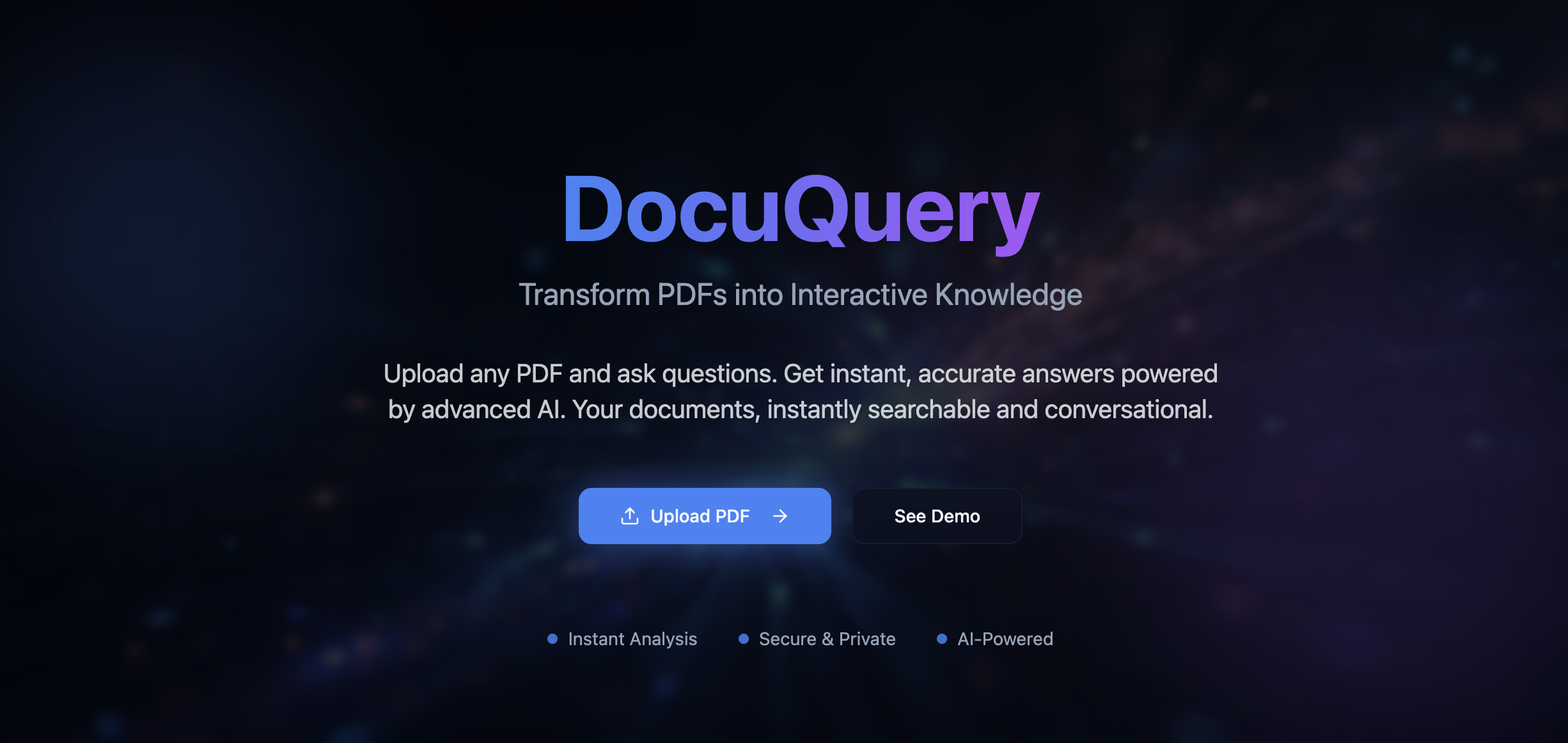
DocuQuery allows users to upload any PDF and instantly start asking questions about it. The system understands the context of the document and responds only with information derived from that specific PDF — no hallucinations, no irrelevant data. Whether it’s summarizing sections, finding key insights, or clarifying technical details, DocuQuery provides accurate, context-aware answers in seconds.
How we built it
We combined the power of Natural Language Processing (NLP) and Retrieval-Augmented Generation (RAG) to enable DocuQuery’s intelligence.
Frontend: Built a clean, intuitive interface for uploading PDFs and chatting with the assistant.
Backend: Implemented document parsing and chunking logic to process large PDFs efficiently.
Embeddings: Used vector embeddings to semantically represent text and enable context-aware retrieval.
LLM Integration: Leveraged large language models to generate answers grounded in the retrieved context.
Storage: Stored and indexed document embeddings in a vector database for fast and scalable search.
Challenges we ran into
Handling large and complex PDFs without losing context or exceeding model limits. Ensuring accurate retrieval — making sure answers always stay within the PDF’s scope. Optimizing latency for faster query responses while keeping the system scalable. Managing multi-turn conversations where the context from previous queries needed to persist.
Accomplishments that we're proud of
Successfully built a contextually aware chatbot that never strays beyond the uploaded PDF. Achieved smooth PDF parsing and semantic search, even for lengthy documents. Designed an intuitive UI that makes interacting with documents seamless and efficient. Received positive feedback from early users who found it time-saving and surprisingly accurate.
What we learned
How to effectively integrate LLMs with retrieval systems for reliable and grounded responses. The importance of context management and data chunking for document-based Q&A. How to balance performance and accuracy when dealing with large text data. Practical lessons in prompt engineering, embeddings, and vector similarity search.
What's next for Docu query
Adding support for multiple document uploads and cross-document querying.

Log in or sign up for Devpost to join the conversation.