DoctorDuck
Inspiration
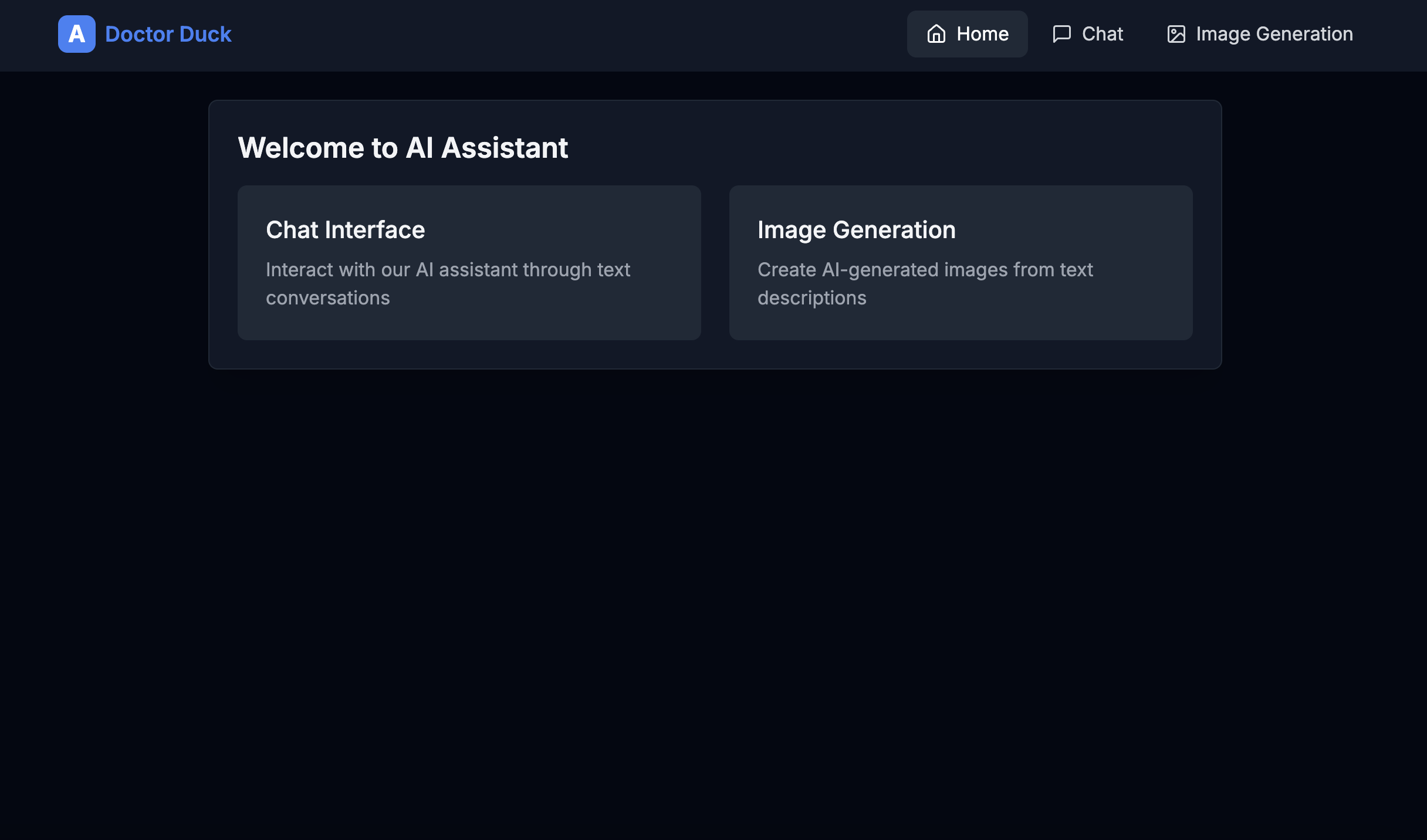
Access to healthcare information should be inclusive, but people with visual impairments—especially those with color blindness—often struggle with understanding images, charts, or infographics designed for public health initiatives. This lack of accessible visual aids motivated us to build DoctorDuck, an AI-powered image generator that adjusts contrast and colors to meet the needs of color-blind users.
Visual accessibility is a crucial but often overlooked aspect of urban health education. By making it easier for everyone to interpret health-related visuals, we aim to reduce communication barriers and promote better health outcomes. Whether it’s a health poster or an educational infographic, DoctorDuck ensures that everyone can see clearly, regardless of their visual needs.
What it does
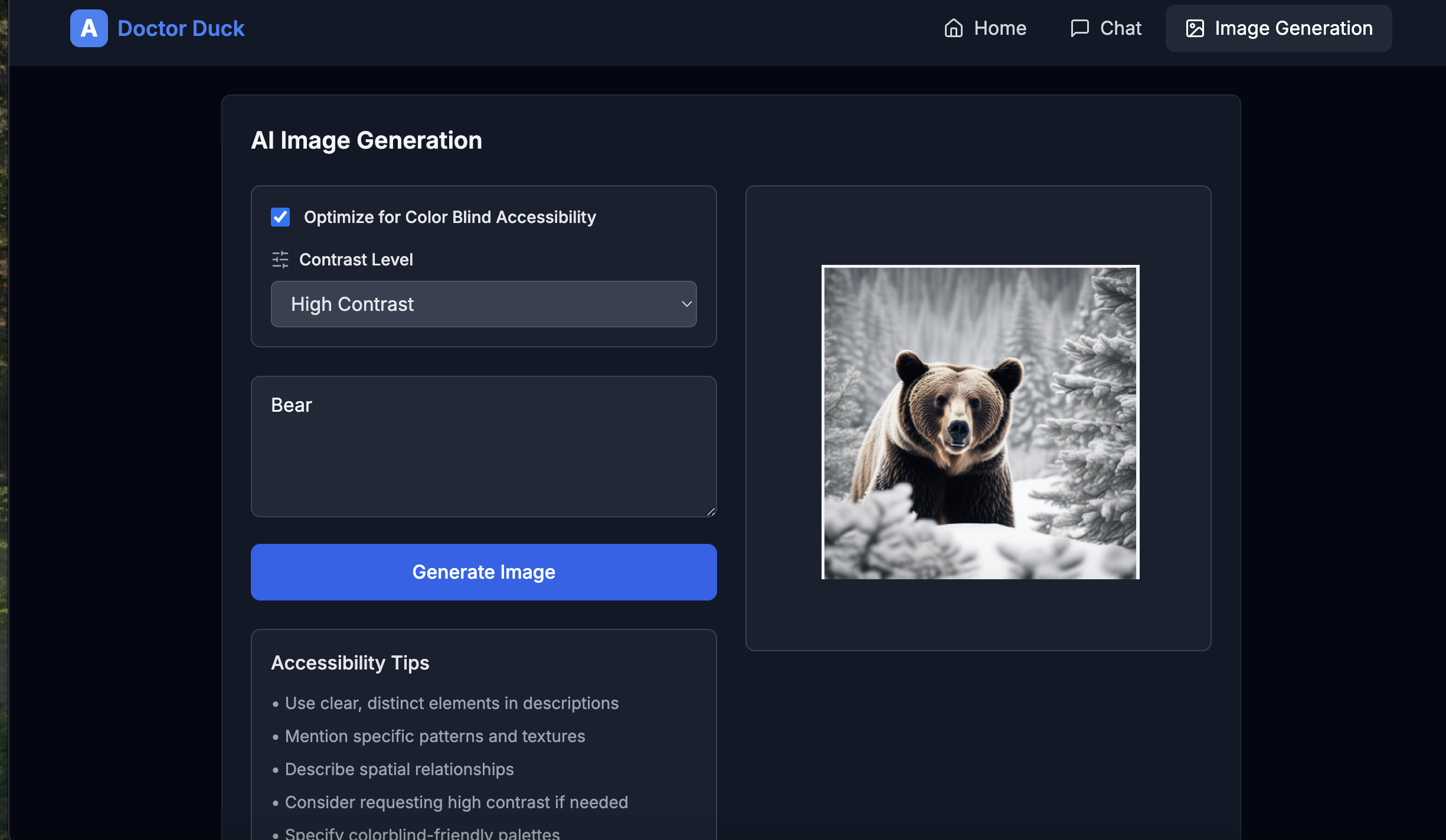
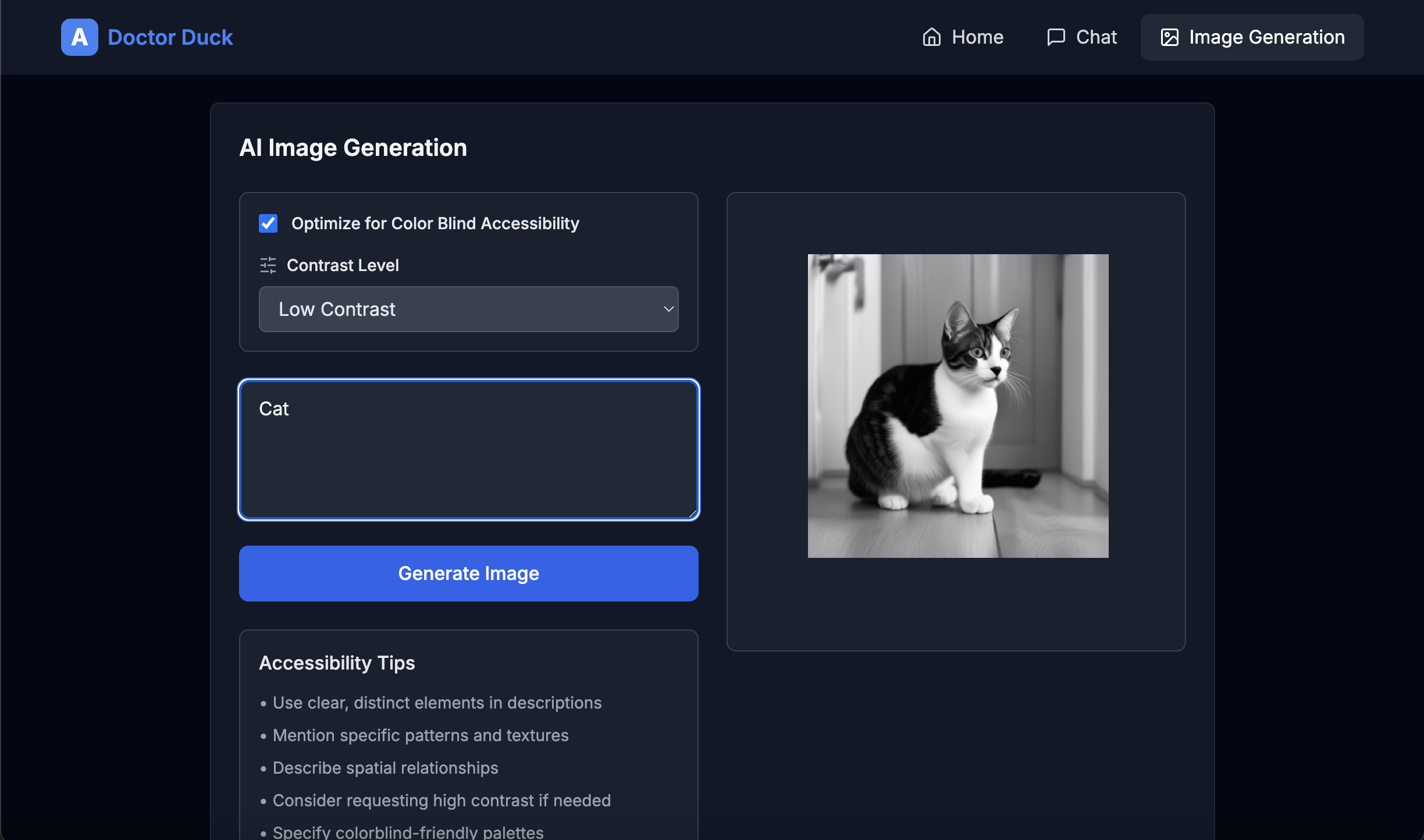
DoctorDuck is an image generator app that creates images in varying contrast levels and optimizes them for people with visual impairments, including color blindness. It allows users to customize images with high-contrast or color-blind friendly options, ensuring more accessible health education materials and visual aids.
How We Built It
Technical Stack
- Frontend Framework: Next.js with TypeScript for type safety
- Styling: Tailwind CSS for utility-first minimal styling
- AI Integration: HuggingFace Inference API for text and image generation
- UI Components: Custom-built components designed with accessibility in mind
Core Features Implementation
Chat Interface
- Built a real-time chat system with loading states and message-based interactions
- Managed state with React hooks (useState) and implemented responsive design
- Added graceful error handling for seamless user experience
- Built a real-time chat system with loading states and message-based interactions
Image Generation
- Developed a form with real-time validation for generating images
- Added contrast level controls and color-blind optimization features
- Displayed generated images with loading states and responsive layouts
- Developed a form with real-time validation for generating images
API Integration
- Implemented retry logic with exponential backoff for stability
- Checked model readiness before requests to prevent failed attempts
- Created error boundaries and user-friendly messages for failed requests
- Implemented retry logic with exponential backoff for stability
Challenges We Ran Into
- Balancing Accessibility with Design: Ensuring that images look aesthetically pleasing while meeting accessibility standards required constant iteration. The challenge was to find a sweet spot between vibrant visuals and contrast levels suitable for color-blind users.
- API Rate Limits and Errors: Integrating with the HuggingFace API meant dealing with rate limits and occasional request failures. Managing these failures with retry mechanisms without impacting performance was tricky.
- Performance Optimization: Handling multiple image generation requests without slowing down the user interface required efficient API calls and smart state management.
- Ensuring Inclusive UX: Designing with accessibility in mind for a diverse audience—including color-blind users—was new for our team. We had to learn and incorporate accessibility best practices on the go.
Accomplishments That We're Proud Of
Minimal Yet Powerful Architecture
- Clean separation of concerns between components
- Reusable components with type-safe interfaces
- Clean separation of concerns between components
Enhanced Accessibility
- Contrast-adjustable image generation with color-blind support
- Clear loading states, error messages, and responsive design
- Contrast-adjustable image generation with color-blind support
Robust Error Handling
- Implemented graceful fallbacks and retry logic
- Managed transient API failures with user-friendly notifications
- Implemented graceful fallbacks and retry logic
Performance Optimizations
- Minimized component re-renders
- Optimized API calls using request debouncing
- Minimized component re-renders
Developer Experience
- Modular component architecture and consistent code style
- Clear TypeScript interfaces and easy-to-understand file structure
- Modular component architecture and consistent code style
What We Learned
- Accessibility in Design: We gained hands-on experience implementing accessibility features and learned how critical these are in creating inclusive digital tools. From managing contrast ratios to understanding the needs of color-blind users, we now appreciate the value of designing for all.
- Handling Real-World API Challenges: Working with the HuggingFace API taught us how to implement error handling, rate limit management, and retry mechanisms effectively.
- Collaborative Problem-Solving: Building DoctorDuck in a short timeframe was a team effort that required seamless collaboration and quick decision-making. Each challenge we faced strengthened our ability to work together efficiently.
What's Next for DoctorDuck
- Expanding to Multiple Visual Impairments: In future iterations, we plan to add more visual accessibility options, such as text-to-speech and pattern-based visualization.
- Mobile App Development: To make DoctorDuck accessible on-the-go, we aim to develop a mobile version of the app.
- Open API for Health Organizations: We want to provide our image generation technology as an open API for NGOs and public health departments to create accessible educational materials.
- User Feedback Loop: Implementing a feedback system will allow us to fine-tune the app and better meet the needs of our users.
Built With
- api
- css
- custom
- github
- handling
- huggingface
- inference
- javascript
- next.js
- tailwind
- typescript
- vercel


Log in or sign up for Devpost to join the conversation.