-
-
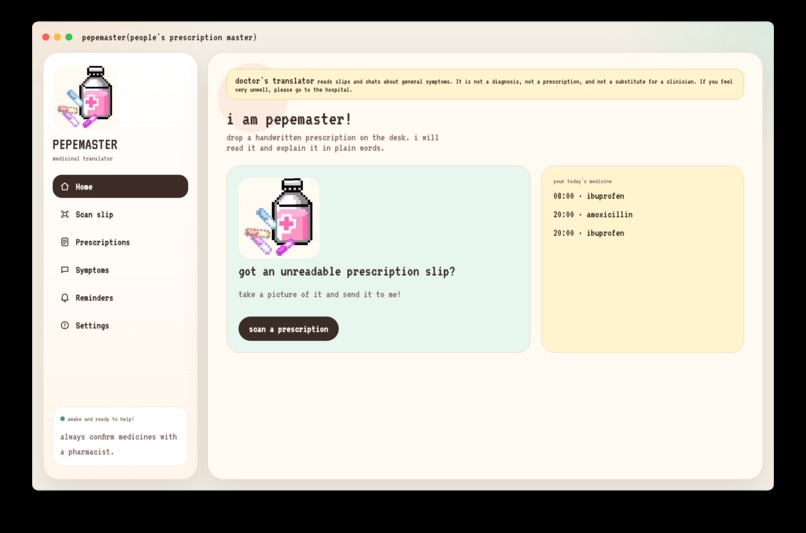
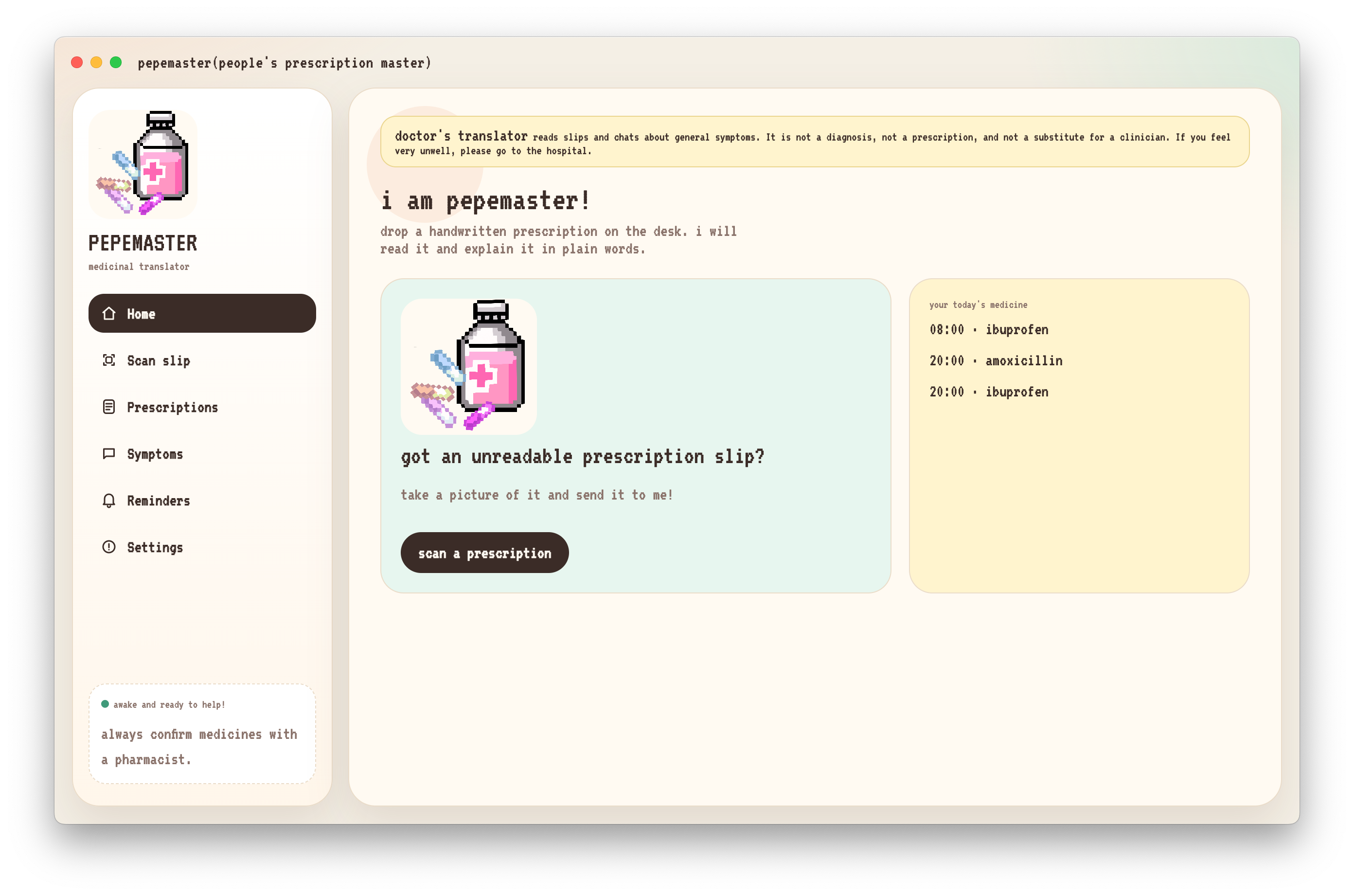
Home
-
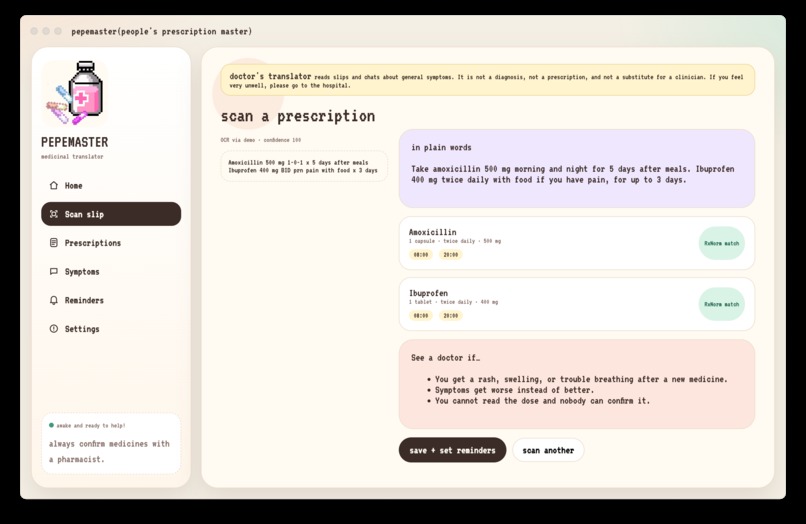
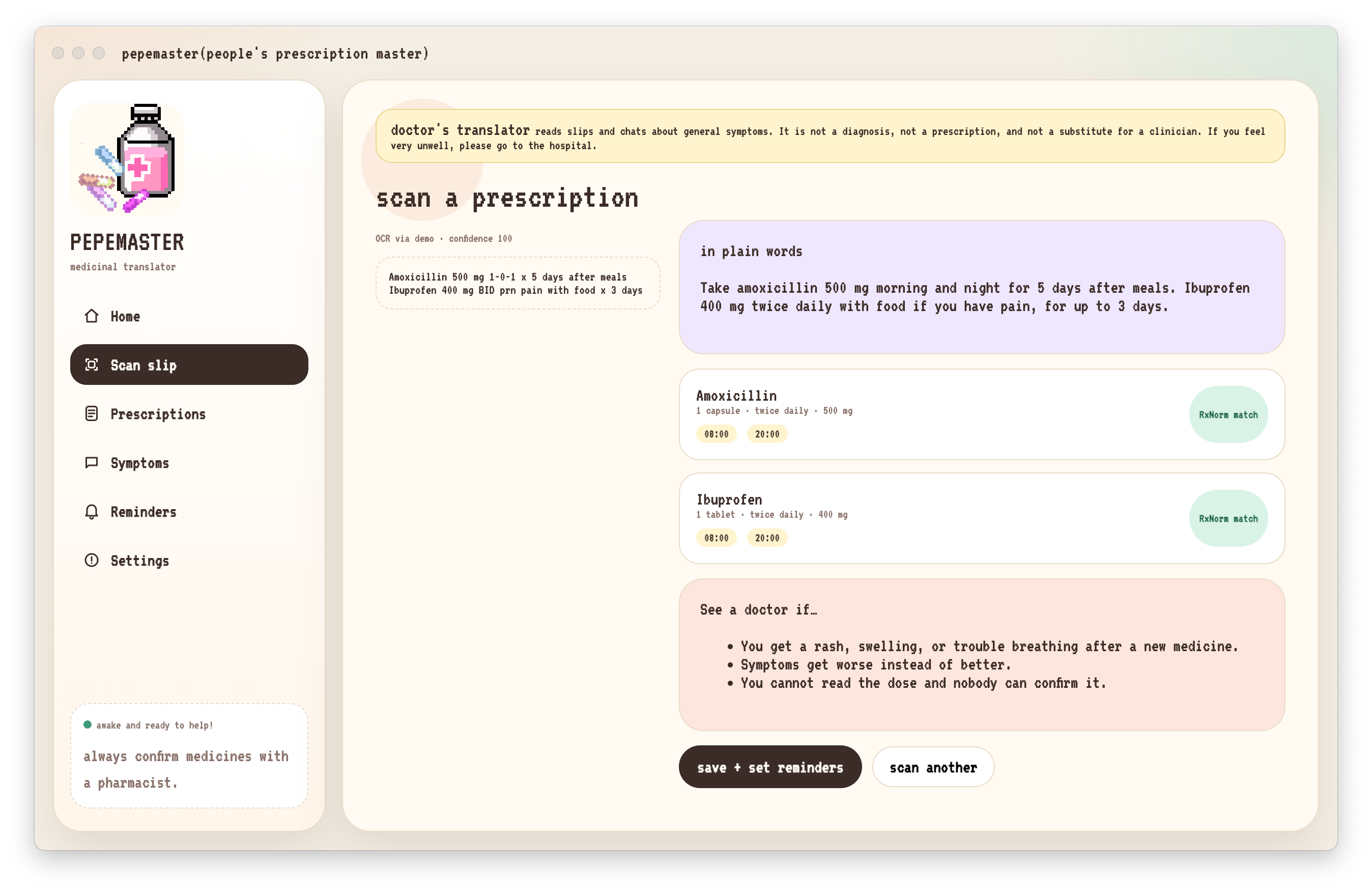
Scan the prescriptions
-
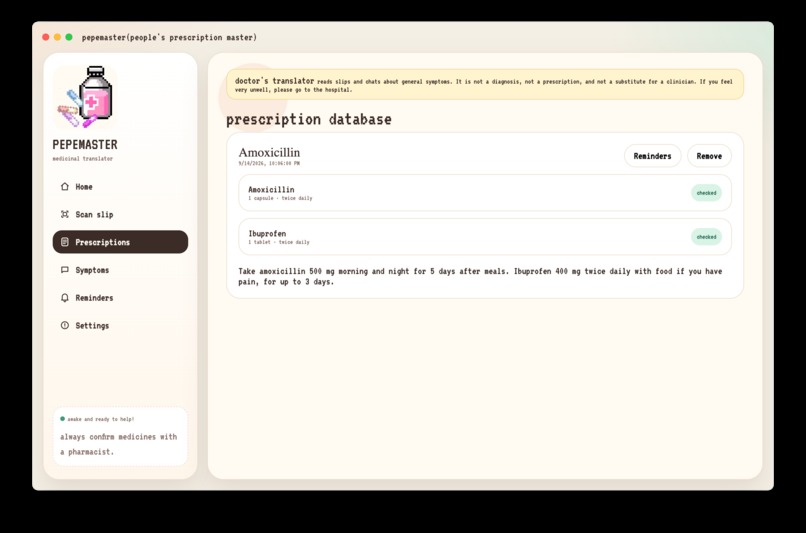
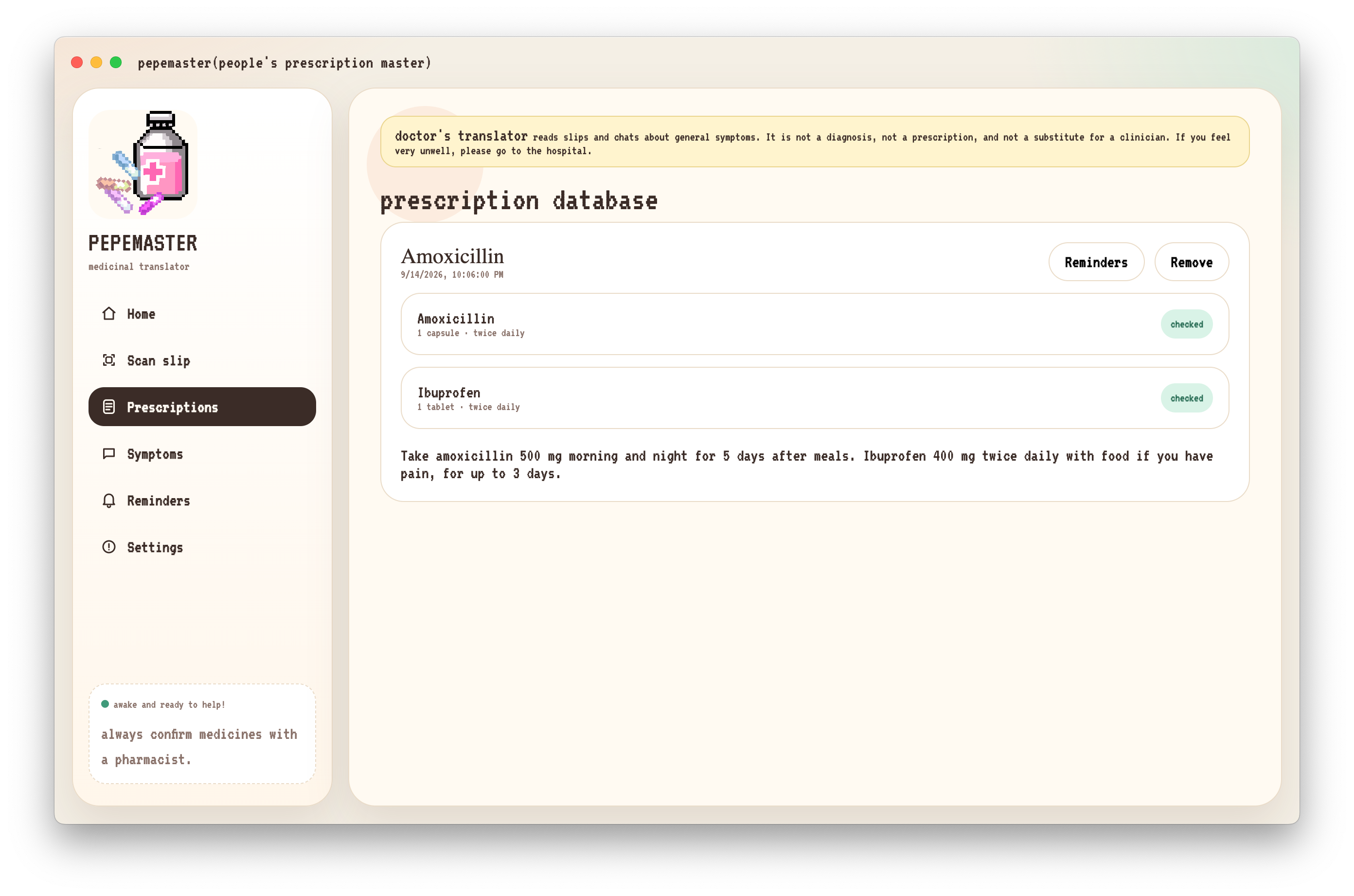
Your medications
-
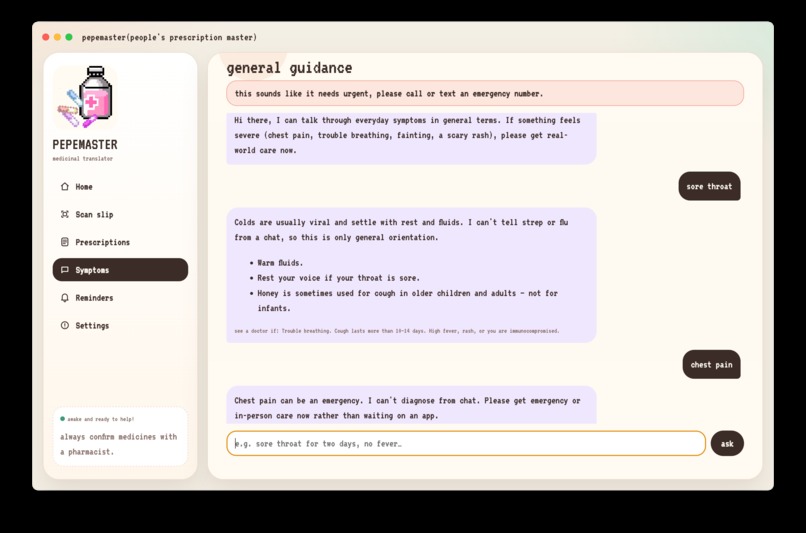
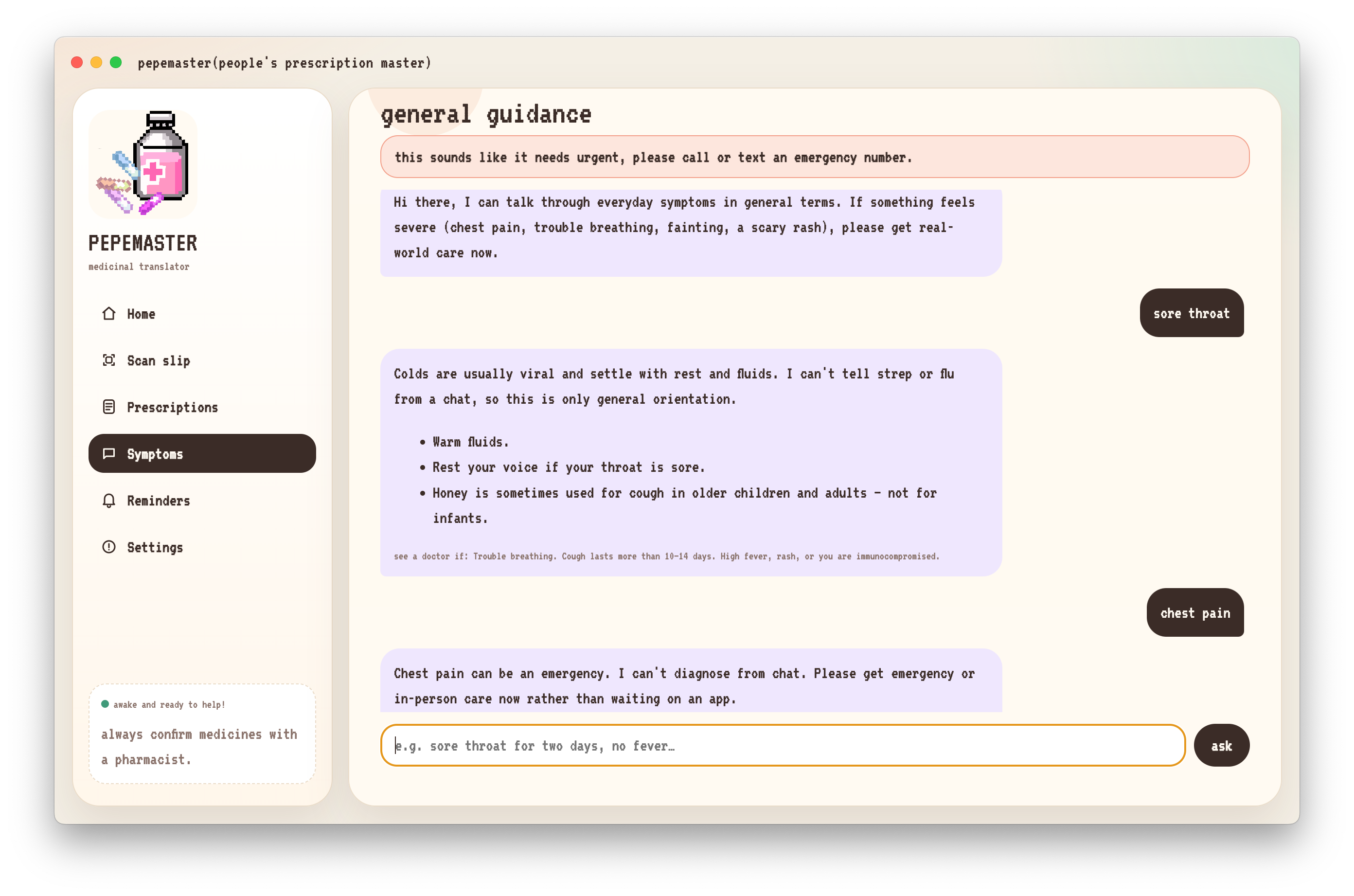
AI chat
-
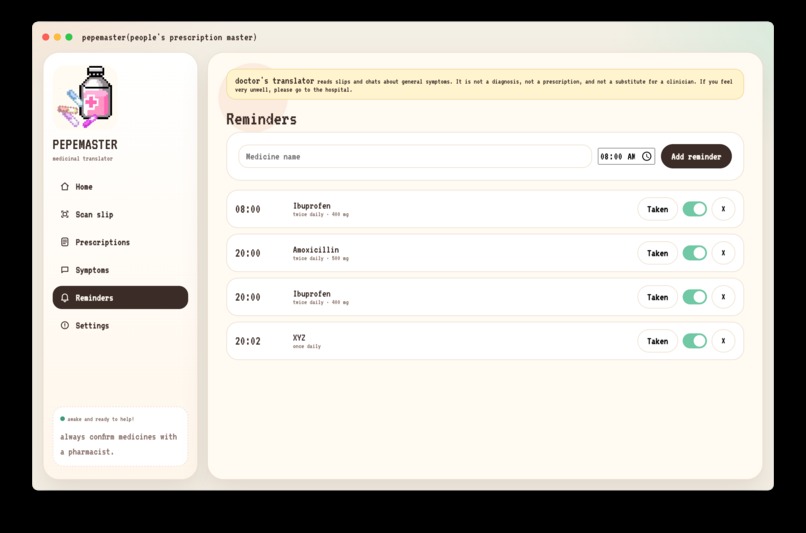
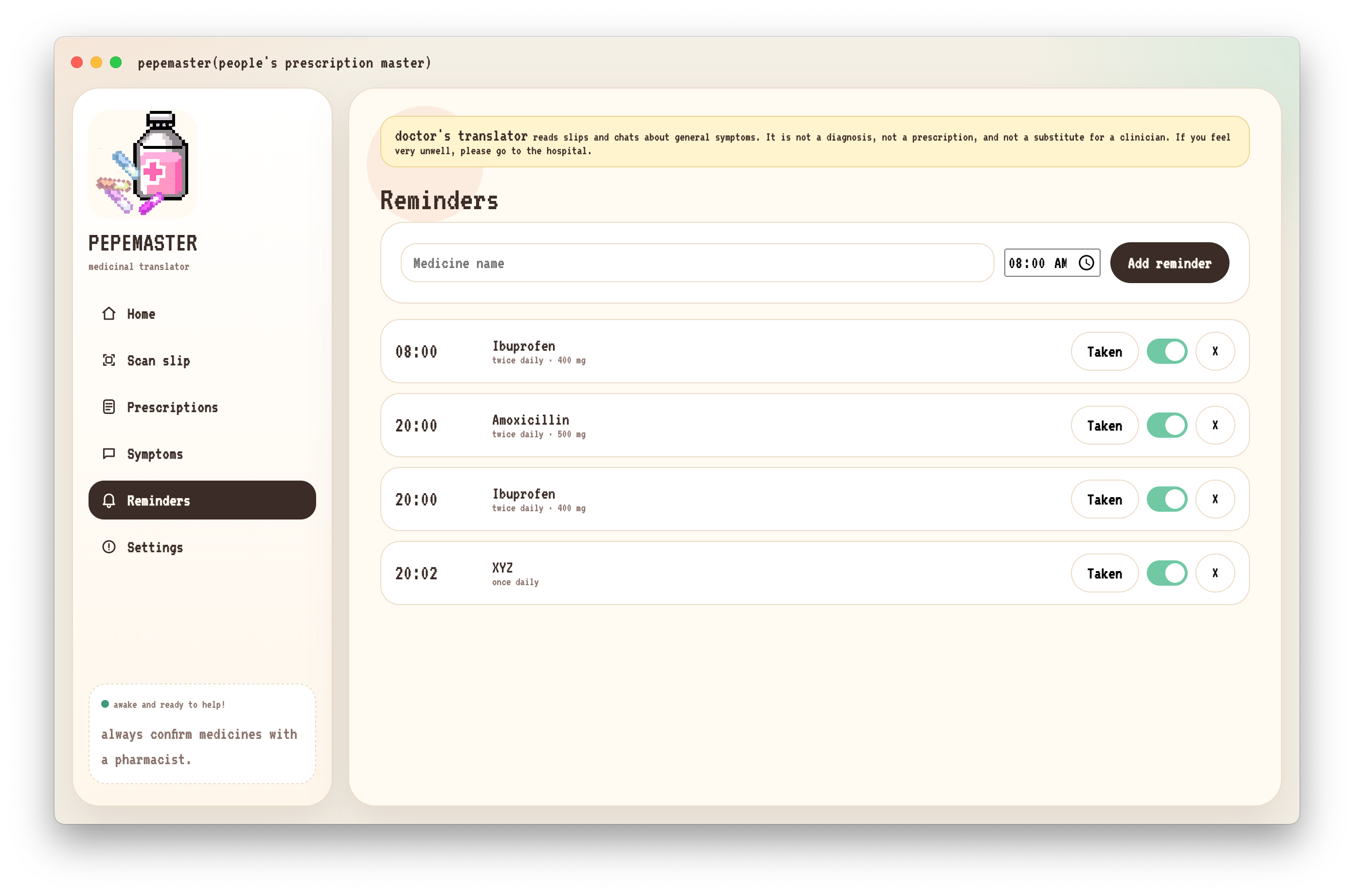
Reminders
-
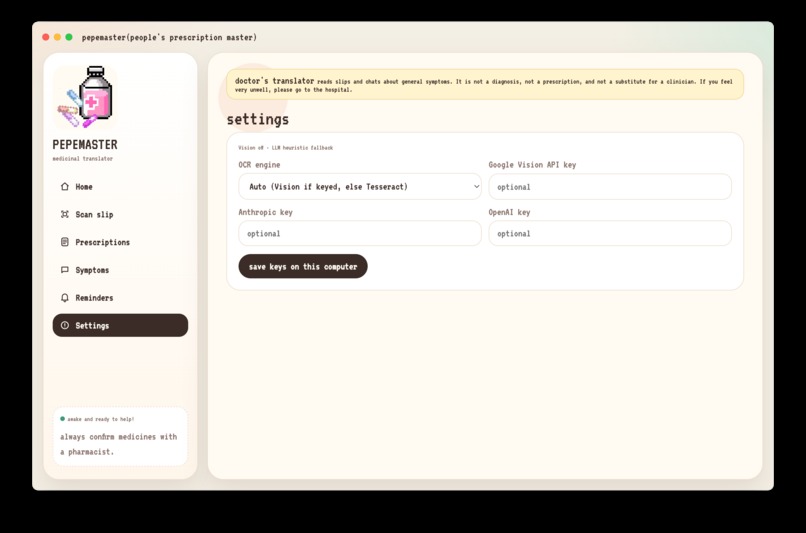
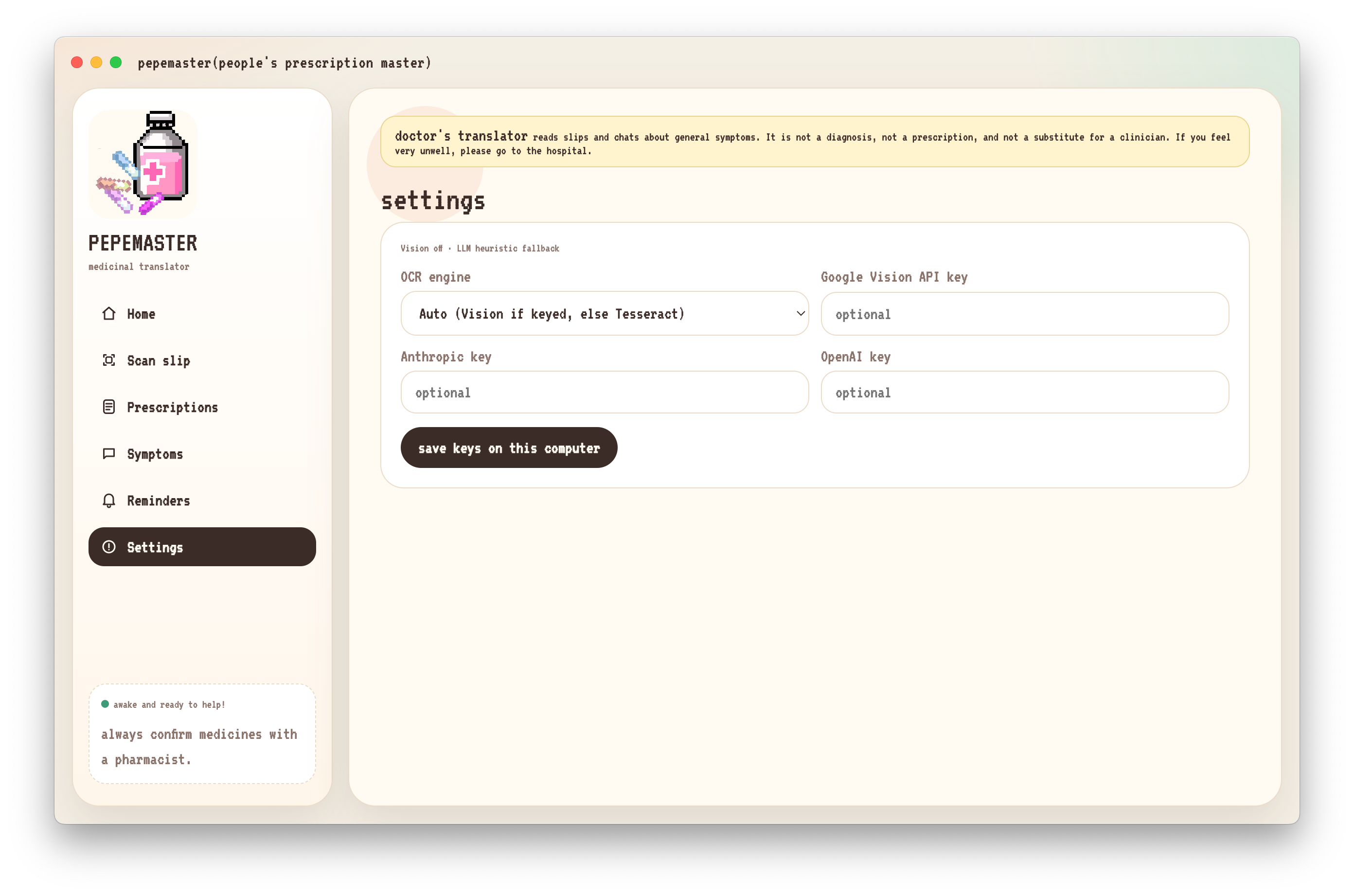
Settings
My story
Inspiration
It started with my grandmother showing me a prescription slip and asking me to decipher it to let her know how many and when she can take her medicine. I'm neither a pharmacist nor a doctor, so I had to look up scribbles on the internet like I am trying to decipher a poneglyph.
The hard part of a prescription usually isn't the medicine. It was the translation. A pharmacist reads it in seconds. I was left decoding shorthand like BID or 1‑0‑1, cross-referencing drug names I have never seen, and hoping I got it right. So, I wanted to build the tool that sits in that gap: something that reads what the doctor wrote, checks it against real medical data, and hands me back a sentence I can actually use without having to go for a second appointment.
That became People's Prescription Master(pepema).
What it does
Pepema is a desktop app that turns a photo of a handwritten prescription into a clear, verified, plain-language medication plan:
- Scan a slip : snap or drop in a photo; OCR extracts the raw text.
- AI structuring : a language model converts that text into structured fields: drug name, strength, frequency, and suggested times.
- Verification : every drug name is checked against RxNorm and OpenFDA, so a misread scribble is far less likely to become the wrong medicine.
- Reminders : the app sets local reminders automatically, translating notations like
1‑0‑1into actual clock times. - Symptom Desk : a chat surface for general, non-diagnostic symptom guidance, with explicit escalation language ("this needs urgent, in-person care") when something sounds serious.
How it is built
I treated the pipeline as a series of trust checkpoints rather than one black-box "AI does everything" step:
- Input layer : a photo of a prescription or a typed symptom.
- OCR layer : Tesseract by default (fully offline), with optional Google Vision for harder handwriting.
- AI parsing layer: a local rule-based parser as the offline fallback, upgraded by Claude or GPT when API keys are supplied, to turn OCR text into structured, plain-language output.
- Verification layer : every candidate drug name is looked up against RxNorm and OpenFDA before it's shown as trustworthy.
- Local output layer : the prescription drawer, reminder scheduler, and symptom chat, all persisted on-device.
I designed the app to be useful with zero configuration: Tesseract, the local parser, and the public drug APIs are enough to run it fully offline, with no API keys at all. Optional keys for Google Vision and Claude/GPT are additive and are improve handwriting recognition and the quality of the plain-language explanations, but they were never a requirement to get a working demo.
Stages might be imperfect: the handwriting is messy, and language models can hallucinate a plausible-sounding drug name. But by requiring the product of all three stages to succeed before it show something as verified, the system is far more conservative than any single stage alone, and it fails safely (flagging "unverified") rather than confidently wrong.
Challenges I faced
- Handwriting is genuinely adversarial. Real prescriptions are inconsistent even between doctors, let alone across doctors. Tuning OCR to be useful without a paid API, while still degrading gracefully when it fails, took real iteration.
- Designing for trust, not just accuracy. A confident-looking wrong answer is more dangerous than an honest "we're not sure." I spent as much time on how to signal uncertainty (the RxNorm match indicator, the "confirm with a pharmacist" language) as I did on the underlying parsing logic.
- Keeping it usable offline. It's easy to build a great demo that only works with a paid API key in hand. Making the offline path using Tesseract, local parser, public APIs are genuinely functional, not just a degraded stub, took extra engineering discipline.
- Demo-day nerves around OCR. Live handwriting recognition is unpredictable on camera. I ended up building a reliable "sample slip" path specifically so a live demo wouldn't hinge on a single photo capture going well.
What I learned
- Verification data is a force multiplier. Wiring in RxNorm and OpenFDA did more for user trust than any amount of polish on the language model's phrasing.
- The safest AI feature is the one that knows when to defer. Building explicit "I'm not sure, please confirm with a professional" pathways made the whole app feel more trustworthy, not less capable.
- Local-first is a feature, not just a constraint. Making privacy the default, rather than an opt-in setting, shaped almost every other design decision for the better.
- Small language choices matter. Turning
BIDinto "twice a day" sounds trivial, but it's the entire value proposition condensed into one sentence.
What's next
I am looking at multi-language slip support, better handwriting models, a shared-schedule view for caregivers, and optional integrations with pharmacies and a clinician review mode. But the core stays the same: read the slip, don't guess and if it feels serious, always point people back to a real clinician.

Log in or sign up for Devpost to join the conversation.