-
-
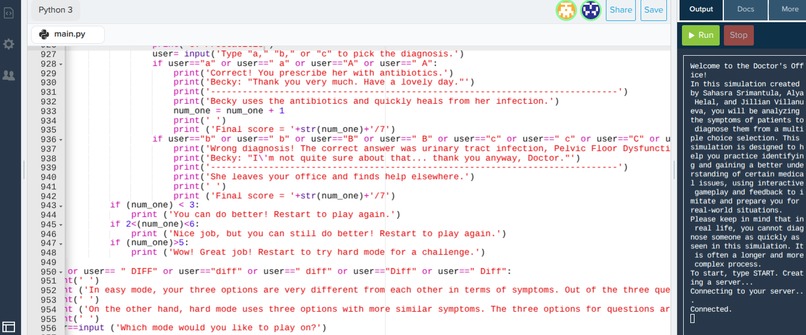
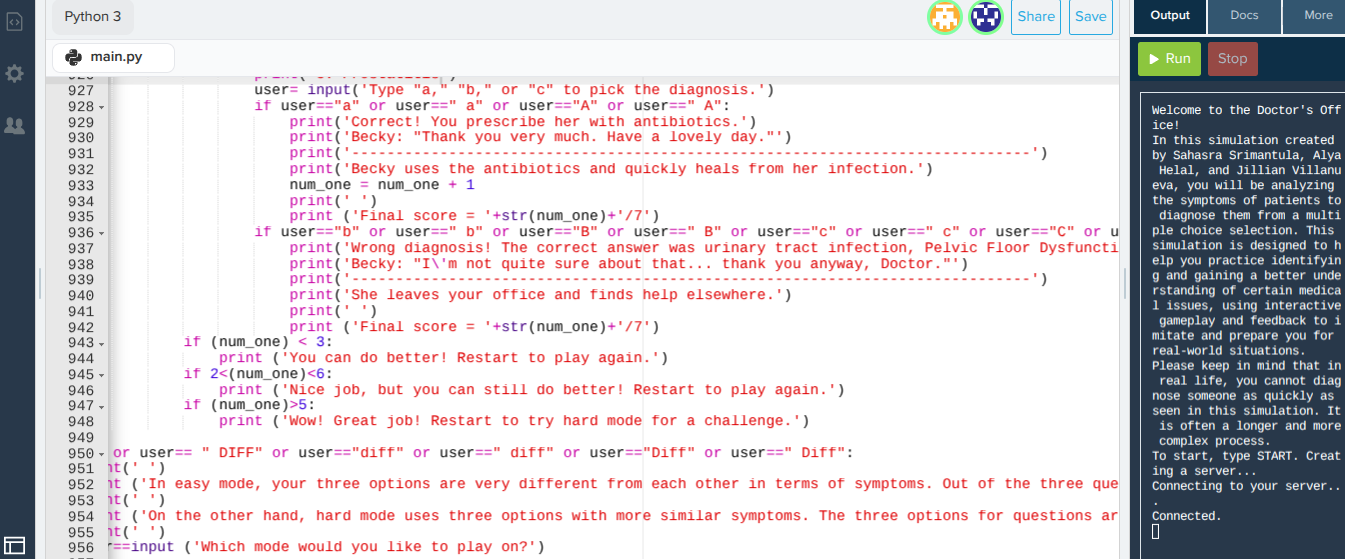
this is how we coded our simulation
Inspiration
All of us have an interest in going into the medical field, and we wanted to include medical research in our simulation.
What it does
This interactive simulation allows the user to diagnose and ask questions to patients who each have a set of health-related issues, with an easy and hard mode. The user plays as a doctor and reads each patient's symptoms, which they claim they have. After the patients explain their problem, the user can decide whether to diagnose them or ask questions. If the user decides to diagnose, then they are met with 3 multiple choice answer are are asked to input the one they feel correctly correlates with the patient's symptoms. If the user decides to ask questions, then they are met with 3 multiple-choice questions to ask. After the user selects their question, a short sentence on why it is the right or bad question to ask is provided. After the question is asked, the user is then able to diagnose using the information they got from the patient's response. After each diagnosis, a score is kept track of.
How we built it
We built it on Codehs.com and used Python 3
Challenges we ran into
During coding, many parts of our code would not run, but we were able to fix the problem despite us 3 having less coding experience.
Accomplishments that we're proud of
We made more than 900 lines of code with a lot of detail and information thats easy to follow, and though all 3 of us do not have significant Python coding skills, we were able to create the simulation with the help of one another and worked together.
What we learned
We learned a lot about healthcare and certain diseases and symptoms that go along with it, and learned more about how to code using Python and working together as we went on.
What's next for Doctor Office Simulator
Feedback from doctors we know, and we will use this simulation for anyone going into the medical field who wants to test their knowledge.
Built With
- codehs.com
- python


Log in or sign up for Devpost to join the conversation.