-
-
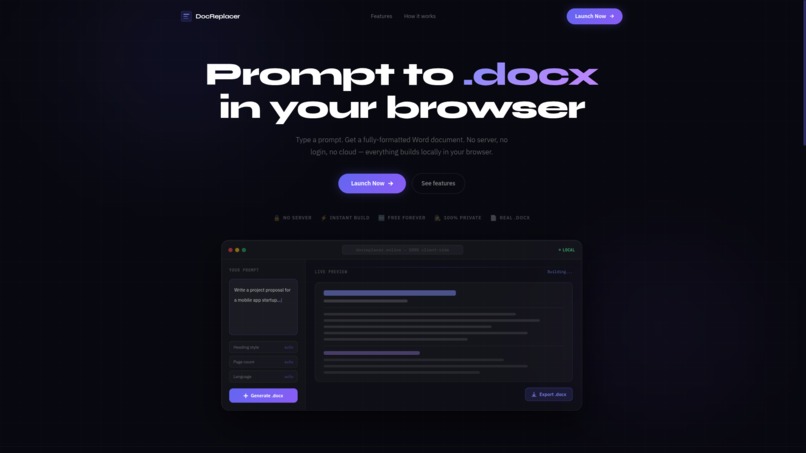
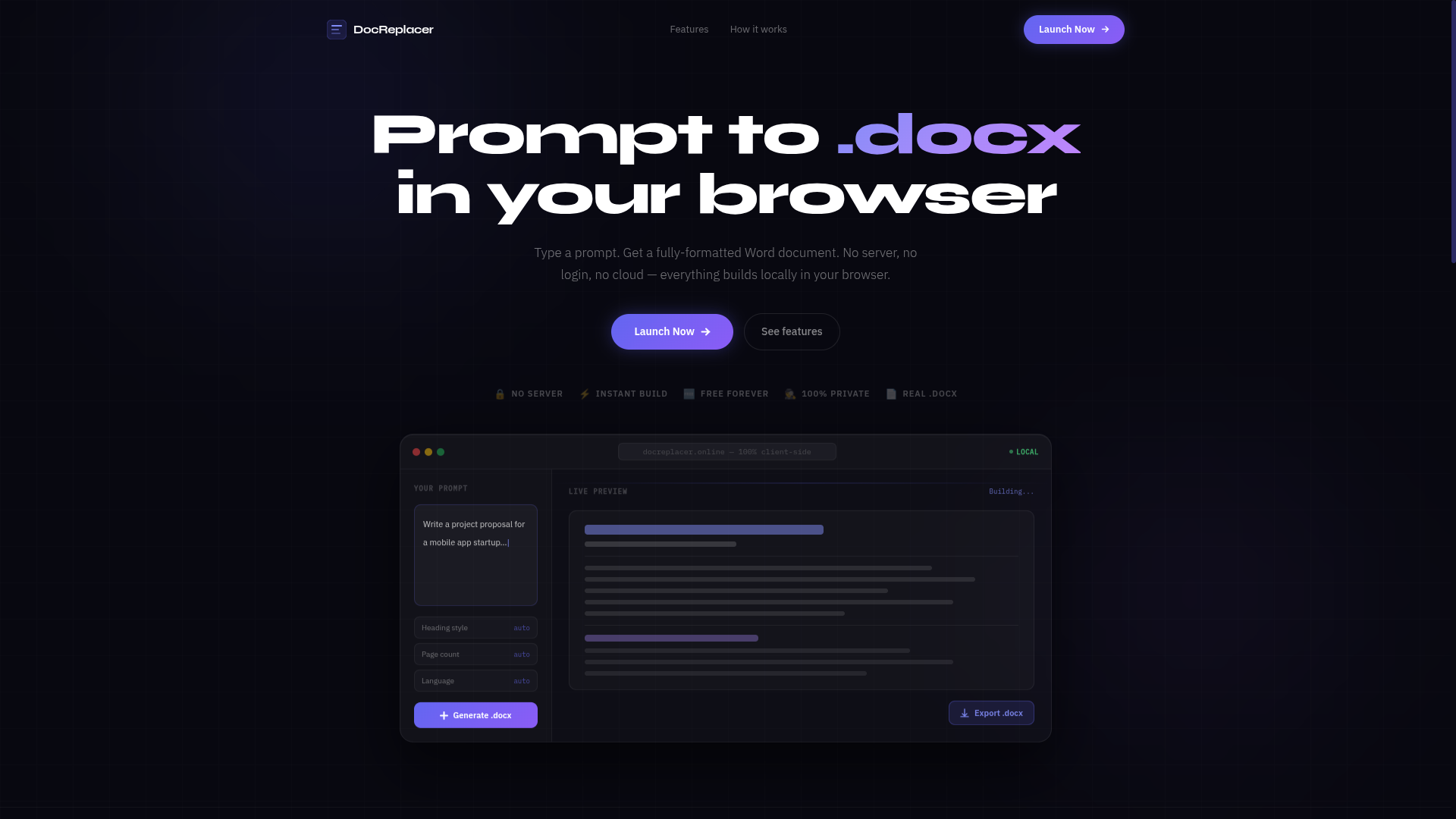
Prompt to .docx — entirely in your browser. No login, no server, no cloud.
-
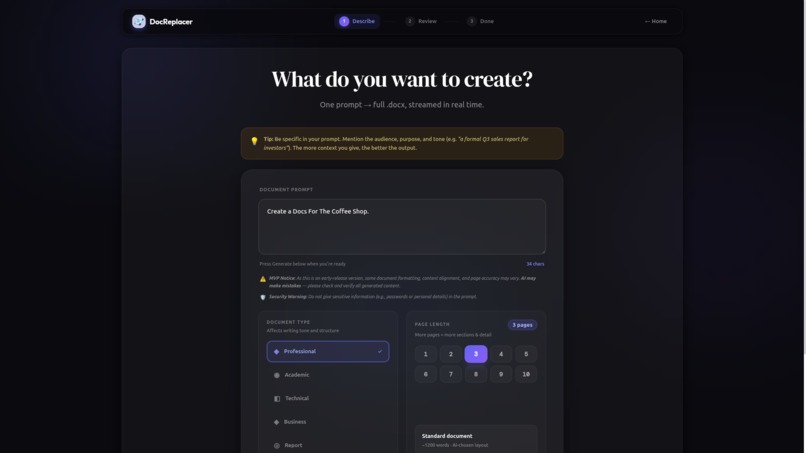
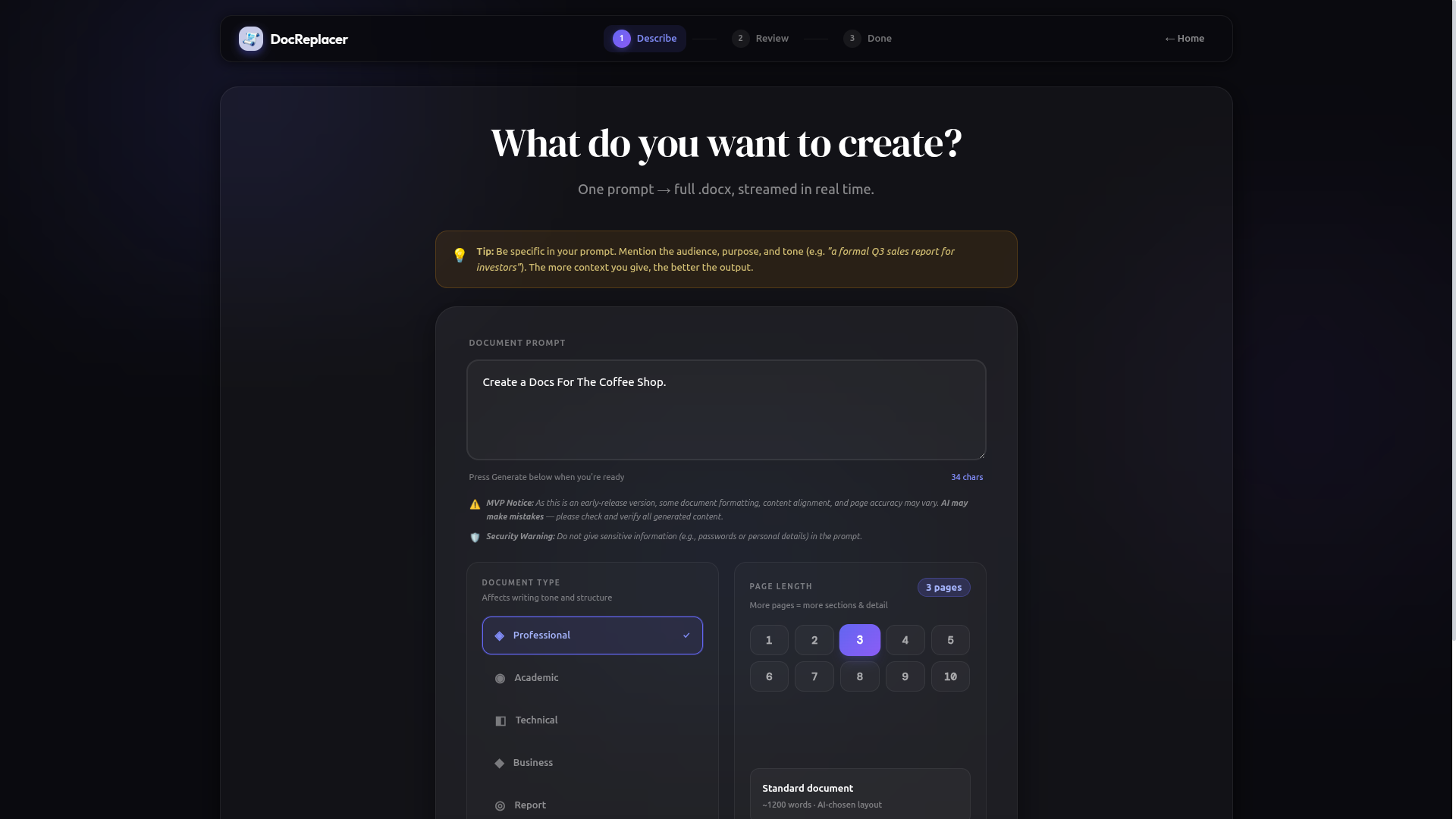
Type your prompt, choose a document type and page length — then let the AI do the rest.
-
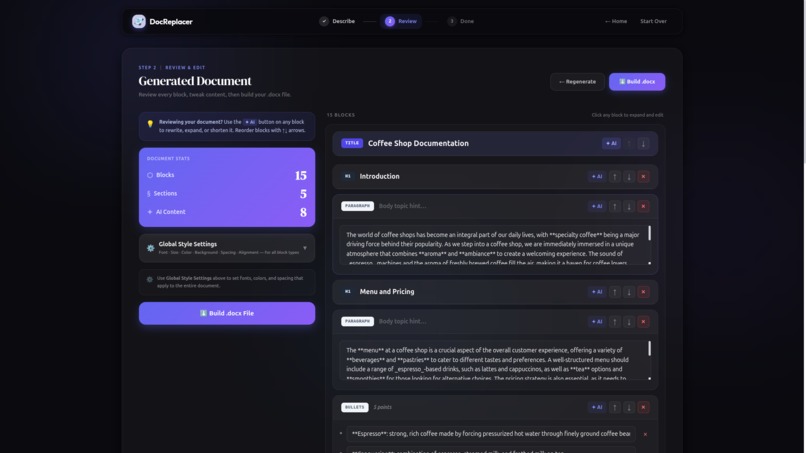
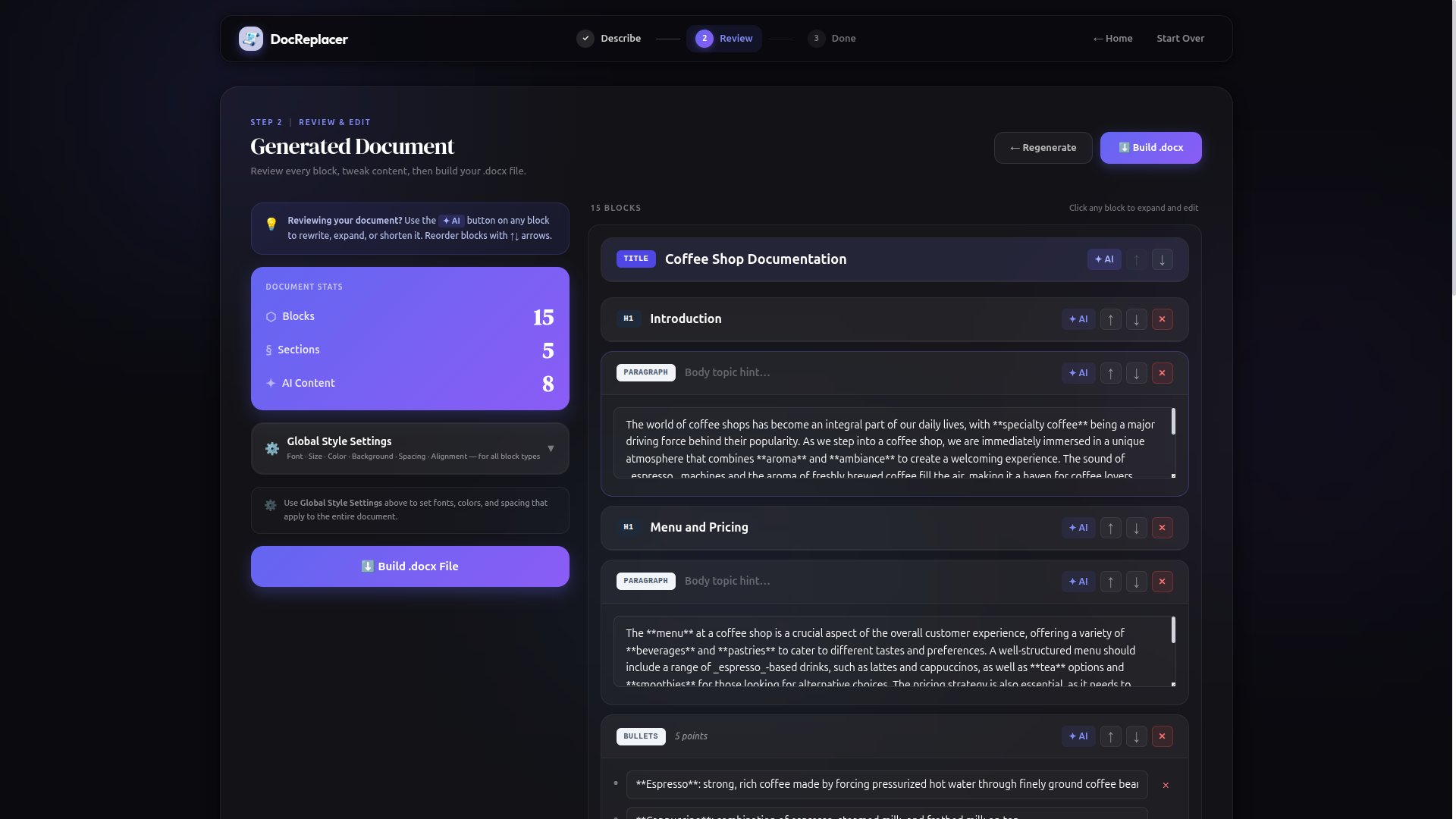
Review every generated block, tweak content with AI assist, reorder sections, and apply global styles before building.
-
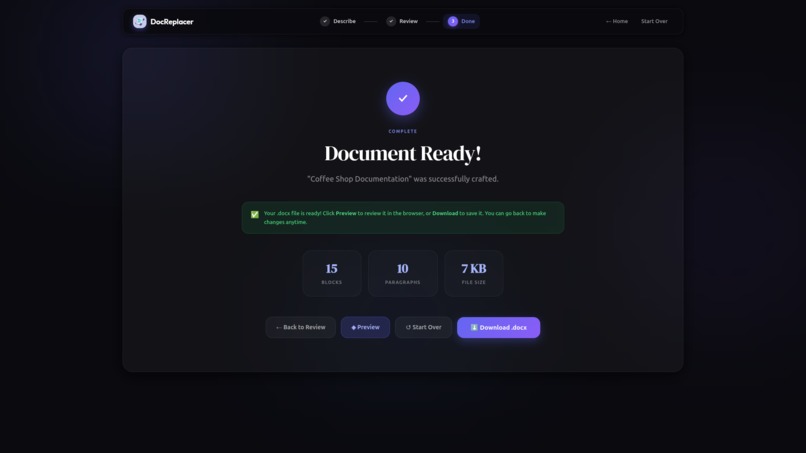
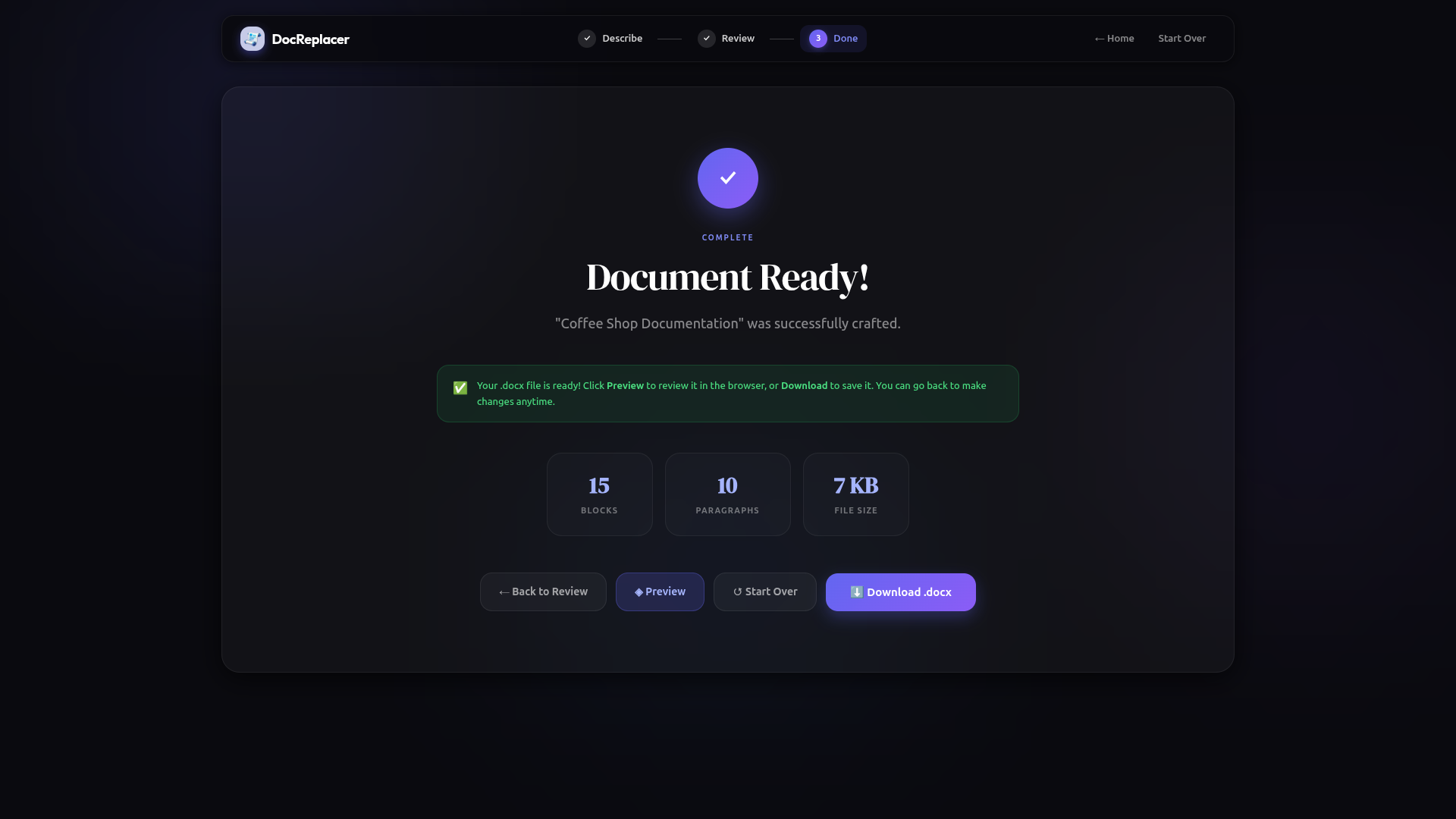
Your .docx is ready. Preview it in the browser or download it instantly — built and saved entirely on your device.
Inspiration
I kept running into the same problem — needing a properly formatted Word document fast, but every tool either required an account, a monthly subscription, or quietly uploaded my content to a remote server before giving anything back.
That bothered me. The browser is already a powerful runtime. So I asked a simple question: what if the entire pipeline — AI reasoning, document structuring, and file generation — happened entirely on the client, with nothing ever touching a server?
That question became DocReplacer.
What it does
DocReplacer turns a plain text prompt into a fully structured,
formatted, and immediately downloadable .docx file — entirely
inside the browser.
The user provides a prompt describing what they want, selects a document type (Professional, Academic, Technical, Business, or Report), and sets a target page length between 1 and 10 pages. From there, the app handles everything:
Step 1 — Describe
The prompt is sent to the Groq API (running llama-3.3-70b-versatile)
via a two-phase streaming pipeline. Phase 1 generates a structured
document outline — title, section headings, and a layout plan
(body paragraphs, bullet lists, tables, or multi-column sections)
calibrated to the target page count. Phase 2 fills each section
with real content: body paragraphs streamed in real time at
120–180 words each depending on page density, plus structured
extras like bullet points with bolded key terms, data tables with
meaningful headers and rows, and side-by-side column comparisons —
all generated in parallel and displayed live as they arrive.
Step 2 — Review & Edit The generated document is presented as an editable block structure. Every block — title, headings, paragraphs, bullet lists, tables, columns — can be individually reviewed, rewritten, reordered with up/down controls, or removed. A global Style Editor lets the user control fonts, sizes, colors, alignment, line spacing, and page margins for each element type (title, h1, h2, paragraph, table, bullets) before building. Any block can be individually re-generated by the AI without regenerating the entire document.
Step 3 — Download
The document is assembled in-browser using JSZip, constructing the
full Open XML .docx structure — relationships, content types,
settings, numbering definitions, and the document body — all
generated from scratch in JavaScript without any server involvement.
The result is a properly formatted Word document that opens
correctly in Microsoft Word and Google Docs. Before downloading,
users can preview the rendered document in a full-screen modal
powered by docx-preview, showing the final layout exactly as it
will appear in Word.
How we built it
The entire application is built with React on the frontend, with no backend whatsoever.
- Groq API handles AI inference via
llama-3.3-70b-versatile, called directly from the browser using the Groq OpenAI-compatible endpoint with streaming enabled - JSZip constructs the
.docxfile in-memory by assembling the full Open XML package —word/document.xml,word/styles.xml,word/numbering.xml,[Content_Types].xml, and all relationship files — built entirely in JavaScript - A custom JSON repair pipeline (
jsonParser.js) handles malformed, truncated, or smart-quoted AI responses using multi-stage sanitisation and bracket reconstruction, ensuring reliable structured output from the LLM even under streaming conditions - A custom retry and rate-limit handler in
groq.jsmanages 429 and 503 responses with exponential backoff, live countdown timers, and up to 5 automatic retries with real-time status messages shown to the user - Document styling is fully configurable per element type with values converted to Word's native units — half-points for font sizes, twentieths-of-a-point for spacing, and dxa units for margins and indentation
Challenges we ran into
Reliable JSON from a streaming LLM was the hardest problem. The AI would occasionally return smart quotes, unescaped newlines inside strings, trailing commas, or truncated arrays mid-stream. We built a multi-stage repair system that sanitises the raw string, extracts the outermost JSON structure, attempts bracket reconstruction on truncated responses, and falls back to extracting individual objects — all before a single parse error reaches the UI.
Building .docx from scratch in the browser required
understanding the full Open XML specification — how relationships
are declared, how numbering definitions for bullet lists work, how
table borders and cell shading map to XML attributes, and how Word
interprets spacing in twentieths-of-a-point. Every formatting
option the user sets in the Style Editor has to be translated into
the exact XML Word expects.
Streaming parallel content generation — filling body paragraphs and structured extras (bullets, tables, columns) concurrently across multiple sections while keeping the UI responsive — required careful async management to avoid race conditions and ensure sections assembled in the correct order.
Accomplishments that we're proud of
The entire document lifecycle — AI reasoning, content streaming, document structuring, style application, and file assembly — happens in the browser with zero backend involvement. No data leaves the device except the Groq API call for inference.
The output is a real, properly structured .docx file — not a
plain text export or a PDF. It opens in Microsoft Word with correct
headings, paragraph styles, bullet numbering, table borders, page
margins, and font settings preserved exactly as configured.
The JSON repair pipeline reliably handles malformed LLM output without surfacing errors to the user in the vast majority of cases.
What we learned
- The full Open XML
.docxspecification and how Word interprets every formatting unit at the binary level - How far a browser-only architecture can go before a backend becomes necessary — further than most people assume
- That streaming structured data from an LLM requires defensive parsing, not optimistic parsing
- That good document UX is mostly about what you don't make the user configure
What's next for DocReplacer
Preset document templates, image insertion support, and export
options beyond .docx. The project continues as an active product
at docreplacer.

Log in or sign up for Devpost to join the conversation.