-
-
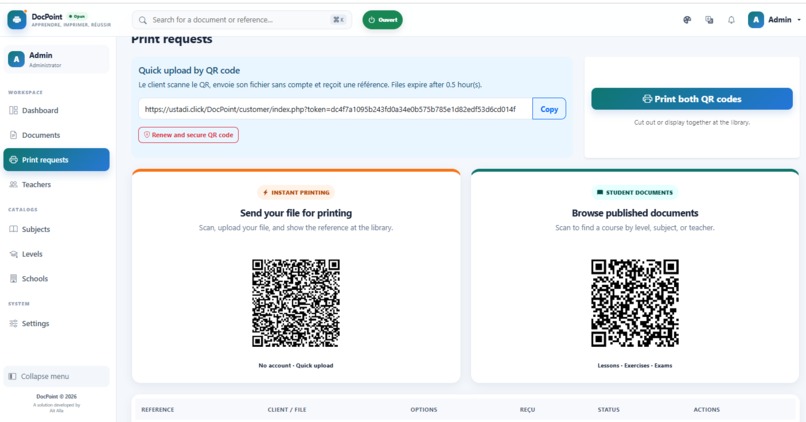
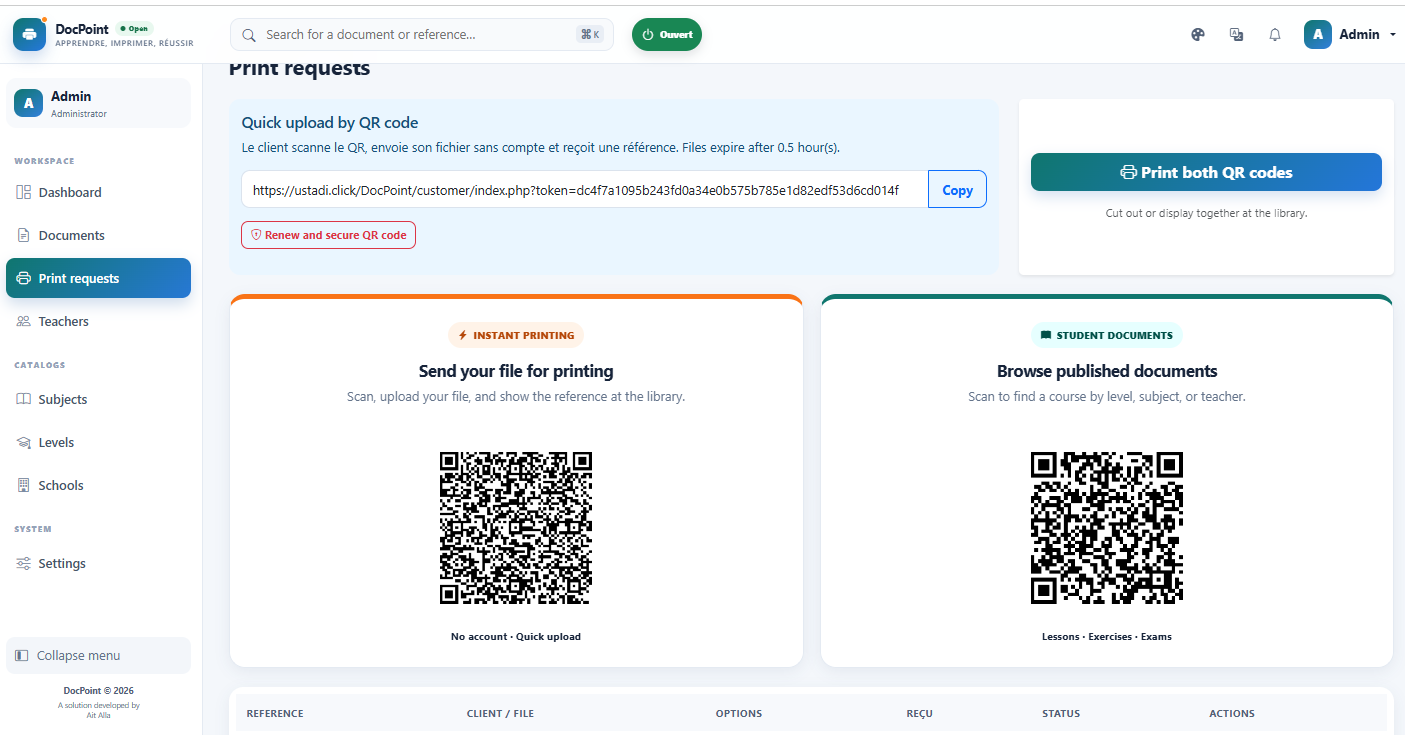
Public and Student QR Access
-

Instant Printing
-
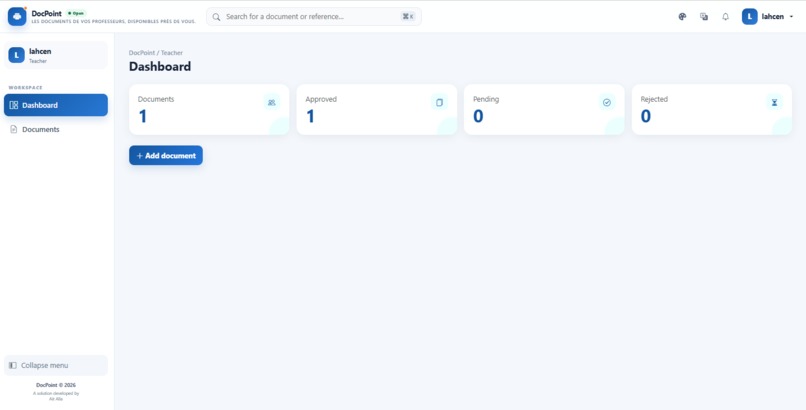
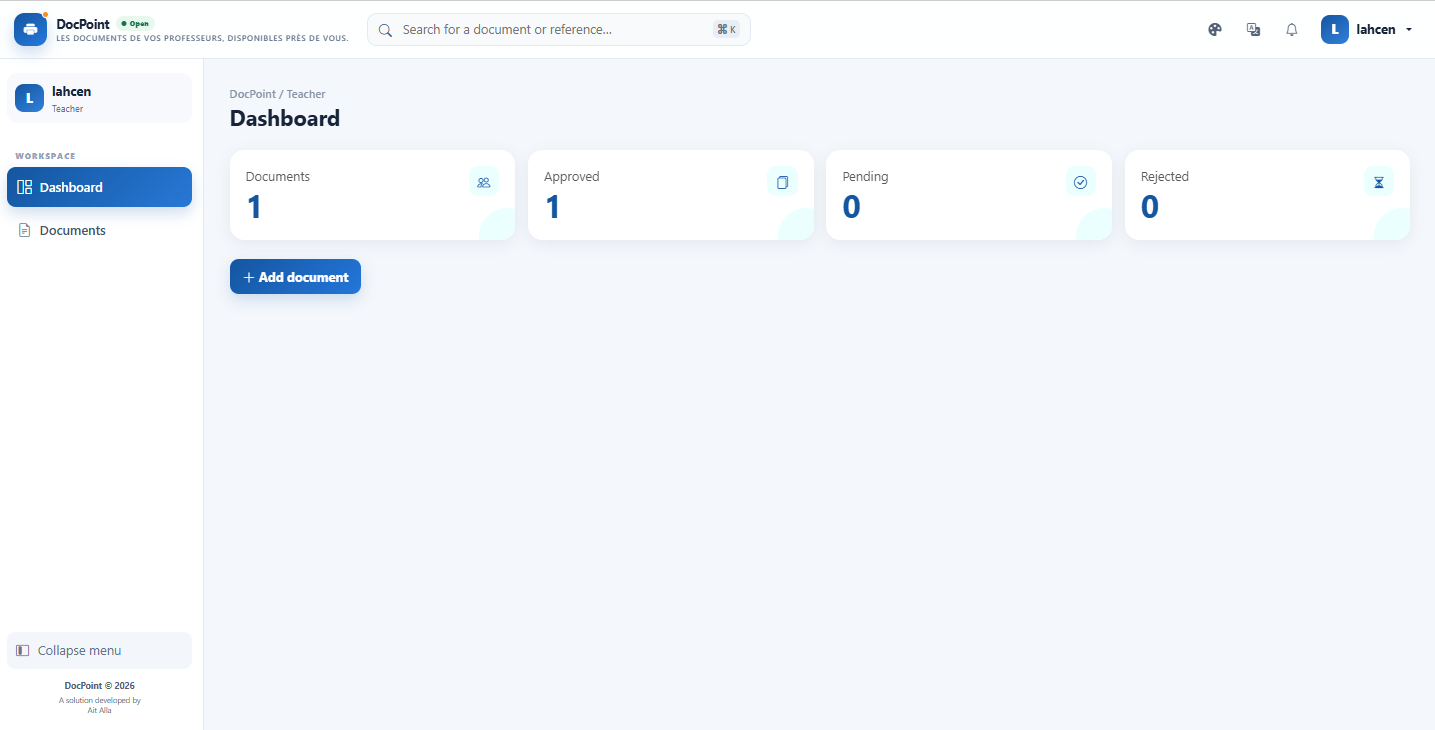
Teacher Space
-
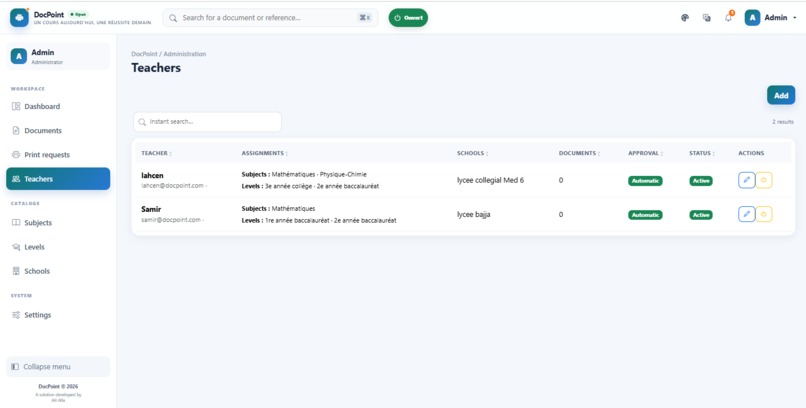
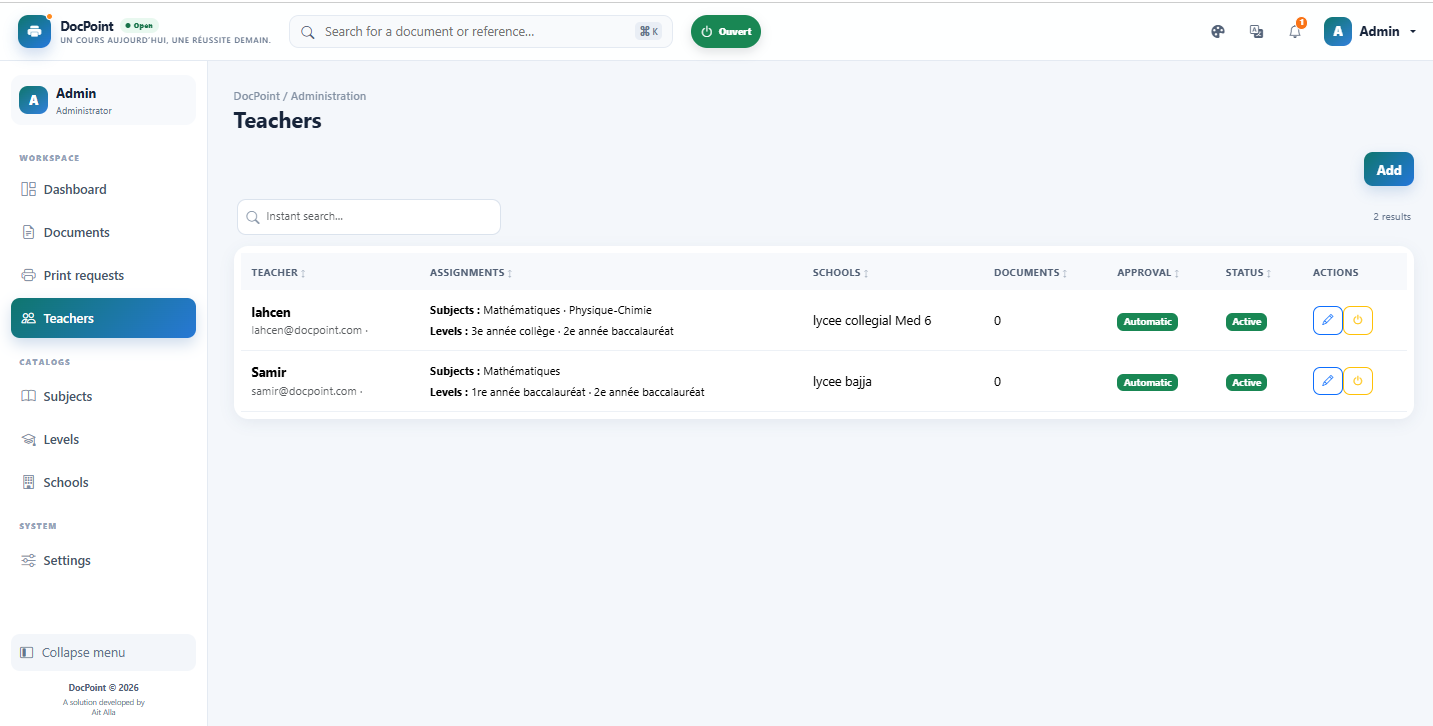
Teacher Documents
-
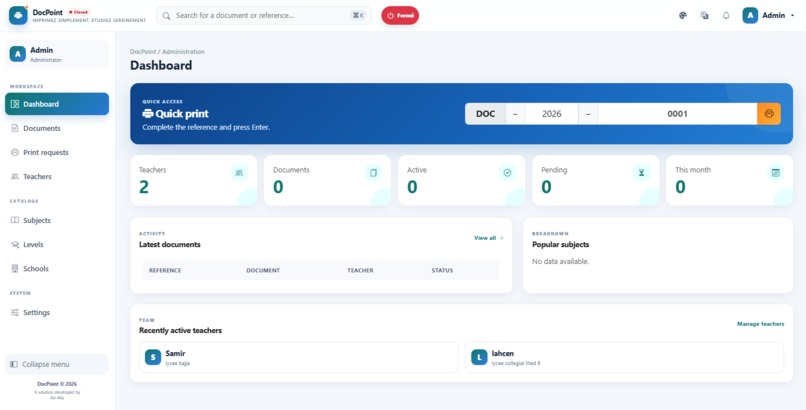
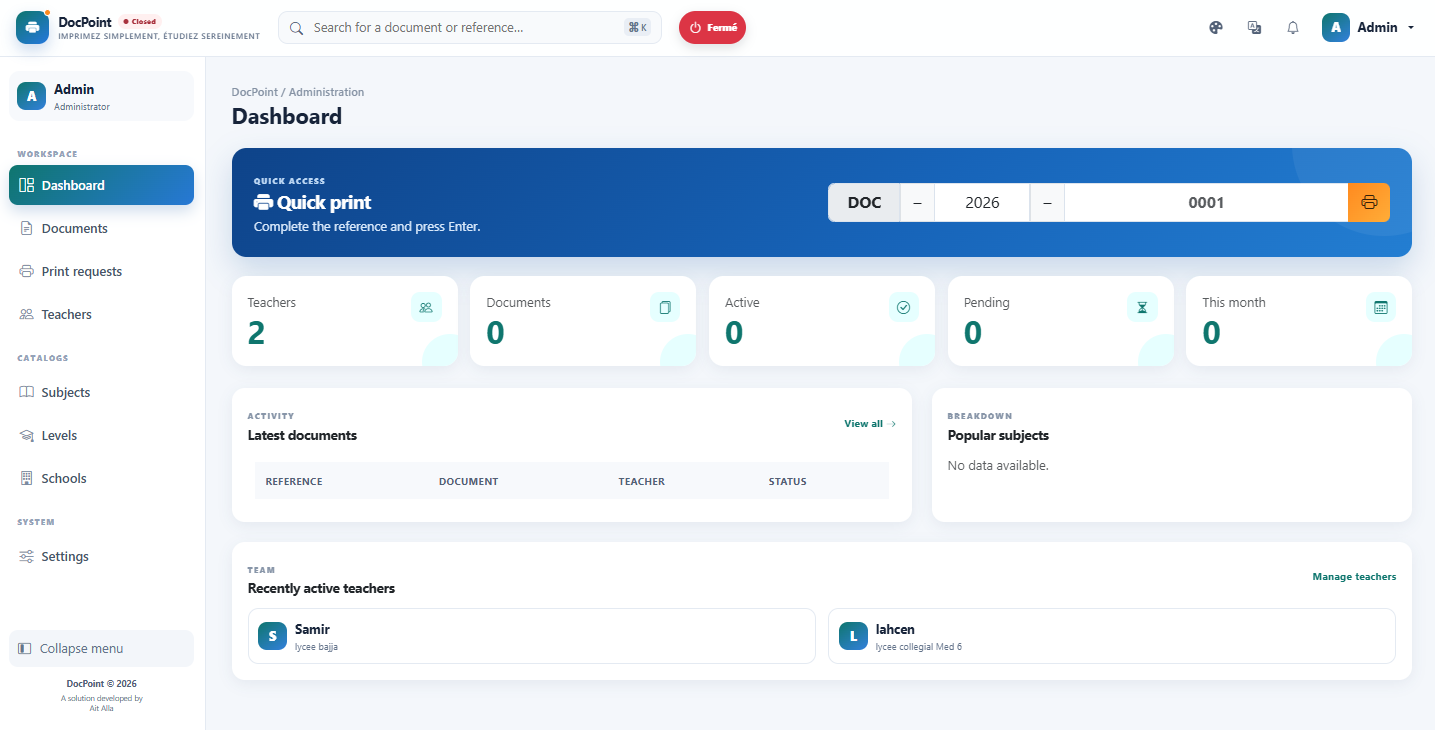
Admin Dashboard
-
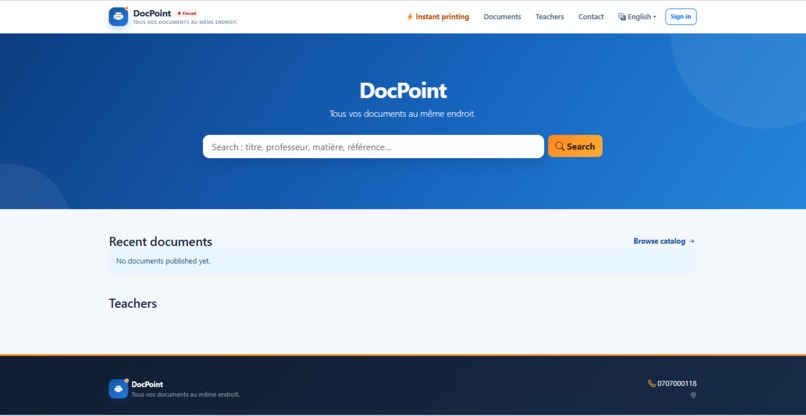
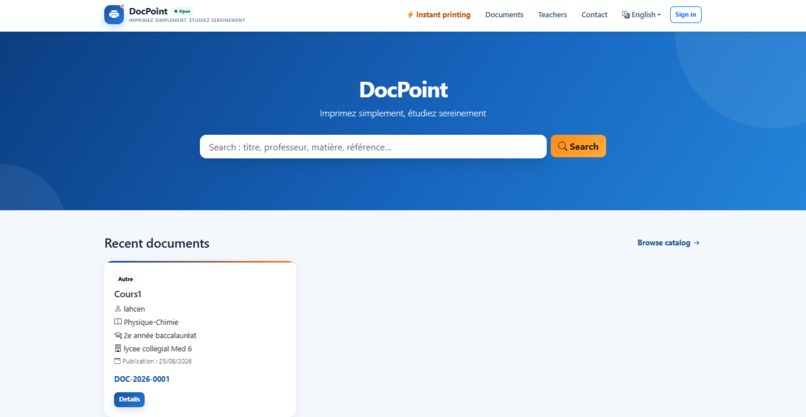
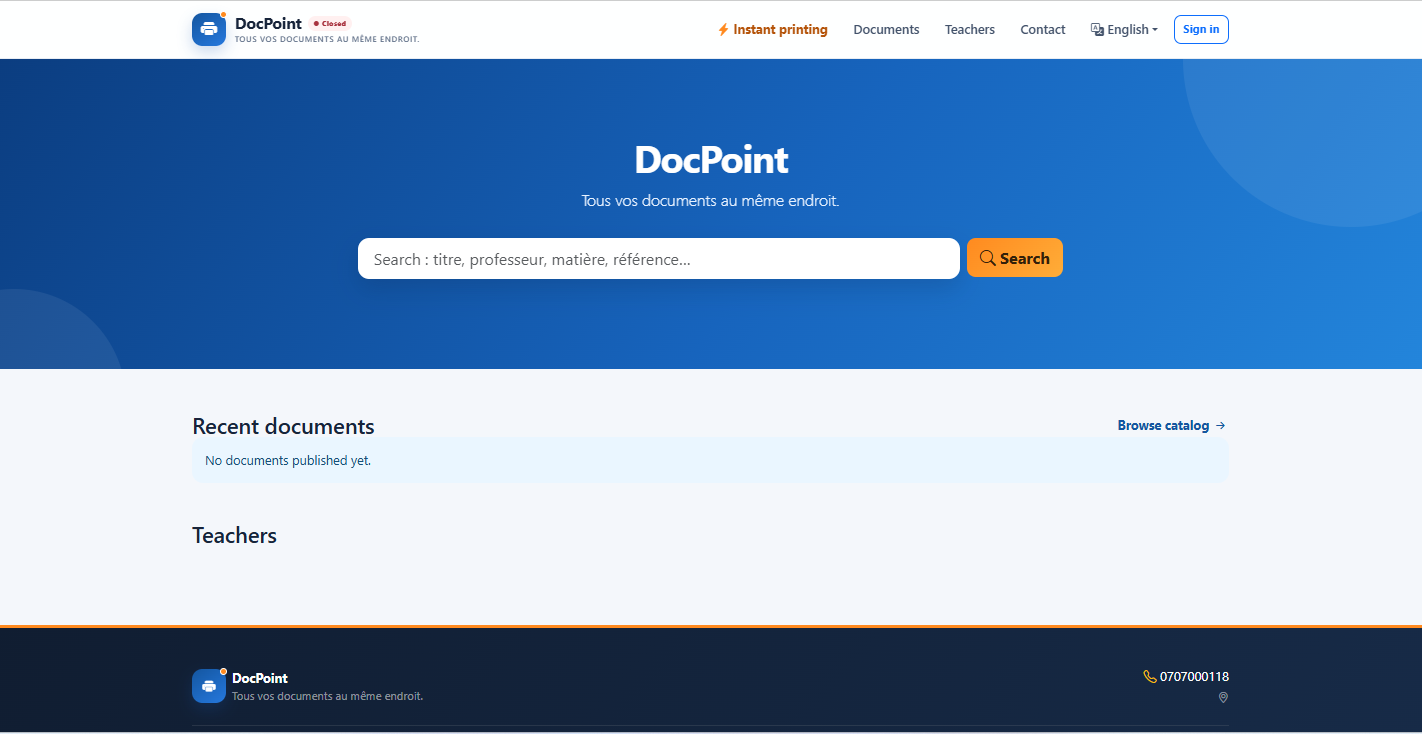
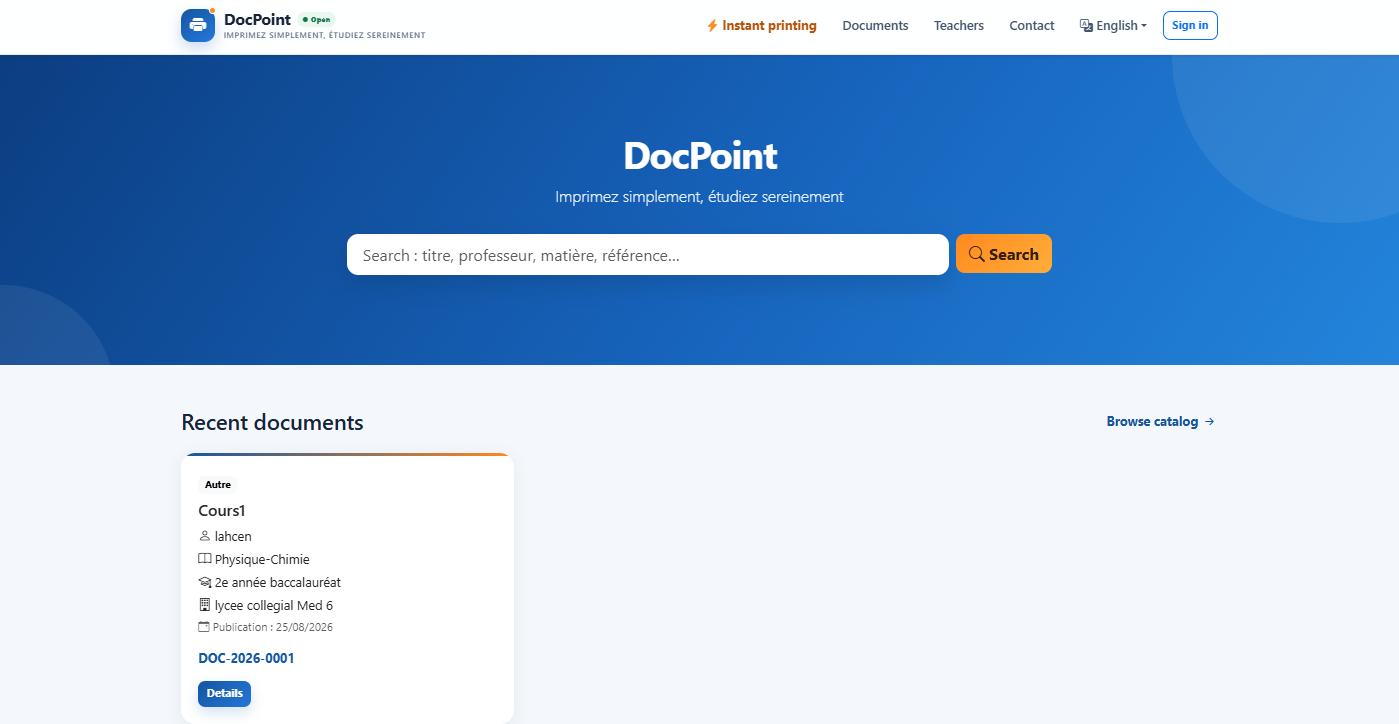
home page
-
Student Dashboard

Inspiration
DocPoint was inspired by a simple problem we see every day in local print shops. People often send personal documents through WhatsApp or other messaging apps just to get them printed. These files may remain on a phone or computer after printing, which creates privacy concerns and makes document management difficult.
We also noticed another problem in education: teachers regularly share courses, exercises and worksheets with students, but students do not always have an easy way to find and print these documents.
DocPoint brings these two needs together in one simple system based on QR codes.
What it does
A print shop displays its own DocPoint QR code.
A customer scans the QR code with a smartphone, uploads a document and sends a print request directly to the print shop.
The document is available only for the printing process and is automatically deleted after the print job is completed.
DocPoint also provides a dedicated space for teachers.
Registered teachers can upload courses, exercises and educational materials. Unlike temporary customer files, teacher documents are stored in a dedicated local repository so they remain available for students.
A student does not need to upload the document again. By scanning the print shop QR code, the student can browse the available educational documents, select the material they need and request its printing.
The main workflow is:
Customer → Scan QR code → Upload document → Print → Automatic deletion
Teacher → Upload course/exercise → Local document library → Student scans QR code → Select document → Print
How we built it
DocPoint was developed as a web-based platform designed to work on both computers and smartphones.
The project uses:
- PHP for the backend
- MySQL for data management
- HTML5
- CSS3
- JavaScript
- Bootstrap for the responsive interface
- QR codes to connect users with the print shop
- File upload and document management features
- User authentication for teacher and print-shop accounts
The objective was to keep the workflow very simple so that customers can use DocPoint directly from their phones without installing an application.
Challenges we ran into
One of the main challenges was designing two different document workflows.
Personal customer documents must be temporary and automatically deleted after printing, while educational documents uploaded by teachers must remain available for future students.
Another challenge was creating a process simple enough for users who may not be familiar with digital platforms. QR codes helped us reduce the number of steps required to send or find a document.
We also had to think carefully about document privacy, file organization and the different roles of print shops, teachers and students.
Accomplishments that we're proud of
We created a concept that transforms a traditional local print shop into a digital printing point.
Instead of asking customers to send files manually through messaging applications, DocPoint provides a structured workflow from document submission to printing and deletion.
We are also proud of combining secure temporary printing with an educational document library in the same platform.
What we learned
Building DocPoint helped us better understand how QR codes can connect physical businesses with digital services.
We also learned that document management is not only a technical problem. The user experience must remain simple, especially when the platform is intended for students, teachers and customers with different levels of technical experience.
The project also taught us to design different data-retention rules depending on the type of document.
What's next for DocPoint
Our next goal is to test DocPoint with real local print shops, teachers and students.
Future improvements could include:
- Print status tracking
- Automatic notifications when a document is ready
- Printing options such as color, black and white, number of copies and page format
- Better document categorization for teachers
- Search by teacher, subject and educational level
- Statistics for print-shop owners
- Expansion to a network of DocPoint-enabled print shops





Log in or sign up for Devpost to join the conversation.