Inspiration
What it does
DocPilot AI
Inspiration
Reading long documents can be time-consuming and overwhelming. Whether it's a research paper, business report, contract, or meeting notes, people often spend too much time searching for key information. We wanted to build an AI assistant that helps users understand any document in seconds instead of hours.
What it does
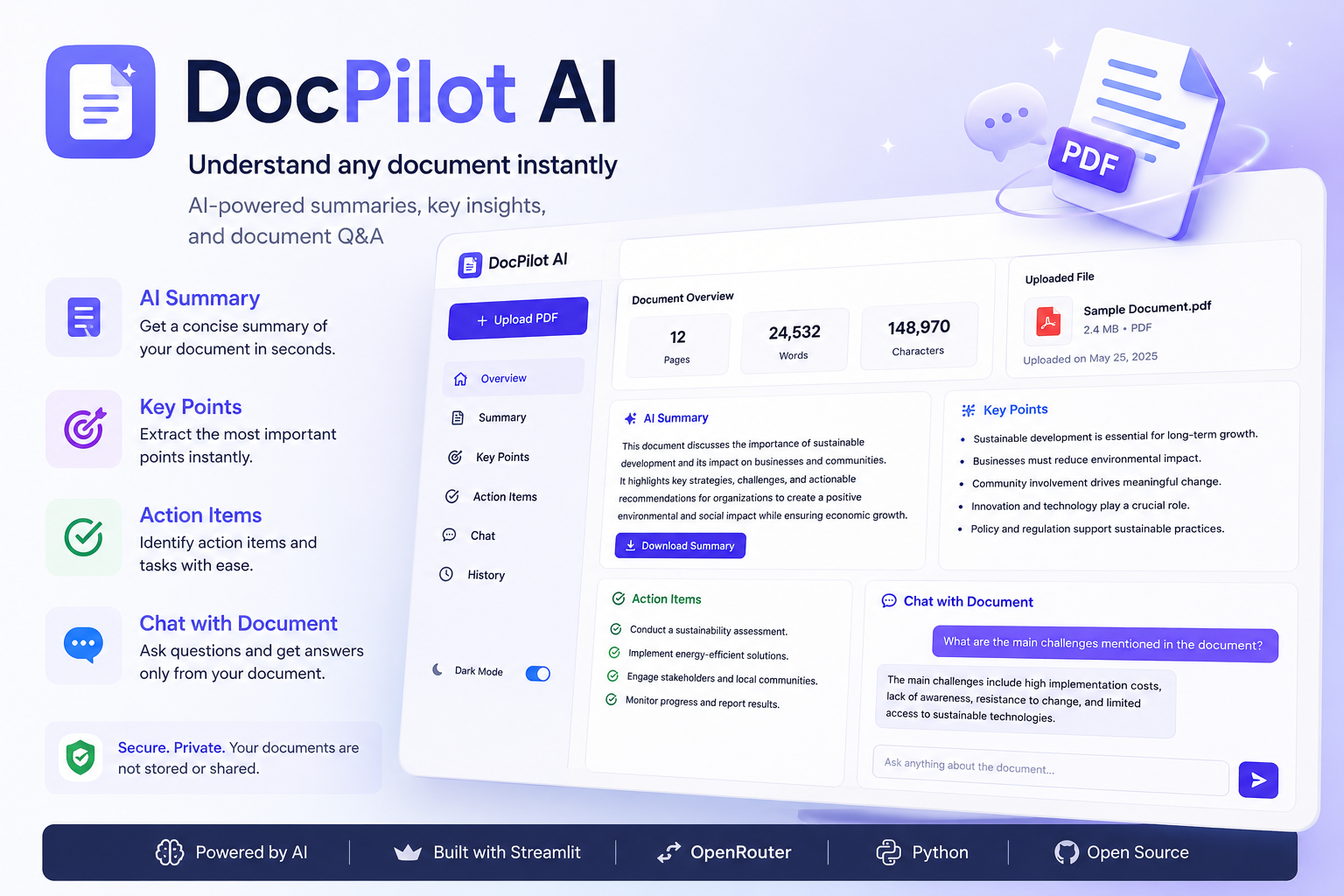
DocPilot AI allows users to upload documents and instantly interact with them using AI. It can:
- Generate concise summaries.
- Answer questions about the document.
- Extract key points and action items.
- Explain complex sections in simple language.
- Help users quickly find the information they need.
How we built it
We built DocPilot AI using:
- Python
- Streamlit
- OpenAI API
- PDF document processing libraries
The application extracts text from uploaded documents, processes it, and uses OpenAI models to generate summaries, answer questions, and provide useful insights through a clean and simple interface.
Challenges we ran into
One of the biggest challenges was handling different document formats while keeping the responses accurate and relevant. We also focused on creating a simple user experience that makes interacting with documents fast and intuitive.
Accomplishments that we're proud of
- Built a clean and user-friendly interface.
- Created an AI-powered document assistant that delivers useful results quickly.
- Designed a workflow that makes reading and understanding documents much easier.
What we learned
During this project, we learned how to integrate OpenAI models into a real-world application, process document content efficiently, and design an AI workflow focused on improving productivity.
What's next for DocPilot AI
Future improvements include:
- Support for more document formats.
- OCR for scanned documents.
- Multi-document comparison.
- Team collaboration features.
- Cloud storage integration.
- Exporting reports and summaries in multiple formats.
