-
-
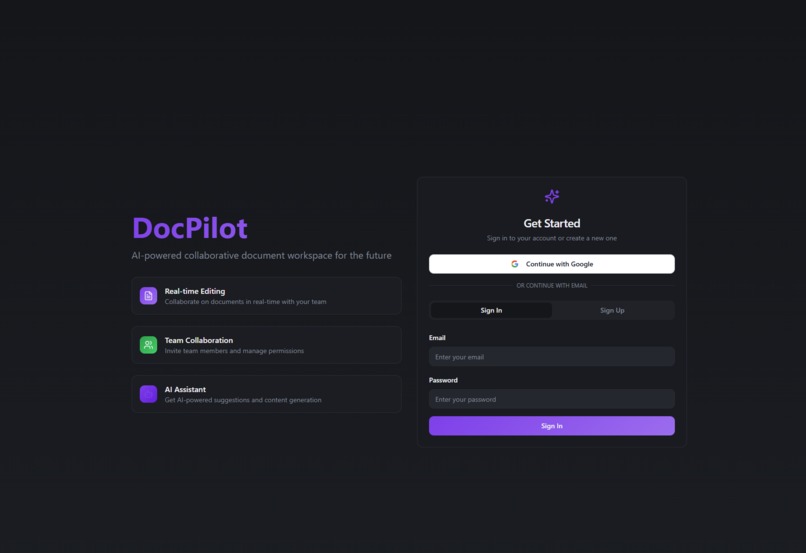
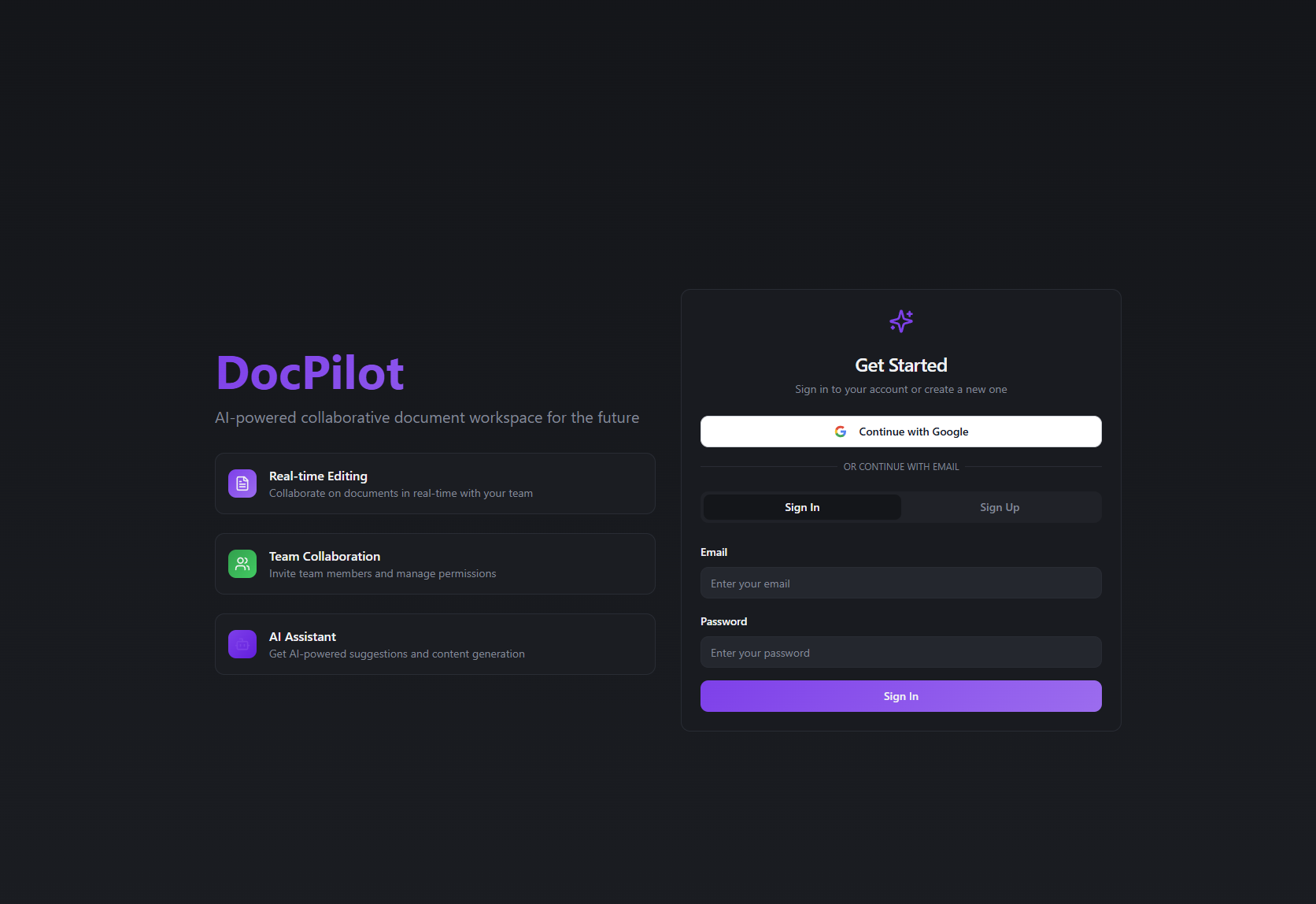
Login Page
-
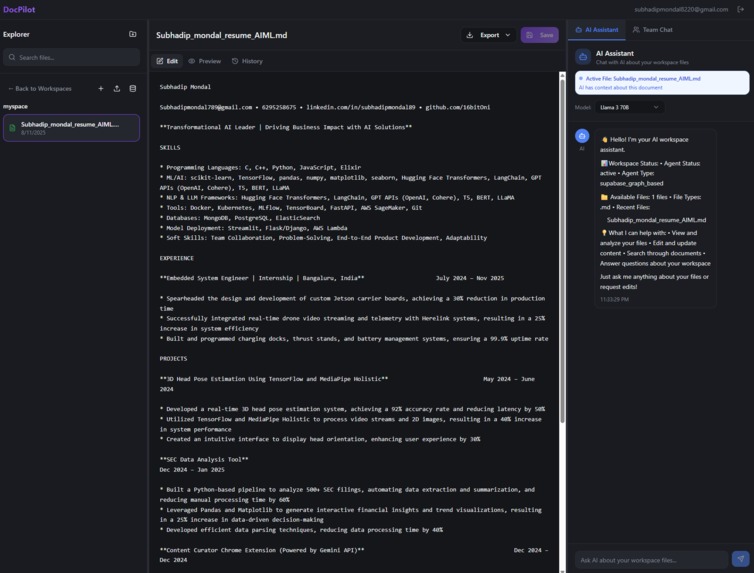
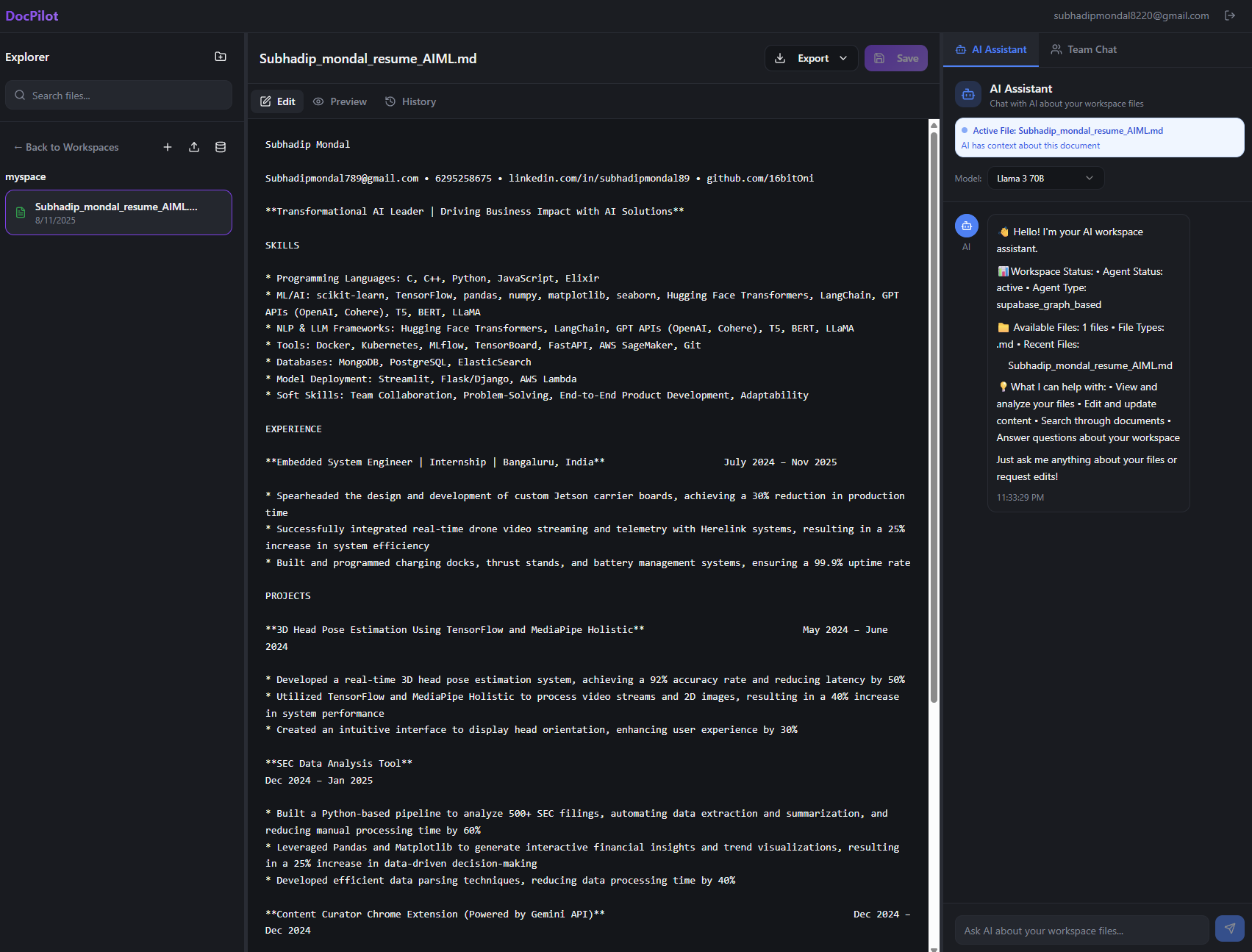
Edit and AI chat Page
-
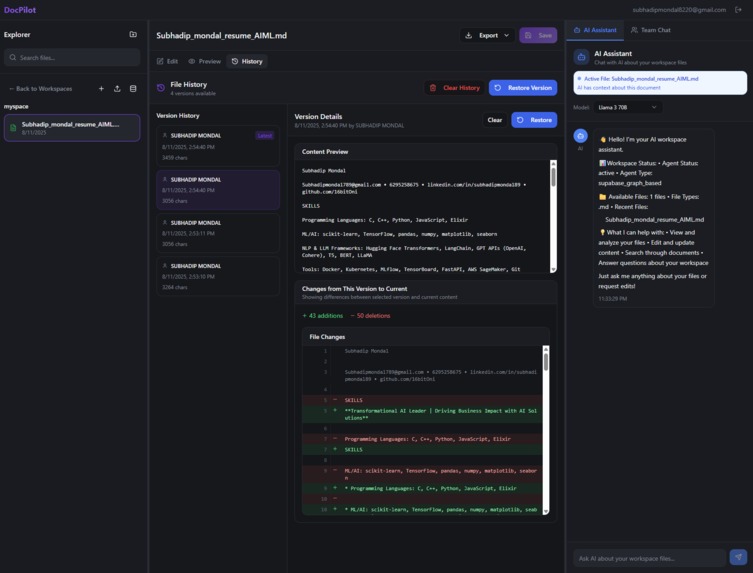
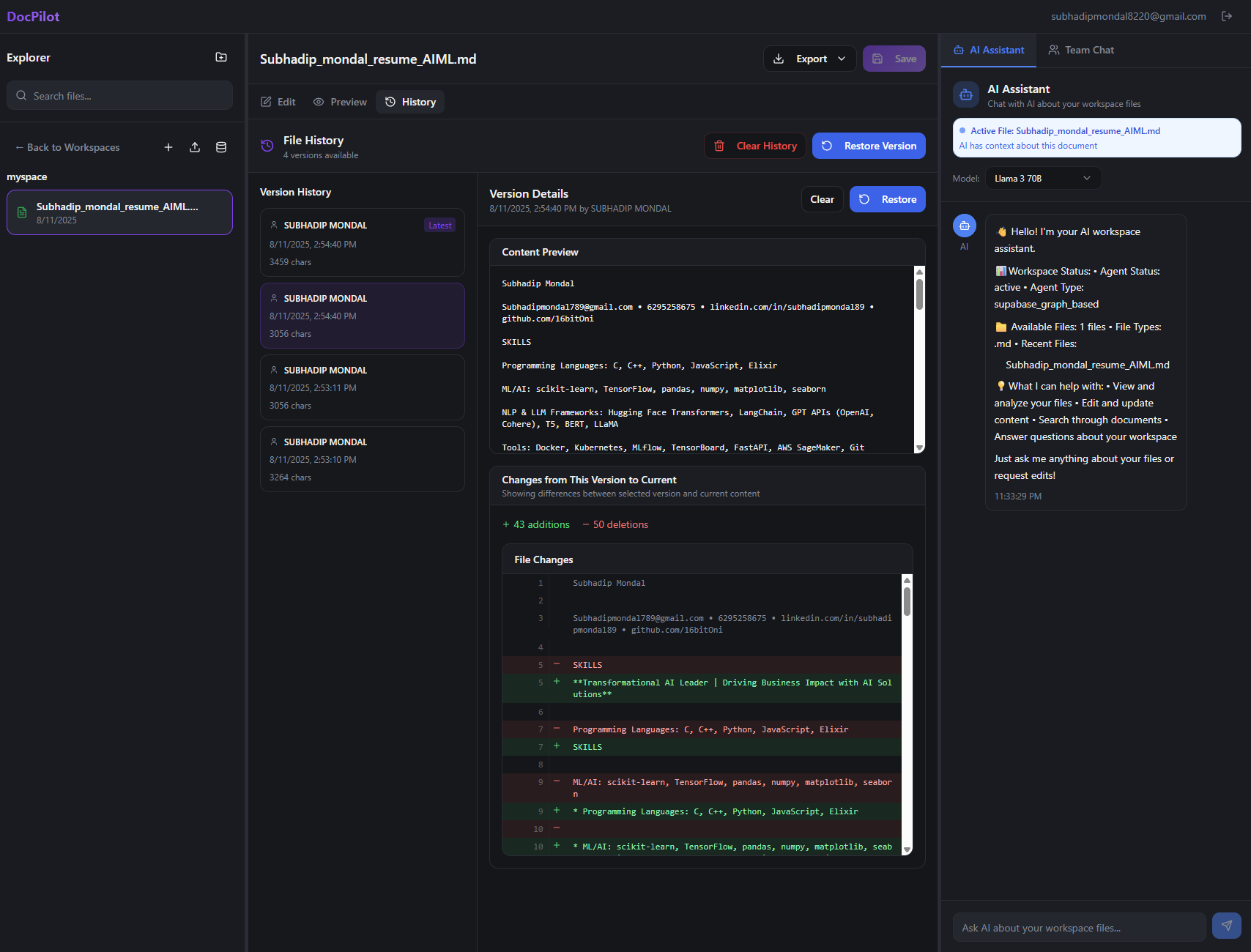
Version Controlling
Inspiration
- The Document Chaos Problem: Teams struggle with scattered documents across multiple platforms, making collaboration inefficient and knowledge hard to find
- AI Revolution in Productivity: Inspired by the potential of AI to transform how we interact with documents - not just storing them, but having intelligent conversations about content
- Real-time Collaboration Gap: Existing tools either have great AI features OR great collaboration, but rarely both seamlessly integrated
- Developer-First Approach: Wanted to build a platform that developers would actually want to use, with modern tech stack and clean APIs
What it does
- AI-Powered Document Assistant: Chat naturally with your documents using multiple LLM models (Llama 3, Mixtral, Gemma) to edit, analyze, and extract insights
- Intelligent Workspace Management: Create collaborative workspaces where teams can work on documents together with real-time updates and version control
- Multi-Format Document Processing: Handle PDF, DOCX, DOC, TXT, and Markdown files with smart content extraction and editing
- Semantic Search: Find information across all documents using vector embeddings, not just keyword matching
- Real-time Collaboration: Multiple users can edit documents simultaneously with live updates and conflict resolution
How we built it
- Modern Frontend Stack: React 18 + TypeScript + Vite for lightning-fast development, styled with Tailwind CSS and Radix UI components
- Robust Backend Architecture: FastAPI with Python for high-performance API, integrated with Supabase for database and authentication
- AI Integration: Groq API providing access to multiple state-of-the-art language models with intelligent routing based on task complexity
- Vector Search Engine: Pinecone integration for semantic document search and content discovery
- Real-time Infrastructure: WebSocket connections for live collaboration and instant updates
- Document Processing Pipeline: Custom parsers for multiple file formats with intelligent content extraction
Challenges we ran into
- Real-time Collaboration Complexity: Implementing conflict resolution for simultaneous document edits while maintaining data integrity
- AI Model Selection Logic: Balancing response quality vs speed by intelligently routing requests to appropriate models based on task complexity
- File Format Compatibility: Building robust parsers that handle various document formats while preserving formatting and structure
- Authentication Flow: Integrating Supabase auth with custom workspace permissions and JWT token management
- Vector Search Optimization: Fine-tuning embedding strategies for accurate semantic search across diverse document types
- Performance at Scale: Optimizing database queries and API responses for workspaces with hundreds of documents
Accomplishments that we're proud of
- Seamless AI Integration: Created an intuitive chat interface where users can naturally interact with their documents using plain English
- Production-Ready Architecture: Built a scalable system that handles real-time collaboration, file versioning, and multi-user workspaces
- Developer Experience: Comprehensive API documentation and clean codebase that other developers can easily understand and extend
- Multi-Model AI Support: Successfully integrated multiple LLM models with intelligent routing for optimal performance
- Cross-Platform Compatibility: Responsive design that works flawlessly on desktop and mobile devices
- Security-First Design: Implemented robust authentication, workspace access controls, and data protection measures
What we learned
- AI Model Orchestration: Different LLM models excel at different tasks - routing requests intelligently dramatically improves user experience
- Real-time Systems Design: Building collaborative features requires careful consideration of data consistency, conflict resolution, and user experience
- Document Processing Complexity: Each file format has unique challenges - robust error handling and fallback strategies are essential
- User Experience with AI: The key to AI adoption is making it feel natural and predictable, not magical or unpredictable
- Scalable Architecture Patterns: FastAPI + Supabase provides an excellent foundation for rapid development and easy scaling
- Vector Search Implementation: Semantic search requires careful tuning of embedding models and similarity thresholds for relevant results
What's next for DocPilot
- Advanced AI Agents: Implement specialized agents for different document types (legal, technical, creative) with domain-specific knowledge
- Workflow Automation: Add triggers and actions to automate document processing, approvals, and notifications
- Enterprise Features: Single sign-on (SSO), advanced analytics, audit logs, and compliance tools for large organizations
- Mobile Applications: Native iOS and Android apps for document access and editing on the go
- Integration Ecosystem: Connect with popular tools like Slack, Microsoft Teams, Google Workspace, and project management platforms
- Advanced Analytics: Document insights, collaboration metrics, and AI usage analytics to help teams optimize their workflows
- Custom AI Training: Allow organizations to fine-tune models on their specific document types and terminology
- Offline Capabilities: Enable document access and basic editing when internet connectivity is limited

Log in or sign up for Devpost to join the conversation.