-
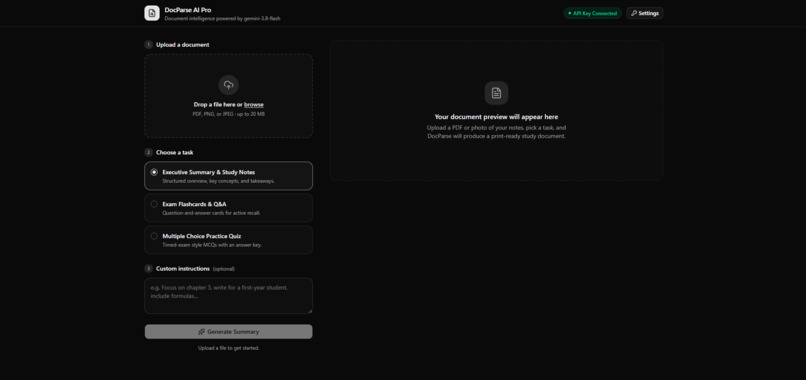
Dashboard
-

Api key settings
-
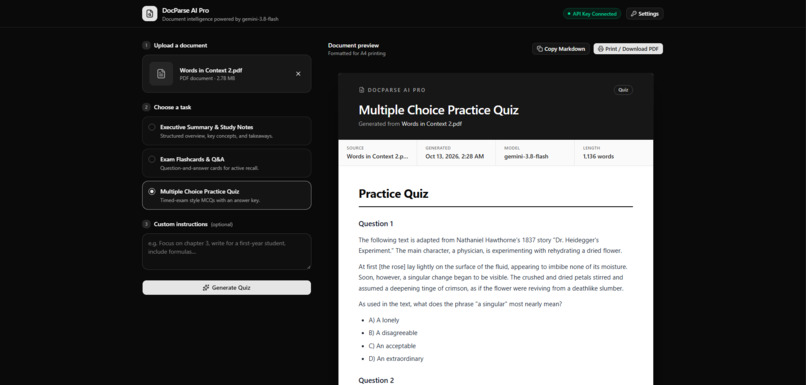
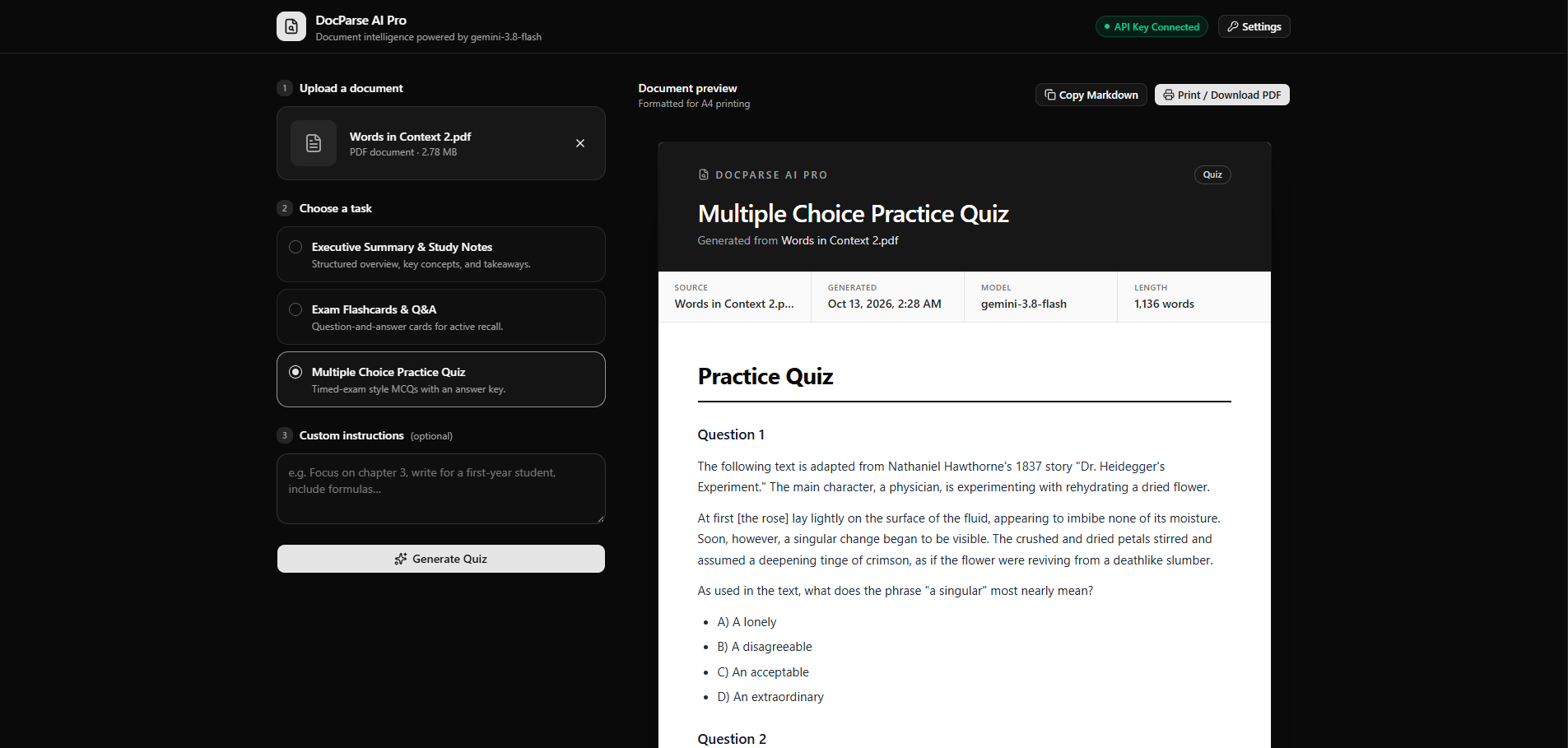
Multiple choice and quiz mode
-
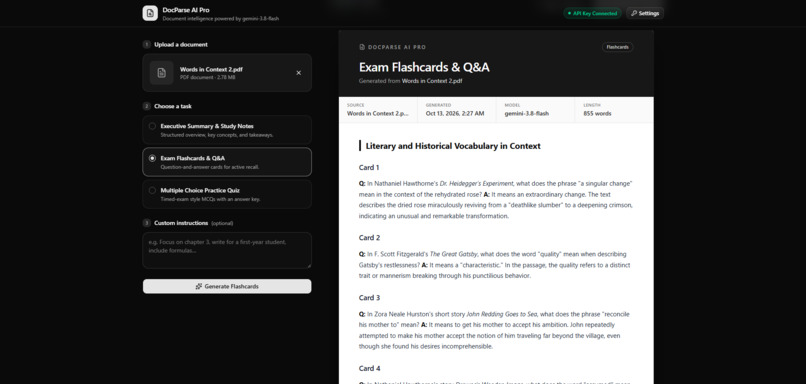
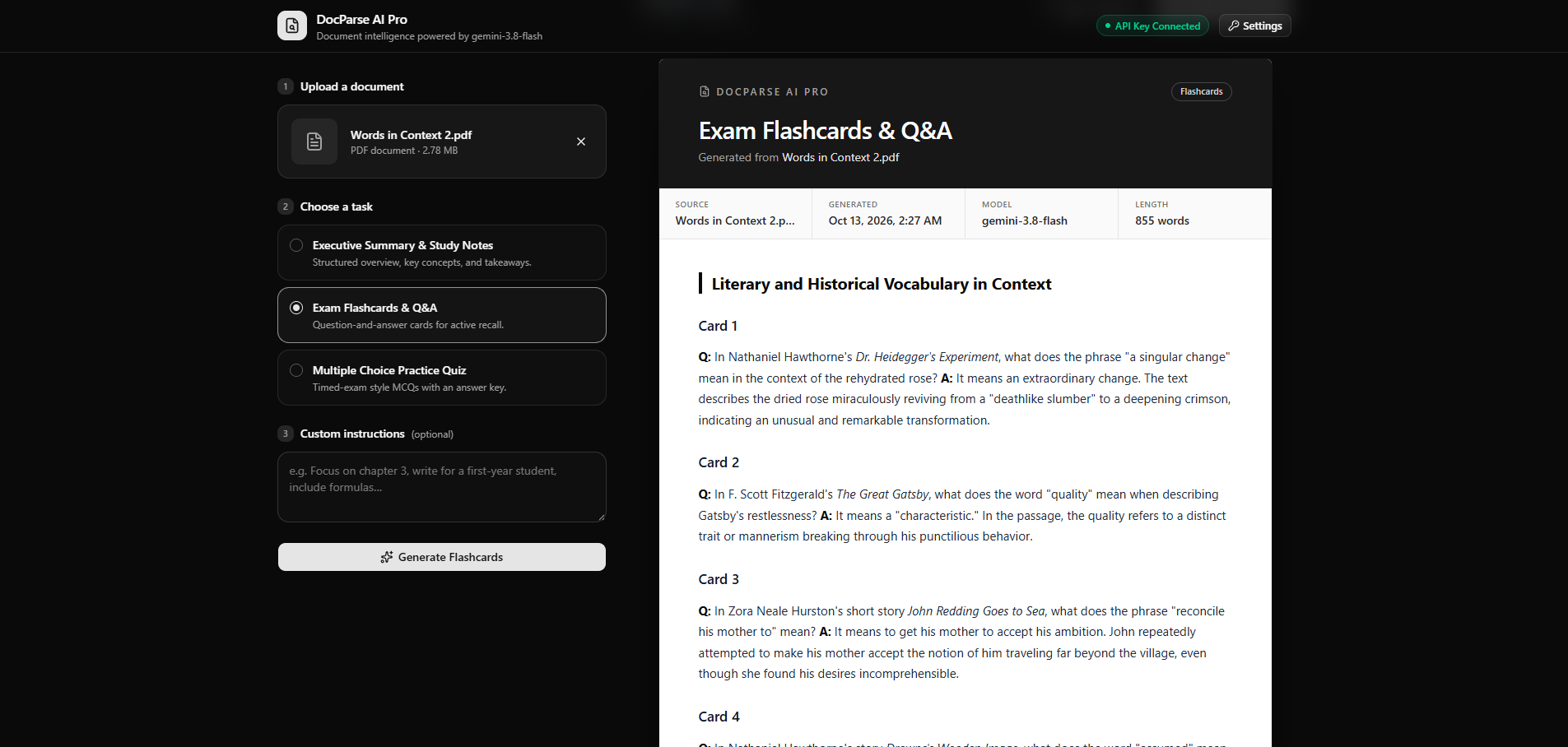
Flashcard mode
-
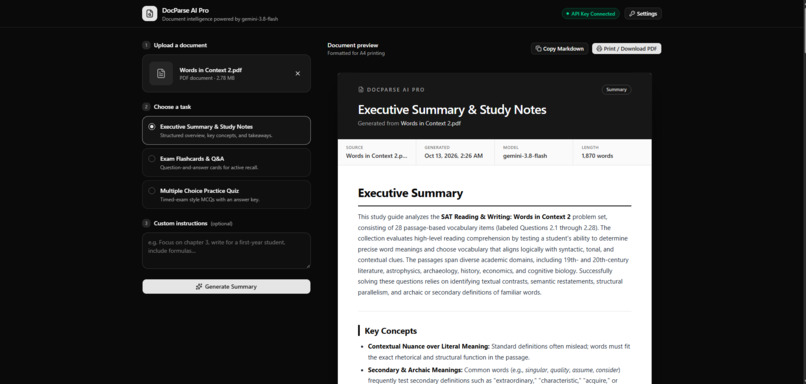
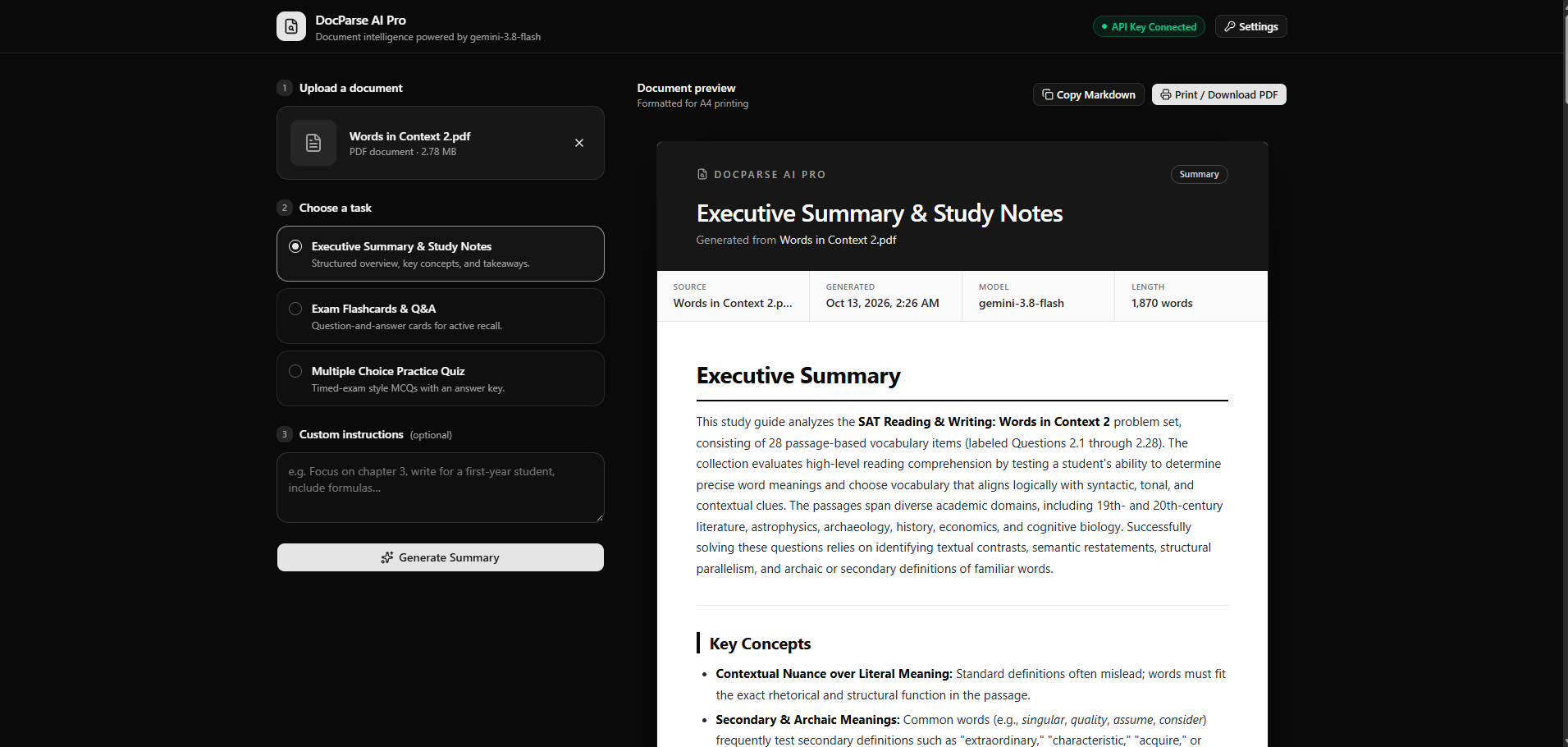
Summary mode


Inspiration
As students, we are constantly buried under an avalanche of dense lecture PDFs, handwritten slides, and phone photos of textbook pages right before exams. Standard text-parsing tools frequently fail when encountering scanned pages, multi-column layouts, or image-heavy documents.
We built DocParse AI Pro to create a unified, multimodal study engine that transforms any document or image—whether a digital PDF or a quick smartphone snapshot—into structured, actionable study materials in seconds.
What it does
DocParse AI Pro allows users to upload text-heavy PDFs, scanned documents, and photo uploads (.pdf, .png, .jpg, .jpeg). Powered by Google's Gemini 3.8 Flash model, it converts complex files into:
Structured Executive Summaries & Study Notes: Rendered in a clean, printable report preview layout instead of unformatted raw text.
Exam Flashcards & Q&A: Formatted into quick-study pairs for active recall.
Multiple-Choice Practice Quizzes: Designed for immediate revision and testing.
Key features include 1-click Markdown copying, print-to-PDF support (window.print()), and persistent client-side API key management via browser localStorage.
How we built it
DocParse AI Pro was built to be fast, lightweight, and serverless:
Frontend & UI: Built with Next.js, React, and Tailwind CSS using v0.dev for rapid prototyping and executive report preview styling.
AI Engine: Integrated directly with Google's Gemini 3.8 Flash (gemini-3.8-flash) API for multimodal intelligence.
Client-Side File Processing: Uses JavaScript's FileReader API to read uploaded PDFs, PNGs, and JPGs directly in the browser as Base64 streams.
Payload Sanitation: Strips the Data URL prefix (e.g., data:application/pdf;base64,) dynamically before constructing the API payload.
Multimodal API Request: Sends the clean Base64 string and user prompt into Gemini's inlineData REST payload schema:{ "contents": [{ "parts": [ { "inlineData": { "mimeType": "application/pdf", "data": "CLEAN_BASE64_STRING" } }, { "text": "Generate executive summary and study notes." } ] }] } Deployment: Hosted on Vercel with source code synchronized via a public GitHub repository.
Challenges we ran into
Base64 Payload Sanitation: Early API requests failed due to standard FileReader outputs appending headers like data:application/pdf;base64,. Stripping the header prefix dynamically was essential for raw multimodal parsing.
Model Deprecation & Versioning: Adapting to updated API model identifier requirements (transitioning to gemini-3.8-flash) while keeping client-side state reactive.
Formatted Document Rendering: Bypassing plain text outputs by building an executive A4-styled report container complete with copy-to-markdown and instant print-to-PDF functionality.
Accomplishments that we're proud of
Rapid Prototyping & Execution: Building and deploying a fully functional, production-ready web application under strict hackathon deadlines.
Executive PDF Report View: Successfully rendering AI outputs into a clean, printable document template rather than raw, unformatted text.
Zero-Server Overhead: Managing API interactions securely via client-side requests and persistent local user key storage.
What we learned
Client-Side Multimodal Execution: Efficiently handling heavy file data streams purely in the browser without intermediate backend storage.
Secure Local Key Management: Utilizing browser localStorage for API key persistence, offering zero-server friction and user privacy.
AI-Assisted Workflow: Leveraging generative UI tools to rapidly construct and iterate complex full-stack web applications.
What's next for DocParse AI Pro
Multi-Document Batch Analysis: Cross-referencing multiple PDFs and lecture decks simultaneously.
Spaced-Repetition Tracking: Implementing active recall schedules for generated flashcards.
Ecosystem Exports: Direct 1-click export support for Anki, Notion, and Quizlet.
Built With
- ai
- artificial-intelligence
- css3
- gemini-api
- github
- html5
- javascript
- json
- multimodal
- next.js
- pdf-generation
- react
- rest-api
- tailwind-css
- typescript
- v0
- vercel

Log in or sign up for Devpost to join the conversation.