-
-

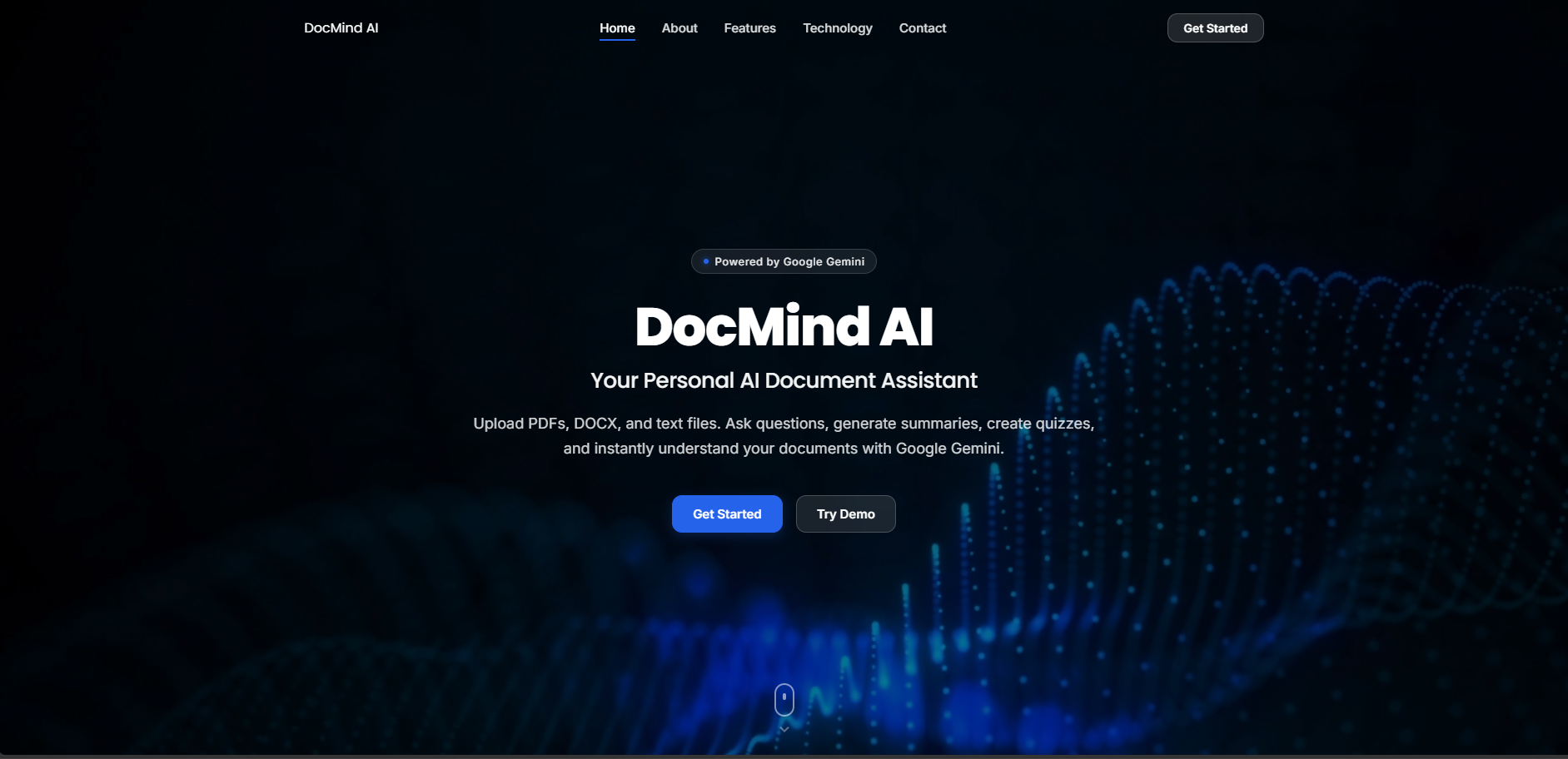
Landing Page
-
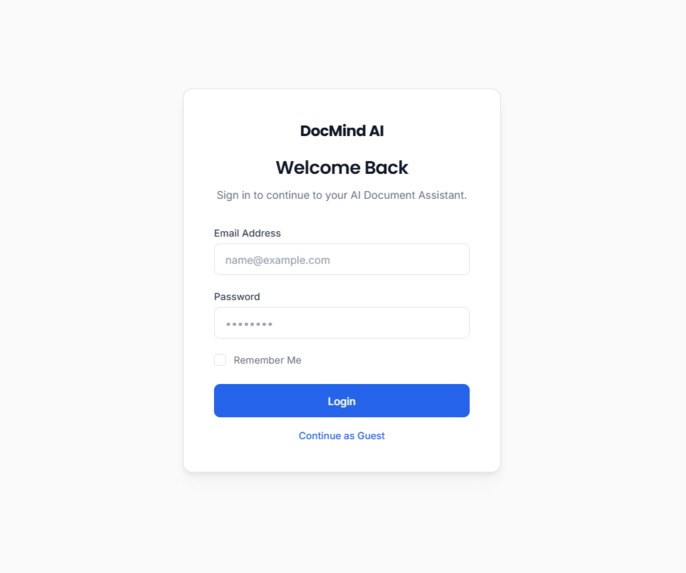
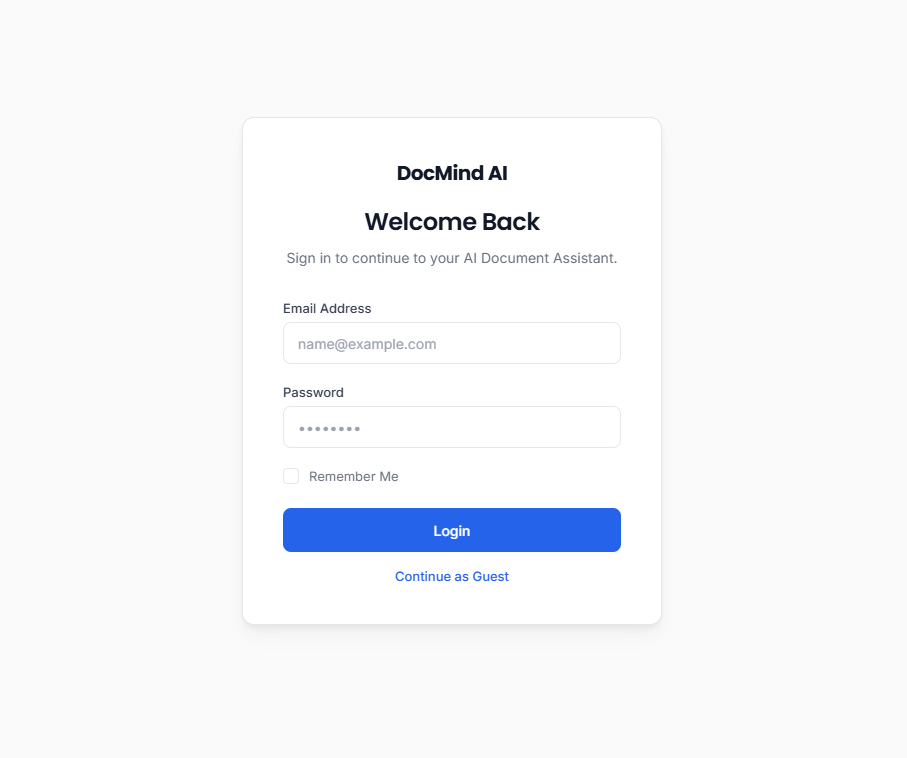
Login Page
-
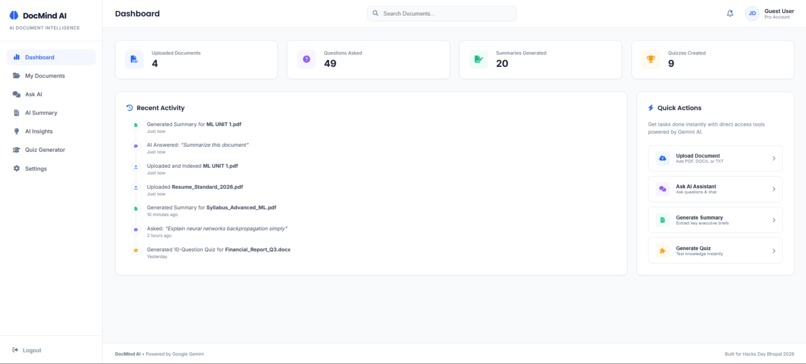
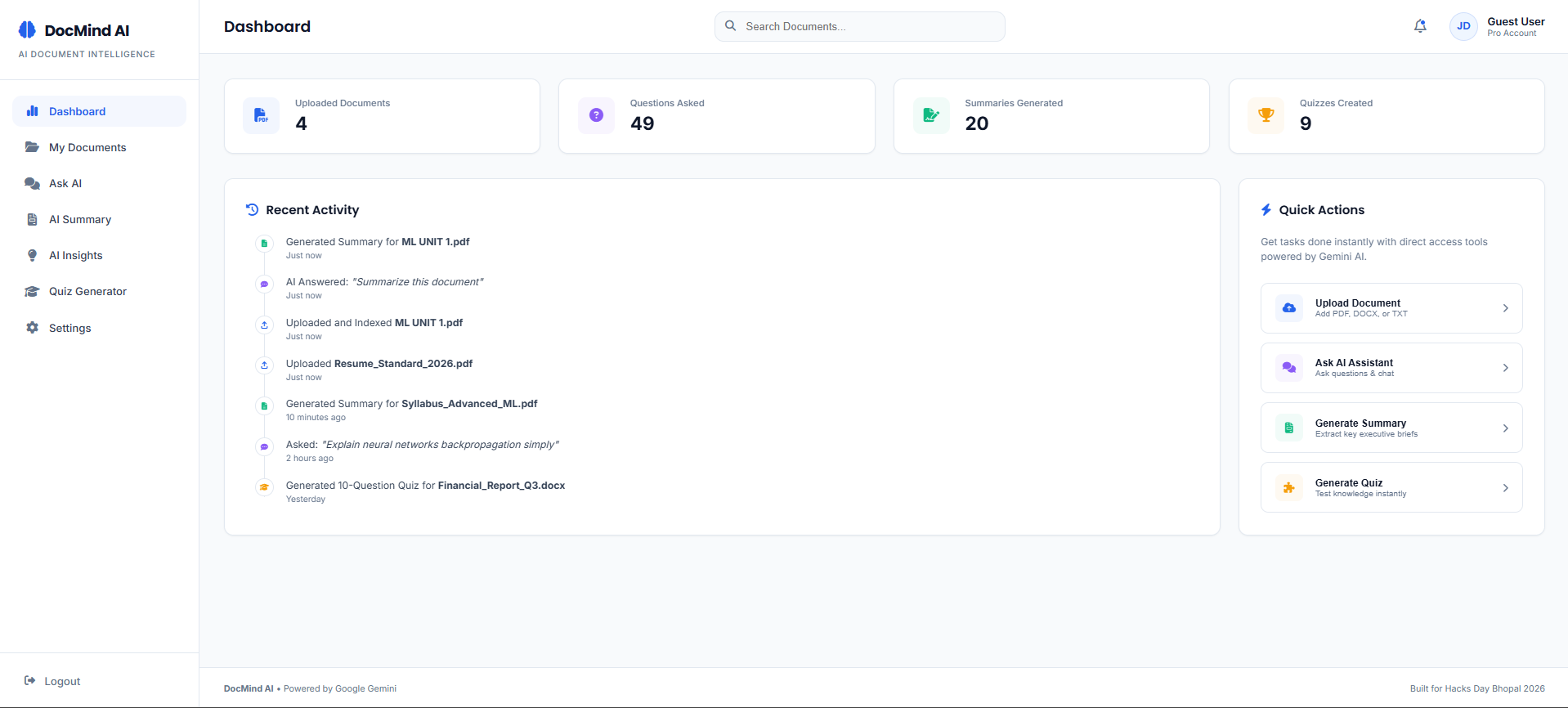
Dashboard Preview
📄 DocMind AI
Inspiration
Every day, students, researchers, and professionals spend hours searching through lengthy PDFs, notes, research papers, and reports just to find a single piece of information. Traditional PDF readers only allow keyword searches, forcing users to manually browse through pages.
We wanted to change that experience by building an AI-powered document assistant that lets users interact with their documents naturally. Instead of reading hundreds of pages, users can simply ask questions like, "Summarize this chapter," "Explain this concept," or "Generate a quiz from this document." This idea led to the creation of DocMind AI.
What It Does
DocMind AI transforms static documents into an interactive AI assistant powered by Google Gemini.
Users can:
- Upload PDF, DOCX, and TXT files
- Chat with their documents using natural language
- Generate concise or detailed summaries
- Extract key concepts and important topics
- Generate quizzes directly from document content
- Download AI-generated summaries as PDF reports
- Search information across uploaded documents instantly
Rather than acting as a simple document viewer, DocMind AI becomes a personalized knowledge assistant that helps users understand information faster and more efficiently.
How We Built It
We designed DocMind AI as a full-stack AI web application.
Frontend
- HTML5
- CSS3
- JavaScript
- Responsive dashboard interface
Backend
- Node.js
- Express.js
- TypeScript
AI
- Google Gemini API
Document Processing
- PDF parsing
- Text extraction
- AI-powered document understanding
The workflow is straightforward:
Upload Document
        ↓
Extract Text
        ↓
Google Gemini Analysis
        ↓
Generate
 • AI Chat
 • Summary
 • Insights
 • Quiz
 • PDF Report
Challenges We Faced
Building an AI-powered document assistant involved several technical challenges.
One of the biggest challenges was extracting clean text from PDFs, especially from documents with different layouts and formatting.
Another challenge was ensuring that AI responses were generated from the uploaded document rather than producing generic answers. We refined our prompts so Gemini used the uploaded document as the primary source of information.
We also worked on improving the overall user experience by creating a conversational chatbot interface, detailed summaries, concept-based insights, and quiz generation that feels natural and intuitive.
Finally, integrating the frontend with the backend while maintaining smooth performance and a clean user interface required careful planning and debugging.
What We Learned
Through this project, we gained practical experience with:
- Building full-stack AI applications
- Integrating Google Gemini API
- Document parsing and text extraction
- Prompt engineering
- Backend API development
- Designing intuitive AI-powered user experiences
- Deploying and debugging production-ready applications
We also learned the importance of optimizing AI workflows, handling large documents efficiently, and creating features that solve real-world problems instead of simply showcasing AI.
Future Improvements
Although DocMind AI is already functional, we envision several enhancements:
- Multi-document conversations
- OCR support for scanned PDFs
- Voice-based document interaction
- Multi-language document understanding
- AI-generated flashcards
- Mind map generation
- Cloud synchronization
- Team collaboration and shared workspaces
Why DocMind AI?
DocMind AI is more than a PDF reader—it is an intelligent document companion. By combining document understanding with conversational AI, it enables users to spend less time searching for information and more time learning, researching, and making informed decisions.
Our goal is to make interacting with documents as simple as having a conversation.
Built With
- ai
- api
- css3
- design
- express.js
- gemini
- generative
- github
- html5
- javascript
- json
- jspdf
- node.js
- npm
- parser
- pdf-parse
- render
- responsive
- rest
- typescript
- vercel
- vite


Log in or sign up for Devpost to join the conversation.