-
-
Dockek
Inspiration
What it does
How we built it
Challenges we ran into
Accomplishments that we're proud of
What we learned
What's next for Docket
💡 Inspiration
Law students often work with long case judgments, scattered notes, exhibits, timelines, and study materials across different tools. Keeping everything organized while also understanding and revising complex cases can become unnecessarily difficult.
We built Docket to bring that workflow into one focused workspace. The goal was to make legal case study less about managing scattered information and more about understanding the case itself.
⚖️ What it does
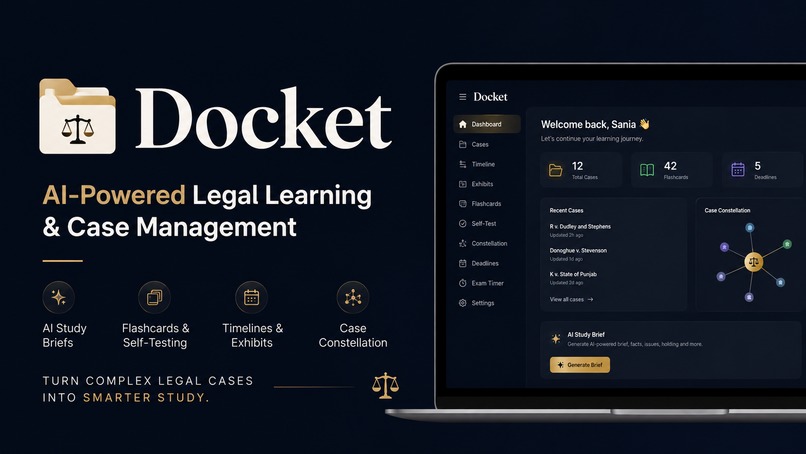
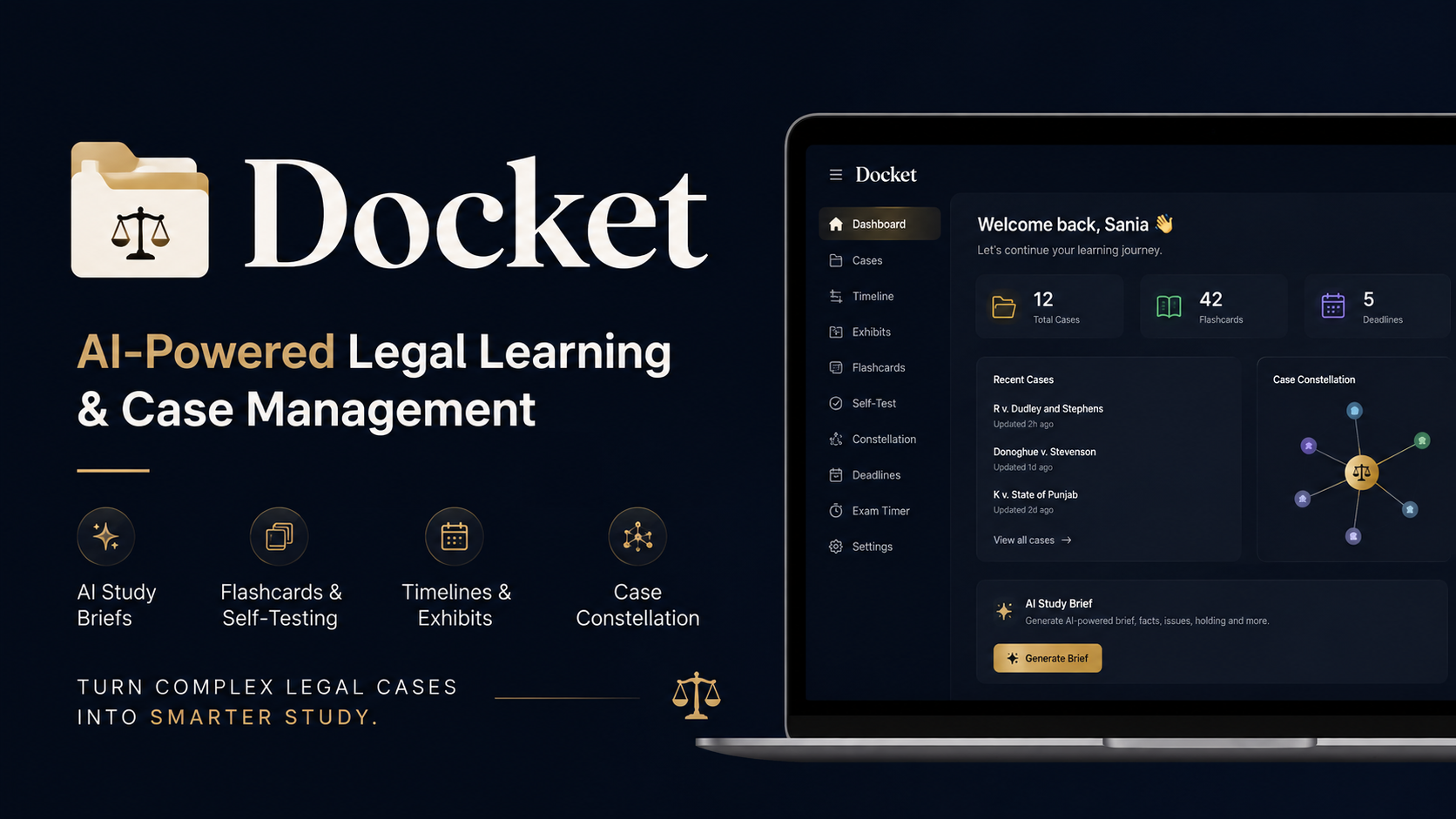
Docket is an AI-powered legal case management and study platform designed for law students.
✨ Key features include:
- 📑 Case Brief Builder — structure and organize important case information
- 📎 Exhibits — keep supporting images, videos, and PDFs with a case
- 🕐 Timeline — understand case events chronologically
- 🧠 Flashcards — turn case knowledge into active-recall study material
- ⏱️ Exam Timer — support focused exam preparation
- 🏷️ Tags & Visual Connections — organize related cases and concepts
- 📊 Dashboard — manage the overall legal-study workflow from one place
Instead of switching between multiple applications, students can manage their case materials and study workflow from a single platform.
🛠️ How we built it
Docket was built as a full-stack web application using:
- ⚛️ Next.js
- 🔷 TypeScript
- 🎨 Tailwind CSS
- 🍃 MongoDB
The application uses a modular architecture so different parts of the legal-study workflow can operate independently while sharing the same case data.
We focused heavily on creating an interface that feels like a practical workspace rather than a traditional document-management system.
The data model is organized around cases, exhibits, timelines, study materials, and relationships between them, allowing Docket to grow beyond a simple case-notes application.
🚧 Challenges we ran into
One of our biggest challenges was designing a system that could handle different types of legal information without overwhelming the user.
Cases can contain structured information, unstructured notes, multimedia exhibits, timelines, and study material. Treating everything as a simple text document would have made the experience much less useful.
We also faced challenges around:
- 📁 File handling and multimedia management
- 🗄️ Organizing complex case data
- 🔗 Connecting different parts of the application
- 🧩 Building a reliable full-stack workflow
- 🎨 Keeping the interface simple despite having multiple features
Another important challenge was deciding what not to build. We deliberately focused on a small set of connected features instead of turning Docket into an overloaded legal platform.
🏆 Accomplishments we're proud of
We're proud that Docket evolved from an idea into a working end-to-end product rather than remaining just a concept or prototype.
Our biggest accomplishments include:
- 🚀 Building a complete working full-stack application
- ⚖️ Bringing case organization, evidence, timelines, and study tools together
- 🎯 Designing features around real student workflows
- 🖥️ Creating a focused and practical user experience
- 🔧 Solving real-world full-stack development and deployment challenges
Most importantly, Docket is designed around a genuine problem: helping law students manage the complexity of studying cases.
📚 What we learned
We learned that building a useful product is as much about simplifying decisions as it is about writing code.
Throughout development, we learned how different parts of a full-stack application — frontend, backend, database, file handling, and deployment — need to work together reliably.
We also learned the importance of designing around a user's workflow instead of starting with a list of technologies or features.
A technically impressive feature isn't valuable if it makes the product harder to use.
🚀 What's next for Docket
We want to continue developing Docket into a more complete legal learning and knowledge-management platform.
Our next focus areas include:
- 🤖 Improving the intelligence behind the existing workflow
- 🔗 Creating stronger connections between cases, concepts, evidence, and study materials
- 🧠 Helping students move from collecting information → understanding it → remembering it
- 📈 Expanding Docket while keeping the experience simple and focused
Our long-term vision is for Docket to become a practical digital workspace where law students can manage their entire case-study workflow in one place.
Docket — turning complex legal cases into a clear, organized learning experience. ⚖️

Log in or sign up for Devpost to join the conversation.