-
-
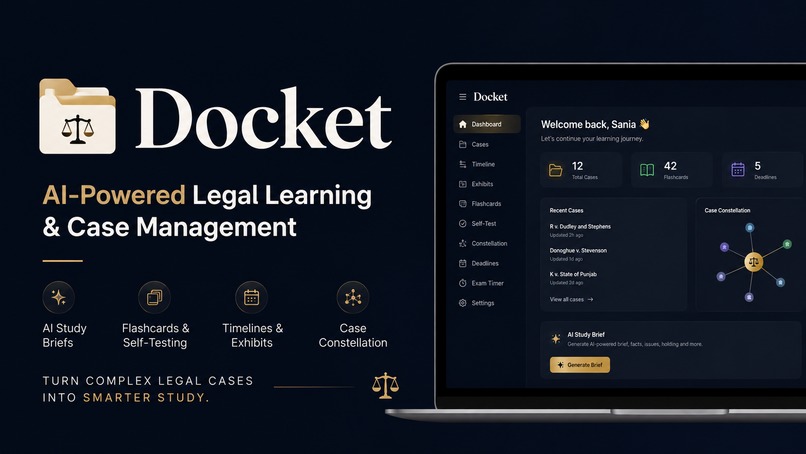
Docket
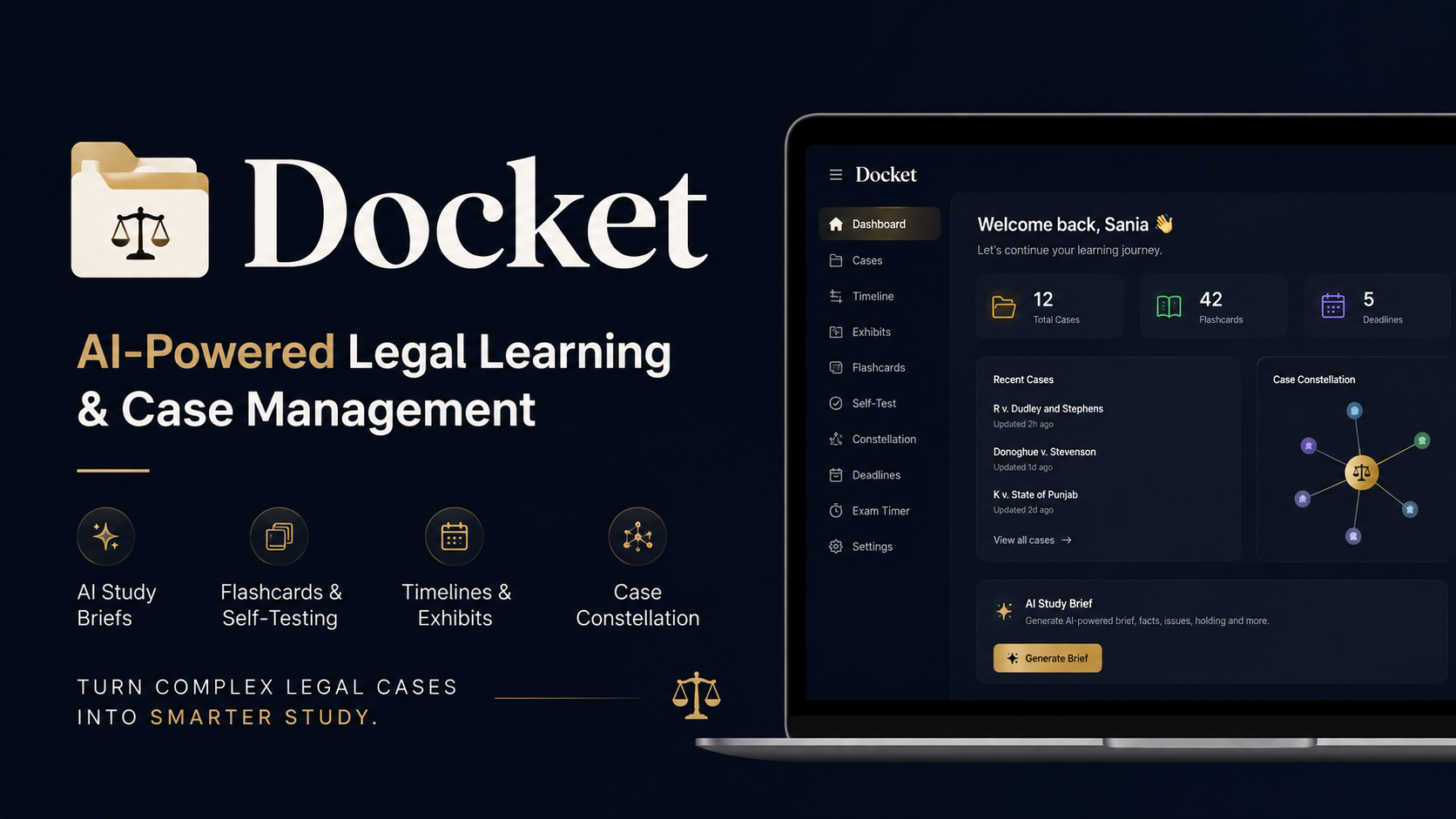
💡 Inspiration
Law students deal with lengthy case judgments, scattered notes, exhibits, timelines, and study materials across different tools. Managing all of this while preparing for exams can make legal study unnecessarily complicated.
We built Docket to bring this workflow into one focused workspace — making complex legal cases easier to organize, understand, and study.
⚖️ What it does
Docket is an AI-powered legal case management and study platform designed for law students.
With Docket, students can:
- 📑 Create structured case briefs
- 📎 Organize exhibits, including images, videos, and PDFs
- 🕐 Build case timelines to understand events chronologically
- 🧠 Create and review flashcards
- ⏱️ Use an exam timer for focused preparation
- 🏷️ Organize cases and information with tags and visual connections
- 📊 Manage their study workflow from a centralized dashboard
Instead of switching between multiple tools, students can keep their case materials and study workflow together in one place.
🛠️ How we built it
Docket is a full-stack web application built with:
- ⚛️ Next.js
- 🔷 TypeScript
- ⚛️ React
- 🎨 Tailwind CSS
- 🍃 MongoDB
- 🟢 Node.js
We designed the application around the actual workflow of studying legal cases. Cases, exhibits, timelines, and study materials are treated as connected parts of one workspace rather than isolated features.
The architecture is modular, allowing different parts of the application to work independently while sharing the underlying case data.
🚧 Challenges we ran into
One of our biggest challenges was figuring out how to organize different types of legal information without overwhelming the user.
A single case can contain structured information, long-form notes, multimedia exhibits, chronological events, and study materials. We needed to make all of these accessible while keeping the interface intuitive.
We also faced challenges with:
- 📁 Handling different types of files
- 🗄️ Structuring complex case data
- 🔗 Connecting multiple features into one workflow
- 🧩 Managing frontend and backend interactions
- 🎨 Maintaining a simple UX as functionality expanded
- 🚀 Testing and deploying the complete application
We also had to learn when not to add another feature. Keeping Docket focused was just as important as making it functional.
🏆 Accomplishments that we're proud of
We're proud that Docket became a working end-to-end product rather than remaining an idea or UI prototype.
We're particularly proud of:
- 🚀 Building a complete full-stack application
- ⚖️ Combining legal case management and study tools
- 📎 Supporting multiple types of case exhibits
- 🕐 Creating a dedicated timeline for case events
- 🧠 Adding tools that support active-recall learning
- 🎨 Creating a focused and practical interface
- 🌐 Deploying Docket as a usable web application
Most importantly, Docket is built around a genuine problem: helping law students manage the complexity of studying cases.
📚 What we learned
We learned that building a strong product isn't simply about adding more features.
Throughout development, we learned how frontend architecture, backend services, databases, file handling, APIs, and deployment need to work together to create a reliable application.
We also learned the importance of designing around a user's workflow.
A feature can be technically impressive, but if it adds unnecessary complexity, it can make the overall product worse.
🚀 What's next for Docket
We want to continue developing Docket into a more complete legal learning and knowledge-management platform.
Our next steps include:
- 🤖 Improving the AI capabilities within the existing workflow
- 🔗 Creating stronger connections between cases, legal concepts, evidence, and study materials
- 🧠 Helping students move from collecting information → understanding it → remembering it
- 📈 Expanding the platform while keeping the experience focused and intuitive
Our long-term vision is for Docket to become a digital workspace where law students can manage their entire case-study workflow in one place.
Docket — making complex legal cases easier to organize, understand, and study. ⚖️🧠

Log in or sign up for Devpost to join the conversation.