-
-
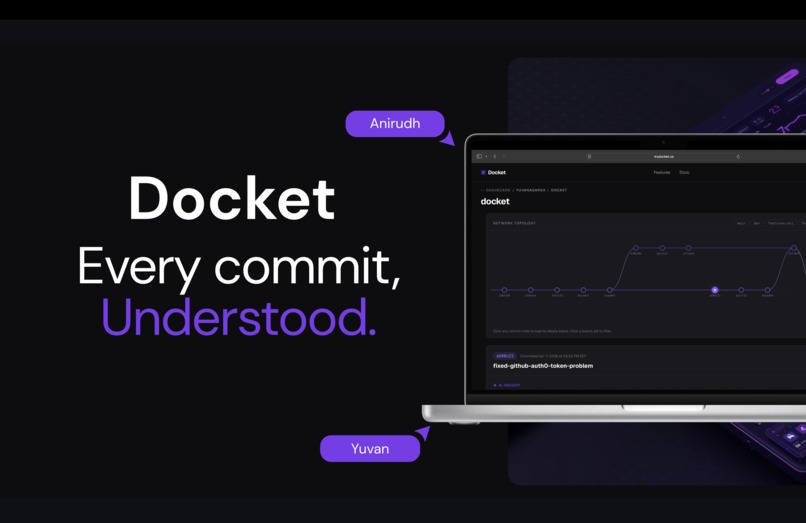
Thumbnail
-
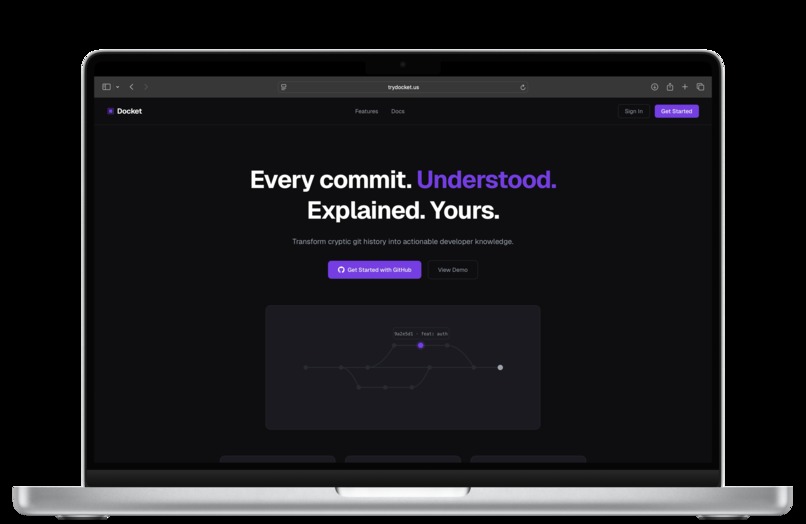
Home Page
-
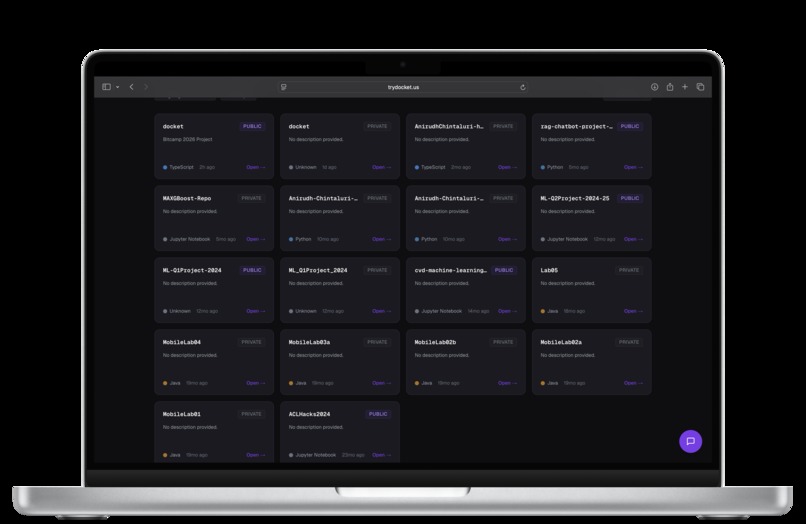
Repository View
-
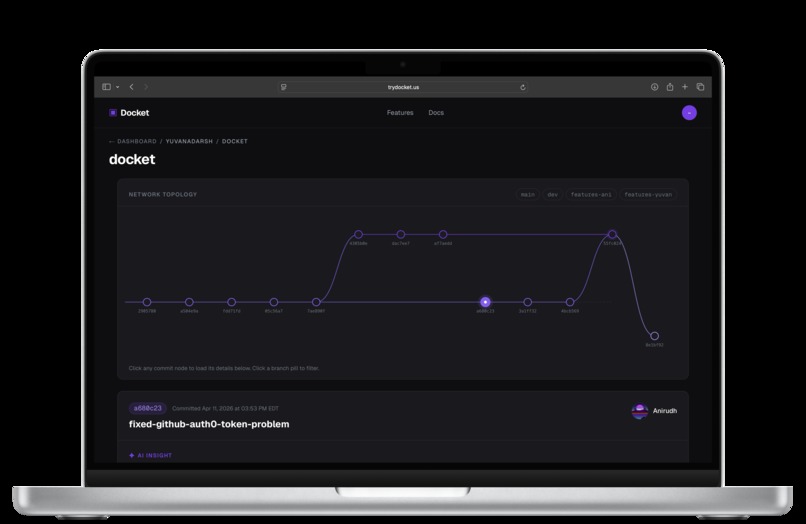
Commit View
Docket
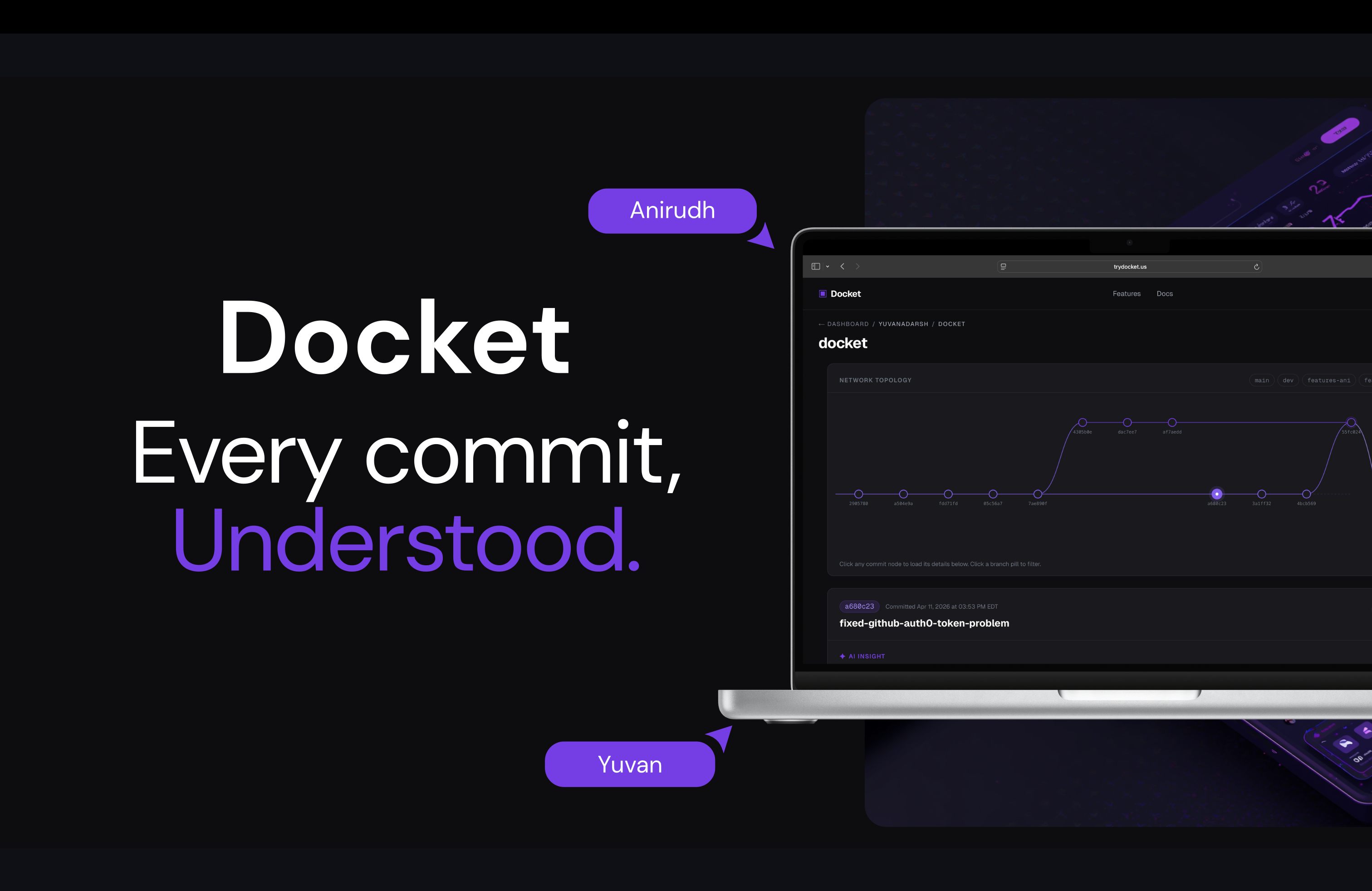
Every commit, understood. Try now at trydocket.us
Inspiration
GitHub gives us a lot. We know what's being committed in a repository through our commit history. We know exactly who is pushing those changes. But there's one critical thing missing: the why.
Six months down the line, a developer may not remember exactly why they made a particular change. A refactor that seemed obvious in the moment becomes a mystery. An architectural decision made under deadline pressure leaves no trace of its reasoning. That institutional knowledge quietly disappears when a developer leaves a project — and no tool has solved that problem, until now.
That's why we built Docket. We believe every commit deserves a story, not just a diff.
What It Does
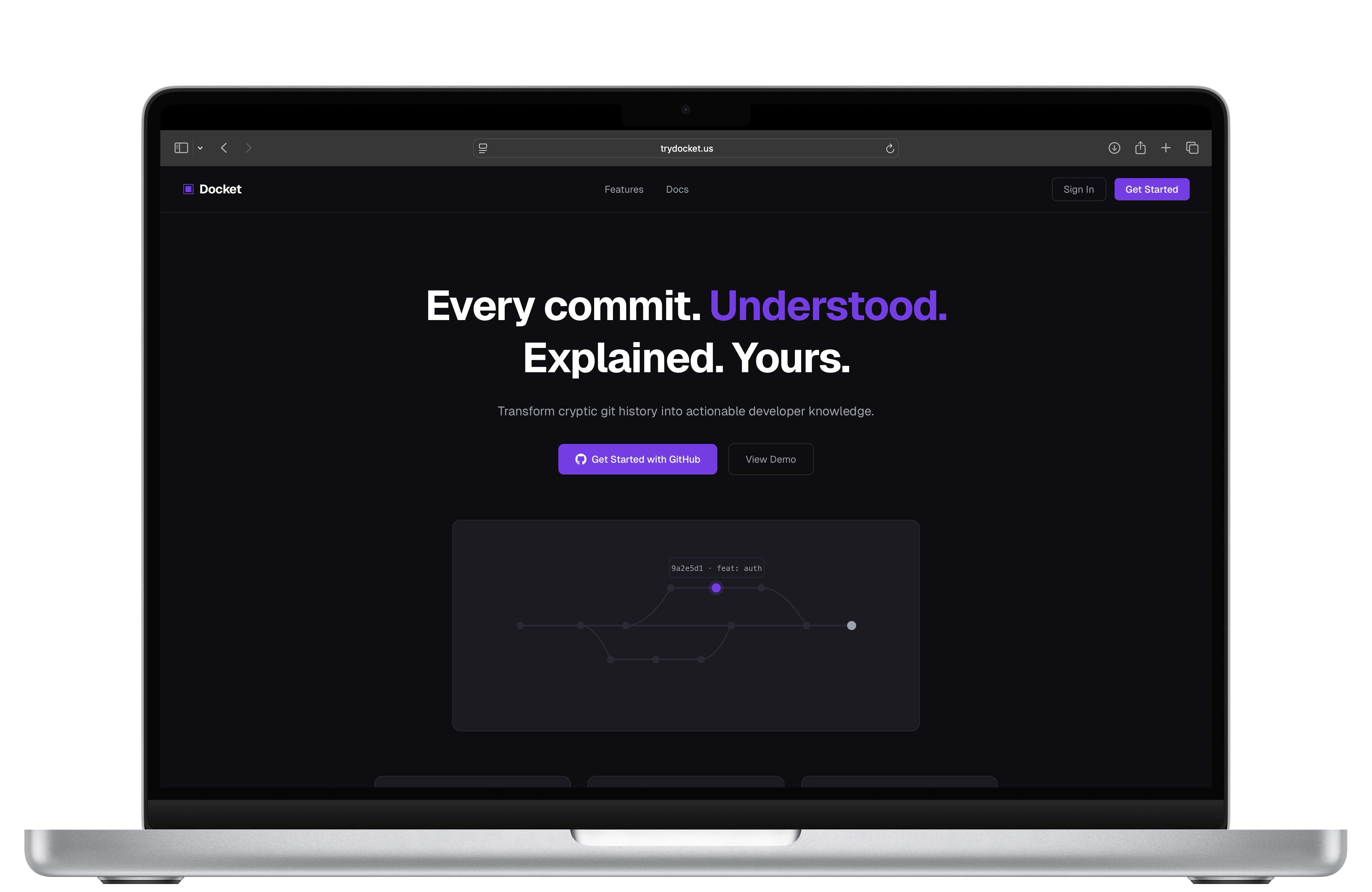
Docket is a web app that gives developers a visual, AI-summarized history of their GitHub repositories. Here's what it does:
- GitHub OAuth via Auth0 — Sign in securely with your GitHub account in one click. Docket requests access to both public and private repositories.
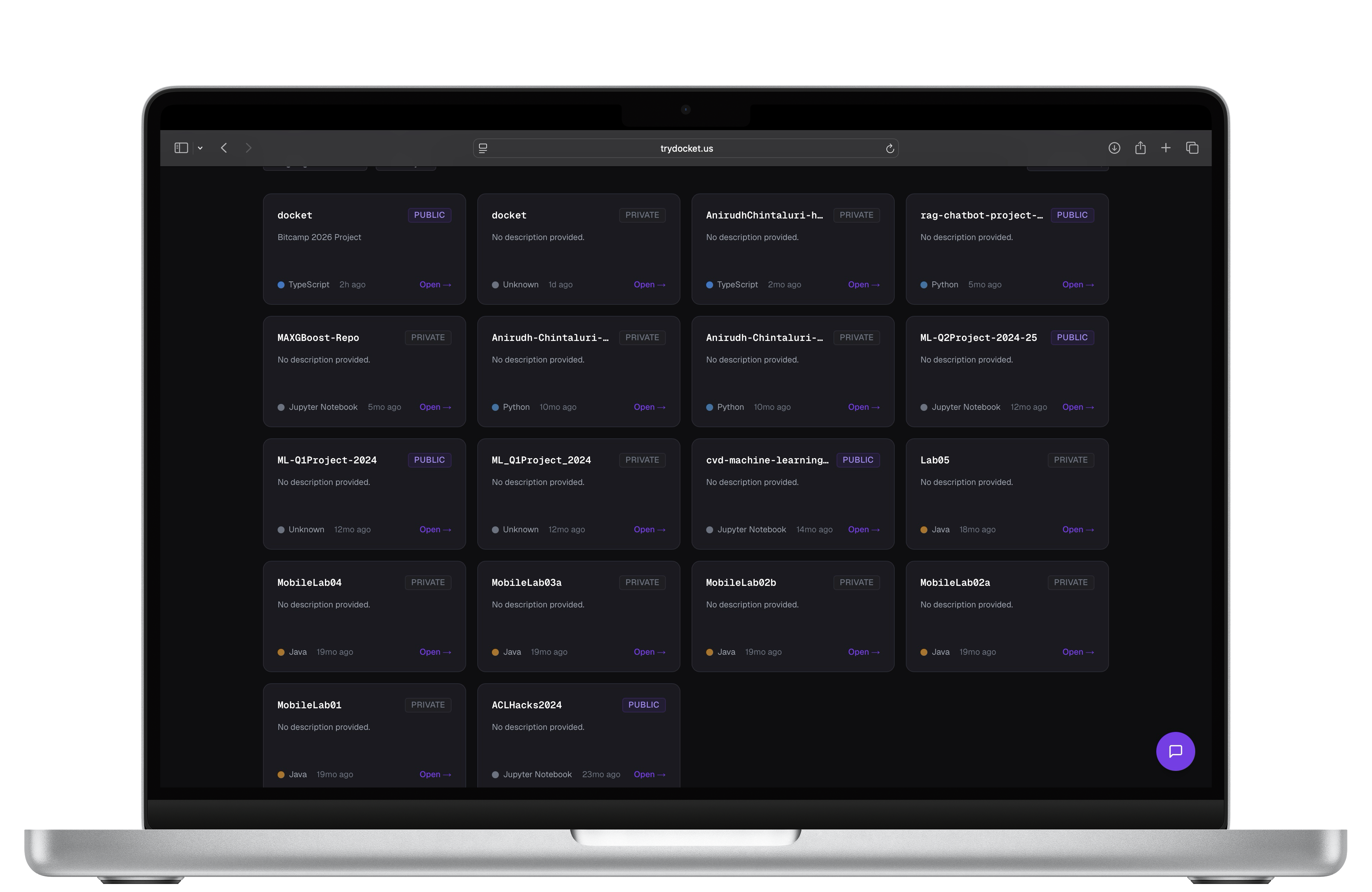
- Repository Dashboard — All your repos are displayed as browsable cards with live stats, including a real-time count of how many commits across your repos are still undocumented.
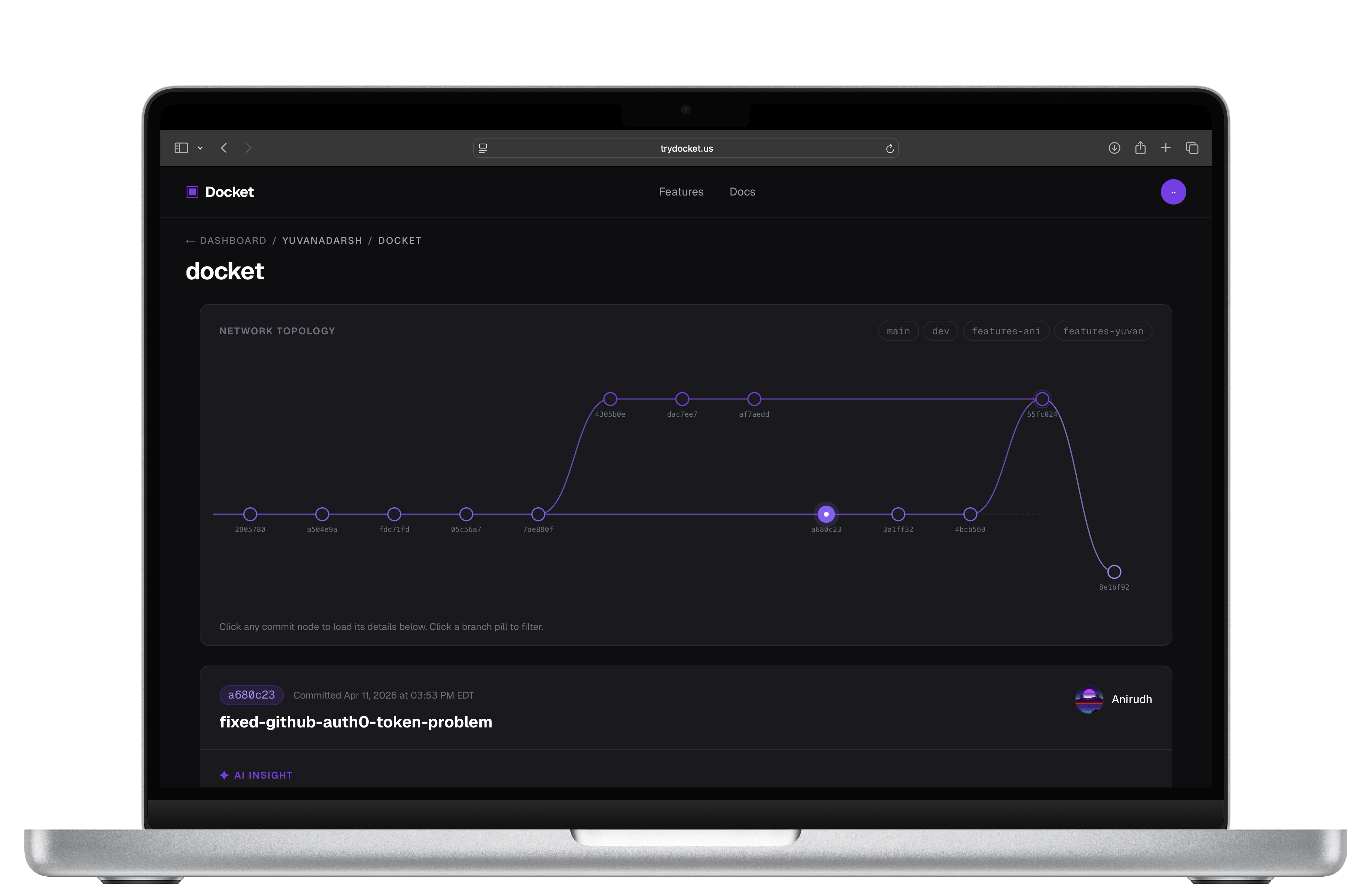
- Interactive Branch Graph — Each repository renders a full visual commit and branch history graph, built with SVGs. Hover over any node to preview the commit, click to dive in.
- AI Commit Summaries — Powered by Gemini, Docket generates plain-language summaries for each commit by comparing it to the immediately previous commit on the same branch. No more squinting at raw diffs — Docket explains what functionally changed, so you can understand it six months later.
- Developer Notes — Each commit has a freeform notes field where developers can write their own explanation of why they made that change. Notes are saved to Supabase and persist permanently alongside the commit record. This also gives developers a way to correct or supplement any AI hallucinations.
- TerpAI Assistant — A built-in AI assistant that answers general questions about your overall GitHub profile — great for professors and students who use Git heavily in their coursework and want to quickly understand activity patterns across their repositories.
- Deployed and Live — Docket is fully deployed at trydocket.us, scaled and hosted on Vercel.
How We Built It
We built Docket over 36 hours at Bitcamp @ UMD using the following stack:
| Layer | Technology |
|---|---|
| Framework | Next.js (App Router) |
| Styling | Tailwind CSS |
| Auth | Auth0 (GitHub OAuth, Google OAuth, email/password) |
| Database | Supabase (developer notes + commit metadata) |
| GitHub Data | GitHub REST API v3 |
| Visualization | SVGs |
| AI Summaries | Gemini API |
| Deployment | Vercel |
We structured our work in timed sprints: auth and login in the first six hours, the repo dashboard and GitHub API integration next, then the bulk of our time on the SVG branch graph, followed by the commit detail panel and AI integration, and finally polish and error handling before the demo.
Challenges We Ran Into
Connecting the Auth0 session to the GitHub API was by far the most painful part of the build. We needed to retrieve the GitHub access token from Auth0 to make authenticated API calls on the user's behalf. Every time we fetched the Auth0 identities object, we got everything — provider, user ID, connection — except access_token, the one field the entire app depended on. We tried Claude Opus 4.6, Claude Sonnet 4.6, and Gemini 2.0 Pro across multiple sessions, and all of them pointed us in the wrong direction. What followed was 9 hours of debugging and us completely losing our minds all night. The fix turned out to be a single missing scope: read:user_idp_tokens. Auth0 deliberately strips identity provider tokens from API responses unless this scope is explicitly requested — it is not covered by read:users, despite what you'd reasonably assume. The Auth0 documentation exists, but it isn't where you'd look first, and nothing in the error messages points you there. But it doesn't end there. Entering the final hours of the hackathon, right when we had a stable version, the codebase suddenly crashed due to auth0 environment errors. We had to work around all of the different commits and scramble to find a stable version.
Merge conflicts and cross-team integration were a close second. With frontend and backend developed in parallel across separate branches, keeping interfaces in sync — API response shapes, session data structures, error handling contracts — required constant communication. Several merge conflicts came down to the same files being touched simultaneously from both sides, and resolving them without breaking either layer took more time than we anticipated. Getting two independently working halves to behave as one coherent product under time pressure was its own challenge.
Accomplishments That We're Proud Of
- Shipping a fully deployed, live product at trydocket.us within 36 hours. It's not just a demo running on localhost.
- Building a working GitHub authentication service using auth0, allowing anyone to sign in and use the app right away using their GitHub information.
- Integrating AI summaries that actually explain why commit changes were made, rather than just restating the diff.
- Creating a product that solves a real, universal problem every developer faces — and doing it in a way that feels simple and intuitive to use.
- Adding TerpAI, a genuinely useful assistant layer for students and professors navigating their GitHub activity to further assist with project progression in coursework and research alike.
What We Learned
We learned how much complexity hides inside what seems like a simple idea. Visualizing commit history is easy to describe and hard to implement — branch graphs, parent hashes, and merge commits have a lot of edge cases that only reveal themselves once you're deep in the data.
We also learned to respect the limits of AI. The developer notes field exists precisely because AI summaries are a starting point, not the final word. Building a product that treats AI as a collaborator rather than an authority made for a much more honest and useful tool.
Finally, we learned how to ship fast without cutting corners on the things that matter — auth, data persistence, and the core user flow. Everything else is polish.
What's Next for Docket
- Bug & Vulnerability Reports — A third tab in the commit detail panel that sends the commit's code to an AI model and returns a structured report of potential bugs and security vulnerabilities, giving developers a code review layer right inside their commit history.
- Team Collaboration — Allowing multiple developers on a shared repository to each add their own notes and see each other's annotations, turning Docket into a living knowledge base for the whole team.
- Onboarding Mode — A guided view for new developers joining a project, surfacing the most important commits and their notes to accelerate ramp-up time.
- Broader Git Platform Support — Extending beyond GitHub to GitLab and Bitbucket.
- Broader User Interface Support — Implementing the same features as a Visual Studio Code Extension.
Built at Bitcamp @ UMD 2026 by Yuvan Adarsh Jagannathan and Anirudh Chintaluri.
Built With
- auth0
- gemini
- next.js
- supabase
- terpai
- typescript
- vercel


Log in or sign up for Devpost to join the conversation.