-
-
screenshot-0
-
screenshot-1
-
screenshot-2
-
screenshot-3
-
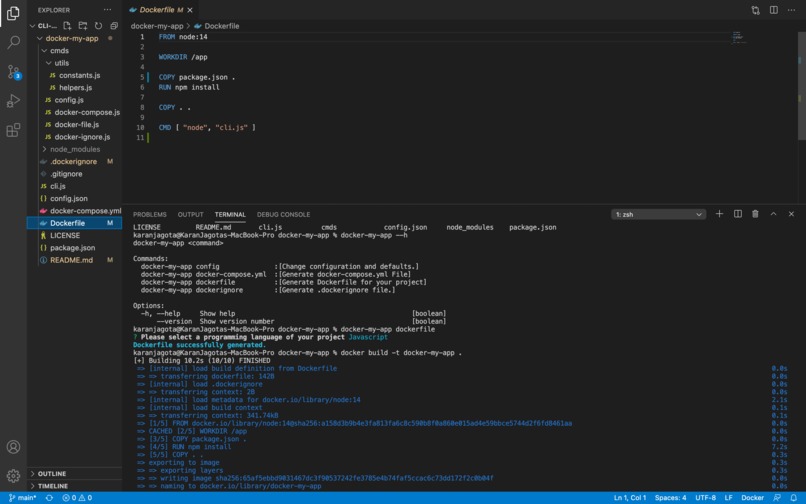
screenshot-5
docker-my-app
Dockerize any software project with just a few clicks.
Command Line Interface for developers to dockerize their app using ChatGPT.
Installation
Run
$ npm install -g docker-my-app
How to get OpenAI API Key?
Go to OpenAI's Platform website at OpenAI and sign in with an OpenAI account. Click your profile icon at the top-right corner of the page and select "View API Keys." Click "Create New Secret Key" to generate a new API key
Usage
First, set the api key by typing
docker-my-app configin the terminal.Go to the project directory and run any of the below commands.
Note The CLI does not provide accurate results, but I believe it can act as a good template for many projects. I realized this after testing out the CLI on different software projects.
But it still works fine, as you need to make a few changes after code generation. Well, I guess ChatGPT is still dumb, or maybe I need to change the prompt.
- Please feel free to suggest ways to improve it. Open an issue for further discussion.
Commands available
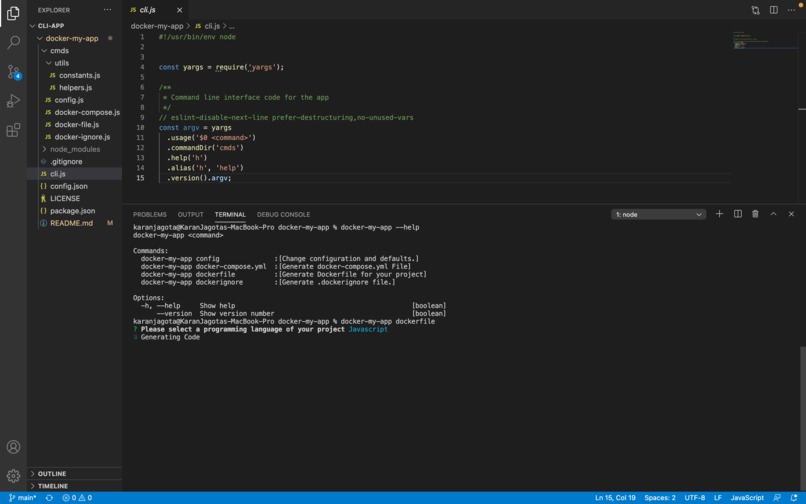
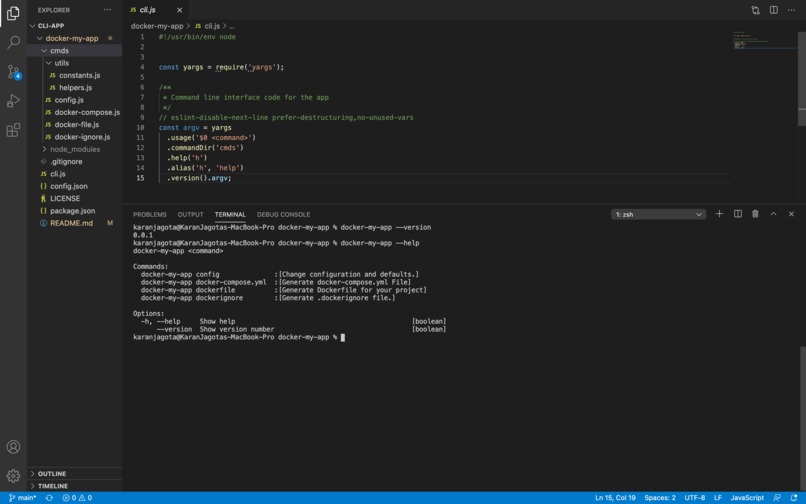
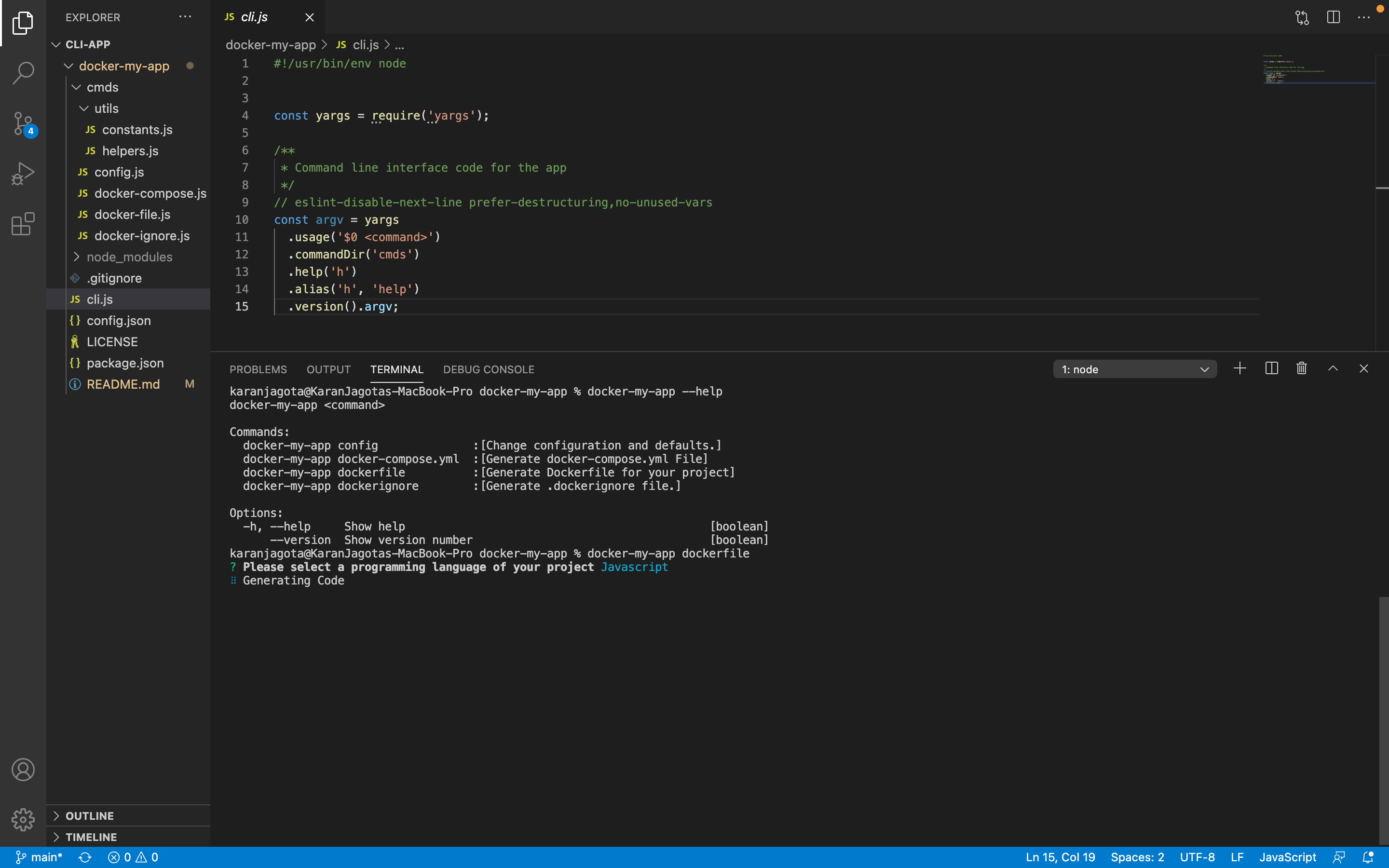
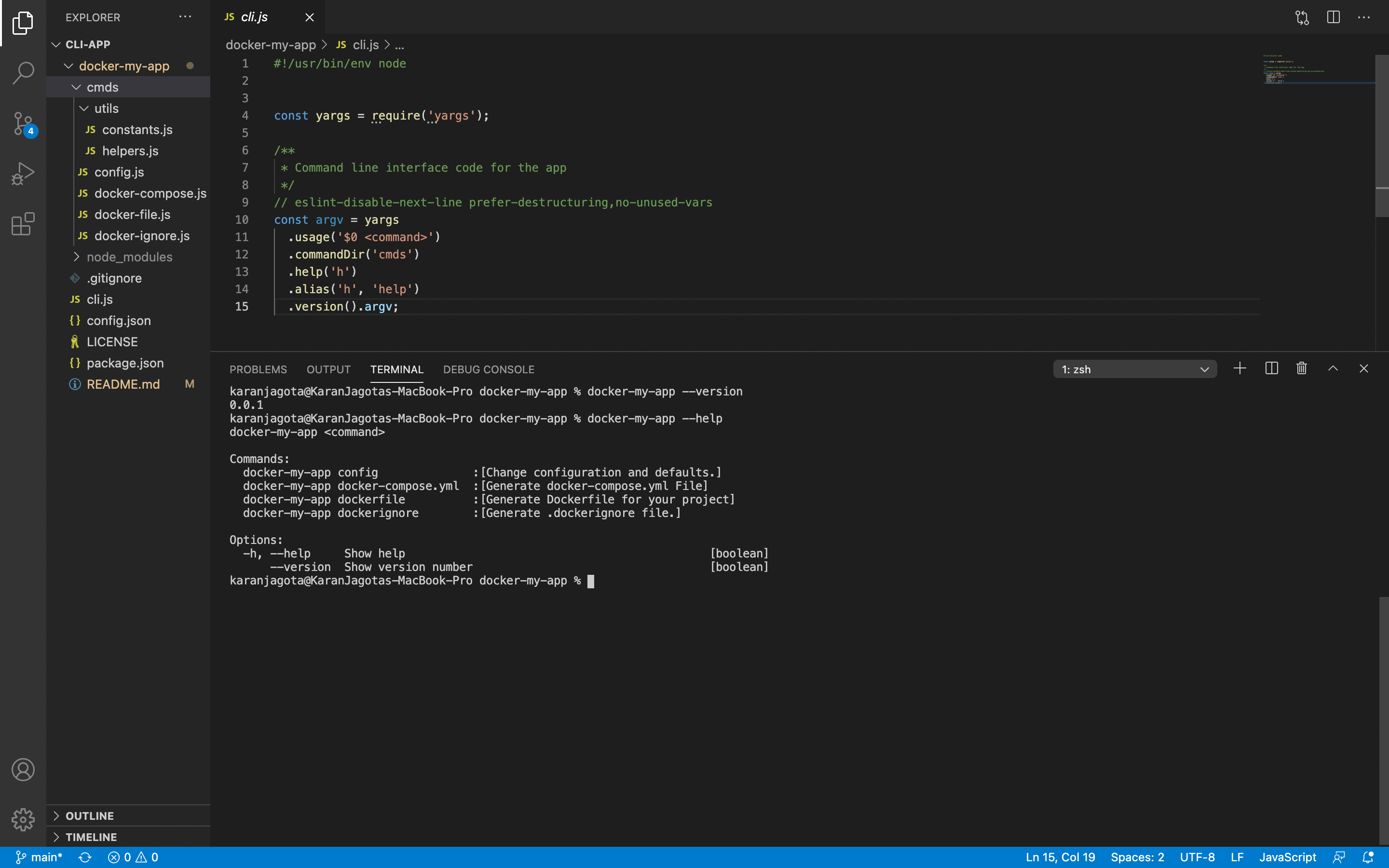
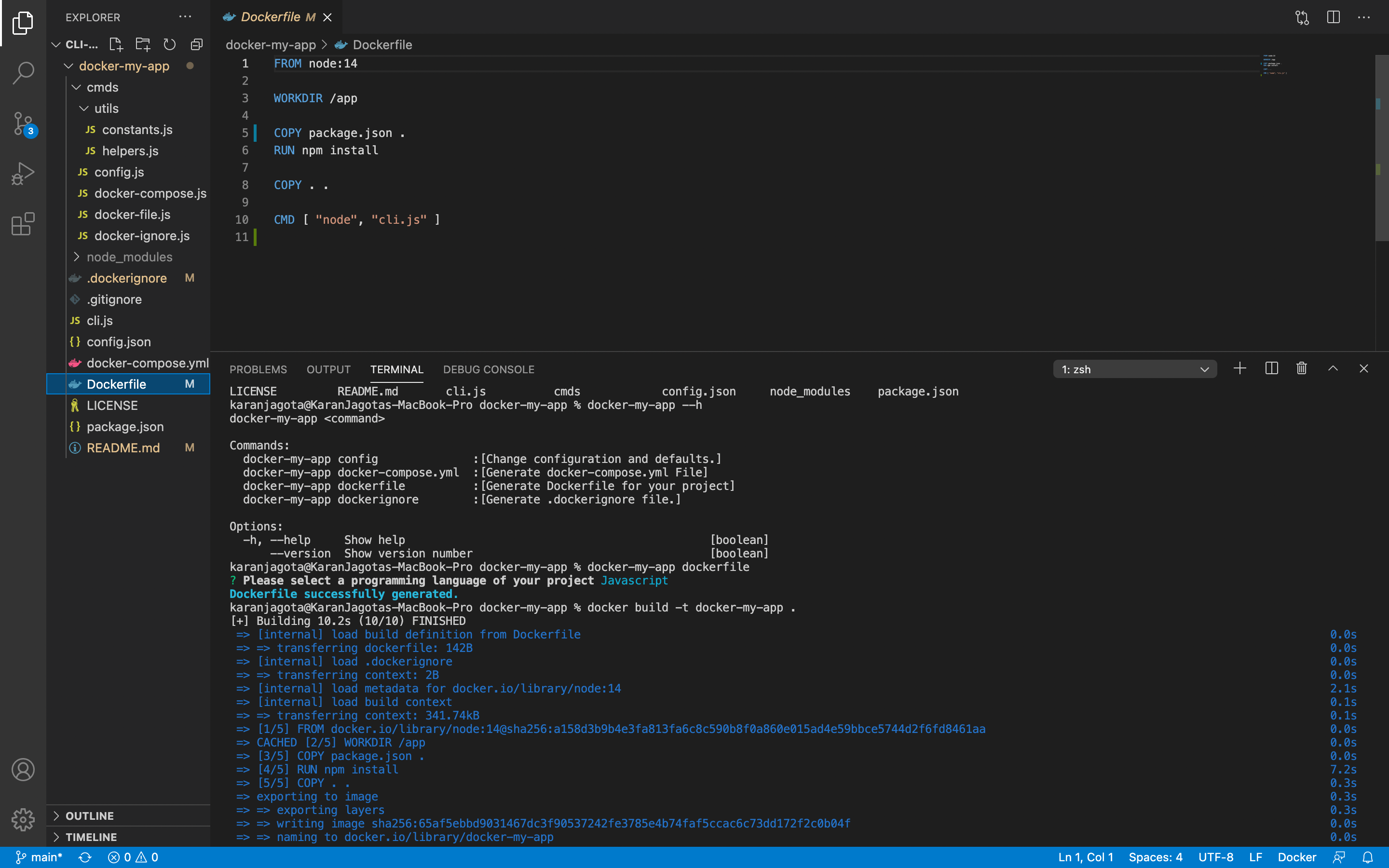
docker-my-app <command>

Commands:
  docker-my-app config                  [Change configuration and defaults]

  docker-my-app docker-compose.yml      [Generate docker-compose.yml file]

  docker-my-app dockerfile              [Generate Dockerfile for your project]

  docker-my-app dockerignore            [Generate .dockerignore File]

Options:
  -h, --help     Show help                                             [boolean]
      --version  Show version number                                   [boolean]
Tips For Developers
Steps to follow for optimal efficiency-
First, set the chatgpt api by typing command
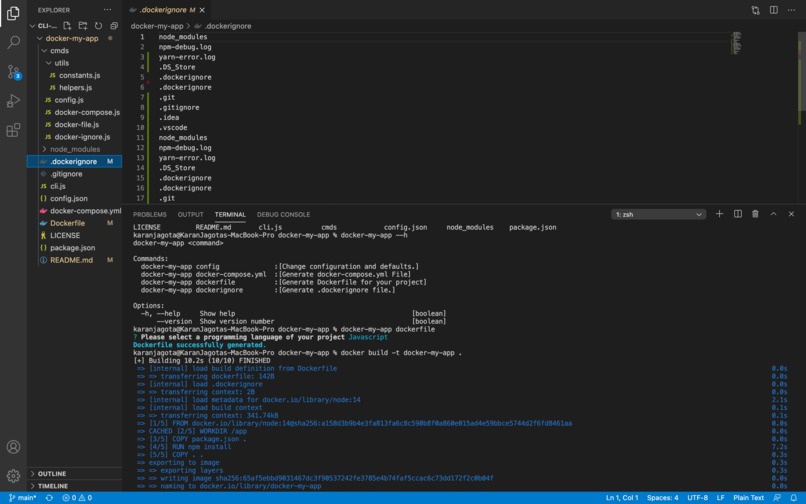
docker-my-app config. Use sudo if required.Create Dockerflie by typing the command
docker-my-app dockerfile. Select the language, choose the dependency file in the case of a framework or the config file in the case of a database, the command will create a Dockerfile and append the code in it.You can use the command as much as possible, the generated code will be appended to the dockerfile.
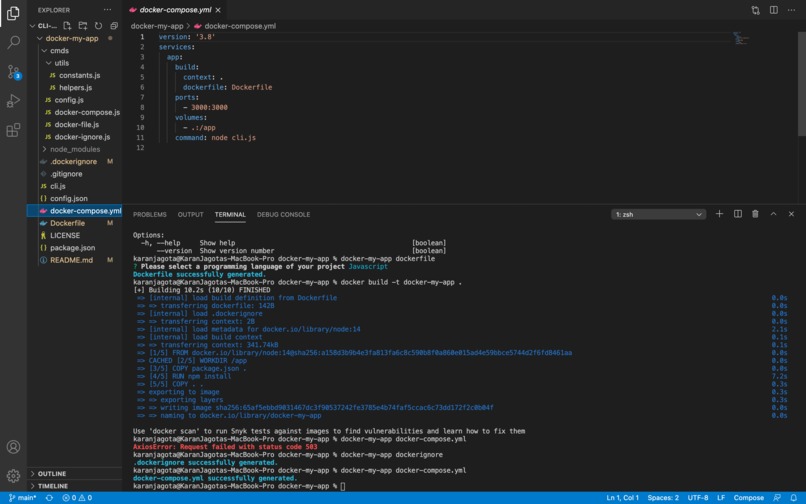
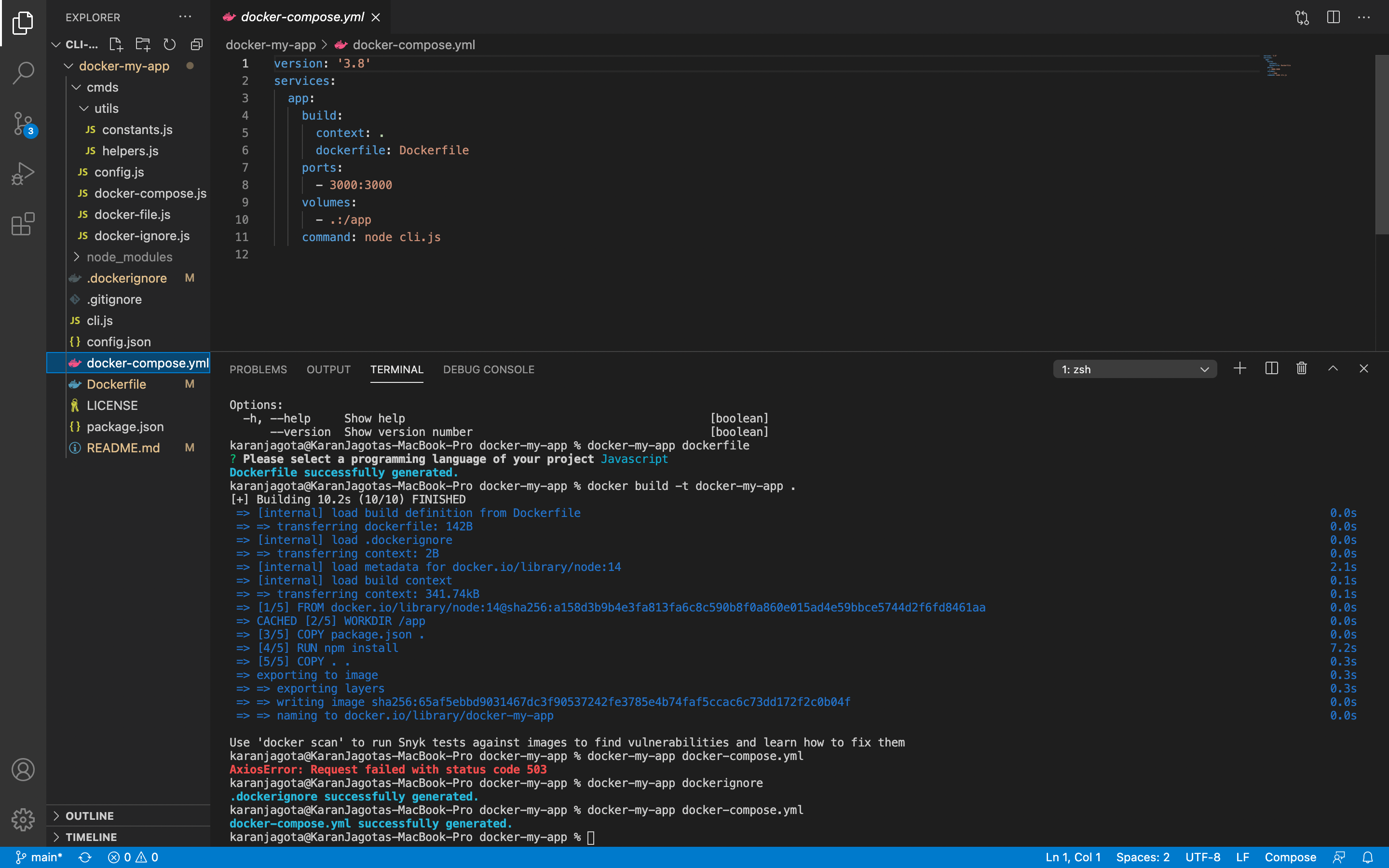
Once you have Dockerfile, Create docker-compose.yml and .dockerignore by typing the below commands-
--
docker-my-app docker-compose.ymland--
docker-my-app dockerignore
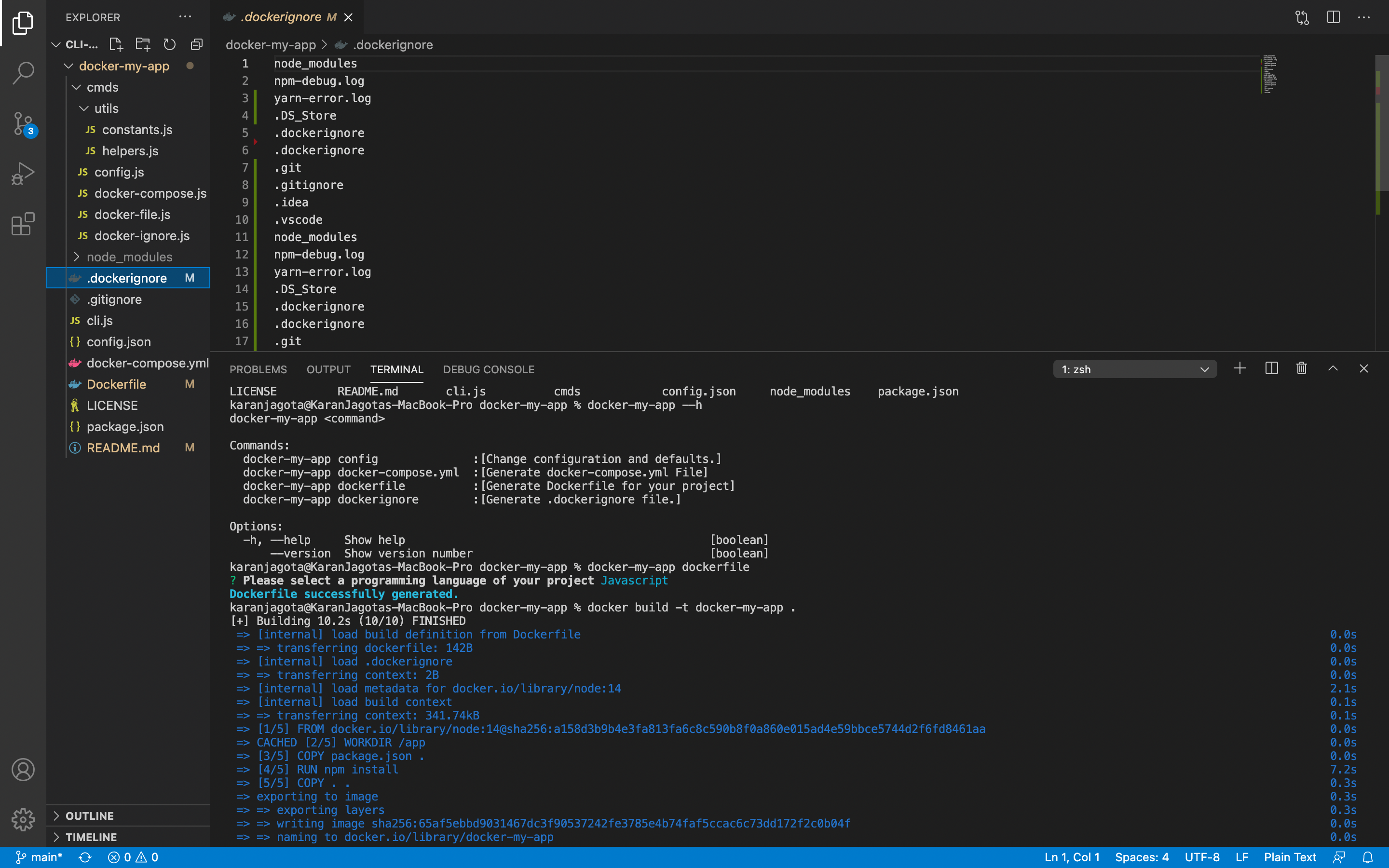
All three files Dockerfile, docker ignore, and docker-compose.yml have been generated with the help of this cli tool.
Command dockerfile
Generate Dockerfile for your project.
Usage: docker-my-app dockerfile

Options:
  -h, --help     Show help                                             [boolean]
      --version  Show version number                                   [boolean]

Examples:
  docker-my-app dockerfile
Command docker-compose.yml
Generate docker-compose.yml file for your project.
Usage: docker-my-app docker-compose.yml

Options:
  -h, --help     Show help                                             [boolean]
      --version  Show version number                                   [boolean]

Examples:
  docker-my-app docker-compose.yml
Command dockerignore
Generate .dockerignore file for your project.
Usage: docker-my-app dockerignore

Options:
  -h, --help     Show help                                             [boolean]
      --version  Show version number                                   [boolean]

Examples:
  docker-my-app dockerignore
Command config
Change configuration and defaults. (Set OpenAI API Key)
Usage: docker-my-app config

Options:
  -h, --help     Show help                                             [boolean]
      --version  Show version number                                   [boolean]

Examples:
  docker-my-app config
Development
Run:
$ git clone https://github.com/karanjagota/docker-my-app.git
$ cd docker-my-app
$ npm link
This will setup a symbolic link to the CLI. Any changes in source files will now be reflected when running the docker-my-app command.
Built With
- chatgpt
- docker
- javascript
- openai


Log in or sign up for Devpost to join the conversation.