-
-
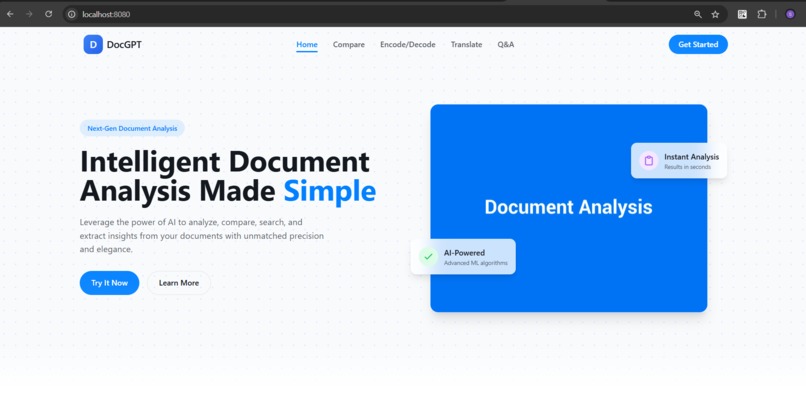
Header
-
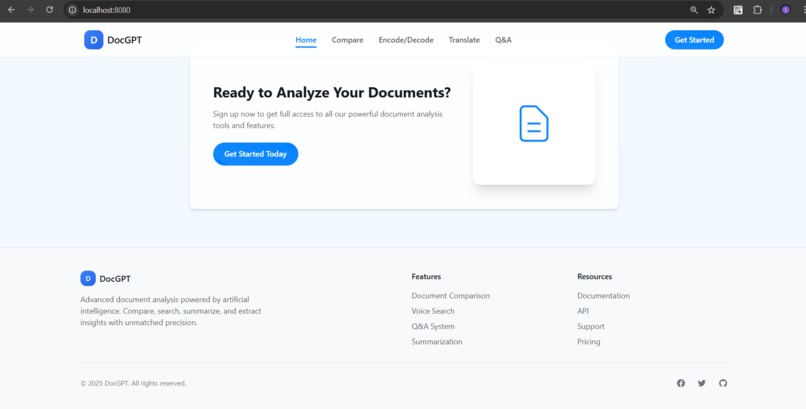
Footer
-
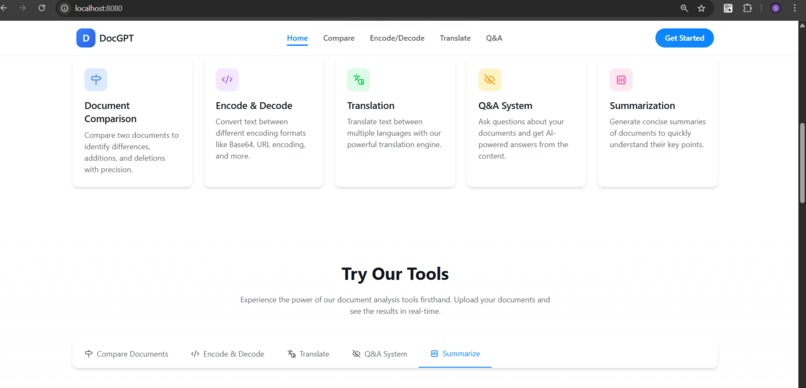
Features
-
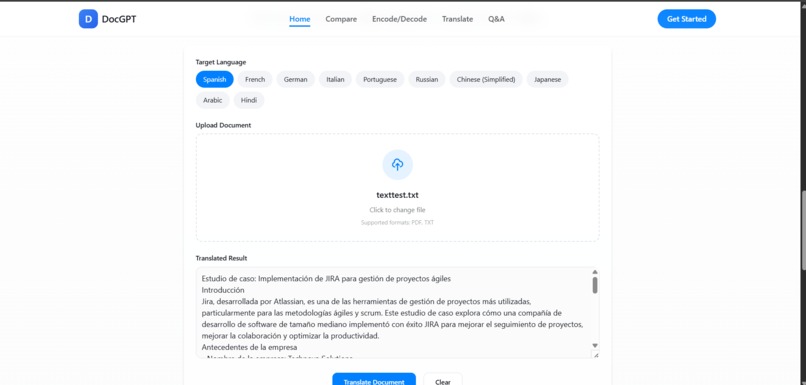
Result
Insp# DocGPT 🧠📄
🚀 Inspiration
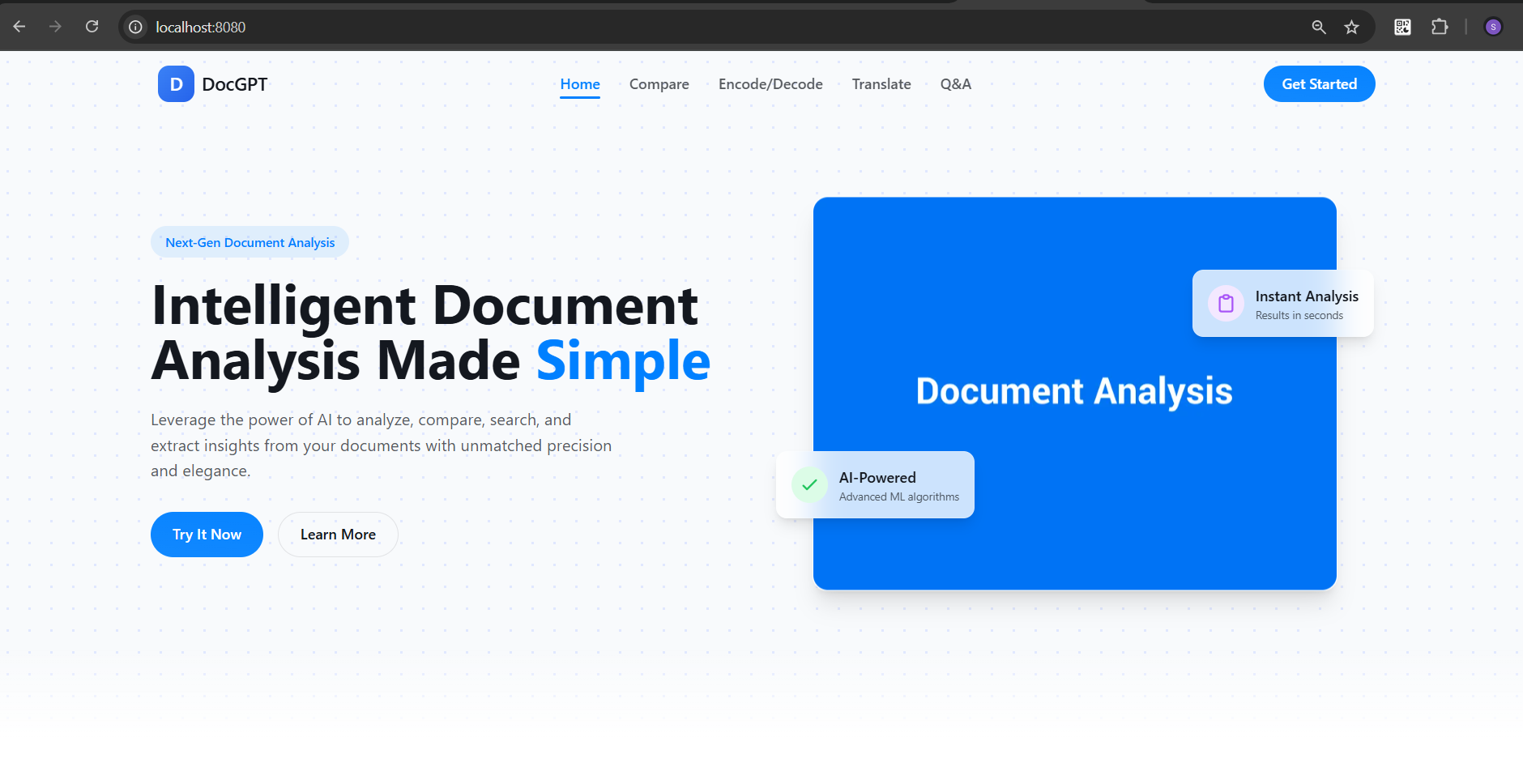
Managing, understanding, and interacting with complex documents (legal, financial, academic, etc.) is often overwhelming. We wanted to build an AI assistant that can read, summarize, answer questions, and collaborate on documents in a natural, intuitive way. This inspired us to create DocGPT — your AI-powered document assistant.
🛠️ What it does
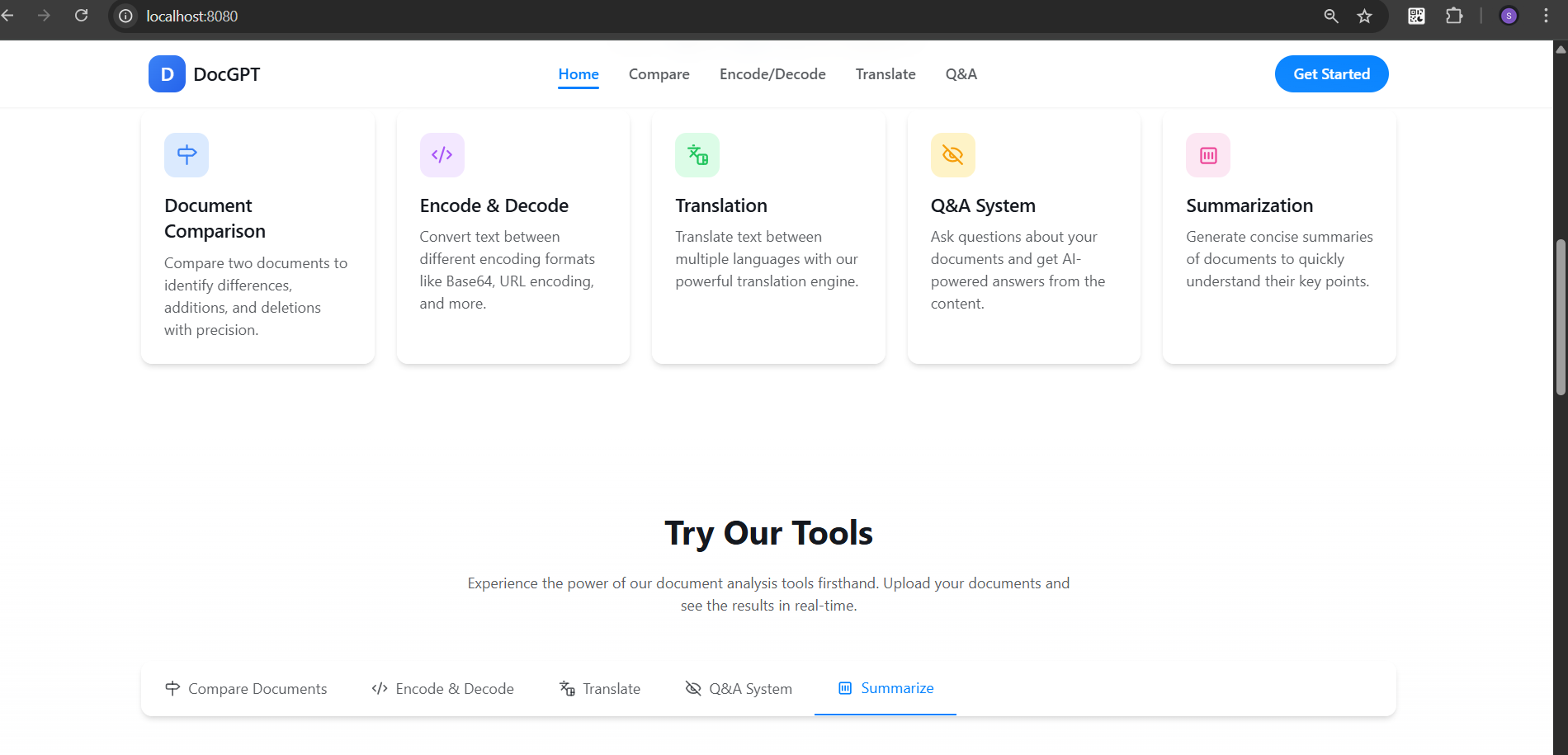
DocGPT allows users to:
- 📄 Upload PDFs, Word docs, and text files
- 💬 Ask questions about the document
- 🧠 Get instant summaries and insights
- 🗂️ Extract key data and sections
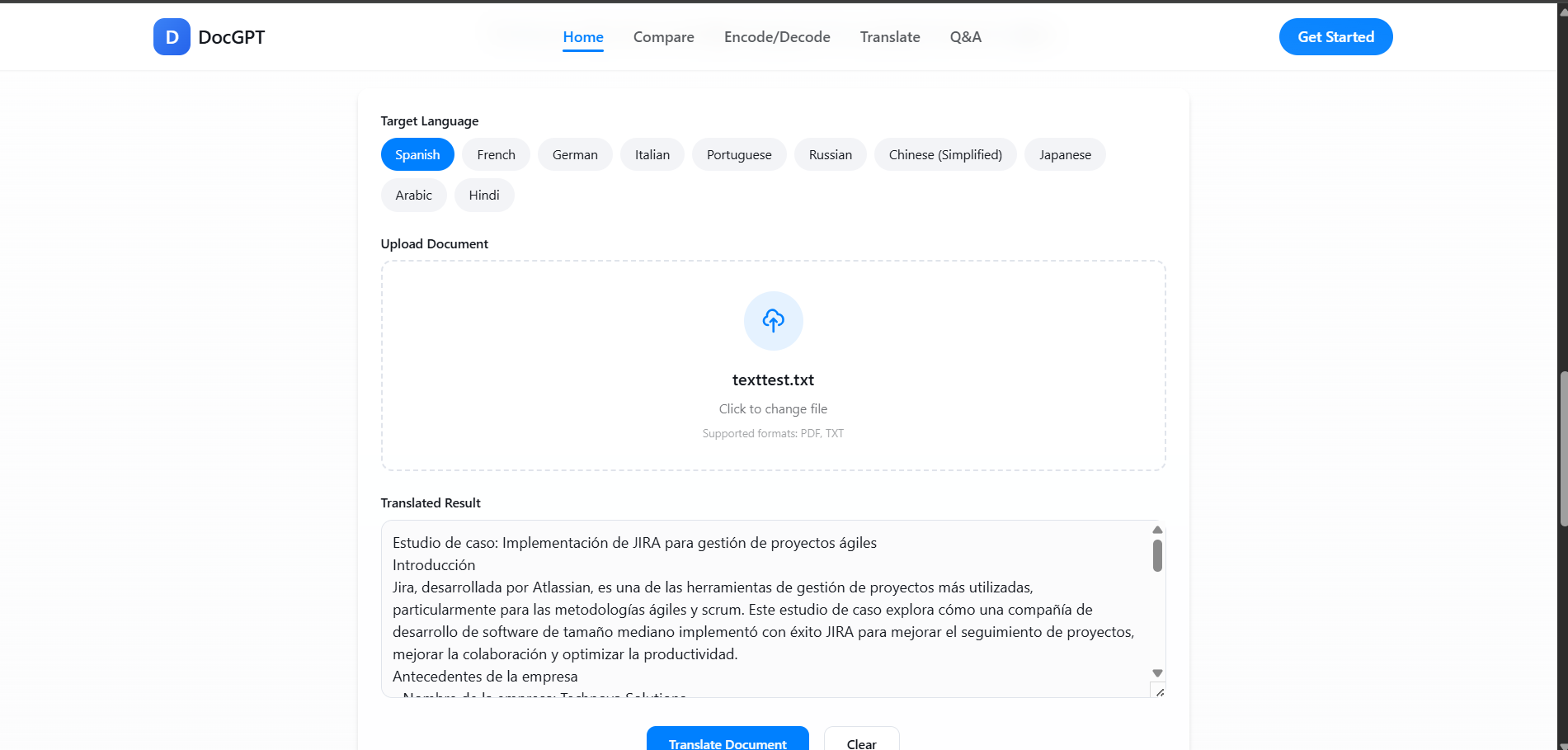
- 🌍 Translate or paraphrase text
- 🧩 Integrate with APIs like Tavus for video explainers or ElevenLabs for voice-based responses
🔧 How we built it
We used:
- Frontend: React with Tailwind CSS for a clean, intuitive UI
- Backend: Flask (Python) with document parsing
Challenges we ran into
- Managing diverse file formats (PDFs, Word, etc.) and extracting clean text
- Ensuring context is preserved in large documents
- Coordinating real-time interactions across multiple tools and APIs
- Designing a seamless UI while integrating multiple services
Accomplishments that we're proud of
- End-to-end document understanding flow: Upload → Summarize → Interact
- Voice/video integration for accessibility and better understanding
- Dynamic prompt injection via Bolt to customize tasks
- Built a usable MVP in under 48 hours!
What we learned
- How to effectively orchestrate multiple AI services into a single UX
- Importance of prompt engineering for contextual document queries
- The power of multimodal experiences — combining text, audio, and video
What's next for DocGPT
- Team collaboration features (commenting, version control)
- Add secure login and document encryption
- Launch as a Chrome extension & mobile app
- Integrate with Notion, Google Docs, and Slack
- Target enterprise use cases — legal, HR, research firms
Built With
- and-integrating-with-language-models-ai-integration:-?-openai-gpt-api-?-for-document-summarization
- and-natural-language-interactions-file-handling:-?-filereader-+-base64-encoding-?-for-uploading-and-parsing-documents-(e.g.-pdfs
- api-logic
- python
- q&a
- react.js
- vue.js

Log in or sign up for Devpost to join the conversation.