-
-
logo
-
cover
-
open
-
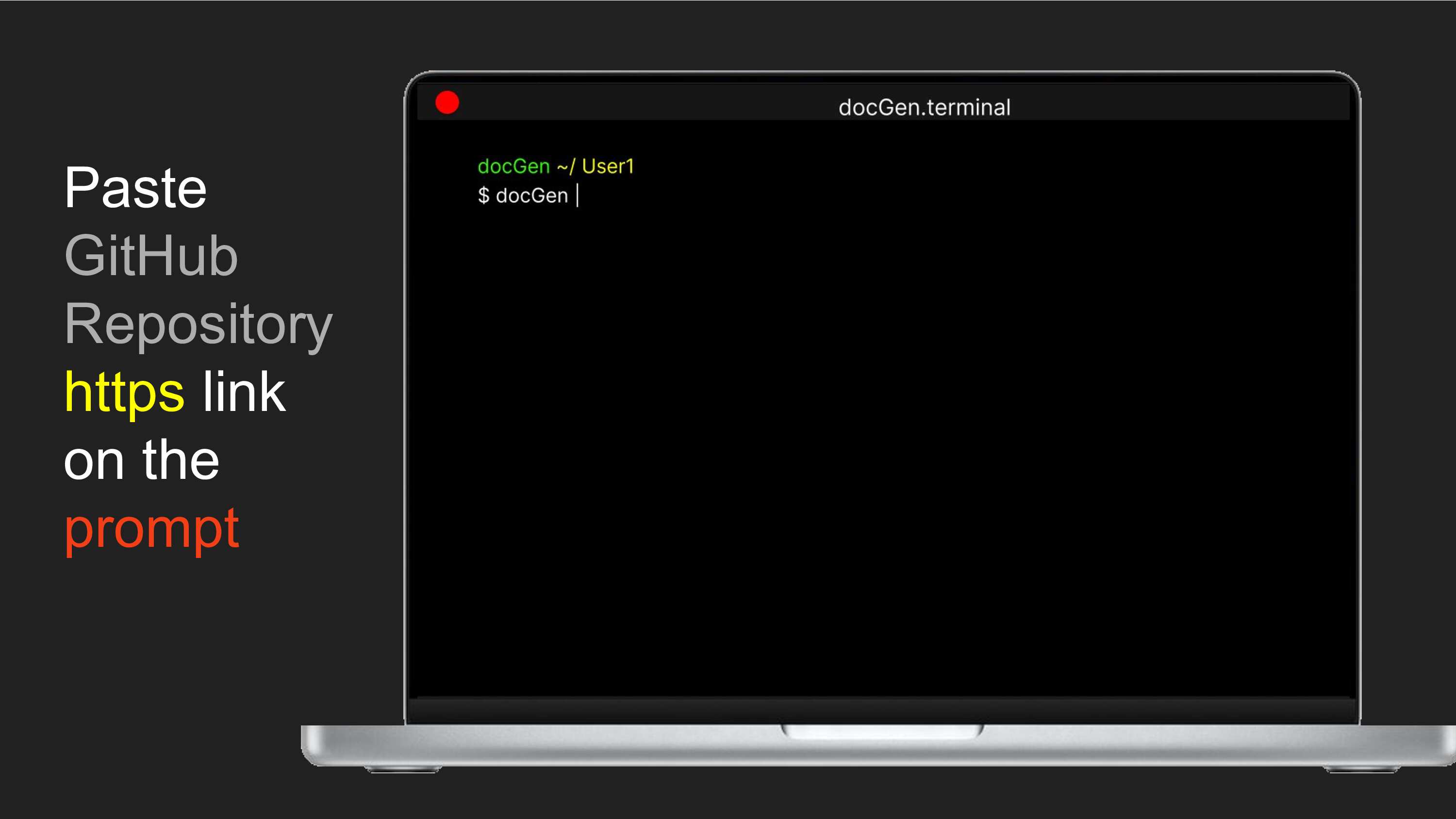
paste
-
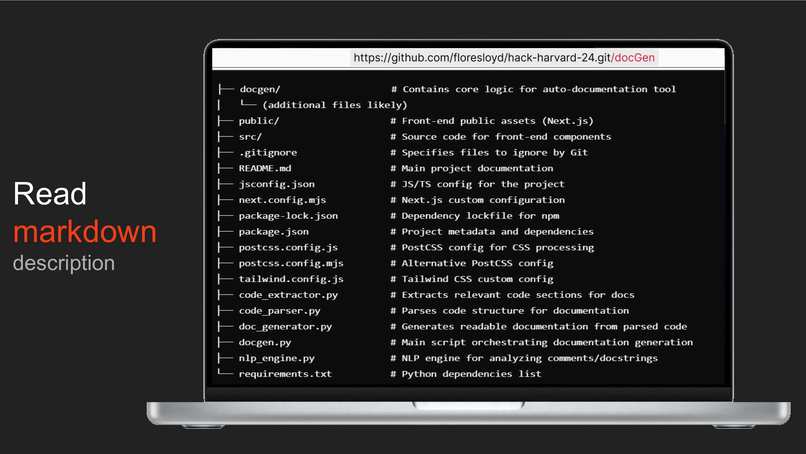
output
-
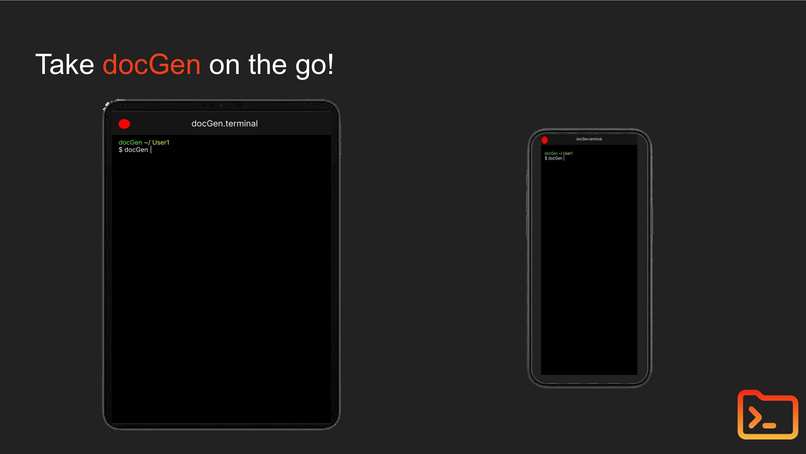
mobile

Inspiration
As devs, we usually don't like the documentation process. It takes time, and is frankly quite boring. Our tool helps jumpstart that process.
What it does
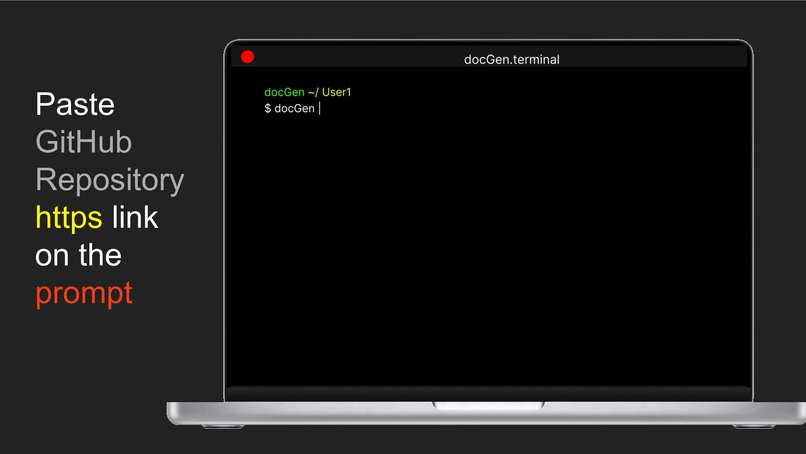
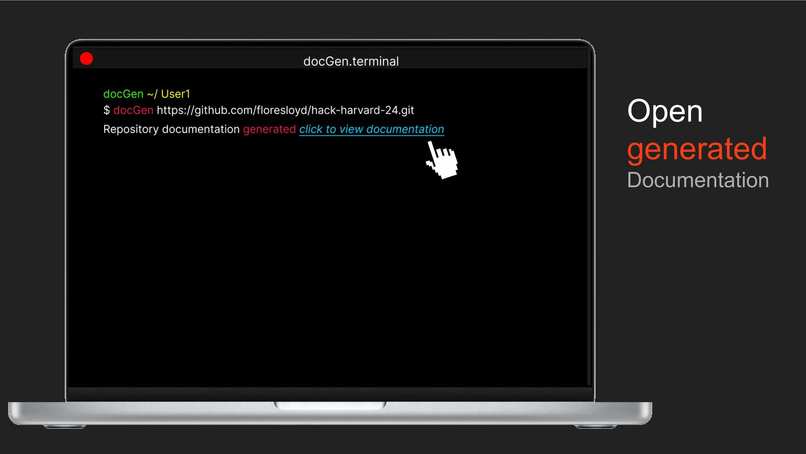
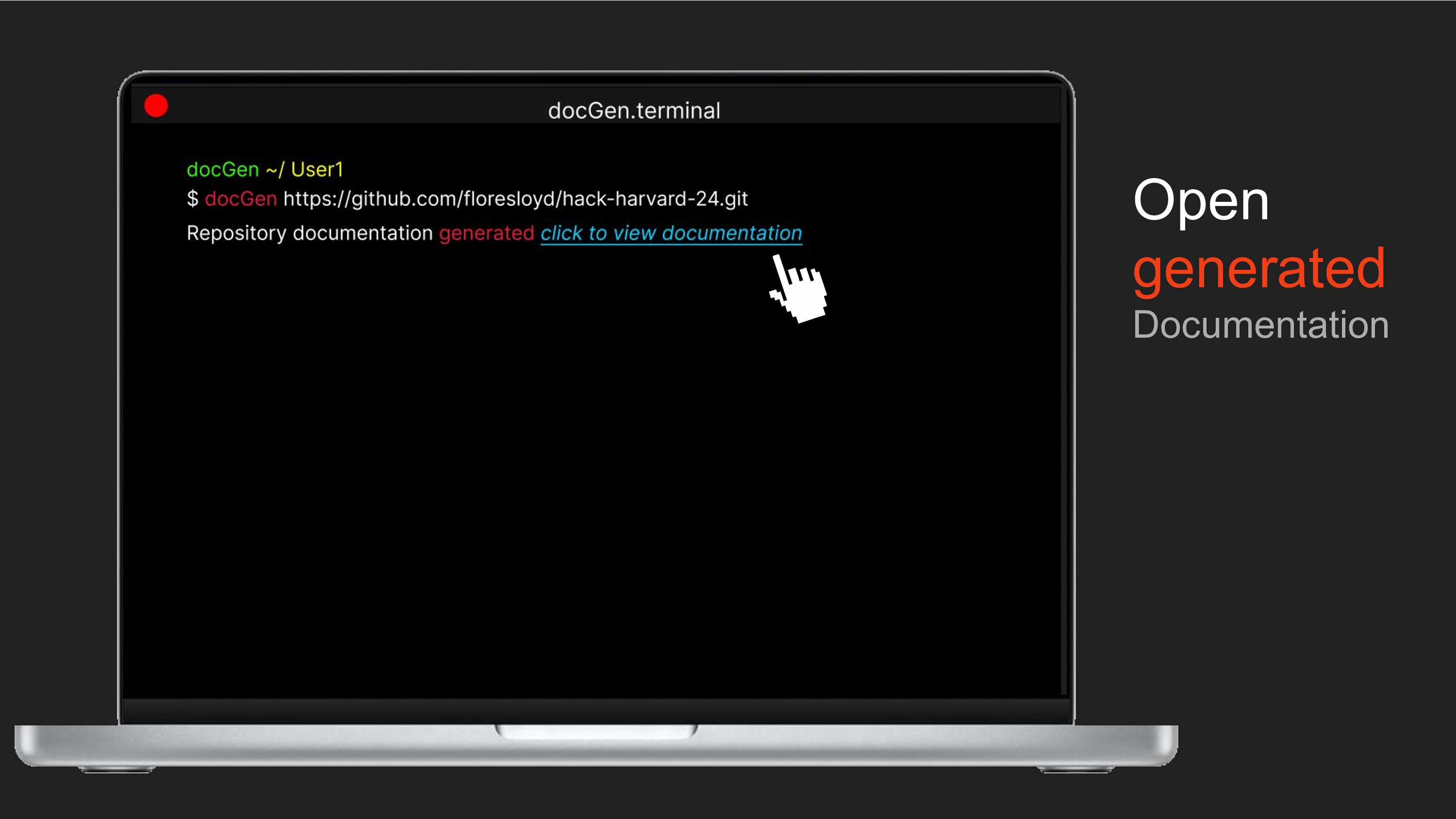
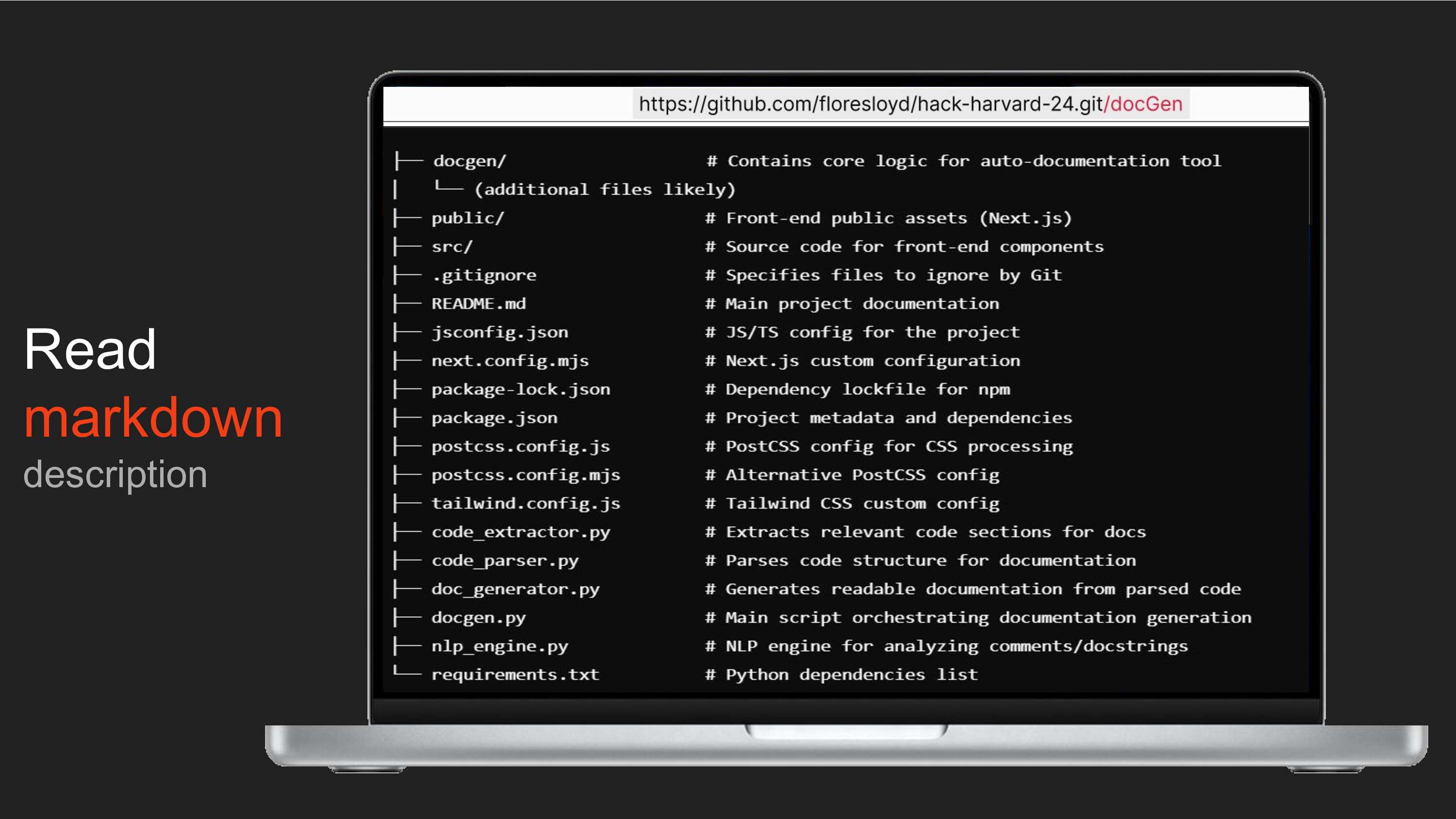
Via CLI (or web browser) a user can input a github repo, and our tool creates a markdown file for each file in that repo. These markdown files contain explanations of the code using ChatGPT-3.5. They also contain snippets of the code with the intention to be a template, allowing the developer to add more info to each function faster.
How we built it
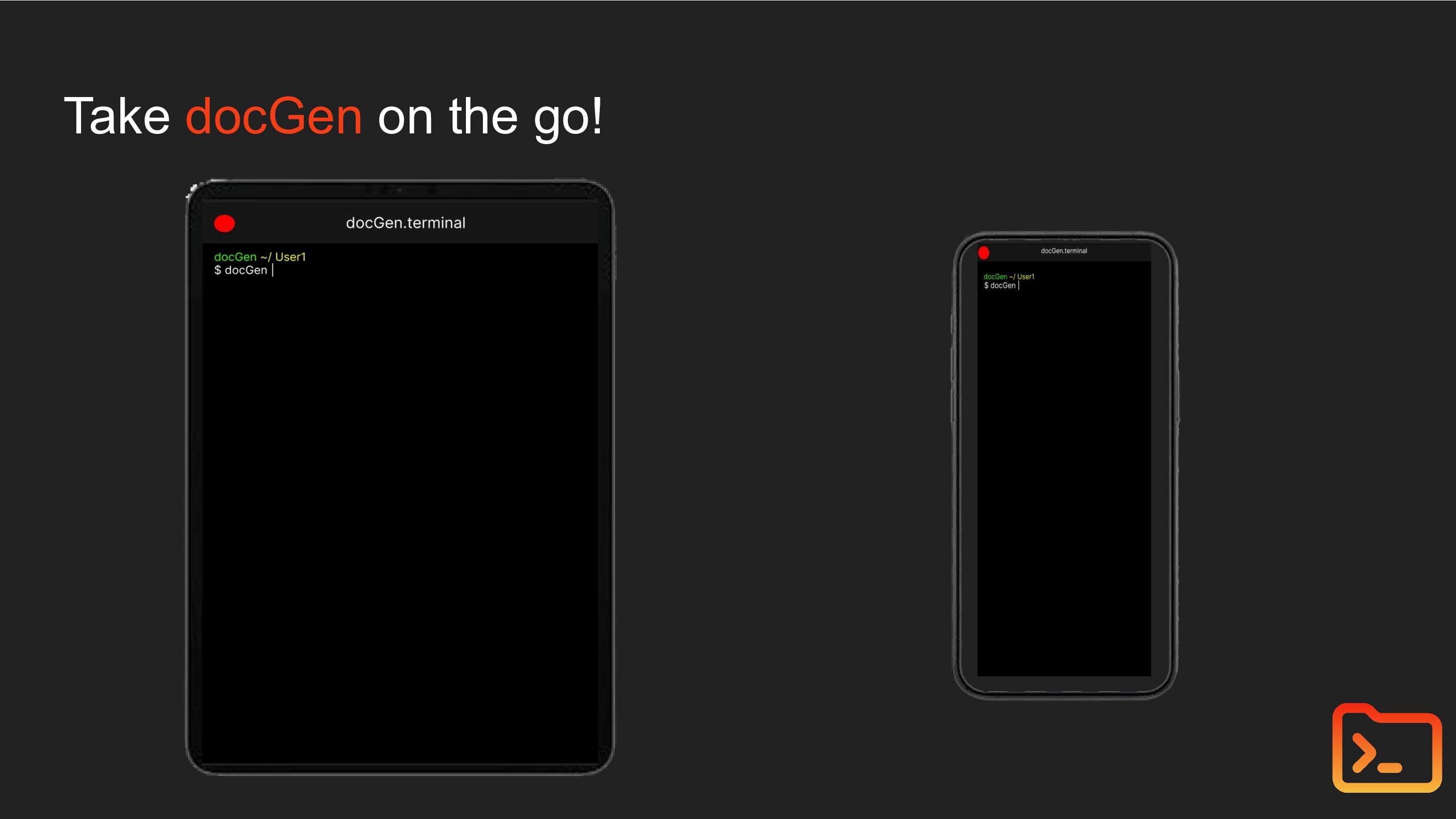
Used Python (with libraries such as git) and ChatGPT to temporarily clone a GitHub repository that the user passes to our tool. It then parses through each file and makes an ChatGPT API call to get an explanation of each file. We created different methods to extract the functions/methods from each file as well. We also have another function that writes to each file with the generated file explanation and the code snippets. We also used Next.js to have a deployed version online where you can simply pass the github repo URL and view the markdown files on a web browser.
Challenges we ran into
- Late start as we encountered a lot of trouble finding a spot to develop within Harvard
- Crunch time development (real essence of hack-a-thon) with a total development time of 5 hours.
Accomplishments that we're proud of
- Browser Terminal MVP deployed
- Script MVP Functional
- 5 hour development time
What we learned
- First time figma user
- Time management
- Creating files with Python
What's next for docGen
- Support for more languages
- Make web browser tool documentation a dynamic route so that it opens on a new page
- Polish UI
- Populate arguments for each function automatically to automate the documentation process as much as possible since right now it is mainly a good documentation template generator.
Built With
- nextjs
- openai
- python
- tailwindcss

Log in or sign up for Devpost to join the conversation.