-
-
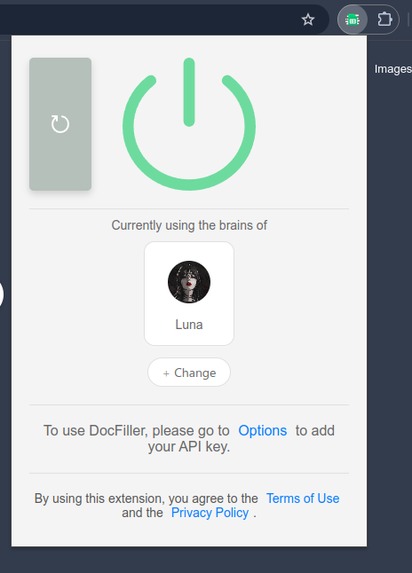
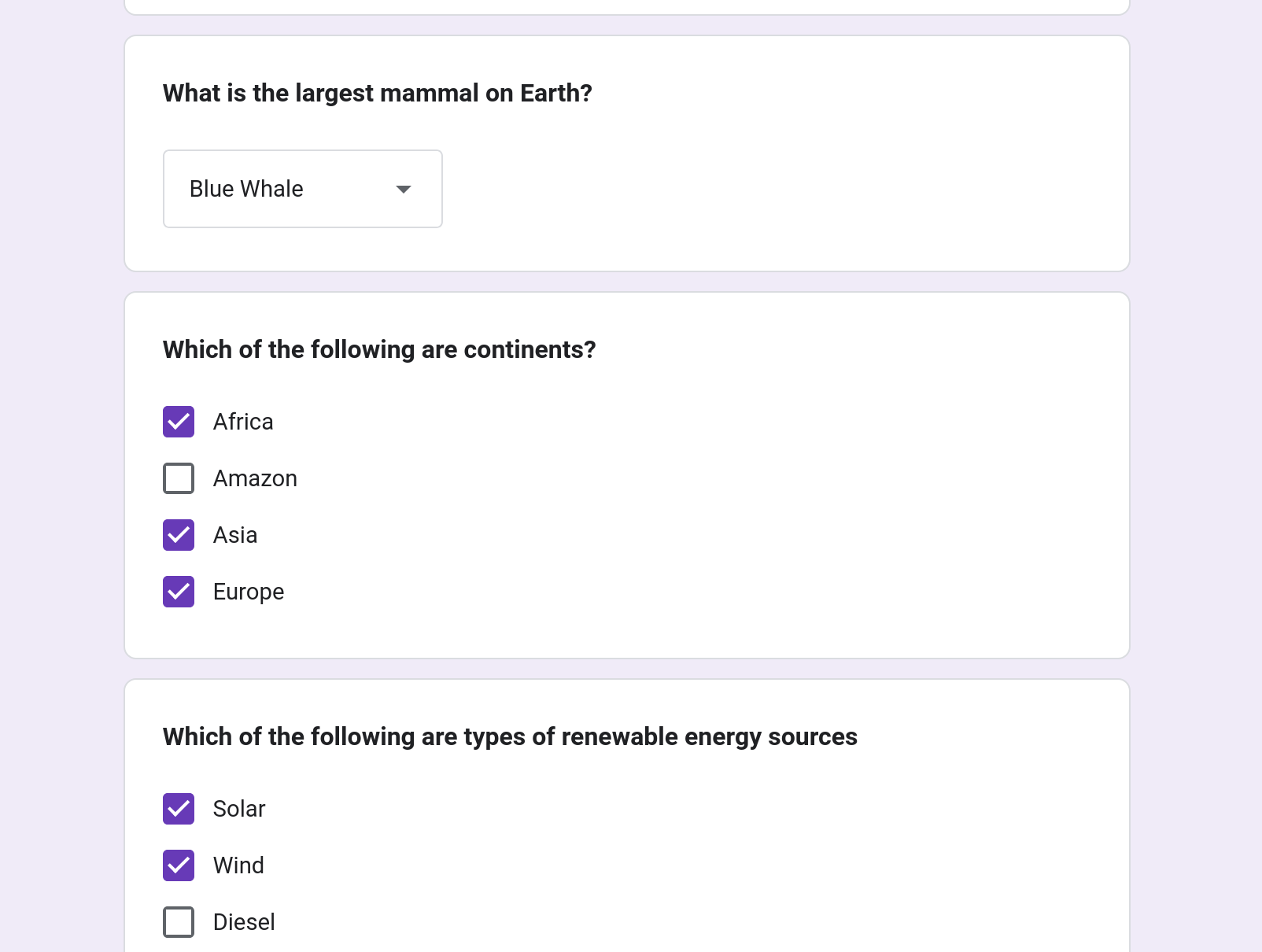
docFiller works on all google forms with all types of question*
-
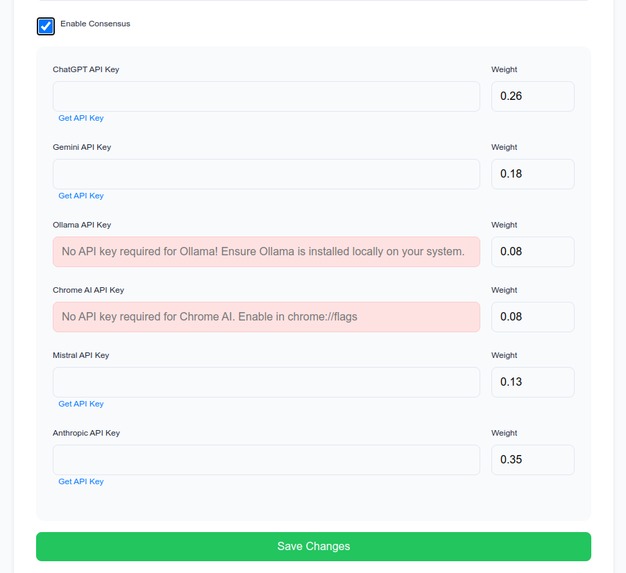
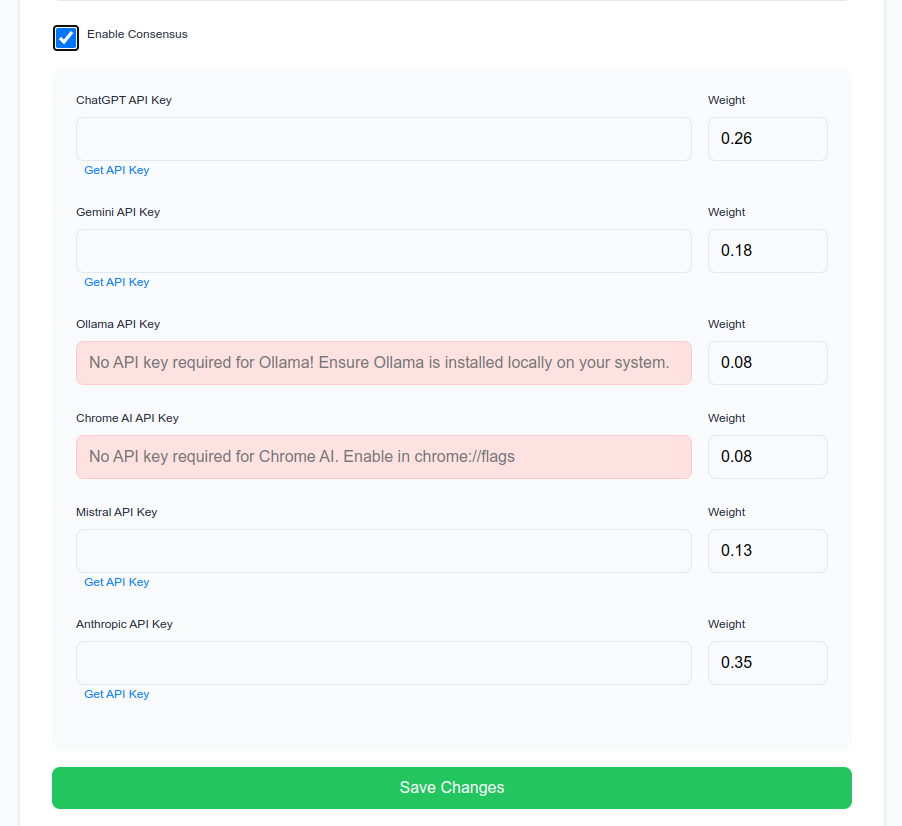
supports state of art consensus, that can choose multiple models, when default fails
-
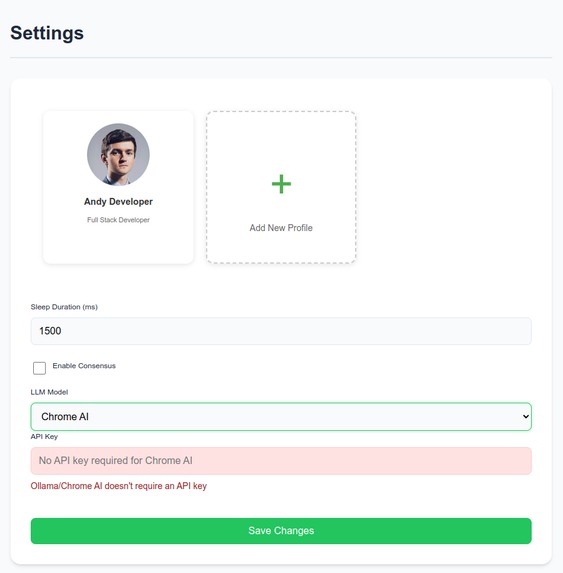
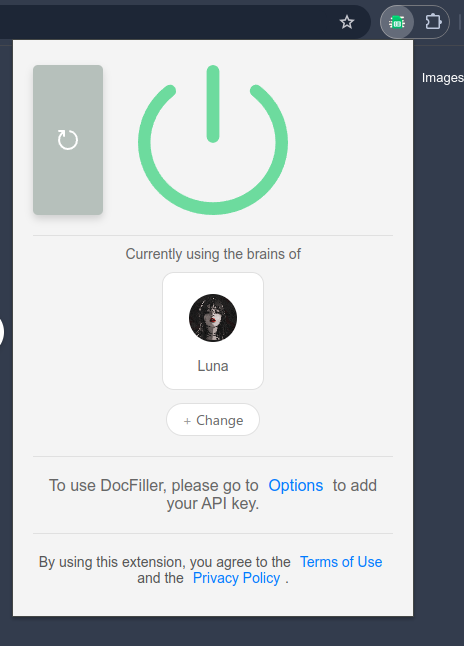
supports profiles for more personalized answers
-
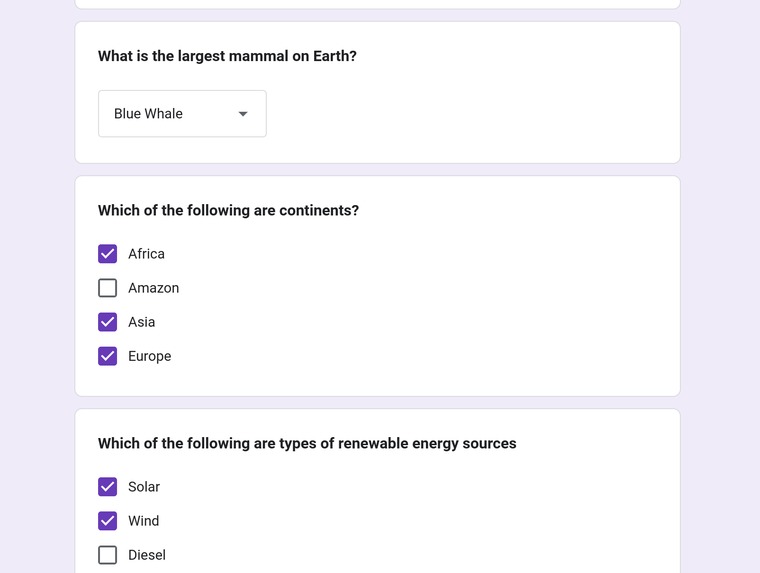
docFiller fills google forms without any manual intervention

Inspiration
We created docFiller to make filling out Google Forms faster and easier. Many tasks require repetitive form submissions, and we wanted to automate this process using AI to save time and reduce errors.
What it does
docFiller is a web extension that automatically fills out Google Forms using AI. It works on Chrome, Firefox, and Edge, and users can easily configure it to fill in common form fields without typing.
How we built it
We used TypeScript for the main code of the extension, and HTML and CSS for the design. We made sure it works well on Chrome, Firefox, and Edge by using the right browser extension tools. Our main focus was making it easy for both developers and users.
A big challenge was getting the AI to understand and respond correctly. But by improving how we set up the prompts and using a better system to handle responses, we were able to make it work much better.
Challenges we ran into
Cross-browser compatibility: Ensuring the extension worked smoothly on Chrome, Firefox, and Edge was challenging due to differences in how each browser handles extensions.
Prompting: Getting the AI to respond correctly and fill out forms as intended was tricky. We had to fine-tune the prompts to improve accuracy.
Extracting fields using DOM: Automatically identifying and extracting form fields from Google Forms required handling different field types and layouts, which was sometimes inconsistent.
Consensus engine: We needed a system to manage and process multiple responses from the AI to ensure accurate and reliable form filling. Fine-tuning this "consensus" system was key to improving results.
Accomplishments that we're proud of
- Cross-browser support: The extension works seamlessly on Chrome, Firefox, and Edge.
- AI form filling: The AI accurately fills forms with predefined data, making the process faster and more reliable.
- Consensus engine: We developed a system that processes multiple AI responses to ensure more accurate and consistent form filling.
- Profile support: The extension allows users to manage multiple profiles, each with its own set of predefined data for filling forms.
- Supports all question types: The extension can handle a wide range of Google Forms question types, including multiple choice, linear scale, text, and more.
- User-friendly design: The extension is easy to install and use, with a simple interface for anyone to get started.
- Community involvement: We received valuable contributions from other developers, helping to improve the project.
What we learned
We learned a lot about developing browser extensions and how to manage compatibility across different browsers. We also gained experience in automating data entry and improving user interface design.
What's next for docFiller
- Add more advanced features, like image context using multi-modal LLMs like Gemini.
- Improve AI to handle more complex forms.
- Expand support to other form platforms beyond Google Forms.
Built With
- bun
- css3
- html5
- javascript
- json
- ts
- typescript
- web-ext


Log in or sign up for Devpost to join the conversation.