-
-
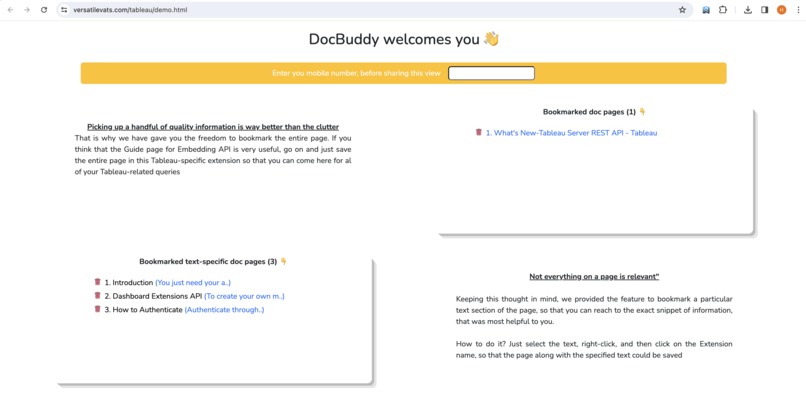
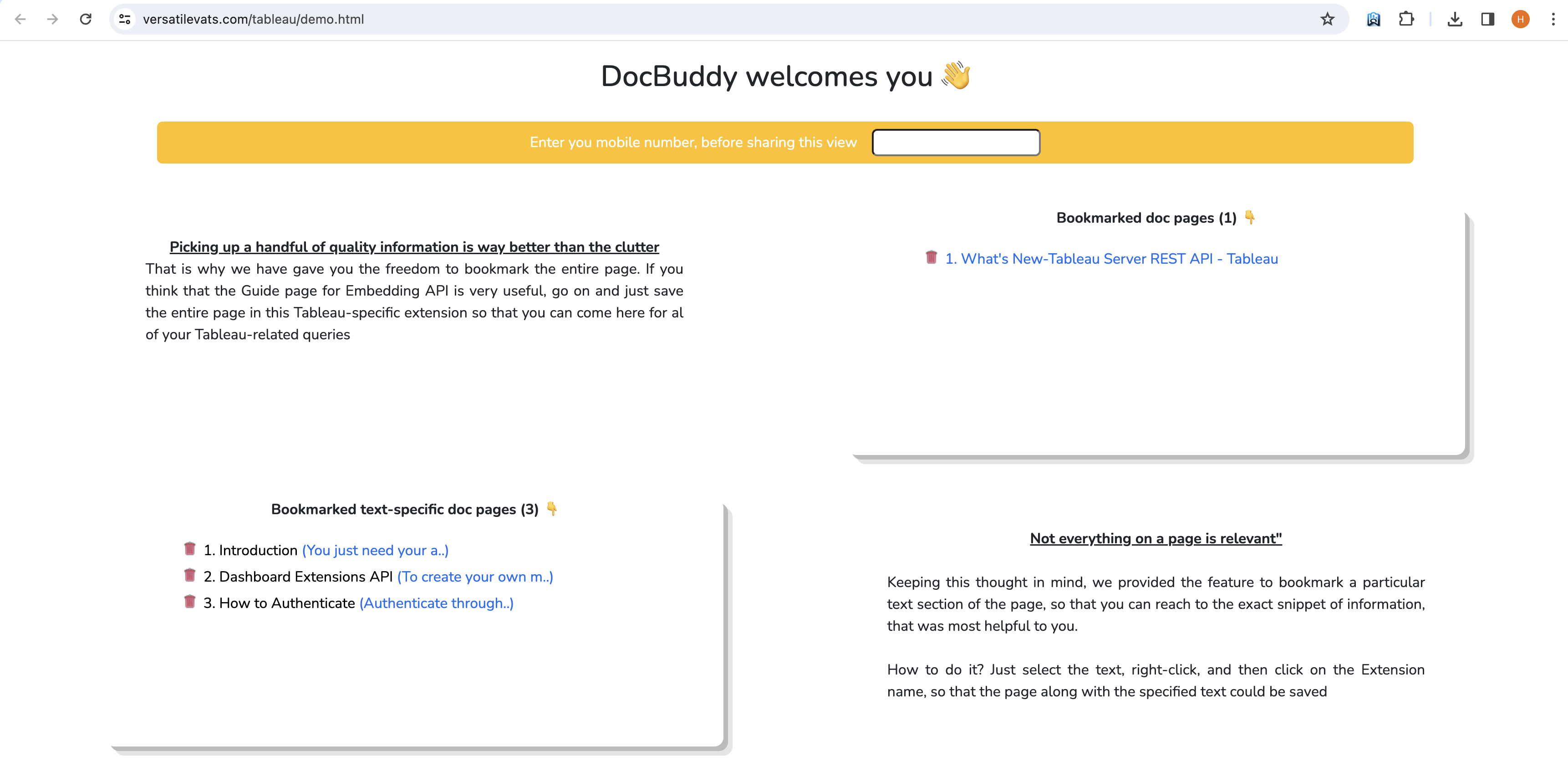
Pages and text that you have bookmarked
-
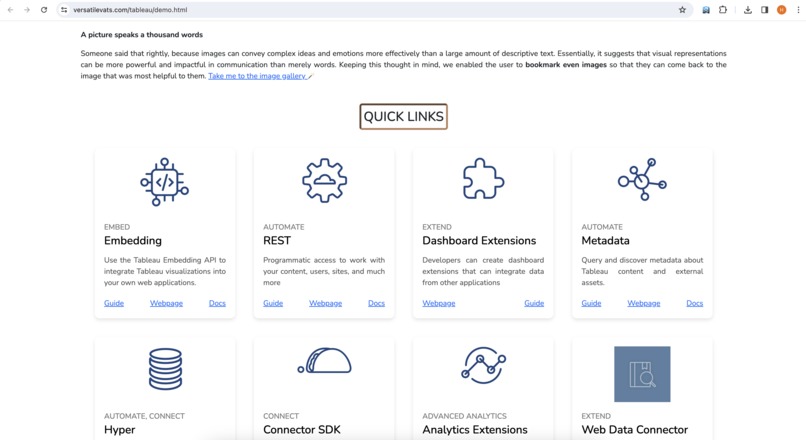
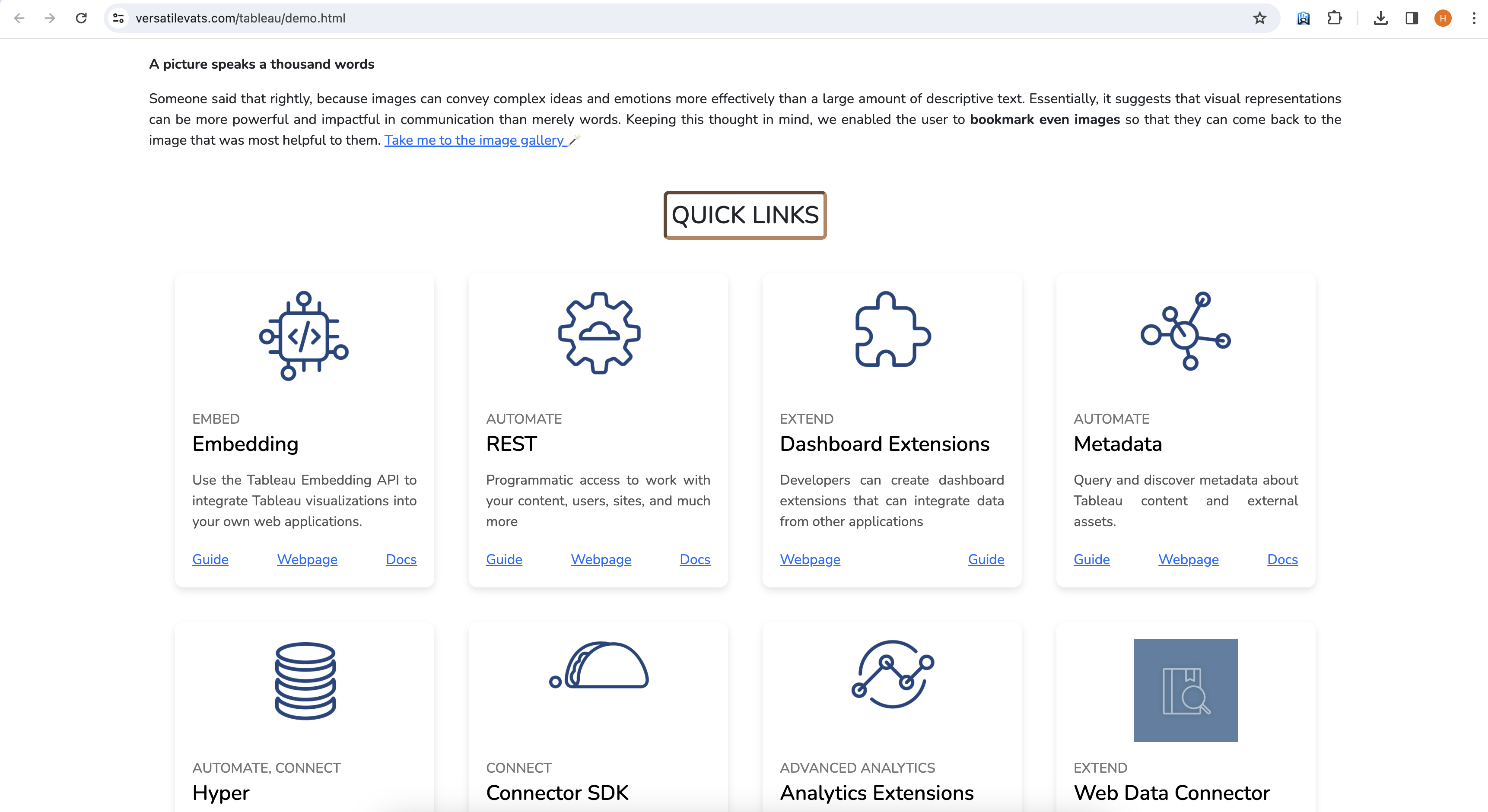
Doc links for easy use
-
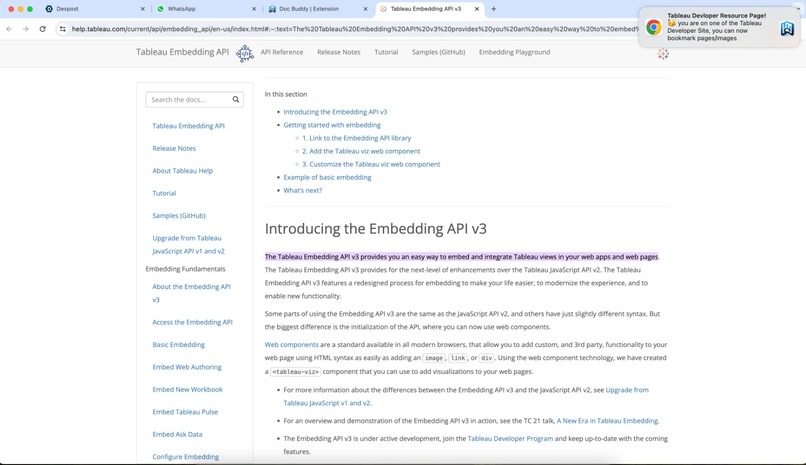
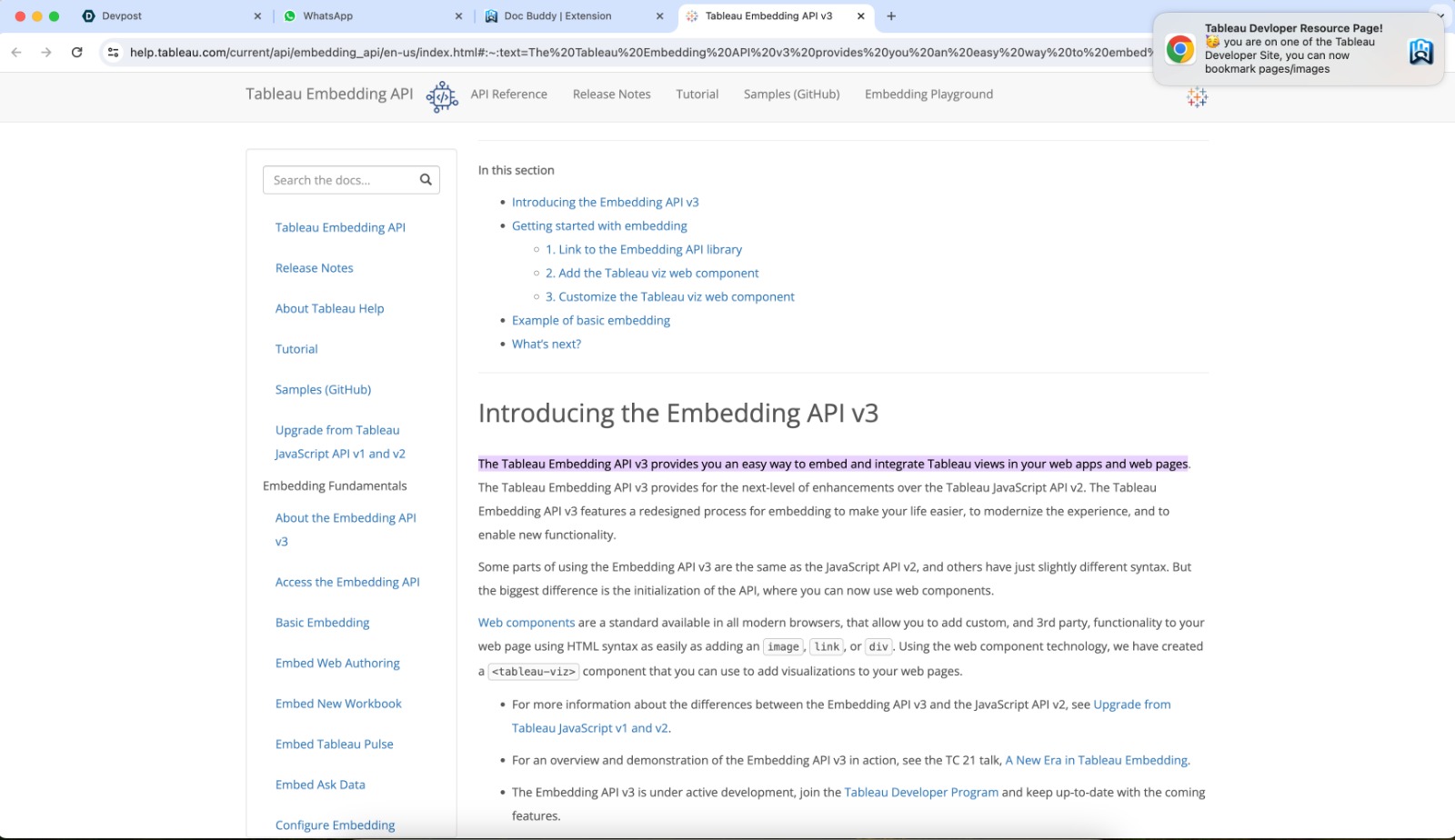
Highlighted text specific link
-
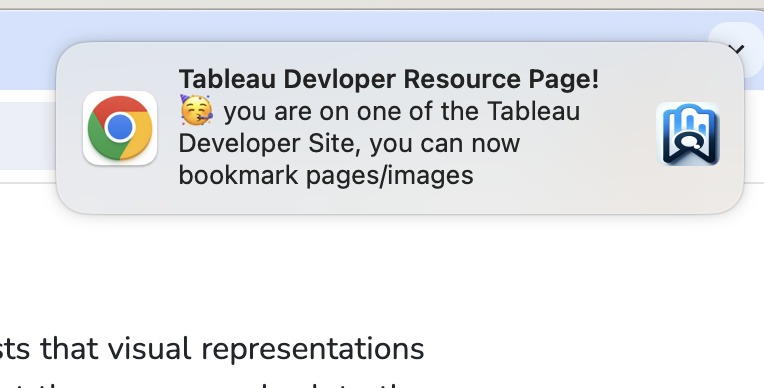
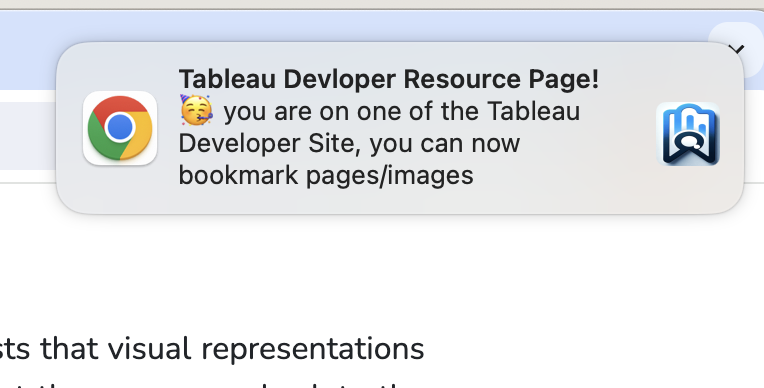
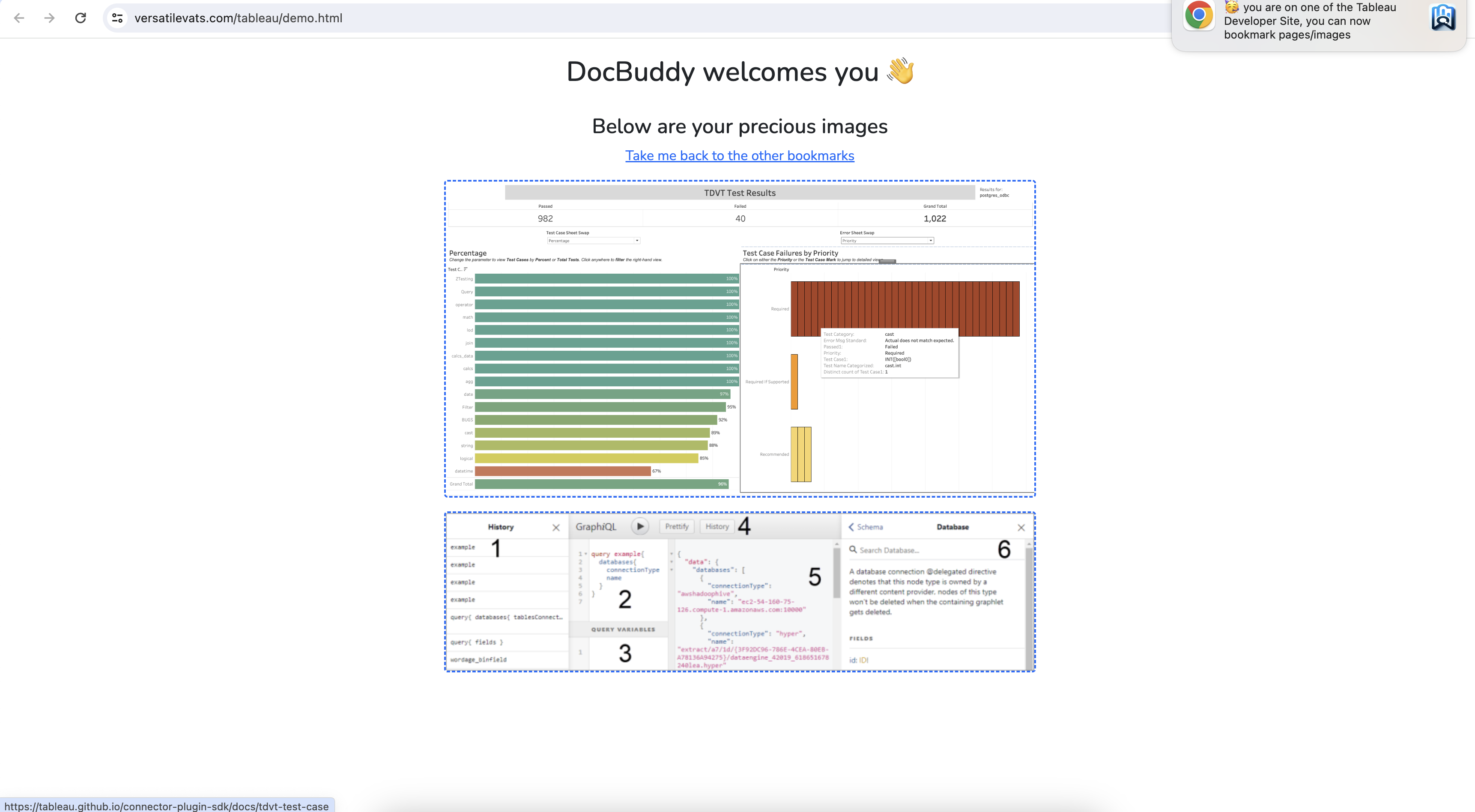
Notification on all the tableau pages from where one can bookmark things
-

Shown when anything has been bookmarked successfully
-
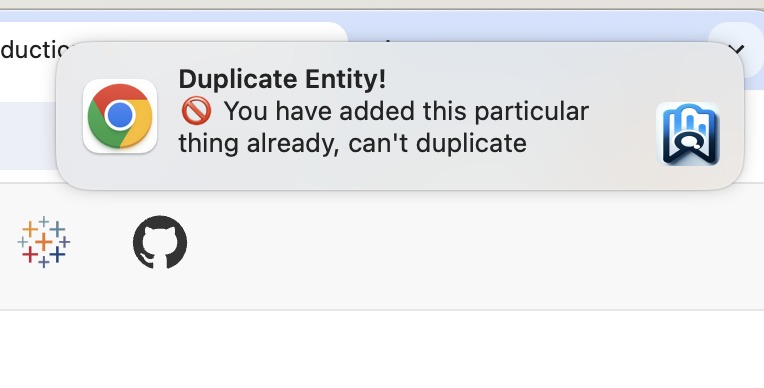
If you try to bookmark the same thing again
-
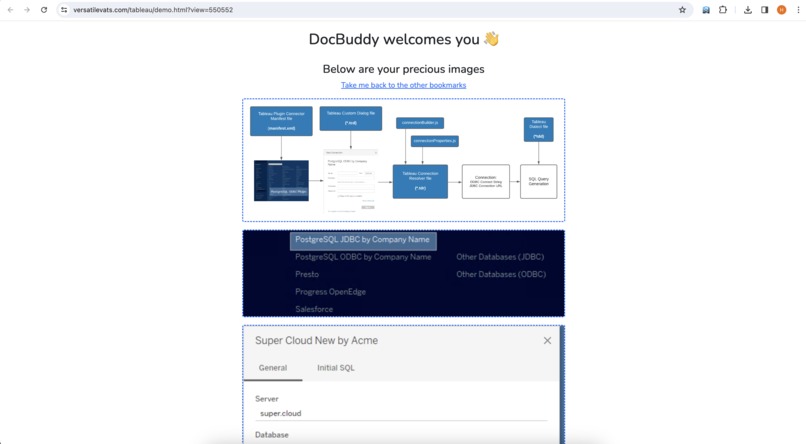
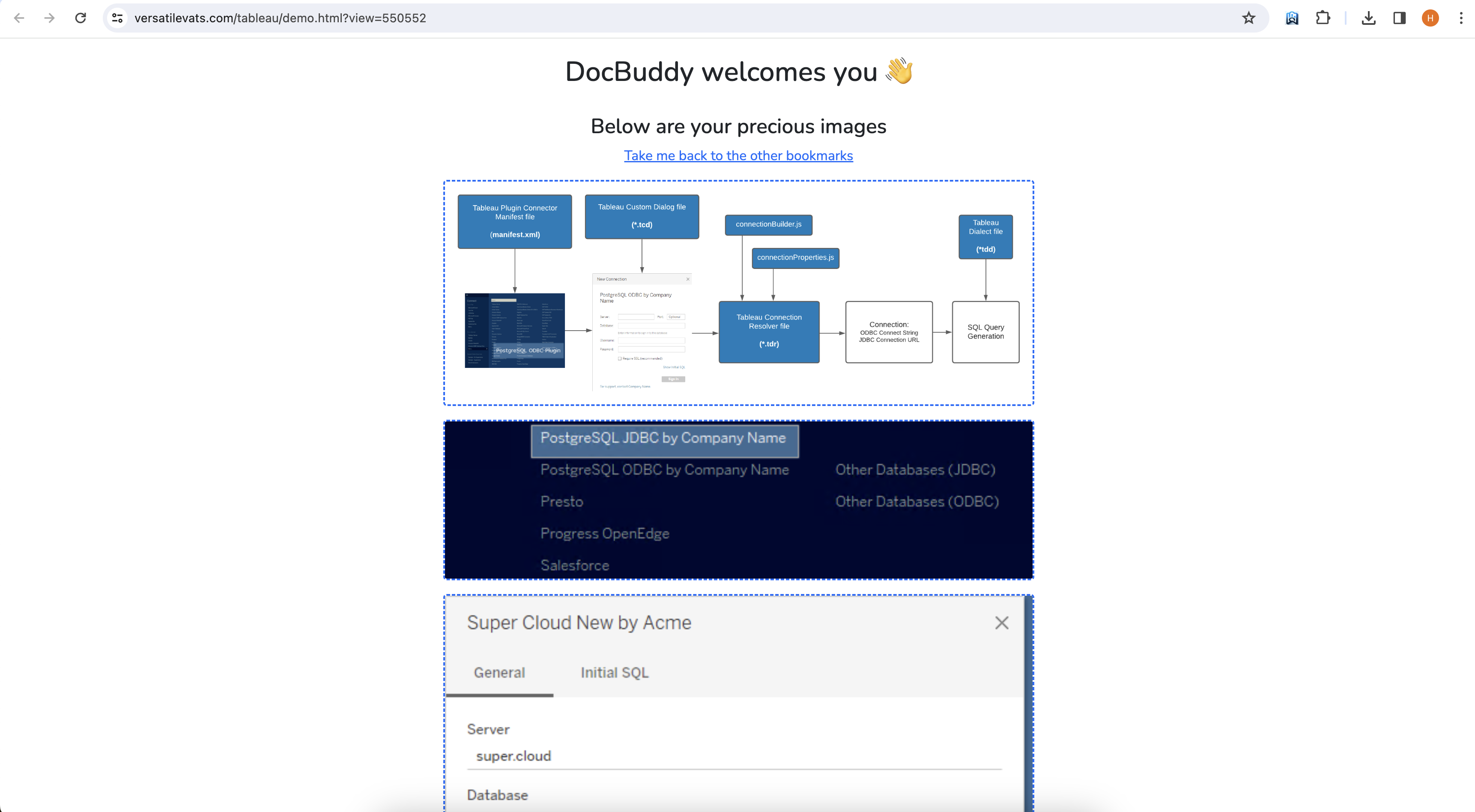
Shared view: Image's bookmarks, you can also visit the link by clicking on the image
-
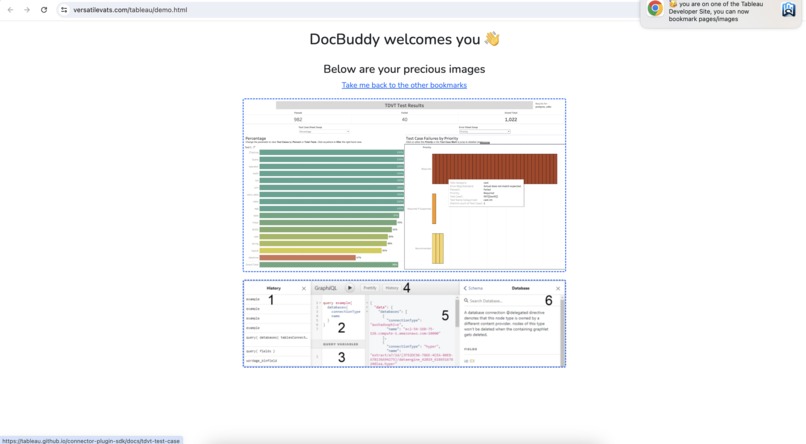
Your bookmarked images
-
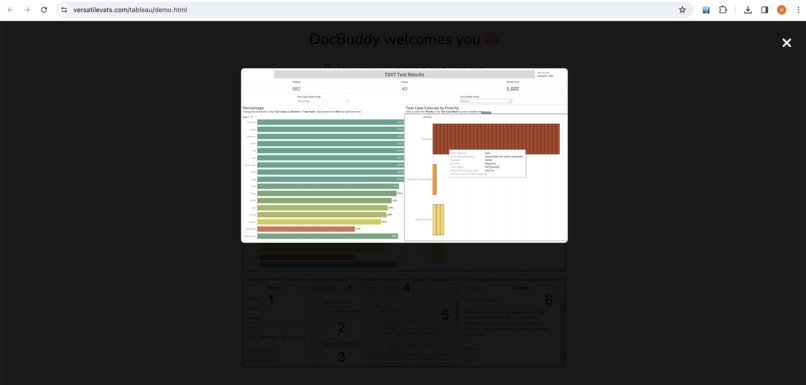
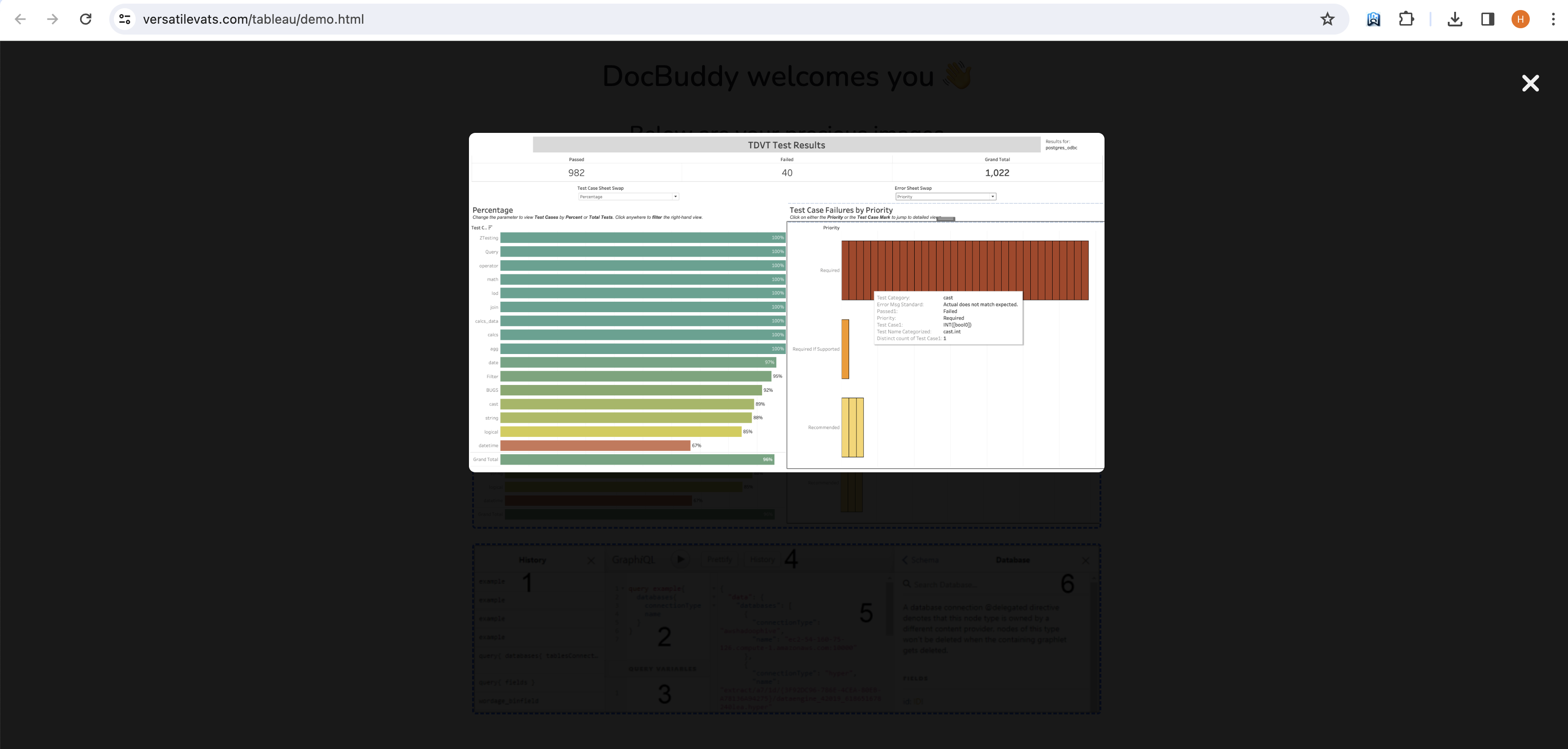
Modal showing the particular image you clicked on
-

WhatsApp code sent to use the SHARE functionlity

If you wish to effectively learn and use, any of the Tableau APIs, DocBuddy should be the landing place for you ✌️ It is helping each one that is trying too learn Tableau and any of its APIs
We have provided a Chrome web-store link at the end of this page for the extension, but if it is not available (because we have sent it for review) when the judges go through the project, then access the project as we have shown in the video. The extension works for Google Chrome and Edge browsers.
Inspiration
When we started learning about the services that Tableau offers and the amount of APIs that it has, we were awestruck 😮 because we were naive then. Whenever we tried to learn a particular API, we got lost in the never-ending number of pages and images that were provided as resources. That affected our progress as a team a lot and we thought why not we should make a project using all of the 9 APIs that Tableau provides as of now
Before thinking that this team has gone mad, read the entire documentation so that you can understand the reason why we are saying this. With this, let us introduce you to our project: Doc Buddy
What it does
It is very difficult for a new developer to dive into the Tableau documentation and learn about the APIs because there are a lot of them and saving the ones that are of utmost importance to you can be a little tricky. We know, the browser's feature for saving bookmarks is there. But guys, time has changed and our project will make you believe that the current project should be the way for new developers to bookmark their important stuff and learn Tableau in the best manner possible.
Other than the Tableau Pages
No access wall is there (you do not need to log in or signin to use this project). You will be landed on a page when you click on the extension's icon. That page will include every link (guide, docs, and webpage) for each of the 9 APIs. In the top section, you will see bookmarked page and bookmarked text-specific divisions. This extension provides users with several ways to bookmark the following things:
1️⃣ Bookmark Entire Page: If you are following a particular API and want to learn about the same, then there are many instances when you find a particular page very informative. If you also feel the same, you can use the extension to save the entire page as a bookmark. Right-click on any part of that page and then select the extension.
2️⃣ Bookmark specific text on a page: It is very hard to find a single page useful while going through a lot. There are bits and pieces on each page, that enlighten you as a learner, and via this feature, you can exactly select and bookmark specific text. To do so, just select the text and right-click to use the extension. You know what, The way the specific text links are saved is very special. They use the TEXT FRAGMENT feature of modern browsers to highlight the same text that you chose at the time of bookmarking.
Note: As the feature is new and specific to browsers, the text will not be highlighted all the time (reasons could be endless: multiple occurrences of the text, specially encoded symbols, and much more), but most of the time the text is highlighted seamlessly. (The same happened in the video, but as mentioned, it works most of the time)
3️⃣ Bookmark image: Image can be very effective while learning a new thing and this feature ensures that you don't only cover text in your bookmarks, but add some visual flavour to the same. Whenever you see an important image, just right-click it and let the extension do its magic.
4️⃣ Sharing feature: Once you learn all of the important stuff in your Tableau journey, it's wise and very useful to share your bookmarked links with others. Yes, you heard it right. You can share your bookmarked pages UI with another user (but it should also have the extension installed). After you verify your number via the Whatsapp code, you can use this feature and it will work smoothly for you and your peer. This feature takes the usefulness of this project to the next level.
NOTE: The moment you click on the SHARE SECTION, your bookmarked data will be stored on a server and the link that will be generated will have that data. If any user views the same at their end, then they will see your data's replica. Link will not be updated with the new bookmarks because you shared the data up to the point you generated the link. It is a great feature because it lets you control data security by sharing the data that you saved and not sharing the data that you will save. Think of it as not a LIVE-SYNC share link
Not only you can view the same but can delete the bookmarks from the webpage ensuring that you control your data. We could not add the delete feature for the images, but for both of the saved links (pages and specific text), you can delete the same.
(View links will not have the delete feature because it is not your saved data and thus you can only see it)
How we built it
Just like the previous project, it's the code that is making things work here. HTML, JS, PHP, and CSS are the lethal tools that we used to build it.
Challenges we ran into
a. Making the webpage and the extension talk with each other was very difficult because that can't be done by using the MESSAGE PASSING that the Chrome extension provides. We had to tweak the content scripts and then only we could make each page and the extension communicate with each other.
b. Saving the bookmarks into the extension's data storage was simple. But painting/populating the webpage with that data was a pain in the head. We had to make many complex calls to chrome-specific methods and then we were able to put in the data from the extension in the UI. Attaching the correct event listeners for the events was also difficult.
c. To let the user use the SHARE functionality, we verified the user's identity because we did not want to flood up our back with non-required share calls. So, we added the WHATSAPP verification to the feature. As we incorporated using the META's developer program, only we can verify our INDIAN numbers, so you cannot try this because we have to first add our number on their end and then only we were able to send WHATSAPP messages via the API
Accomplishments that we're proud of
We revamped the entire documentation process of Tableau and even provided users with ways through which they can store their important links in a single place. Navigating to any of those links is very useful because whether it is a page, text, or an image, you can save anything and can reference the same anytime. Whatsapp-verified users can also use WHATSAPP itself, to see their bookmarks and get information about the learning resources for any of the 09 APIs, isn't that a cherry on the cake 😉
What we learned
Using extension's context menus from where we can provide the extension within the context of the webpage (when we right-click on an element)
Utilizing Meta's API to send WhatsApp messages to verify the user.
Touched and learnt about all of the Tableau APIs
Structured and made the VERIFICATION flow for sharing. First, we sent the code and then asked for the code from the user, and at last generated the share link whenever the user asked for the same.
What's next for DocBuddy
AI-related hot-pick articles for the week or month according to fellow users' activity on the Tableau developer site and webpages.


Log in or sign up for Devpost to join the conversation.