-
-
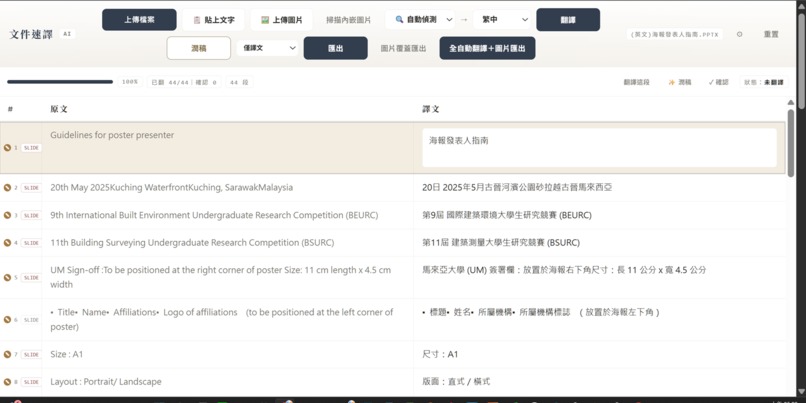
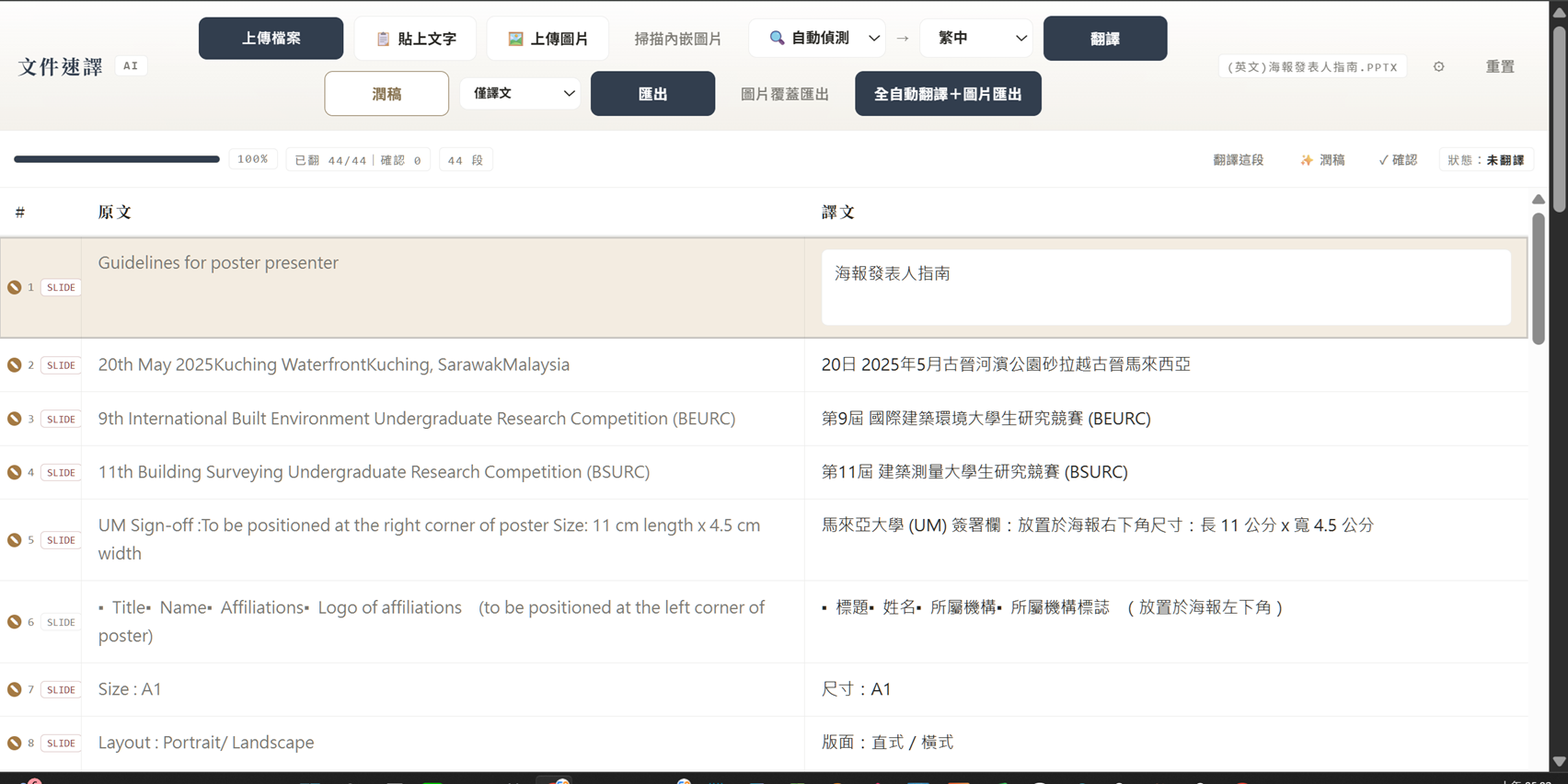
The main page of doc translation interface
Inspiration
I'm a professional conference interpreter. The meeting deck often arrives twenty minutes before the meeting — forty slides, in a foreign language, no time to read them. Yet my job is to deliver that content out loud, in another language, to a live audience. I built doc translation so those twenty minutes are enough.
What it does
Drop in a Word, PowerPoint, or Excel file, pick a language, and get the same file back translated — layout, tables, and charts untouched, text inside slide images OCR'd and translated in place, with an optional bilingual side-by-side export. Use it as a drag-and-drop web page, a one-line CLI, or an MCP tool any AI agent can call.
How I built it
Office files are ZIP archives of XML. The pipeline extracts text with its style metadata, merges fragmented runs into full sentences, batch-translates with an LLM using document-level context, and writes translations back into the original runs. Image text is OCR'd, translated, and overlaid in position. Everything runs as a local MCP service; API keys never reach the browser.
Challenges & what I learned
Translation is the easy 10% — layout fidelity is the hard 90%. Translated text changes length and breaks layouts; overlay sizing took rounds of debugging. LLM outputs got truncated until I learned to budget tokens for the worst case, then double it — and to schema-validate every response.
What's next
An automatic interpreter prep pack: names, numbers, and key terms extracted alongside the translation — everything an interpreter must not get wrong.
Built With
- claude
- codex
- gemini
