-
-
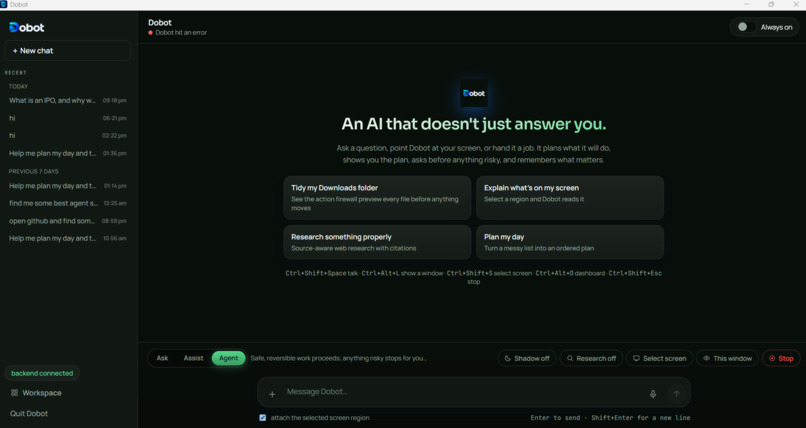
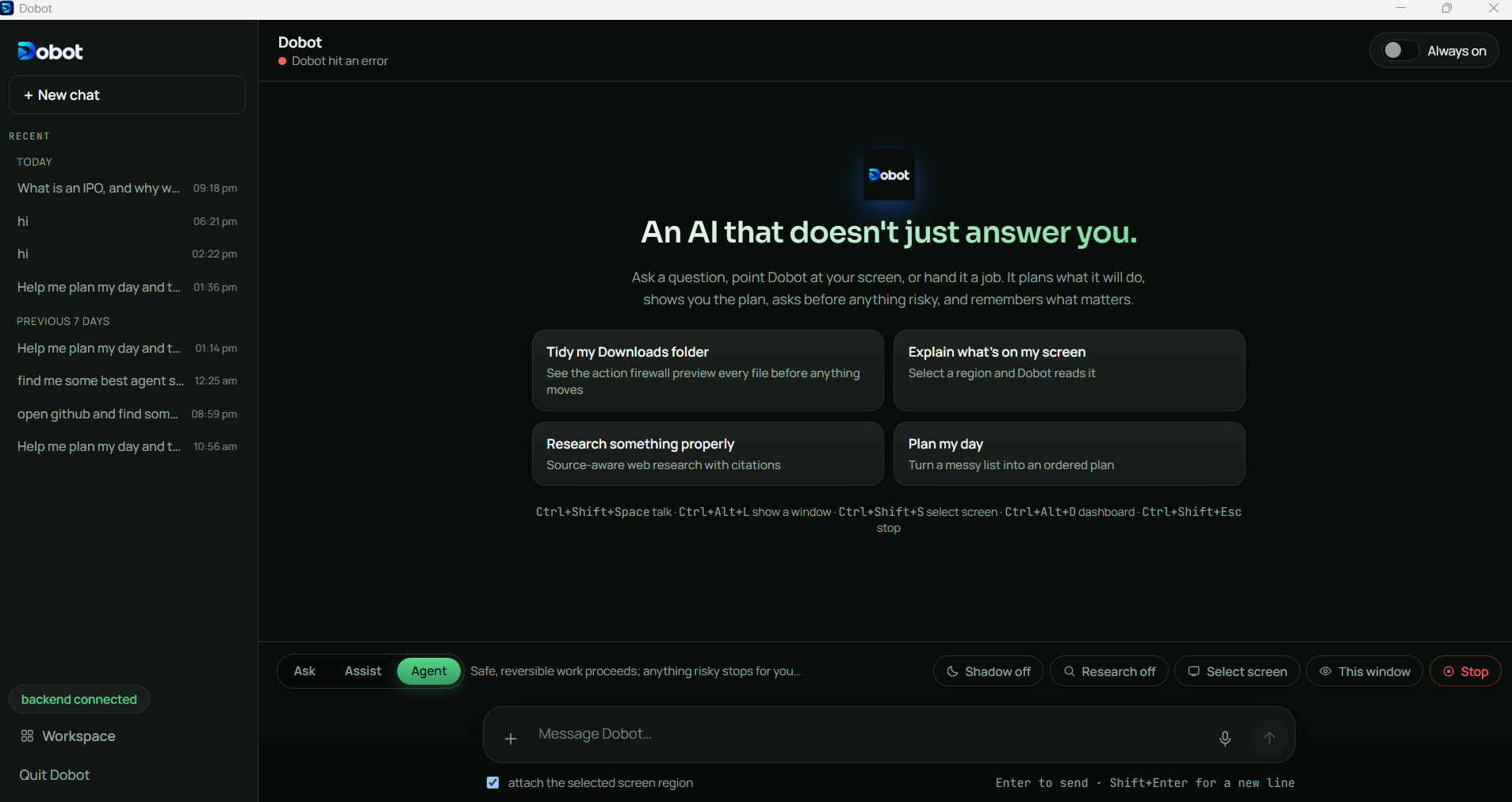
chat interface
-
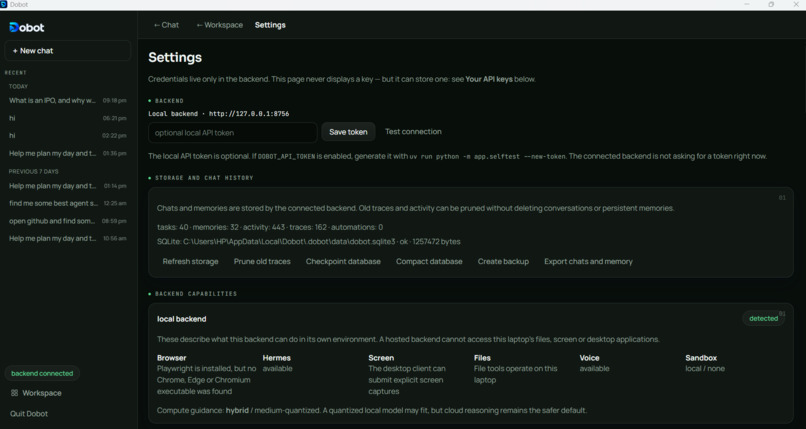
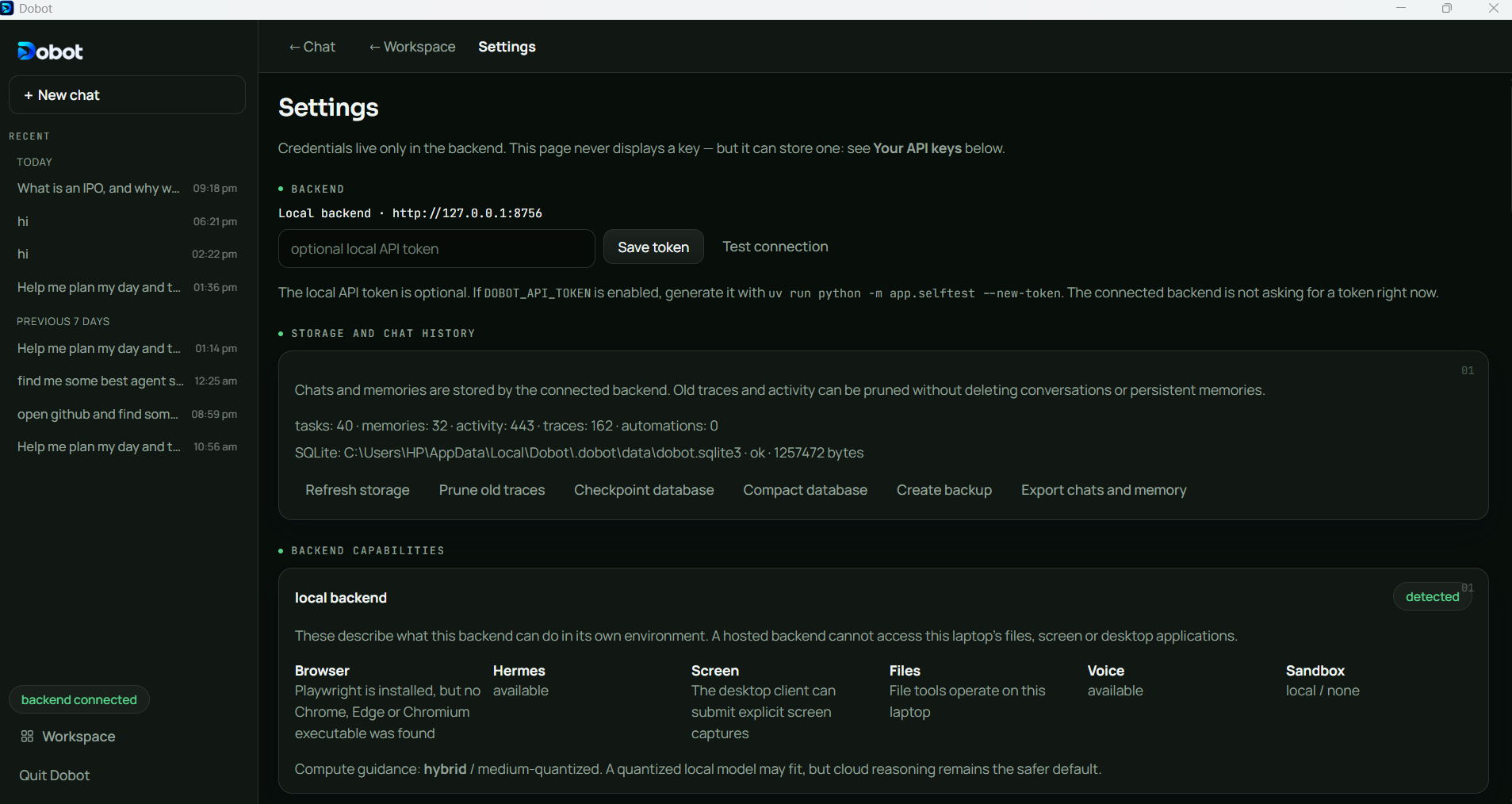
settings
-
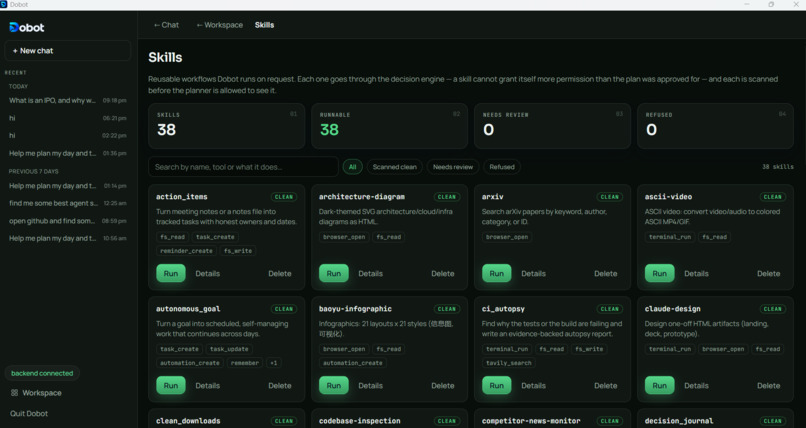
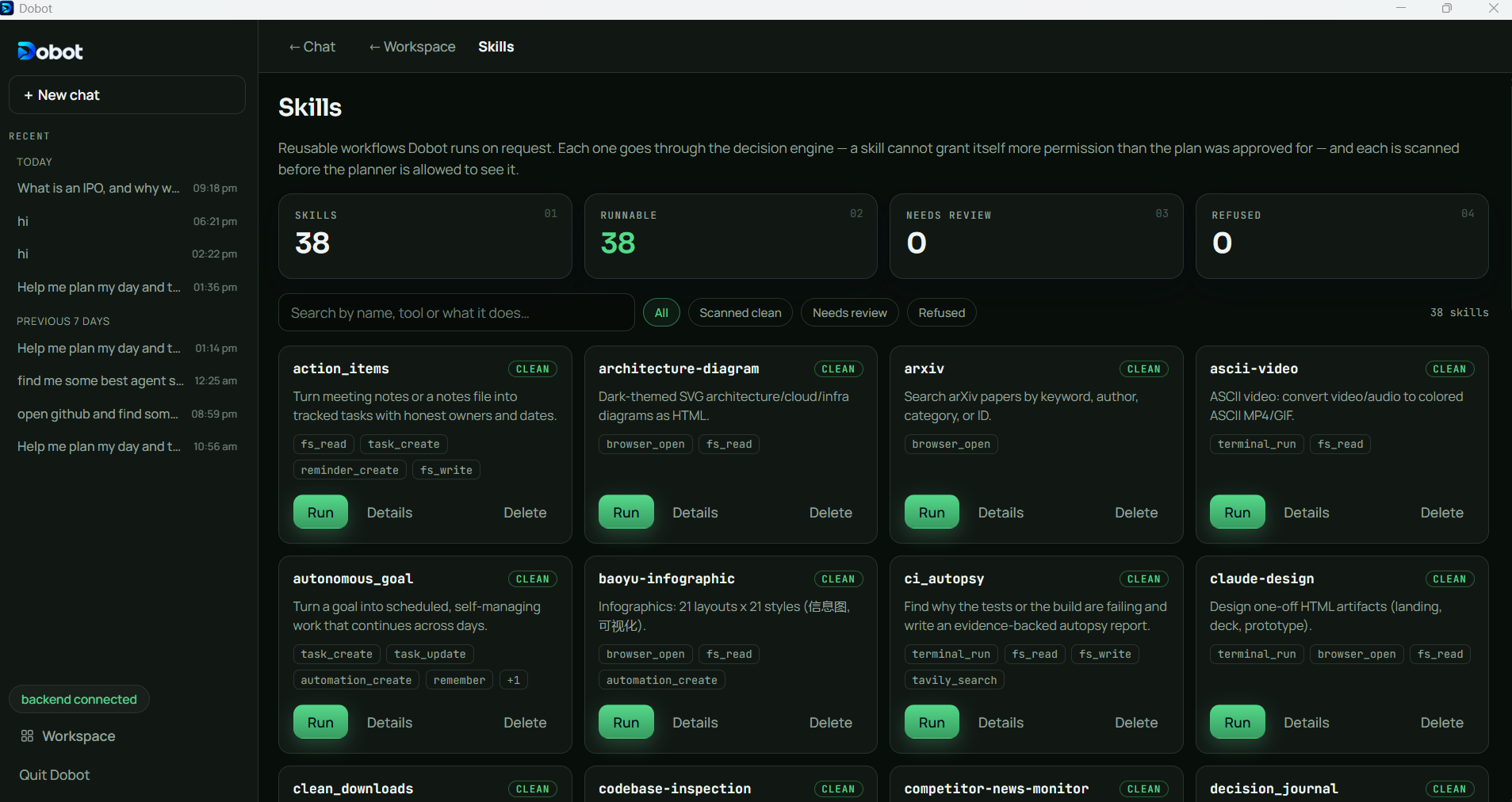
skills
-
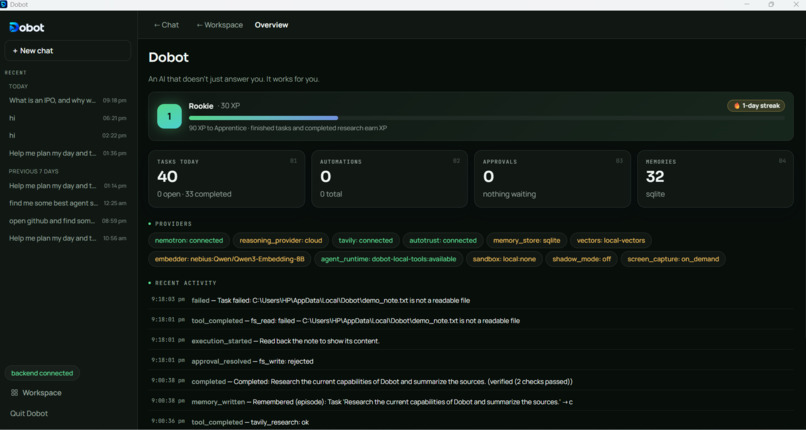
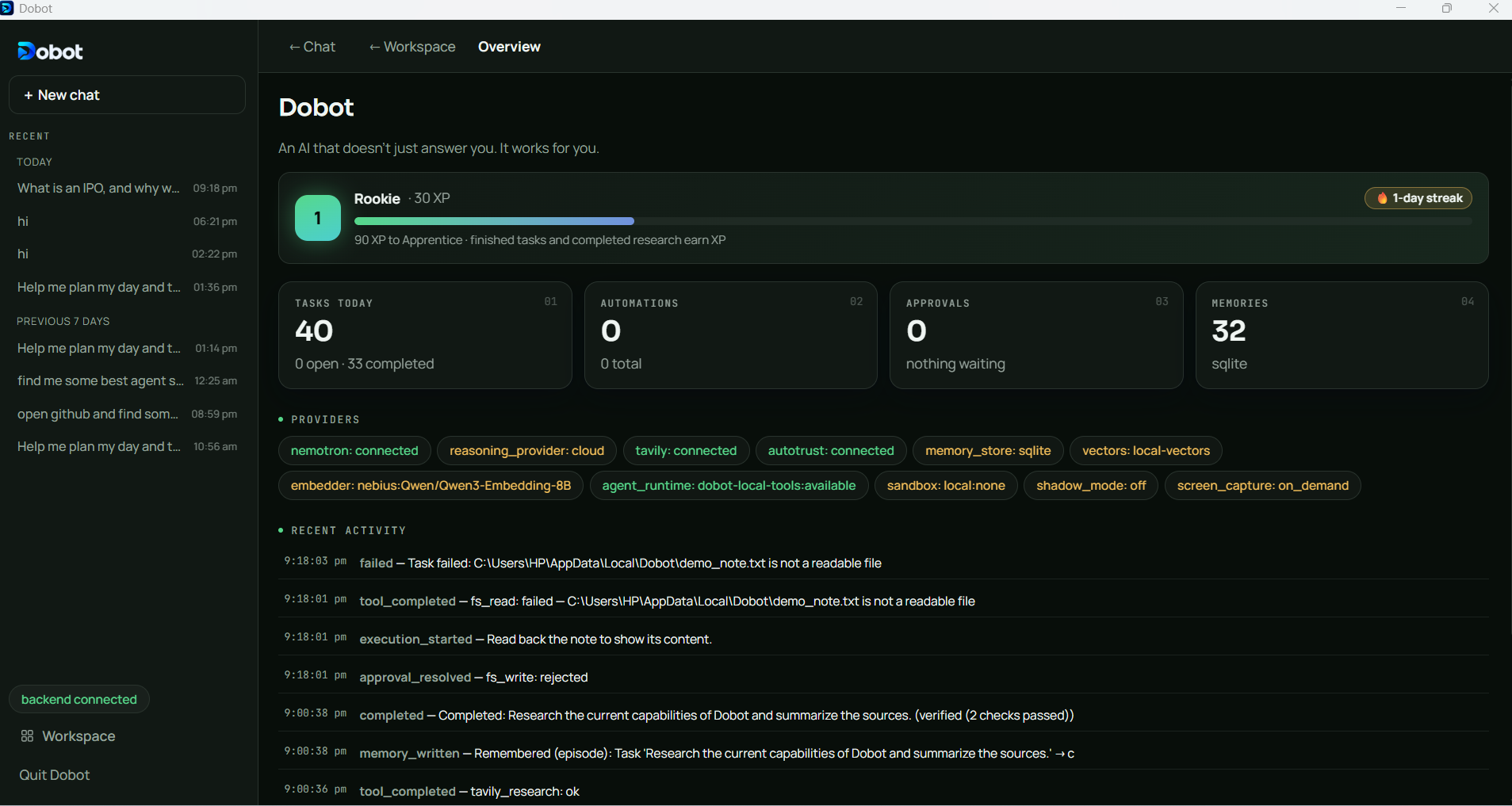
overview
-
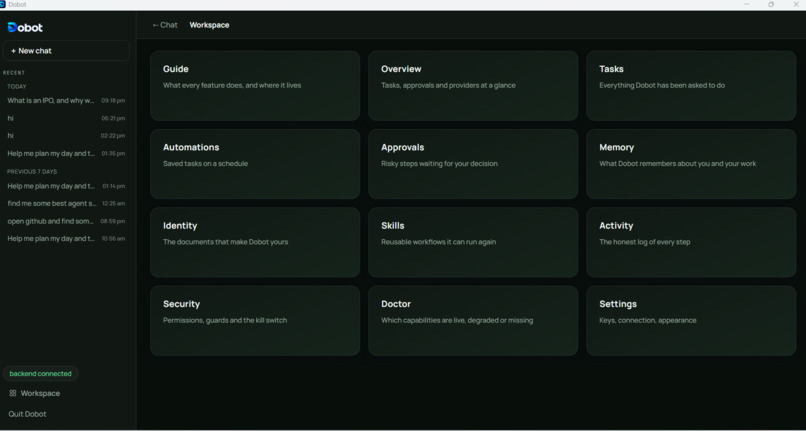
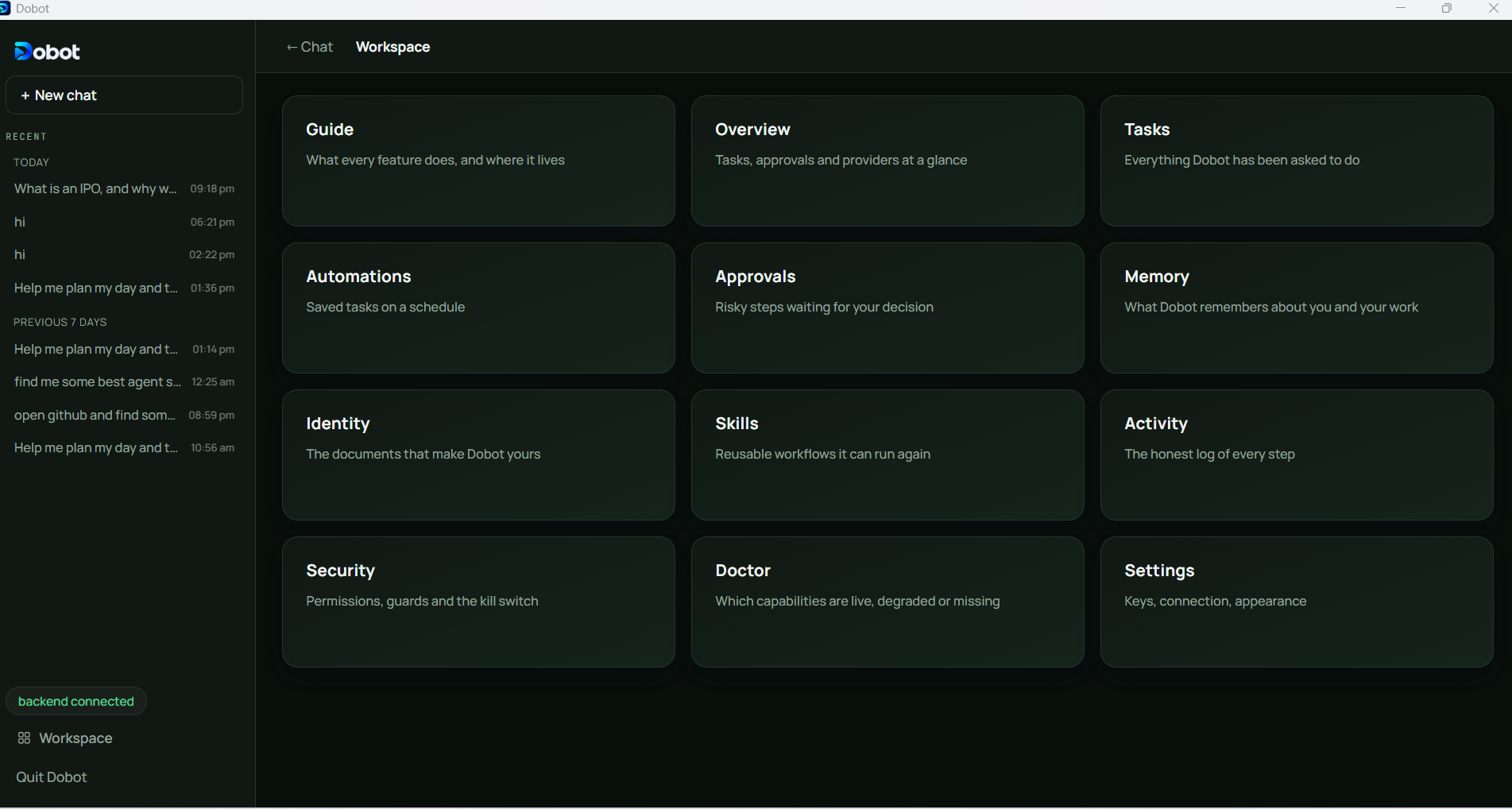
workspace
Inspiration
Most AI assistants can explain what to do, but they cannot reliably complete the task in the environment where the user needs it done. Users still have to copy information, switch between applications, inspect files, perform repetitive actions, and verify the result themselves.
Dobot was created to close that gap. The goal was to build a personal AI that can understand the user's request and context, plan the work, ask for approval when necessary, perform safe actions, verify the result, and remember useful information for future tasks.
The most important design principle was that autonomy should be controlled by software policies, not only by instructions in a prompt.
What it does
Dobot is a Windows desktop assistant with both a normal chat interface and an optional always-on floating icon.
It can:
- Answer questions and create structured plans.
- Read uploaded files, images, logs, and code.
- Capture a selected region of the screen or the active window.
- Search the web and produce source-backed research answers.
- Run quick research or deeper multi-search research.
- Use voice input and live voice conversations.
- Operate browser workflows through Playwright.
- Run local desktop actions through guarded tools.
- Ask for approval before risky or irreversible actions.
- Verify whether completed actions actually worked.
- Store conversations, memories, activity, and task history locally.
- Schedule reminders and recurring automations.
- Stop active tasks immediately through a kill switch.
- Update itself through the desktop application's update flow.
Dobot is designed to degrade honestly. If a provider, optional runtime, model, or sandbox is unavailable, it reports the limitation instead of pretending that the task succeeded.
How we built it
Dobot uses a Tauri 2 desktop shell with a React and TypeScript interface. The backend is written in Python with FastAPI.
The main execution lifecycle is:
- Understand the user's request and available context.
- Retrieve relevant memory, files, screen context, and task information.
- Ask Nemotron to create a structured plan.
- Validate each planned action.
- Apply deterministic risk and security policies.
- Ask the user for approval when required.
- Execute the approved action.
- Verify the result using observable evidence.
- Save the result to local history and memory.
The reasoning layer uses NVIDIA Nemotron models through the Nebius Token Factory API. LangGraph provides the structured orchestration and execution flow. Tavily provides web search for research tasks, while DeepAgents can be used for more complex multi-step research.
The desktop application includes a normal chat window, an optional always-on dot, a compact panel, a radial menu, a screen-selection overlay, and a dashboard for tasks, approvals, memory, security, settings, and diagnostics.
Voice input supports two ASR choices: Sarvam Saaras for fast cloud transcription and local Whisper for users who prefer their audio to remain on the device. Sarvam is also used for optional voice output in live calls.
Challenges we ran into
The biggest challenge was making the assistant useful without making it unsafe.
A language model can propose a dangerous action, misunderstand a request, follow instructions found on a webpage, or claim that something succeeded when it did not. We addressed this by separating planning from execution and enforcing policies outside the model.
Other challenges included:
- Designing reliable approval gates for risky actions.
- Detecting stuck loops and repeated failed actions.
- Verifying results instead of trusting model-generated claims.
- Handling screen capture safely without leaving a full-screen overlay stuck above other applications.
- Supporting browser, desktop, filesystem, and voice workflows through one consistent task lifecycle.
- Managing latency when using large hosted reasoning models.
- Making research answers complete, cited, and readable instead of exposing internal research notes.
- Handling optional dependencies and packaged Windows sidecars.
- Supporting both cloud speech recognition and local Whisper transcription.
- Recovering cleanly when a backend, browser runtime, model, or provider is unavailable.
Accomplishments that we're proud of
We are proud that Dobot is designed around controlled autonomy rather than unrestricted automation.
Important accomplishments include:
- A deterministic action firewall independent of the language model.
- Risk-based approvals with detailed action previews.
- Evidence-based verification after execution.
- A global stop mechanism for active tasks.
- A research pipeline with source tracking and explicit fallback states.
- Deep research support with structured coverage and transparency.
- A local memory and conversation system backed by SQLite and a local vector index.
- A voice pipeline with interruption support and provider diagnostics.
- A robust always-on desktop surface with screen selection and quick actions.
- Honest health and Doctor diagnostics for optional capabilities.
- Automated backend, frontend, native-shell, and packaged-sidecar validation.
What we learned
We learned that building an autonomous assistant is primarily a reliability and systems-design problem, not just a prompt-engineering problem.
A good assistant must know:
- What it is allowed to do.
- When it needs human approval.
- How to stop safely.
- How to prove that an action worked.
- How to recover from a failed step.
- When a source is insufficient.
- When it should clearly report uncertainty.
We also learned that user experience is part of safety. A technical error such as “backend unreachable” is confusing to a non-technical user. The application should explain what is happening in simple language and give the user a clear next step.
What's next for Dobot
The next priorities are:
- Improve first-response latency for voice and complex tasks.
- Add stronger progress streaming for long-running work.
- Improve pause, resume, and user nudges during execution.
- Expand evidence-based completion checks.
- Improve accessibility-first desktop control.
- Add stronger workspace isolation for risky operations.
- Improve local model support for users who want a more private setup.
- Add more reliable offline and degraded-mode behavior.
- Expand multilingual voice support.
- Improve packaged-app diagnostics and automatic recovery.
- Continue testing the always-on surface across different Windows display scaling and multi-monitor configurations.
Built With
- ai-assistant
- ai-safety
- artificial-intelligence
- computer-use
- deepagents
- desktop-app
- fastapi
- human-in-the-loop
- langgraph
- local-ai
- nebius
- nvidia-nemotron
- playwright
- python
- react
- sarvam-ai
- speech-to-text
- tauri
- tavily
- typescript
- voice-ai
- web-automation
- whisper
- windows

Log in or sign up for Devpost to join the conversation.