-
-
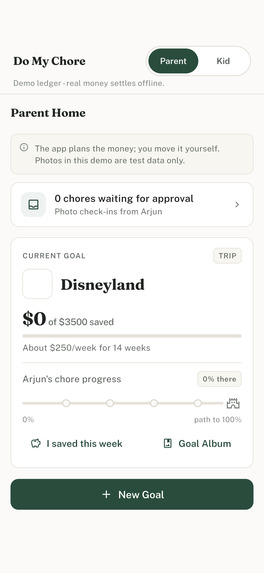
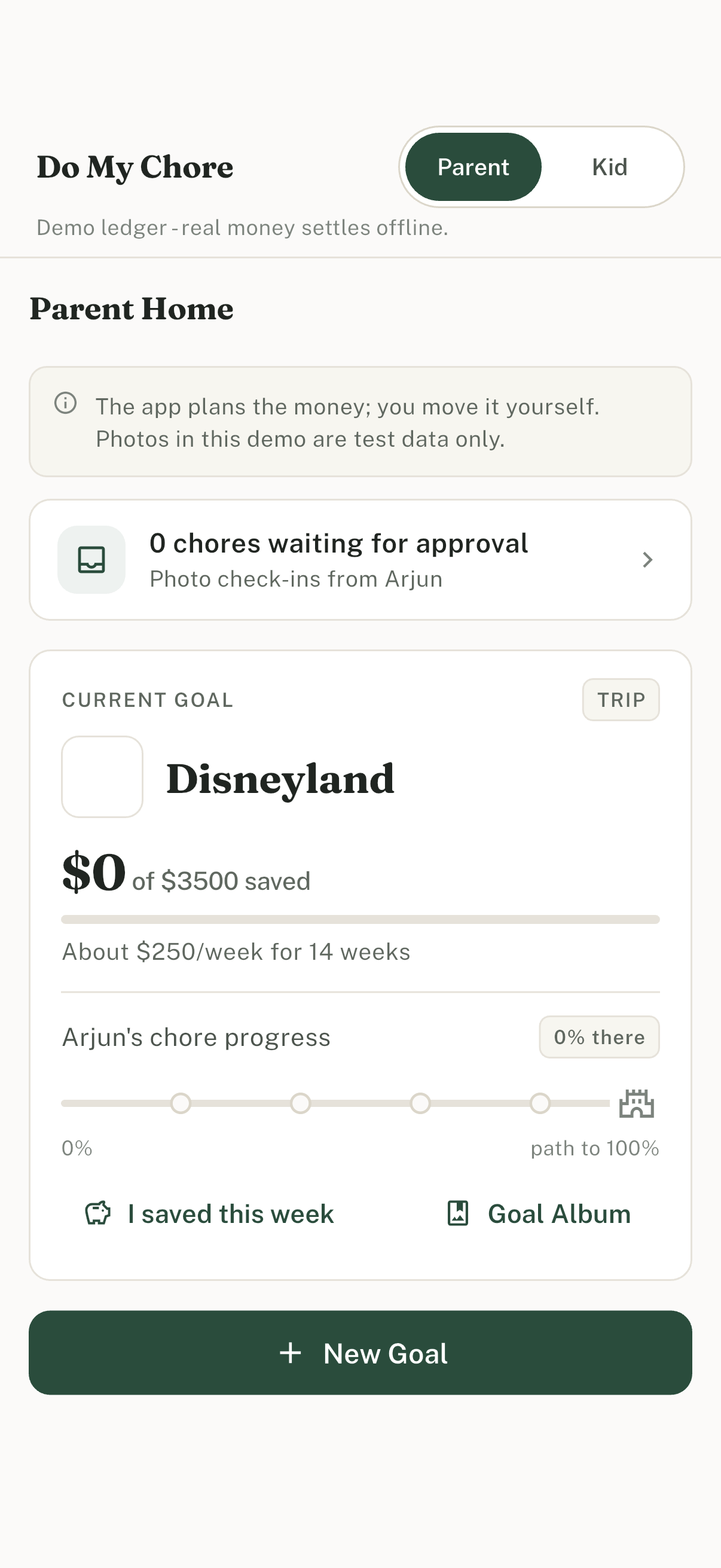
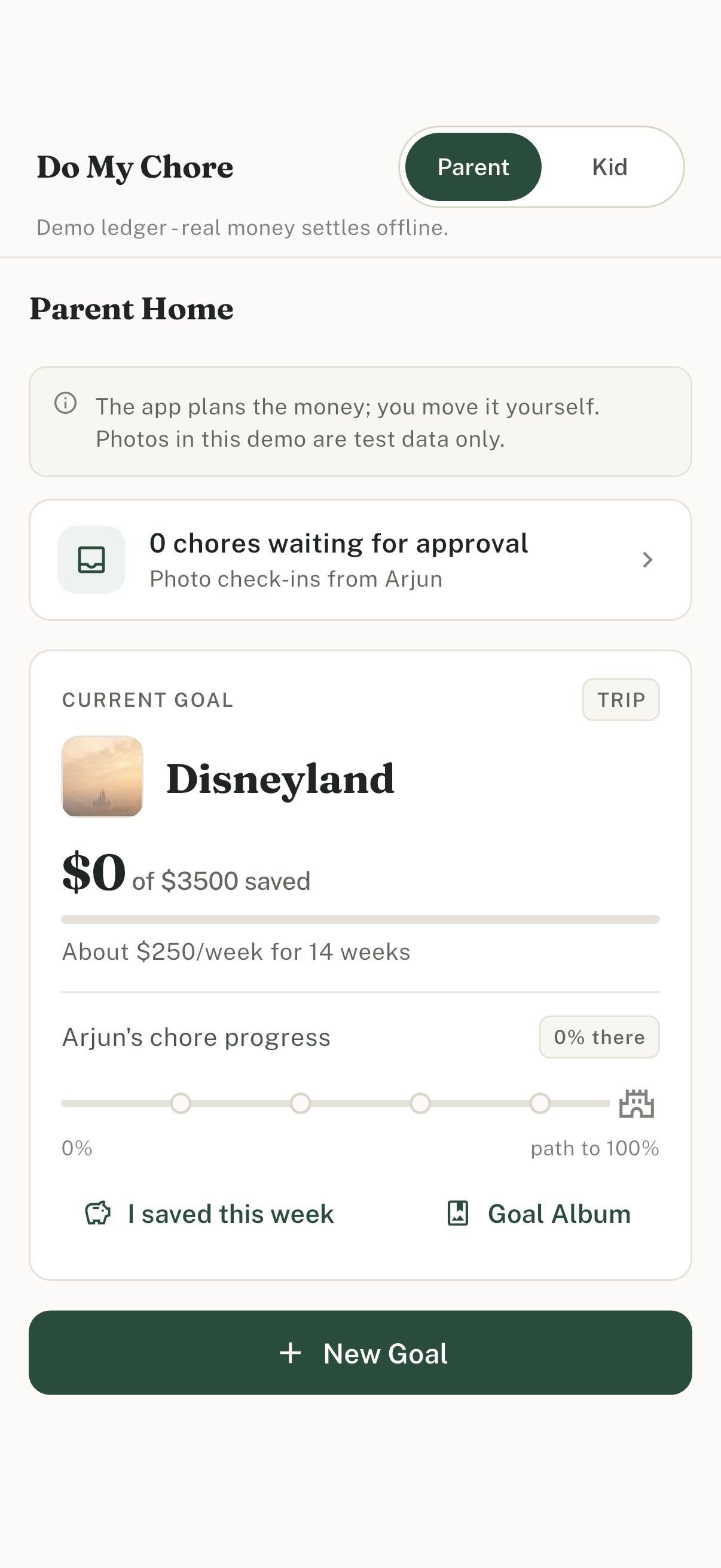
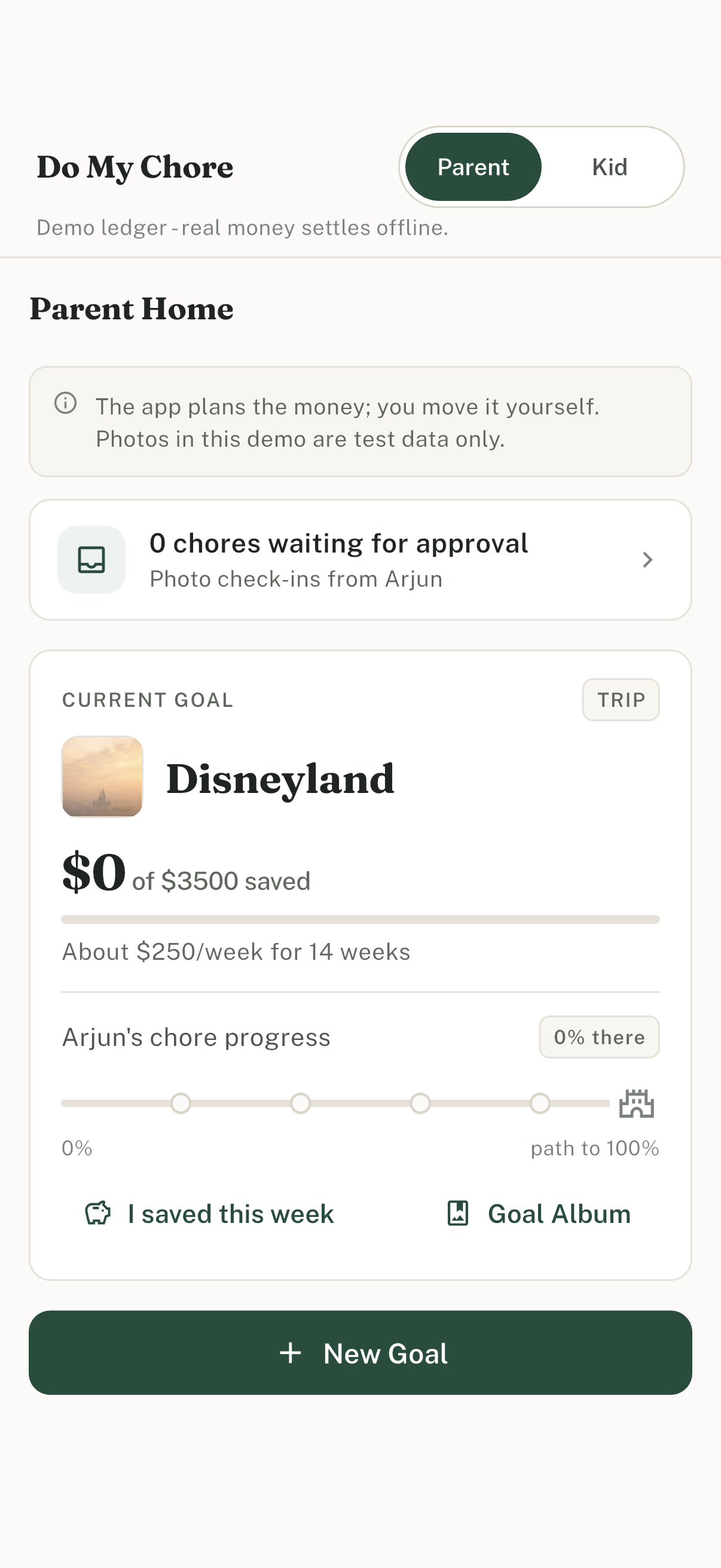
Honesty first: demo ledger, offline money settlement, and photo test-data notice on Parent Home.
-
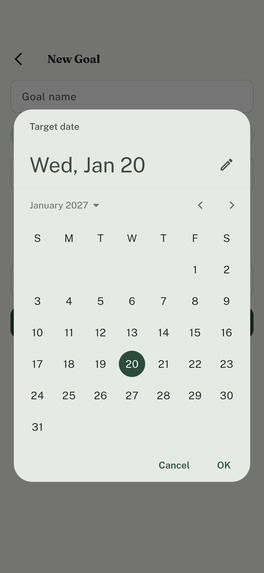
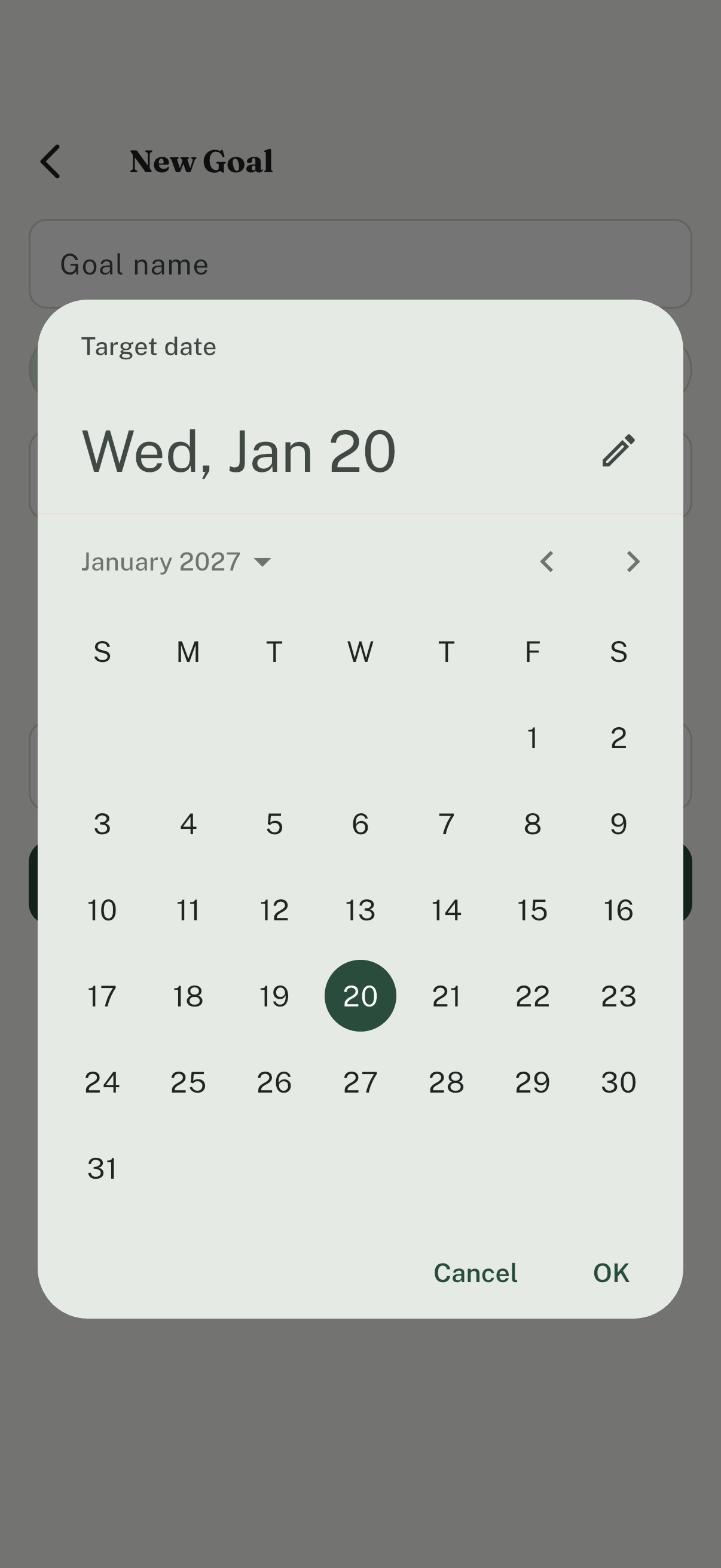
New Goal with the native target-date picker open (calendar, not free-typed dates).
-
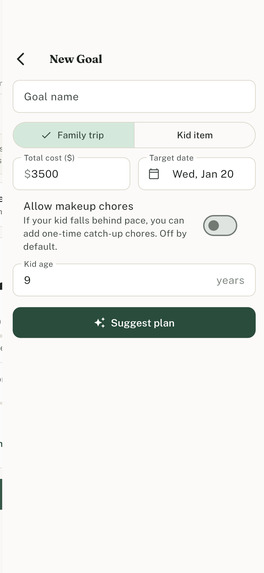
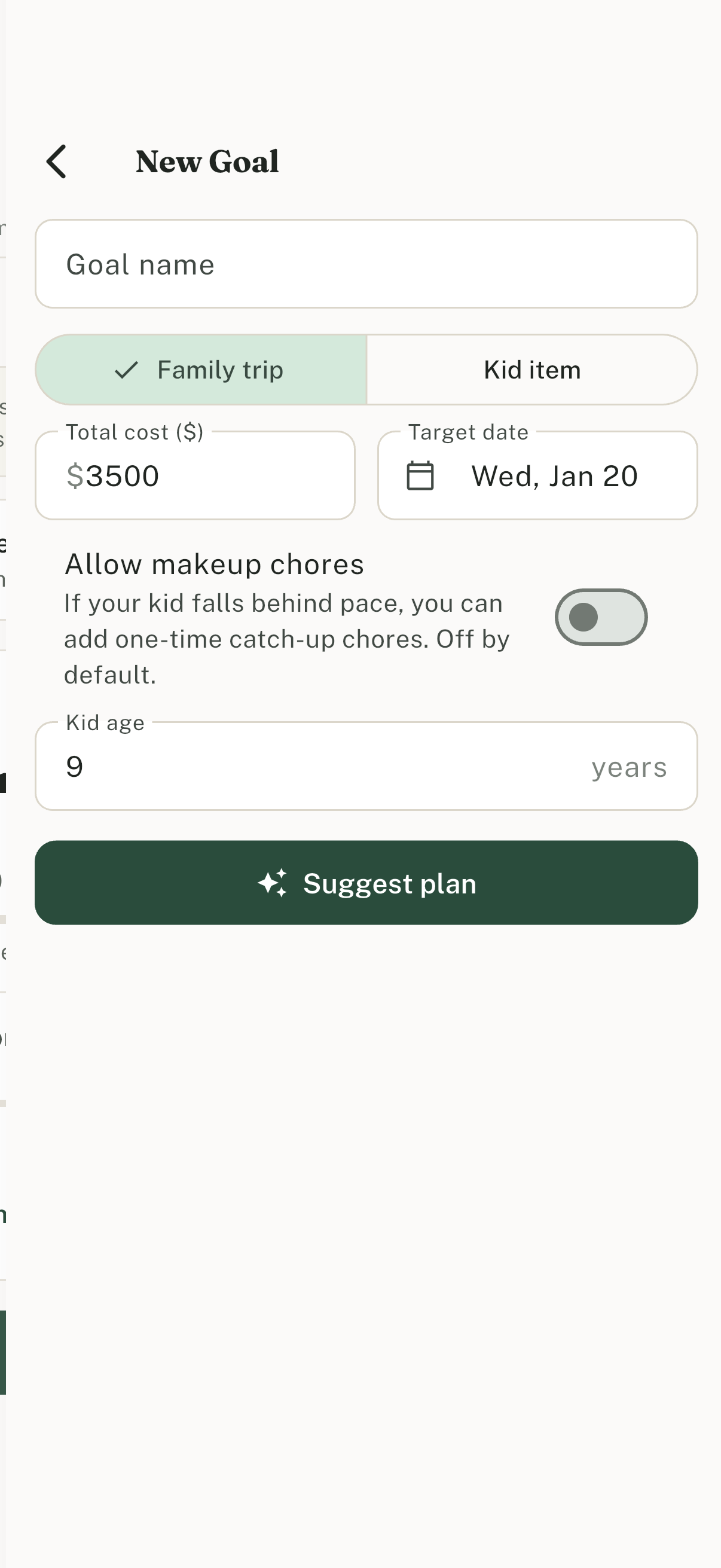
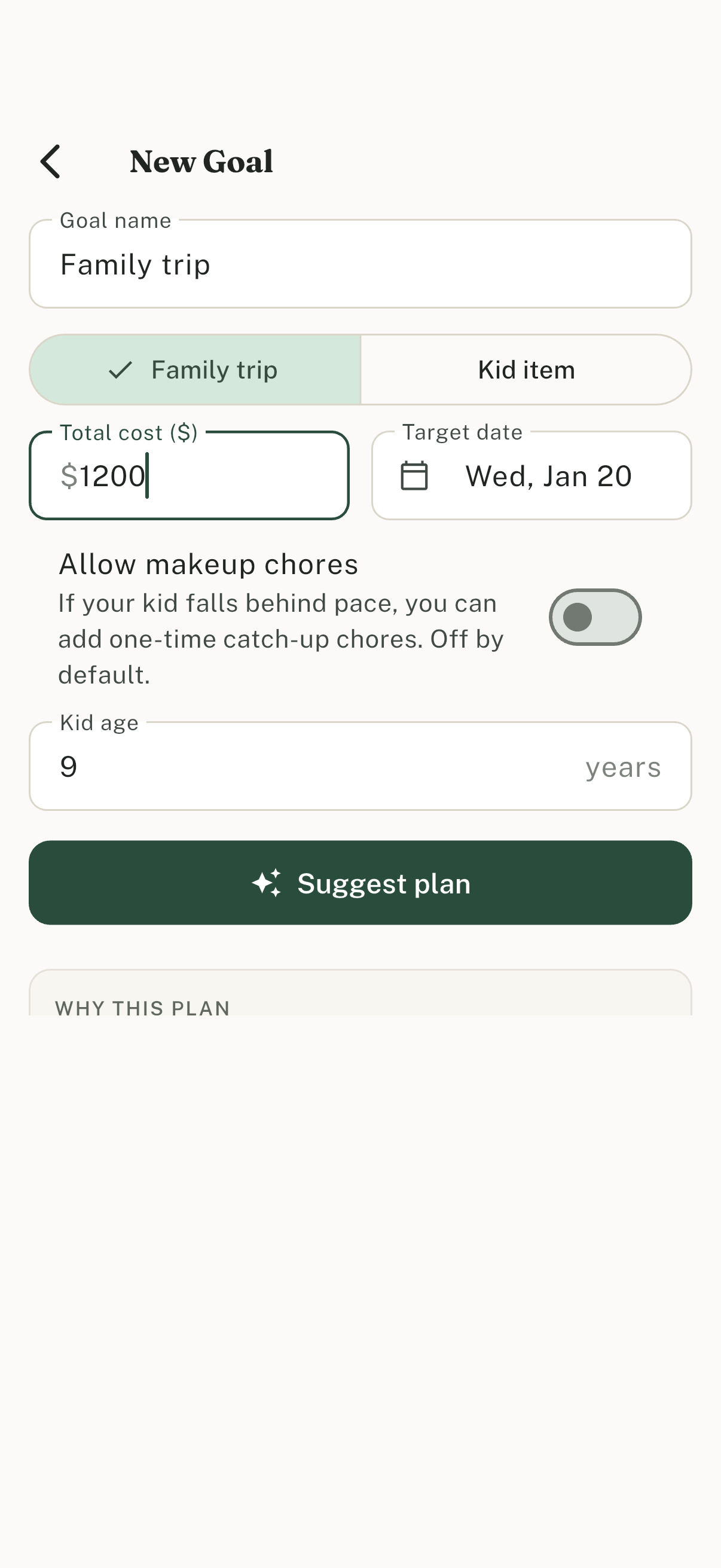
New Goal planner: family trip or kid item, target date, optional total cost, makeup chores off by default.
-
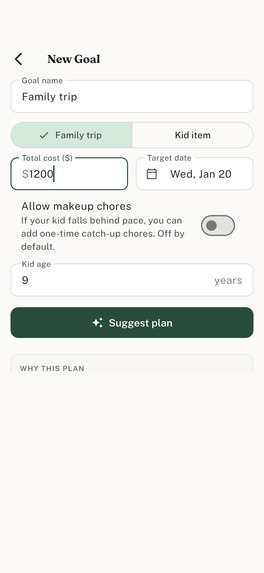
Suggest plan drafts weekly parent save plus weighted chores that sum to at least 100%, with a plain-language why.
-
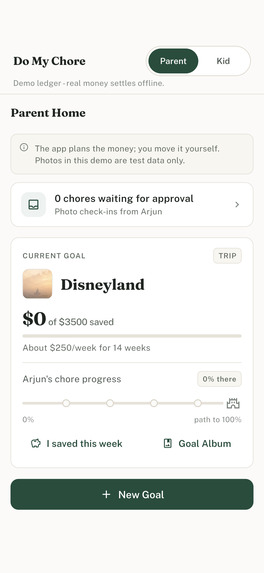
Parent Home tracks real dollars for the goal while the kid side stays percent-only.
-
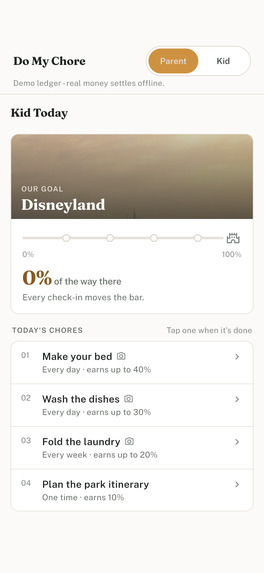
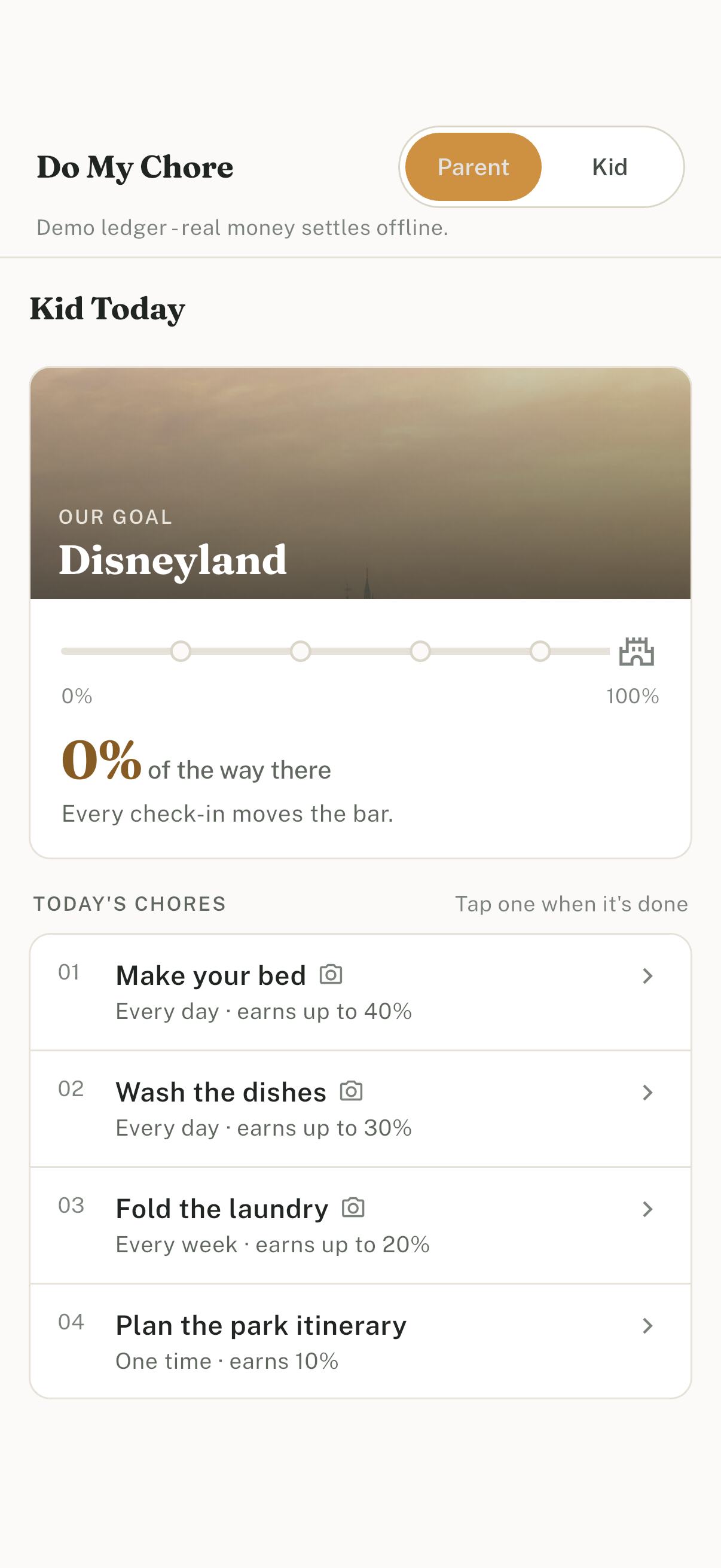
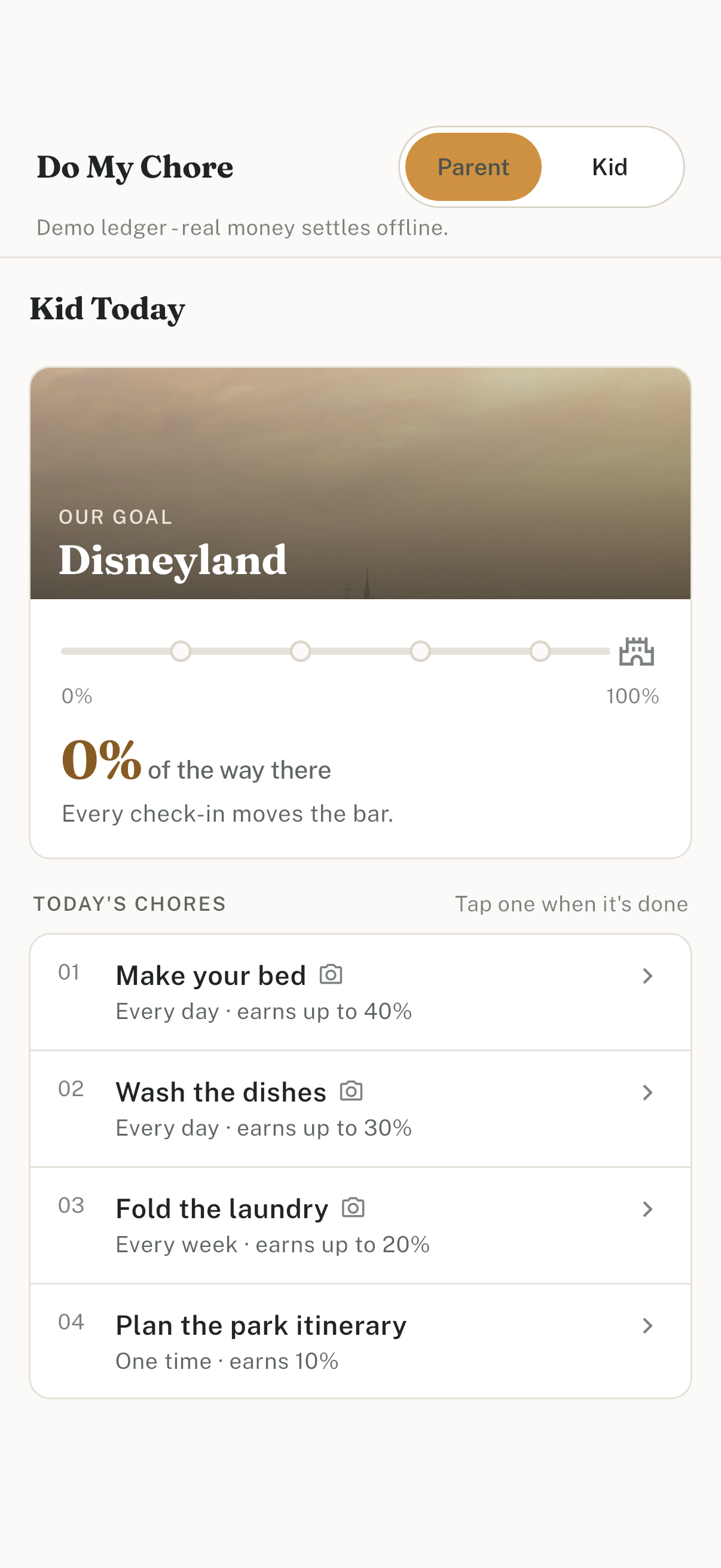
Kid Today: percent progress only. No dollars on any kid screen.
-
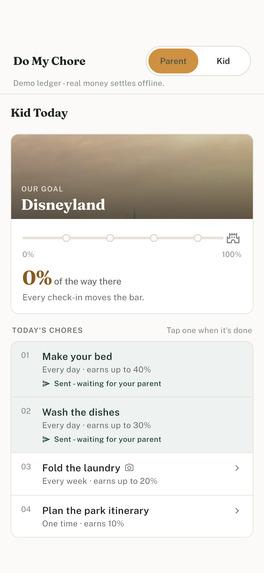
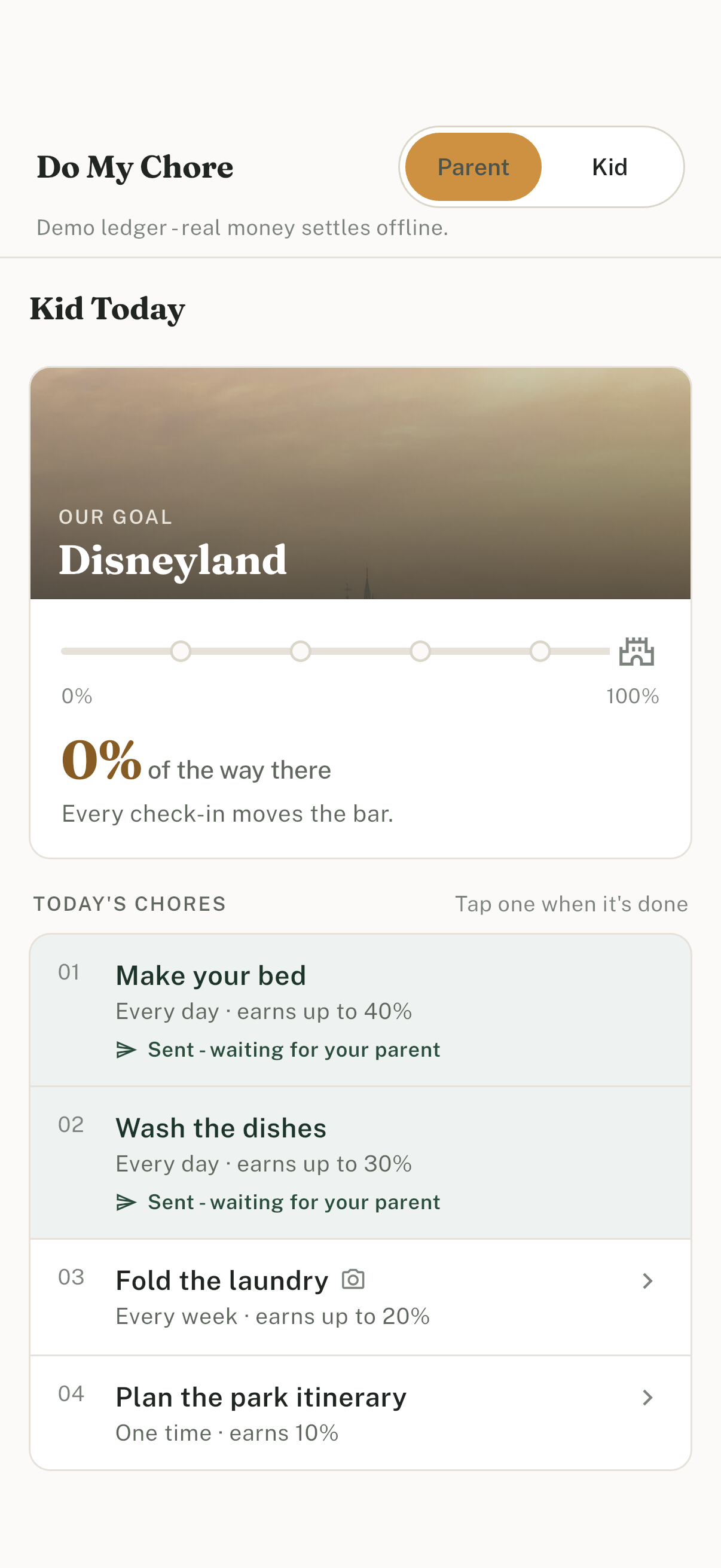
Kid check-in: mark a chore done and attach a photo when looking works.
-
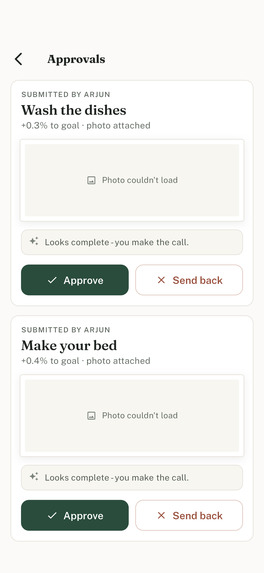
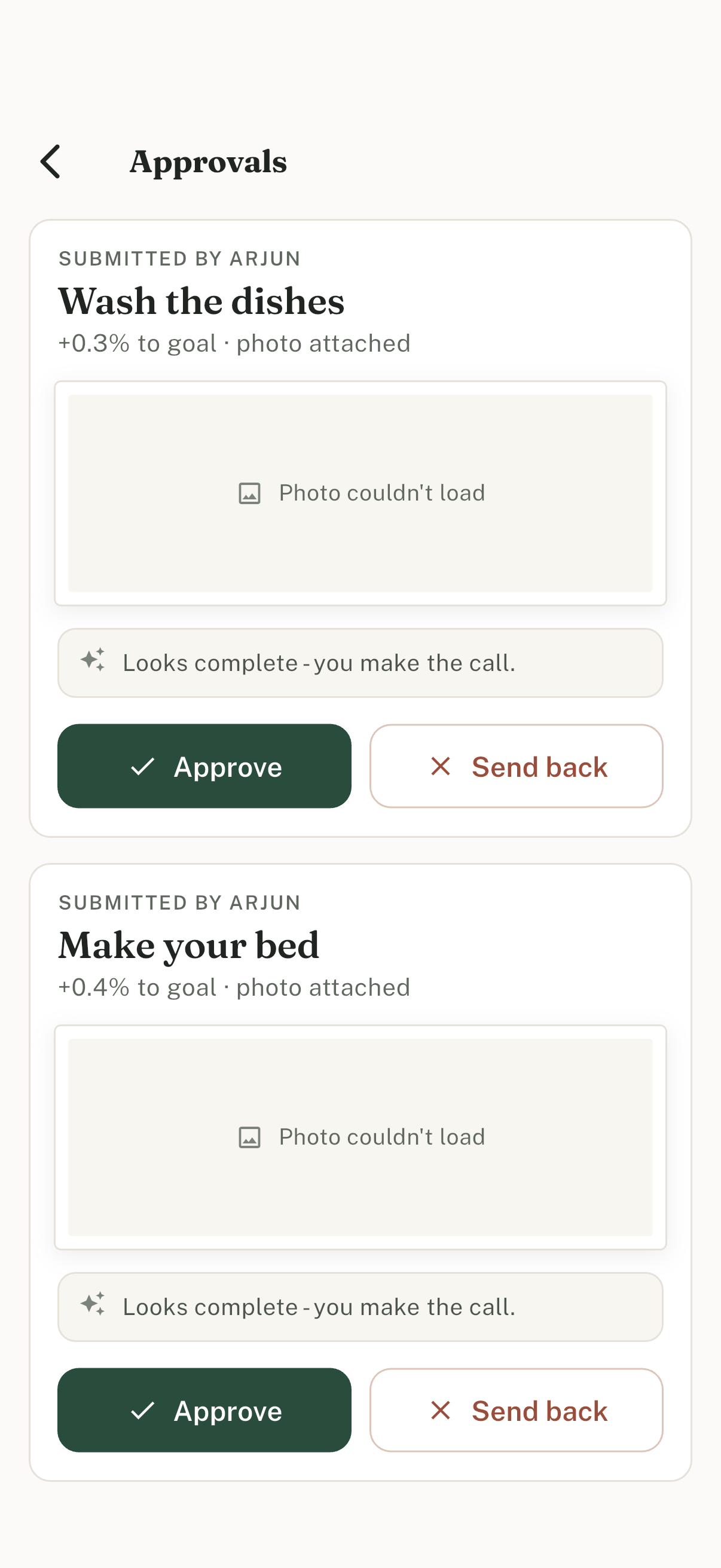
Approvals inbox: parent reviews submitted chores with photo assist suggestion; parent is always final.
-
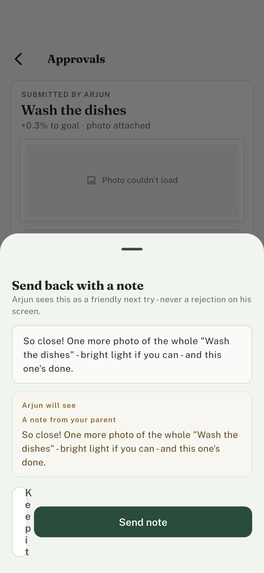
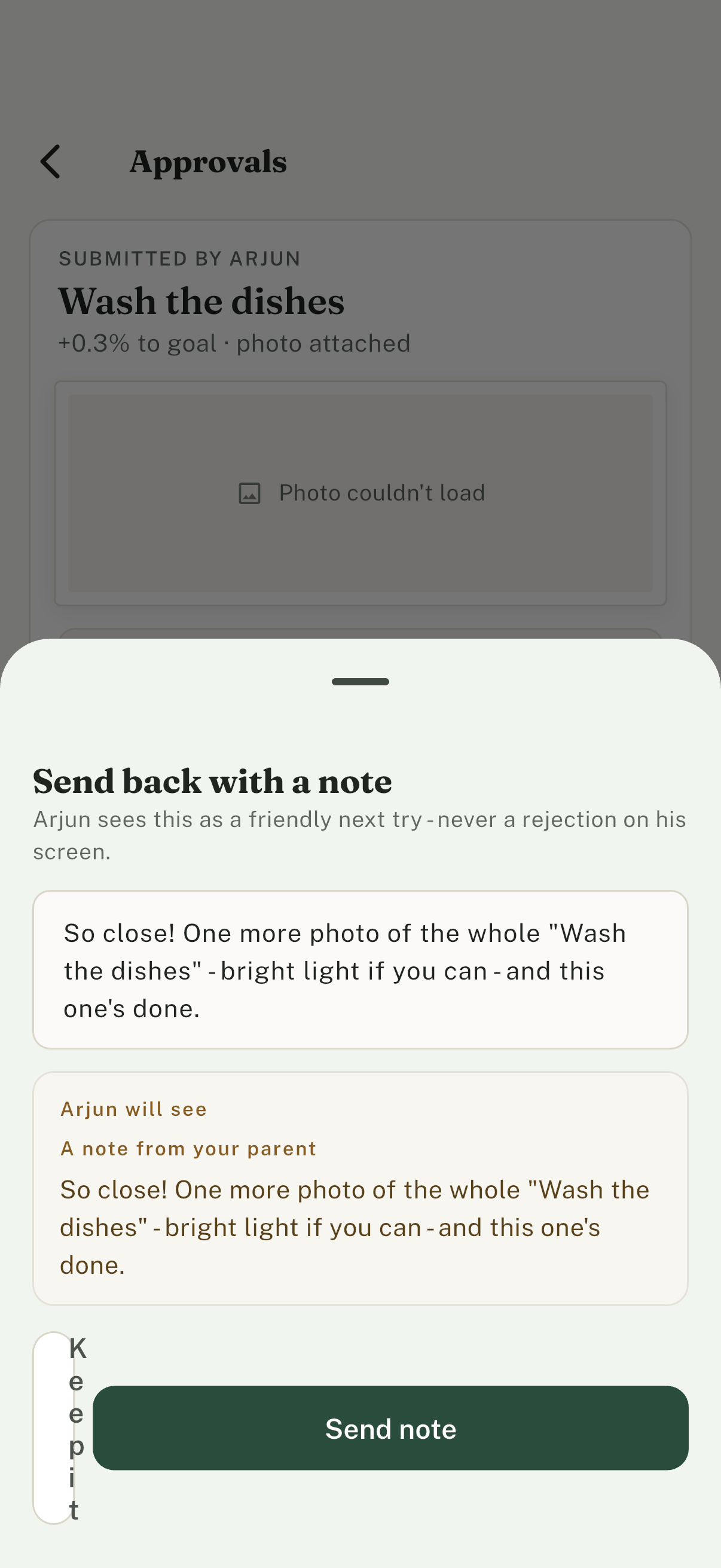
Send back with a note. The sheet previews exactly what the kid will read as NEXT TRY.
-
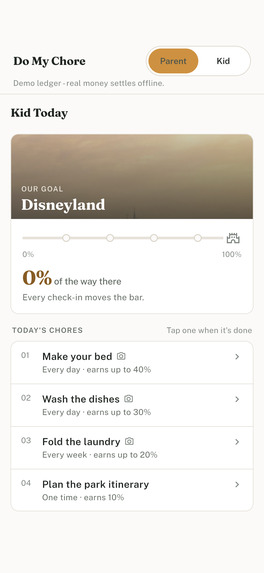
Kid Today after the loop: percent bar and chore list. Progress is earned check-in by check-in.
-
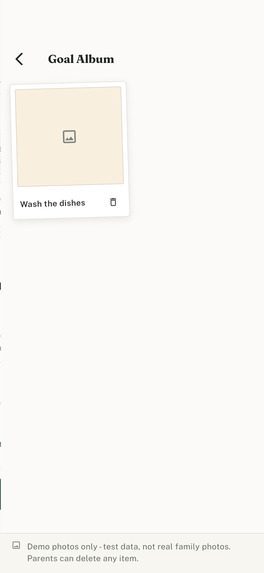
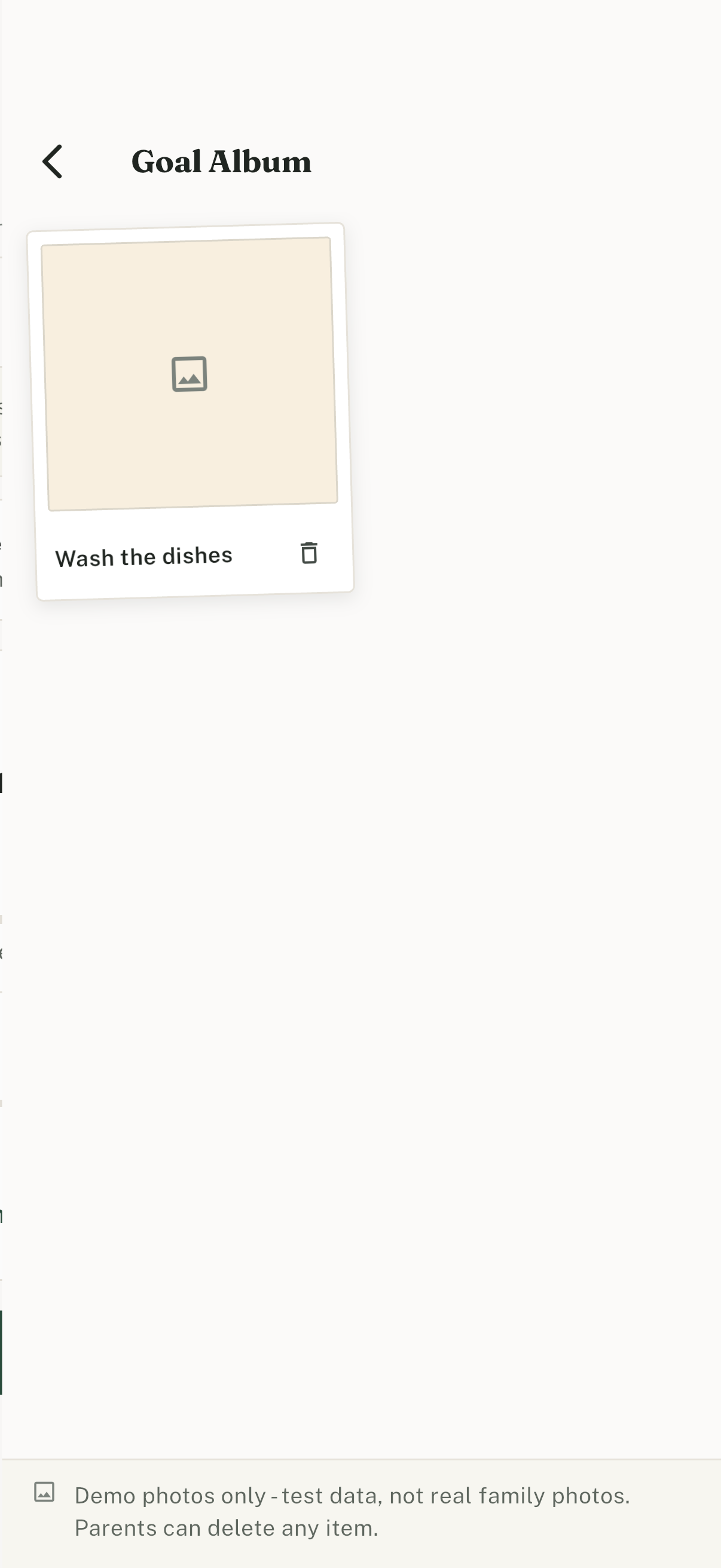
Goal Album collects approved photos the family can delete anytime.
-
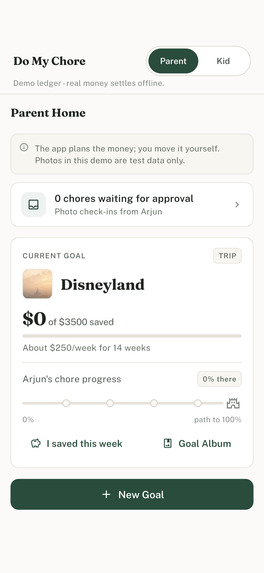
One seeded demo family: switch Parent and Kid roles in-app without separate devices.
Inspiration
Do My Chore started while I was babysitting my godson. His parents were planning a family Disney cruise, and they wanted him to hold up his side of the bargain by finishing his chores. After each chore, I sent his parents a photo. When they came to pick him up, they told me saving for the cruise was a huge part of the goal. Saving for the whole family was expensive, but setting aside some money every month made it achievable.
That is the loop Do My Chore is built around. A kid finishes a chore and adds a photo as proof, a parent approves it, and every approved chore moves the family closer to a goal they are saving for together.
What it does
The kid's path is habit. Every chore has a cadence (once, daily, weekly) and a weight. "Make your bed" daily might be worth 40% of the goal, paid out one tiny slice per check-in. The kid's screen shows only a percent bar - no dollars, no coins, no store. Reach 100% and the goal is earned. Parents can deliberately oversubscribe (weights above 100%) so a few skipped days don't sink the plan.
The parent's path is the promise. The same app is a financial planner for the real cost: Disneyland is $3,500, 14 weeks out, so the parent saves about $250 a week. A manual "I saved this week" log keeps the promise visible. Money is settled offline - no bank, no card, no KYC.
AI where it helps, fenced where it must be:
- Suggest plan - given the goal, cost, date, and kid's age, the AI proposes a weekly parent save and 4-8 weighted chores whose weights sum to at least 100%, with a "why" in plain parent language. With no API key, a deterministic builder produces the same shape - the demo never depends on a key.
- Photo assist - for chores a parent can verify by looking, it suggests approve/reject. Trust-based chores (reading time) never ask for photos. The parent is always final.
Makeup, not bailout: if the goal allows it and the kid is behind pace, the parent can add one-time catch-up chores. Off by default, never automatic.
The loop: the parent creates a goal, Suggest plan drafts the weekly save and the weighted chores, then an in-app role switch opens the kid's Today list (percent only). Back as the parent: Approve, or Send back with a note the kid reads as NEXT TRY. Approved photos collect into a deletable Goal Album. The public project site is https://pamu512.github.io/do-my-chore/
How we built it
Flutter client with two roles (parent and kid) on top of Supabase (Postgres, Auth, Storage, Edge Functions). Row Level Security keeps family data scoped by role. Goal progress is derived from approved chore check-ins, not a separately edited total, so the ledger matches the history. AI features (Suggest plan and Photo Assist) call an Edge Function when a key is present and fall back to a deterministic local path when it is not, so demos never block. Weighted habits are constrained so they add up to 100% of the goal. Planning docs in the repo (prd.md, scope.md, spec.md) drove the build task by task.
Challenges
Keeping the kid UI percent-only while parents still get a real dollar save plan. Habit weights have to cover the goal (at least 100%) and progress stays derived from approved check-ins, not a hand-edited total. The demo also has to run with zero API keys: Suggest plan and Photo Assist fall back to a deterministic path when no key is present. Parent and kid share one family, but each role only sees what that role is allowed to see.
Accomplishments that we're proud of
- Kid screens show percent only; Parent Home tracks real dollars for the same goal.
- Approvals inbox loads on open. Photo assist suggests; the parent is always final.
- New Goal uses the native target-date picker (a calendar, not free-typed dates).
- Zero-key demo: Suggest plan and Photo Assist still run without an API key.
- Project site hero at https://pamu512.github.io/do-my-chore/ walks the same loop.
What's next
Gallery and polish stay honest with the shipped screens. Optional next cut is a sub-60s demo.
What we learned
When I first shared v1 with a few friends, one of the first things they told me was that kids today are more aware and self-reflective. If a kid knows how much something costs, there is a good chance they will feel guilty, even if they earned it through their chores. So we changed the kid UI to show only the percent of the goal achieved, not how much their parents are spending or saving.
Built With
- dart
- deno
- flutter
- openai
- postgresql
- python
- supabase

Log in or sign up for Devpost to join the conversation.