-
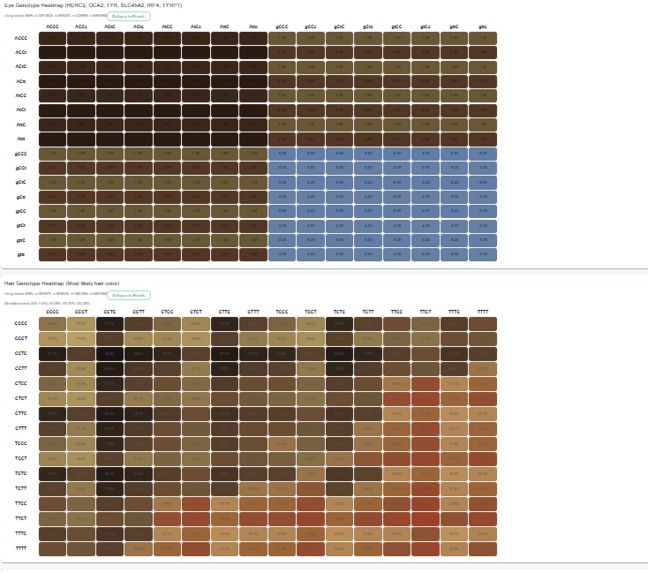
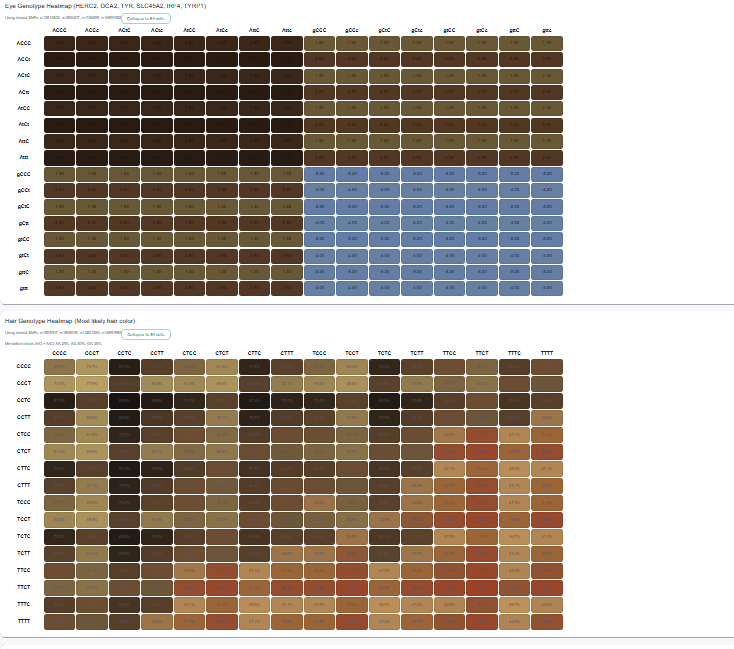
eye color and hair color polygenetic heat maps
-
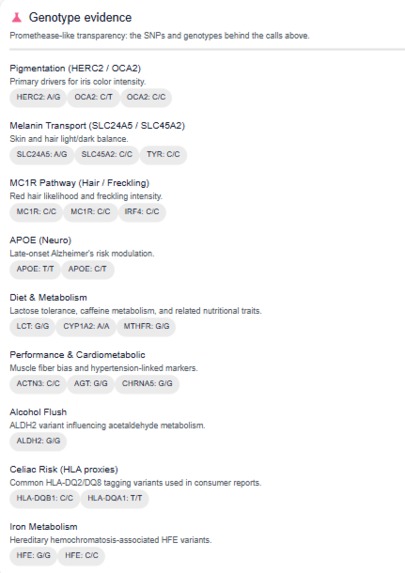
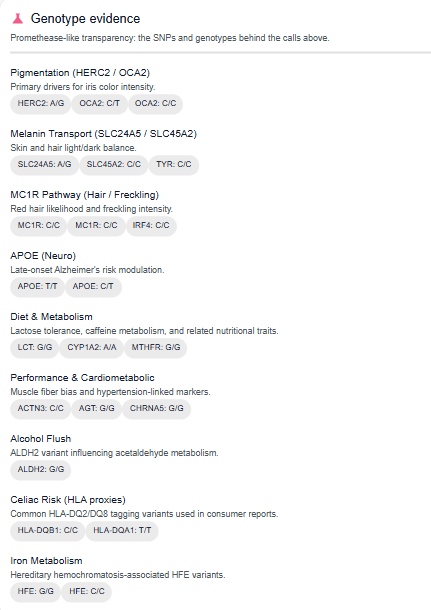
Traits and health report
Genome Full App
DNA analysis web app with a Flask backend and Next.js (App Router) frontend. Handles parent DNA uploads, child trait/health predictions, PDF reports, an optional AI explainer, and a demo Height Polygenic Score (PGS).
Prerequisites
- Python 3.10+ (backend)
- Node 18+ (frontend / Next.js 14)
- Git (Git LFS if you choose to store large datasets)
Environment
Create a .env (or .env.local) in the repo root using .env.example:
OPENAI_API_KEY=your_openai_api_key
OPENAI_MODEL=gpt-4o-mini
The AI explainer is optional; without a key, that endpoint returns 503.
Backend setup (Flask)
cd backend
python -m venv .venv
.\.venv\Scripts\activate   # Windows PowerShell
pip install -r requirements.txt
python app.py
The server listens on port 5000.
Reference data (not committed)
Large files like backend/clinvar.gz, backend/nih/clinvar.gz, and backend/nih/dbsnp.gz are ignored. Place them under backend/ locally or use Git LFS if needed.
Uploads
User uploads live under backend/upload/ and backend/uploads/ (ignored by git).
Frontend setup (Next.js)
cd frontend
npm install
npm run dev
Dev server runs on port 3000. Ensure the backend (port 5000) is running for API calls.
Features
- Parent DNA upload + child trait/health prediction (
/parents,/child-results) - Punnett-style visualizations and genotype heatmaps
- PDF report generation
- In-memory results cache: only a small
childResultIdis stored insessionStorage; large payloads stay in memory - Optional AI summary (
/api/explain-results) whenOPENAI_API_KEYis set - Height Polygenic Score demo (
/height_pgsbackend,/heightfrontend)
Basic workflow
1) Start backend (port 5000).
2) Start frontend (port 3000).
3) Upload parent DNA files; view child results.
4) Optionally generate a PDF or request an AI explanation.
5) For height PGS, open /height, upload a single raw DNA file, and view the bell-curve card.
Height PGS
- Backend endpoint:
POST /height_pgswith form-datafile, optionalsex(male/female/unspecified), and optionalglobal_ancestryJSON (e.g.{"AFR":0.6,"EUR":0.4}). - Demo weights:
backend/nih/height_demo_weights.csv(swap with real weights as needed; supportsbeta_afr,beta_eur, etc columns). - Output: raw/z scores, percentile, predicted height with CI90/CI95, coverage, confidence tier, warnings, ancestry breakdown, and ancestry component scores.
- Frontend page:
/heightwith upload + sex/ancestry inputs and visualization. - If
global_ancestryis omitted, the backend attempts to infer it from an AIMs panel atbackend/nih/height_ancestry_aims.csv(populate with reference frequencies).
Height Calibration Engine
- Configurable calibration lives in
backend/utils/height_calibration/config.yaml. - Training:
python -m utils.height_calibration.train --input data/train.csv --config backend/utils/height_calibration/config.yaml --output-model data/height_calibration.joblib --output-metrics data/height_calibration_metrics.json. - Inference:
python -m utils.height_calibration.infer --config backend/utils/height_calibration/config.yaml --input-json data/sample_input.json.
Height SNP Catalog
- Build unified catalog:
python -m utils.height_catalog.ingest --config backend/utils/height_catalog/config.json --output-tsv data/height_catalog.tsv --output-report data/height_catalog_report.json. - Configure GWAS inputs by populating
sourcesinbackend/utils/height_catalog/config.json(GIANT, UKBB, PAGE, MVP, H3Africa, GWAS Catalog).
Troubleshooting
- Storage/Quota: Large genomes are never stored in browser storage; only small IDs are. Reloading drops in-memory caches—re-upload to regenerate results.
- Push rejected for large files: keep datasets/caches out of git; use LFS or download scripts if needed.

Log in or sign up for Devpost to join the conversation.