ProtectedText Clone
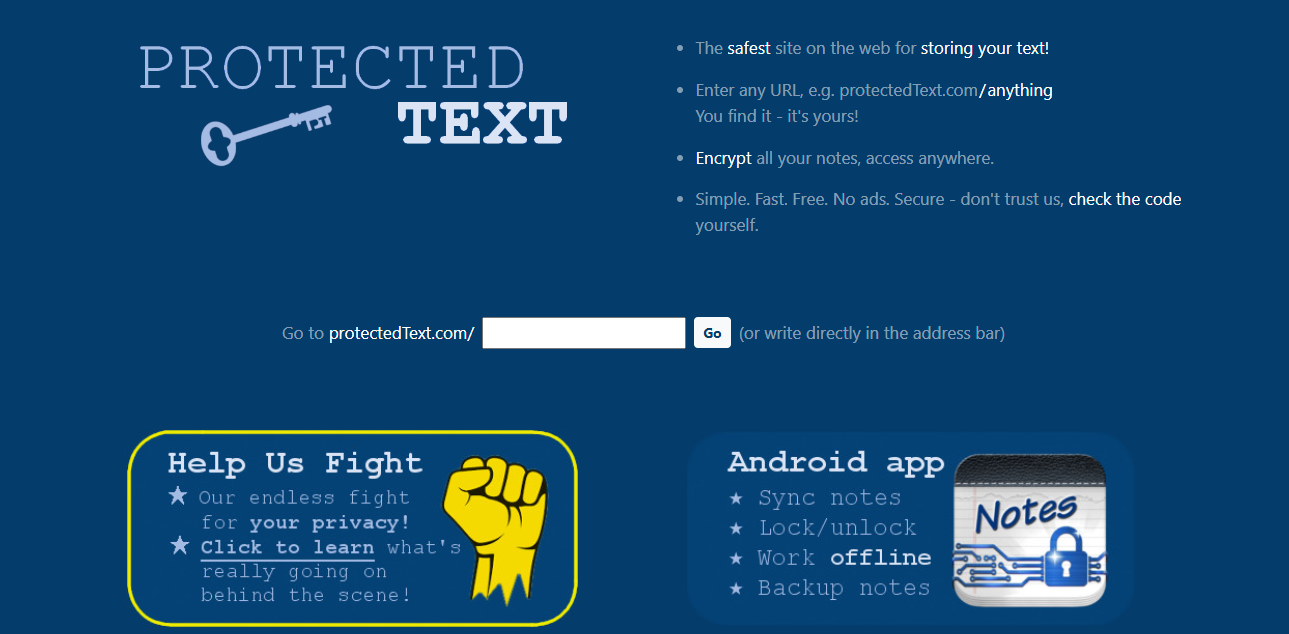
This project is a clone of the ProtectedText website, built using Django and Bootstrap.
Table of Contents
- Project Overview
- Features
- Technologies Used
- Screenshots
- Installation
- Usage
- Learning Outcomes
- Contributing
- License
- Acknowledgements
Project Overview
This project replicates the functionality of the ProtectedText website, providing a secure and user-friendly interface for storing and managing text. The main objective was to understand and implement RESTful APIs and XHR calls in both asynchronous and synchronous modes.
Features
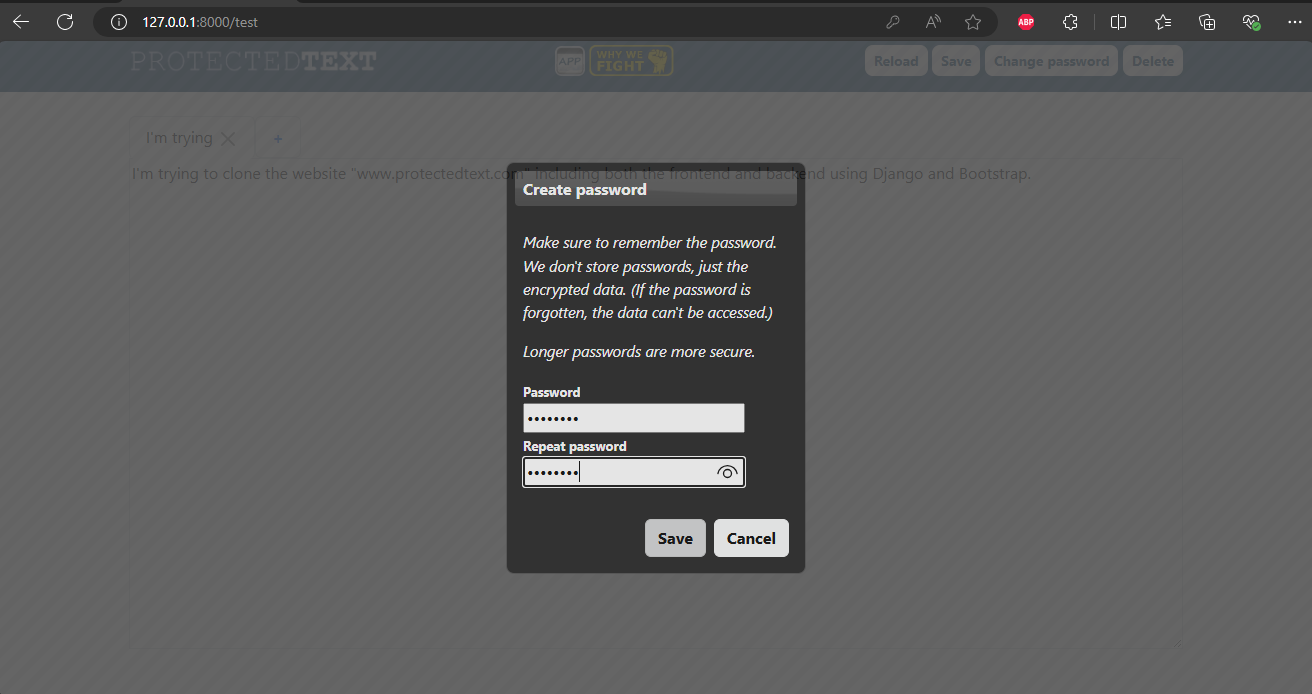
- Text Encryption: Client-side text encryption for secure data storage.
- RESTful API: Implemented a RESTful API for data management.
- Asynchronous and Synchronous XHR Calls: Utilized XHR calls for efficient data retrieval and updates.
- Responsive Design: Built using Bootstrap for a responsive and mobile-friendly design.
Technologies Used
- Frontend: HTML, CSS, JavaScript, Bootstrap
- Backend: Django
- Database: SQLite
- API: Django REST framework
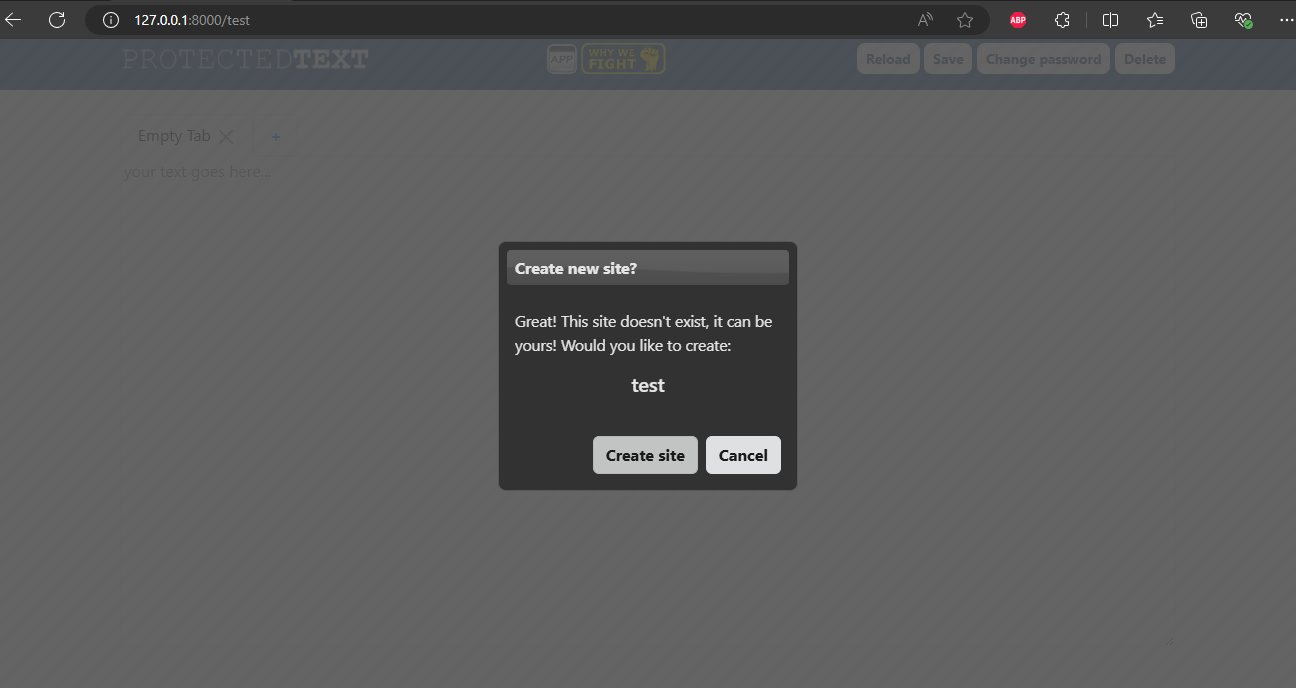
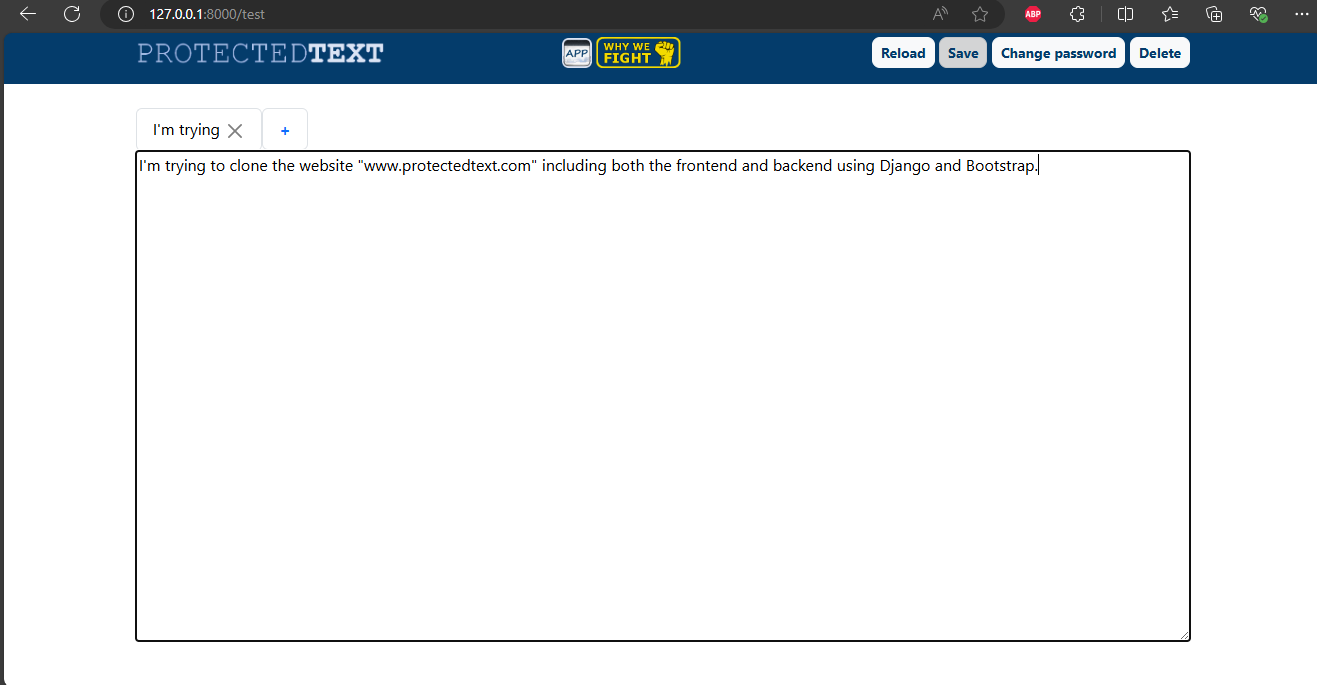
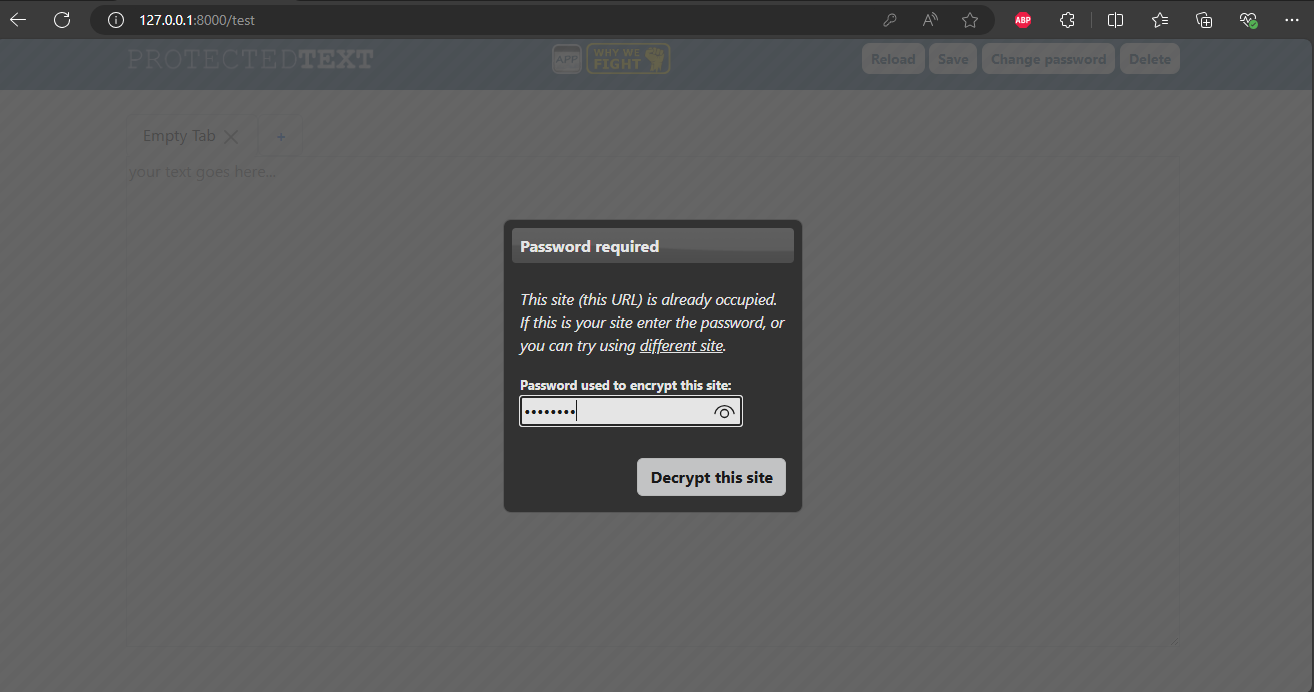
Screenshots
Here are some screenshots:
Installation
To set up this project locally, follow these steps:
- Clone the repository:
bash https://github.com/MJTech46/Django-ProtectedText-clone.git - Navigate to the project directory:
bash cd Django-ProtectedText-clone - Create and activate a virtual environment:
bash python -m venv venv source venv/bin/activate # On Windows use `venv\Scripts\activate` - Install the dependencies:
bash pip install -r requirements.txt - Run database migrations:
bash python manage.py migrate - Start the development server:
bash
python manage.py runserver
Usage
- Open your browser and navigate to
http://localhost:8000. - Create a new page using the input box or directly typing it to the url.
- Use the interface to store and manage your encrypted text.
Learning Outcomes
From this project, valuable experience was gained in:
- Developing and consuming RESTful APIs.
- Making XHR calls both asynchronously and synchronously.
- Implementing secure client-side encryption.
- Designing responsive web interfaces using Bootstrap.
- Integrating frontend and backend technologies using Django.
Contributing
Contributions are welcome! Please open an issue or submit a pull request for any improvements or bug fixes.
License
This project is licensed under the MIT License. See the LICENSE file for more details.
Acknowledgements
Thanks to ProtectedText for the inspiration. Special thanks to the Django and Bootstrap communities for their excellent documentation and support.


Log in or sign up for Devpost to join the conversation.