-
-

-
-
-

-
-
-
-

-
-
-
-
-
-
README
-



Inspiration
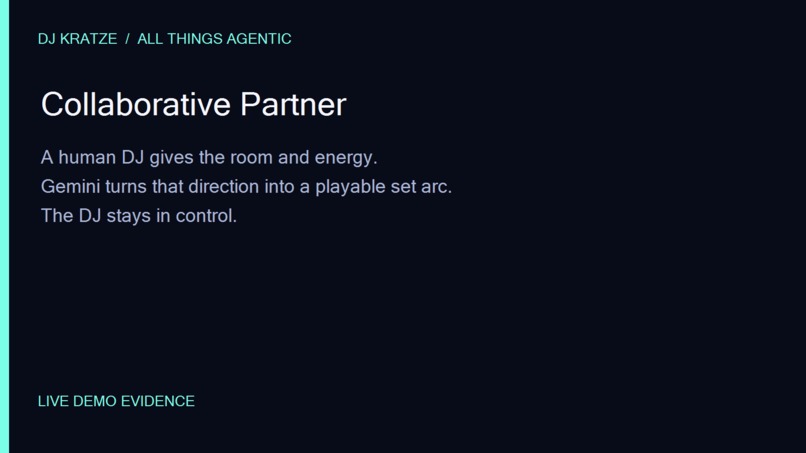
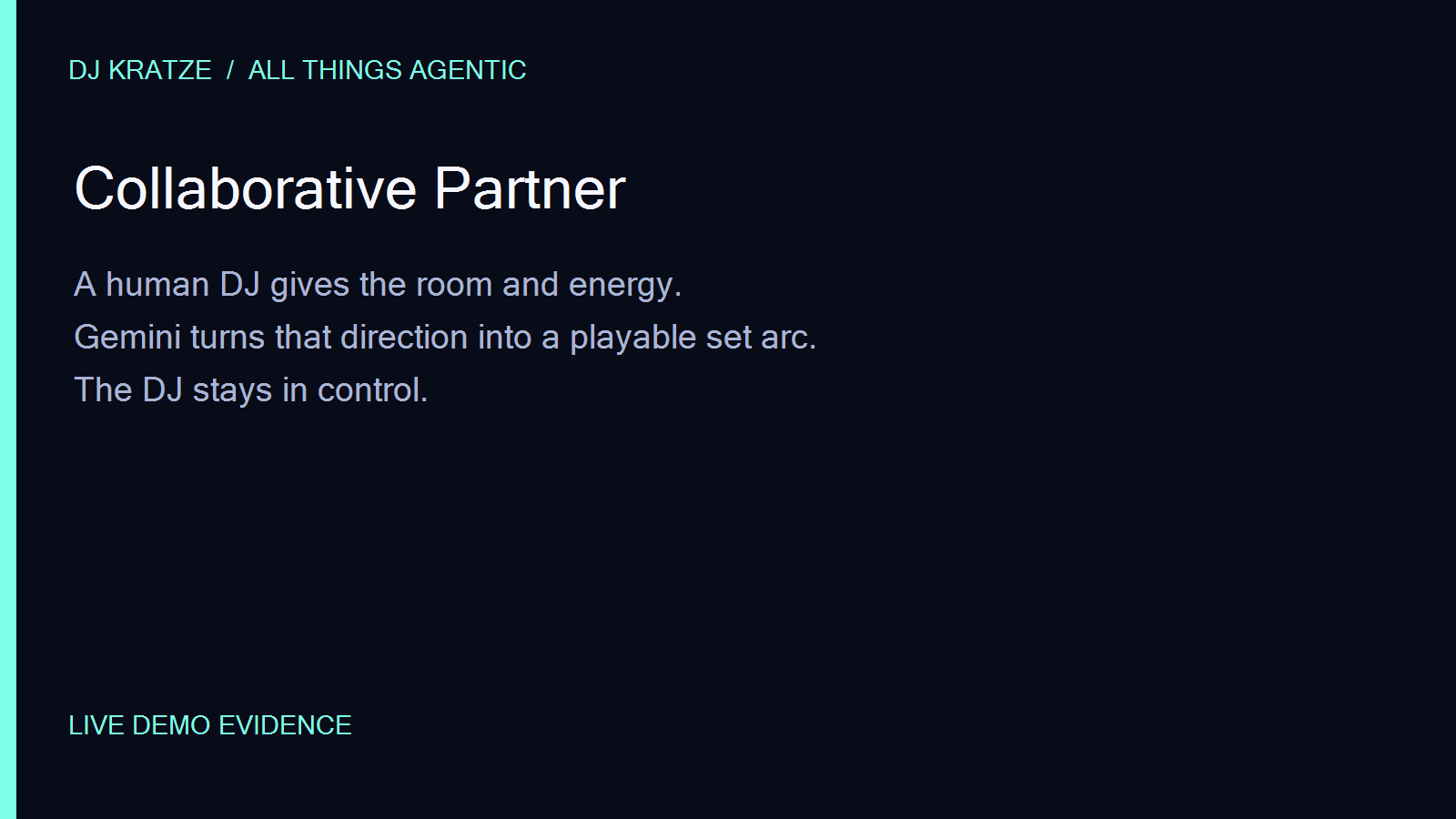
DJ preparation is a messy creative workflow: a crate of tracks, an intended feeling, and a lot of judgment about what should happen next. DJ Kratze is a collaborative partner for that moment. It turns a DJ's brief into a playable set arc while leaving the final call with the human in the booth.
What it does
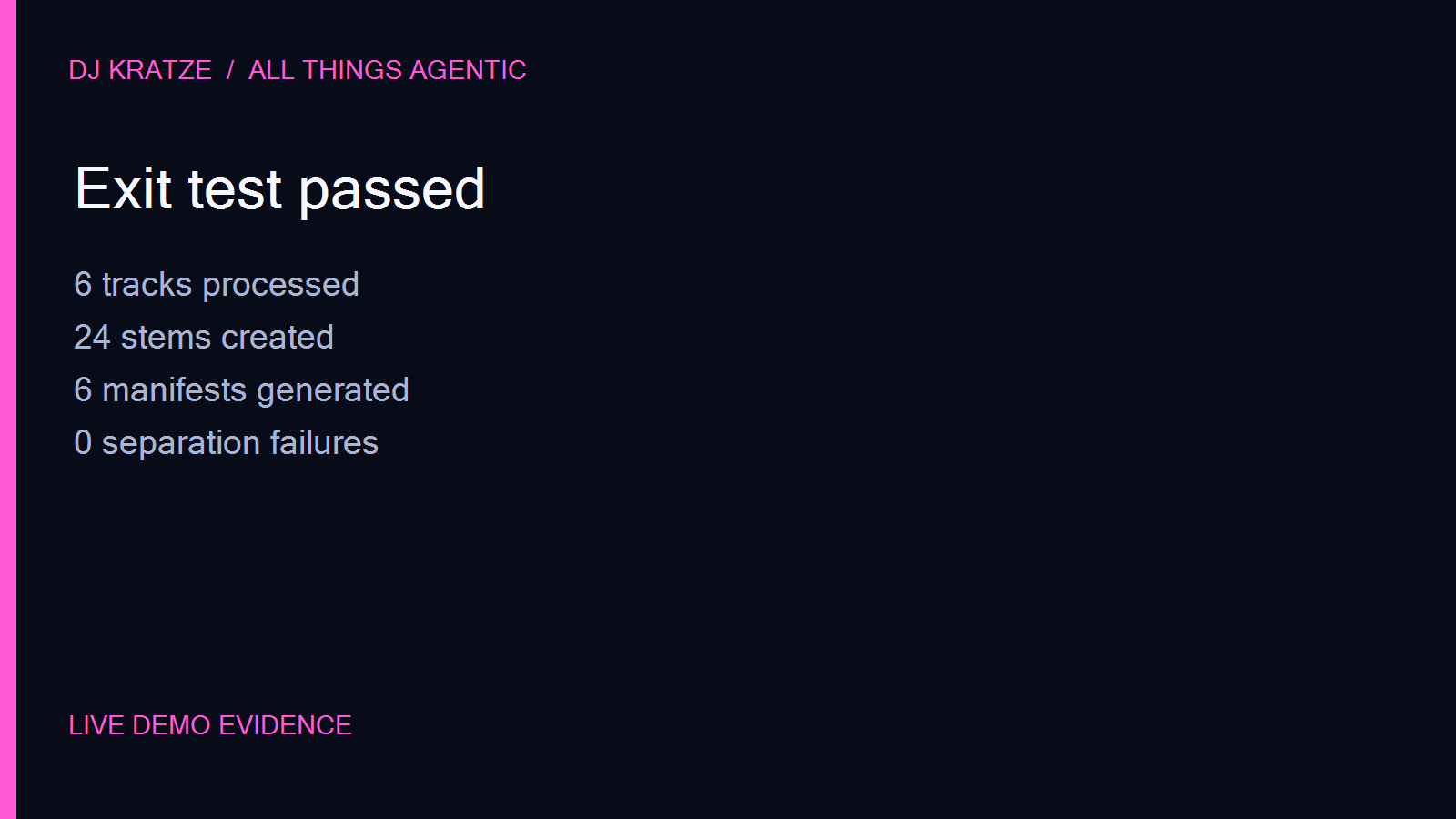
- The DJ starts with a crate of representative chillhop loops or uploads local audio files.
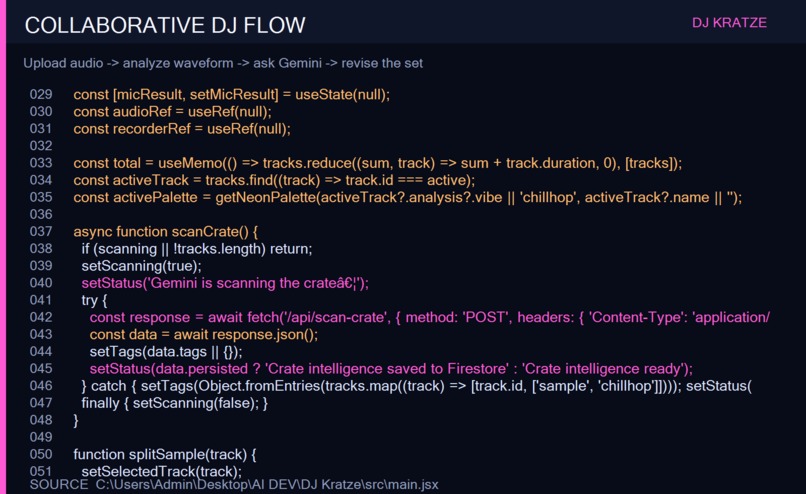
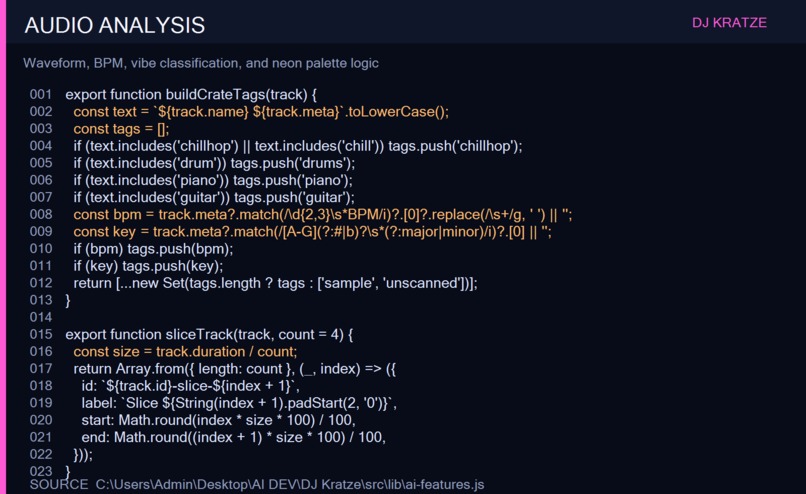
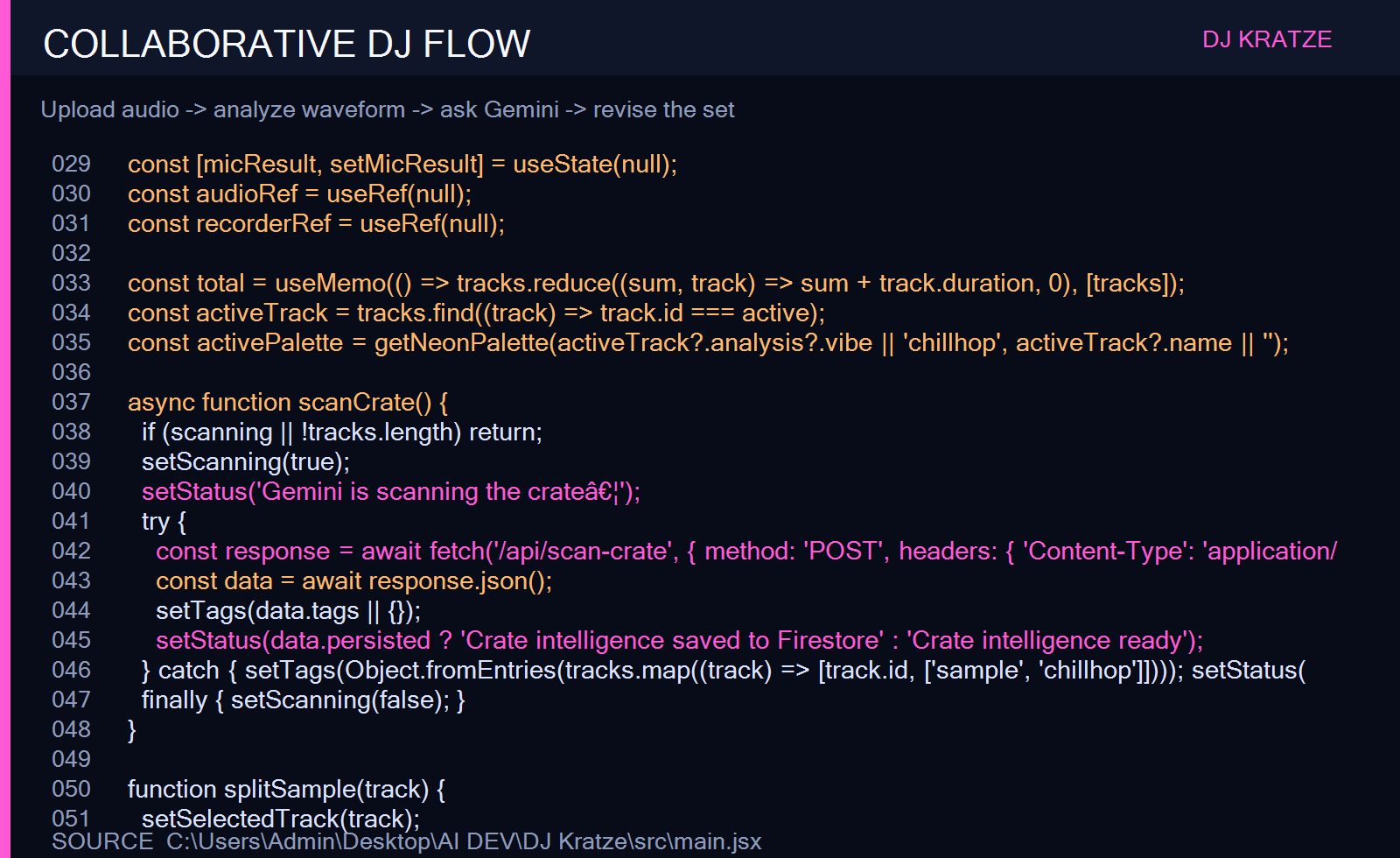
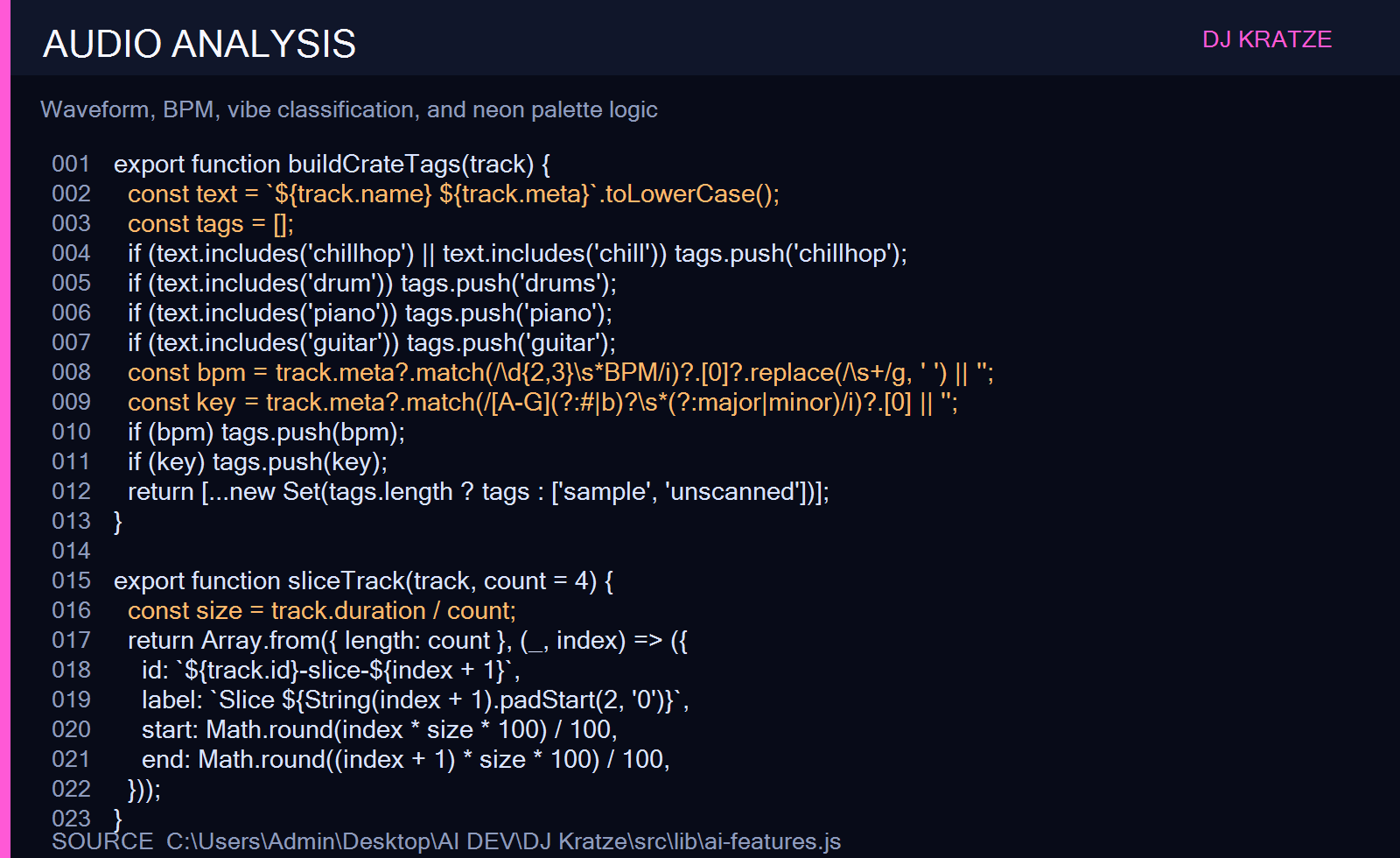
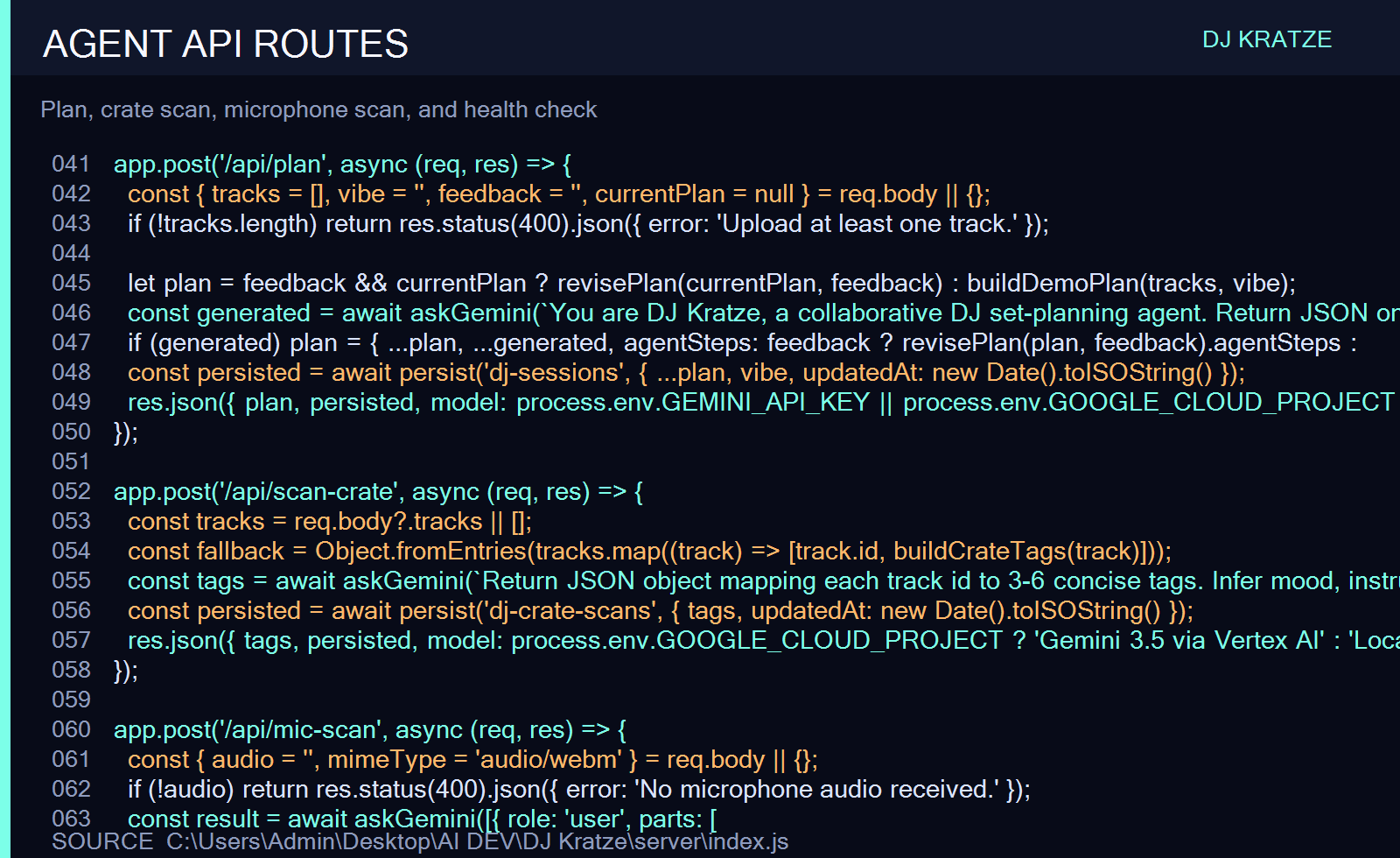
- Kratze scans track names and metadata with Gemini and adds mood, instrument, BPM, key, and use tags.
- The DJ describes the room and desired energy in natural language.
- The agent asks a focused follow-up question about the opening or energy shape.
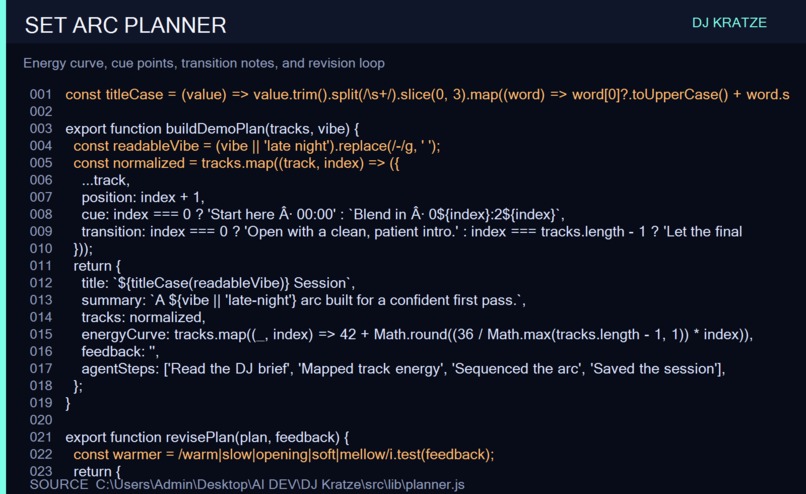
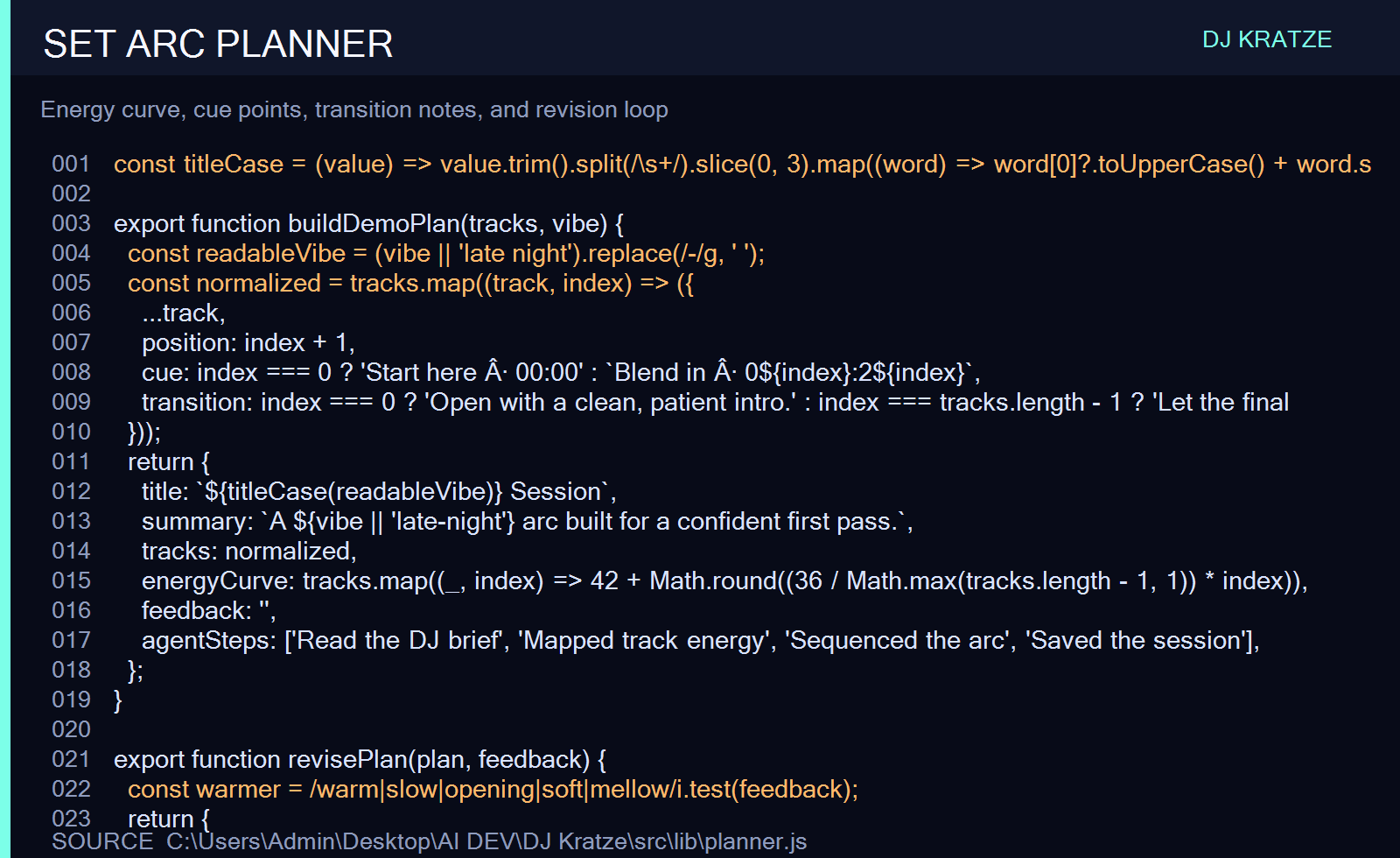
- Gemini proposes an ordered set, energy curve, cue points, and transition notes.
- The DJ previews tracks, splits a sample into four playable browser cues, and can use Mic Scout for best-effort song data.
- The DJ gives a note such as “make the opening warmer and slower,” and Kratze revises the structured plan.
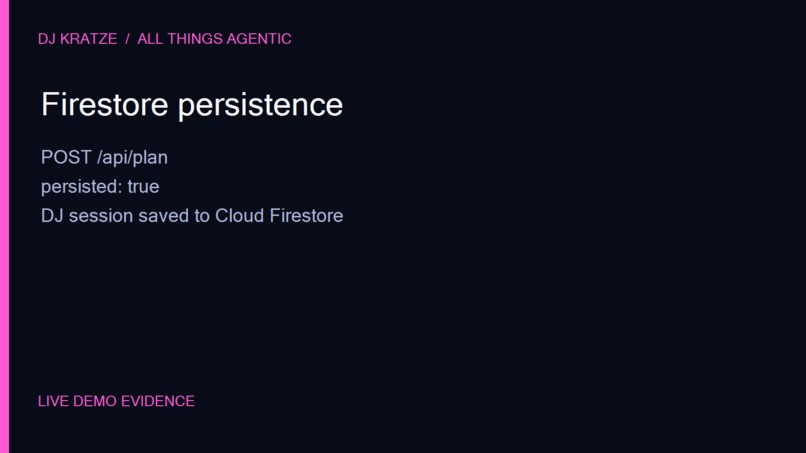
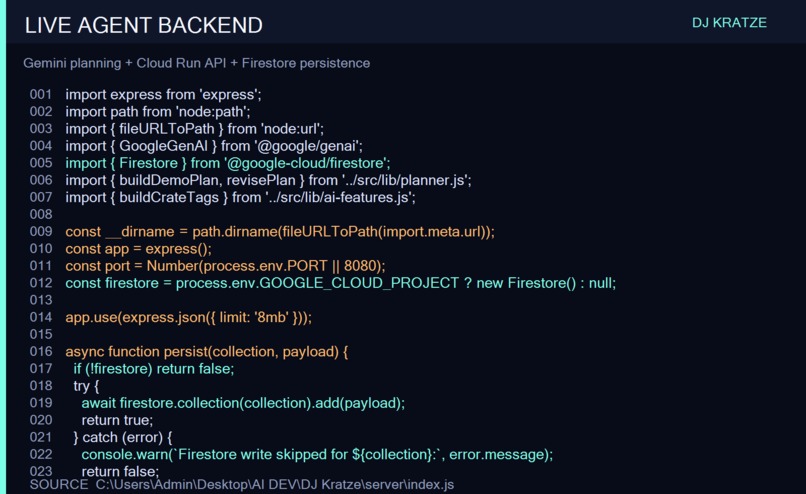
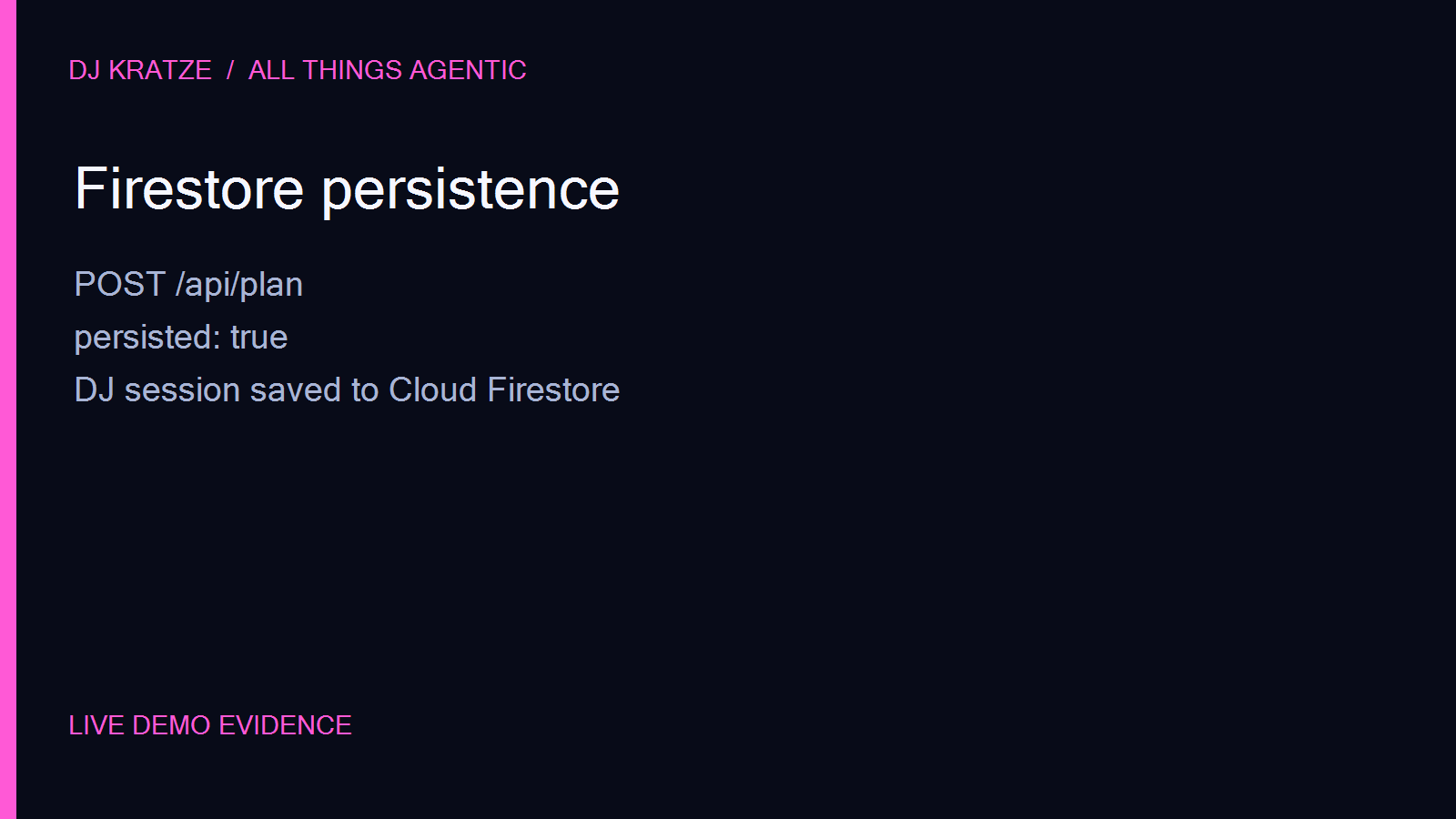
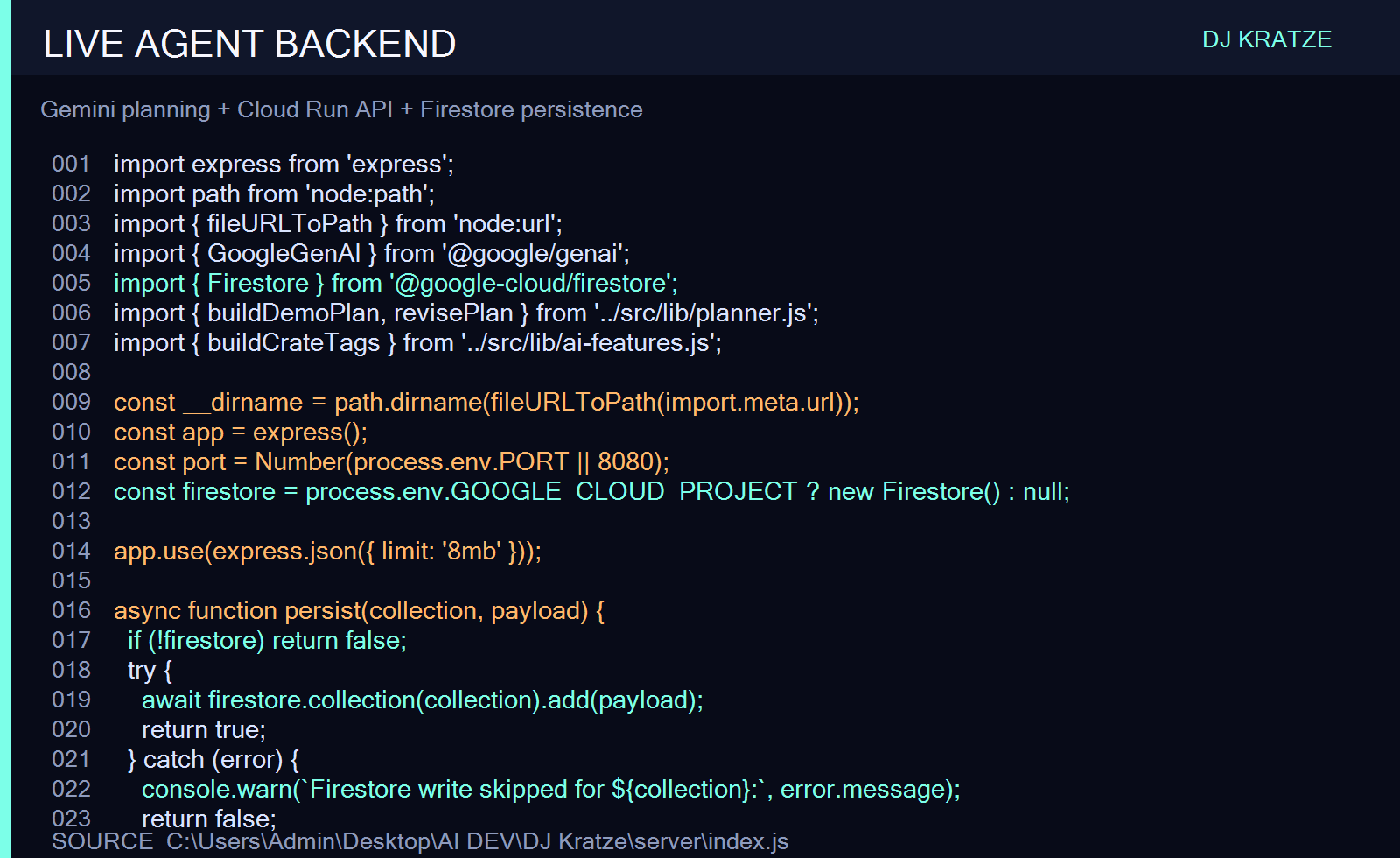
- The plan and crate intelligence are saved to Firestore.
Why it is agentic
DJ Kratze is a Collaborative Partner rather than a chat box. It interprets a creative brief, asks for missing direction, mutates a structured set plan, records the result, and adapts that plan when the DJ provides feedback. The visible activity panel makes the workflow legible.
Technologies
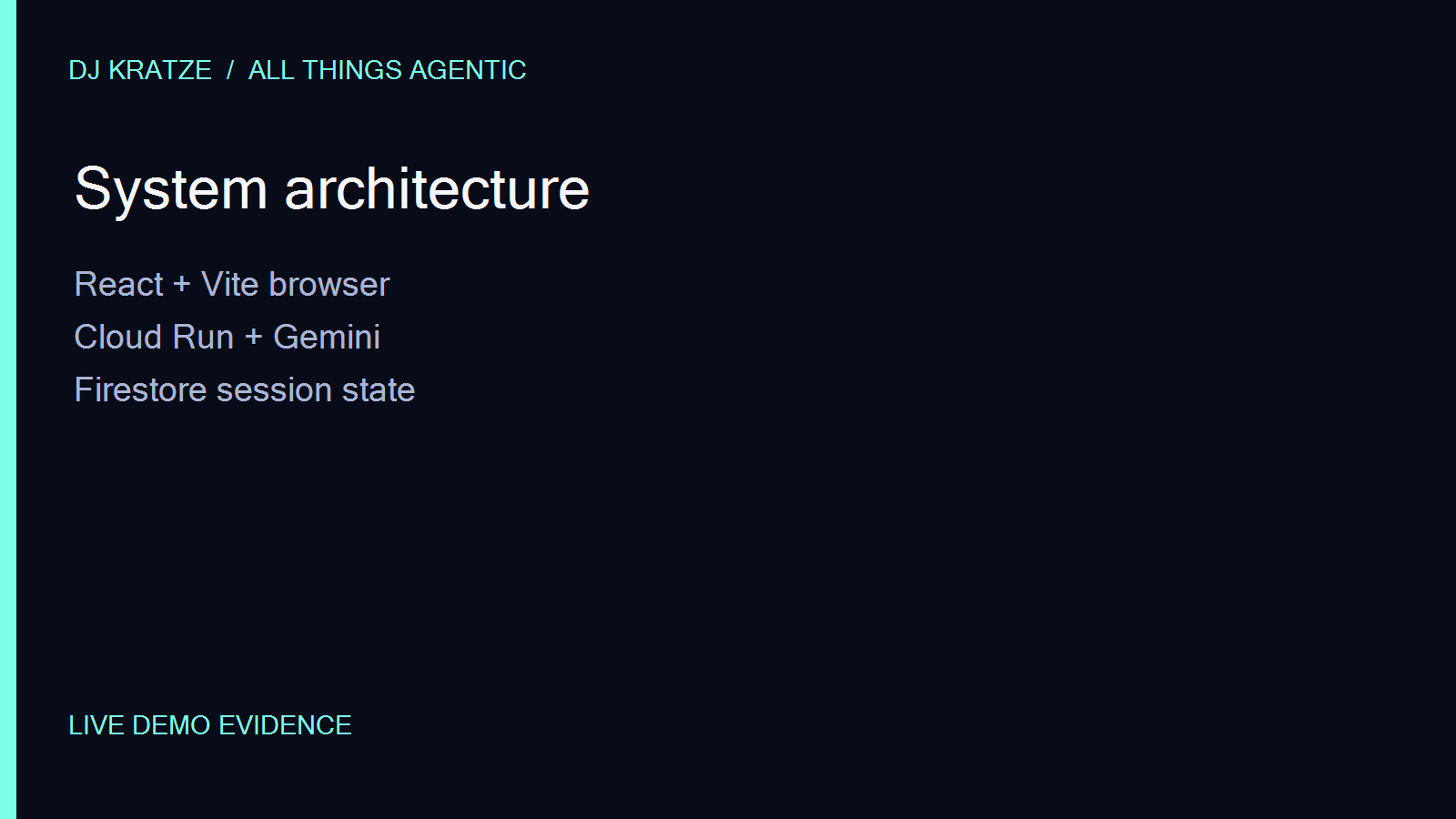
React, Vite, Express, Google GenAI SDK with Gemini 3.5 Flash through Vertex AI, Cloud Run, and Firestore.
Data sources and rights
Audio stays in the browser. The app does not use an external music catalog or music-recognition API. The six bundled chillhop loops are representative user-provided sample-library assets used for the demo; the entrant is responsible for confirming the rights to use them. Any pre-existing sample assets are disclosed here.
Architecture
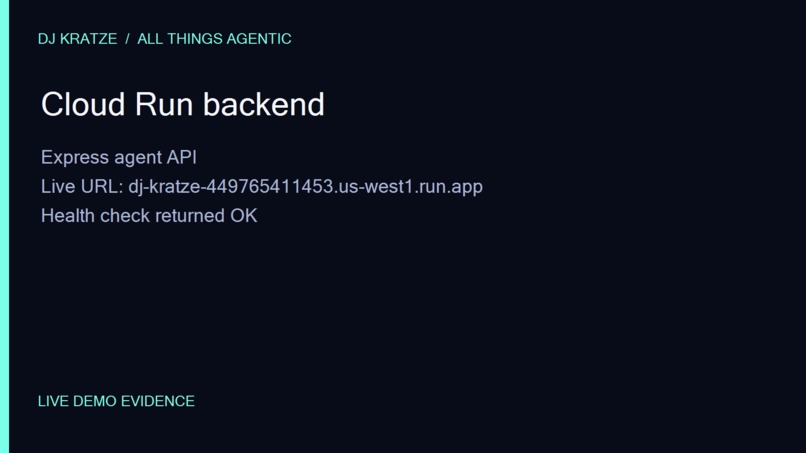
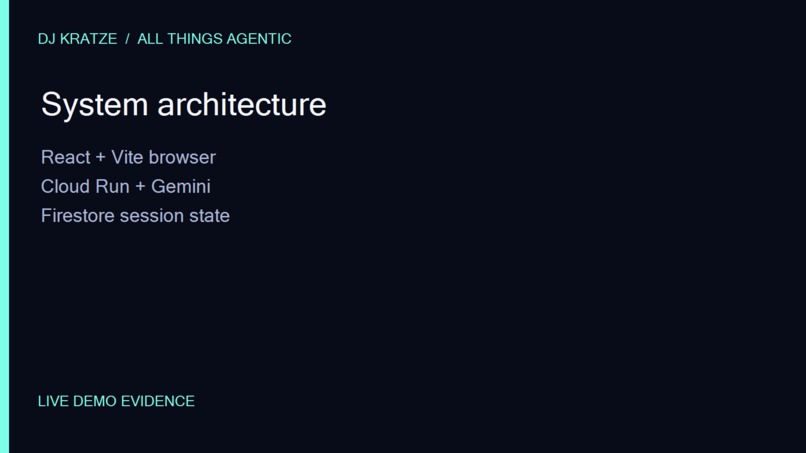
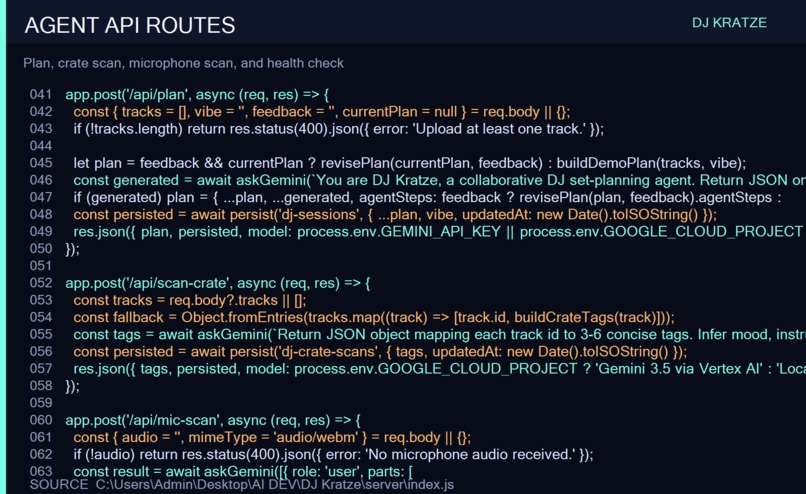
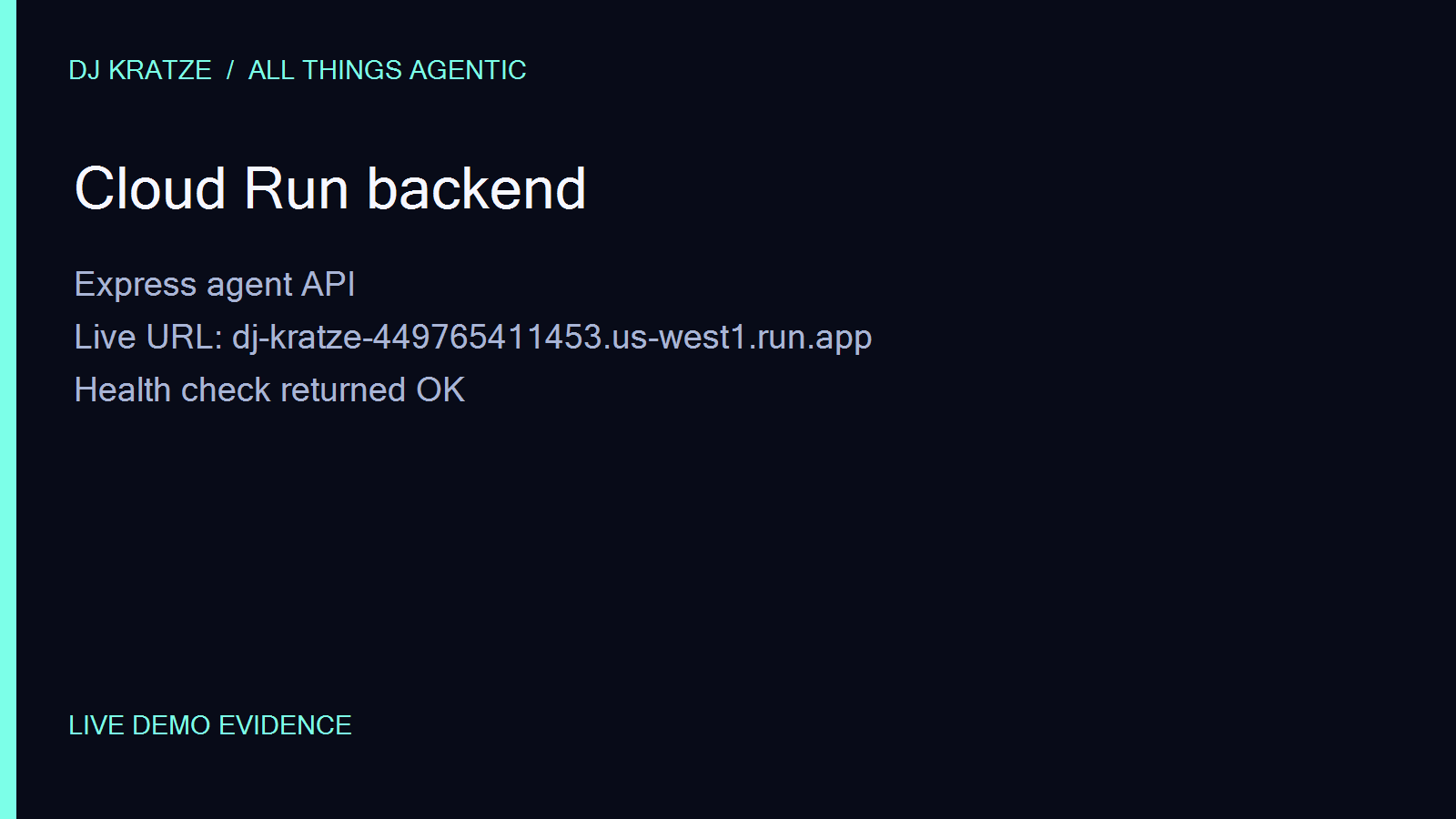
The browser sends crate metadata and creative direction to the Express agent API on Cloud Run. The API calls Gemini for structured planning, writes session state to Firestore, and returns the revised plan. The browser handles local audio preview and slicing. The architecture diagram is included in the public repository at docs/architecture.svg.
Findings and learnings
The strongest creative interaction was the feedback loop: a short human correction is more useful than asking the DJ to specify every transition up front. Keeping audio local makes the demo reliable and avoids unnecessary catalog and licensing dependencies. Safe fallbacks keep the planner usable if a cloud write or model request is temporarily unavailable.
Reproducibility
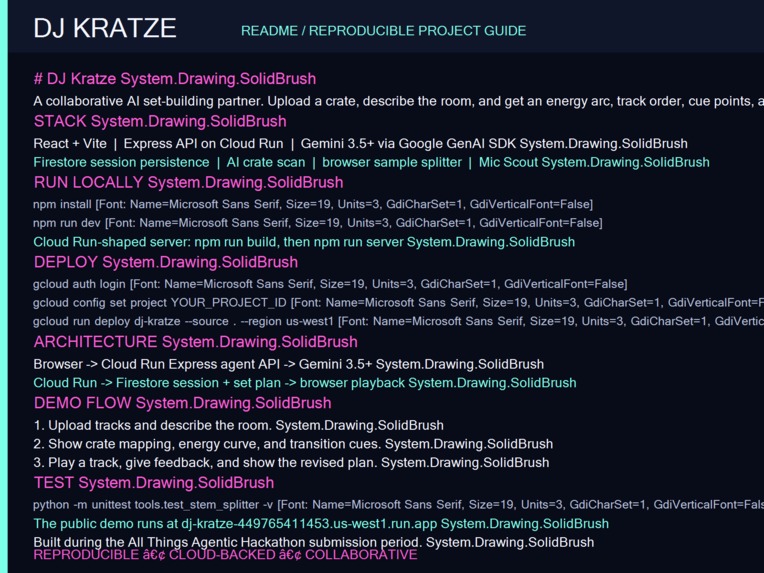
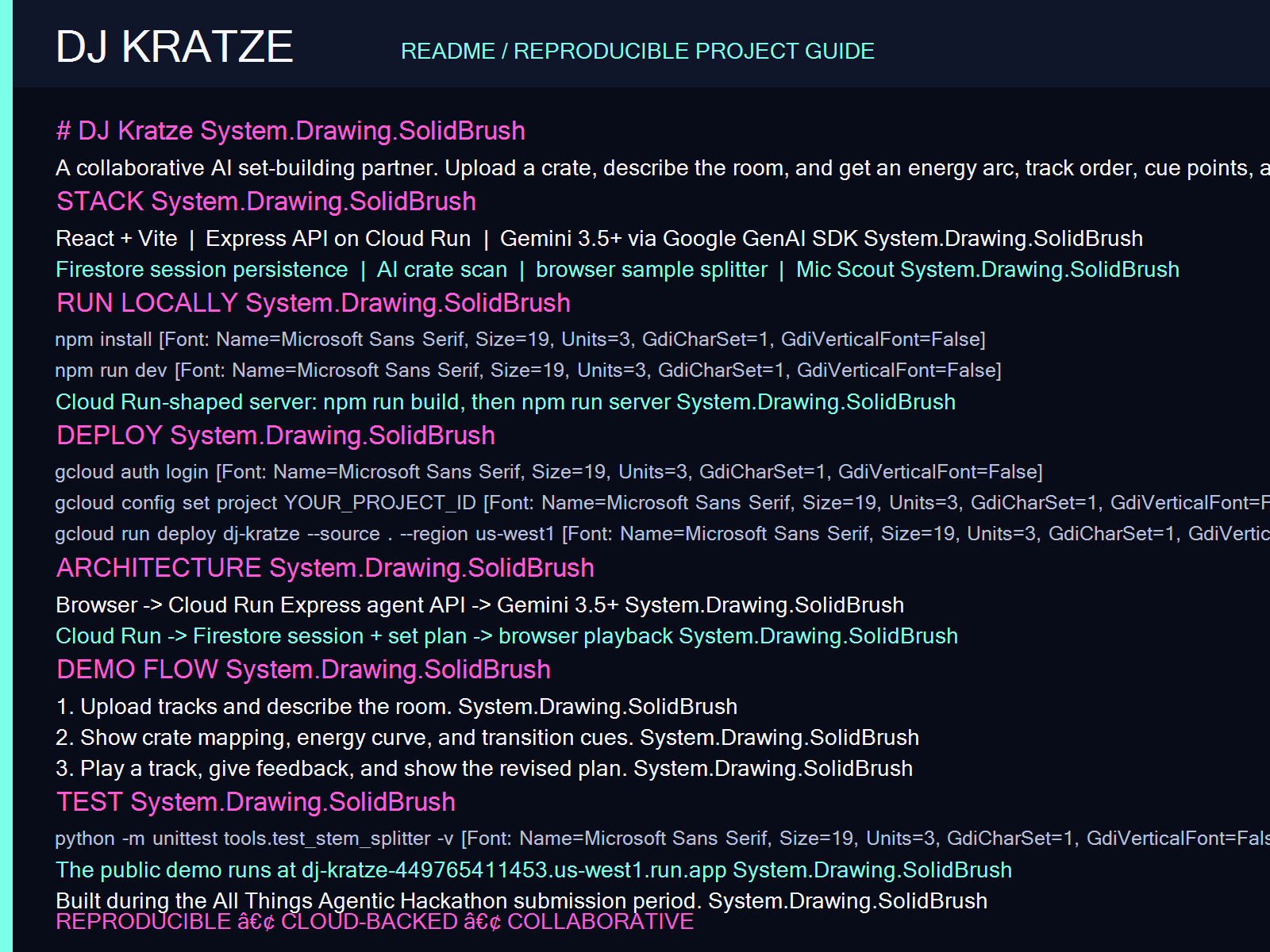
See README.md in the public repository for local setup, Cloud Run deployment, required services, and the demo flow.
Built With
- express.js
- gemini-3.5-flash
- google-cloud-firestore
- google-cloud-run
- google-genai-sdk
- react
- vertex-ai
- vite
