About the project
What this is
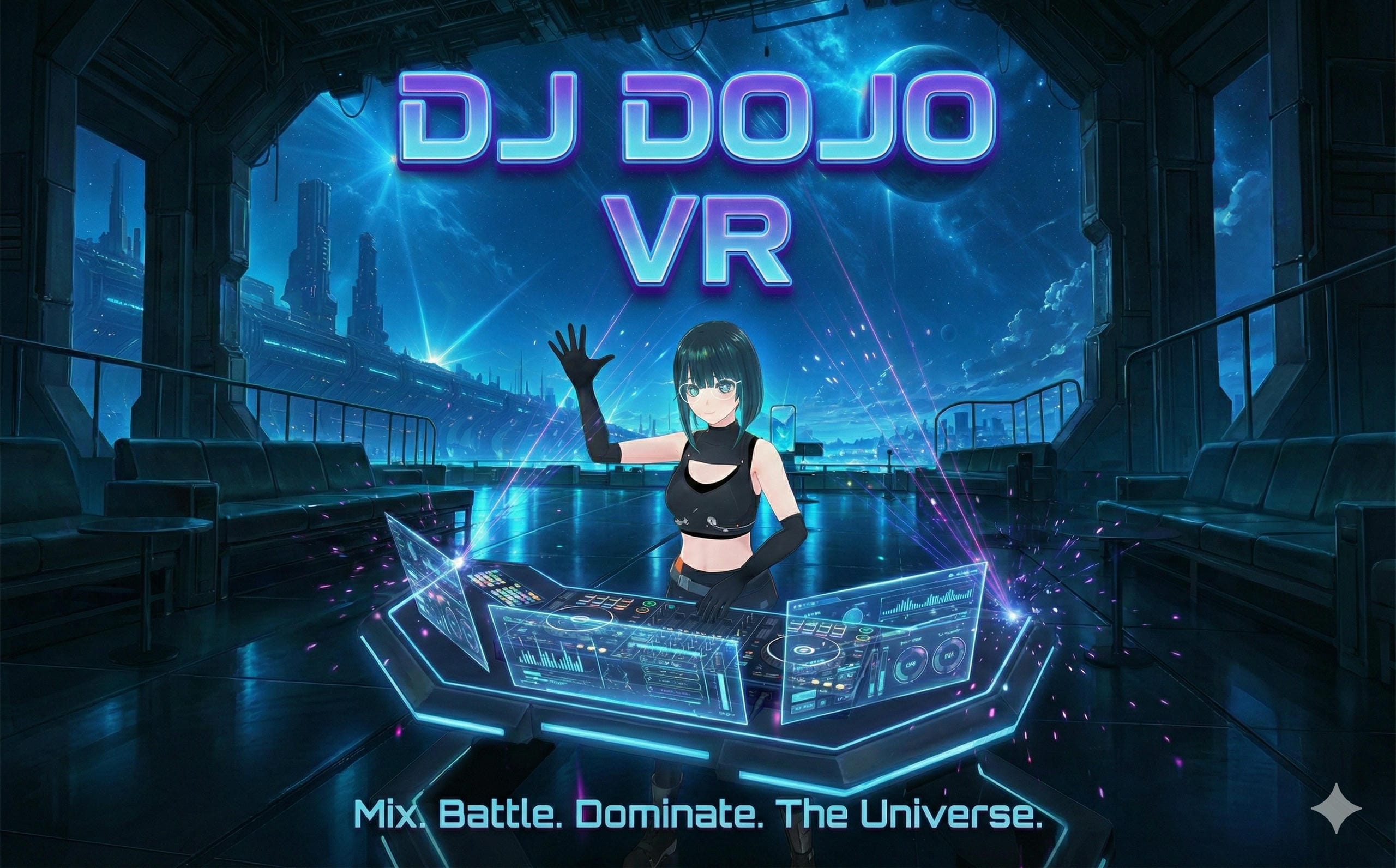
DJ Dojo is a VR “deck lab” built for Quest where you can jump in, grab a pair of decks and a mixer, and actually practice mixing without fighting the controls or the UI. The goal wasn’t to reinvent DJing, it was to make a setup that feels good in-headset, runs well on standalone hardware, and doesn’t scare new people away.
How it’s put together
Under the hood it’s a Unity project targeting Quest with:
- C# deck/mixer components for transport (play, pause, cue, loops), pitch/tempo, EQ, filters and crossfader curves. Audio is routed through Unity’s mixer with separate groups for each deck, cue, master and FX so metering and visualizers stay clean.
- Meta avatars + tracked hands so you show up as “you” by default and can literally grab knobs, faders and jogs. Grabbables use tuned colliders, clamped angles and a bit of smoothing so you don’t accidentally slam the crossfader because your hand twitched.
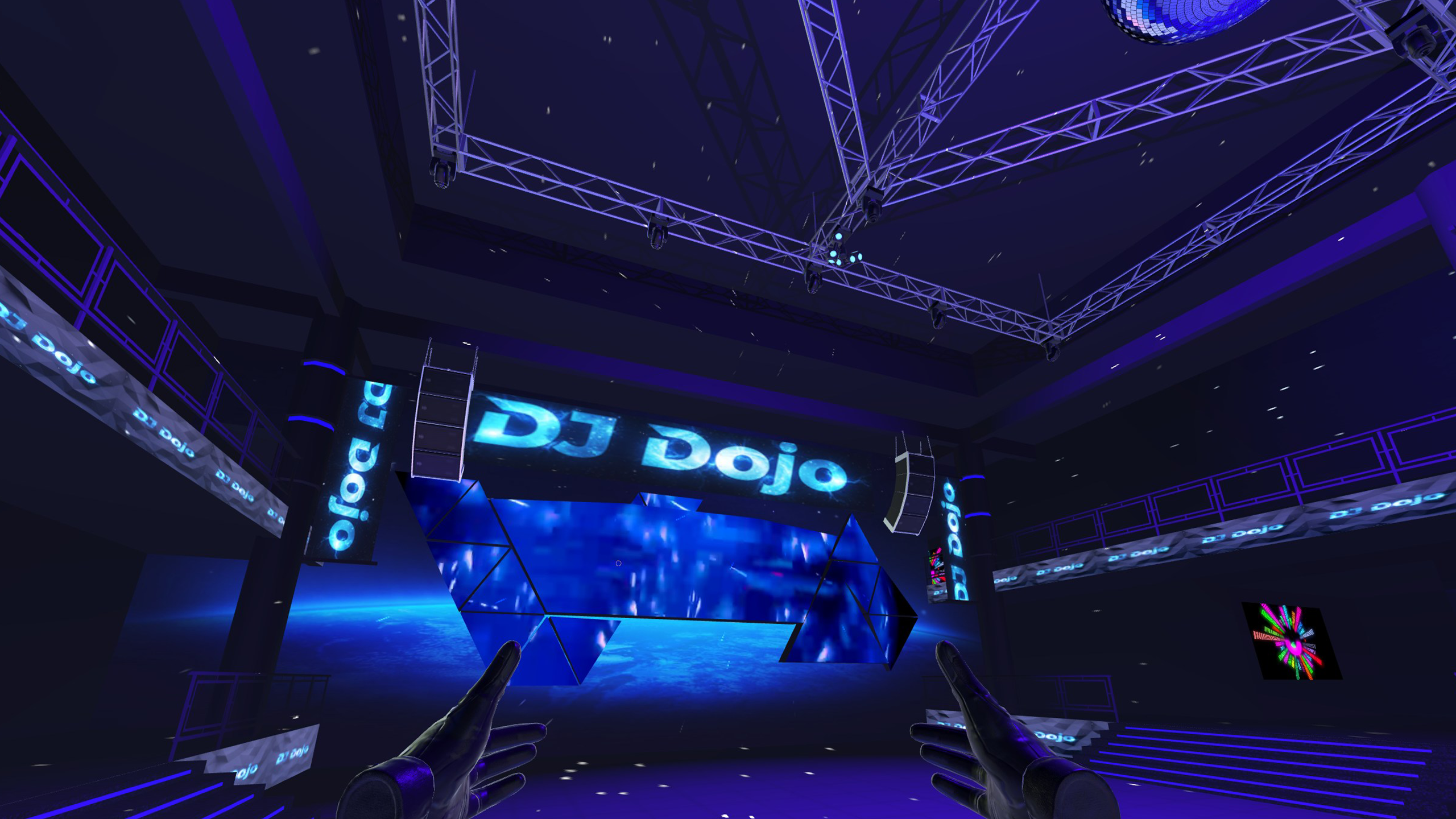
- Quest‑friendly visuals: a small set of stylized “dojo” stages sharing materials/shaders, baked lighting where possible, very few dynamic lights, and lightweight waveform/level shaders so the GPU doesn’t melt.
Interaction-wise, everything is built around “don’t let the user feel dumb”:
- Controls are big, with sensible dead zones and sensitivity curves. Beginners can make broad moves; people who know what they’re doing can still ride gain/EQ precisely.
- Critical actions (load track, hard stop, etc.) have visual confirmations and short debounce windows so you don’t ruin a mix with one bad grab.
- Waveforms, meters and cue points are visually consistent across the whole rig, so once you understand one deck, you understand all of it.
Training / performance side
On top of the core rig there are a few systems for actually getting better:
- Practice routines that spawn predefined track pairs, set BPM targets, and watch how long you keep phase within a tolerance. At the end you get a basic “you held this mix in time for X seconds” kind of summary.
- Session tracking that logs session length, attempts and success rate locally. It’s intentionally low‑key right now, but it’s the data backbone for future progression (belts/grades, etc.).
- Performance mode that strips UI down to the essentials and frames the view so Quest capture/streaming doesn’t look like a debug build.
Things that were harder than expected
- Feel > features: it’s easy to wire up a bunch of knobs; it’s harder to make them feel trustworthy. Most time went into collider tuning, rotation limits, input smoothing and haptics timing.
- Style vs. framerate: pushing stylized, anime‑ish lighting and shaders on Quest without tanking FPS meant cutting a lot of “cool” ideas and going back to simpler materials and baked light.
- Explaining DJ concepts: the app tries to teach beat‑matching and phrasing through short, playable drills instead of walls of text, which means the UX has to do a lot of heavy lifting.
Where it’s going next
Short‑term plans:
- Build a real progression layer on top of the existing practice metrics (belts, goals, unlocks).
- Add a lightweight coach/ghost mode that can show “suggested moves” over the deck instead of more UI.
- Harden multiplayer so small dojo sessions with friends are stable, with synchronized FX and better session recovery.
It’s still early, but the core loop is there: put on the headset, stand in front of a rig that feels like actual hardware, and slowly get less bad at mixing without fighting the tech.


Log in or sign up for Devpost to join the conversation.