Inspiration
I wanted to create a simple AI photo studio where anyone can control pose, composition, and camera angle before generating an image.
What it does
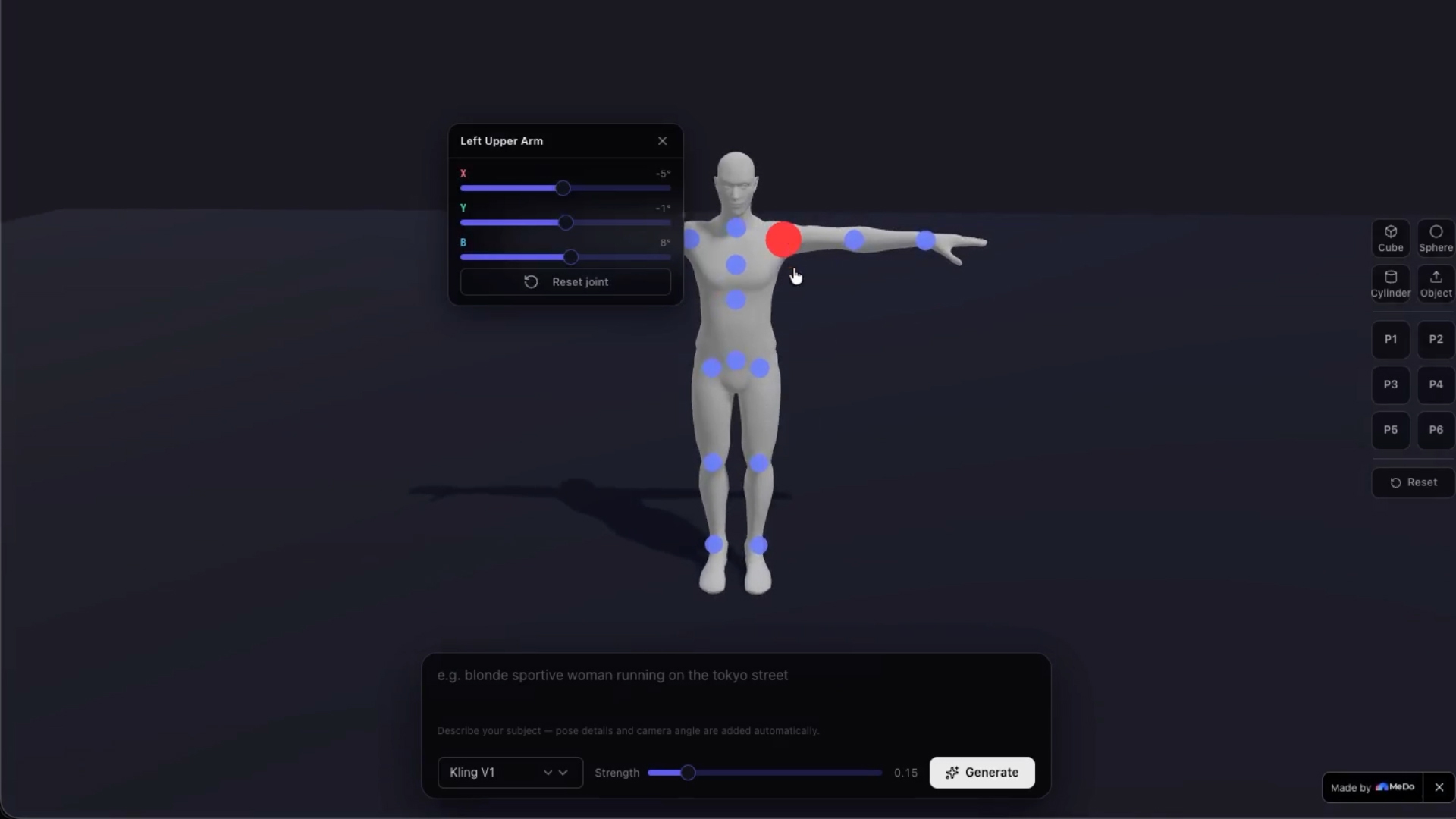
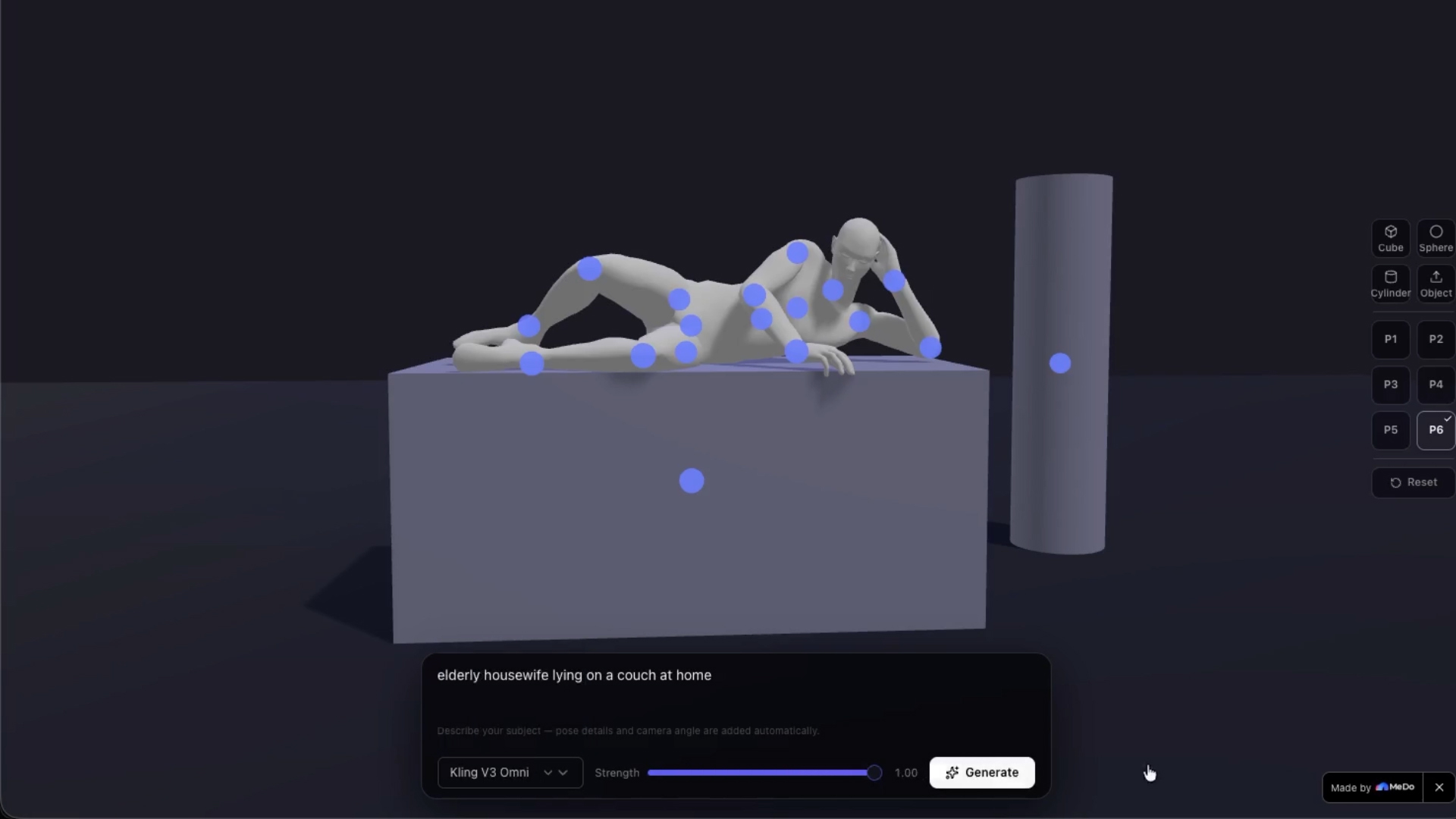
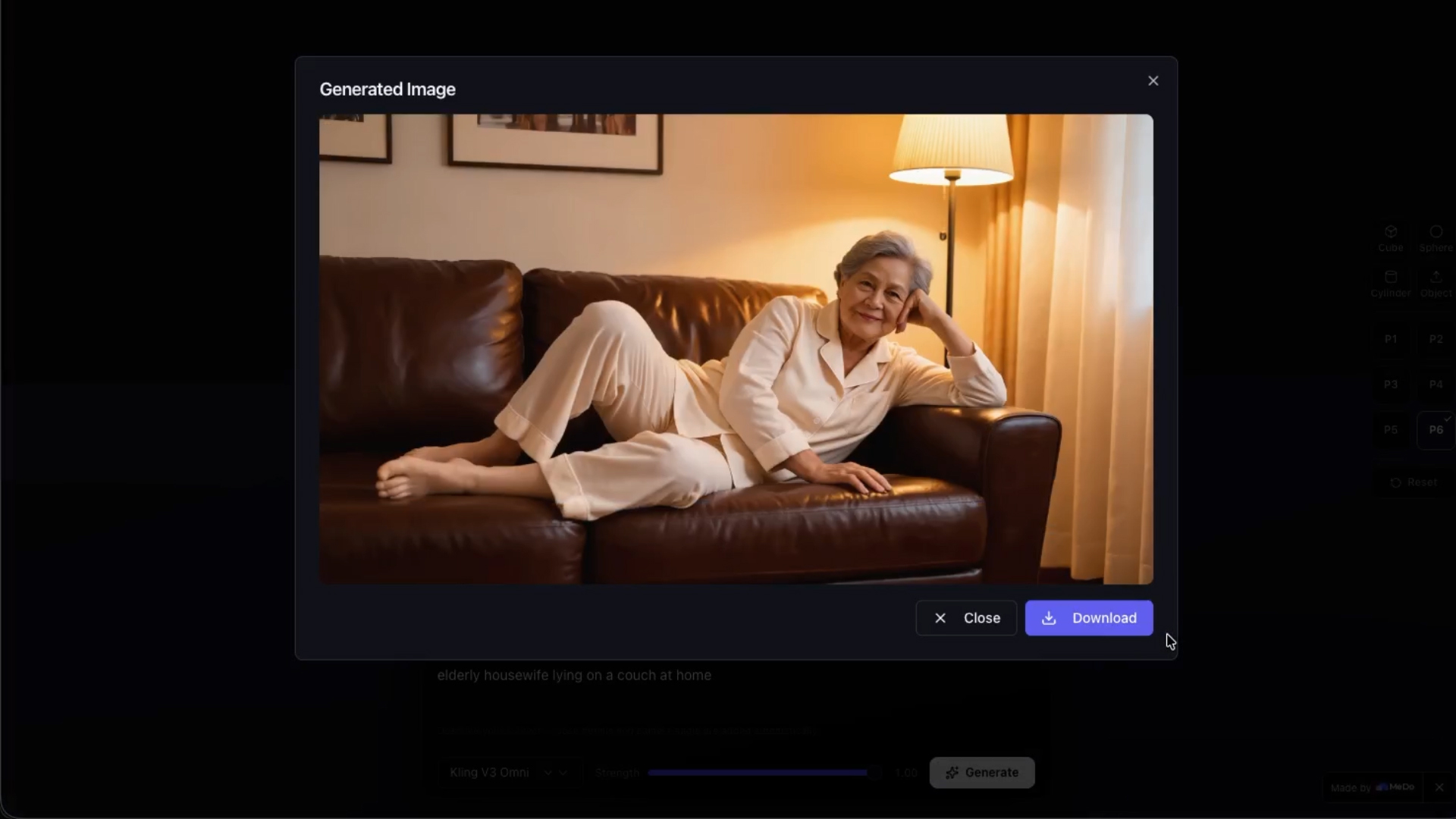
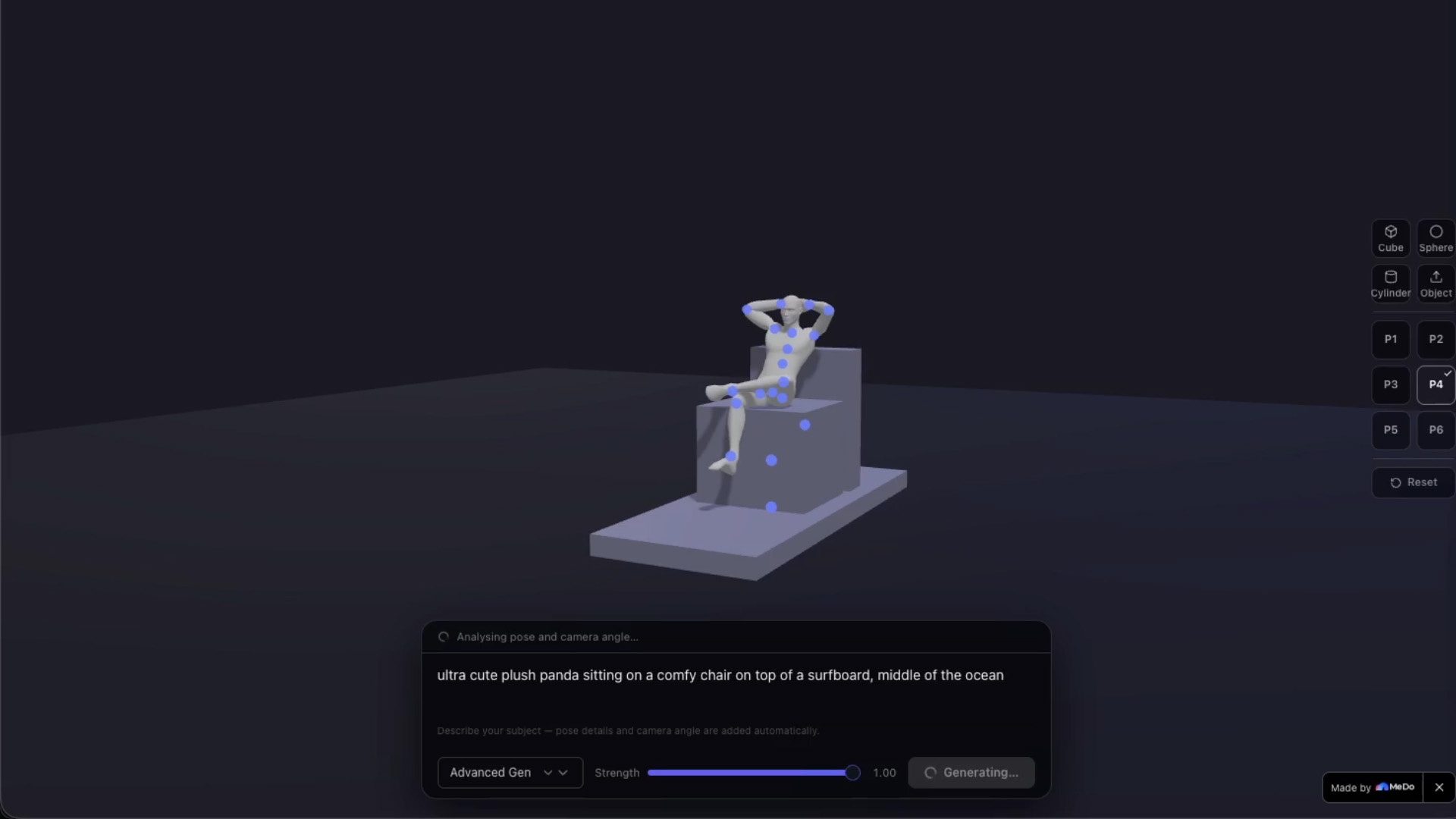
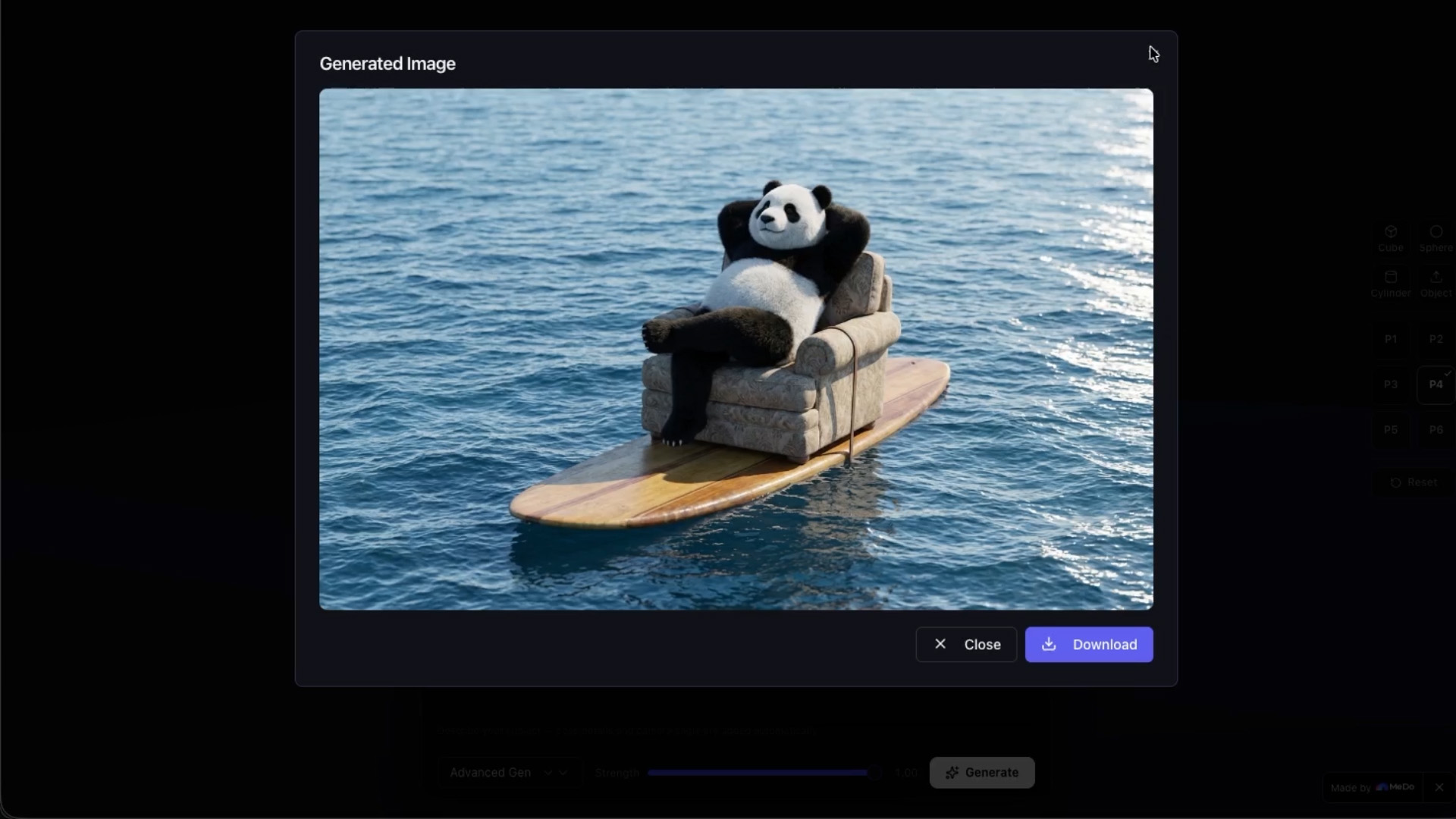
DIY AI STUDIO lets users pose a mannequin, add objects, frame the scene, write a prompt, and generate the final image.
How I built it
I built it with a 3D scene, controllable joints, preset poses, object controls with MeDo
Challenges I ran into
The hardest part was keeping poses, body proportions, object controls, and generated results consistent without weird deformations.
Accomplishments that I’m proud of
I’m proud that I turned a basic pose tool into a usable visual studio for creating controlled AI images.
What I learned
I learned how important pose, camera angle, and composition are when trying to get reliable AI image results.
What’s next for DIY AI STUDIO
Next, I want to add more characters, more and better pose presets, object libraries, and stronger prompt automation.
Built With
- medo

Log in or sign up for Devpost to join the conversation.