-
-
Cover
-
Menu
-
Chakri-Sparks
-
Anar-Fountain
-
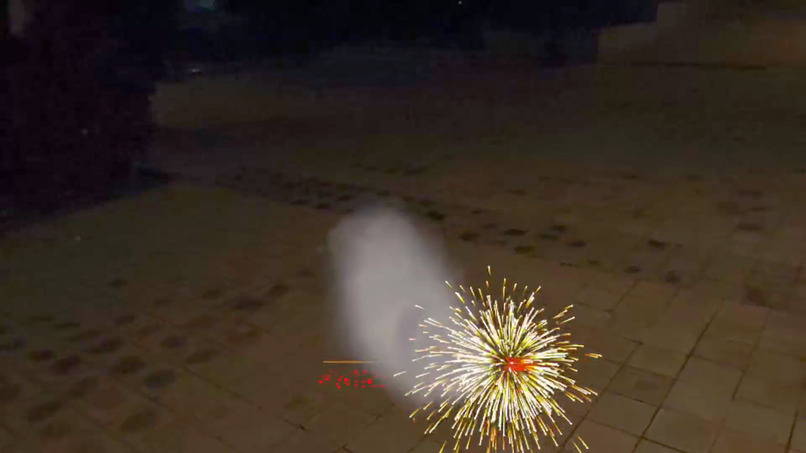
Firecracker-Burst
-
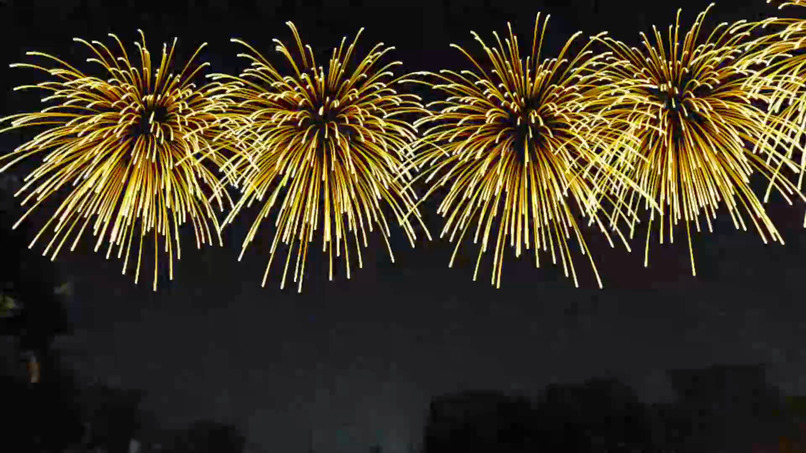
Grand-Show
Diwali Utsav - Bringing the Festival of Lights into Mixed Reality
Inspiration
What if your living room could become a Diwali celebration without lighting a single real firecracker?
Diwali is more than a visual spectacle. It is the experience of lighting diyas, decorating with rangoli, watching an Anar sparkle, spinning a Chakri, and sharing those moments with others. I wanted to explore how those familiar traditions could be reimagined as natural, hands-on interactions in Mixed Reality (MR) - rather than as a conventional game played on a flat screen.
That idea became Diwali Utsav, a Unity 6 experience for Meta Quest 3. The goal was to preserve the recognisable sights, sounds, and gestures of Diwali while allowing people to celebrate in their physical surroundings, without real smoke, firecracker debris, or cleanup.
What it does
Diwali Utsav uses passthrough-MR to keep your real environment visible while bringing virtual festival activities into it. A glowing diya, colourful rangoli, sparkler, firecrackers, and aerial fireworks become objects you can place and interact with around you.
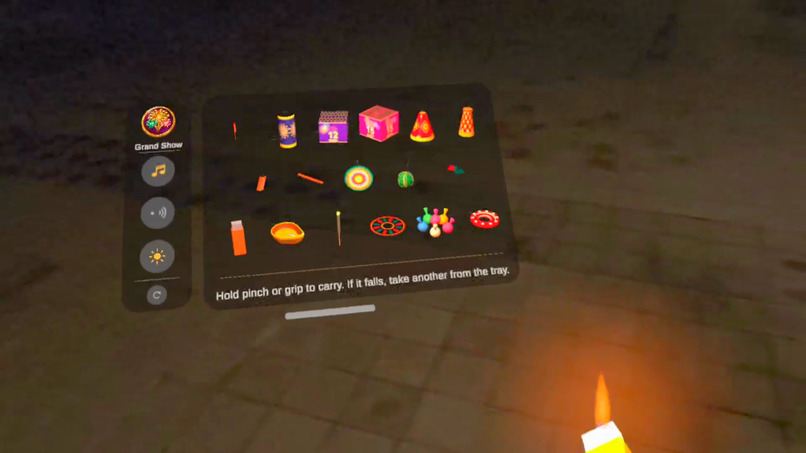
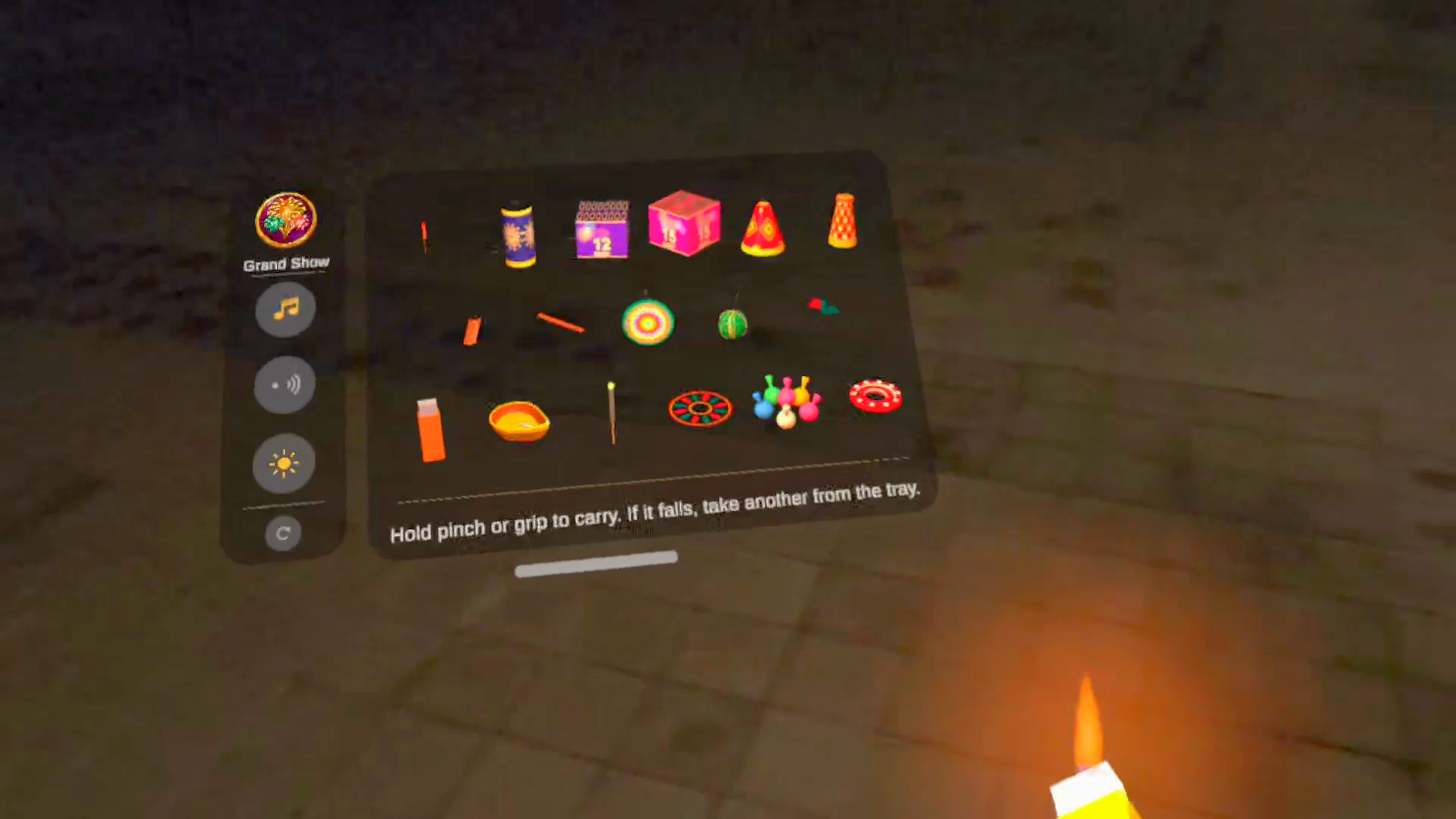
A menu serves as the main activity palette. It sits to the side of your view, can be repositioned, and provides direct access to 18 festive activities arranged from aerial displays to ground fireworks and handheld items. There is no need to navigate a long sequence of menus before celebrating.
Experiences include:
- Diyas and rangoli: Place traditional lamps and colourful rangoli on the tracked floor; flames cast corresponding virtual pools of light and contact shadows.
- Phuljhadi: Hold a virtual sparkler, watch its burning point travel along the rod, and use it to light other items.
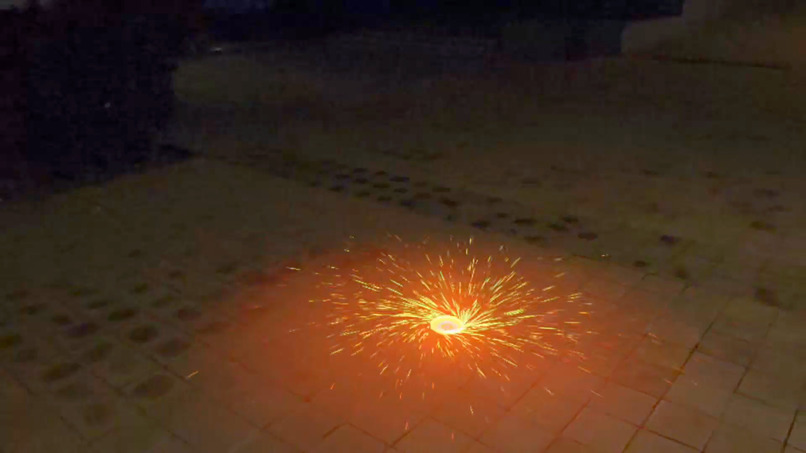
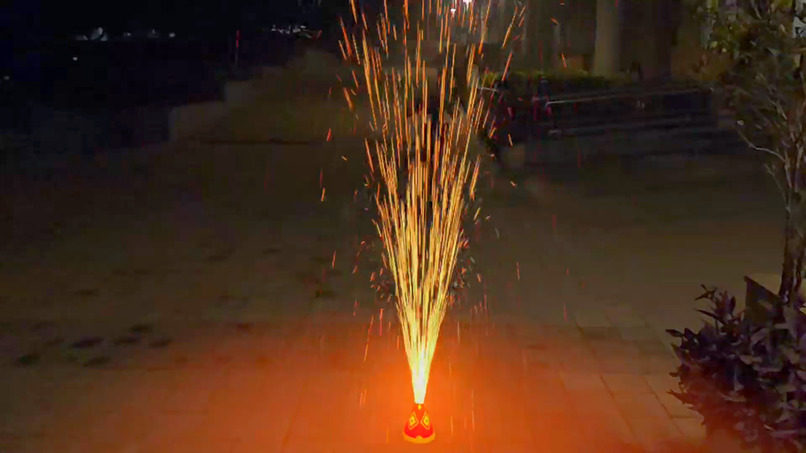
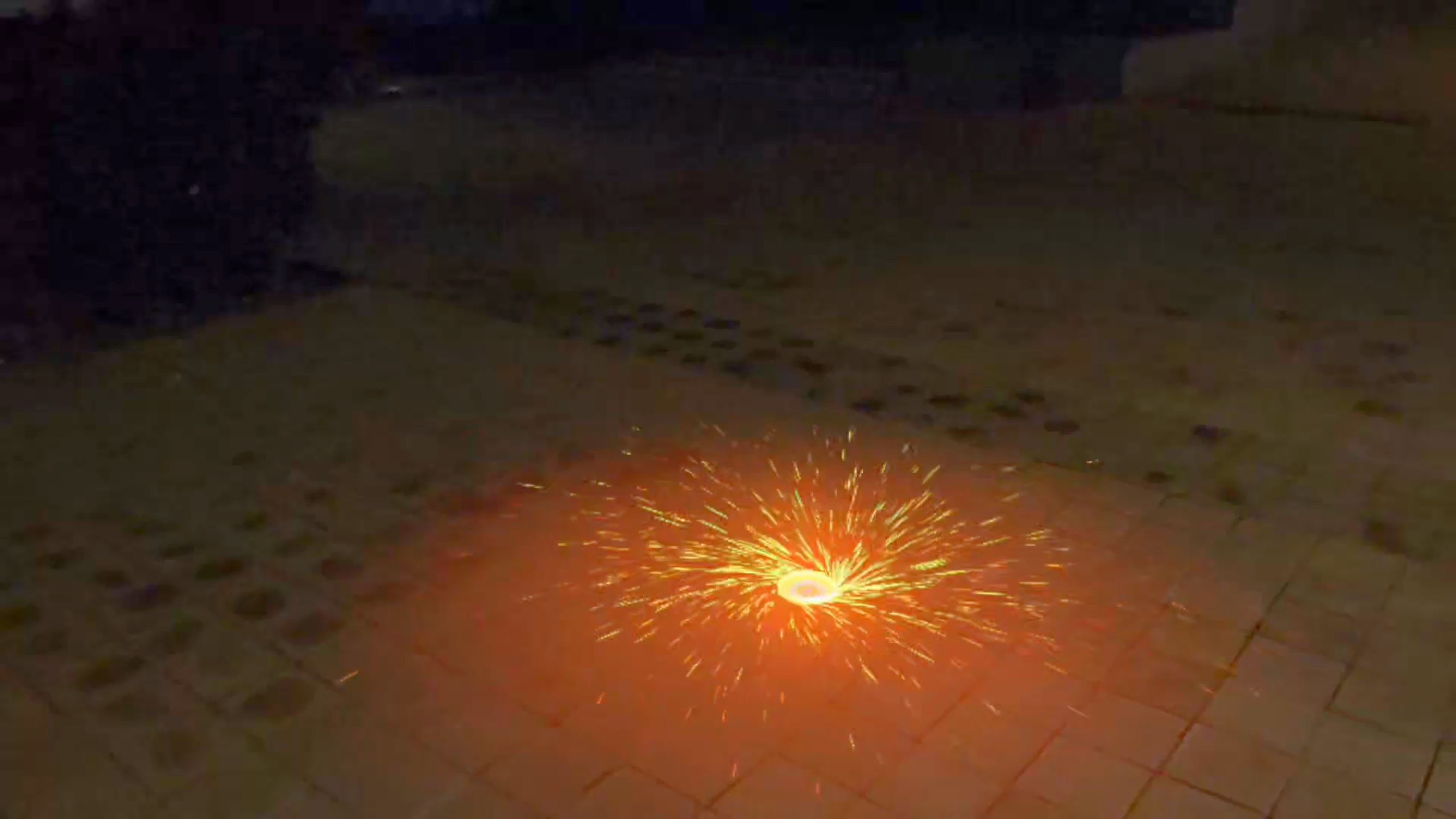
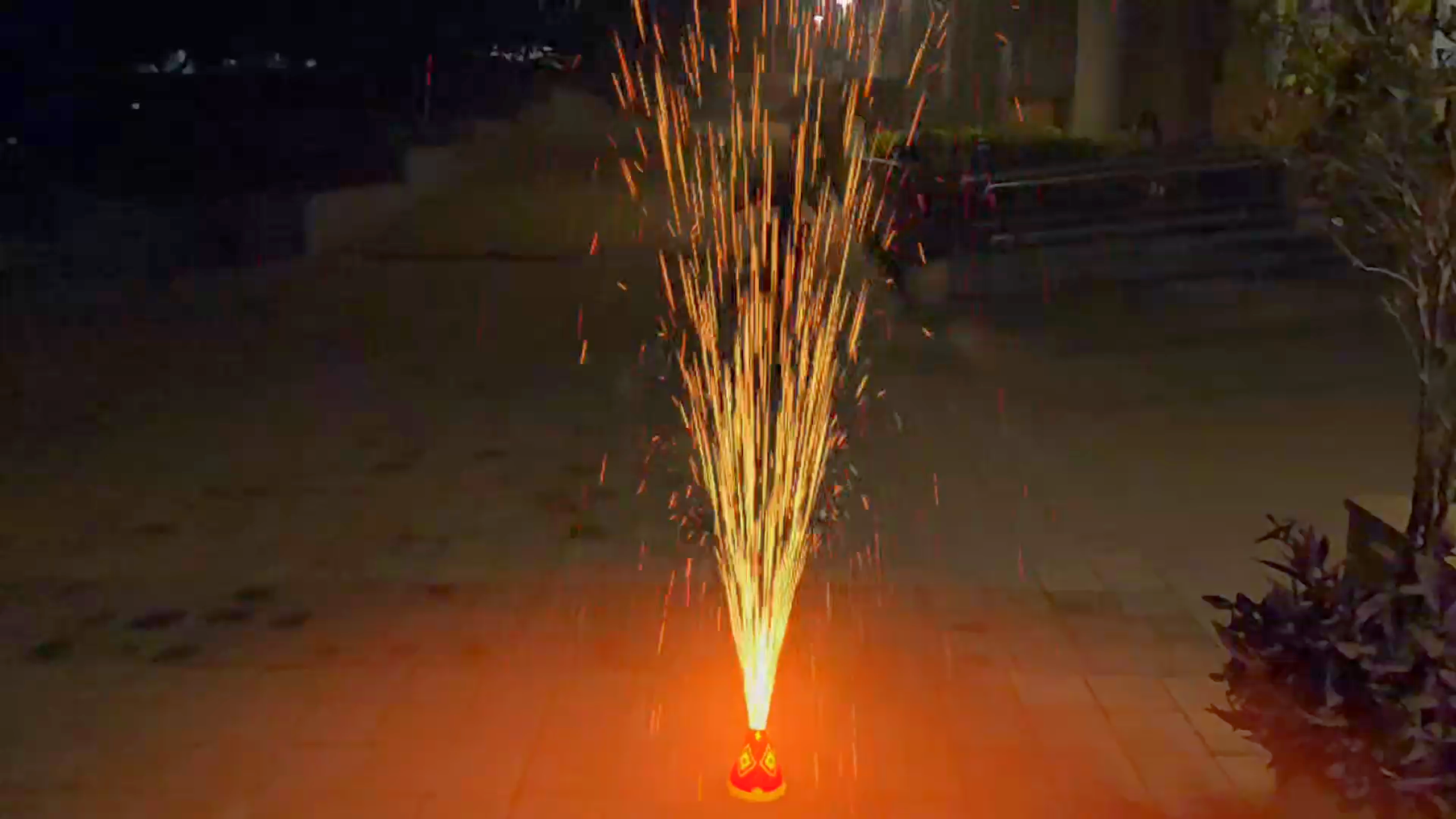
- Anar and Chakri: Activate a sparkling ground fountain or a spinning ground wheel, with animated sparks and changing motion.
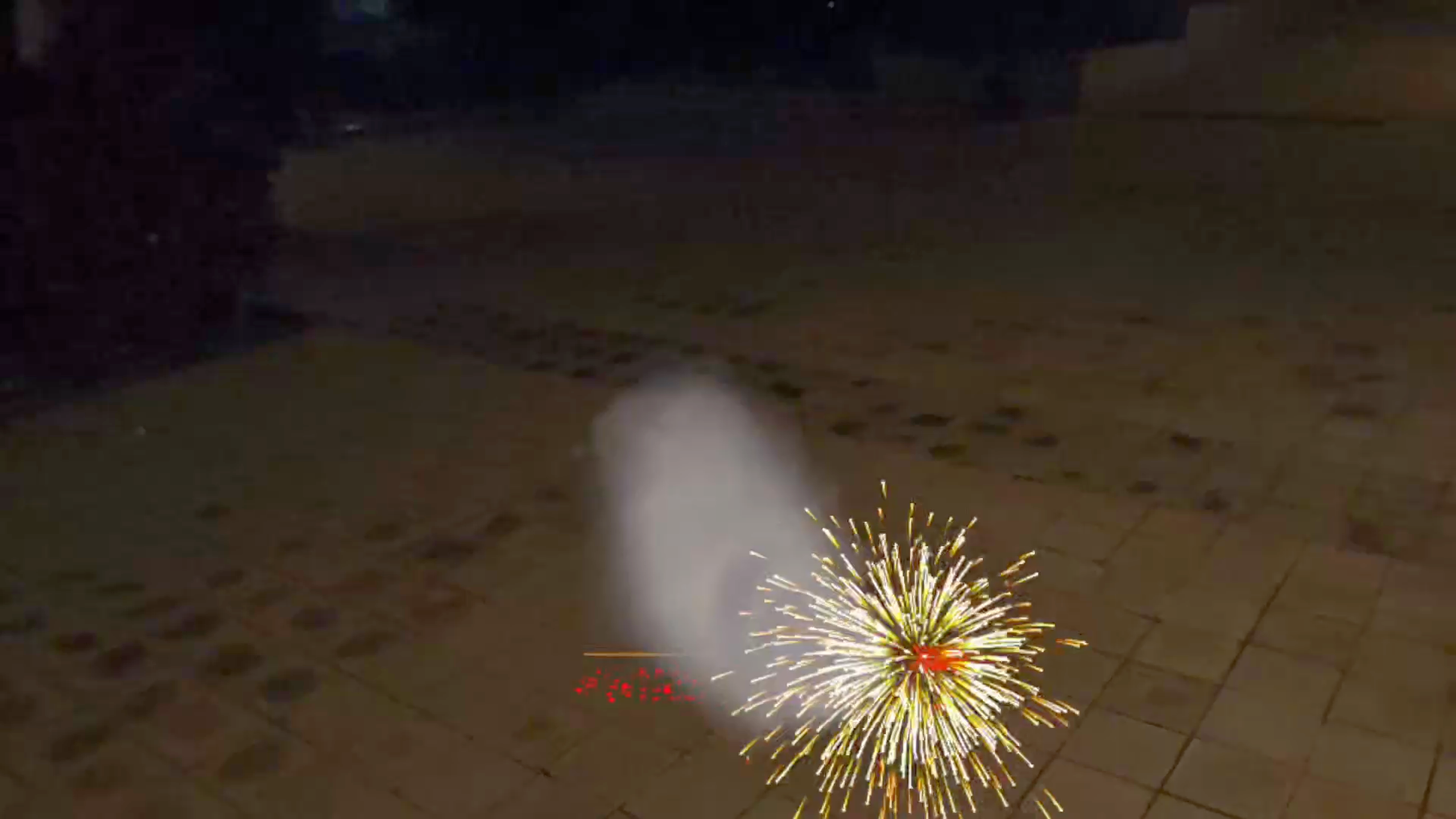
- Laddi and bomb: Set off a chain of rapid reports or a single larger virtual firecracker, complete with simulated smoke and sound effects.
- Sky rockets and aerial shells: Launch fireworks upward and watch their trails and colourful bursts overhead.
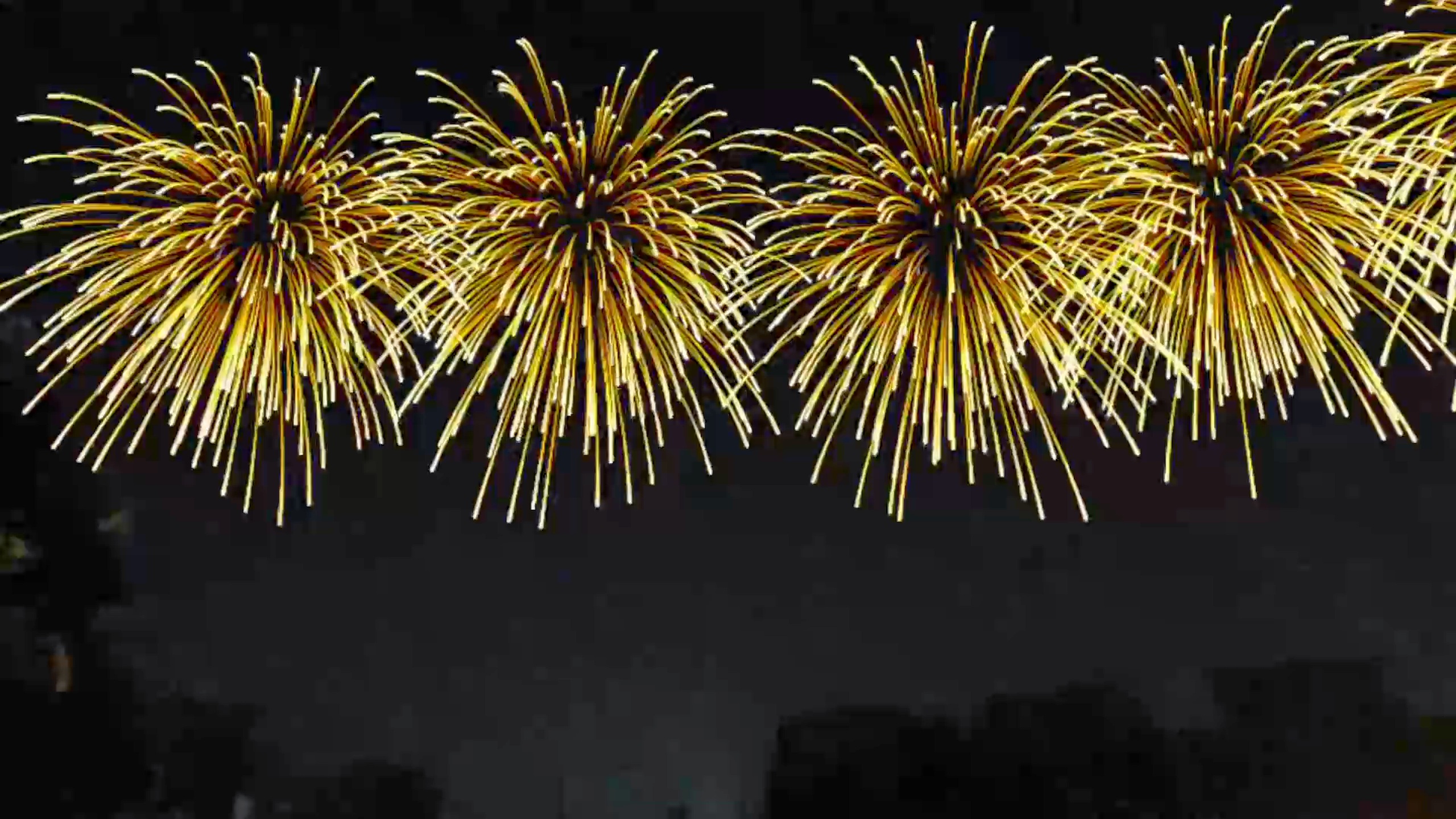
- Grand Show: Trigger a coordinated fireworks display as the upper part of the view gradually blends into a virtual night sky, while the real surroundings remain faintly visible.
The physical celebration remains virtual: the app does not create actual fire, smoke, or debris in the room.
How the hand interactions work
The guiding interaction is simple: Pinch. Grab. Place. Light. Celebrate. The experience supports natural hand gestures as well as controller input.
- Choose an activity. Point at a miniature firework on the menu and pinch to select it. The tray can be moved by grabbing its handle beneath the palette.
- Place it at a distance. Aim at a position on the tracked floor. Hold the pinch or grip to adjust the virtual object, then release to set it down. Before ignition, a placed firecracker can be picked up and repositioned with the interaction ray.
- Grab it up close. Approach a cracker, pinch or grip it directly, carry it in your hand, and release it to drop under simulated gravity. The left and right hands can each interact independently, and items can be passed from one hand to the other.
- Use the lighting tools. Pick up the flip-top lighter or Phuljhadi. Touch an active flame to a firework fuse to ignite it; a fuse can also be activated with a pinch from a distance. The lit Phuljhadi can be passed between hands.
- Watch the response. Different objects behave differently: an Anar sprays upward, a Chakri accelerates and slows as it spins, a rocket rises and bursts, and a Laddi produces rapid successive reports.
Controls for music, gentle mode, evening light, the Grand Show, and reset are available on the Menu's side panel.
How I built it
Engine and platform: Unity 6000.3.26f1, Universal Render Pipeline (URP), OpenXR, and the Meta XR stack for Meta Quest 3.
Mixed Reality foundation: Passthrough is maintained during the experience. The interaction system uses the headset's tracked floor height immediately and can refine it using Meta MR Utility Kit (MRUK). Placement is designed around a floor region extending up to approximately 10 metres from the user; it does not require building a full room mesh. Virtual objects are rendered over the real environment rather than being occluded by real furniture, so their lighting and contact-shadow effects are visual approximations, not physical illumination of the room.
Interaction system: The same activity can be selected using a distance ray or picked up directly. Object state - burning or spent - determines whether it can be moved or reignited. Independent two-handed grabbing, release under gravity, tool recovery, and hand-to-hand transfer make interaction feel consistent across activities.
Visual effects: Instead of relying on one generic particle explosion, I implemented effects suited to each type of firework. These include a ray-marched flame volume, shader-driven spark trajectories for fountains and Chakris, custom star-burst meshes for aerial shells, animated fuse and smoke effects, and virtual light pools beneath flames. The rendering path is designed around Quest and passthrough constraints, including avoiding post-processing that would interfere with passthrough transparency.
Sound: Recorded firecracker effects, movement-linked audio for rockets, and distance-dependent timing of aerial reports contribute to the feeling of a celebration happening around you. An original looping music piece, A Little Light, provides a softer background soundtrack, with controls for music and a gentler audio mode.
Challenges I faced
- Making physical and virtual space agree: A firework needs to feel anchored to the user's floor even when the environment is not represented by a complete reconstructed room mesh.
- Getting gestures right: Selection at a distance, close-range grabbing, independent hands, handing off tools, and deliberate release all need to work without accidental ignition or misplaced objects.
- Balancing effects with headset constraints: Flames, smoke, spark showers, fireworks, and virtual lighting should feel festive while keeping the rendering approach suitable for a standalone MR headset.
- Preserving the feeling of Mixed Reality: Passthrough transparency and compositing require different decisions from ordinary opaque VR rendering. The app deliberately does not claim full real-world depth occlusion.
- Audio realism: Fast cracker reports, a moving rocket, spatial sound, and the timing between distant flashes and sound need distinct behaviours rather than one repeated effect.
Accomplishments and what I learned
The result is a playable, gesture-driven Diwali experience with 18 activities, a movable menu, floor-based placement, distinct firework behaviours, a Grand Show, custom visual effects, and spatial audio. It demonstrates how familiar real-world rituals can be translated into spatial interactions that people understand immediately.
The most important lesson was that an MR experience becomes convincing through interaction design and responsiveness, not just through impressive effects. A well-timed pinch, a firework that stays where it was placed, a flame that lights a fuse, and audio that follows an object can matter as much as visual fidelity.
What's next
I would like to continue refining performance and visual quality on the headset, test interactions with more users, improve environment-aware placement and occlusion as supported by the platform, and explore new cultural activities and shared experiences. The longer-term idea is to use Mixed Reality to make cultural celebrations more interactive, accessible, and memorable. Multiplayer mode enables distant friends and family to experience Diwali together as if in the real world.
Diwali Utsav is a small experiment in bringing Indian traditions and immersive technology together. 🪔
Celebrate traditions. Explore immersive technology.
Built With
- c#
- custom-shaders
- gpu-visual-effects
- hand-tracking
- hlsl
- meta-mruk
- meta-quest-3
- meta-xr-sdk
- mixed-reality
- openxr
- particle-system
- passthrough
- physics-simulation
- spatial-audio
- unity-6
- urp
- vfx
- xr-interaction

