-
Project UI-Frontend
Inspiration
My inspiration for this project came from multiple sources. I’ve used and appreciated the Kanban board features of Atlassian Jira, and I wanted to participate in this quest to learn how to build something—simple, yet functional—on this platform.
The official Forge documentation was very well-structured and helpful throughout the process. It guided me effectively, especially when I encountered roadblocks.
Additionally, the opportunity to receive swag was a great motivator.
What it does
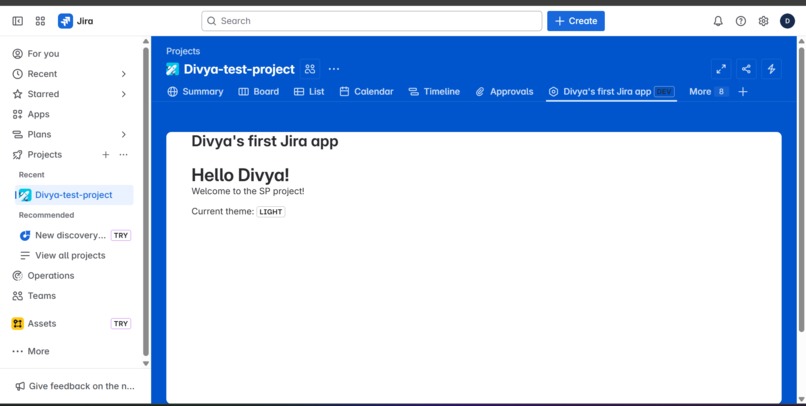
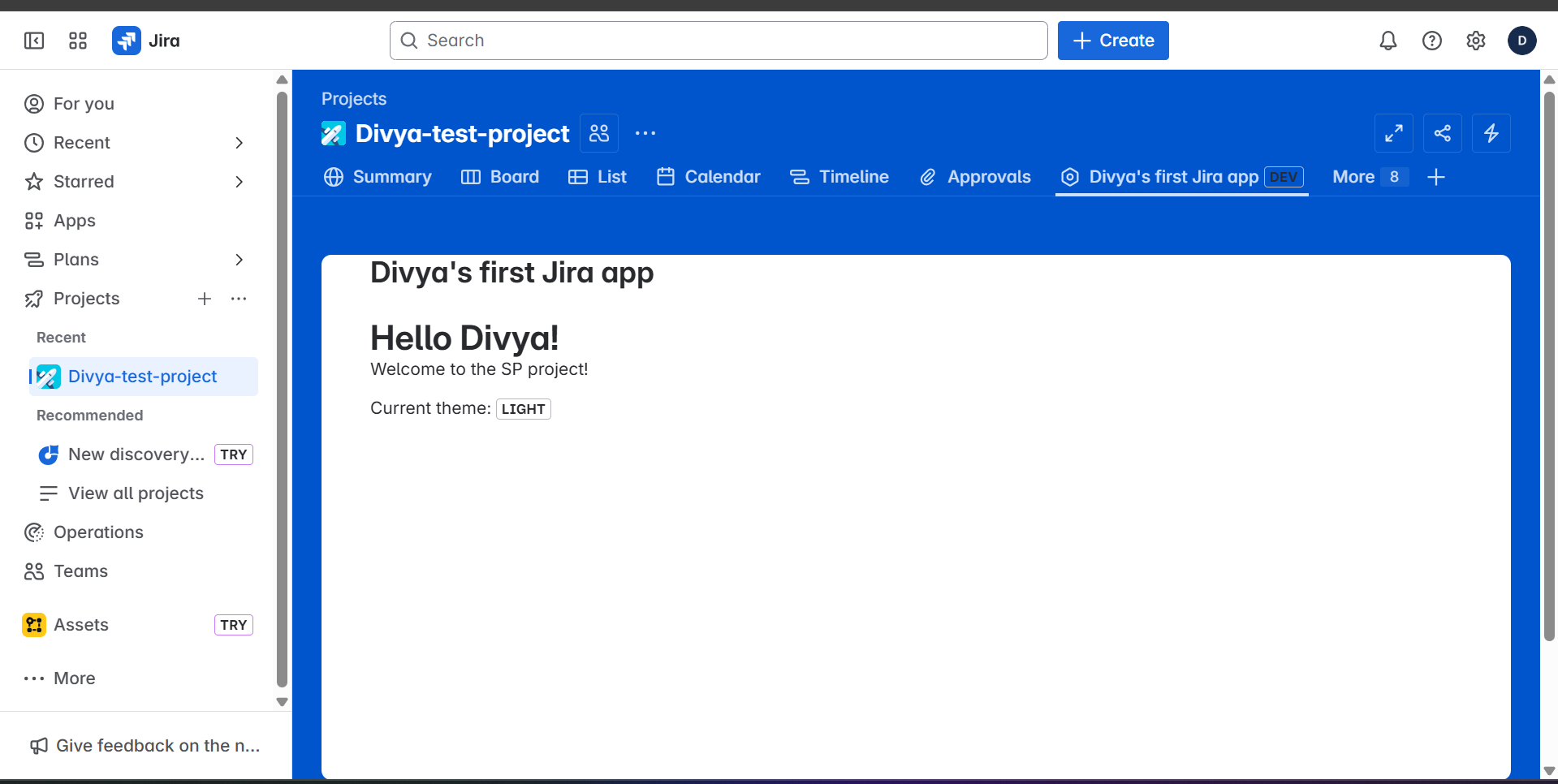
Once installed, the app adds a custom Project Page tab to any Jira project. When a user opens this page, the app:
- Reads the current Jira project context and theme,
- Uses the Jira API to fetch the current user's profile,
- Greets the user by name and shows personalized information,
- Displays live context data without leaving the Jira interface.
How I built it
I followed Atlassian’s official Forge Quest beginner tutorial to build this app using the Forge CLI and the Atlassian developer platform.
I used the jira:projectPage module to embed the app into Jira. The frontend was built with React and styled accordingly. I also used @forge/bridge to connect the frontend to backend resolvers and Jira REST API endpoints.
Initially, I had difficulty viewing the app because I hadn’t created a test project in my developer site (https://divyasingh0803.atlassian.net). Once I created a project there, I was able to view and test the app properly.
Challenges I ran into
The main challenge was that the app UI didn’t appear initially. It wasn’t clear from the tutorial that I needed to create a new Jira project within my developer site to see the installed app. After researching and experimenting, I resolved the issue and was able to proceed with development.
Accomplishments that I'm proud of
- Built and deployed a working Forge app on the Jira platform
- Understood the structure and workflow of Forge apps
- Navigated permissions, modules, and API integration independently
- Completed the project on time while learning a new development ecosystem
What I learned
Through this project, I learned:
- The fundamentals of Forge and how Atlassian cloud apps work
- How to use the Forge CLI for creating, deploying, and debugging apps
- How to use
jira:projectPage, resolvers, and API calls within a Forge app - How permissions are handled through the
manifest.ymlfile - Basic UI theming and user context handling in the Forge environment
What's next for Divya's first Jira app
- Improve the UI with a cleaner and more modern look
- Add additional API integrations to make the app more functional
- Explore more Forge modules and build more useful customizations for Jira


Log in or sign up for Devpost to join the conversation.