-
Ditch Explorer
-
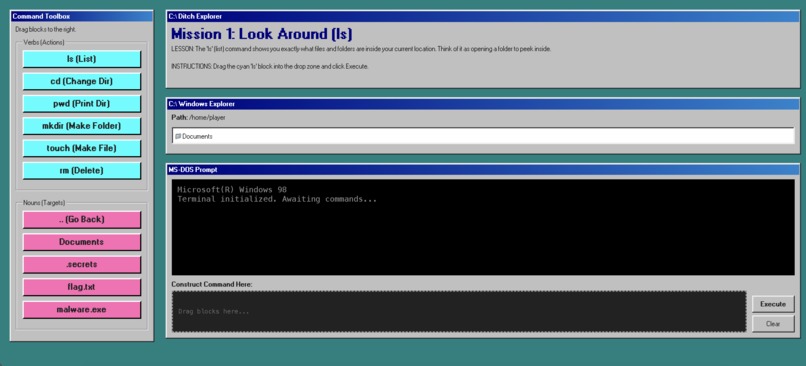
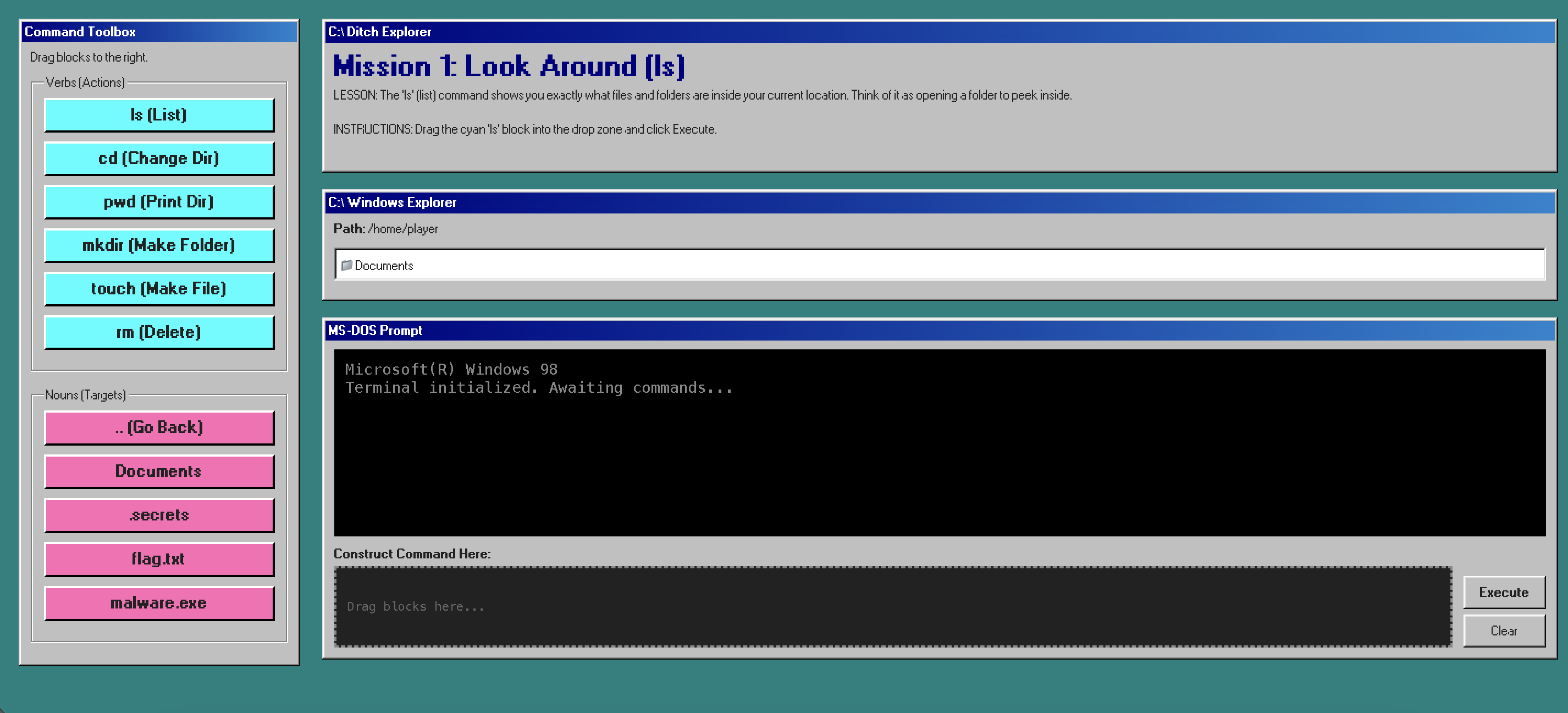
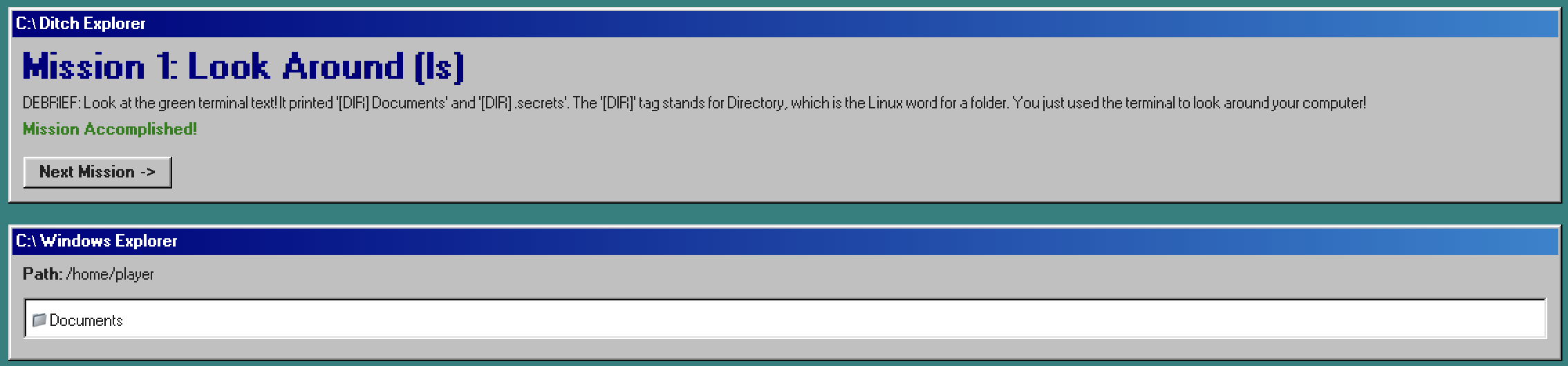
Main UI with different mission windows
-
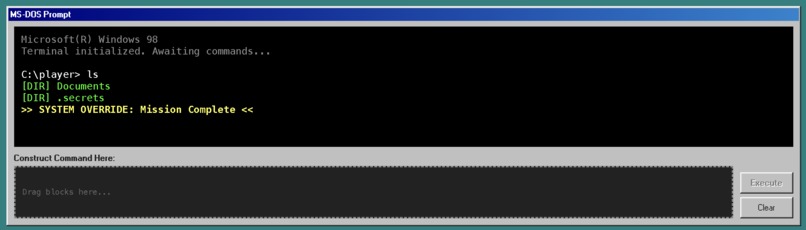
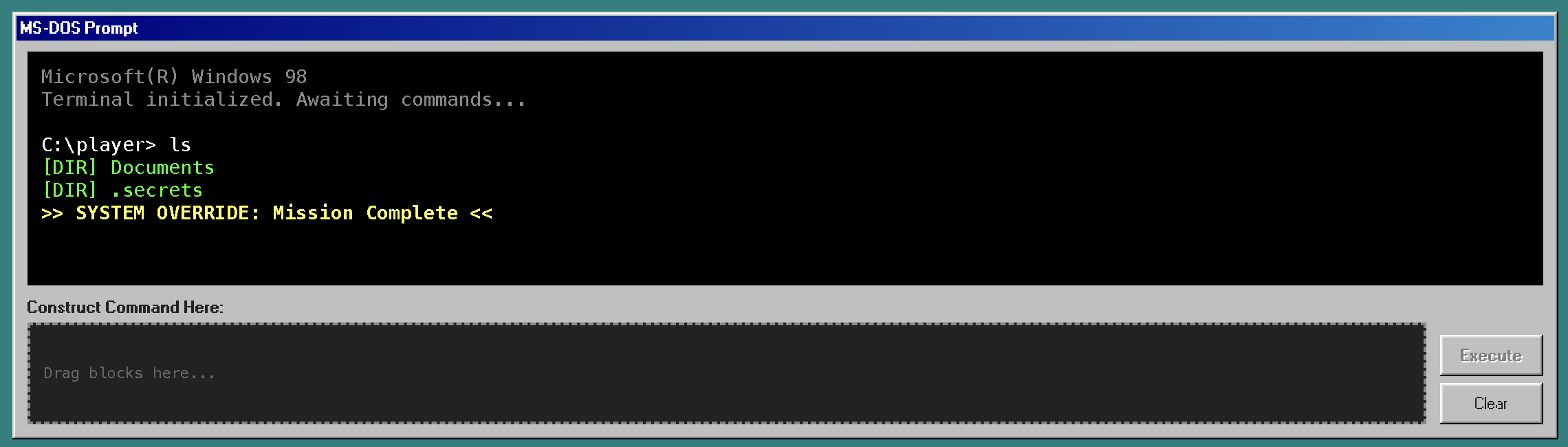
Command line with drag and drop area to input preset commands
-
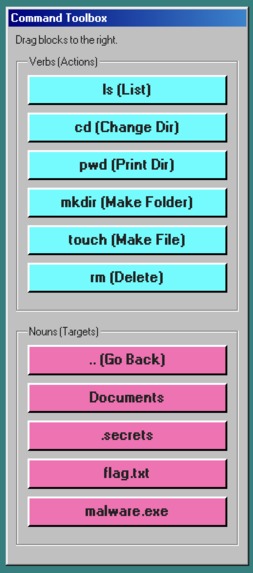
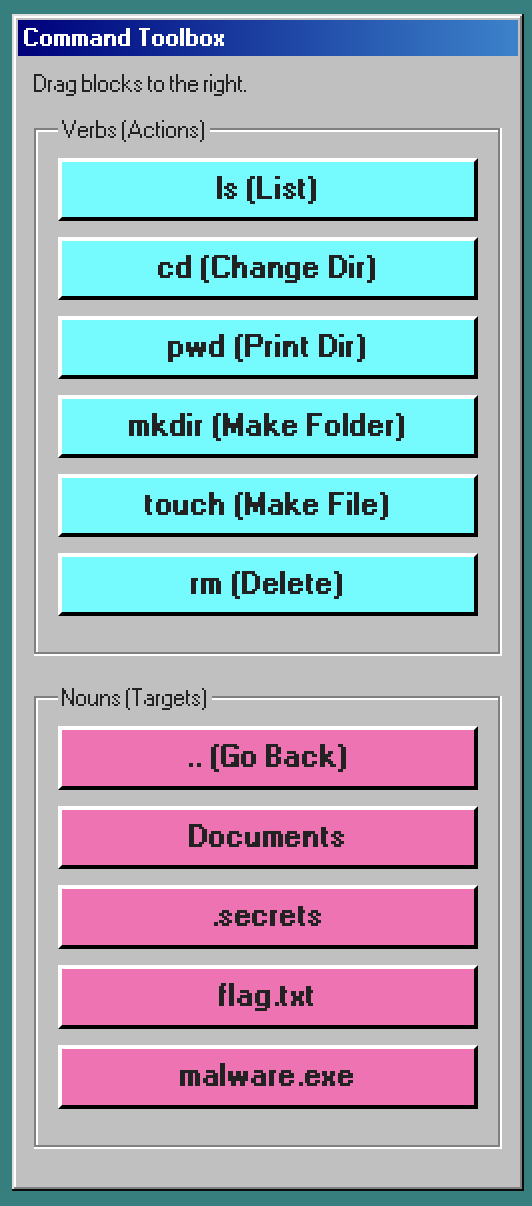
Window with draggable command elements to input in CLI
-
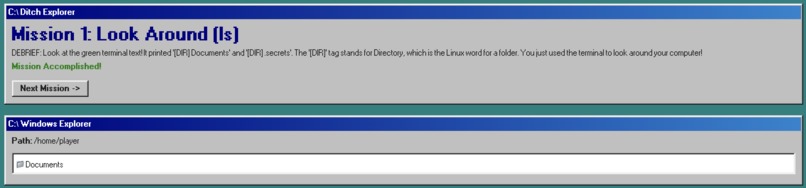
4 interactive missions with explanations for each command
Inspiration
I wanted to make a game to make it easier for beginners to learn how to use the command line interface. Instead of staring at an intimidating black screen, I wanted to make it more interactive and have a simpler drag-and-drop UI.
What it does
Ditch Explorer is a gamified, drag-and-drop sandbox that teaches basic terminal commands like ls, cd, and rm. When users construct and execute a command, a file explorer updates instantly to show exactly how the file system changed.
How I built it
It was built entirely from scratch using vanilla HTML, CSS, and JavaScript, with the 98.css library for the retro aesthetic. It relies on the native HTML5 Drag and Drop API and a custom file system that lives purely in the browser's memory.
Challenges I ran into
Managing the drag-and-drop state without a framework like React was tricky, especially ensuring blocks snapped correctly into the terminal drop zone. I also had to write a game loop to parse the commands and catch syntax errors.
Accomplishments that I'm proud of
I am proud of creating a fully functional state-management system and virtual file tree using pure vanilla JavaScript within the hackathon time limit. I also think the Windows 98 inspired UI makes the project easier for users to understand.
What I learned
I learned how to create a complex JSON tree to simulate a real computer directory.
What's next for Ditch Explorer
I plan to add more advanced commands like chmod and cat, along with a free-play sandbox mode where users aren't restricted by missions. I also can't wait to use this to help onboard new members into my school's cybersecurity club!
Built With
- 98.css
- css
- html5
- javascript
- vanilla

Log in or sign up for Devpost to join the conversation.