Inspiration
Every smart-home owner knows the ritual: you move, you reset a router, HomeKit decides to forget a bulb, and suddenly you're on a ladder with a flashlight flipping over a ceiling fan looking for a sticker that may not exist anymore. The Matter/HomeKit setup code is printed exactly once — on the device, on a pull-tab, or on a card you threw away during unboxing. Apple's Home app is brilliant at controlling your home and completely silent about remembering its codes.
We kept losing codes to accessories we owned and loved. A vault for pairing codes felt like an obvious, tiny, useful product: it doesn't control lights, it doesn't run automations — it just sits next to Home and remembers what Home itself does not. That constraint became the whole design.
What it does
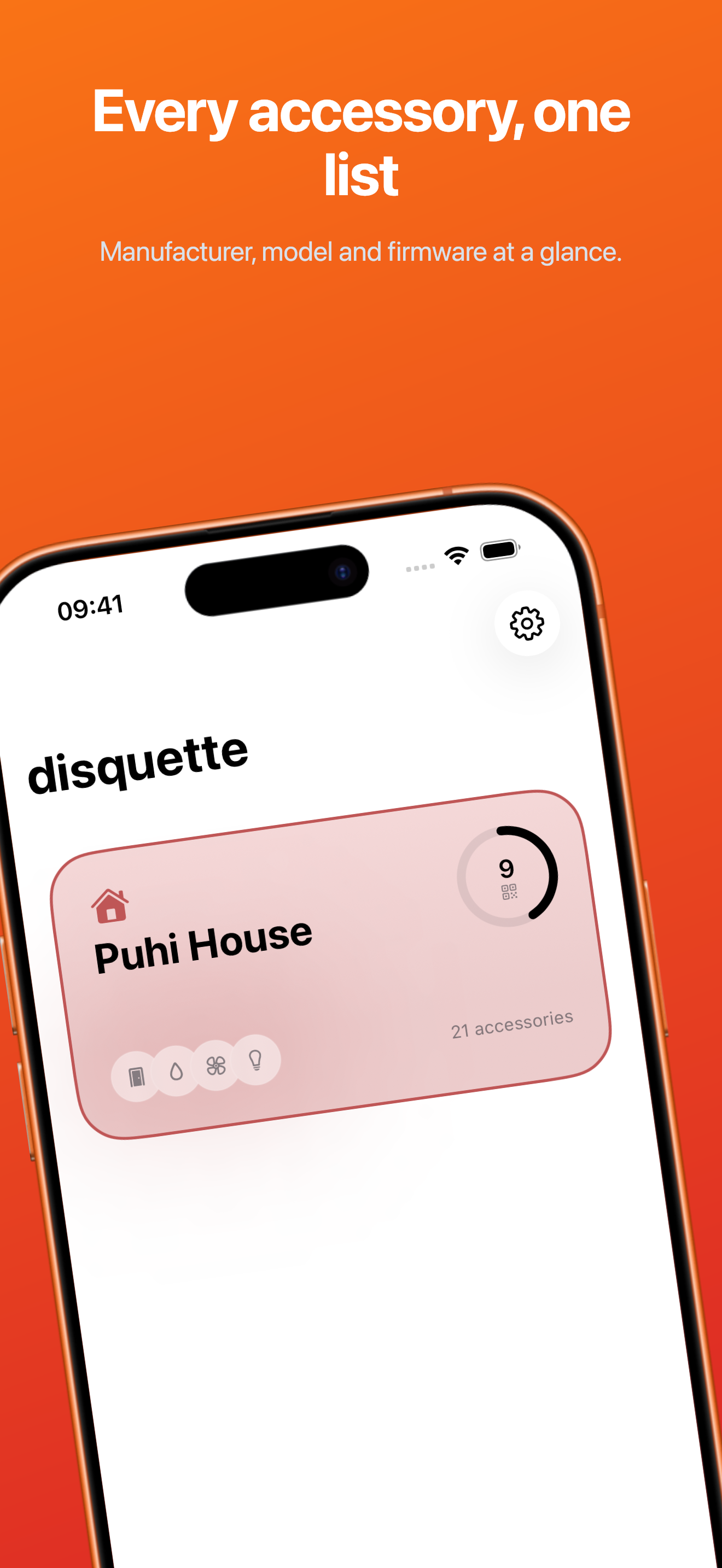
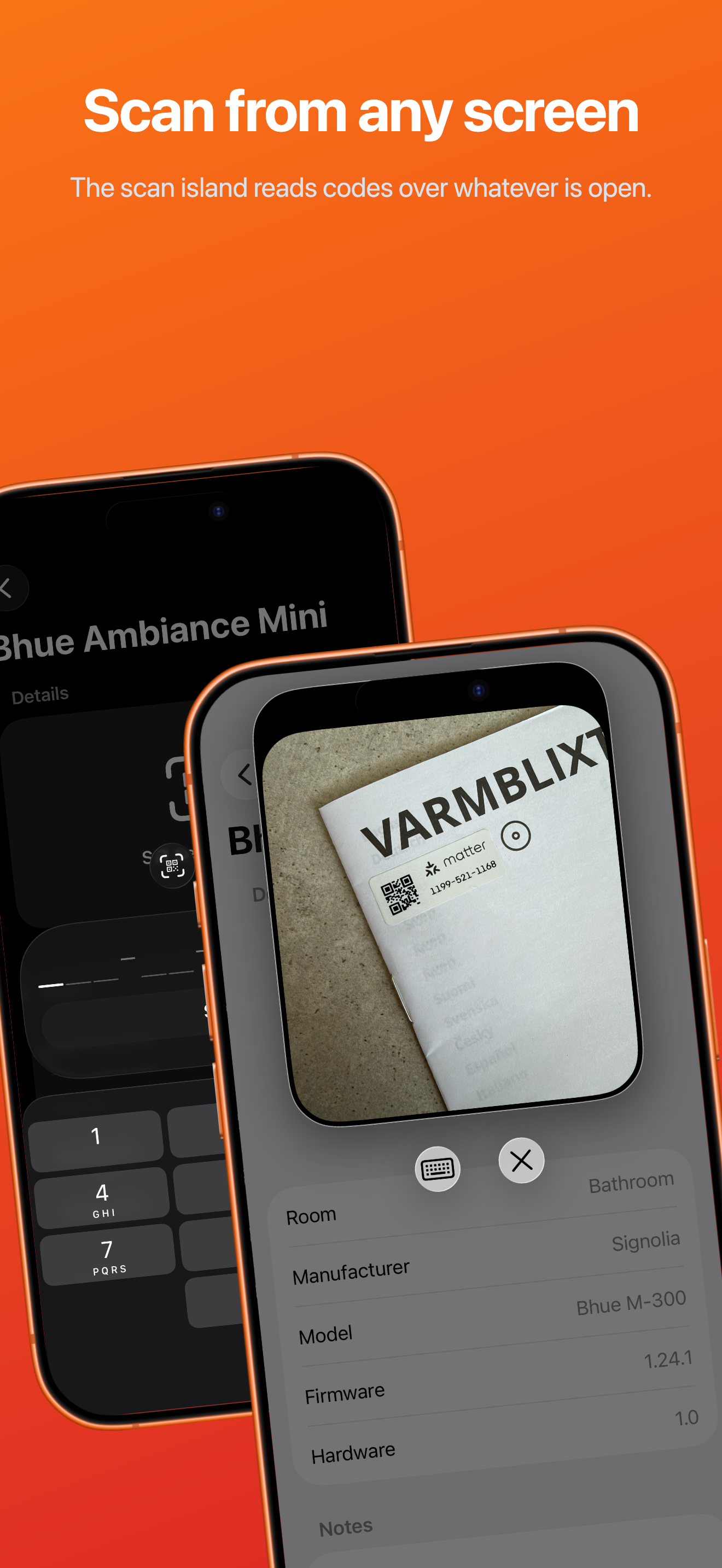
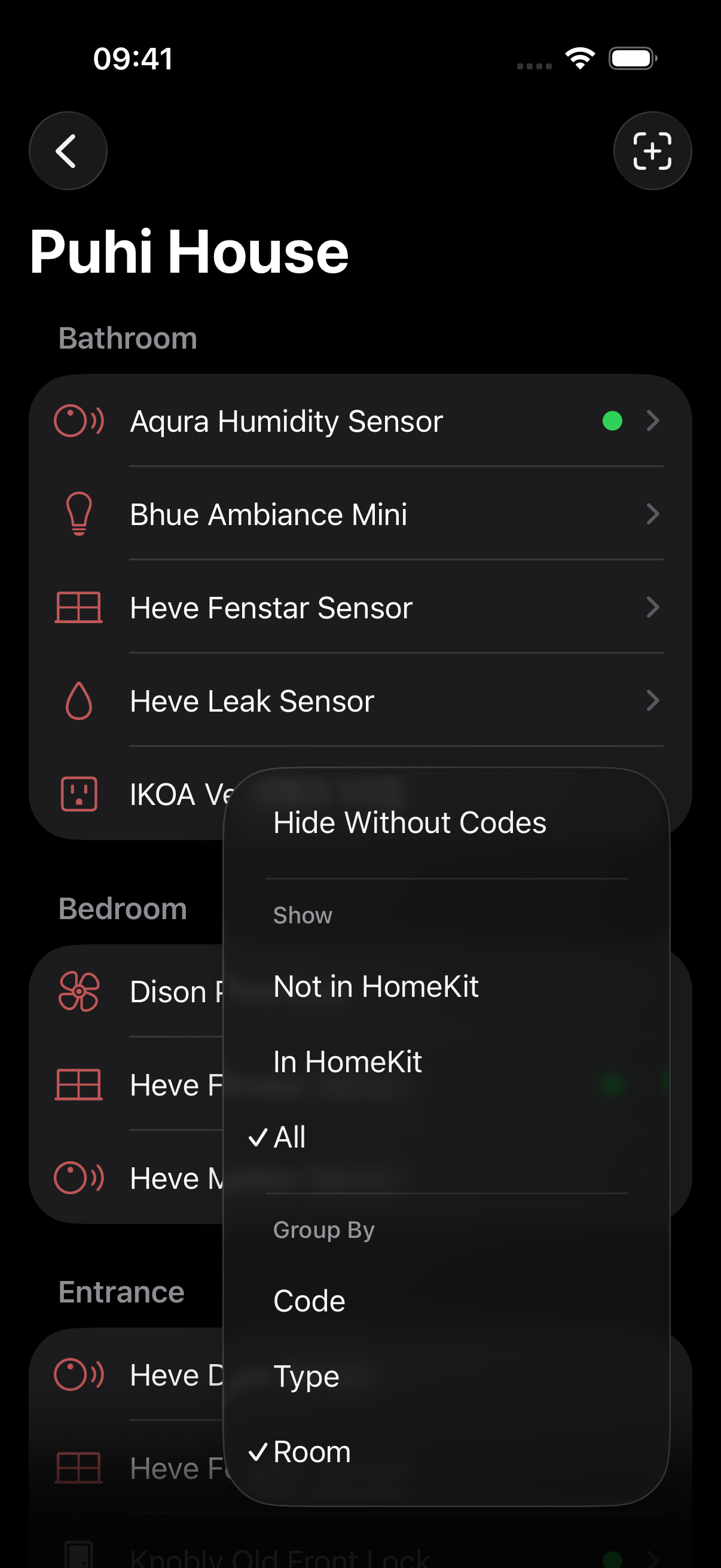
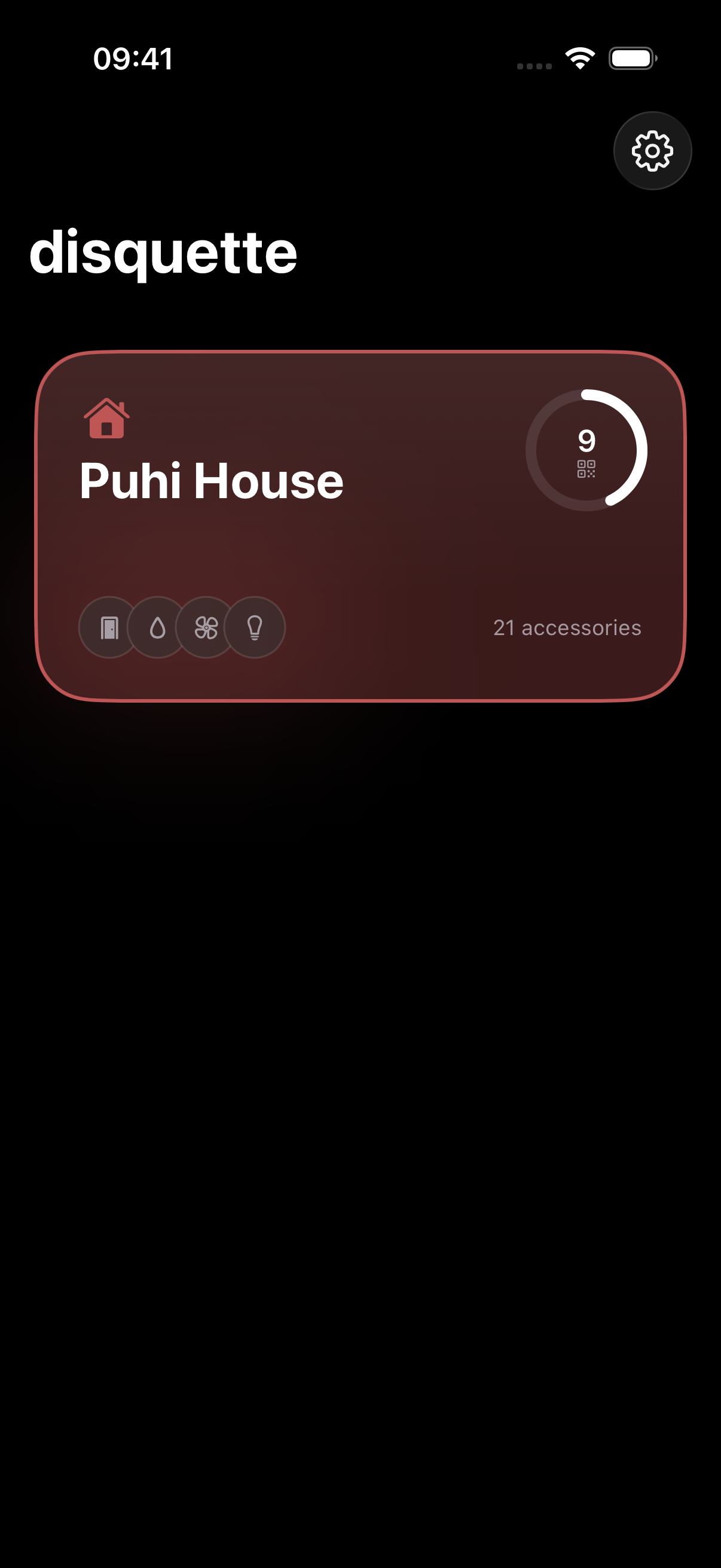
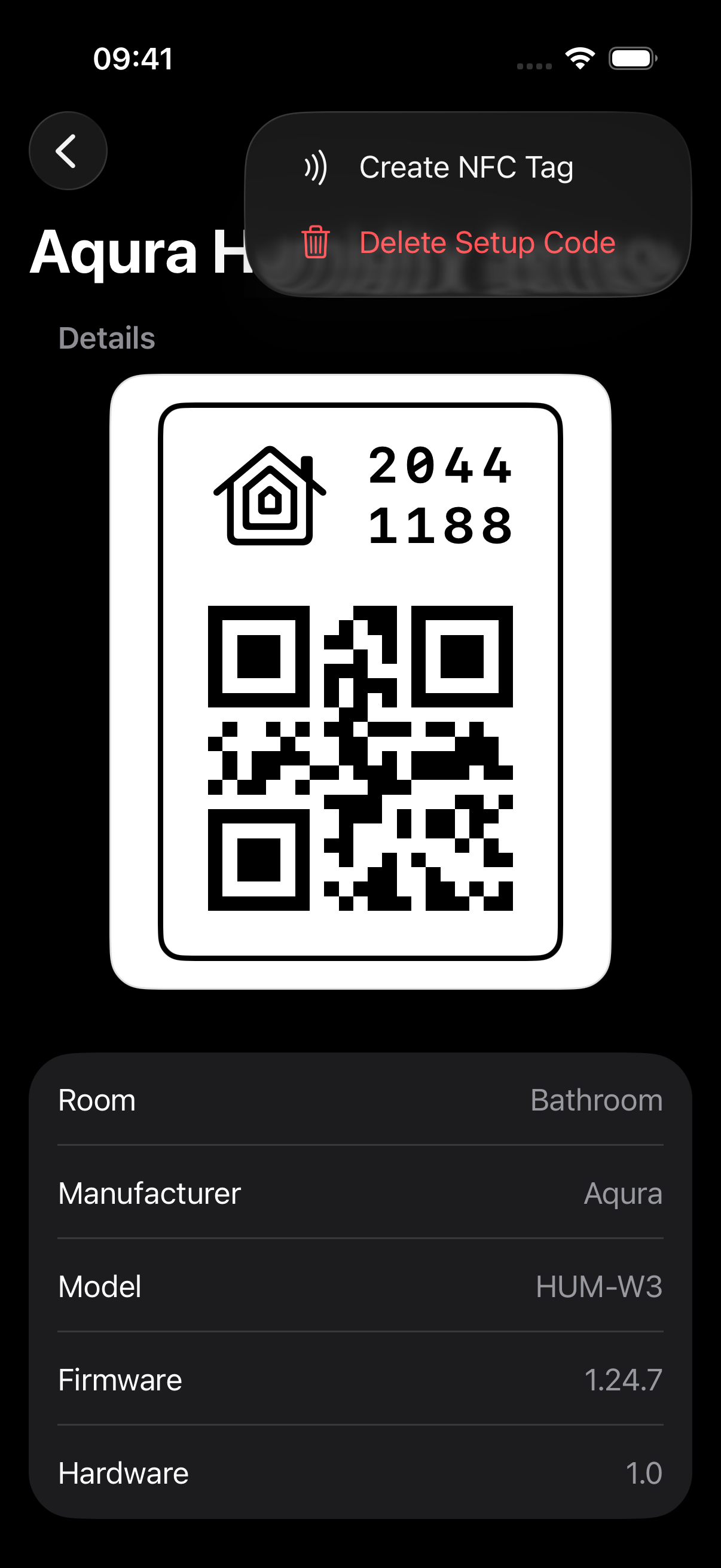
disquette reads your Apple Home homes and lists every accessory — bridges, bulbs, locks, sensors — with manufacturer, model, serial, and firmware. For each one you can:
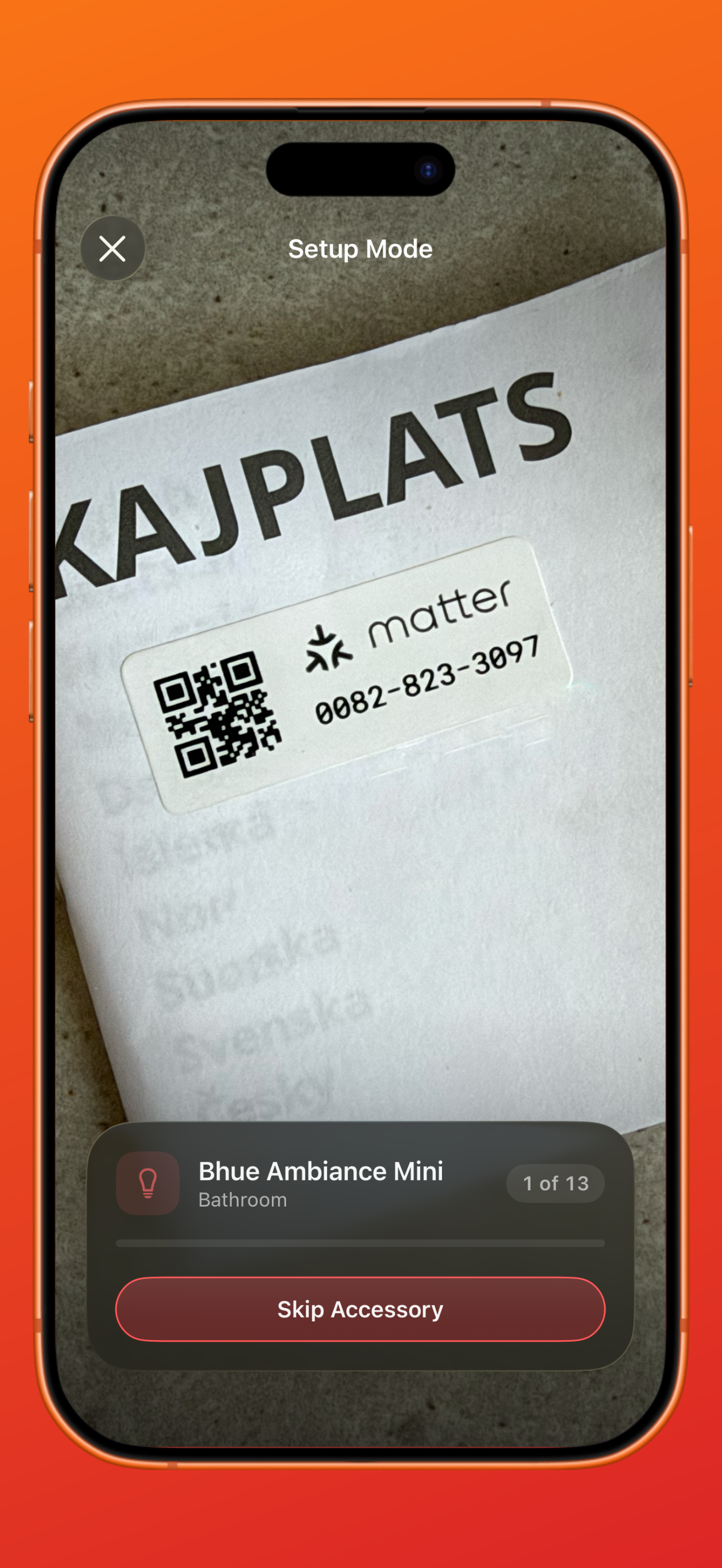
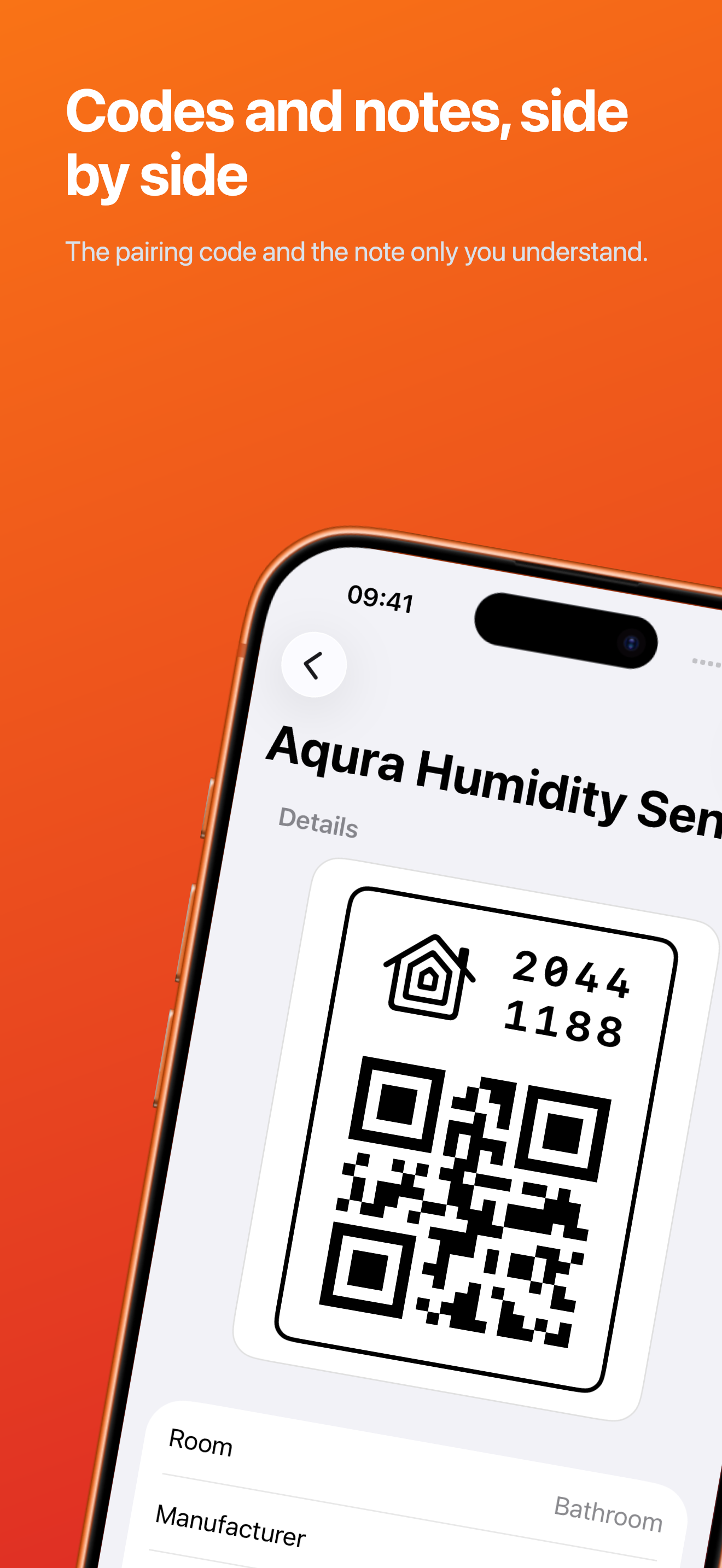
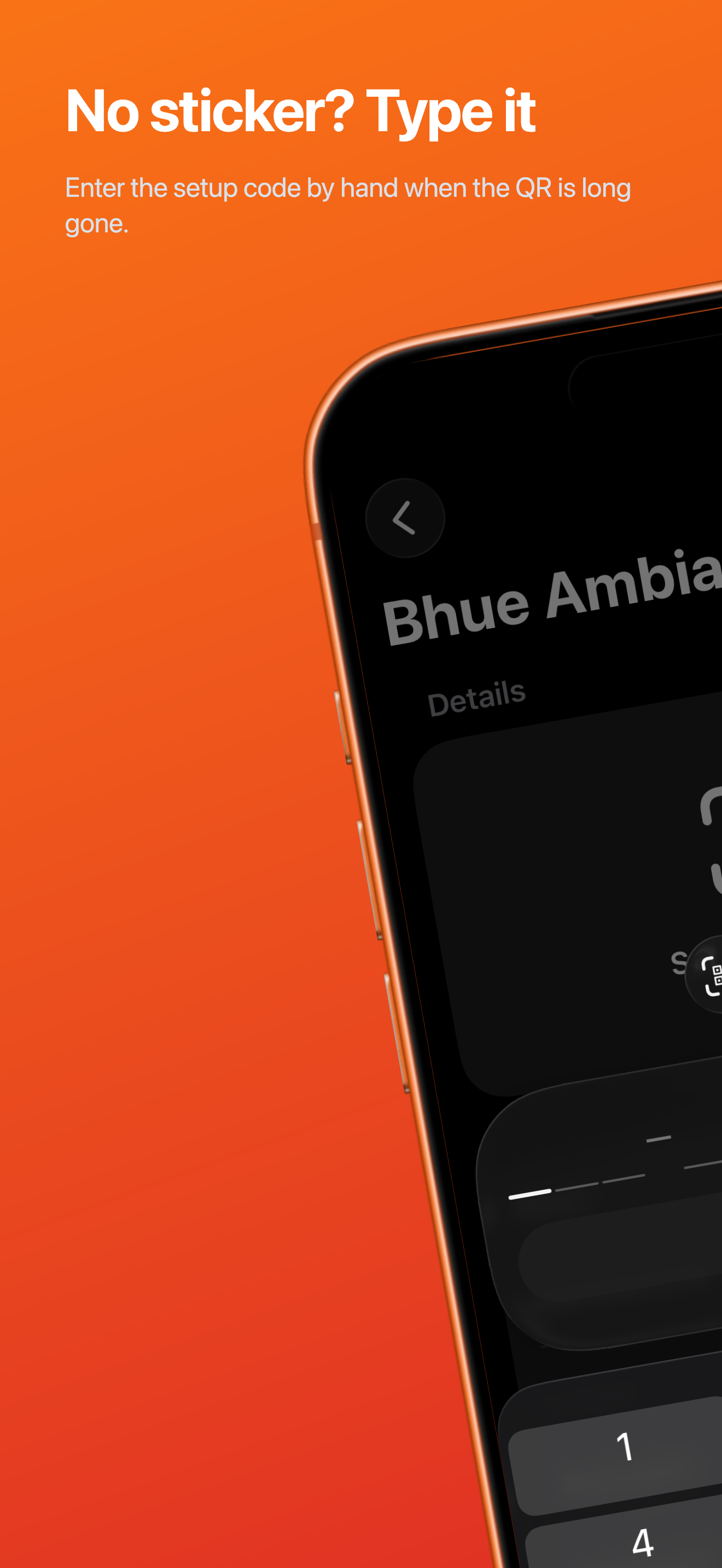
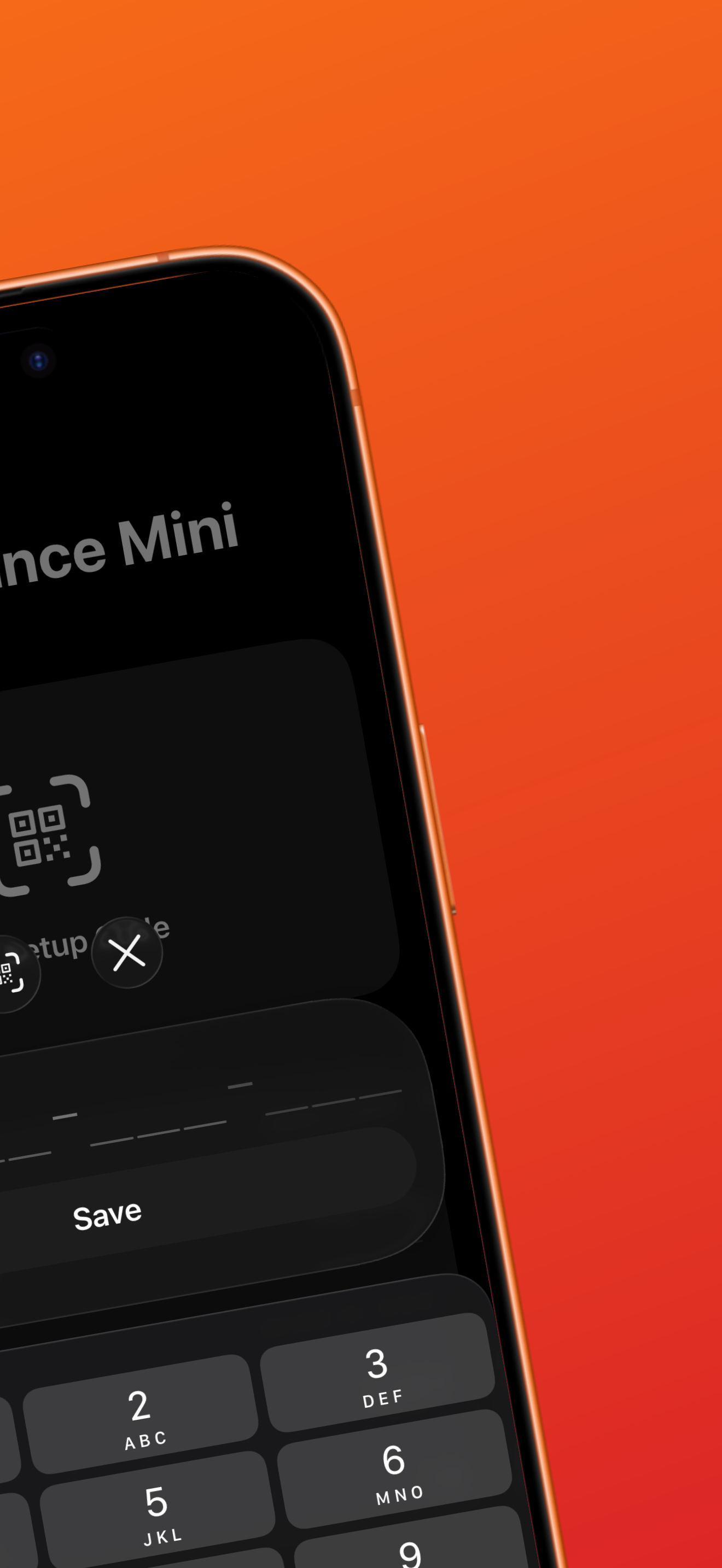
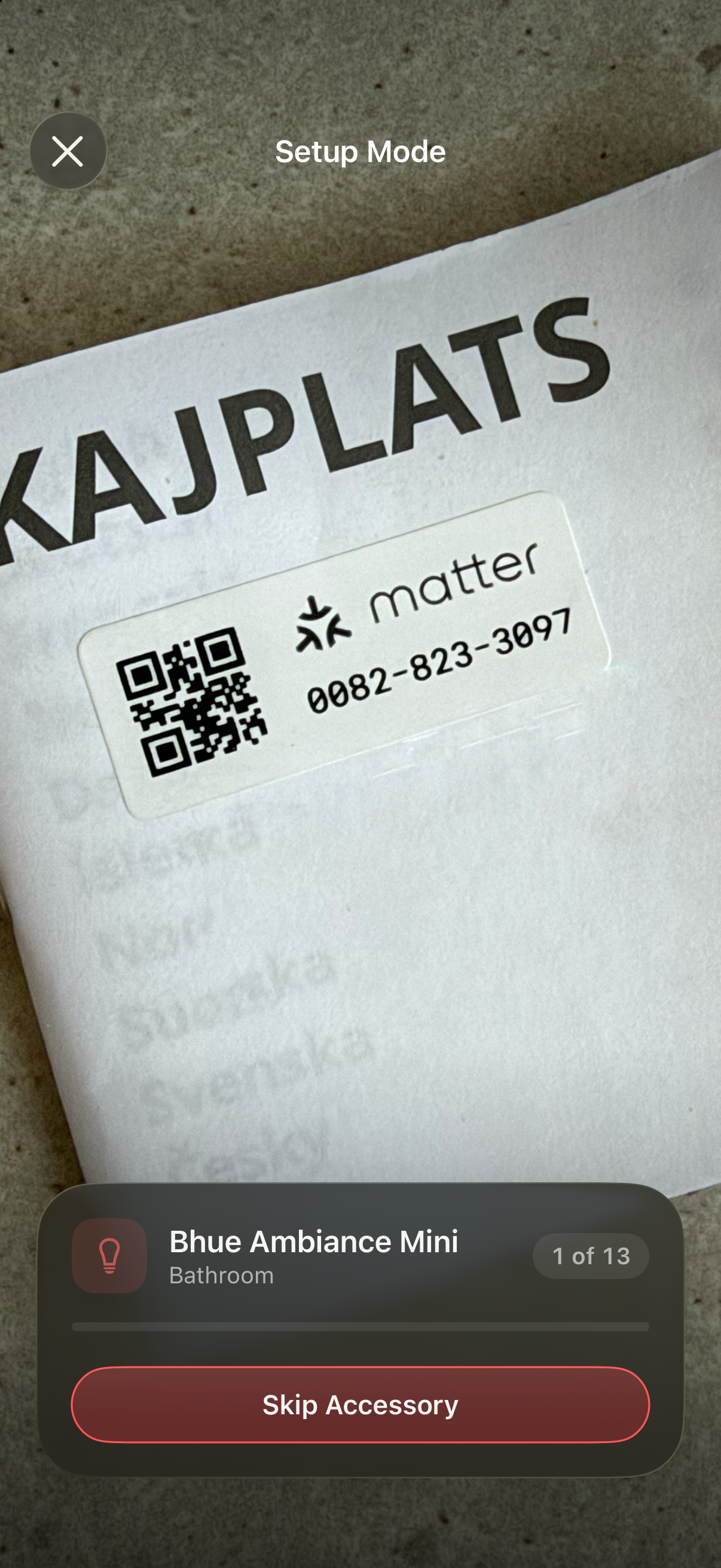
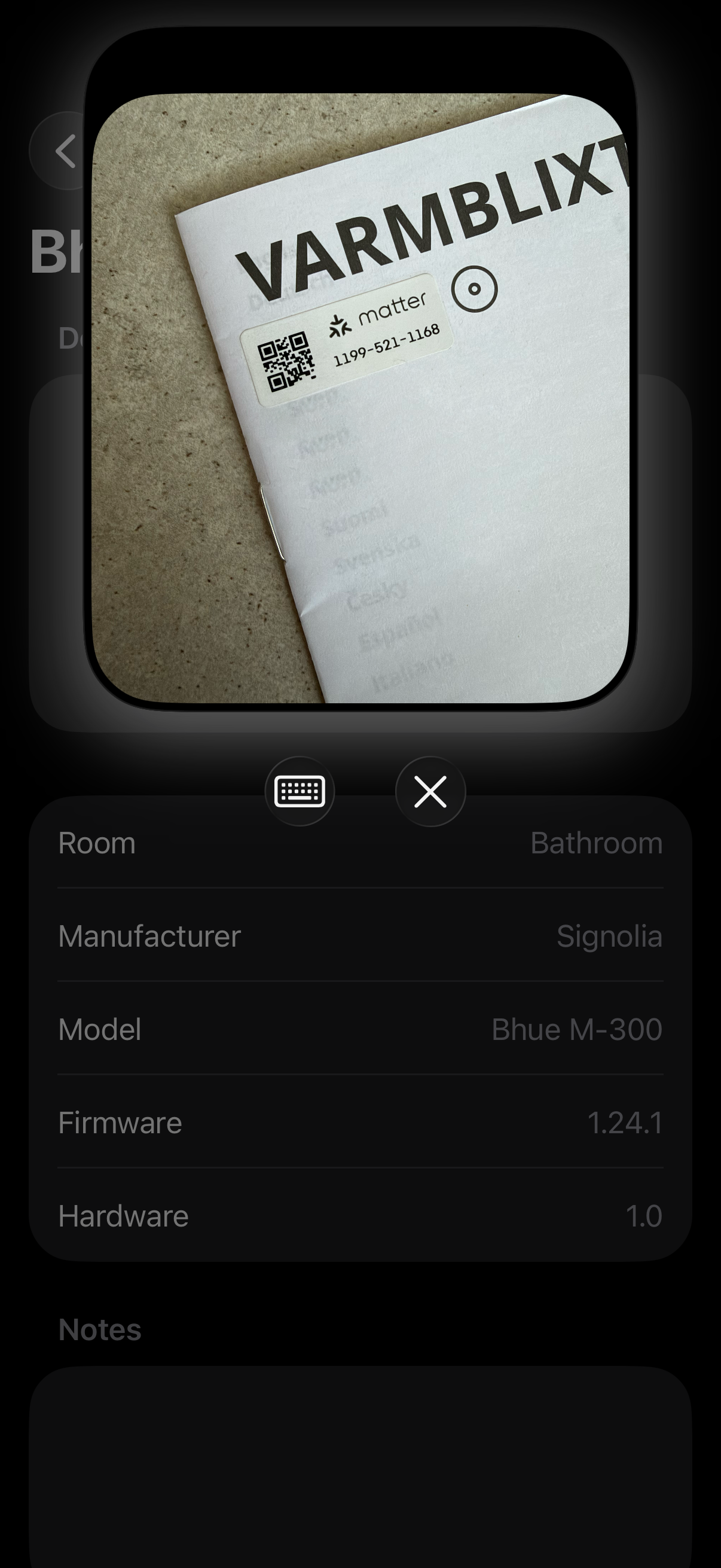
- Scan the setup QR (or type the code) and store it.
- Attach a note ("guest bedroom fan, code under the base").
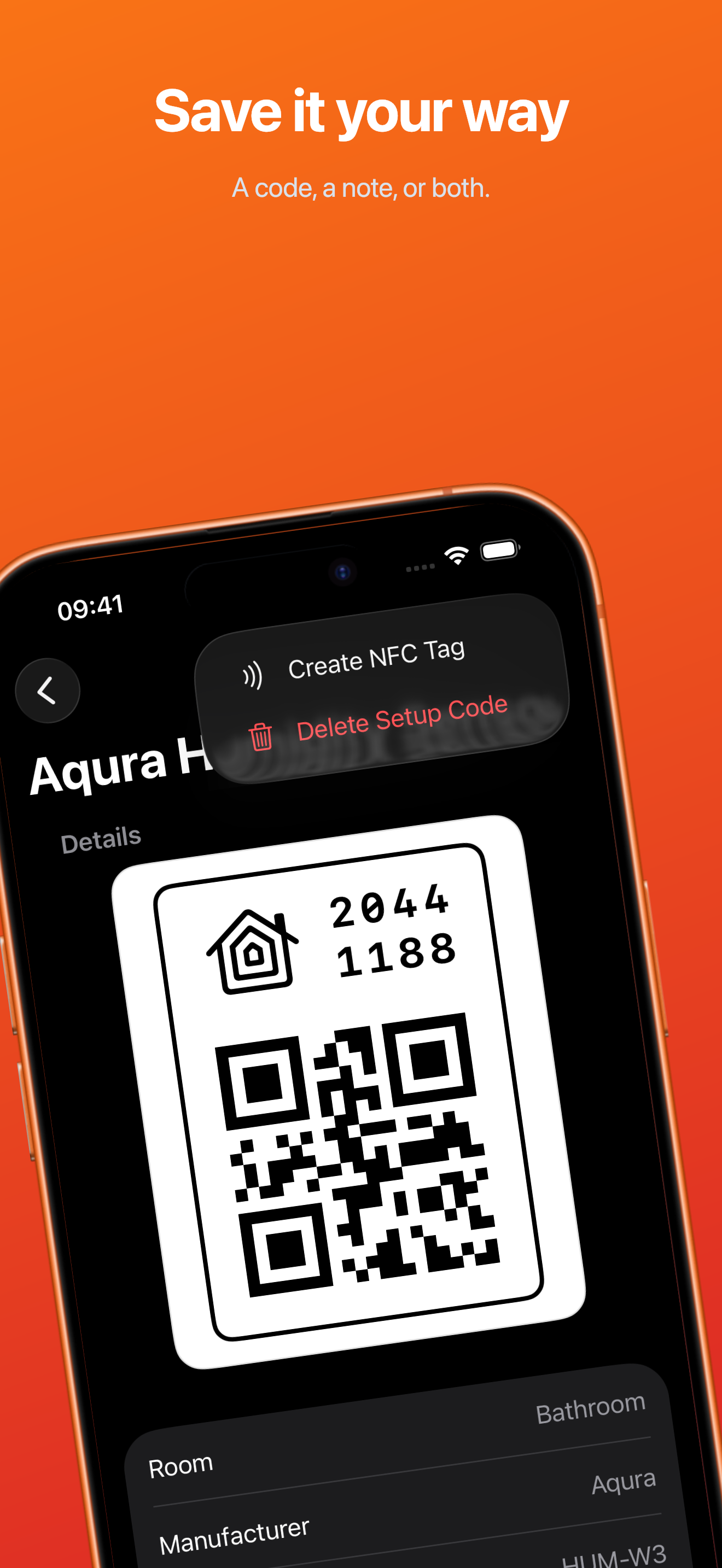
- Write the code to an NFC tag so re-pairing is a tap away.
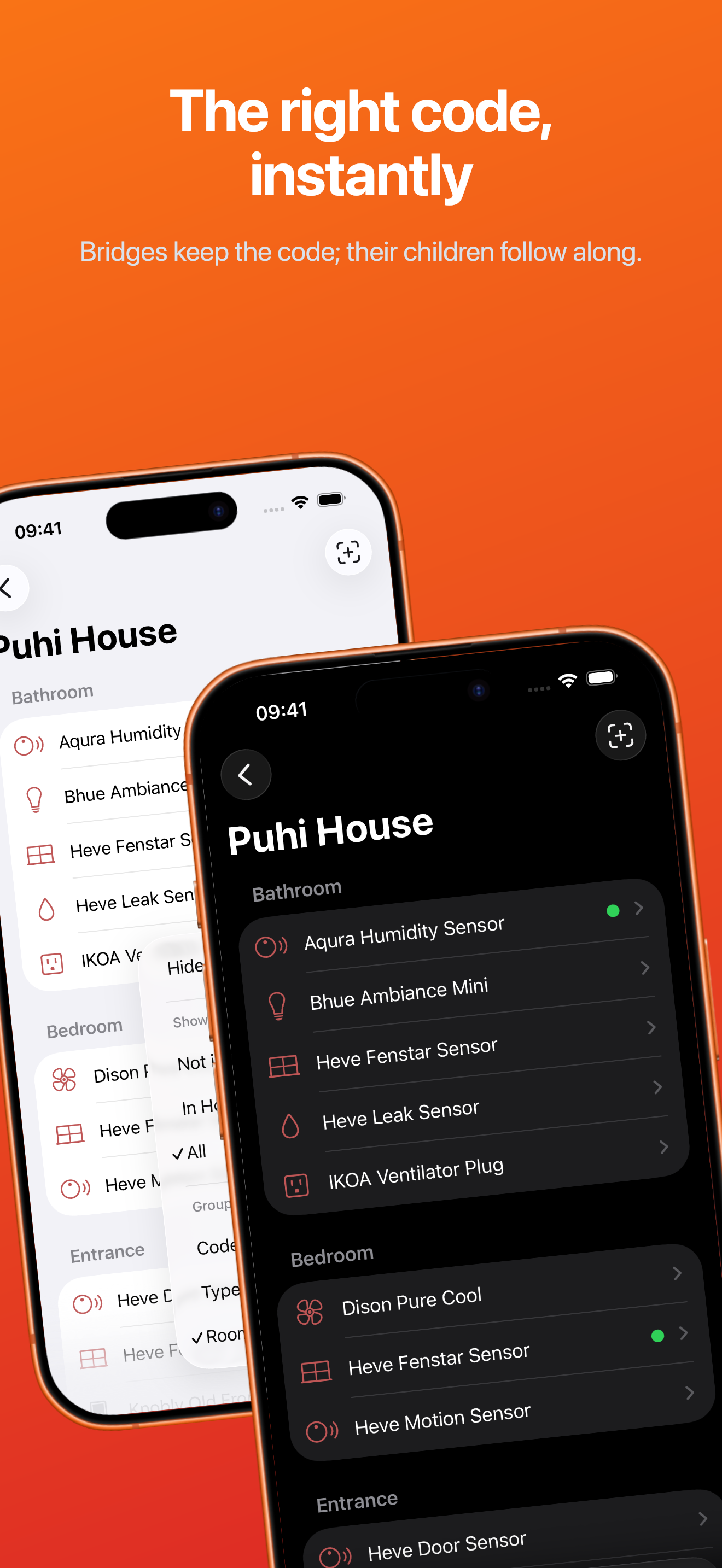
- Copy an unlocked code instantly, and follow bridges to the children hanging off them.
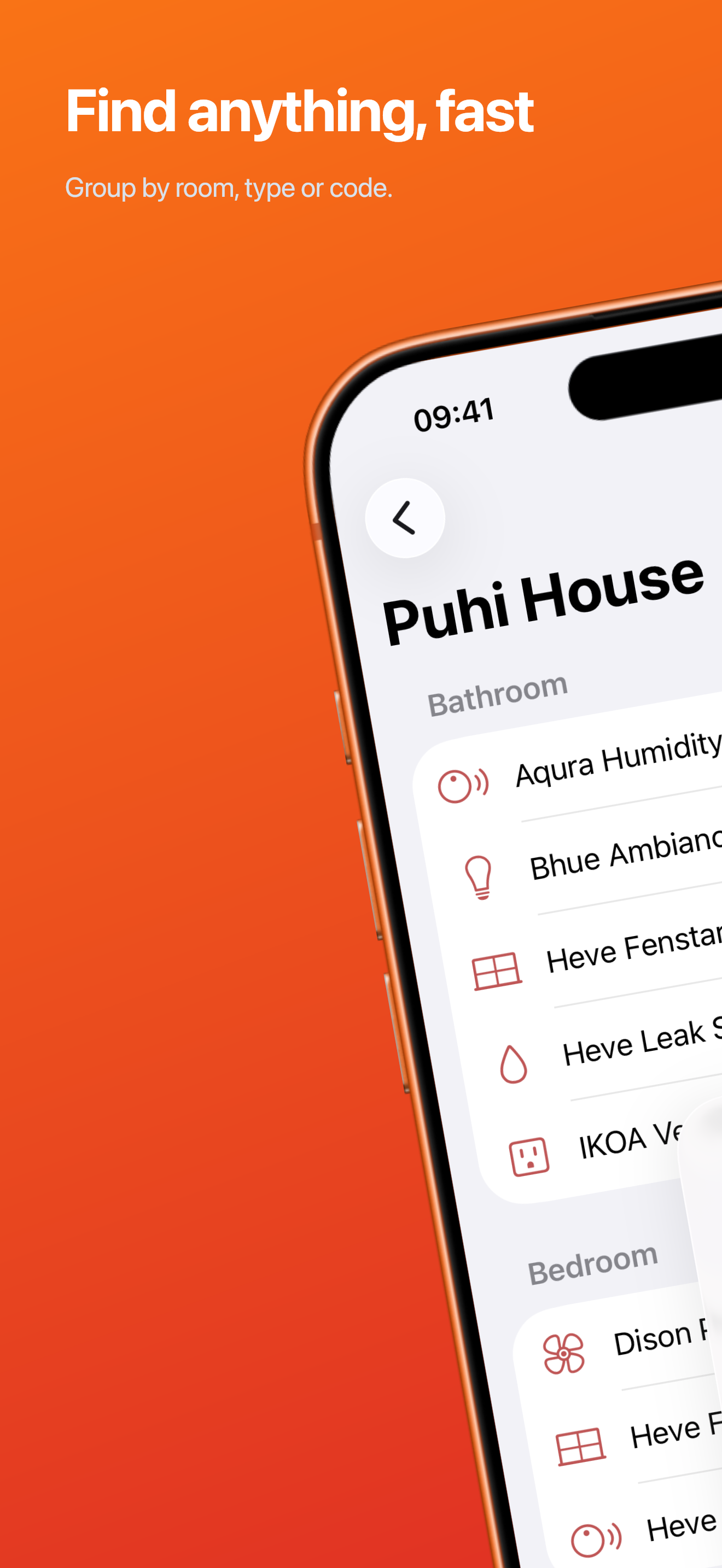
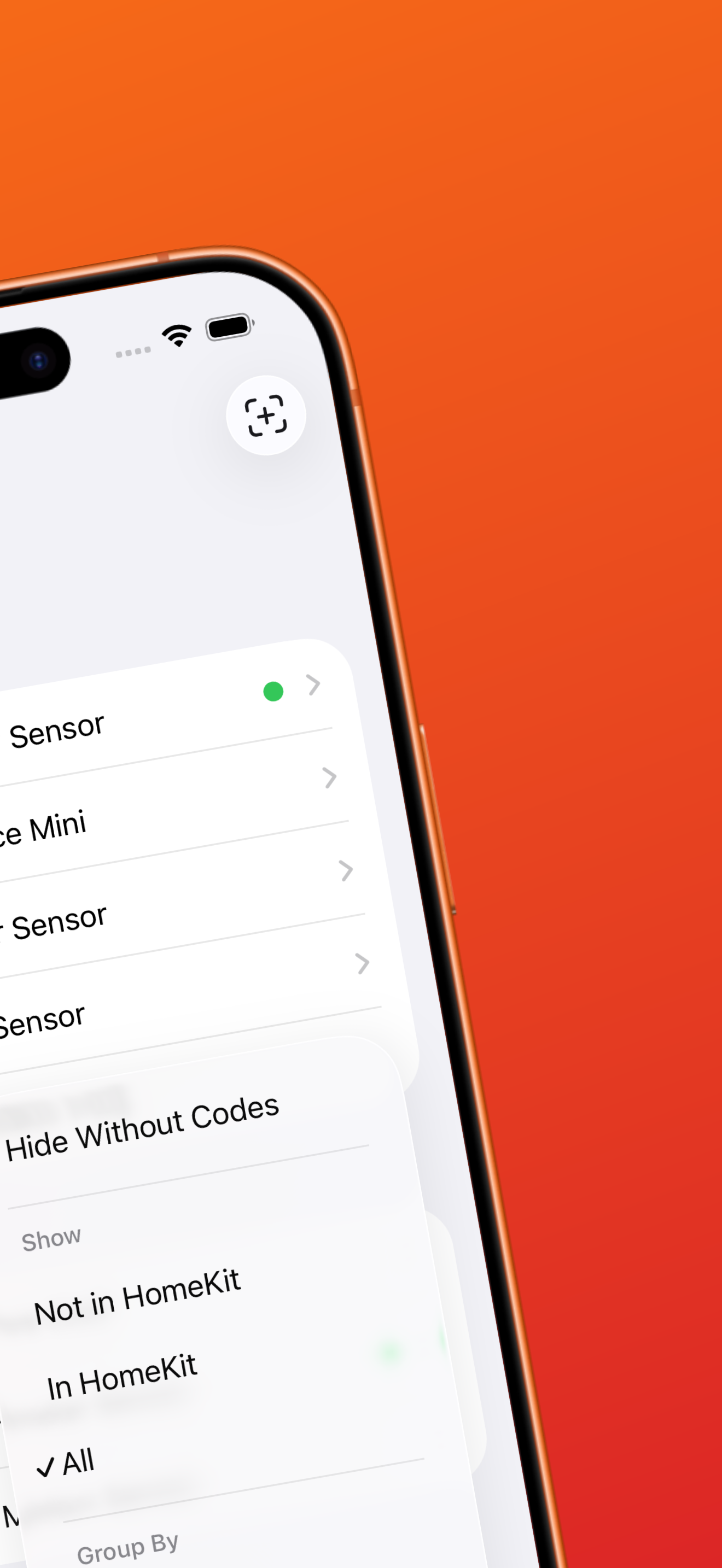
- Search and filter by room, type, whether it's currently In HomeKit or removed from HomeKit.
Saved rows whose accessory no longer matches anything live stay around as orphans.
The free tier is capped at 3 noted accessories. Everything else stays encrypted-at-rest in the database, visible but locked, until you buy the single RevenueCat entitlement: Unlimited.
How we built it
Everything is native Swift:
- SwiftUI + Observation end to end, with a strict view / viewmodel / store split.
HomeStorewraps HomeKit's delegate-callback world into an observable, async-friendly surface. - SQLiteData for the vault database, chosen over SwiftData for query control — saved codes sync across iPhone and the companion watchOS app.
- AVFoundation metadata scanning for QR capture, and a hand-rolled QR code generator (segments, ECC, mask selection — the full spec) so we can re-render a stored code as an image without any dependency.
- CoreNFC for writing HomeKit setup payloads to NFC tags.
- A watch app that mirrors the vault, so the code you need at the fuse box is on your wrist.
The freemium model is enforced in one place in the data layer, not sprinkled through the UI. Free users keep the three oldest noted accessories fully usable, and the arithmetic is deliberately simple:
Challenges we ran into
- HomeKit is read-mostly and opinionated. Accessory metadata arrives via scattered delegate callbacks, bridges hide their children, and unique IDs are not stable across resets. Building a reliable snapshot out of that meant our own store plus a Relinker that re-binds orphaned saves to new UUIDs by matching serials and bridge topology.
- The paywall rules had to be truly fair, not just look fair. The nastiest case: a free user over the cap deletes one of their three free slots to rotate in a new code — the vault becomes a slot machine. We made that delete blocked (while allowing permanent deletion of locked rows), which is stricter than users expect but is the only honest version of the cap.
- NFC writing is a permissions and format minefield. CoreNFC gives you one modal session per attempt and no retries-in-place; the HomeKit setup payload format required careful byte-level construction and real hardware testing, since the simulator lies.
- The encrypted backup had to survive "user forgets password" gracefully: encrypted export is gated, but forget-saved-passwords is not — you can always start over, never be locked out of your own settings.
- Testing the untestable. HomeKit can't be mocked easily in unit tests, so we built a mock accessory layer and drive UI states (orphans, bridged devices, locked rows) through it.
Accomplishments that we're proud of
- The whole product fits one sentence and every screen serves it. No automations, no lights — just the vault.
- Orphan + relink actually works after a UUID churn, which is the moment users would otherwise lose their data's meaning.
- A watch app in the loop: pairing codes at the breaker panel, no phone needed.
- A paywall where every locked thing is visible but intact — blurred QR, locked note row, data never deleted — so upgrading restores, it doesn't resurrect.
What we learned
- HomeKit's worst-kept secret is that its identifiers are durability liabilities. Any product layered on top must own its own identity mapping.
- Freemium design is product design. Which deletes are allowed is the monetization, as much as the price. Drawing that line took longer than any single feature.
- Point-Free's SQLiteData made CloudKit-backed persistence feel like a library feature instead of a platform ritual — but you still need your own migration and reconciliation story.
What's next for disquette
- Multi-home power features: per-home vault summaries and export.
- NFC tag round-trip: read a disquette-written tag back and identify which accessory it belongs to.
- Automatic relink heuristics v2: firmware-version and room-signature matching for nastier UUID churns.
- Widgets & App Intents: "copy the code for the porch lock" from Lock Screen and Shortcuts.
- Localizing the paywall story — the fair-cap messaging needs to be as precise in every language as it is in English.
Built With
- cloudkit
- homekit
- revenuecat
- sqlitedata
- swift
- swiftui

Log in or sign up for Devpost to join the conversation.