Inspiration
DisputeCompass helps merchants understand PayPal disputes, identify relevant evidence, and prepare responses for review. It retrieves the details of the dispute selected by the merchant, explains the buyer’s complaint, reviews supporting documents and images, highlights missing evidence, and prepares an editable response draft. It also displays dispute statuses and deadlines to help merchants prioritize their work.
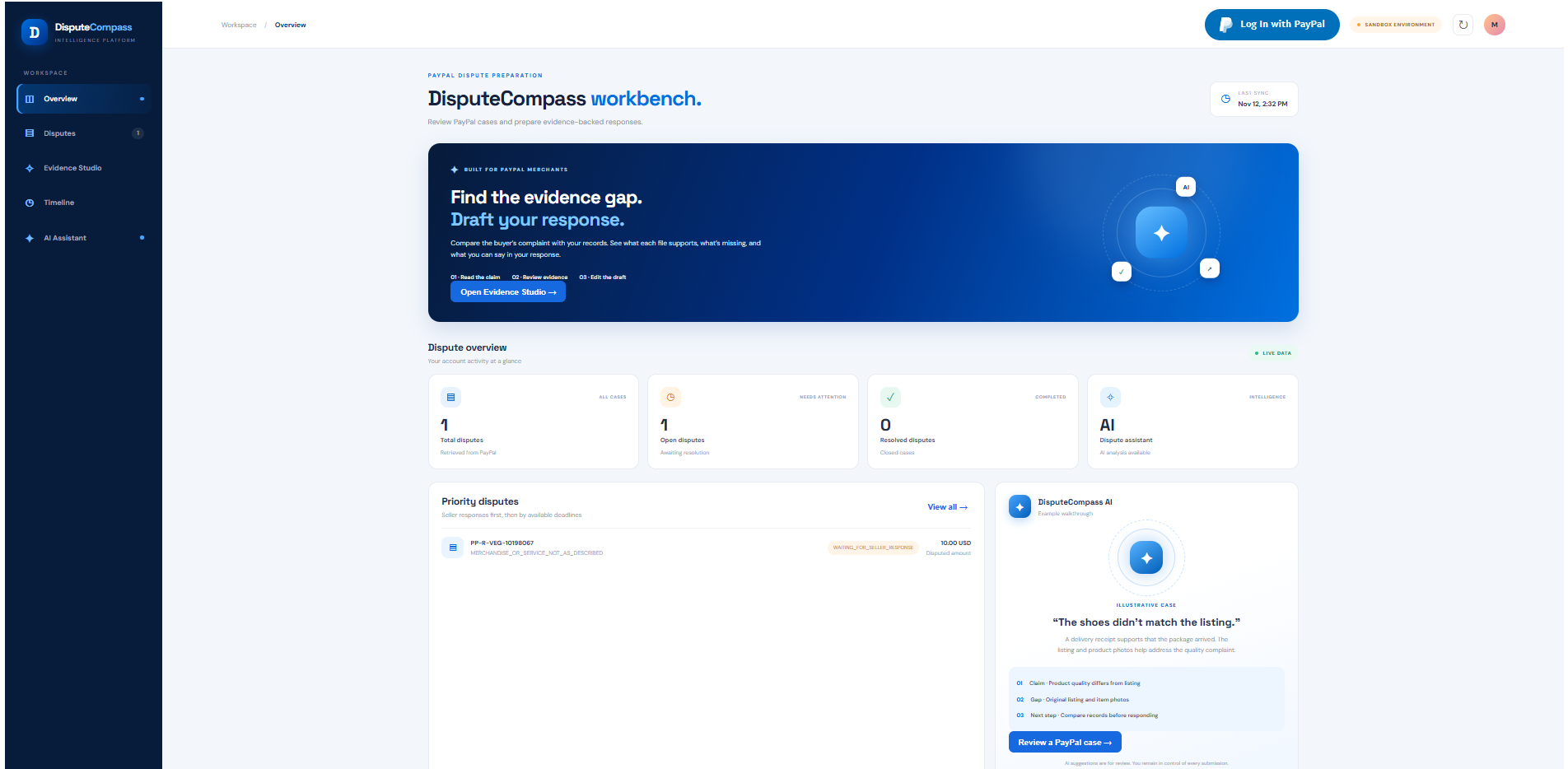
- Overview dashboard displays total, open, and resolved disputes. Disputes awaiting a seller response appear first, ordered by deadline where that information is available.
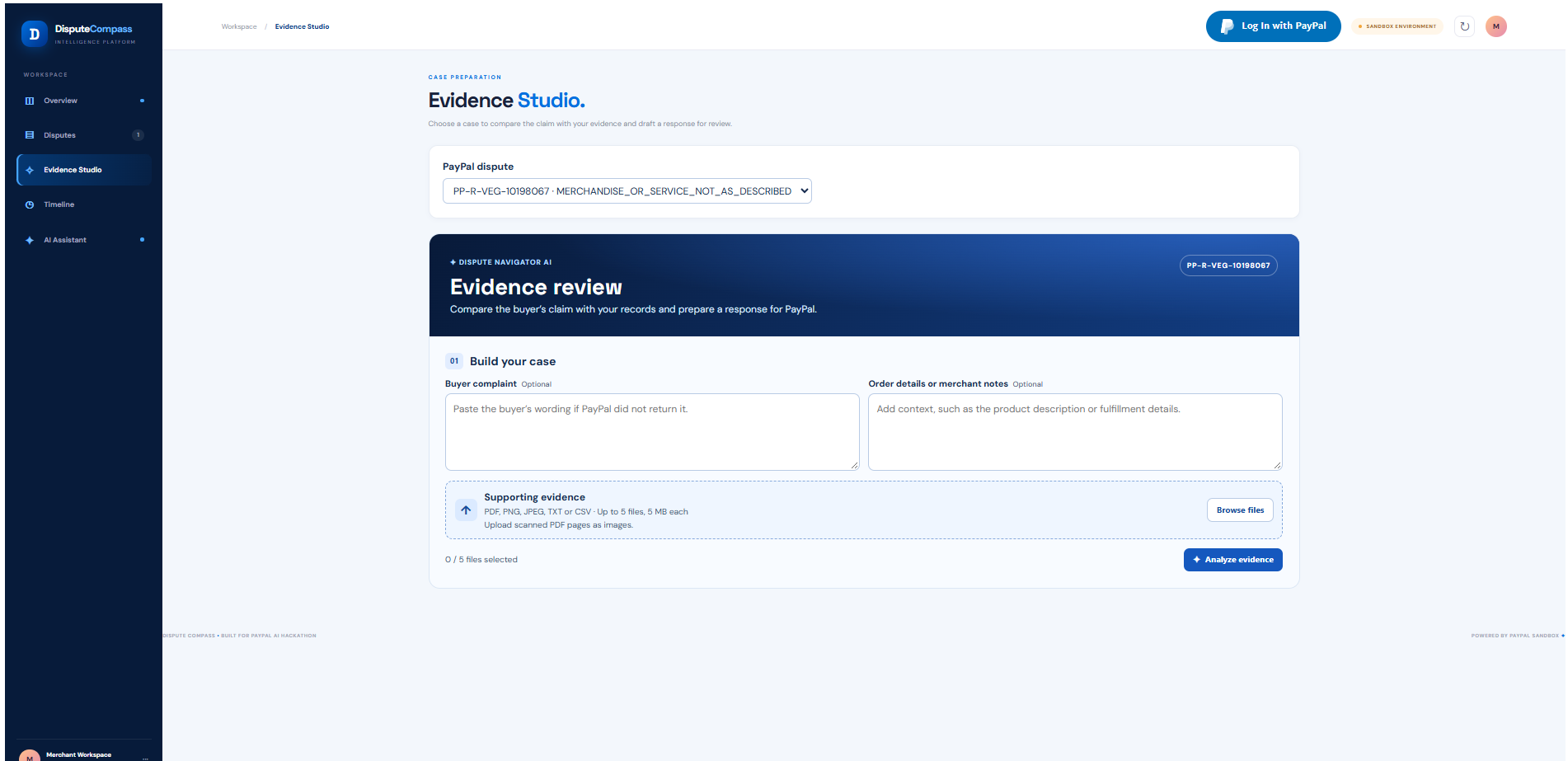
- Evidence Studio lets merchants select a dispute, add complaint details and order notes, and upload up to five supporting documents or images. It compares the complaint with those records, identifies supporting evidence and gaps, and generates an editable response draft.
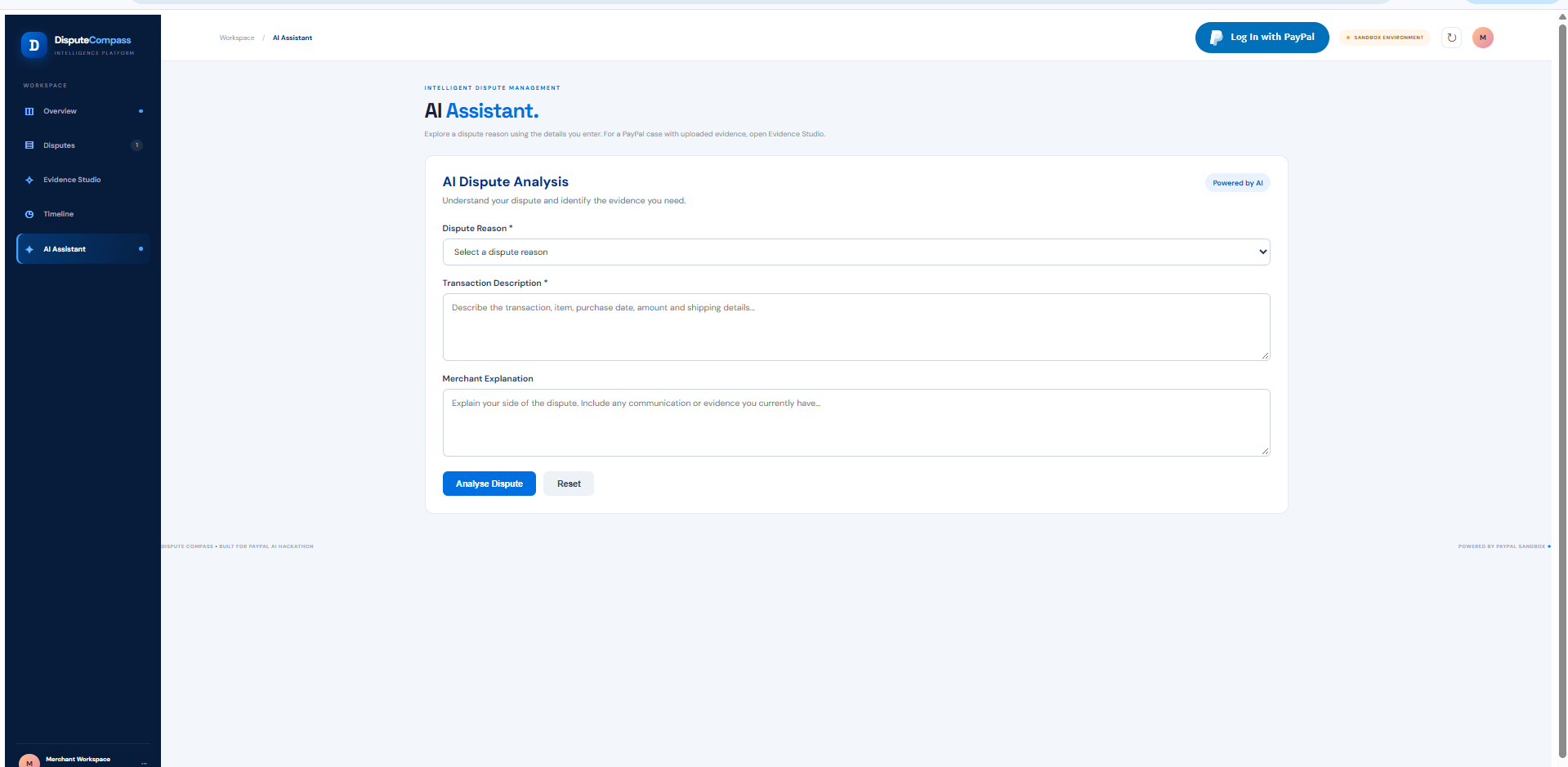
- AI Assistant explains a dispute based on the reason, transaction details, and merchant’s account of events, then suggests evidence to gather.
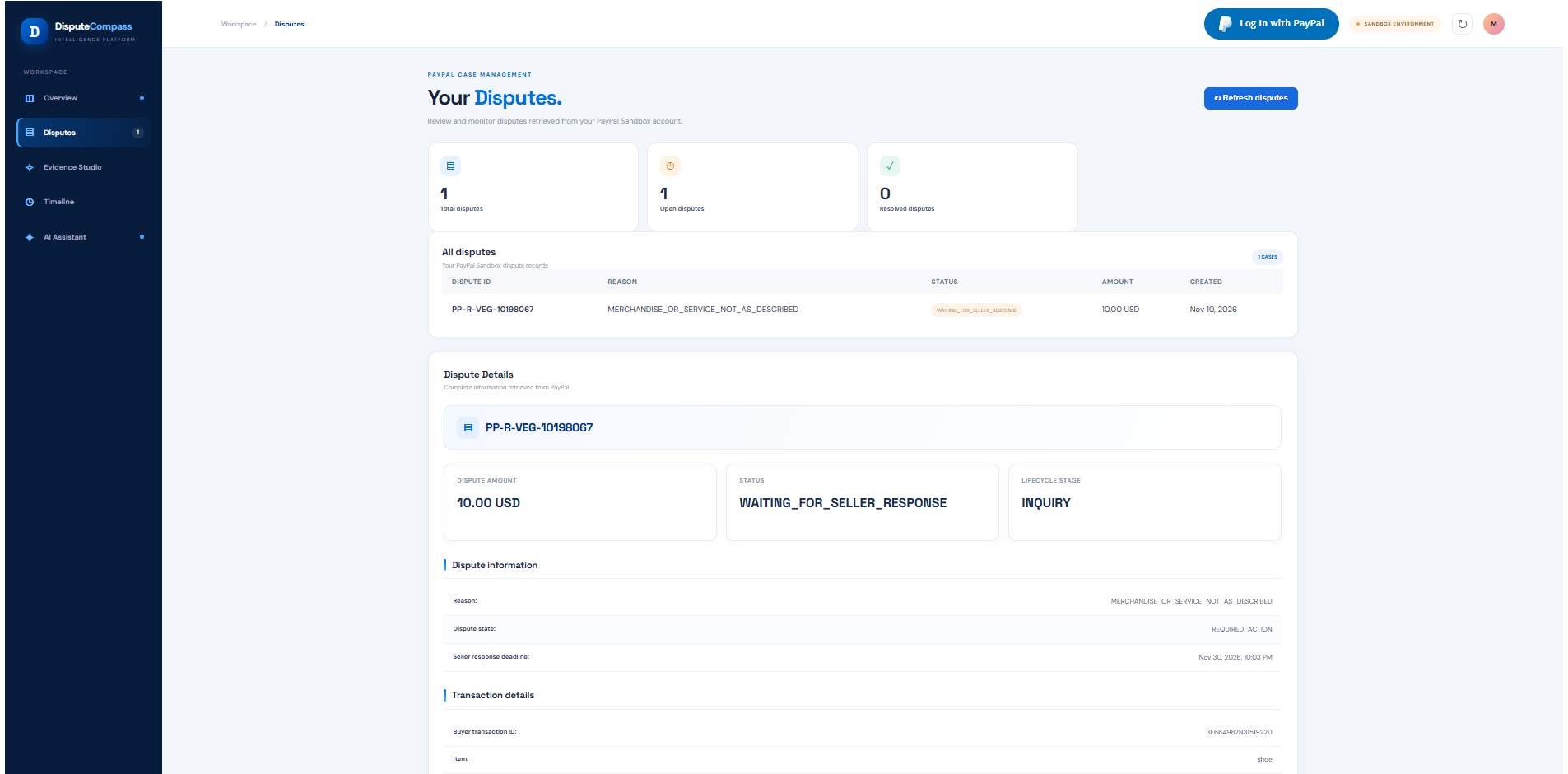
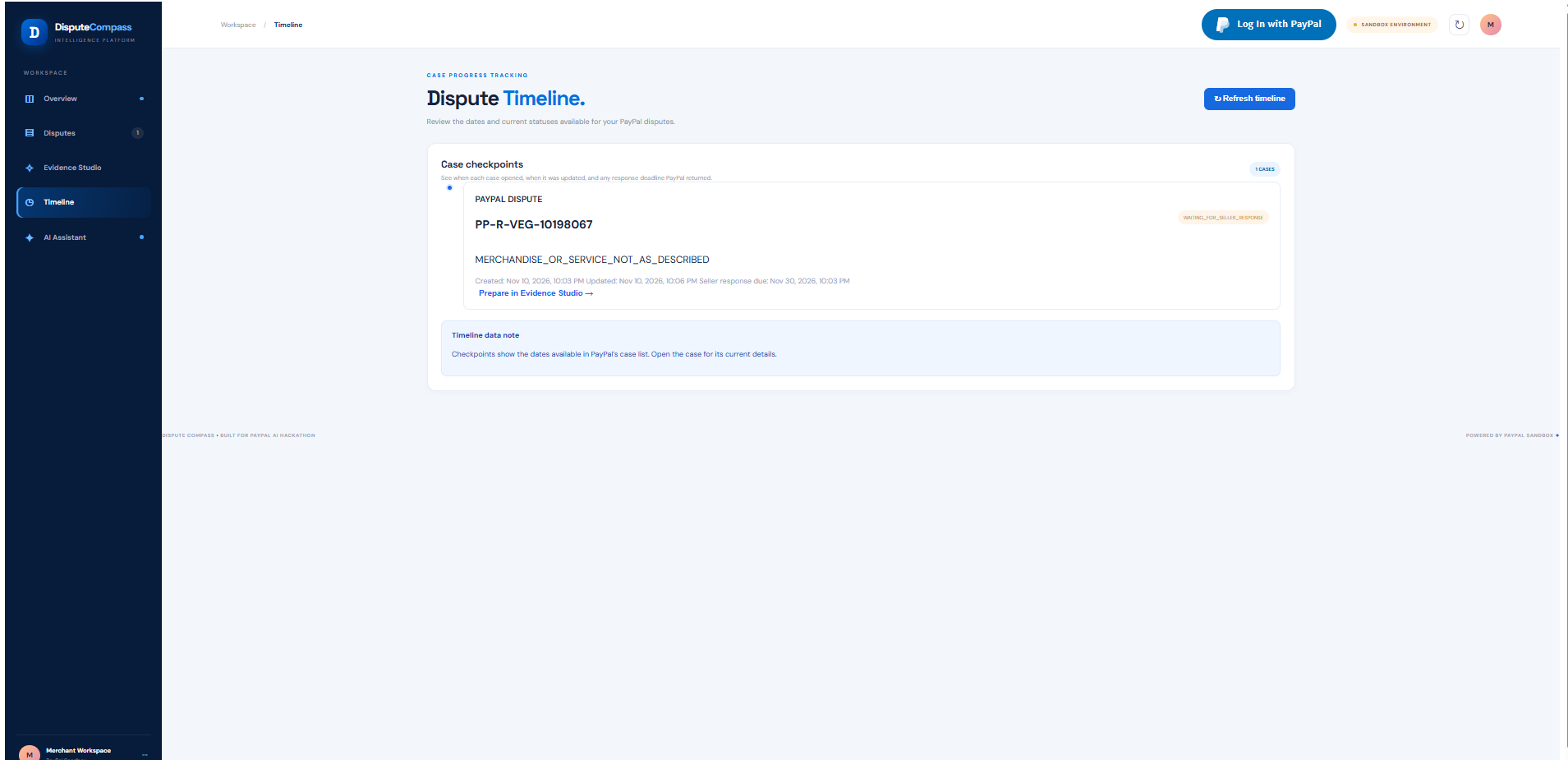
- Dispute Timeline displays available dispute dates, statuses, and response deadlines, with a direct path to Evidence Studio.
What it does
DisputeCompass helps merchants understand PayPal disputes, identify relevant evidence, and prepare responses for review.
- Overview dashboard displays dispute counts and prioritizes disputes awaiting a seller response.
- Evidence Studio reviews the selected dispute alongside uploaded documents and images, highlights missing evidence, and prepares an editable response draft.
- AI Assistant explains complaints and suggests evidence to gather.
- Dispute Timeline displays available dispute dates, statuses, and response deadlines.
How we built it
- PayPal Sandbox — I created a test customer account and a business merchant account, completed a transaction between them, and raised a “merchandise or service not as described” dispute to test the workflow.
- Backend — Java with Spring Boot connects to PayPal’s APIs, retrieves disputes and their details, processes uploaded evidence, and communicates with the model.
- AI integration — I used Ollama to run Gemma 3 4B (gemma3:4b) locally. It analyzes dispute details, merchant notes, and uploaded evidence to generate a complaint summary, evidence assessment, and editable response draft.
- Frontend — Angular with TypeScript provides the Overview dashboard, Evidence Studio, AI Assistant, and Dispute Timeline.
Challenges we ran into
As a first-time user of a PayPal business account, I had to learn its features and understand how payments and disputes work before setting up Sandbox accounts and testing the complete workflow.
Accomplishments that we're proud of
- Learned PayPal’s merchant workflow from scratch and completed an end-to-end Sandbox scenario, from setting up personal and business accounts to processing a payment, raising a dispute, and retrieving it in DisputeCompass.
- Addressed a practical merchant pain point by building an application that analyzes customer disputes, identifies relevant evidence, and guides response preparation to ease the manual workload.
What we learned
I learned how PayPal’s personal and business accounts interact, how payments flow between them, and how customers raise disputes for merchants to review and respond to. Using PayPal Sandbox, I tested this workflow and integrated PayPal APIs to retrieve dispute details. I also learned to build an Angular dashboard to organize and display disputes, and integrate Gemma 3 4B through Ollama to analyze complaints, assess evidence, and generate response drafts for merchant review.
What's next for DisputeCompass
- Multilingual support so small merchants can work in their own language.
- Support for more dispute types, and for buyers as well as merchants.
- Learning from resolved cases so evidence suggestions improve over time.
Built With
- angular.js
- java
- ollama
- paypalsandbox
- springboot
- typescript


