-
-
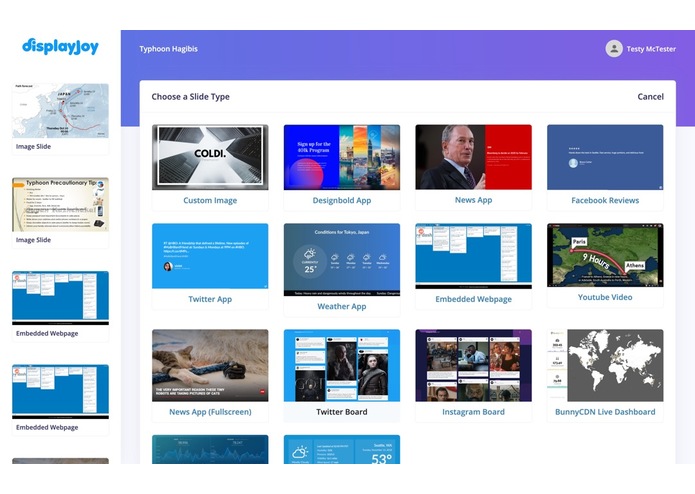
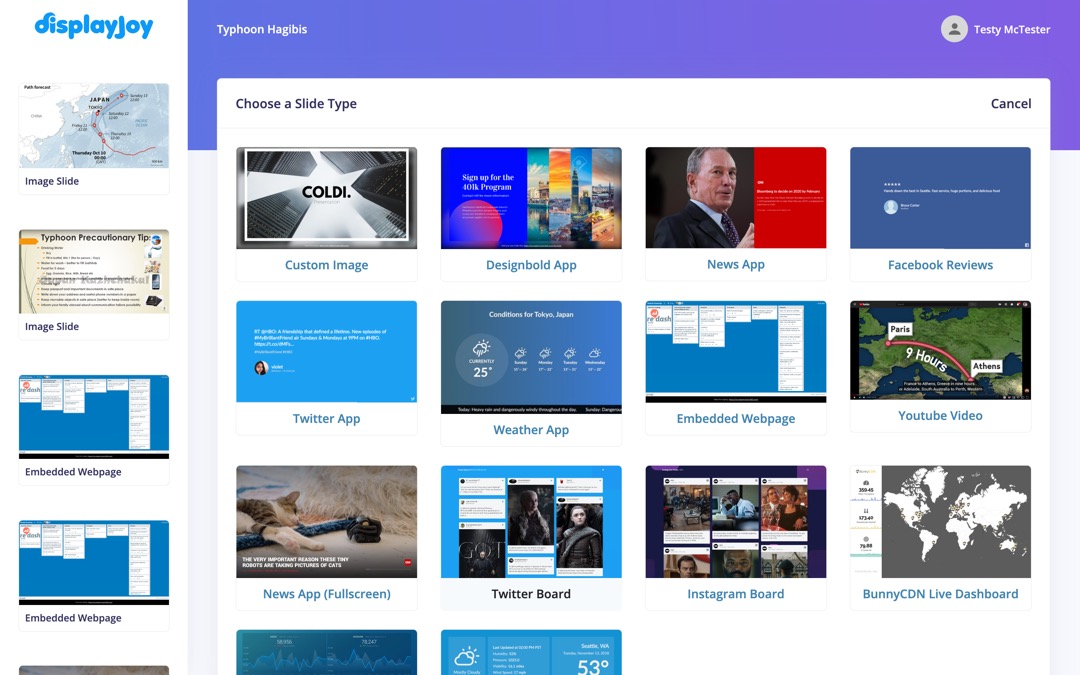
Over a dozen pre-built apps
-
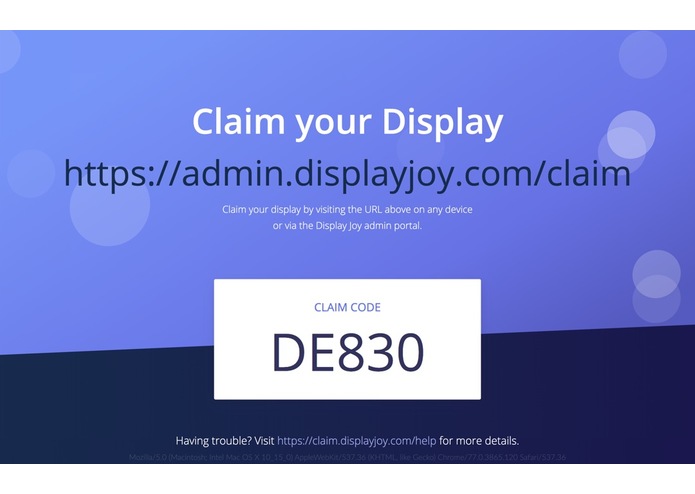
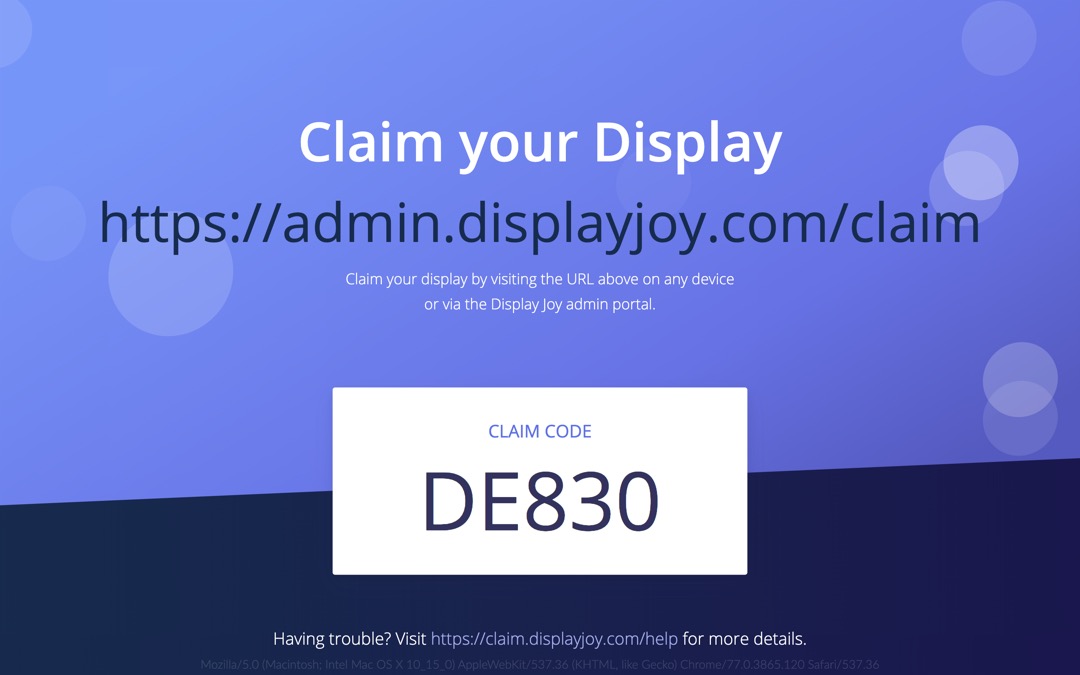
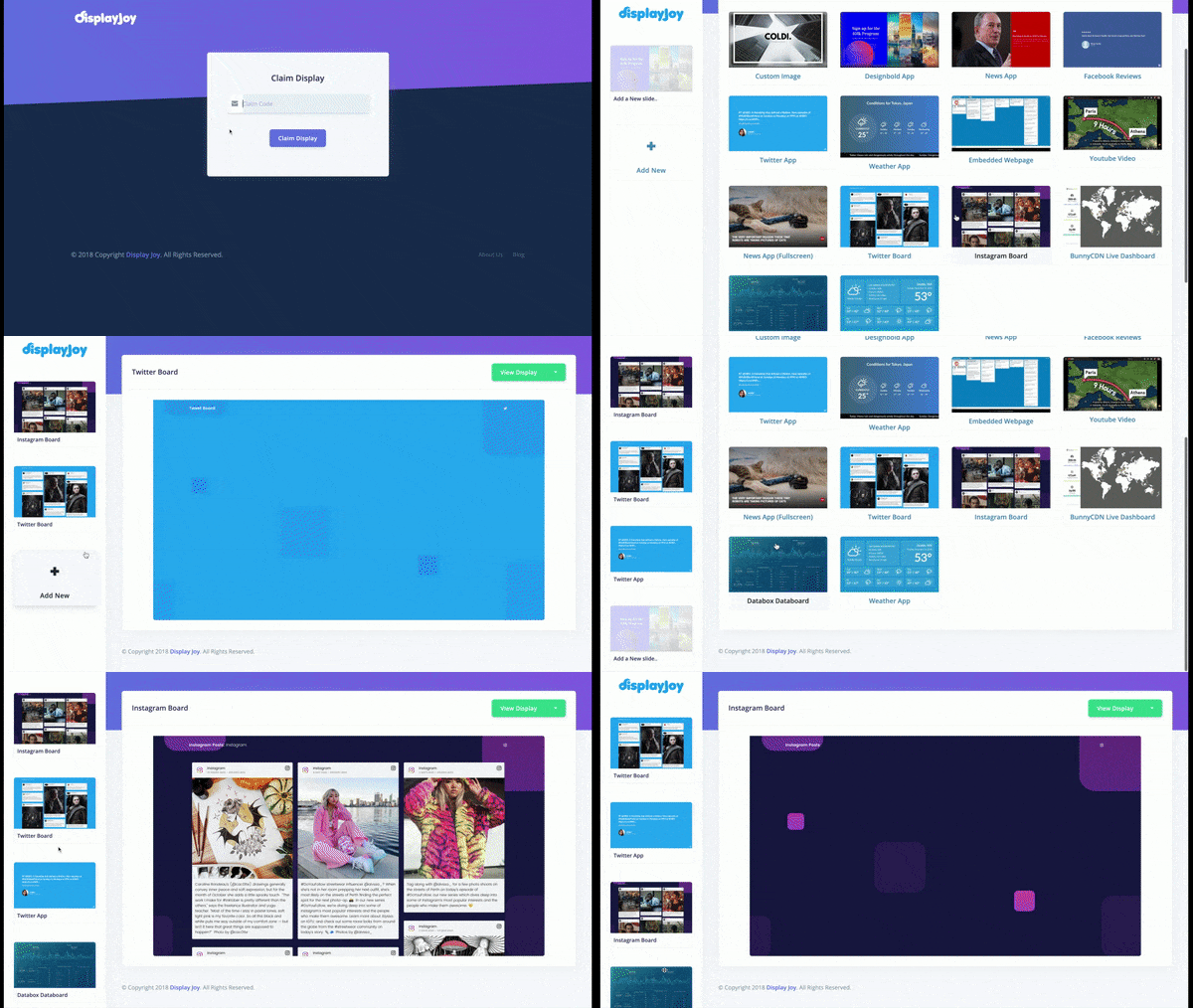
Boot the app and claim your display via claim code
-
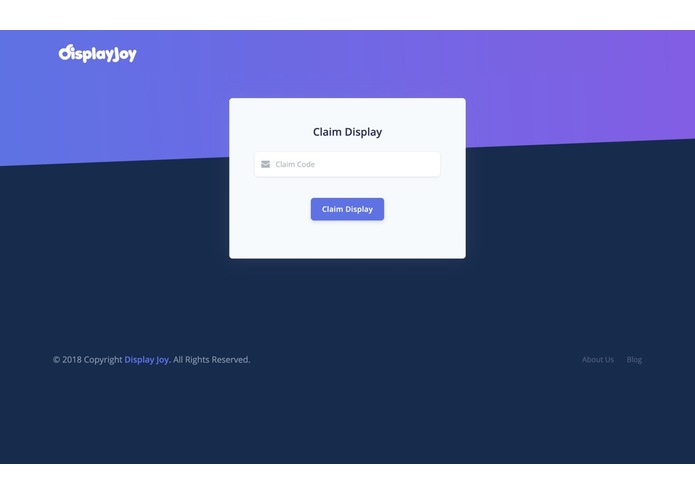
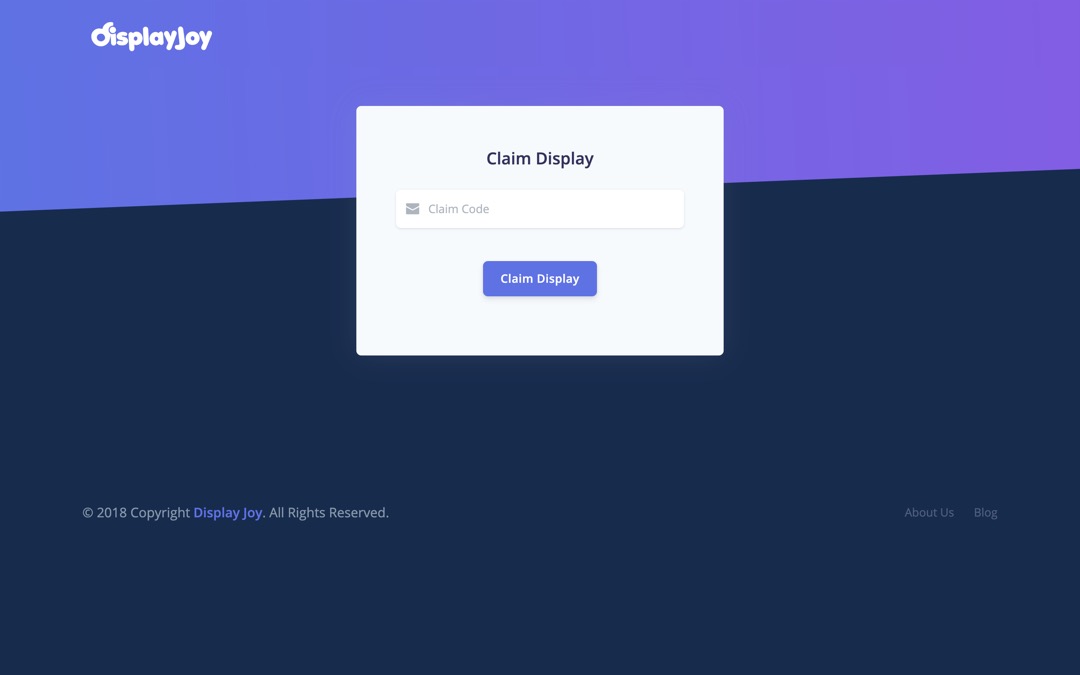
Claim on the web
-
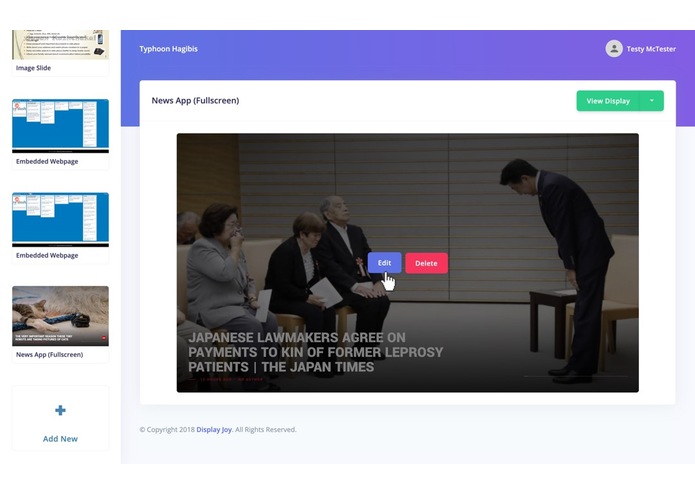
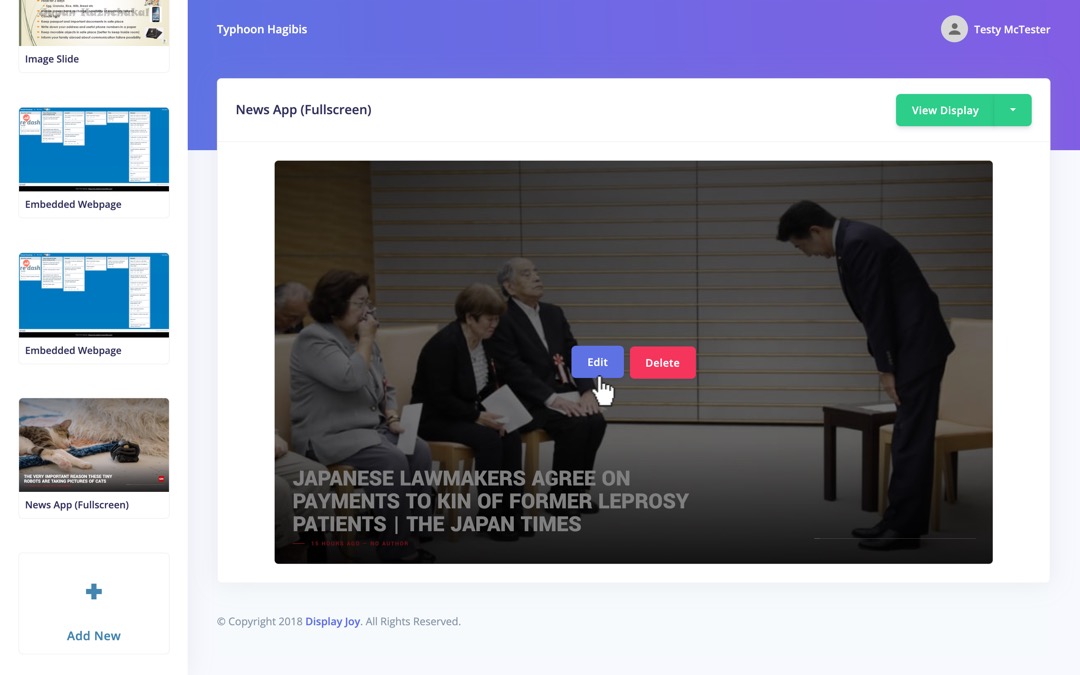
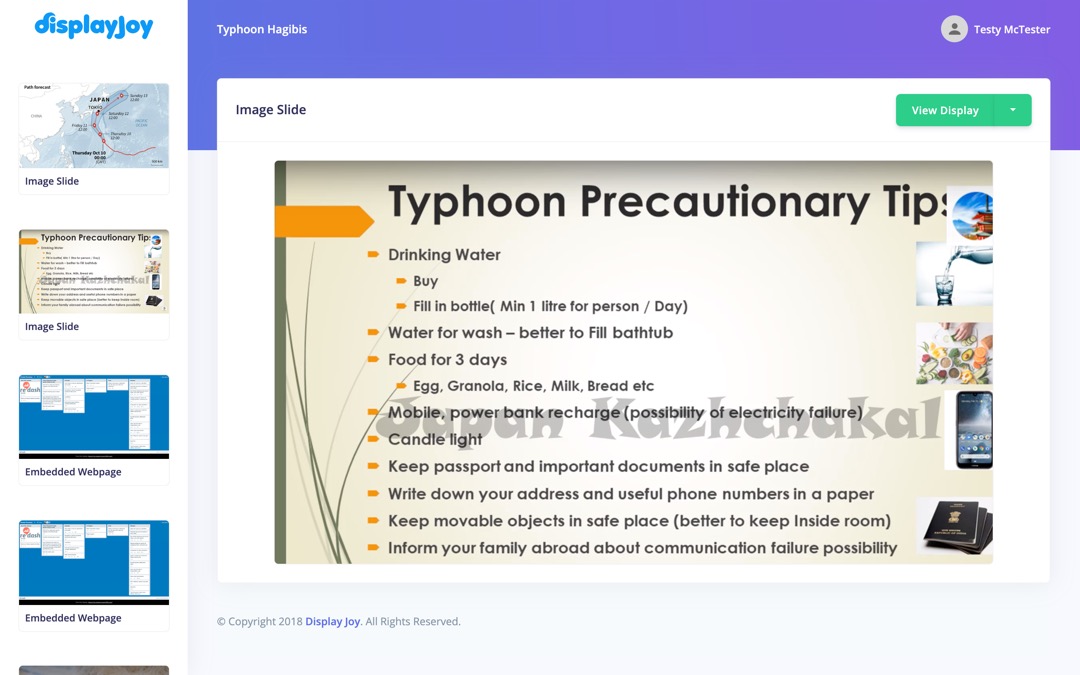
Edit your Existing Slide
-
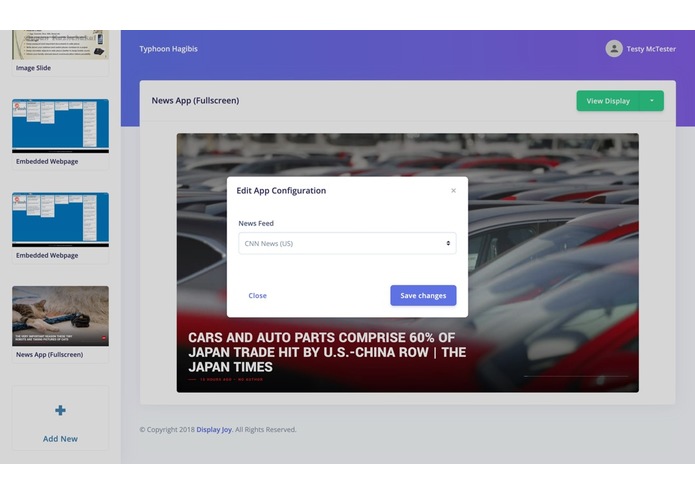
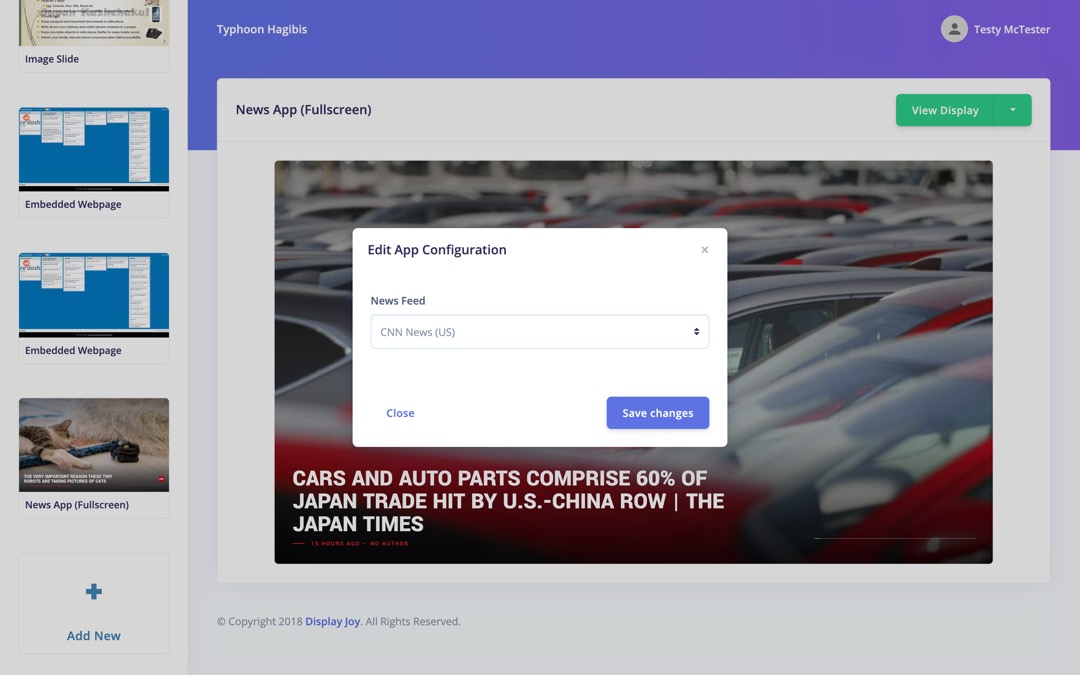
Choose from 50+ News Sources
-
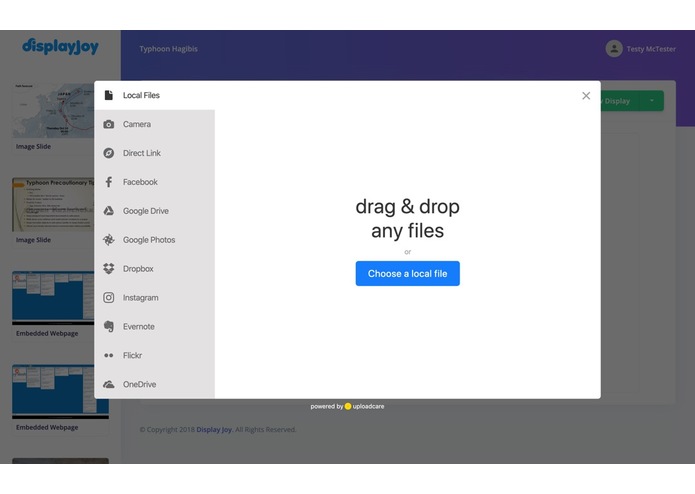
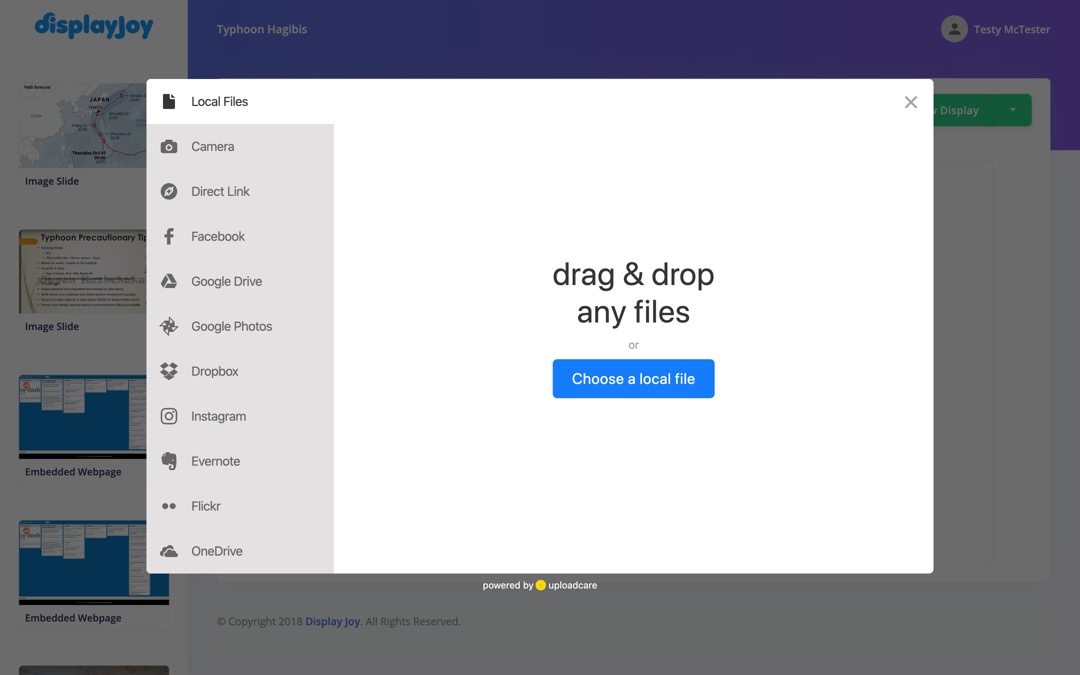
Upload & Edit Images from Anywhere
-
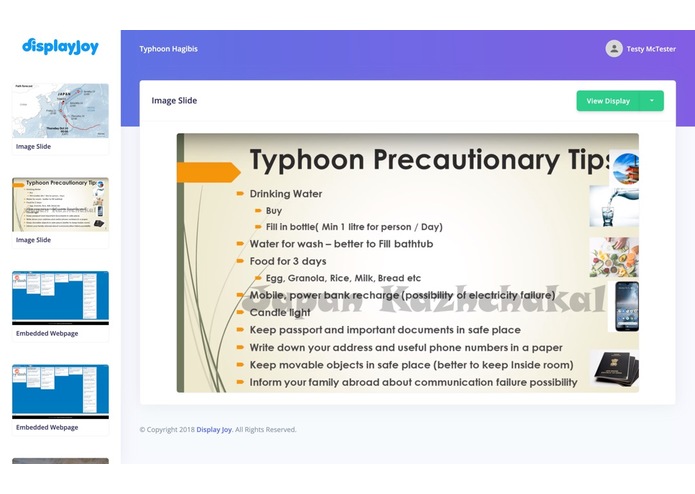
Image Content
-
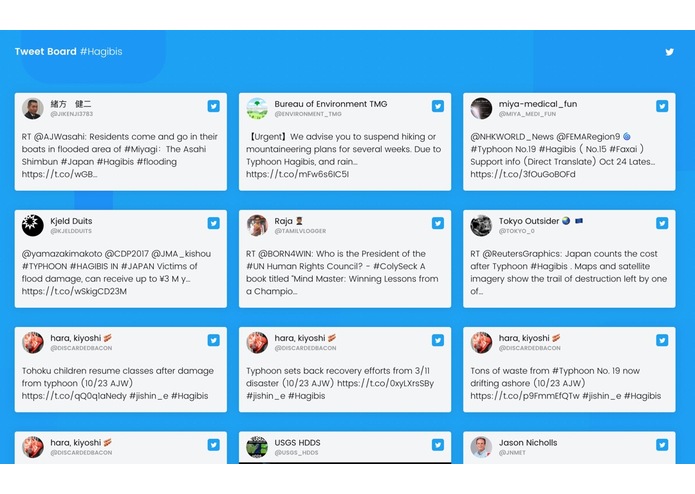
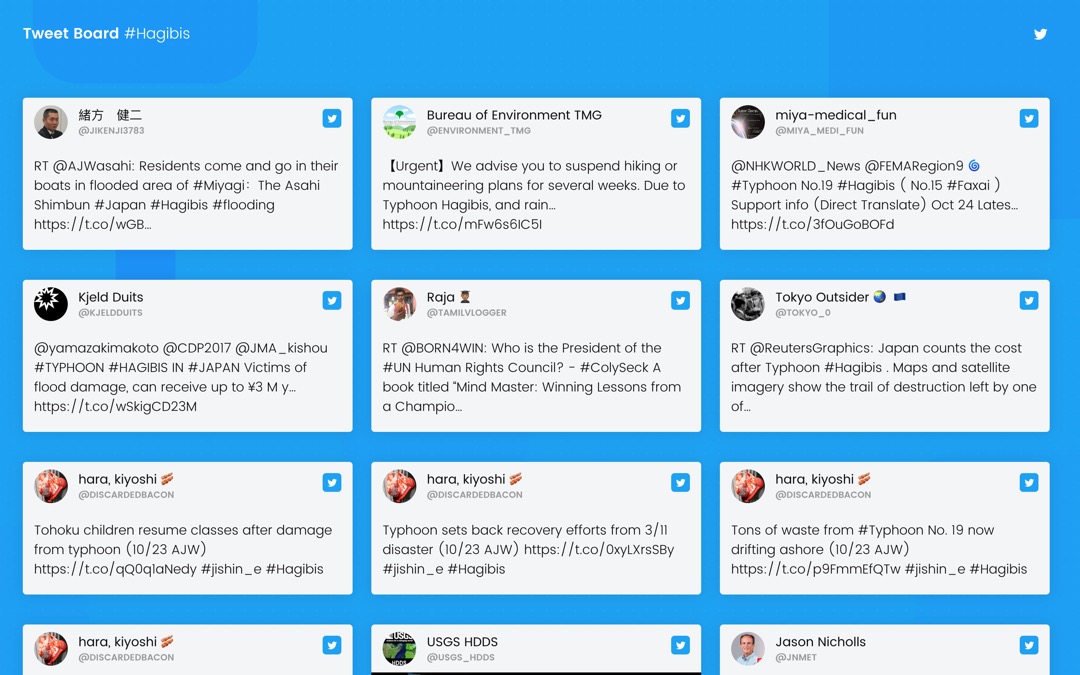
Social Media Feed (Twitter)
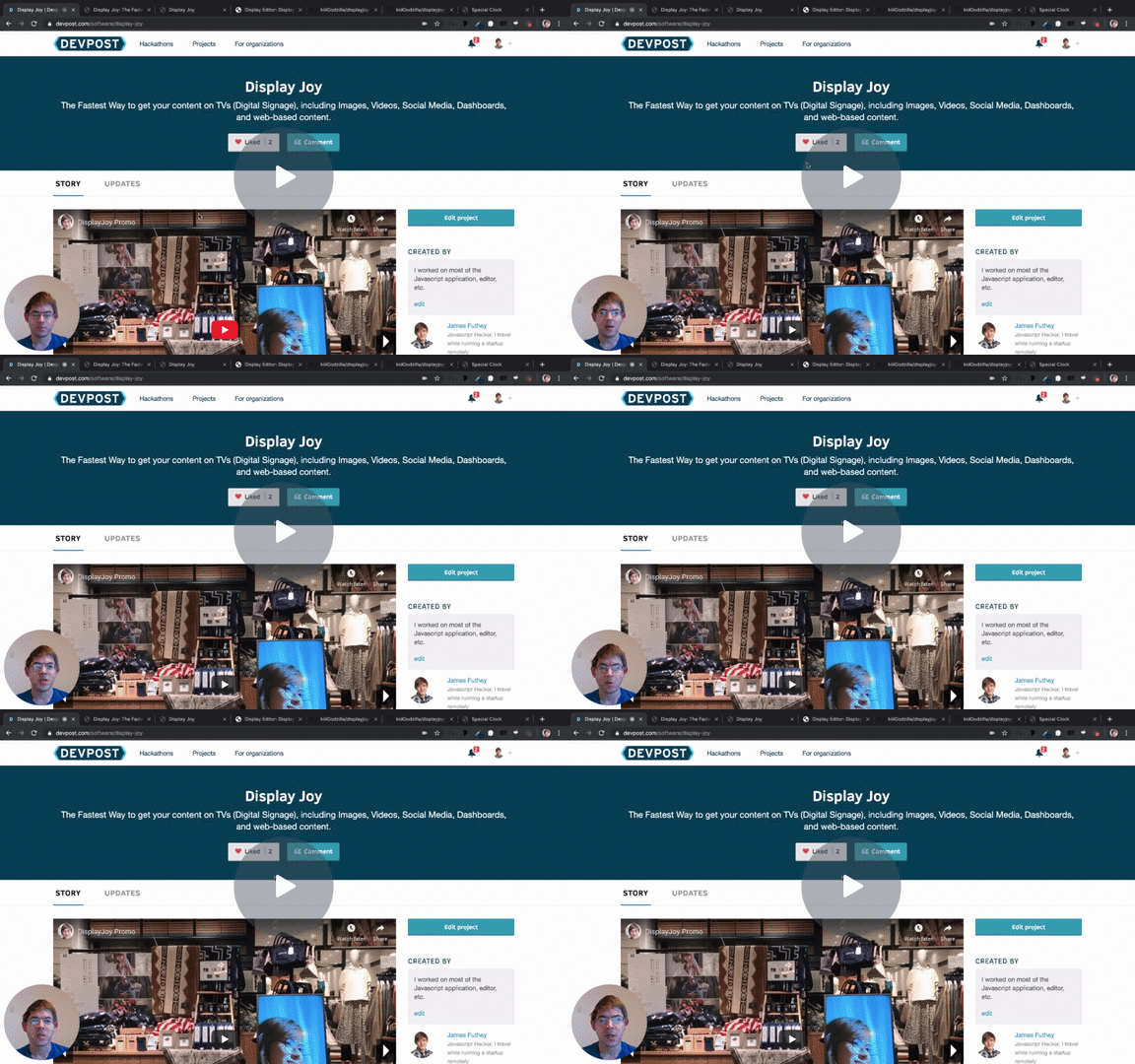
Summary Video
Hackathon presentation, includes a technical overview and overview of how different parts of the project work together. I speak a bit slowly so you can speed playback up to 1.5x if you like.
Inspiration
We took a trip to Japan, and Digital Signage was everywhere!
People use digital signage to interact with visitors, display community information, advertise, display menu boards, and social media content. It's great!
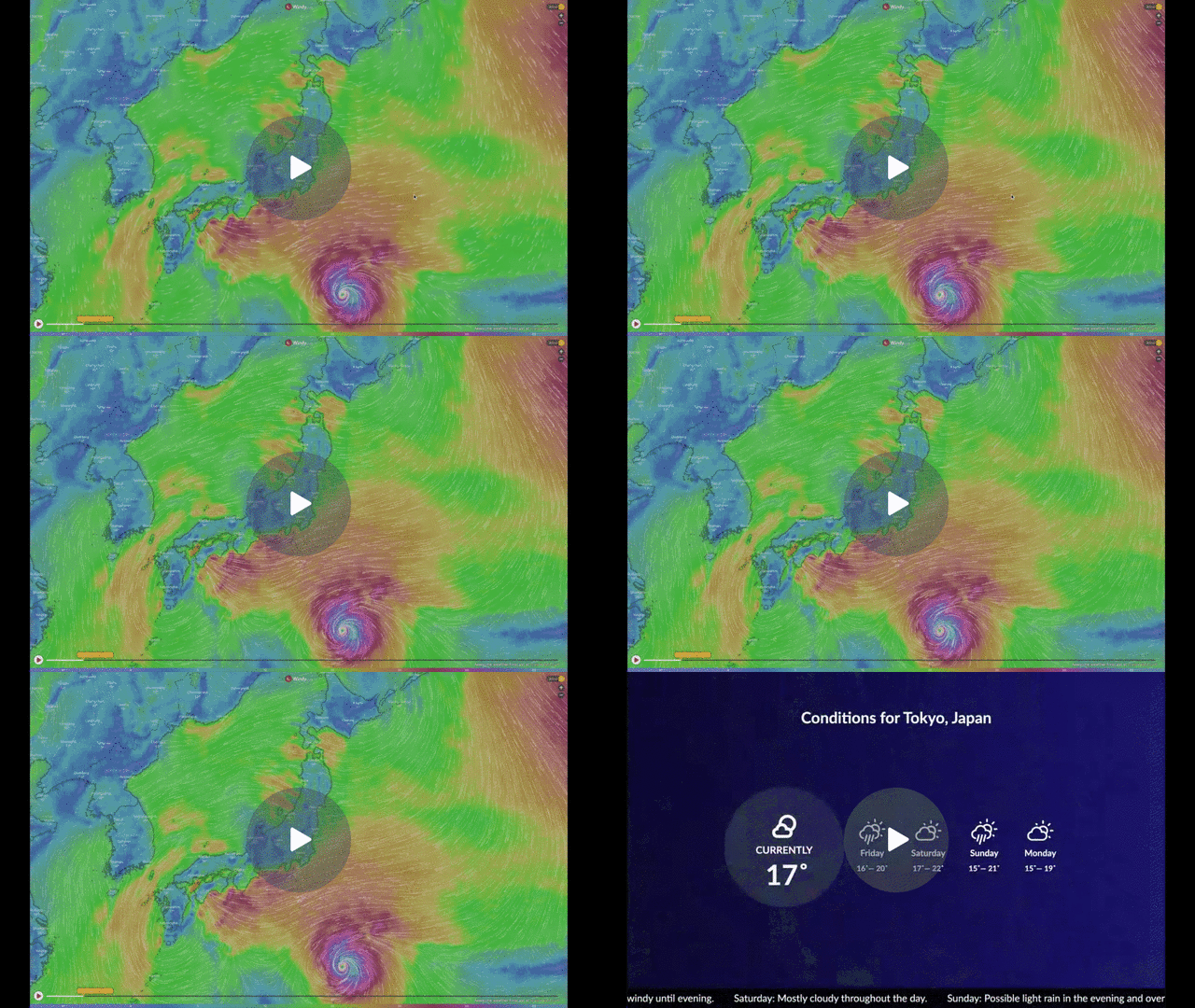
So, our team wanted to put together a TV display ourselves, of the latest coverage and maps, during Typhoon Hagibis.
Android TV is a great platform for this. Instead of using some complicated hardware and programming it by plugging it in to your PC, we thought it'd be cool to create an app, and just manage it via the web instead.
So, we put together a drag-and-drop editor to create and deploy digital signage on Android TV & Chromecast devices, and created a few small apps to display social media, news, and weather on the signage, alongside web, video, and image content.
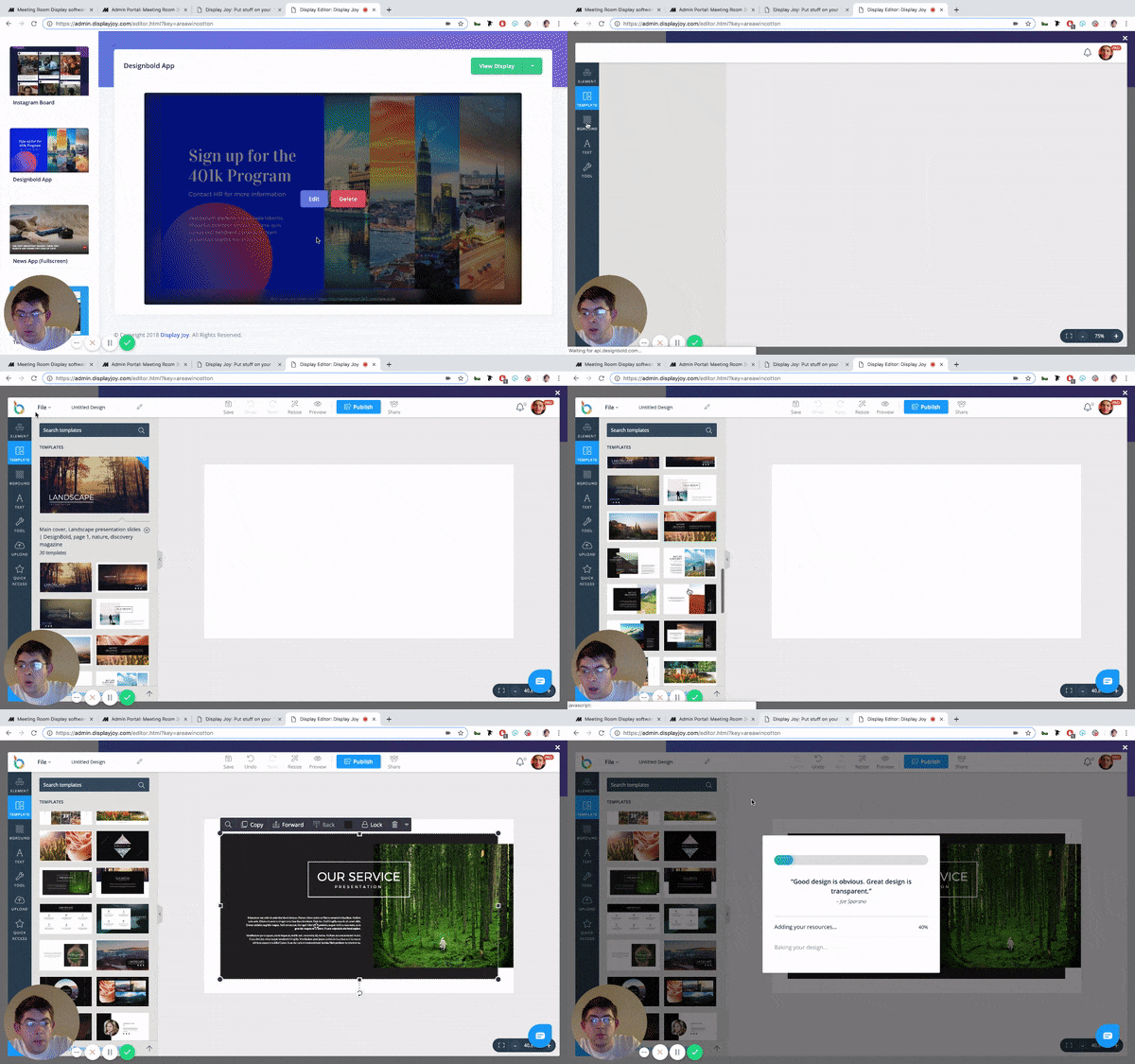
We even ended up integrating the DesignBold app, which lets you easily create and design image content and upload it to your display.
Pitch
Display Joy makes setting up digital signage in your business or office as simple as creating a PowerPoint presentation. Using a drag-and-drop editor, you can connect a TV and get started in minutes.
Save money vs. digital signage hardware, using any TV and any Smart TV device.
Display Joy currently supports:
- Images
- Video (via Youtube)
- Web-based content (any sharable URL)
- News from 50+ sources
- DIY Image creator (for non-designers)
- Social Media Content (Twitter, Instagram, and Facebook business reviews)
- Weather
See it in action!
Recording of end-to-end setup process

Recording of Demo Display
Editor (gif)
Design Bold Image Editor (gif)
Hands-on Demos
Demo Display:
https://app.displayjoy.com/wrapper.html?key=stretcharriveelement
Editor / Builder Demo:
https://admin.displayjoy.com/signin.html?email=yc@meetingroom365.com&password=fooallbars
(Just click the link, no need to create an account to sign in!)
How we built it
Our tech stack is Javascript (frontend), Node (backend), Cordova (for the display app), and Flutter (Android TV App).
Challenges we ran into
TV Scaling and performance: 4k TVs are cheap, but most 4k hardware can't actually render a web page super well at 4k, so most things performed more smoothly scaled to 1080p.
Another challenge was getting Youtube video to play back & detect the end of a video, and loop seamlessly.
What we learned
Learned a lot about the Android TV publication process / app requirements. Lots of little details to figure out to get into a testing workflow, like setting up hardware, and testing debug builds quickly.
There's also a ton of little details for setting up TV displays, like rotating the display (it's easier to do this in software than to try and figure out TV settings on the fly), and scaling / performance issues.
What's next for Display Joy
We want to explore building distribution APKs for Android TV and Fire TV, and publishing these to the app store, along with some guides / instructions on how to set things up.
APK Download (Android TV)
https://meetingroom365.b-cdn.net/apps/atv3.apk -- Tested on Android 8.1 Oreo (Xiaomi Mi Box S)


Log in or sign up for Devpost to join the conversation.