-
-
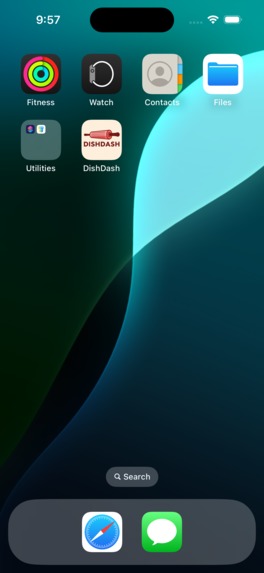
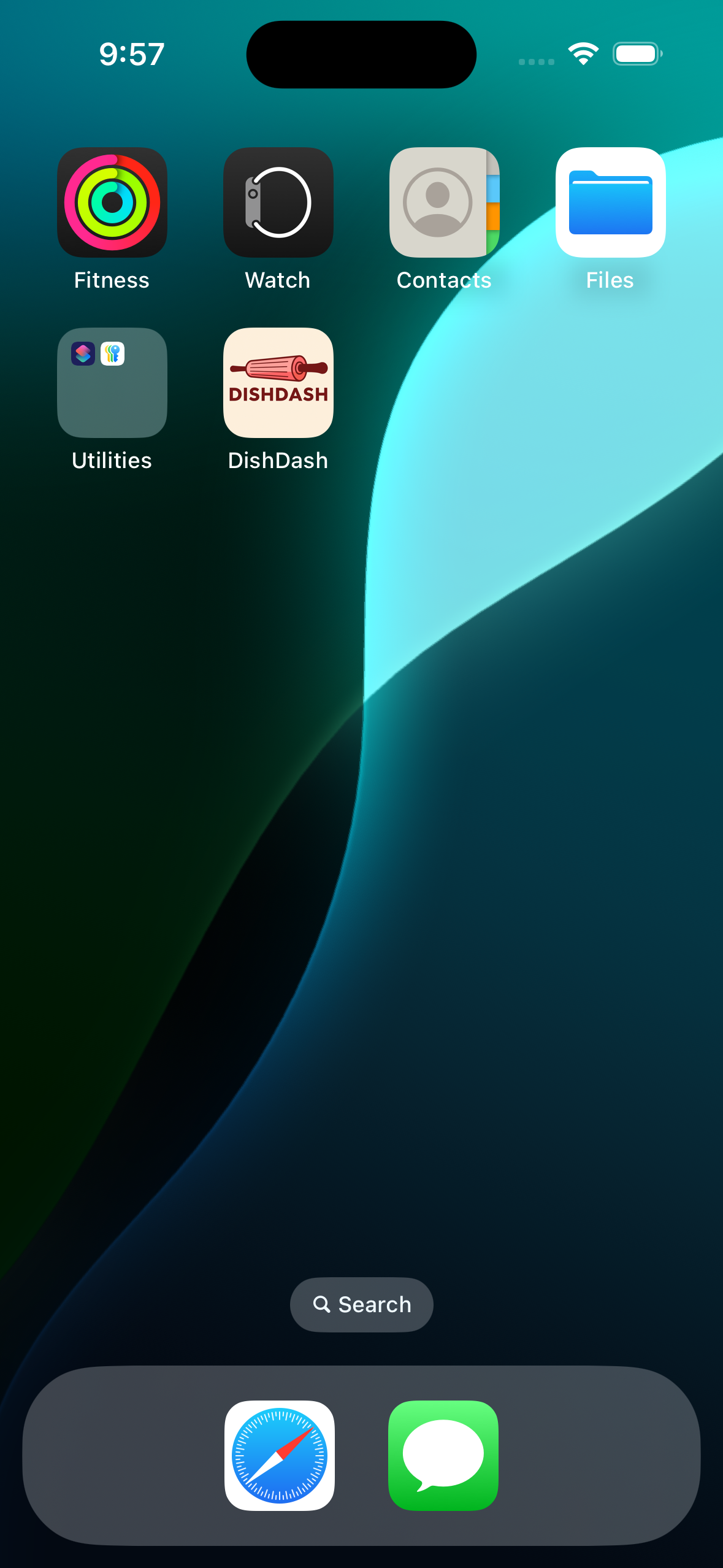
The DishDash app is successfully installed and appears on the iPhone home screen.
-
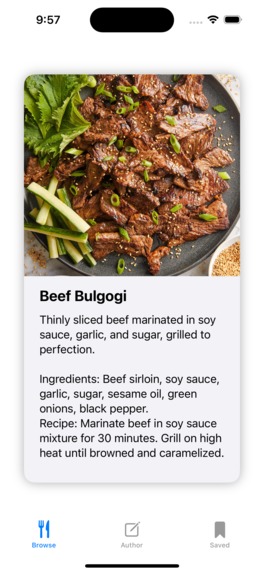
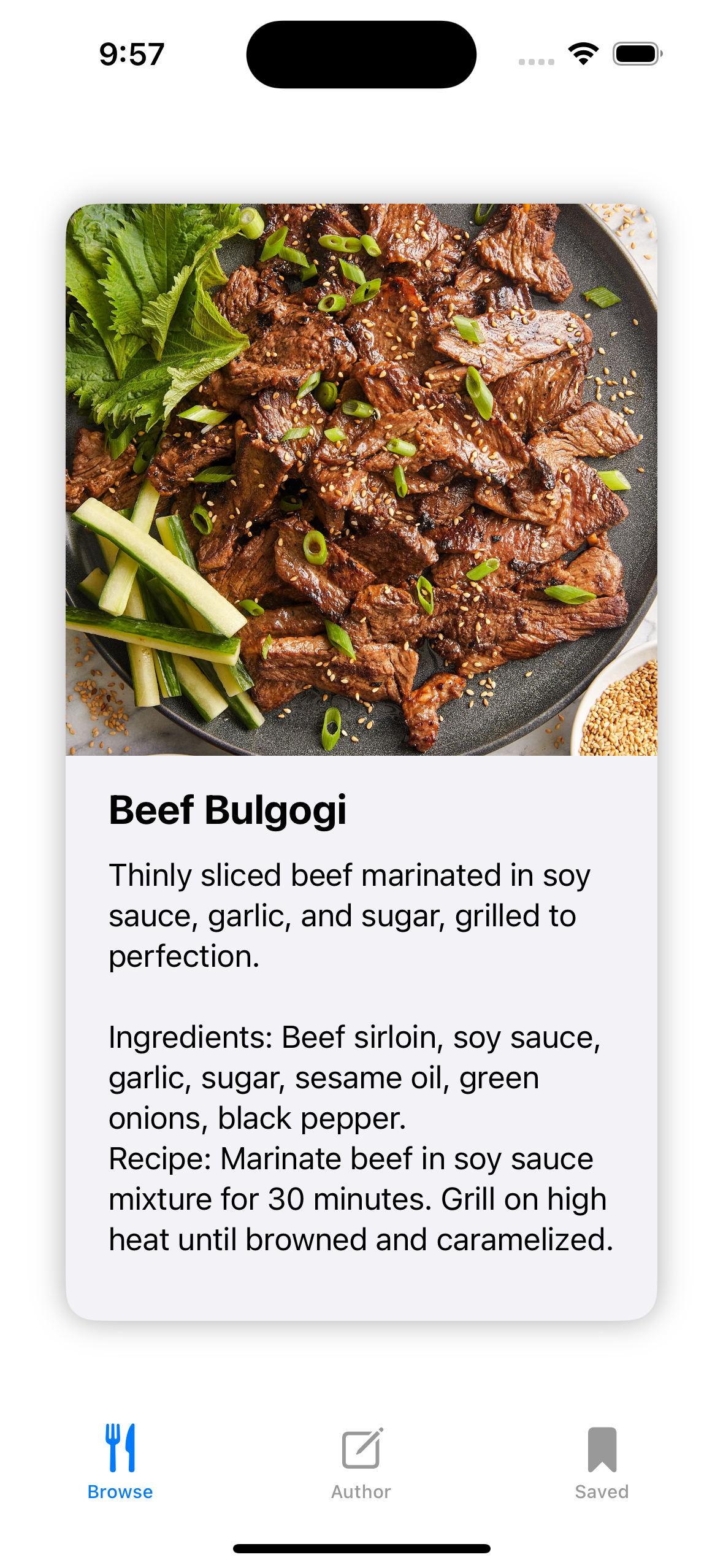
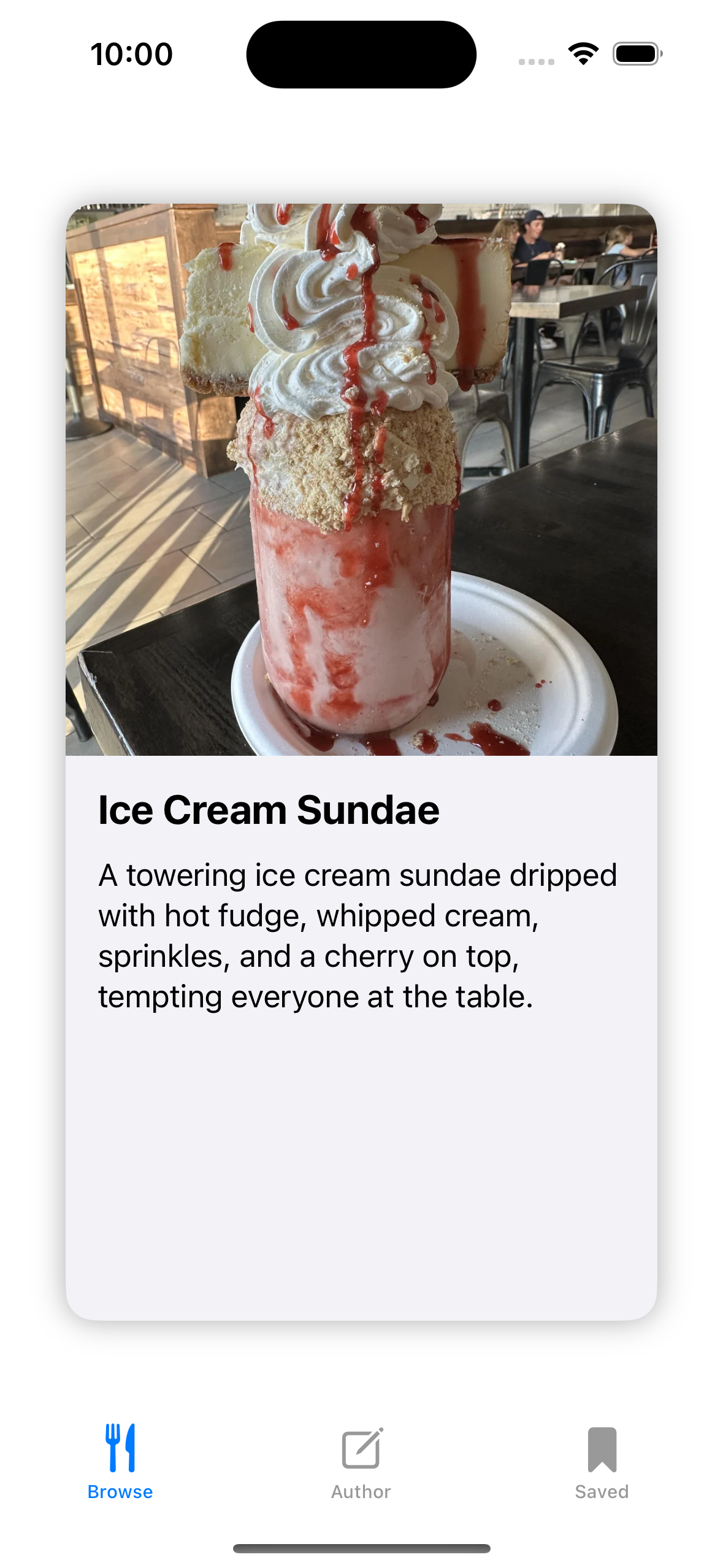
Homepage lets users swipe through recipes like a dating app. Left to skip and right to save also helping set their preferences.
-
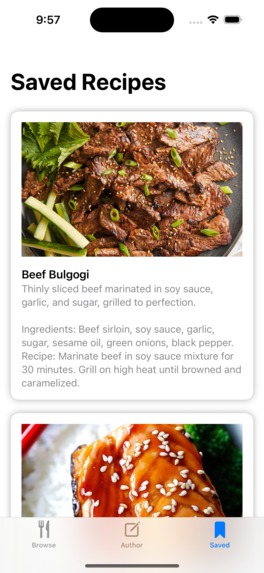
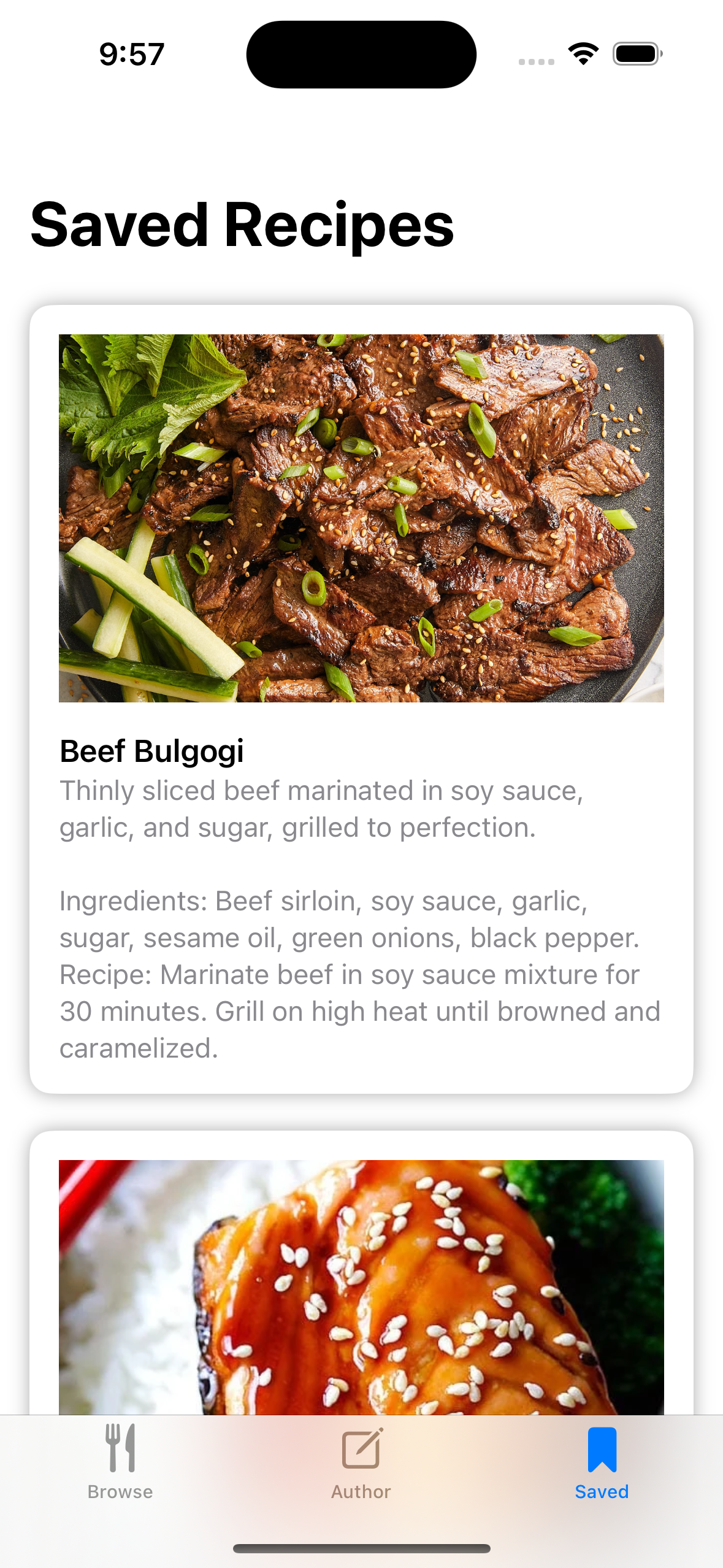
A screen with all saved recipes allowing users to access recipes that they have personally liked.
-
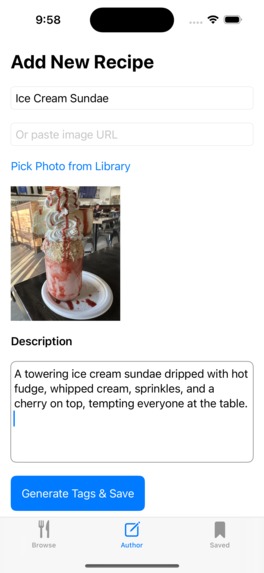
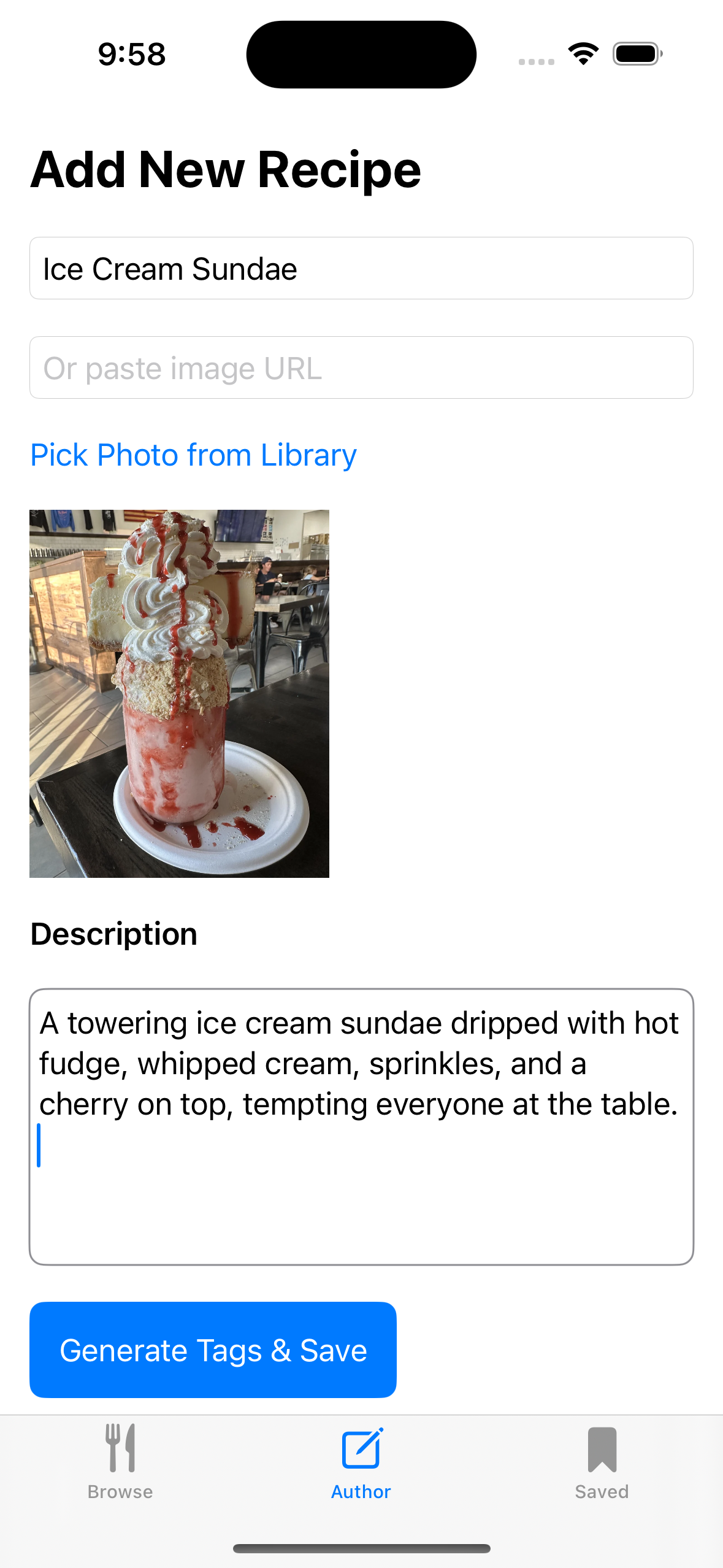
The author tab where users can submit content and is automatically tagged by LLMs to appear on others' pages.
-

Data is sent to Claude, where it is tagged based on cuisine, cooking time, dietary preferences, ingredients, and flavor profile.
-
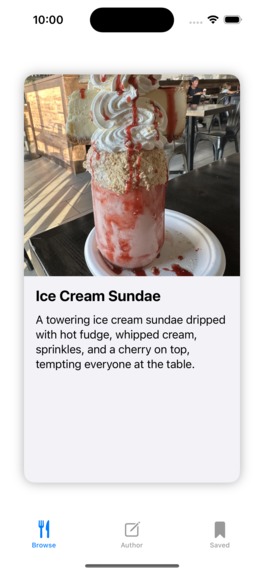
Recipe that got tagged and showed up on the user end based on shared tags that match the user’s saved preferences and liked recipes.

DishDash
Inspiration
We wanted to make meal planning fun and effortless—like dating apps, but for food. With so many recipes out there, DishDash helps users discover meals they'll truly love.
What it does
DishDash is a swipe-based recipe discovery app. Users swipe right to save dishes, and our AI learns their preferences to recommend better recipes over time. Users can also add their own recipes and auto-generate tags using Claude.
How we built it
We built the app in SwiftUI. Recipes are loaded from a local recipes.json file and rendered in a Tinder-style interface. Users can upload their own recipes with an image or URL, and Claude AI generates smart tags to improve search and personalization. All saved data and images are stored in the app’s Documents directory.
Challenges we ran into
- Managing file I/O and distinguishing between bundled vs. user-generated content
- Displaying consistently sized cards regardless of image content or description length
- Ensuring stable integration with the Claude API
- Working with SwiftUI layout quirks and image caching
Accomplishments that we're proud of
- A clean, swipeable UI that feels intuitive
- Fully working authoring experience with image import and tag generation
- Smart recommendation engine that adapts to user swipes
- Persistent local storage without requiring internet connection
What we learned
- How to use SwiftUI’s layout system with custom components
- Safe file handling in the iOS sandbox
- REST API integration with a language model (Claude)
- Optimizing user flows for both browsing and content creation
What's next for DishDash
- Cloud storage and user login for syncing across devices
- Support for dietary filters, cuisine types, and ingredient-based search
- AI meal planning and grocery list generation
- Publishing on the App Store
Created at UC Berkeley AI Hackathon
Built With
- api
- claude
- rest
- swift


Log in or sign up for Devpost to join the conversation.