Inspiration
We were at camp, restricted from using our phones, but wanted to play music. We needed a phone to connect to the speakers we had either via cable, or via Bluetooth. We wanted to create a speaker which didn't need any external device after initial setup, forever. We then thought about how this can reduce people spending time on their phones while listening to music, and how we can bring this to rural communities with unstable internet.
What it does
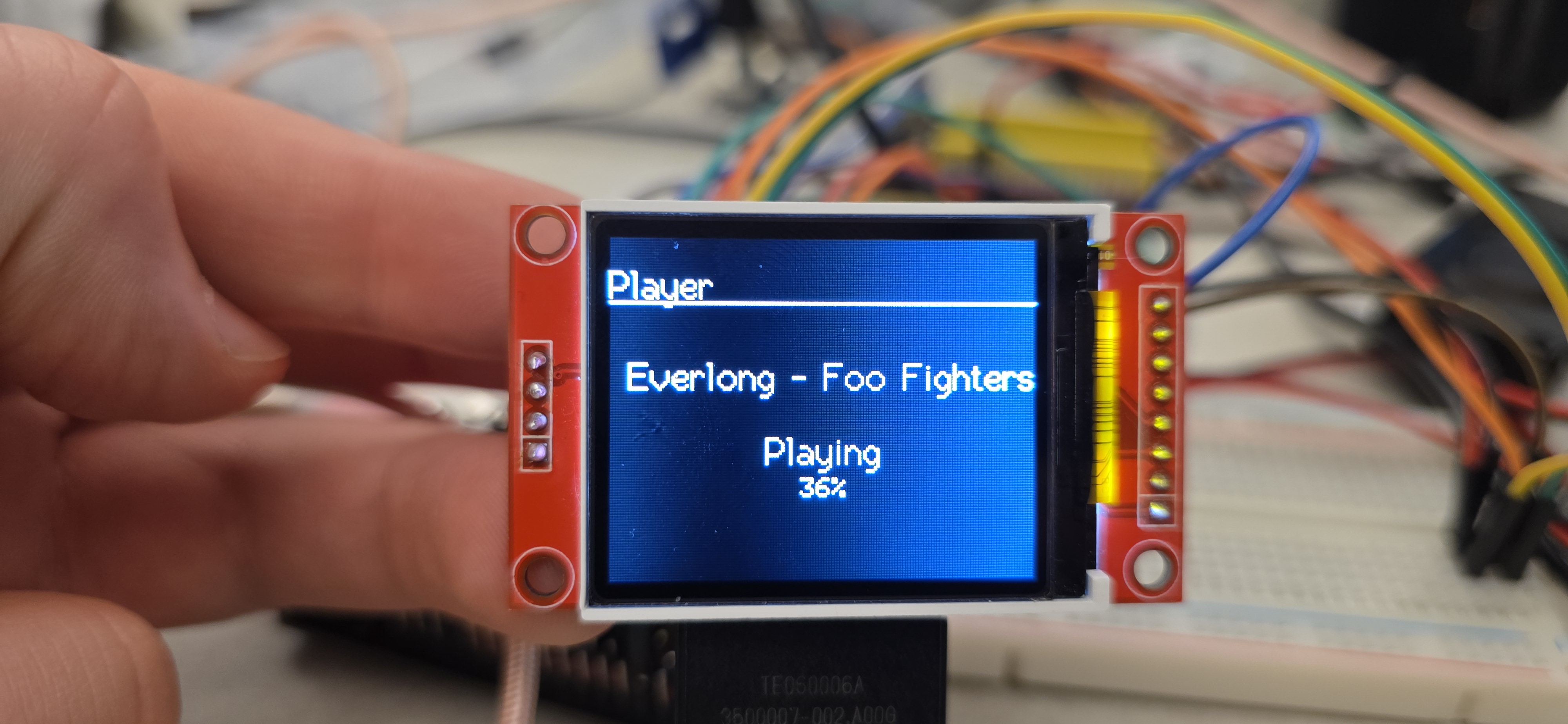
Our speaker uses an ESP32 with an OLED display for crisp viewing from all angles. The UI is simple, with a Mode button, and a rotary encoder with a built in switch. The speaker can hold up to 3000 songs, can create playlists, shuffle, loop, sort in search, and all functions you would normally find on an audio player. Our speaker also comes with Bluetooth to connect to external devices, like earbuds.
How we built it
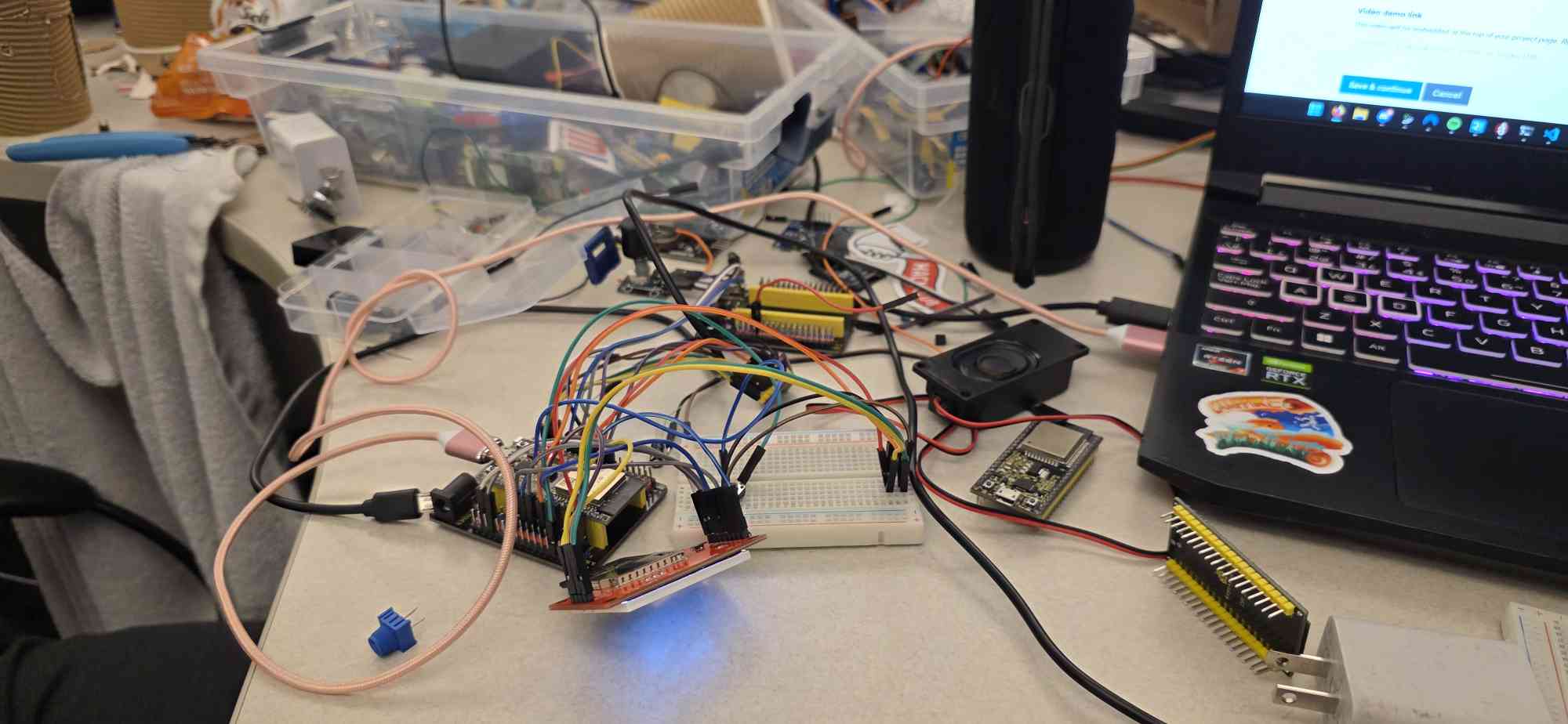
We built it on a prototype breadboard, an ESP32 breakout board, jumper wires and 2 paper cups from the cafeteria. Although we would've loved to 3D print a proper sturdy frame, we had to make do with what we had. For assembly inside the cups, we had to use tape to secure the parts inside. For the electronics, we soldered wires to the speakers and amps, and connected the jumpers via their ports. For the code, we used Arduino C++ in the PlatformIO environment for VSCode, initially using the U8g2 library for a small monochrome display which we had scrapped and switched to the TFT_eSPI library for a larger display.
Challenges we ran into
During the 35 hour development period, we ran into a magnitude of problems. Our first issue was trying to find a storage medium for the ESP32, but we were gracefully given a display module with an onboard SD reader/writer. Another problem we had faced was figuring out how to drive the speakers. At first, we had 3 very weak 0.2W speakers, and we did not have an amp to drive them. We then got a 1W speaker with an amplifier connected to it. Our final and most headache-inducing issue was removing RF interference from the amp. Upon first connection, we had no signal to the amp, but touching the cables or putting our fingers close to the jumpers produced a horrible buzzing noise, which got louder if we touched the ESP's CPU or if the amp touched my laptop. Somehow, we managed to disable the ESP's bootloader, rendering it useless for this project. After switching modules and cables, the issue was resolved and we were able to get signal to the speakers, although pretty choppy.
Accomplishments that we're proud of
We're proud of overcoming the hurdles that were thrown at us. The challenges we faced were irregular with no immediate "yes/no" solutions. Our brainstorming made us push through and be able to provide a working prototype.
What we learned
We learned a lot, from project management to embedded systems troubleshooting. We learned how to manage our team efficiently to get our work done quick. We had also learned about low level hardware and its quirks. Unlike programming where you can go back to a previous commit or build, with the ESP, if you mess up bad, your circuit can get fried.
What's next for Disconnect
We aim to add more features in the future like audio jack support, proper WiFi (current WiFi setup cannot handle large packets), far deeper UI features, such as various settings, track sorting and clock faces when idle.
Built With
- c++
- esp32


Log in or sign up for Devpost to join the conversation.