-
-
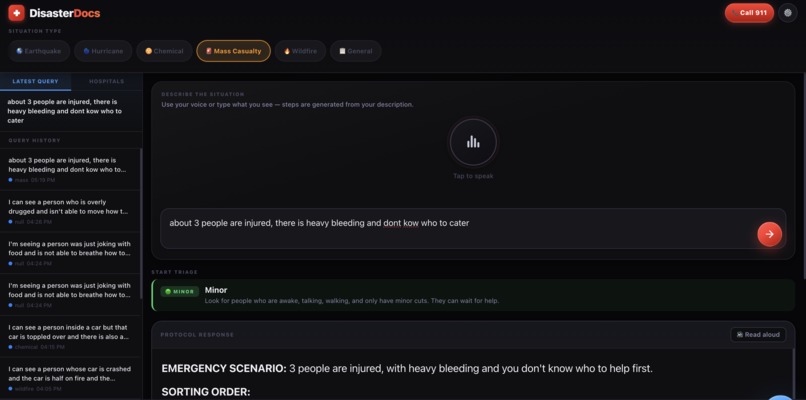
Prompt Output
-
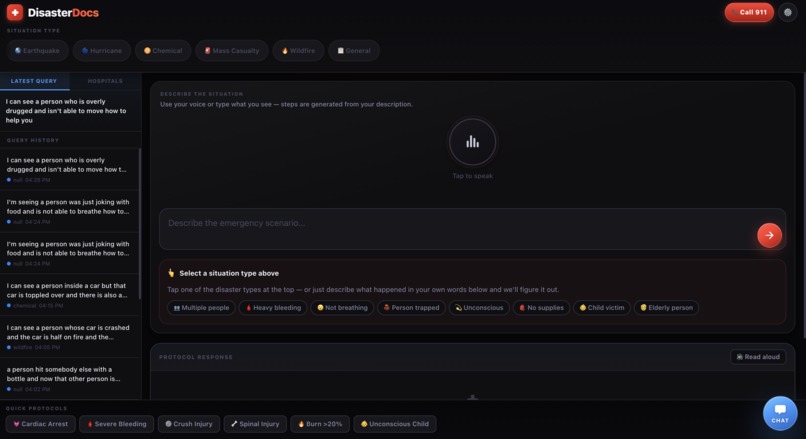
Base UI/UX
-
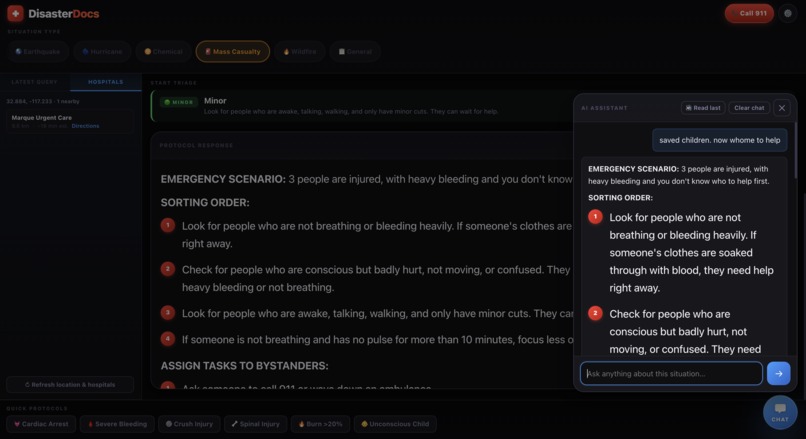
Chatbot
-
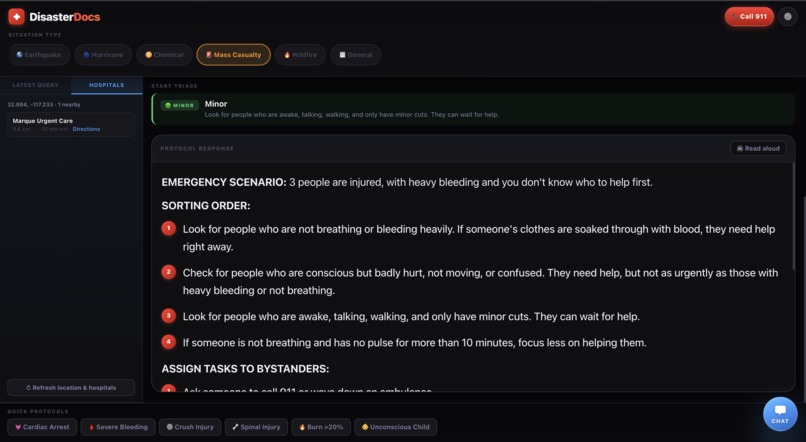
Prompt Output
Inspiration
Two years ago, my little sister called me panicking. She was babysitting our neighbor's kid when he started having an allergic reaction — hives spreading up his arms, breathing getting weird. She didn't know if it was serious enough for 911. She Googled "allergic reaction in kids" and got a WebMD article, a Reddit thread, and an ad for Benadryl. By the time she found anything useful, she'd already wasted three minutes she didn't have. He was fine. But I kept thinking about those three minutes — not because she did anything wrong, but because the tools failed her. She was smart, she was trying, and the internet still handed her a wall of noise at the worst possible moment. I'm not a doctor and DisasterDocs isn't one either. But I kept thinking: what if she could have just described what was happening and gotten five calm, numbered steps back in under ten seconds? What if she could have asked "is this serious enough for 911?" without having to parse a medical journal to find out? That's the reason that made me make this project .
What it does
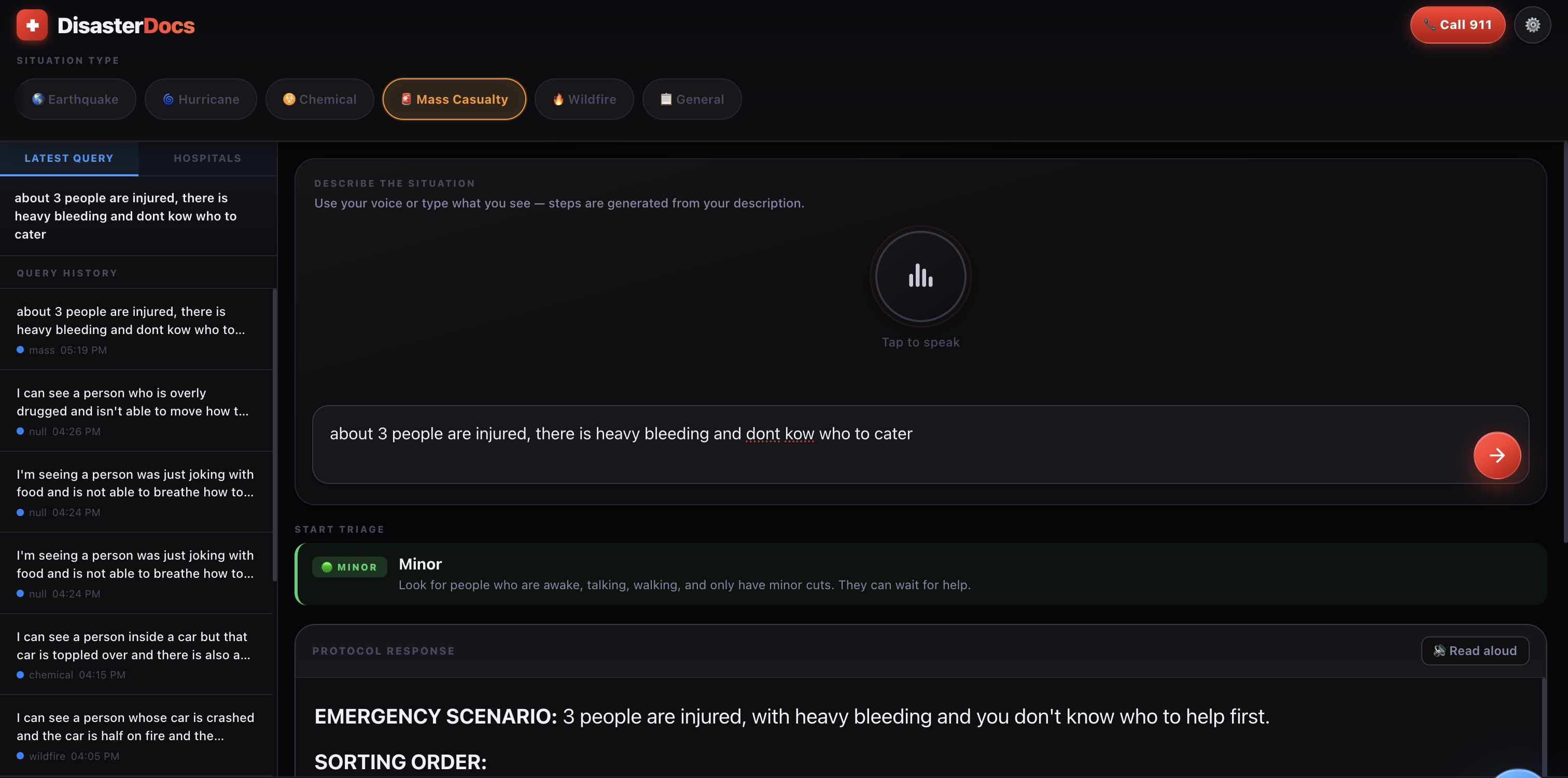
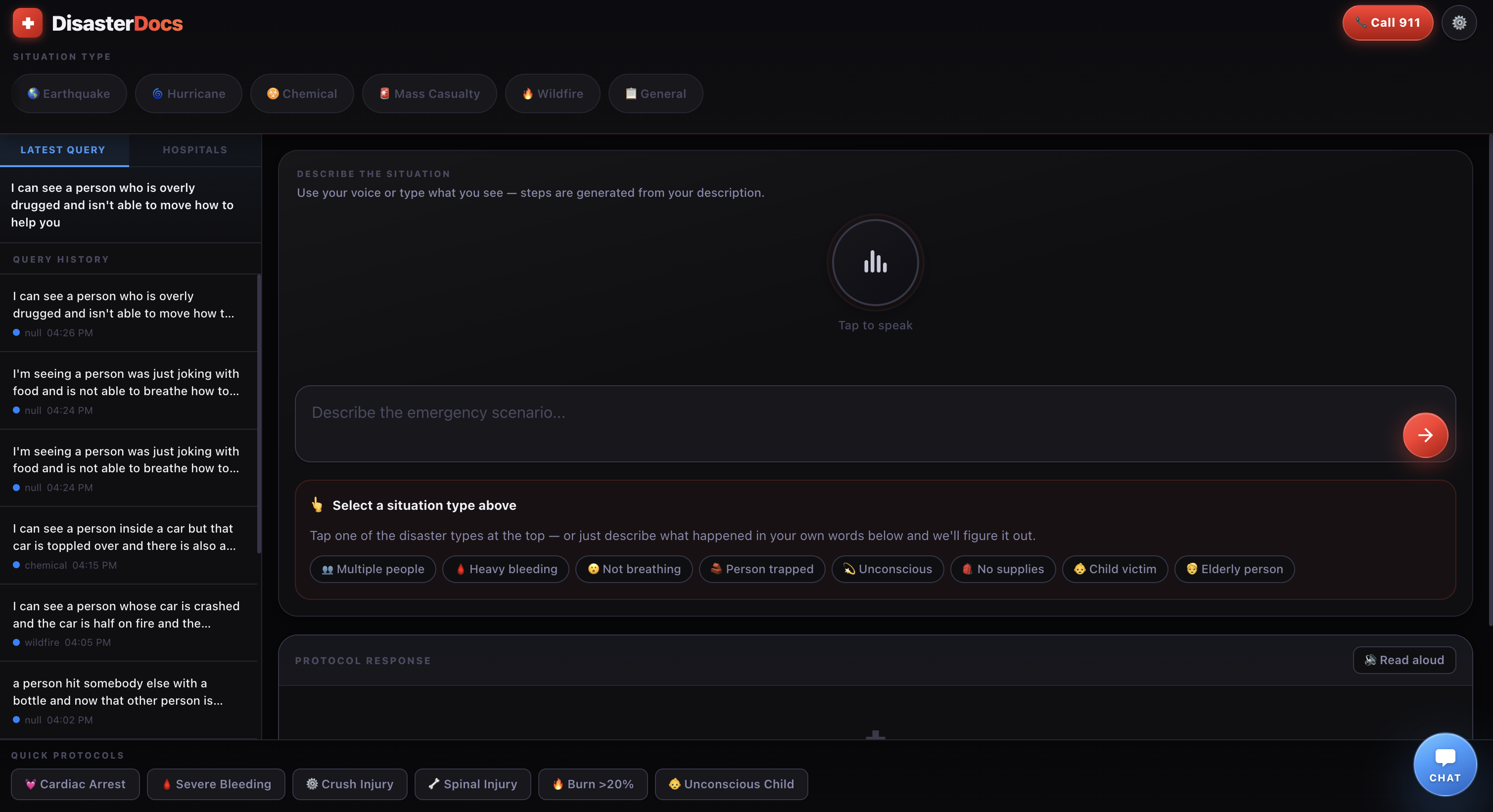
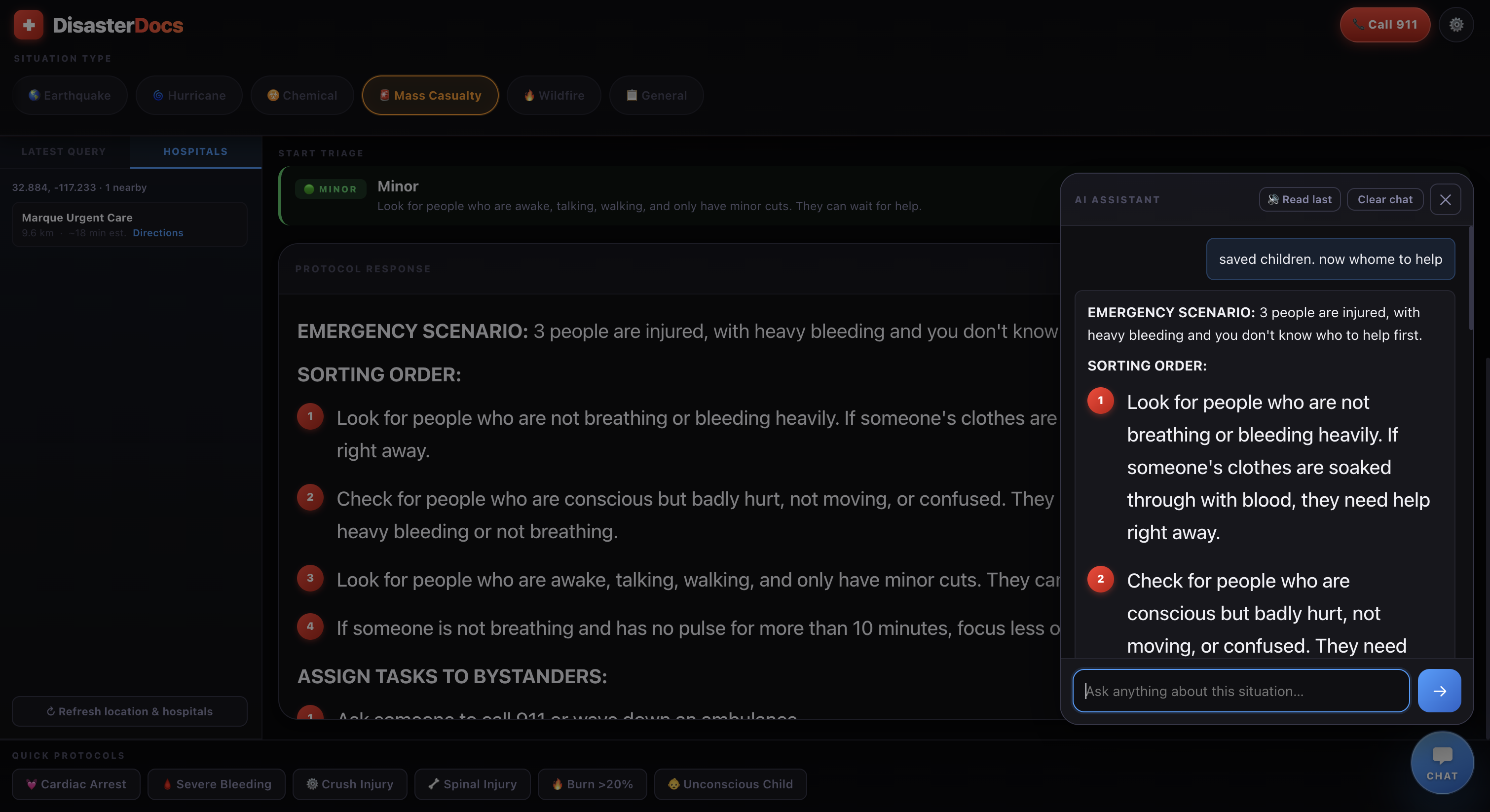
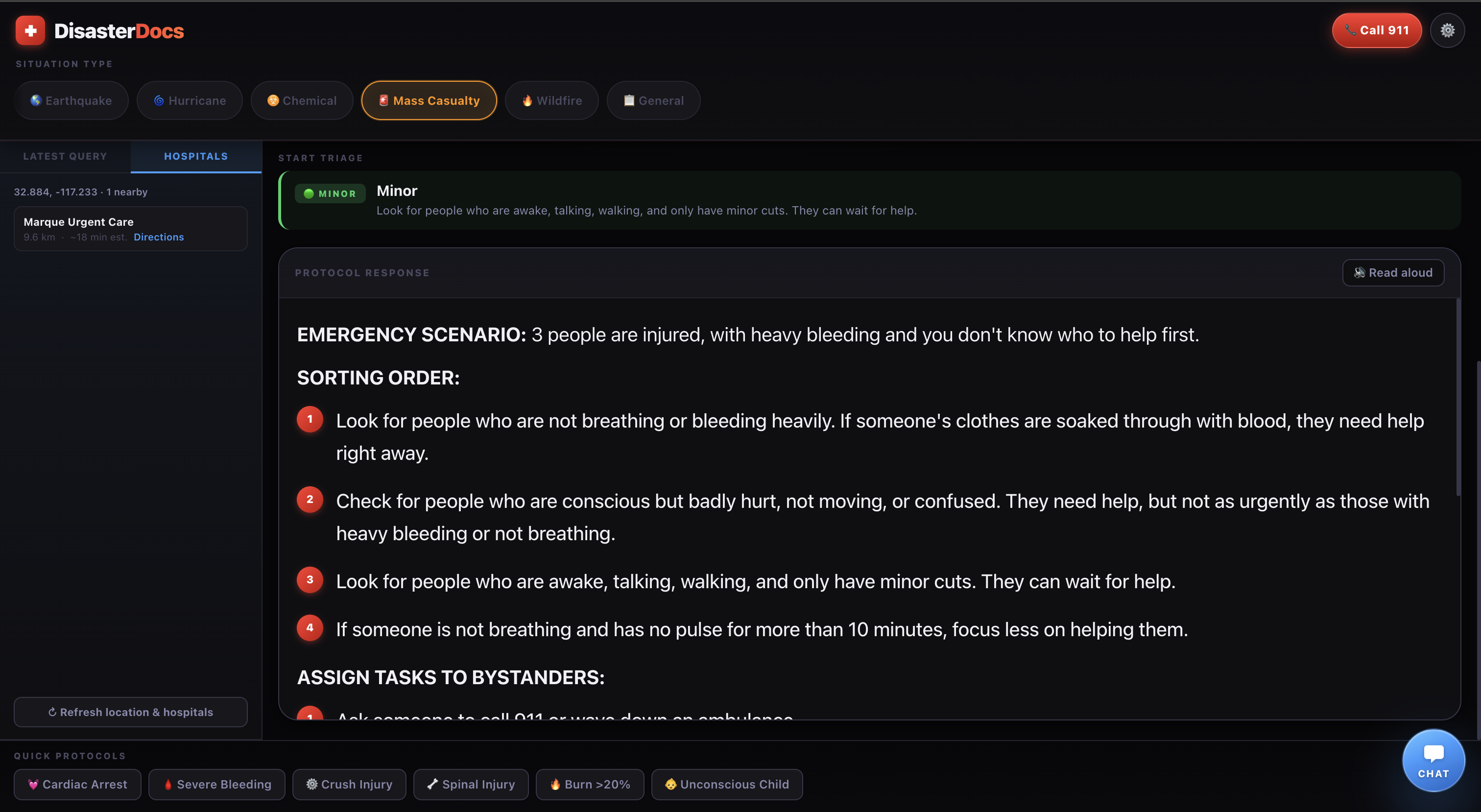
DisasterDoc is built around Nia-powered retrieval: before your answer is written, Nia searches for relevant emergency and protocol-style material (package and web-style search), and those snippets are fed into the prompt so the guidance can align with retrieved sources—then Groq turns that context plus your description into clear, numbered steps. On top of that, you can speak or type the situation, get nearby hospitals with map links, hear the protocol read aloud, browse local query history, and continue with a floating follow-up chat that remembers the same scenario—So you’re not just getting answers that lean on what Nia found—you’re getting real, usable help next to things that matter in a crisis: finding hospitals, hearing steps out loud when your hands are full, and asking “what about…?” without starting over. No app to download—just open the page in your browser and go.
How we built it
The product is a single HTML file with inline CSS and vanilla JavaScript—no framework or build step. Groq is used through the OpenAI-compatible /chat/completions API with streaming responses. Nia (apigcp.trynia.ai) is called for package and web-style search when a key is present; results are injected into the prompt as “retrieved protocols.” Web Speech API powers dictation and speech synthesis for read-aloud. Geolocation feeds hospital search. Settings, history, and API keys persist in localStorage. Hospitals use fetch to public APIs and a haversine distance in JS to sort by proximity.
Challenges we ran into
Public APIs: Overpass and Photon can be slow, rate-limited, or sparse; the UI had to stay usable when hospital lists are empty or delayed. Browser constraints: Geolocation and microphone need permission and often HTTPS or localhost—not file://. Speech recognition has browser limits and typically needs a network path in Chrome. Prompt safety: Keeping answers tied to what the user actually said, avoiding wrong disaster-specific advice when the scenario doesn’t match the selected mode, and not overstating what retrieval found. Client-side keys: Users bring their own Groq (and optional Nia) keys; the app must be clear that keys in the browser are exposed to that browser session.
Accomplishments that we're proud of
One file that runs anywhere you can open a page—easy to share and demo. Voice-first path plus streaming text so guidance feels responsive under stress. Nia + Groq pipeline: retrieval feeding generation for more grounded protocol-style answers. Practical extras: hospitals near you, maps deep links, follow-up chat, triage-style UI when the scenario implies multiple patients, and accessible patterns (labels, live regions, focus styles).
What we learned
RAG-style flows in the real world: when retrieval helps, when it returns nothing, and how to degrade gracefully to pure LLM output. Streaming improves perceived latency and UX more than waiting for a full JSON body. Native web APIs (speech, geolocation, clipboard) are powerful but behavior varies by browser and permission state. Great-circle distance on the sphere is enough for “nearest hospital” sorting without embedding a full map SDK.
What's next for DisasterDocs
Trust & safety: Stronger disclaimers, optional citation formatting when Nia returns sources, and stricter guards for edge-case scenarios—especially important once images are in the loop.
Vision & analysis: Support capturing a photo (camera or upload) and sending it for analysis alongside the scenario so guidance can reflect what’s actually visible (injuries, scene, hazards). That implies handling permissions, compression/privacy (what gets sent and stored), and model/API choices that accept images, with clear limits when the image is unclear or unsafe to interpret.


Log in or sign up for Devpost to join the conversation.