-
-
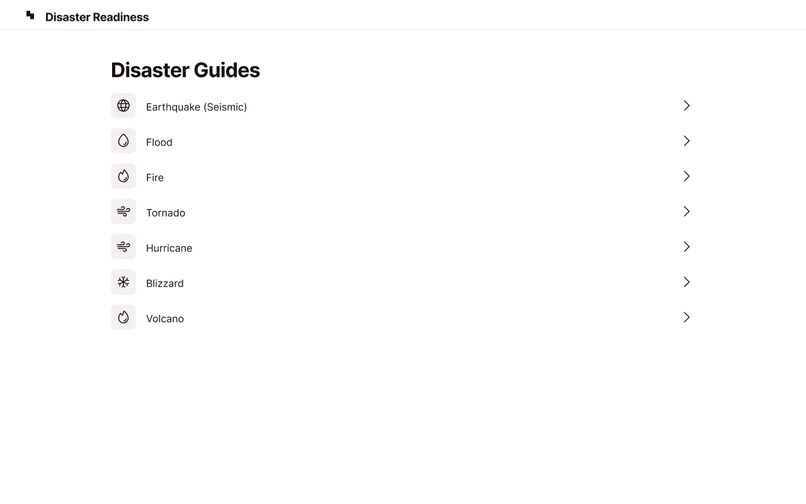
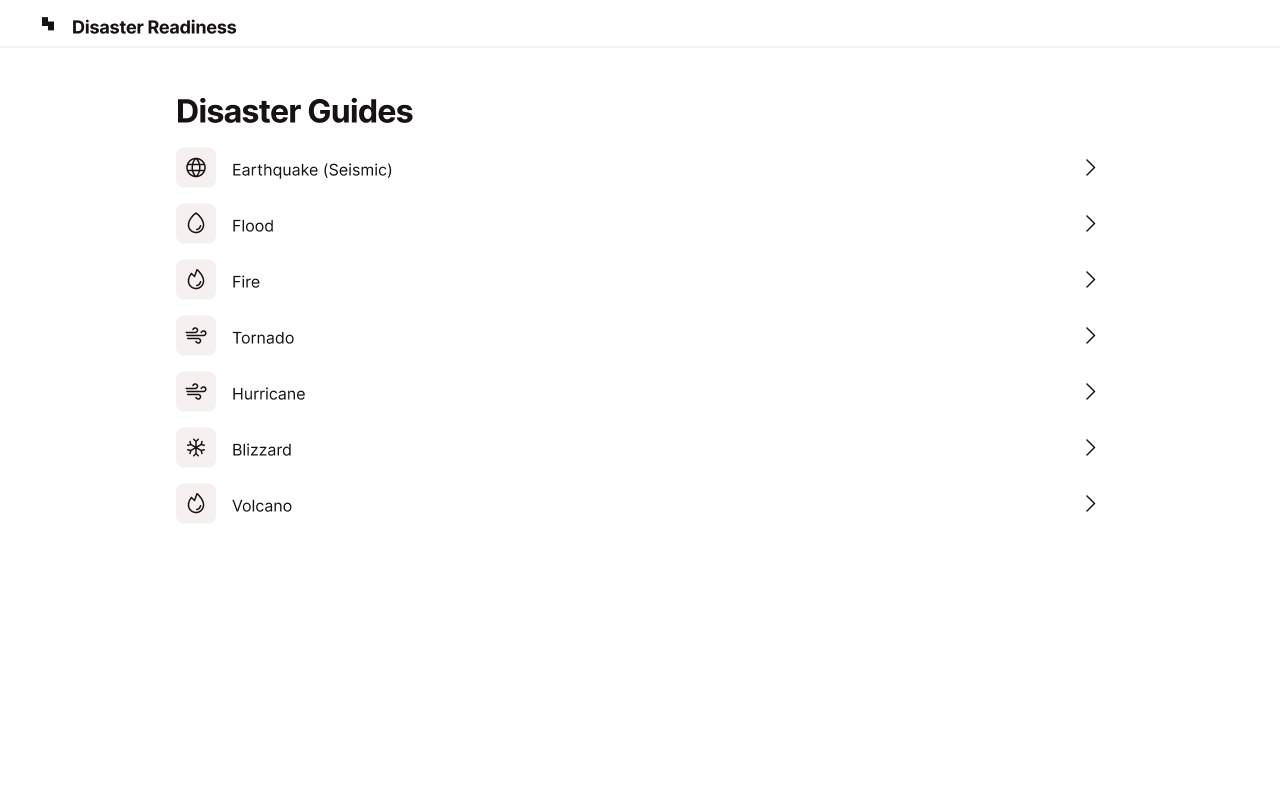
This is the UI of the Disaster guides component
-
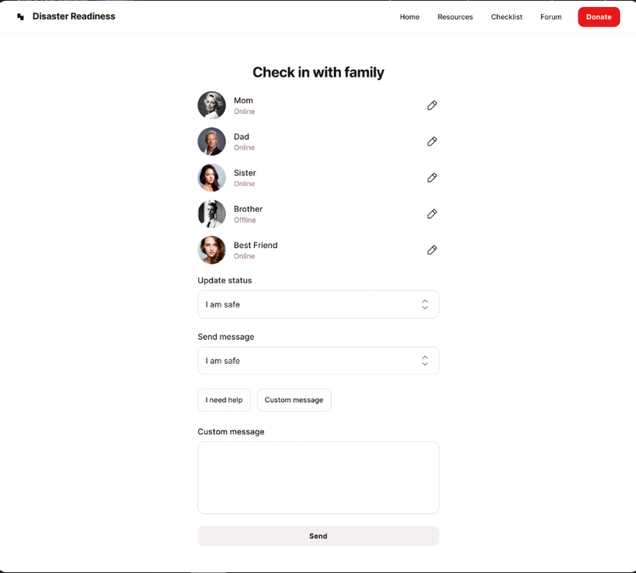
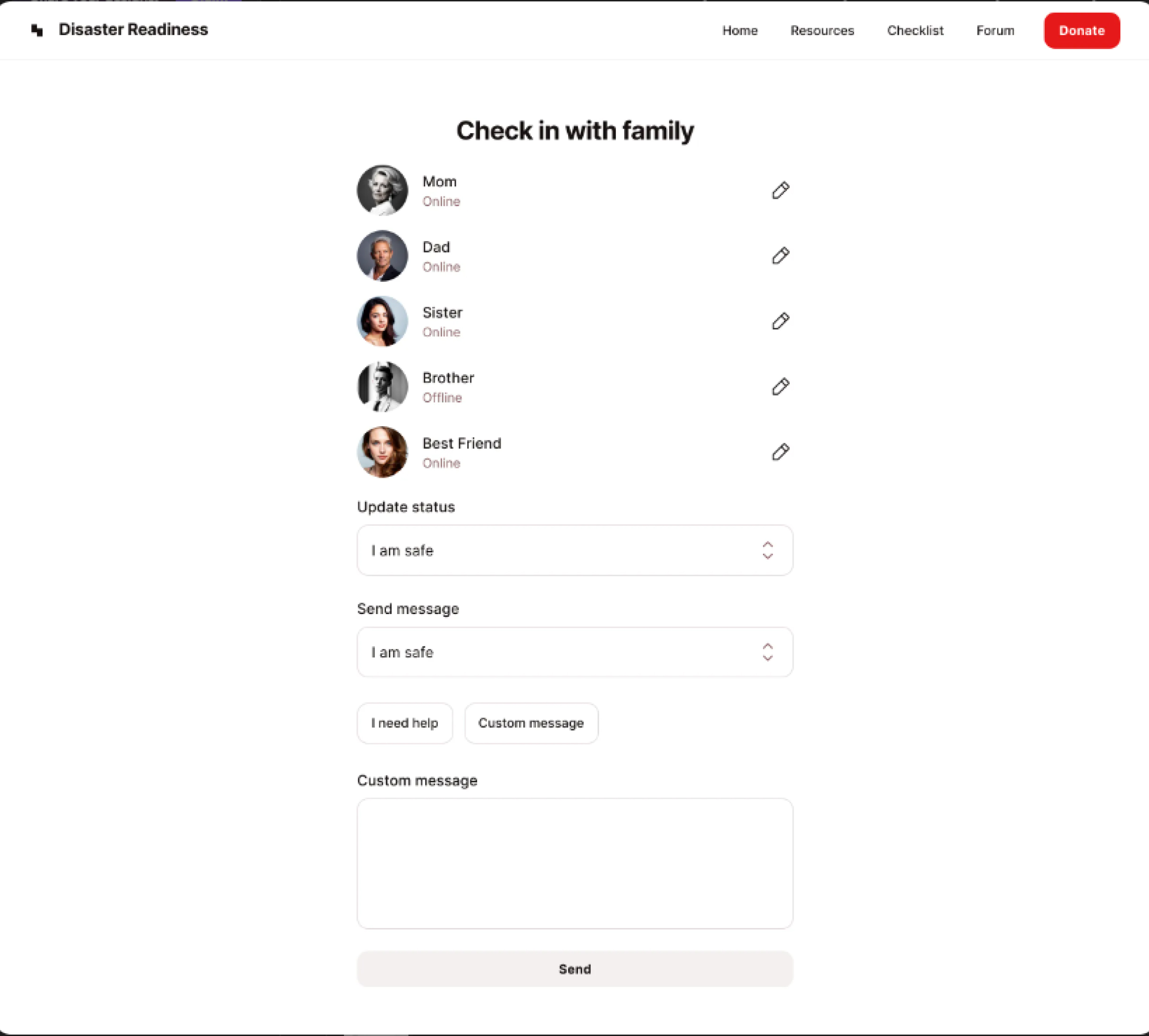
This was supposed to be how the UI of the chat feature looked.
-
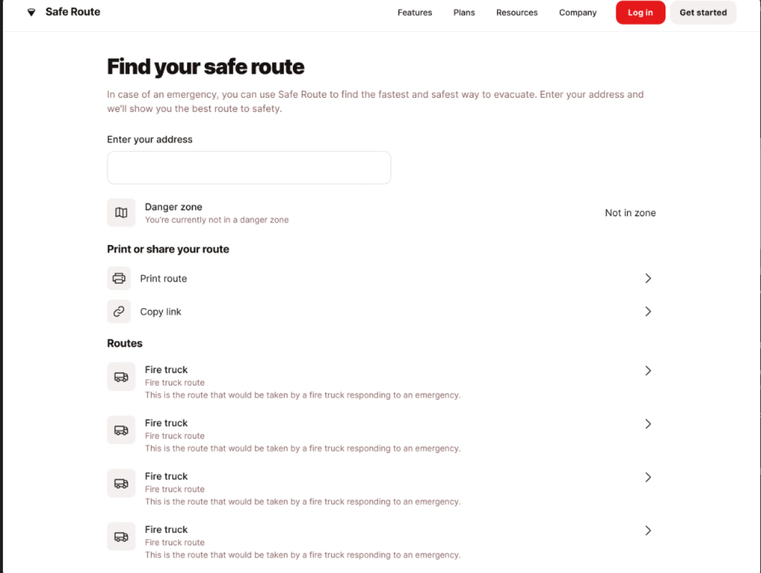
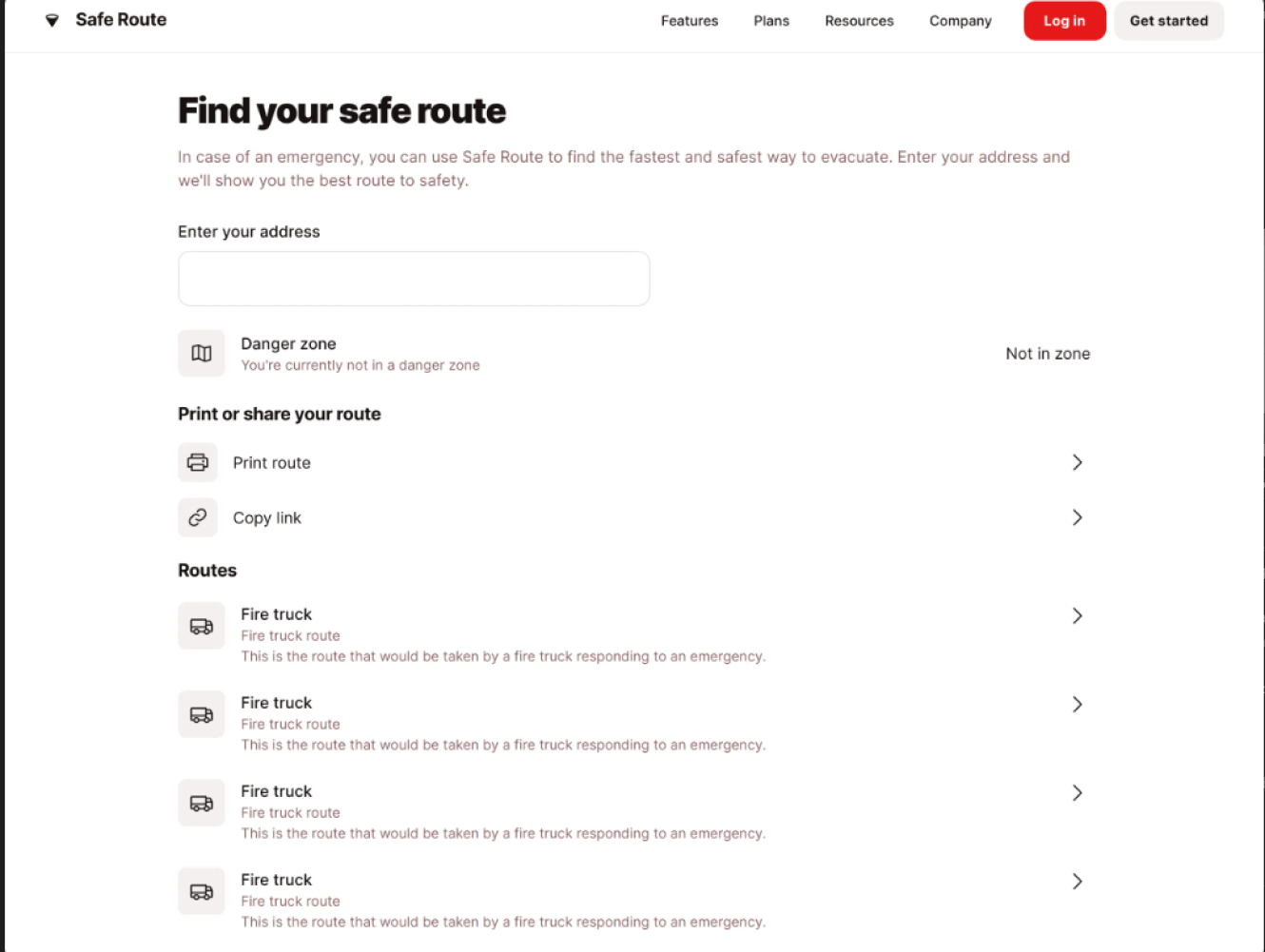
I wanted the UI of the safe route component to look this way, but I changed it a bit.
-
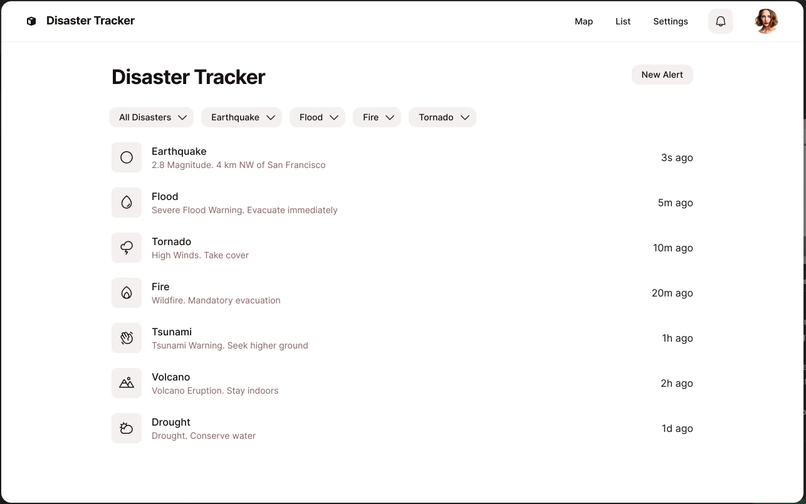
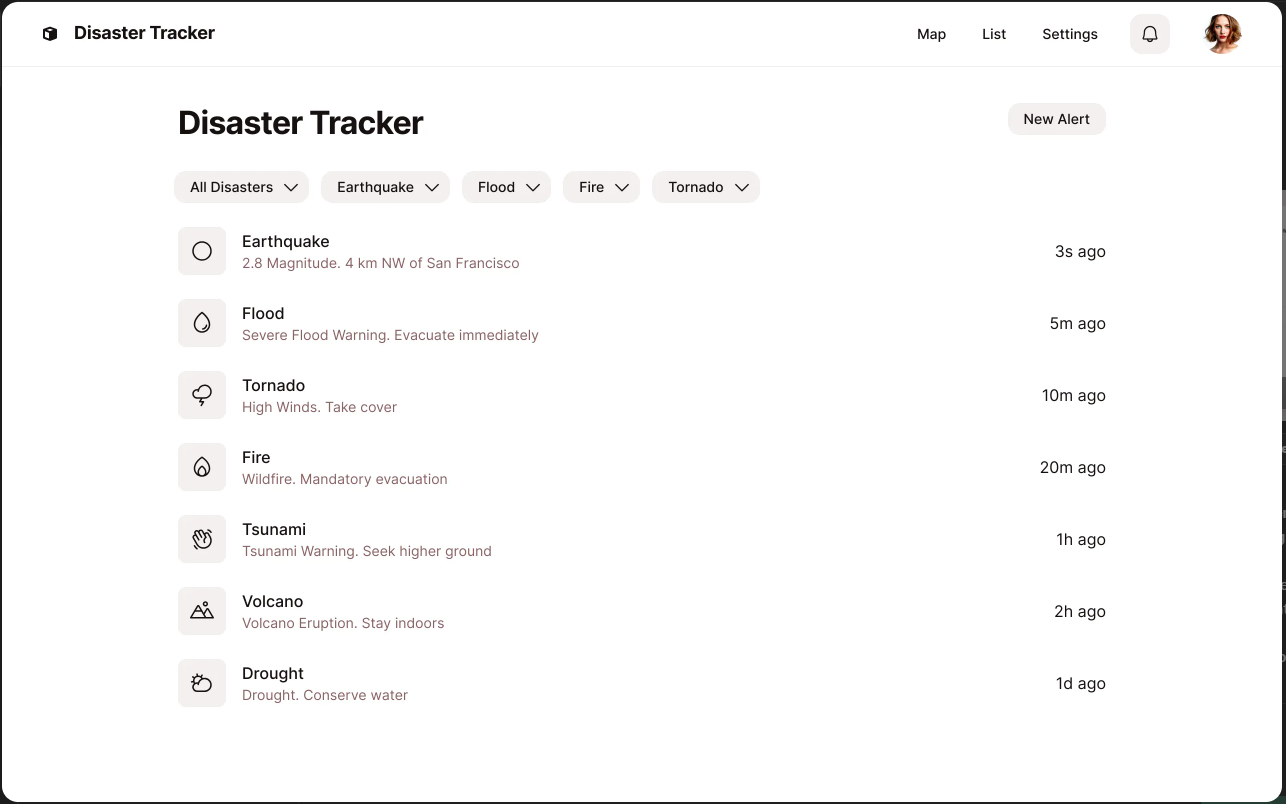
This is the component for the logs of all the disasters presented in the SF Disaster component
Inspiration
While I was working on my computer in the weeks leading up to the deadline of the hackathon, I saw a notification on my computer about a fire outbreak that occurred in Chile. It was one which was devastating because I know I saw it in multiple email newsletters that I read that day and as a student, living in California, I knew that an app that could prepare someone for a natural disaster could come in handy. Because I live in San Francisco, I decided to tailor the application more specifically to serve me, because I knew it could come in handy someday.
What it does
- The app gets information about disasters around the world and renders it in clean UI display cards, revealing the impact of the natural disaster mostly measured by the alert level which has a color. It then uses a button to reveal more information after the user reads the chunk of information on the card.
- In the resources part of the application, there are very small attractive micro-interactions of listed items with each item giving a client more information on how to protect themselves or seek cover in the event that they run into a natural disaster.
- In the SF Disaster, a log of all the fire outbreaks is logged for each of the disasters, but since my focus was more on fire disasters and I had limited time to work because of the demands of school, I found only data for the fire logs. However, the other components are not empty. They have an SVG rendered there because I may complete the project later on.
- In the Safe Routes section, is where the beauty and most of the functionality of the application unfolds. I embedded Google Maps within the application to enable the user to visually tell if they were coming close to points marked as fire disasters as given by NASA's Open API. This visual information was in the form of a concentric circle. If they were about 1000m away from a fire disaster point, then, the circles would get activated. Not only that, but a list of suggested safe places the user could go to away from the direction of the place where the disaster struck was also suggested. For the suggested list, if one were to click on one of the items there then it would use the directions API to render a direction that was visible and guide the user to walking to a safe place. -Finally, it features a chat messaging platform to connect family and friends to share updates about their safety and their environment. They could share photos or other resources of their choice.
How we built it
I built this project with React for the front end and node.js and express for the back end. However, before building since I was pressed for time and couldn't spare the time to come up with a slick UI, I used an AI tool called Galileo.AI to come up with a mockup design which I worked with and maintained the UI throughout despite the fact that the free tier of the tool only gave one access to three design files, but only copy one to the clipboard and paste and edit directly on Figma.
In the front end, I used three APIs two of which were public. They were the GDACS API [https://www.gdacs.org/arcgis/rest/services], the San Franciso government API [https://data.sfgov.org/resource/ri9p-p4mm.json], and the Google Javascript Maps found here [https://console.cloud.google.com/]. At the backend, I used one API from an organization called chat engine found here [https://chatengine.io/]
I haven't worked with the Maps API before in any project so I saw a ton of videos and also sought the help of LLMs like ChatGPT to explain some logic to me.
Challenges we ran into
- The first challenge I ran into was trying to make the front and backend communicate with each other but it wasn't working even after I tried to install CORS as a dependency and use it. I stumbled upon this video where the tutor, added a "proxy" key to the package.json file in the client folder and so I did that and it worked.
- Working with Maps was gruesome but I think it was worth it. Displaying the basic UI for the map with React was easy, but for the logic I wanted to implement, I had to seek help from ChatGPT. At first, I could keep up with the code and I understood the logic of the code because I specifically instructed GPT on the output it should provide but after a while, maybe because of seeing so many state managements, I just wasn't following the code anymore. So that was funny, and hard, but great as a learning curve for me.
Accomplishments that we're proud of
This is the first time I also worked on something really solid with Node.js So I'm incredibly proud of myself. I'm also happy that I was able to put my React.js skills to good use. I am happy that I fully understand routing, props, and state management. This project made me more fascinated with Javascript. I'm happy I was able to implement a chat feature and a map feature. I've never really learned to use WebSockets for chat apps, but the API I used provided good documentation which I followed step by step to come up with the feature. Apart from the hero section and the navigation bar which look a little bit weird on smaller screens, I'll say I did a good work with making a responsive design. If I weren't pressed for time, I'd have made it slightly better because I obsess over very slick user interfaces even though they are minimalistic.
What we learned
I learned more about prompt engineering. I'm not going to lie. ChatGPT can be funny at times, producing responses that are of little or no use. I learned how to use the Google Maps API, and how to embed messaging interfaces.
What's next for Disaster Readiness
- The first thing to update as soon as I have the time is the Chat feature. It uses an authentication which has to be used every time before gaining access to one's chats. Furthermore, it is not secure, given a person's username, you can log into the person's conversations and read them. The app is also supposed to have one login that authenticates once while the user is still on the application and may reauthenticate when the user closes the application and reopens it. -For most of the guide resources, I mostly copied some text and passed it as a prop, but in the coming releases, I hope to integrate ChatGPT to come up with new resources every time the user visits any of the guides because the world is rapidly changing and what may have worked in the past may not happen now. (Past here could be defined as a day) But LLMs are constantly keeping tabs on new information due to the training they undergo with a vast amount of training data.
Built With
- chatengine.io-api
- css3
- global-disaster-alert-coordination-api
- google-maps
- nasa-earth-observatory-api
- node.js
- react

Log in or sign up for Devpost to join the conversation.