-
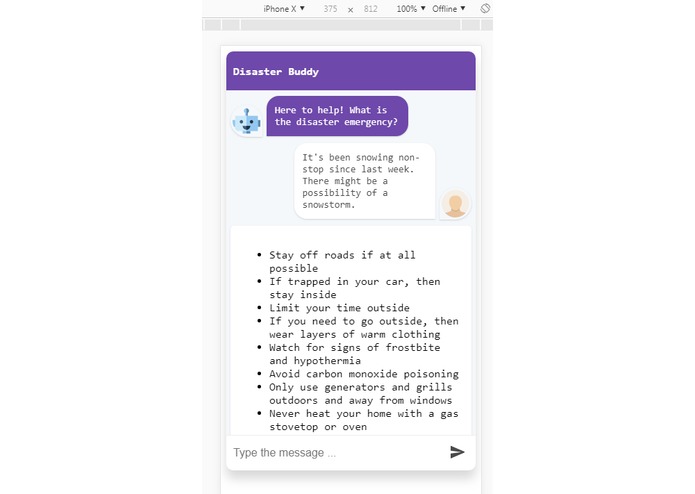
Disaster Buddy - Snowstorm
-
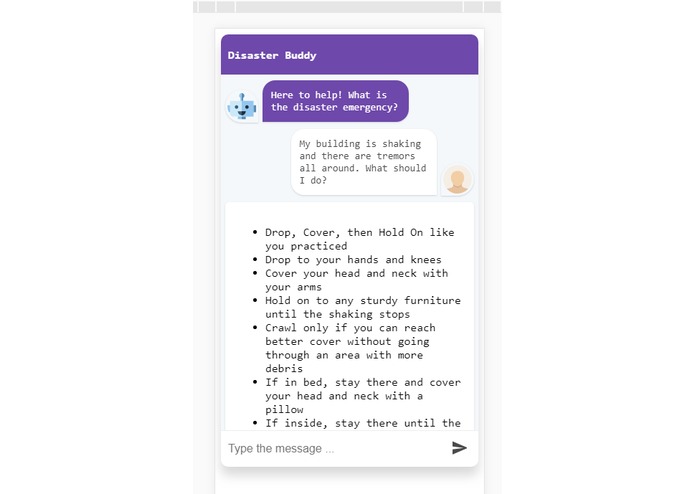
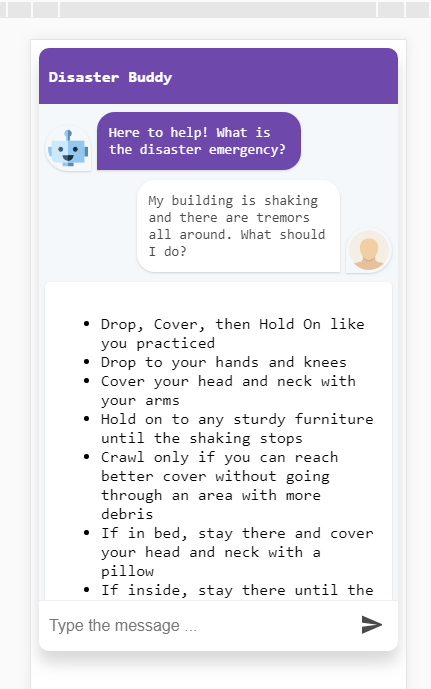
Disaster Buddy - Earthquake
-
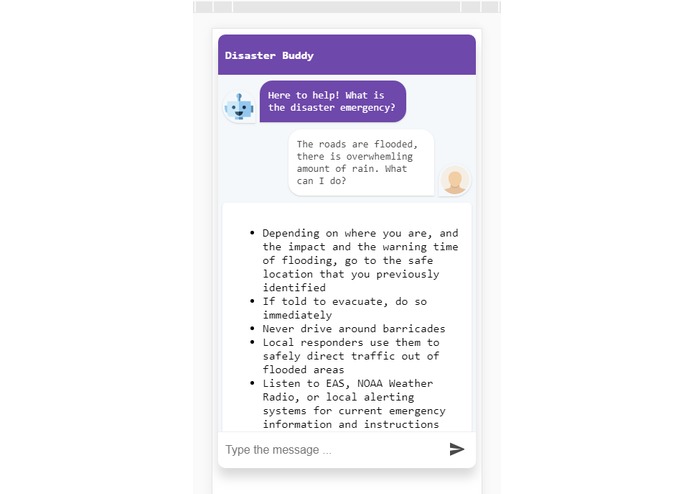
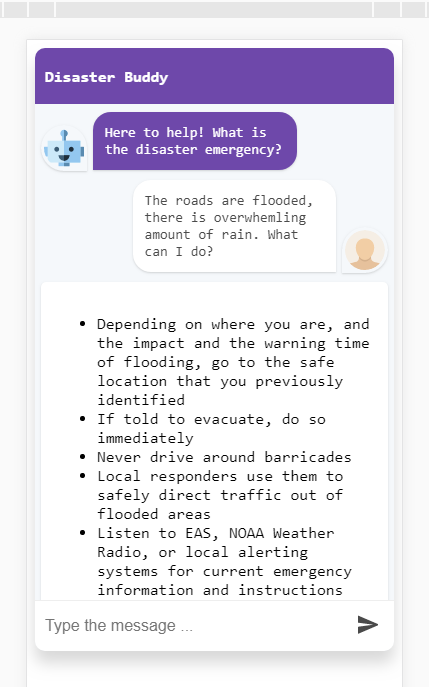
Disaster Buddy - Flood
Inspiration
Disaster and Risk Management has become an extremely important part of life considering all the risks and disasters that surround our lives. In the recent past, there has been an increase in the number of natural and man-made disaster incidents. Yet, most of people are unprepared to face and survive through these disasters.
Internet has become such an integral part of everyone's life now that people inadvertently rely on doing a web search when they face a disaster, however, it's highly probable that the internet services will go down if a disaster strikes, and in that case people will be left to face the disasters alone with no information. Even small amount of timely information can save more lives.
Disaster Buddy solves this problem by presenting that information to the users in an easy to converse chat interface, without any reliance on the internet.
What it does
- Disaster Buddy is an offline chatbot application that can help you survive an unfortunate disaster, without any reliance on the internet.
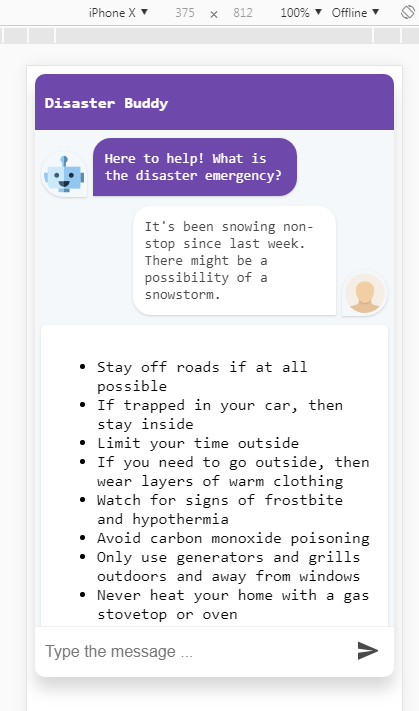
- The application will converse with the user using its intuitive and easy to use chat interface, recognize the disaster being faced by the user and will present the advisory information on what to do in order to survive the disaster.
- The user can simply download the web page and open it up on the mobile/desktop browser. The application can run without an internet connection and is self-sufficient.
How I built it
- The application is powered by a Natural Language Processing algorithm called Porter Stemming, which performs the tokenization and stemming of the text input given by the user.
- Once the keywords are extracted, they are matched with the commonly used keywords for each supported disaster, and then are given the relevant information. The information about the keywords and disasters are stored locally as JSON files.
- The responsive application is built using the popular front-end technologies, React framework, Node.js, HTML5 and CSS.
How to run it?
- It can be build and run locally using the following commands:
npm install
npm run start
Then, opening the localhost URL: http://localhost:8080
Challenges I ran into
One of the non-technical challenge that I ran into was flaky team members. The people with whom I initially planned to visit PennApps dropped out and didn't come. After I came to the hackathon, I tried to work with another hacker, but he had to also leave. Thus, I wasn't sure what to build and whether I would be able to finish it alone.
Accomplishments that I'm proud of
- I'm happy that I was able to finish and submit the project alone, even after setbacks regarding the team creation. Also, I'm glad that I was able to utilize the knowledge of React web framework that I recently learned during my summer internship.
- I'm also happy that I was able to contribute this offline application into an area where there aren't many offline applications.
What I learned
I learned:
- How to manage the project and deliver it within the deadline with the available resources and manpower.
- That there are almost no existing tools for disaster management information that doesn't rely on internet. I was surprised to see that.
What's next for Disaster Buddy
- Currently, only a limited set of disasters are supported in the application. In the future, that number can definitely go up.
- In addition, the information with the each disaster might not be comprehensive and can certainly be improved.
- Also, releasing a mobile application for the project would make it easier for widespread adoption.
- Another important addition to this application would be internationalization, and availability in different local languages.

Log in or sign up for Devpost to join the conversation.