-
-
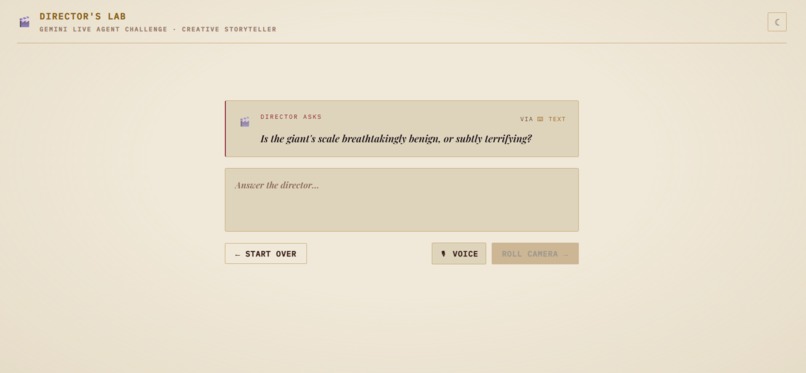
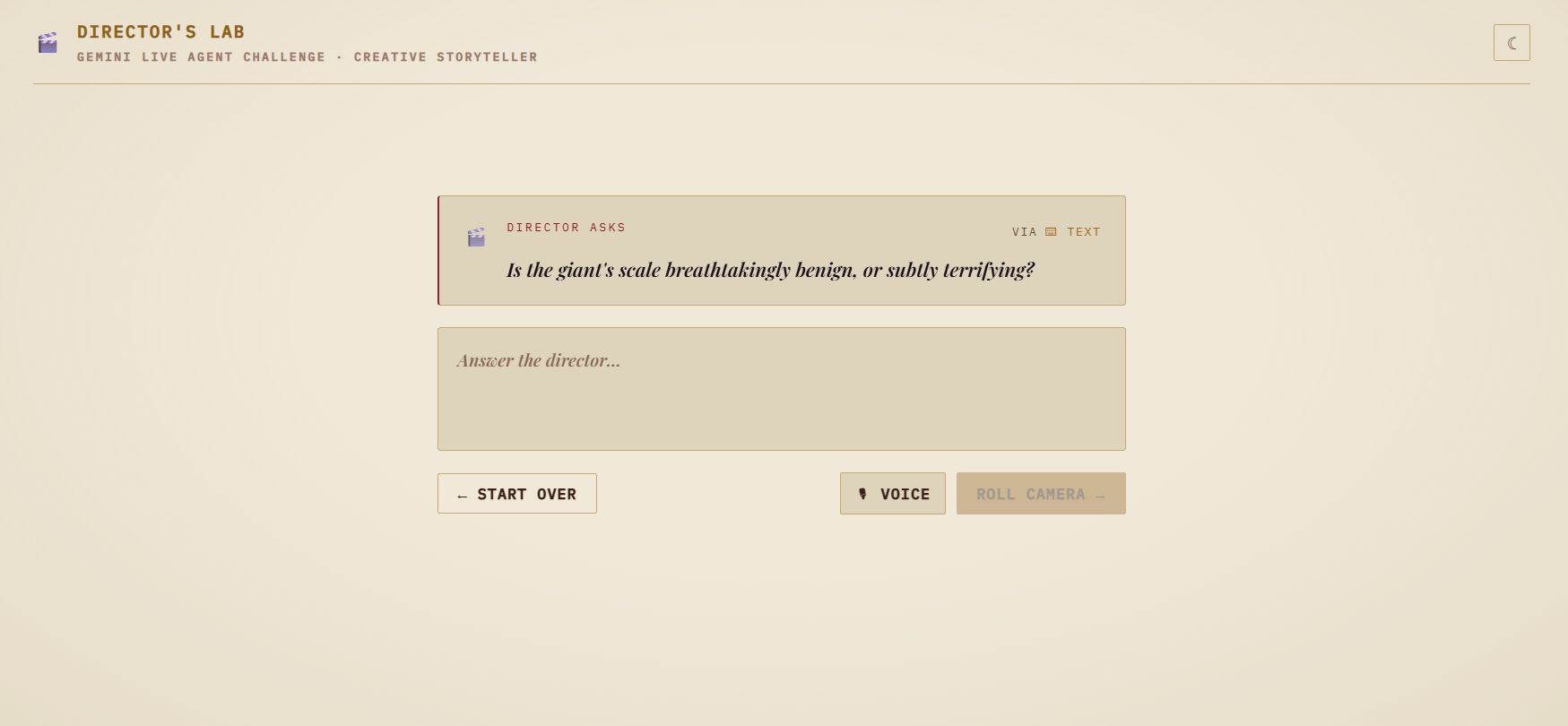
cross question to land emotion
-
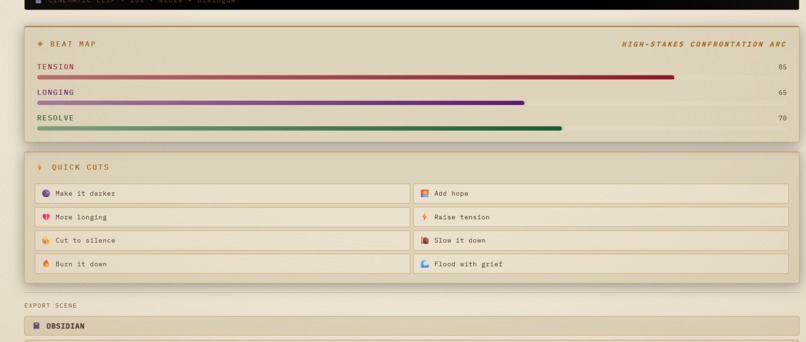
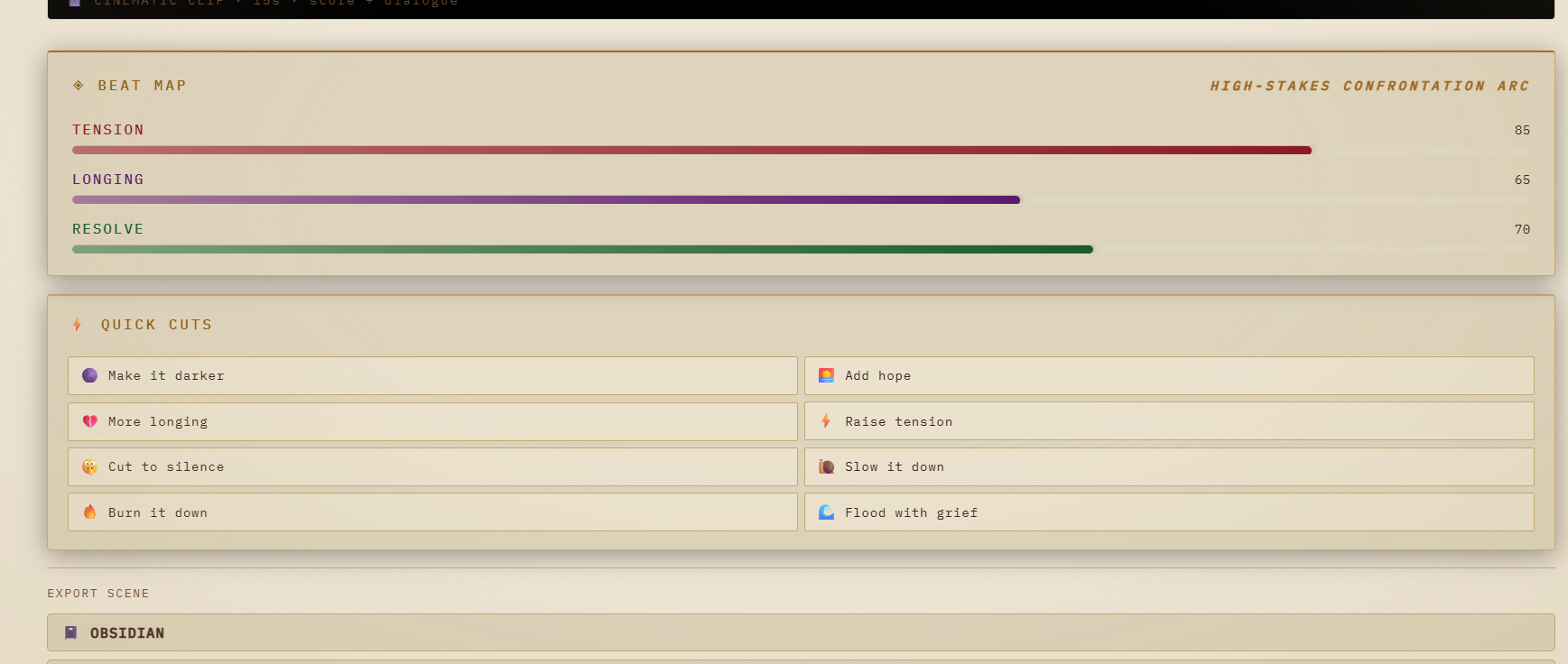
beat - map, options for tweaks
-
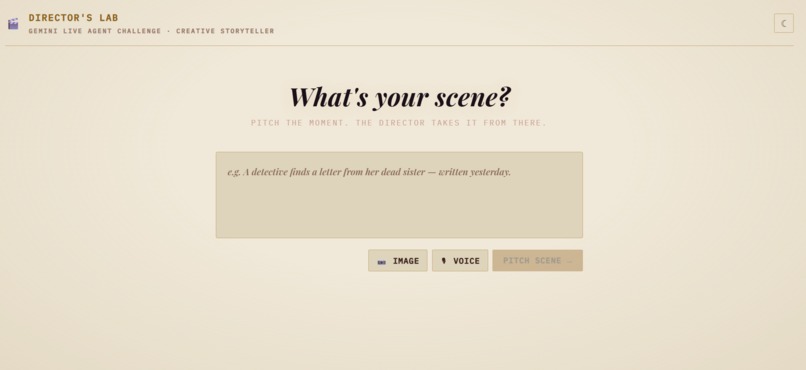
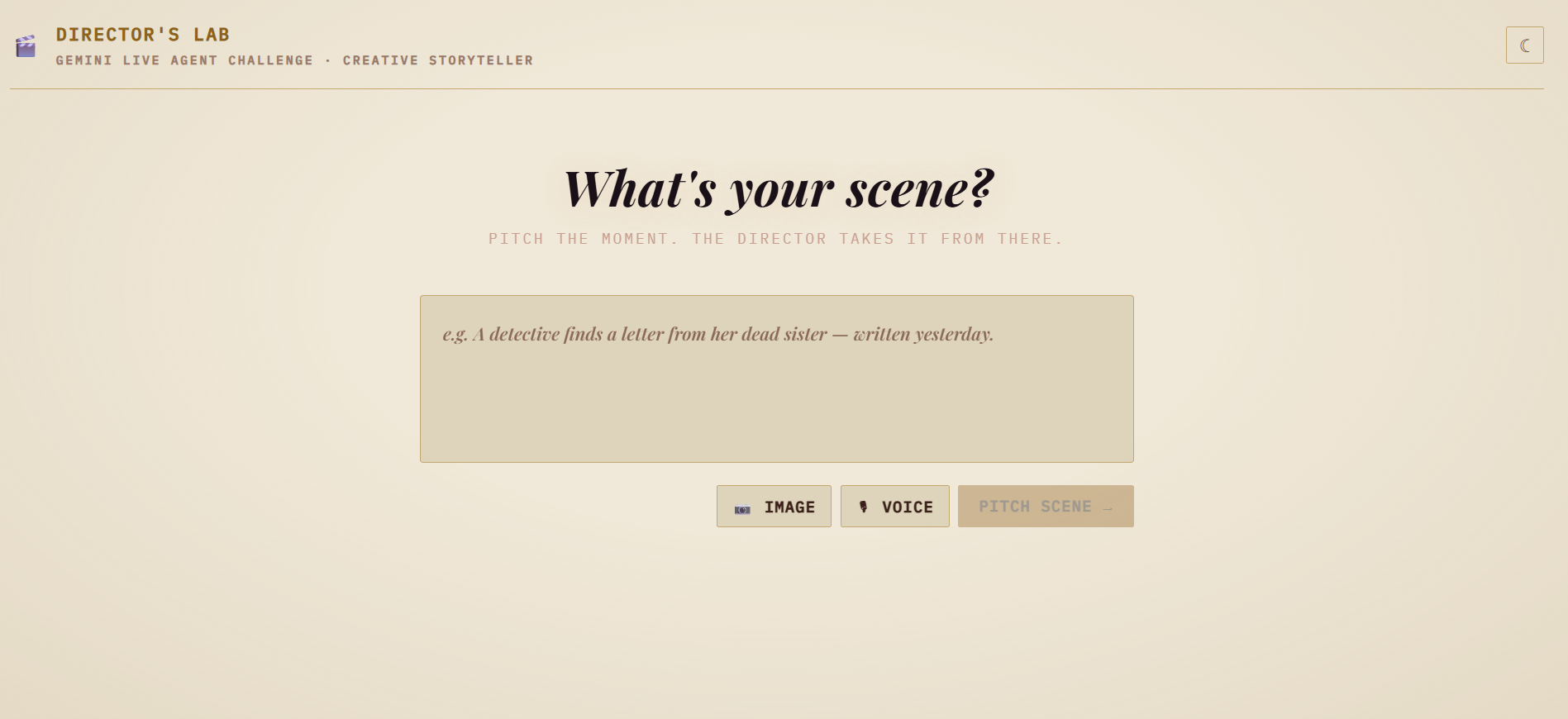
landing-page
-
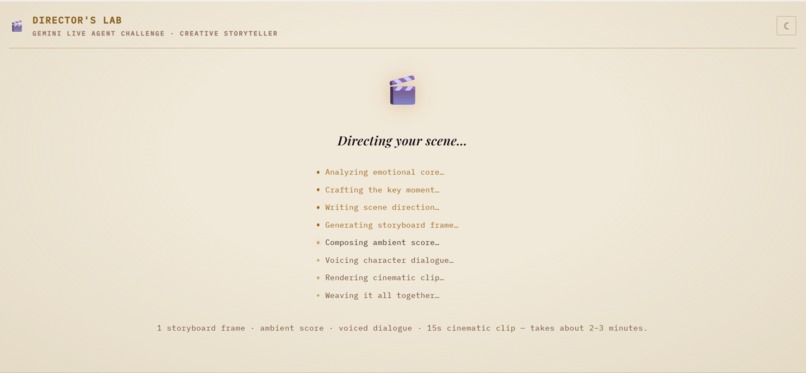
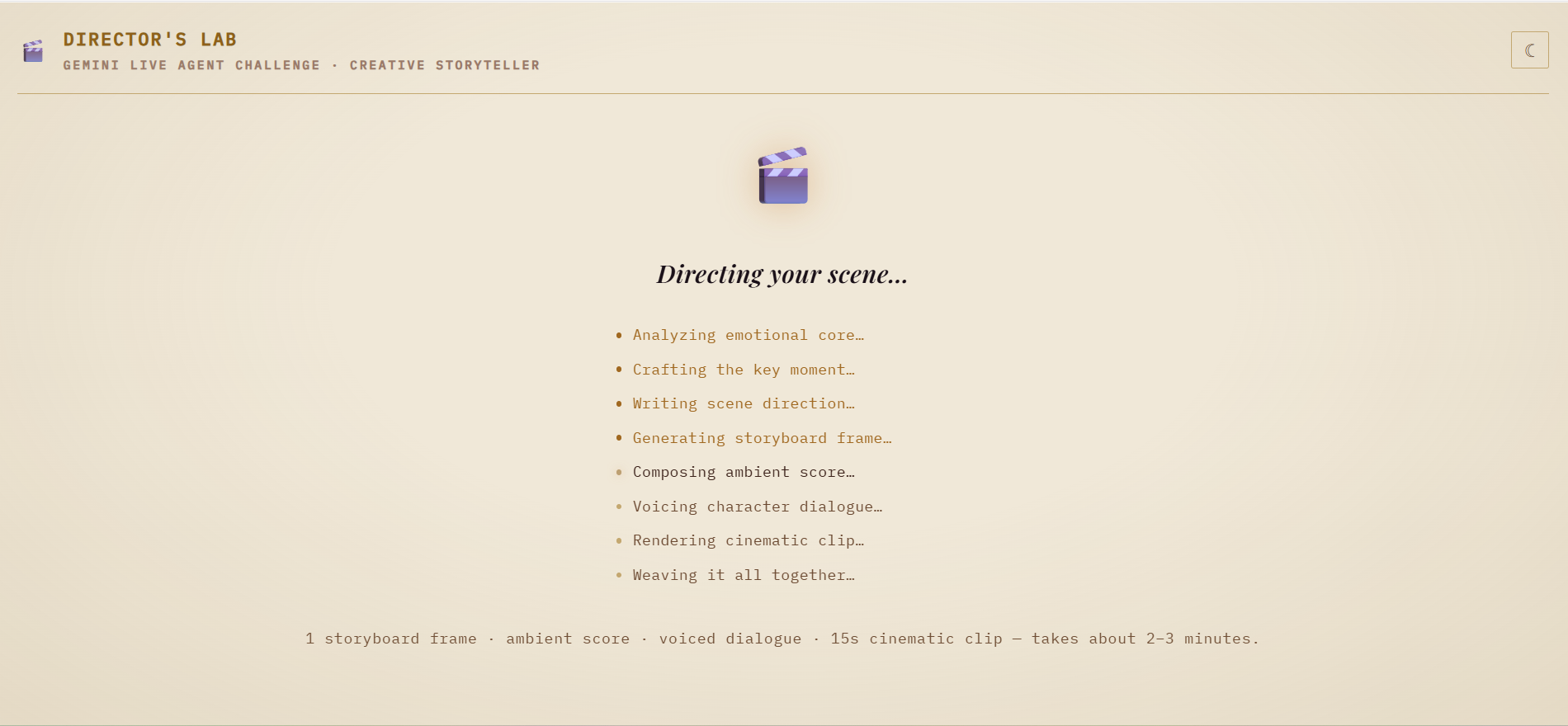
the wait-page while AI is generating something
-
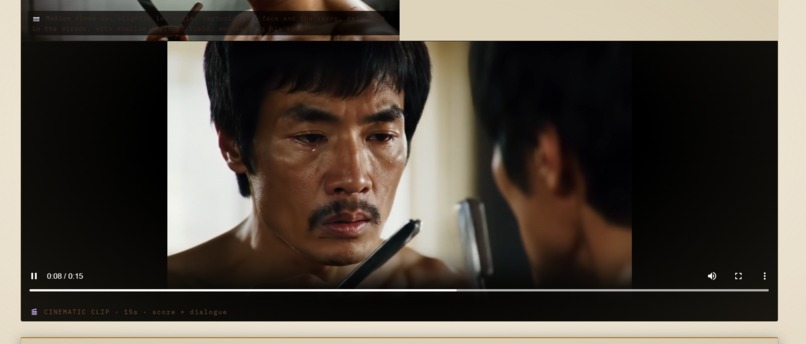
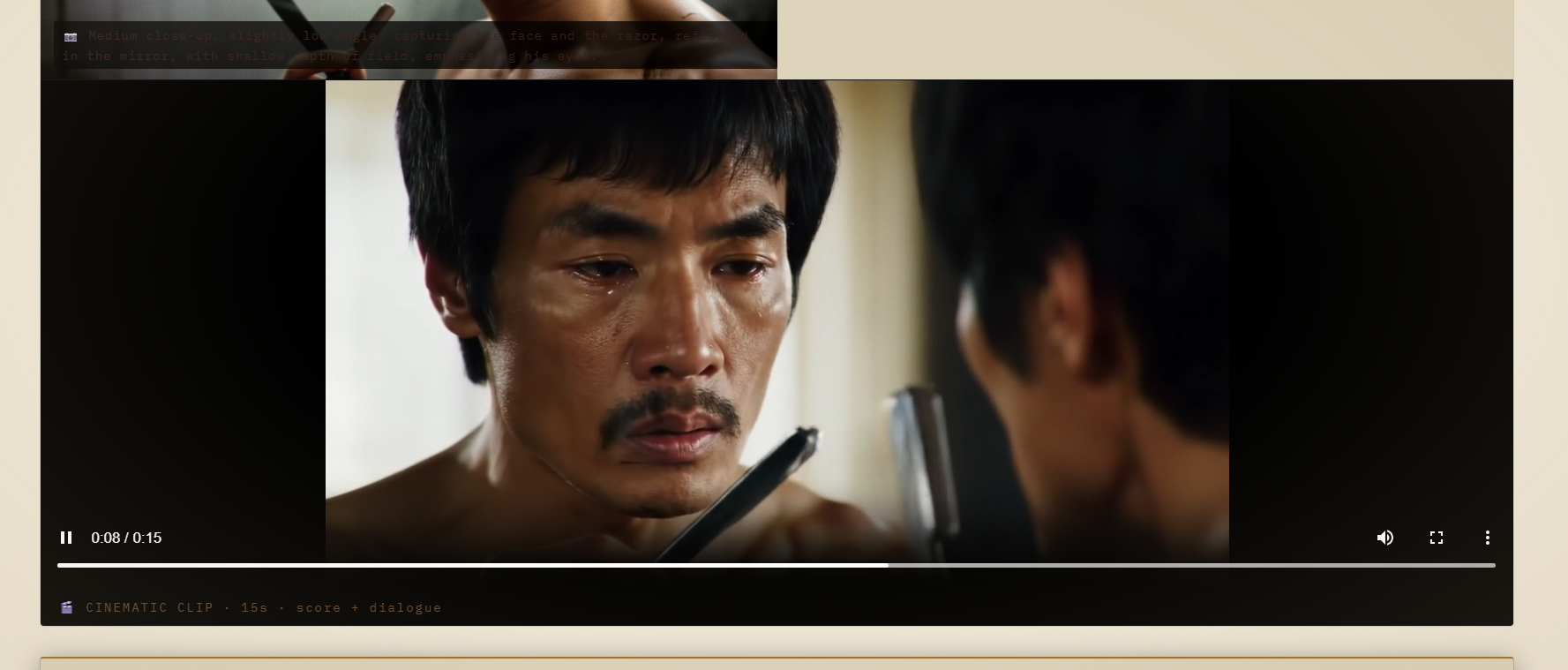
scene from generated video
-
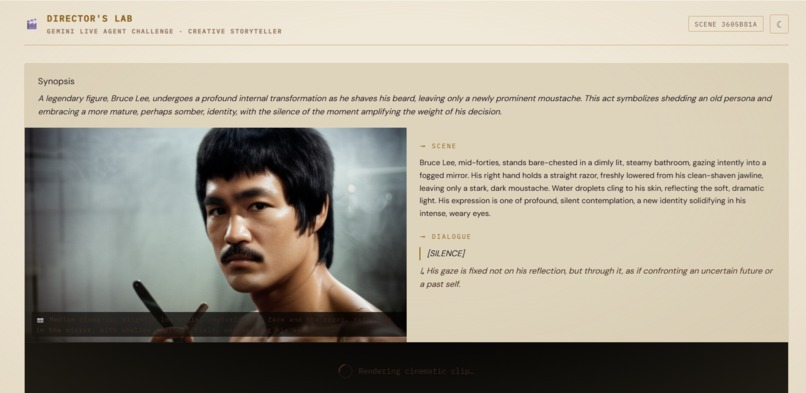
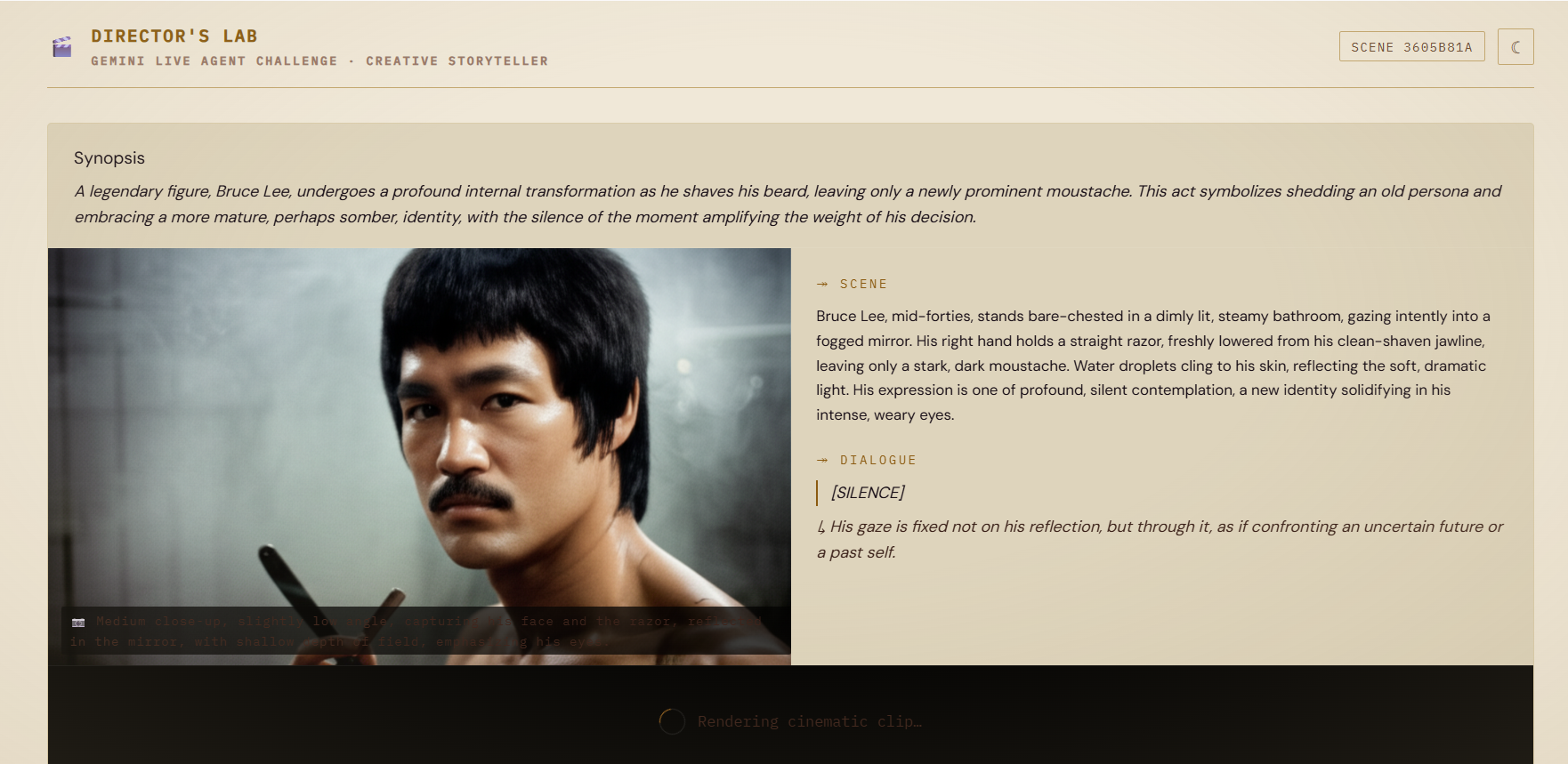
image and text generated
Inspiration
I've always been fascinated by the gap between a director's vision and what actually ends up on the storyboard. That first mental image, a face in a specific kind of light, a charged silence between two people, is so vivid in your head but so hard to communicate quickly. Bridging that gap usually takes hours of writing, sketching, and back and forth with collaborators.
So I started asking a simple question: what if an AI could sit in the director's chair with you? Not just generate pretty pictures, but actually understand the emotional tone you're going for, write the dialogue, suggest the camera angle, and then argue its case when you say "no, make it darker."
That curiosity became Director's Lab.
What I Built
Director's Lab is a multimodal AI directing agent. You pitch a scene in plain English, answer one clarifying question, and within about a minute you get back a complete four-panel storyboard with Imagen 3 visuals, a Lyria ambient score for each panel, and a Veo 3.1 cinematic clip for the climax moment.
The part I'm most proud of is the BeatMap. Every scene gets an emotional fingerprint across three axes: tension, longing, and resolve, each scored from 0 to 100. Gemini tracks this across every revision. When you write a director's note like "slow down the reveal" or "make it more hopeful", Gemini doesn't just change the images. It first shows you exactly how the emotional arc would shift and which panels it wants to touch, and why. You can toggle individual panels in or out before a single image is generated. Only the panels you approve get sent to Imagen.
This human-in-the-loop revision loop is the heart of the project. It makes the creative process feel like a real collaboration rather than a slot machine.
How I Built It
The backend is a FastAPI app running on Cloud Run. All the Gemini calls are fully async with timeouts so nothing blocks. Imagen 3 renders all four panels in parallel. Veo takes a few minutes to generate a clip, so it runs as a background task and the storyboard lands instantly while the video catches up.
The frontend is React 18 with a simple state machine in a single file. No component libraries, no Tailwind, just plain CSS with custom properties. The revision preview modal is entirely local React state until the moment you hit confirm, which keeps it snappy.
Everything is stored in Firestore and Cloud Storage, so every scene has a shareable link by scene ID.
Challenges
The infrastructure was honestly the hardest part. Getting Google Cloud wired up correctly took a lot of iteration. ADC authentication, the right IAM roles for Vertex AI, uniform bucket-level access on Cloud Storage, and routing Cloud Run through Firebase Hosting all had their own gotchas. None of it is especially complicated in isolation, but getting it all working together cleanly took time.
On the AI side, the challenge was cost. Imagen 3 and Veo 3.1 are not free to call in a development loop. I have initially used the flagship Veo 2.0 (which costed much a lot to test). If I had regenerated all four panels on every test, the bill would have added up fast.
Another real challenge was making the app feel fluid given how many moving parts are involved. Each AI model has its own latency profile, and stitching them together without the user hitting a timeout or a blank screen required careful tuning. Firebase Hosting has a 60 second proxy limit, so the fast path had to stay well under that. Veo clips take a few minutes, so those run as background tasks while the storyboard lands immediately. Lyria and Imagen failures are handled gracefully so one broken call never kills the whole scene. Getting all of that to feel seamless from the user's side took more work than the AI integrations themselves.
Built With
- asyncio
- css3
- fastapi
- firebase-hosting
- google-cloud
- google-cloud-firestore
- google-cloud-run
- google-gemini-2.5-flash
- google-gen-ai-sdk
- imagen-3.0-generate-001-api
- javascript
- lyria-001-api
- python
- react-18
- veo-3.1-fast-generate-preview-api
- vertexai


Log in or sign up for Devpost to join the conversation.