-
-
Hardware aint hard
-
Unity
-
Idk
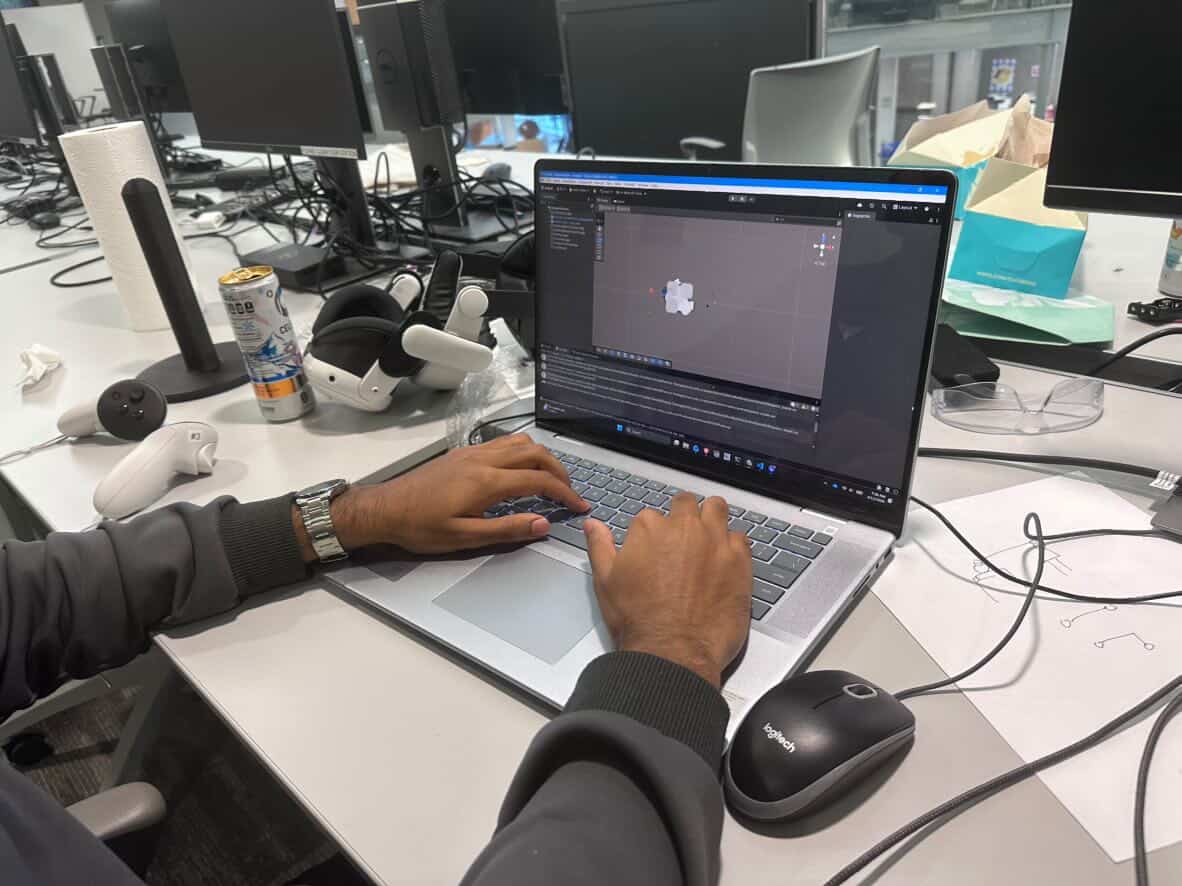
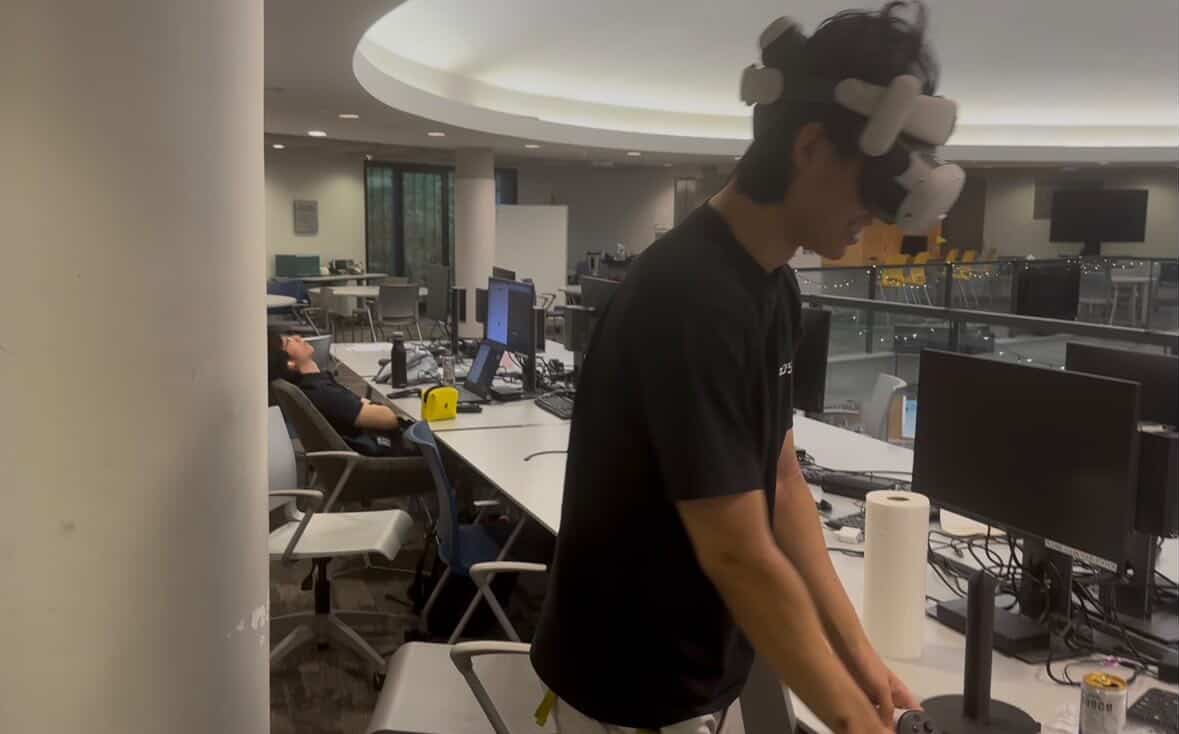
Inspiration
Hardware is intimidating for new engineers: it’s unclear what to buy or build, and even small mistakes like miswiring can lead to hours of debugging, often killing motivation. We set out to remove these barriers. That’s why we built DiodeAR.
What It Does
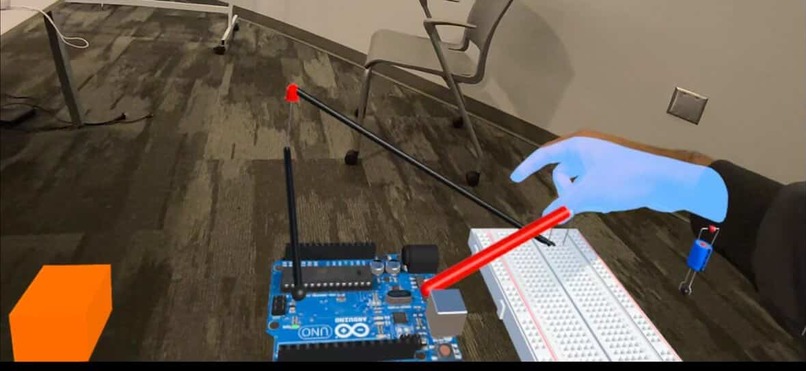
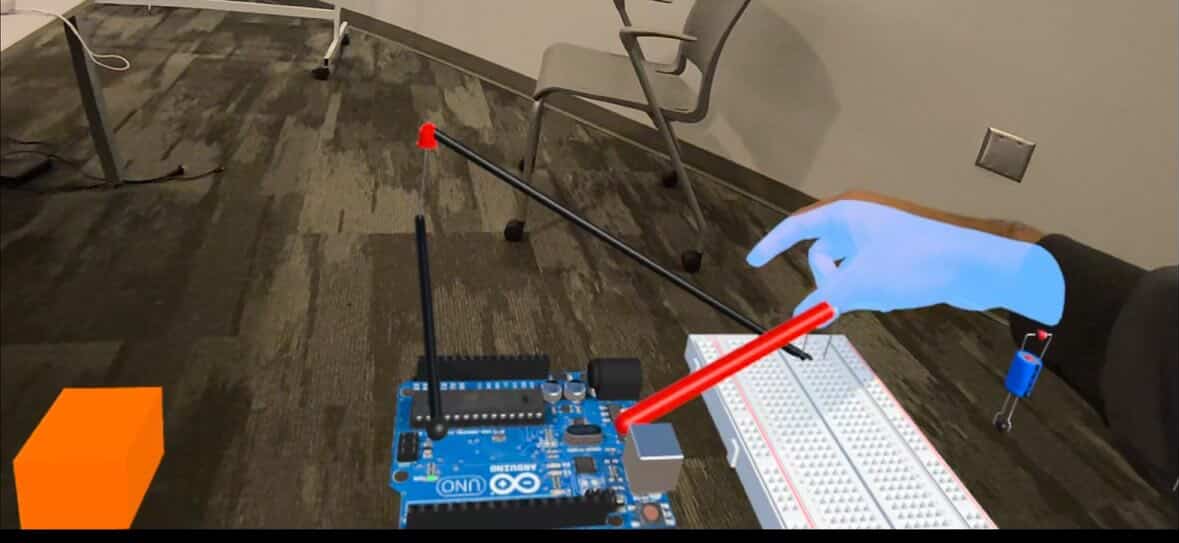
DiodeAR is an AR circuit simulator for the Meta Quest 3. It places a virtual Arduino Uno, breadboard, and a full library of components—LEDs, resistors, capacitors, transistors, and more—directly into your physical space.
You grab components with your right hand, wire them with your left, and receive real-time feedback as soon as a circuit is complete. No soldering, no damaged components, no fear.
How We Built It
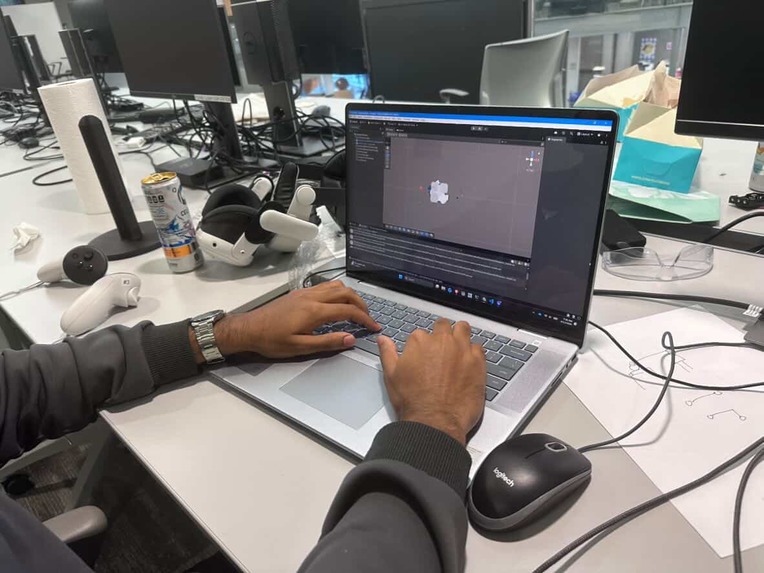
DiodeAR runs on Meta Quest 3 using full-color passthrough AR, built in Unity 6 with the Universal Render Pipeline.
The interaction model is split across both hands:
- Right hand: grab and reposition low-poly 3D components (Arduino Uno, resistors, LEDs, capacitors) using OVR hand tracking and pinch detection
- Left hand: draw wires by pinching terminals, dragging, and releasing to connect
Each component has typed terminals (anode/cathode, VCC/GND) that snap together into a live electrical node graph.
Under the hood:
- Each terminal owns a node ID
- Connected terminals share the same ID (like a SPICE netlist)
- On wire changes, a connectivity solver runs BFS from voltage sources through the graph
- If a valid path exists from VCC to GND (e.g., through an LED), the circuit is considered live and updates instantly
Rendering:
- Custom wire renderer using stretched cylinder primitives with URP Lit materials for correct single-pass stereo rendering
- Physical undo button (orange box in AR) allows wire removal via right-hand pinch
Challenges We Ran Into
SPICE Simulation in IL2CPP
- SpiceSharp relies on reflection and
[ParameterName]attributes - Unity’s IL2CPP strips untraced methods, silently breaking the diode model
- Result: simulator ran but produced incorrect outputs
- Root cause traced to the linker after extensive debugging
Hand Tracking Precision
- Pinch midpoint drifts near small objects
- Conflict between terminal snap radius and wire deletion radius
- Large radius → accidental deletions
- Small radius → unreliable connections
- Required real-device iteration (simulator didn’t reflect real jitter)
Rendering in Passthrough AR
- Required URP-specific materials for correct depth, stereo, and transparency
- Unity’s default
CreatePrimitive()uses incompatible shaders, breaking stereo instancing
Accomplishments We're Proud Of
- Built a complete AR hardware sandbox in a single hackathon
- Enabled real-world spatial circuit building with real-time feedback—no traditional tools required
- Designed intuitive interaction: right hand for placement, left hand for wiring
- Implemented a fully functional node graph solver supporting:
- Series circuits
- Undo/redo
- Ground re-pinning after wire deletion
- Series circuits
What We Learned
- IL2CPP’s interaction with reflection-heavy libraries can cause subtle, hardware-only bugs
- Spatial UI design is highly non-intuitive—thresholds must be tuned through real usage
- Effective AR augments reality rather than replacing it
DiodeAR doesn’t replace a breadboard—it removes the fear of using one.
What's Next for DiodeAR
Arduino CPU Emulator
- Move from static 5V source to full code execution
- Upload sketches and simulate real microcontroller behavior:
- GPIO signals
- PWM dimming
- Sensor-driven logic
- GPIO signals
- Tight coupling between:
- CPU emulator (drives voltages)
- Circuit solver (propagates signals)
- AR scene (visual feedback)
- CPU emulator (drives voltages)
Expanded Hardware Library
- Add ICs, sensors, motors, and displays
- Introduce snap-to-row breadboard placement for realism and speed
Improved Simulation
- Restore SPICE-accurate simulation after resolving IL2CPP stripping
- Enable correct current, voltage, and power calculations
Enhanced Interaction
- Voice commands (e.g., “connect pin 13 to the LED”)
- Gesture shortcuts for common circuits (voltage dividers, pull-ups)
Vision
The goal is simple: building your first working circuit should feel like magic—not debugging. DiodeAR is the beginning of that.

Log in or sign up for Devpost to join the conversation.