-
-
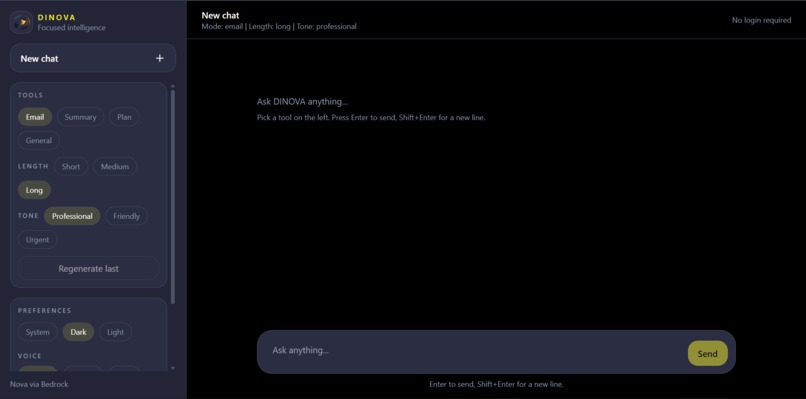
Model page
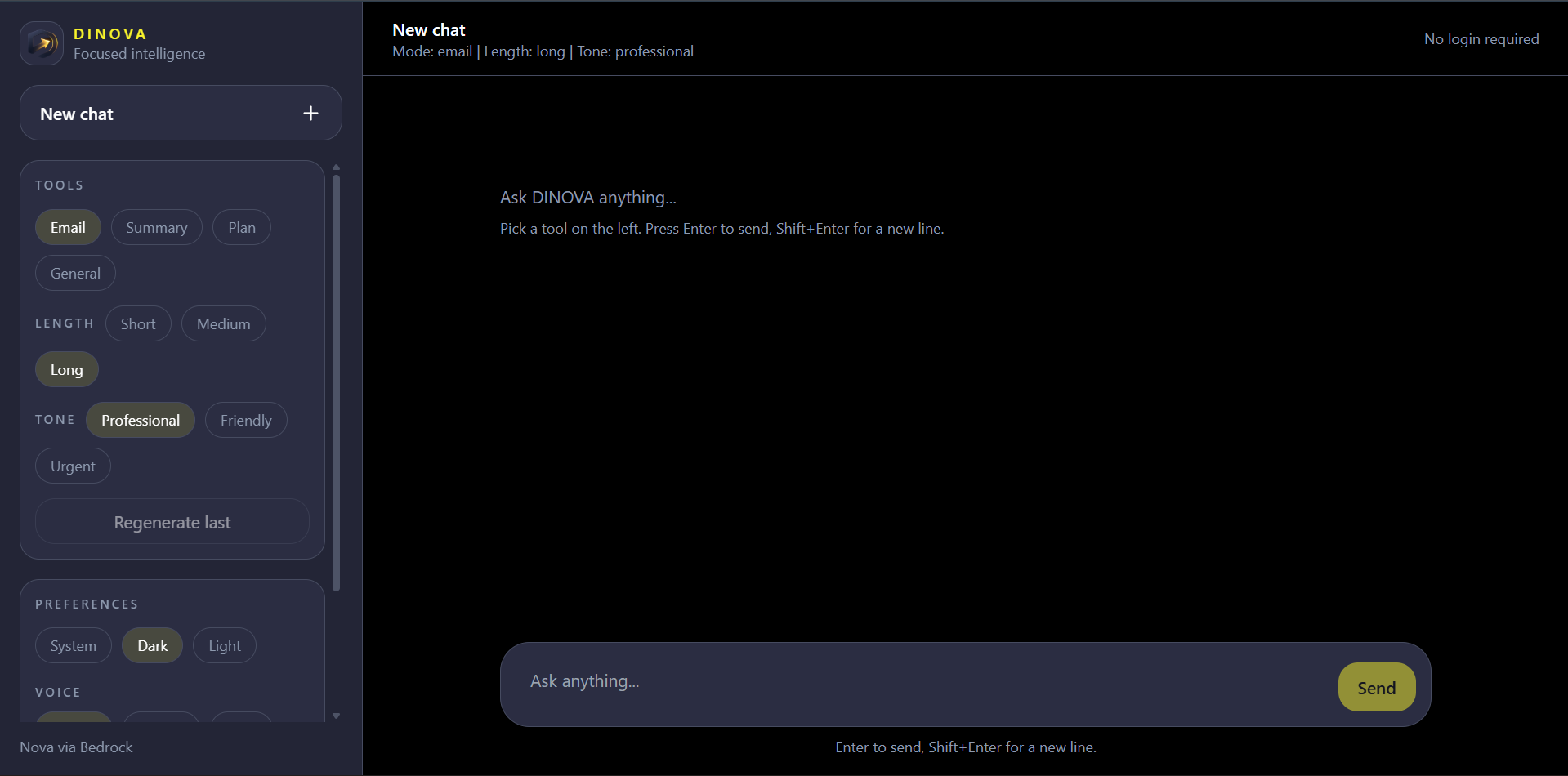
Inspiration
We wanted an AI assistant that’s like a quiet office and gives lots of “done” (email/summary/plan) responses with no prompt engineering required. DINOVA was designed to be super easy for judges to test: open a public URL, type a request, and receive an output.
What it does
DINOVA is a Nova web assistant powered by Nova (via AWS Bedrock) with 4 modes:
- General: free-form chat for general assistance
- Summary: summary + key takeaways + next steps
- Plan: plans with steps, timeline, risks, and success metrics
- Email: concise outreach/application emails with placeholders, proof bullets, and clear CTAs
- Regenerate, copy, export to PDF, message reactions (like/dislike), TTS, and persistent chat
How we built it
- Frontend: React (Vite) + Tailwind CSS, chat-first UI with tool sidebar
- Backend: Node.js + Express
- AI: Amazon Nova via Amazon Bedrock Runtime using the AWS SDK v3
- Defensive parsing for Bedrock response variations, input validation, CORS, healthcheck endpoint
- LocalStorage persistence for chats and per-chat tool settings
Challenges we ran into
- Bedrock SSO permissions/credentials in a sandbox environment (session and policy restrictions)
- Keeping tool settings (mode/length/tone) per chat
- Tightening up prompt “format contracts” so response outputs don’t stray into generic templates
- UI polish (no scrolling issues, correct behaviors for sidebar/chat; mobile support)
Accomplishments that we're proud of
- Real (not mocked) Amazon Nova implementation with public demo flow friendly to judges
- Chat-style UX that works across long sessions (good input affordance; rendered messages are clear)
- Useful features: regenerate, copy, export to PDF, reactions, text-to-speech
- Sturdy persistence: chats survive refresh and tool settings are preserved per chat
What we learned
A good AI demo is more about reliability than “coolness”: strong prompt constraints, robust backend handling, and UX that makes the happy path seamless
What's next for DINOVA
- Stronger planning mode with explicit time-budget calculations and better milestone tracking
- Optional “templates” for common workflows (job outreach, meeting notes, project kickoff)
- Better voice options and richer exports (Markdown/Doc)
- Safer deployments with role-based auth (no long-lived keys) and usage monitoring
Built With
- amazon
- amazon-bedrock-runtime
- aws-sdk-v3
- axios
- express.js
- node.js
- nova
- react
- tailwind-css
- vite


Log in or sign up for Devpost to join the conversation.