-
-
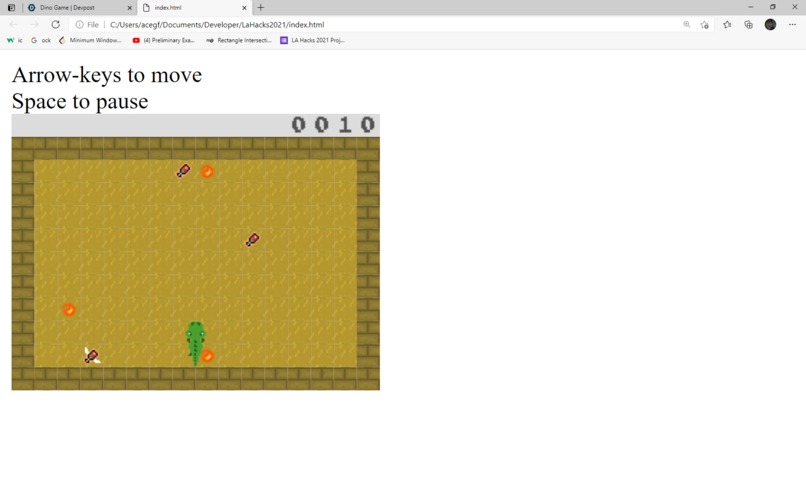
Dino Game
Inspiration
We kind of just wanted to make a game.
What it does
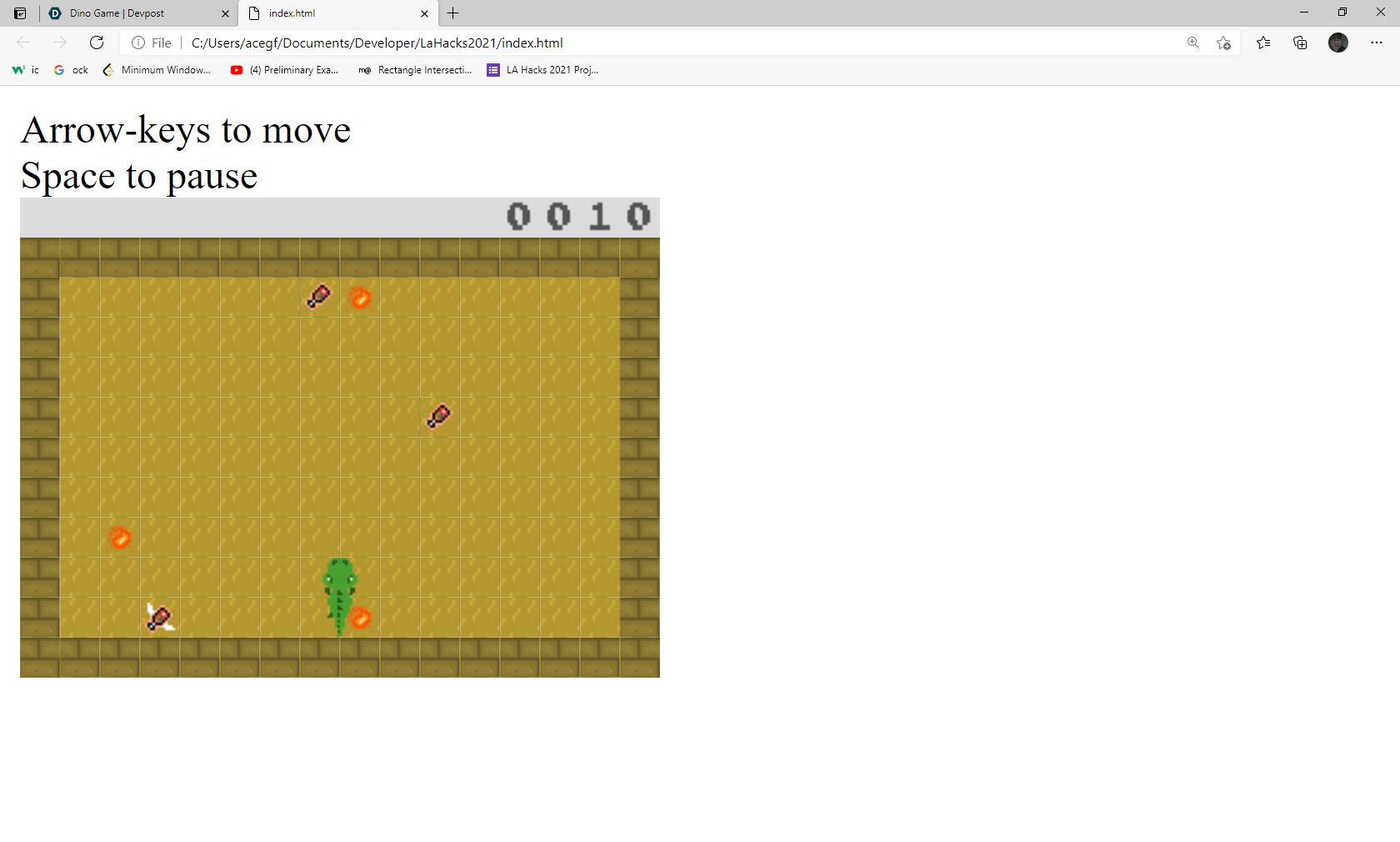
Eat the chicken to earn more points! Be careful of running into walls and touching fireballs.
How we built it
We built it using a library called Processing. Processing has several bindings, but we chose p5.js because of simplicity. We created our sprites through Adobe Photoshop.
Challenges we ran into
We had to think of a way to make collisions work. It took sometime to formulate an idea on how to do it, but we managed to make a simple collision system!
Accomplishments that we're proud of
Animations and collision system :^)
What we learned
It was interesting to learn about how to structure our code for the game. The library we used, processing, only helped in drawing shapes and responding to key events. We had to create the game logic from bare bones. Learning about calculating collisions, how to respond to events in game, and executing animations at the right moment were the most interesting ones to learn about.
What's next for Dino Game
Add more gameplay features to the game! Refactor the code, and maybe make a chrome extension for it.
Built With
- adobe
- javascript
- p5.js


Log in or sign up for Devpost to join the conversation.