Inspiration
As someone who loves hosting dinner parties but hated the chaos of juggling guest dietary needs, scattered shopping lists, and last-minute prep panics, I set out to build a tool that turns stress into joy. I wanted something intuitive—no logins, no complicated setup—just a seamless way to pull every detail of a dinner party together, inspired by the small, thoughtful touches that make gatherings feel special.
What it does
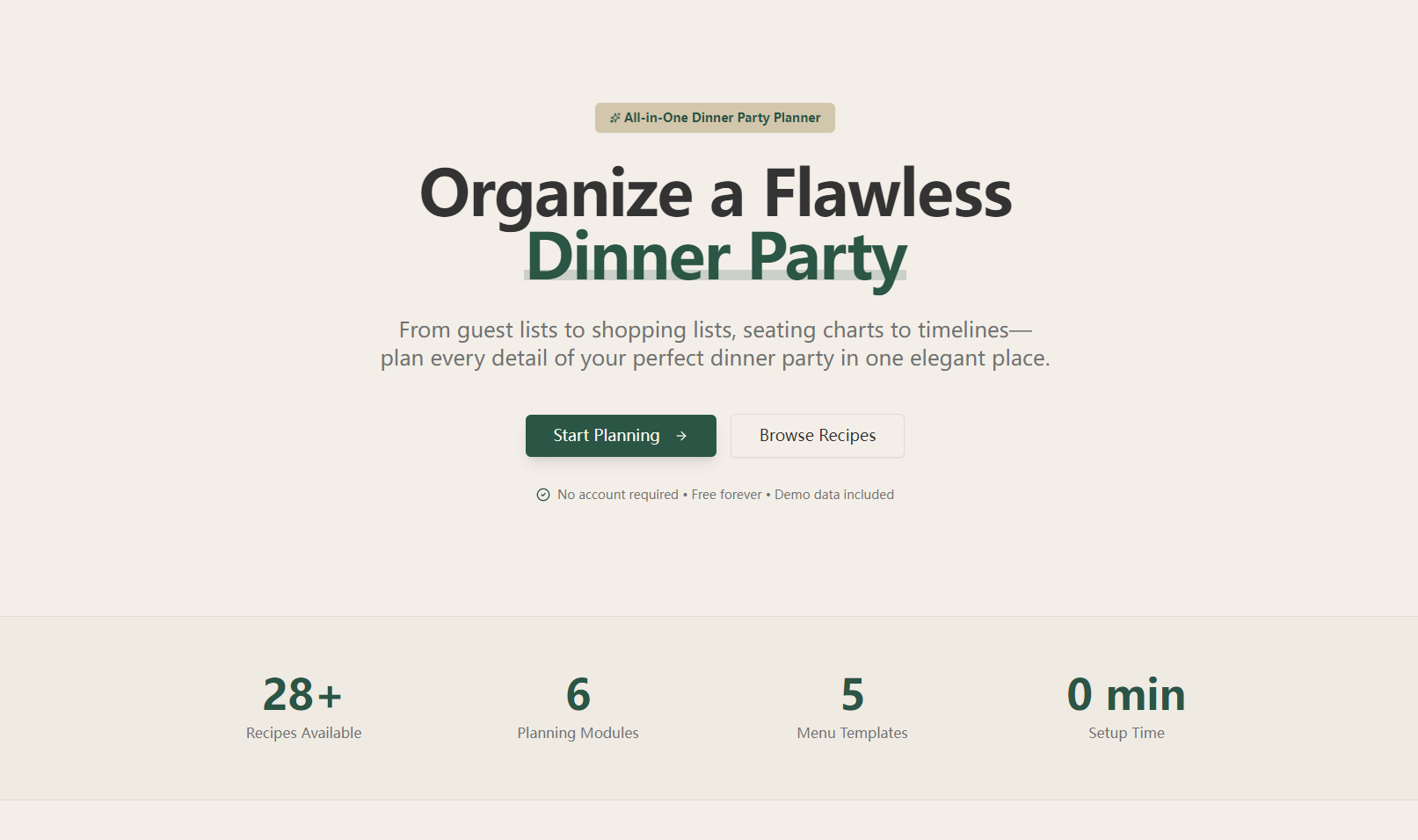
Dinner Party Planner is an all-in-one web tool for hosting unforgettable dinner parties. It lets you manage guest lists (with dietary tags), curate menus that respect restrictions, auto-generate categorized shopping lists, design seating arrangements (with relationship-based suggestions), and build step-by-step prep timelines—all in one place, no registration required. A final "playbook" compiles everything into a printable overview.
How we built it
I started by mapping core user needs (dietary conflict detection, visual seating, printable outputs) then built the frontend with React and TypeScript. I used Canvas API for the drag-and-drop seating interface, PDFKit for print functionality, and TailwindCSS to ensure mobile/desktop compatibility. All logic (dietary checks, timeline calculation, ingredient consolidation) was built with vanilla JavaScript for speed.
Challenges we ran into
The biggest hurdle was perfecting the seating optimization logic—balancing relationship pairings (couples together, friends nearby) while avoiding conflicts felt like solving a small puzzle. I also struggled with making print outputs high-quality across devices, and ensuring dietary conflict detection was accurate without overwhelming users with alerts.
Accomplishments that we're proud of
I’m most proud of how intuitive the tool feels—no tutorials needed, just natural navigation. The dietary conflict detection works seamlessly (flagging incompatible dishes without disruption), and the printable playbook ties every detail together in a polished, usable format. It’s fast, responsive, and true to the original vision of stress-free planning.
What we learned
I learned to prioritize user experience over feature bloat—cutting "nice-to-haves" (like budget tracking) to focus on core needs made the tool more effective. I also gained hands-on experience with Canvas API and PDFKit, and how to translate complex logic (timeline calculation) into simple, readable code that’s easy to maintain.
What's next for this project
Next, I want to add recipe customization (letting users tweak ingredients in pre-built dishes) and calendar sync for timeline reminders. I also plan to test with more users to refine the seating optimization logic and add small touches like drink pairing suggestions—all while keeping the tool simple, no-login, and focused on joyous hosting.

Log in or sign up for Devpost to join the conversation.