Abstract:
Are you a person who values their privacy? Do you also happen to have a nosy roommate? A curious child? A dog with apposable thumbs? Well then, boy do we have the device for you. Introducing Ding Dong Snitch, a state of the art door alarm system that will protect your privacy in style.
Ding Dong Snitch is a door alarm designed to both ward off intruders and keep you informed of the goings on in your room while you are out conquering the world. This device keeps your privacy safe by triggering an alarm and notifying you via text when your door is opened without permission. When the motion sensor detects that your door has been moved, the device will switch on a loud buzzer, striking fear in the heart of your enemies. At the same time, Ding Dong Snitch will send you a text via wifi to let you know that mischief is afoot.
How we built it:
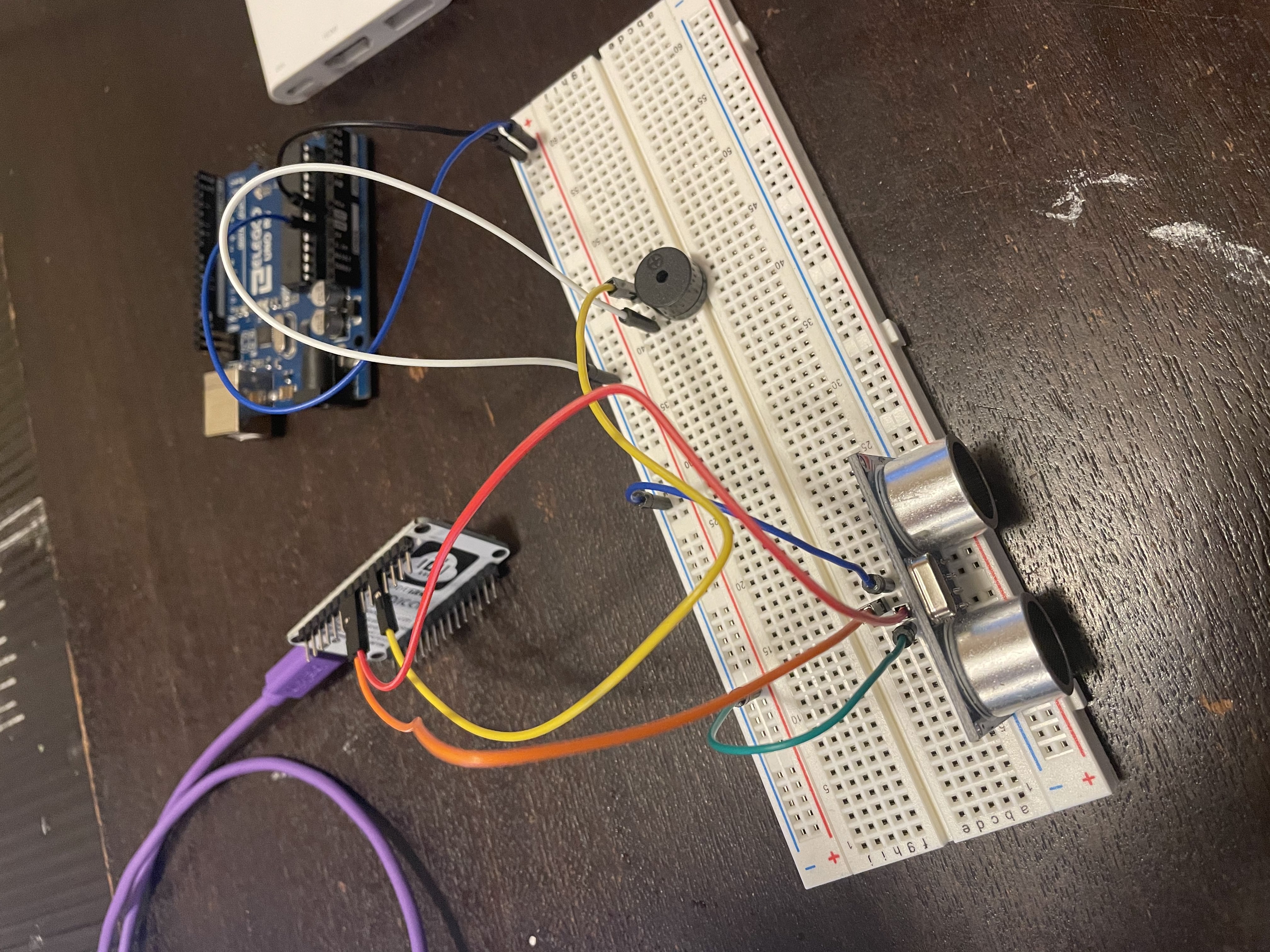
Ding Dong Snitch is composed of three main parts: a ping sensor, a buzzer, and a NodeMCU. We began building our device with the ping sensor. We wired the ping sensor to our Arduino and made sure it was correctly reporting distances through the serial monitor. Once we had established the sensor, we connected a buzzer to the circuit. We established that when the ping sensor detects an object within 100 cm of the device, the buzzer will switch on. Putting together our buzzer and our actuator went smoothly, but we ran into difficulty when trying to set up the NodeMCU. We rewired the circuit to send data from the ping sensor to the NodeMCU instead of the Arduino, and initially this caused trouble. The ping sensor was not reading distances correctly and the buzzer was being uncooperative. After trying several things including switching from a battery to a wall plug and correcting our ground wires, we were able to get the circuit working again. Once the NodeMCU was connected, we set up a project in Blynk to graphically represent the distances read from the ping sensor. We then set up Twilio to send a text message.
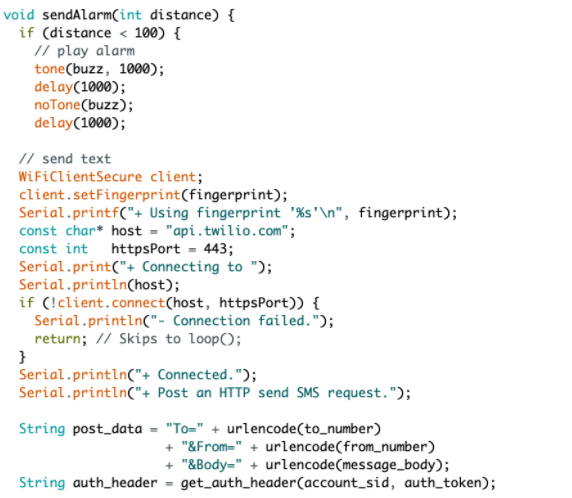
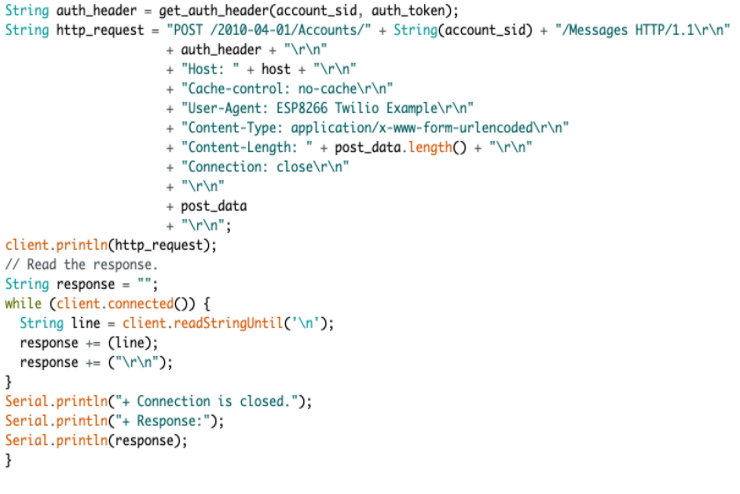
Software: Our software uses the Blynk app and Twilio API. We used the Blynk App to record the distances the Ping Sensor records. We used the Twilio API to send a text when the ping sensor records a distance less than 100 cm. We used the code from lab 6 with the blynk app to set a timer to periodically check the ping sensor and send the data to blynk app. After finding the distance the code checks if it less than 100 cm and if it is then call the twilio API (Twilio docs provided this code) and play the buzzer sound.
What's next:
Ding Dong Snitch could be improved by adding a doorbell and a lock to the alarm system. With these additions, a person could request and be granted access to the room.

Log in or sign up for Devpost to join the conversation.