Inspiration
The project was born from tech reviewer Sam Beckman's specific frustration: the "platform hop." As a phone reviewer, Sam relies on reminders to function (watering plants, publishing videos), but found that most apps don't exist on both platforms—or if they do, they don't sync properly. We built dindong to solve the "clutter" of Google Calendar by creating a dedicated, high-performance personal control system that works identically on iOS and Android.
What it does
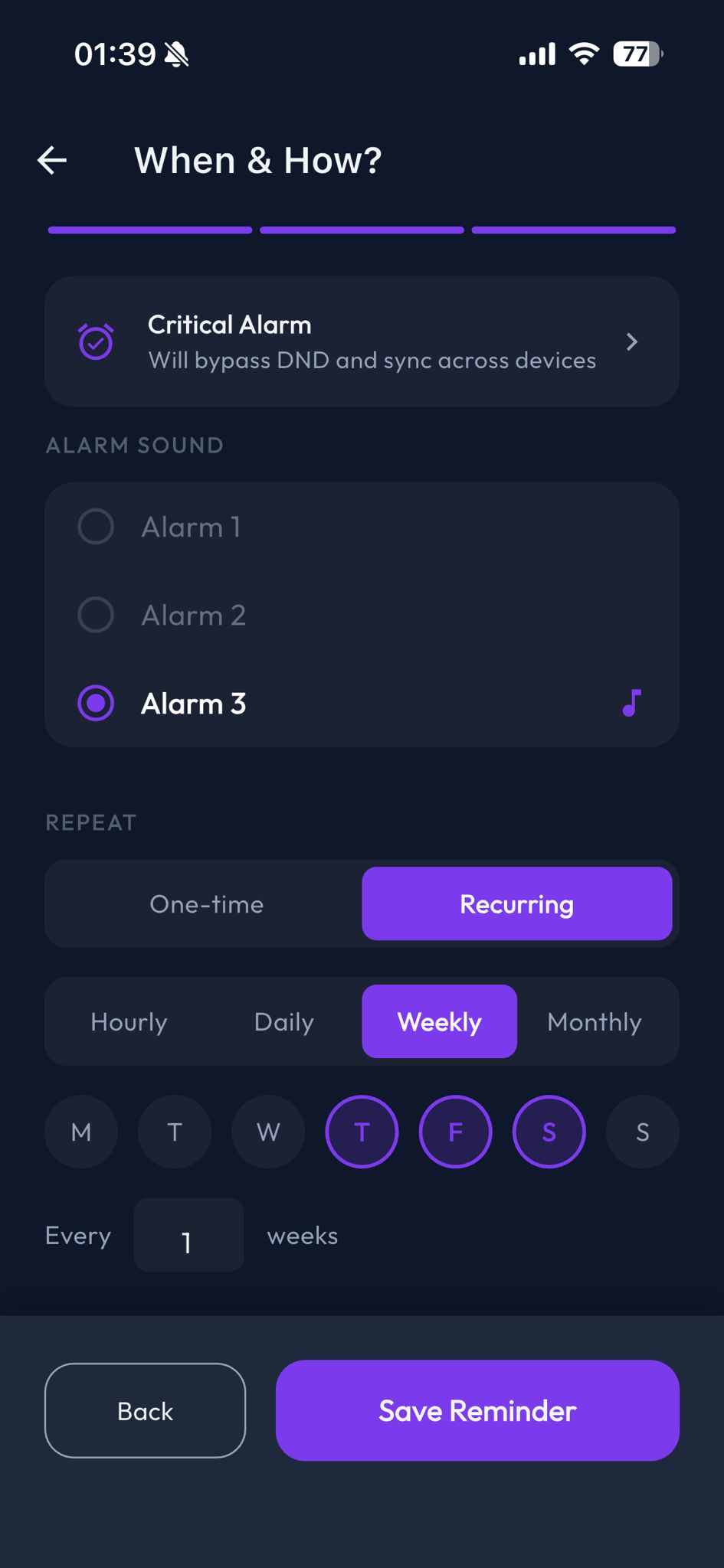
dindong is a notification-first reminder system designed for power users.
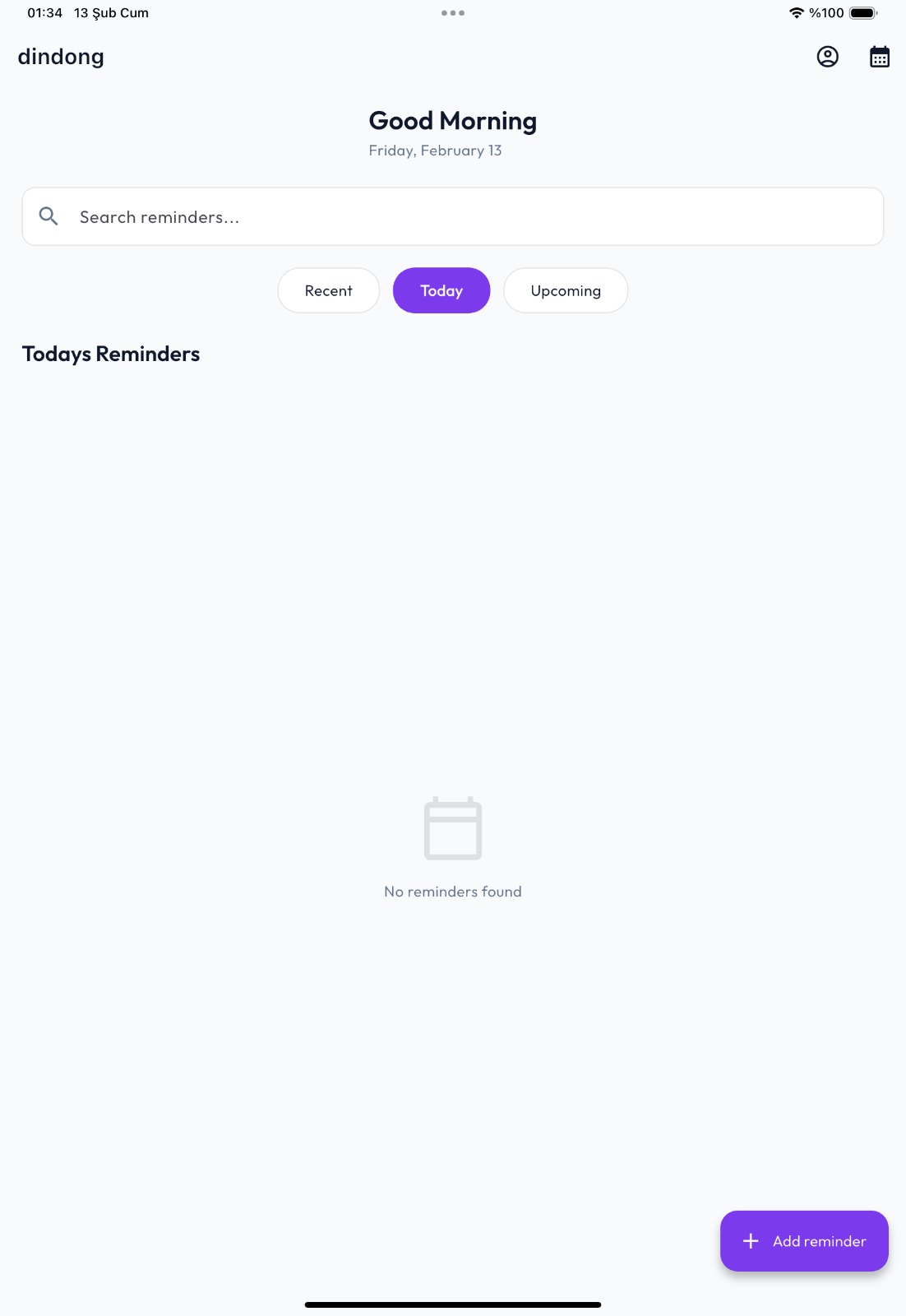
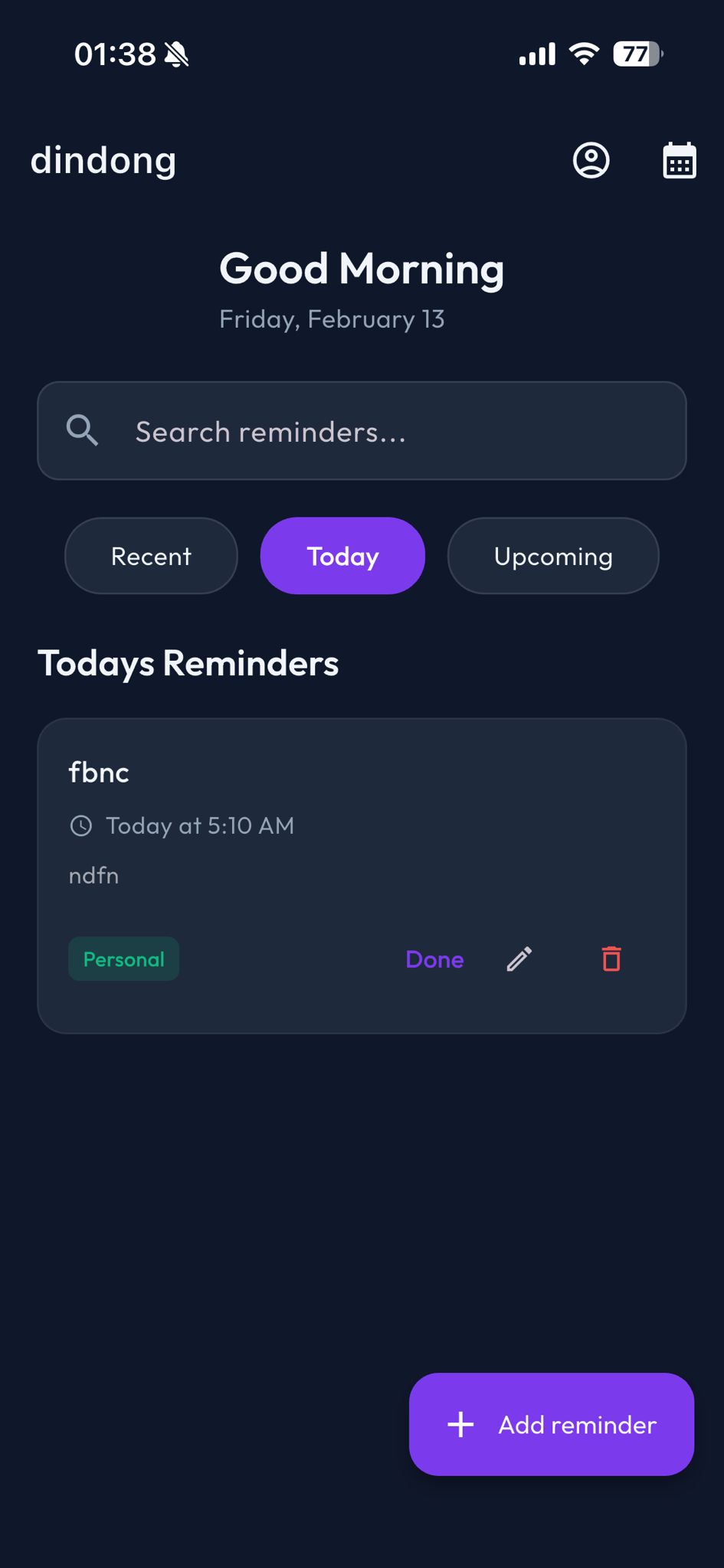
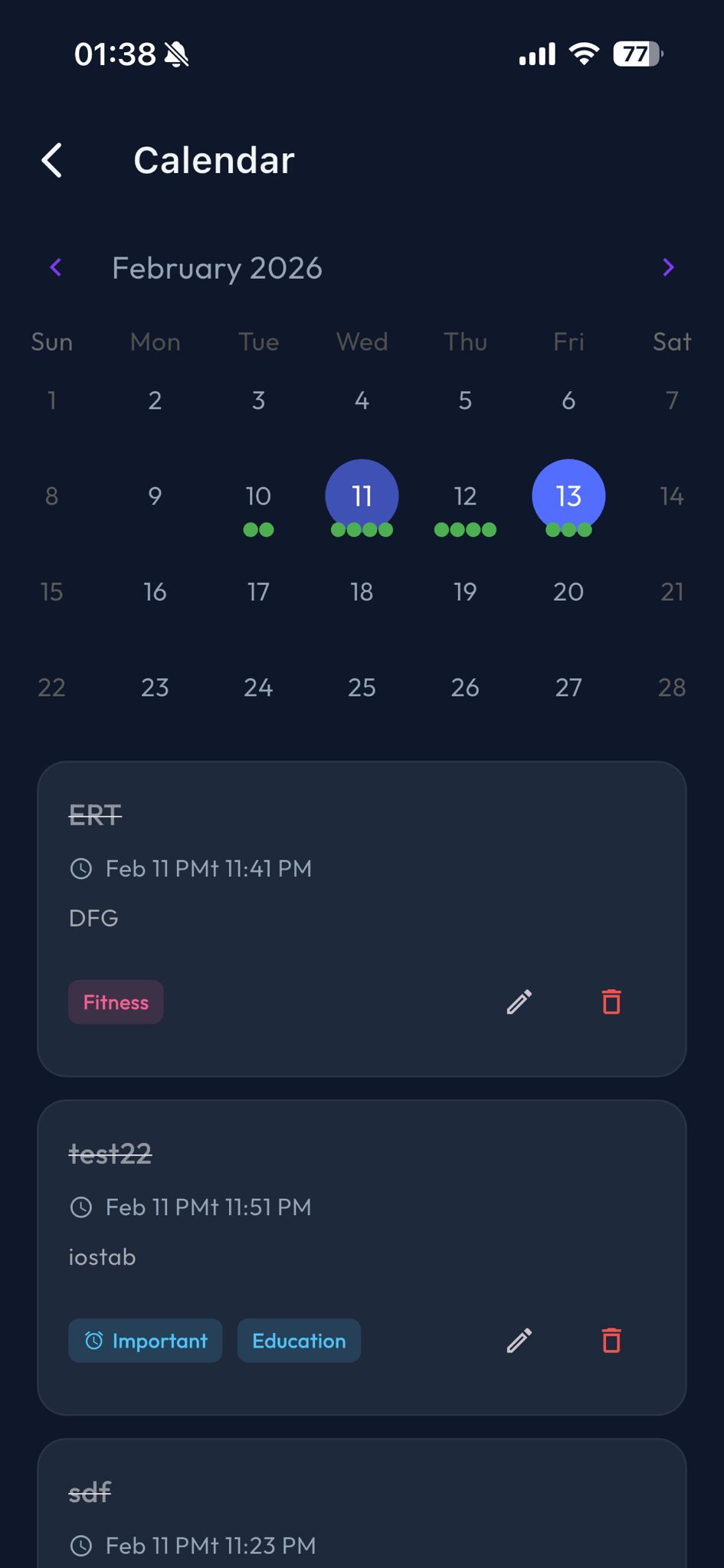
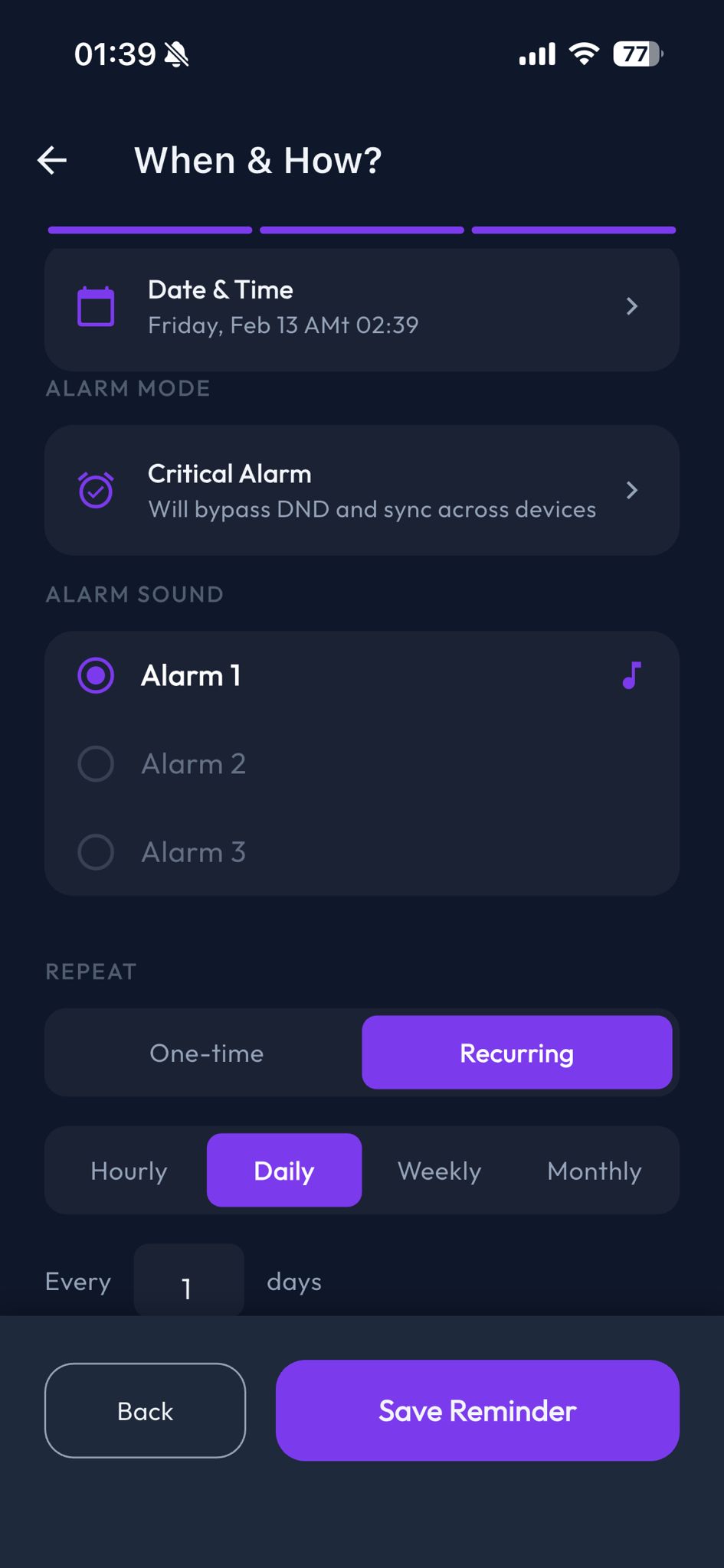
Notification-Level Control: Most tasks are managed without ever opening the app. Users can snooze for custom durations (like exactly 22 minutes) directly from a notification. Cross-Device Alarm Sync: If an alarm rings on your iPhone, your Android tablet rings simultaneously. Dismissing it on one device kills the alarm on all others instantly. Robust Recurrence: Features a powerful engine for hourly, daily, weekly (multiple days), and monthly tasks. Cloud-Native yet Offline-Ready: Data streams in real-time via Firestore but stays cached locally for 100% reliability even without a connection.
How we built it
We utilized Flutter for a high-performance, single-codebase UI that feels premium on both platforms.
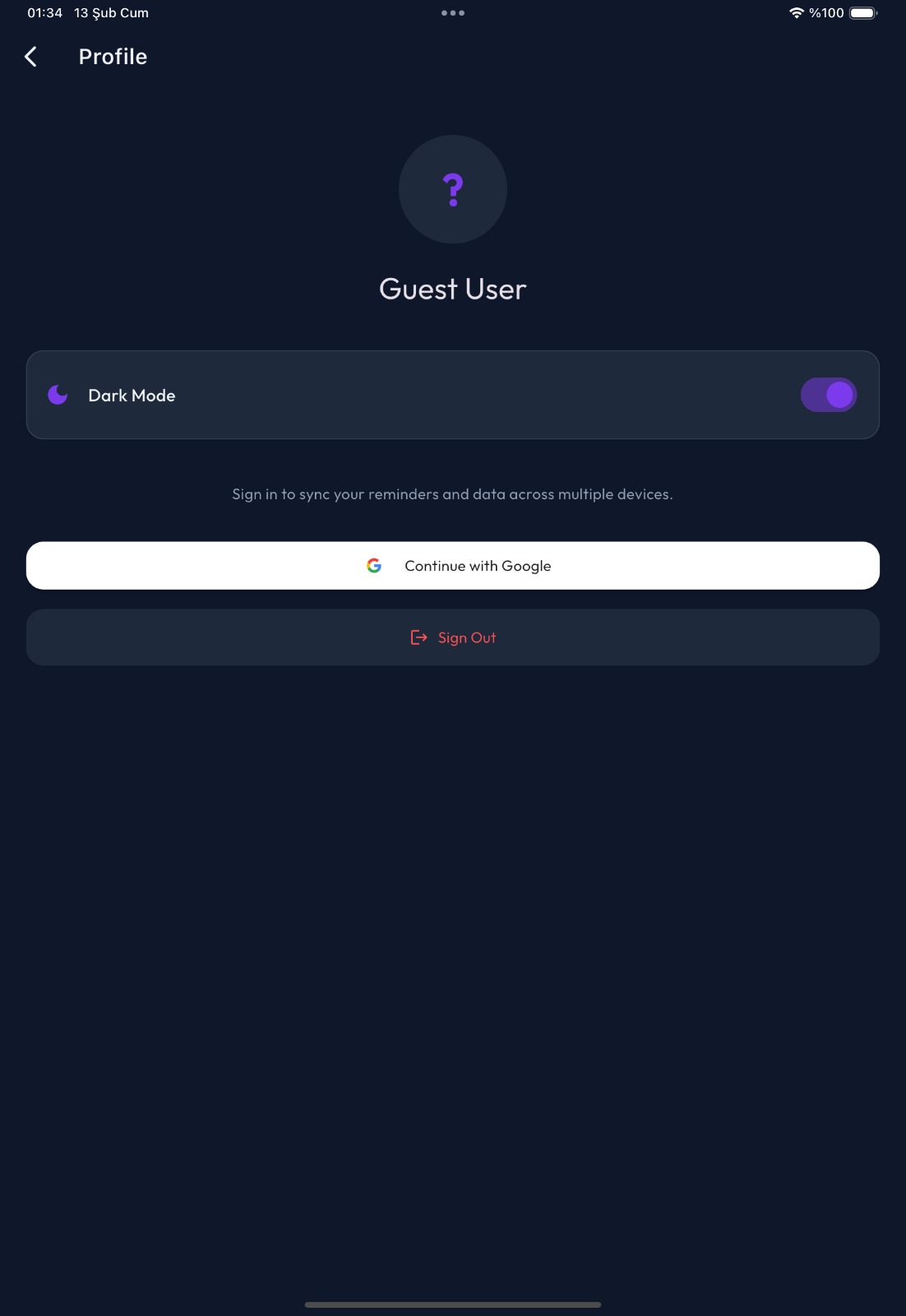
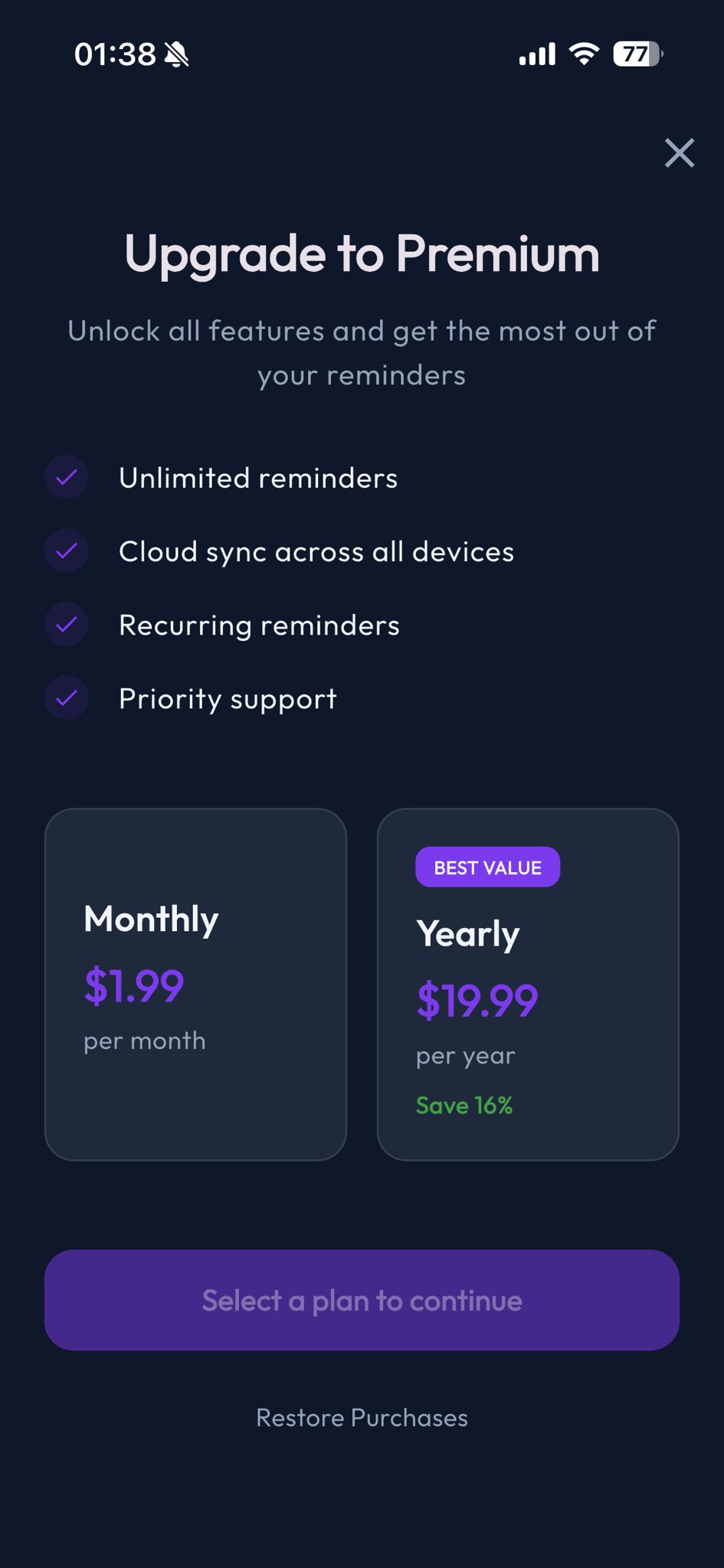
Sync Engine: Built using Cloud Firestore's real-time snapshots, where the app "listens" for changes and automatically schedules or cancels system-level notifications. Authentication: Integrated Firebase Auth (Google and Apple Sign-in) to bridge the identity gap between platforms. Monetization Layer: Powered by RevenueCat. We implemented a "Pro" entitlement system that unlocks unlimited reminders (free users are capped at 2 per day) and enables the cross-device sync features. Architecture: Followed a clean StateNotifier (Riverpod) architecture to separate the complex notification logic from the UI.
Challenges we ran into
The biggest technical hurdle was Background Sync & Alarm Triggering. On mobile, background execution is strictly limited. We had to architect a system where a data change in Firestore (e.g., "isRinging: true") could be picked up by a background listener and immediately trigger the alarm package's high-priority audio player on a secondary device without the user having to manually refresh the app.
Accomplishments that we're proud of
We are incredibly proud of the Real-time "Dismiss Anywhere" feature. There is a specific magic to seeing an old tablet on your desk stop ringing the exact second you hit "Done" on the watch or phone in your hand. We successfully moved the complexity of the "Reminder" state into the cloud while keeping the user experience snappy and local.
What we learned
We learned that building a "reliable" reminder app is significantly harder than building a "to-do" app. It requires deep knowledge of OS-level notification channels, timezone interpretation (handling transitions between devices in different locations), and the precise timing of audio streams. We also learned how to leverage RevenueCat to handle complex subscription states across different app stores seamlessly.
What's next for dindong - Sync Smart Reminder
Interactive Widgets: Bringing the "Power Snooze" buttons to the iOS and Android home screens. Rich Media Reminders: Attaching voice notes or photos to reminders that sync across the device cloud. AI Planning Layer: Analyzing your "Dismissal" history to suggest better times for recurring tasks (e.g., "You always snooze 'Water Plants' by 30 minutes; should we move it to 6:30 PM?").

Log in or sign up for Devpost to join the conversation.