Digital Screensaver Clock
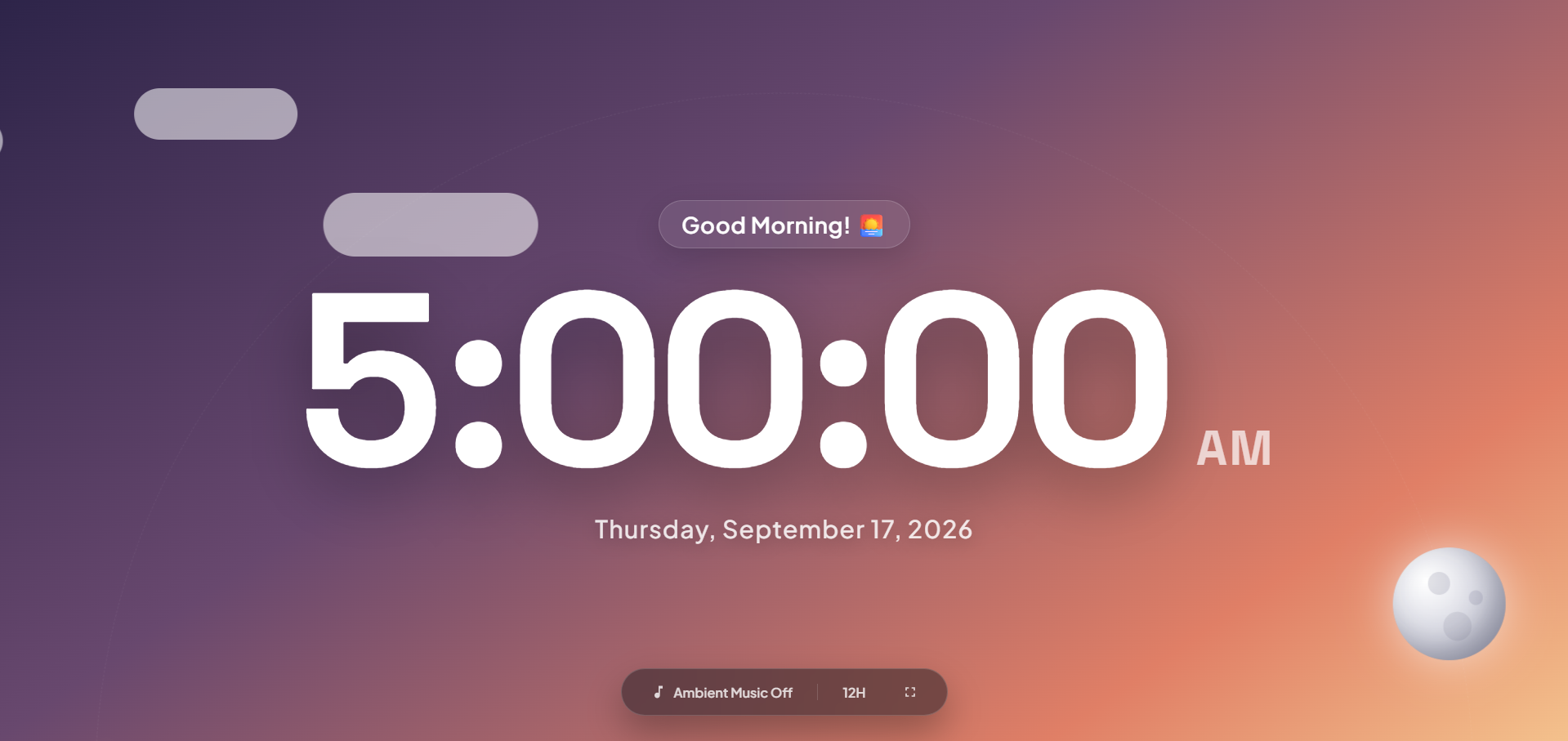
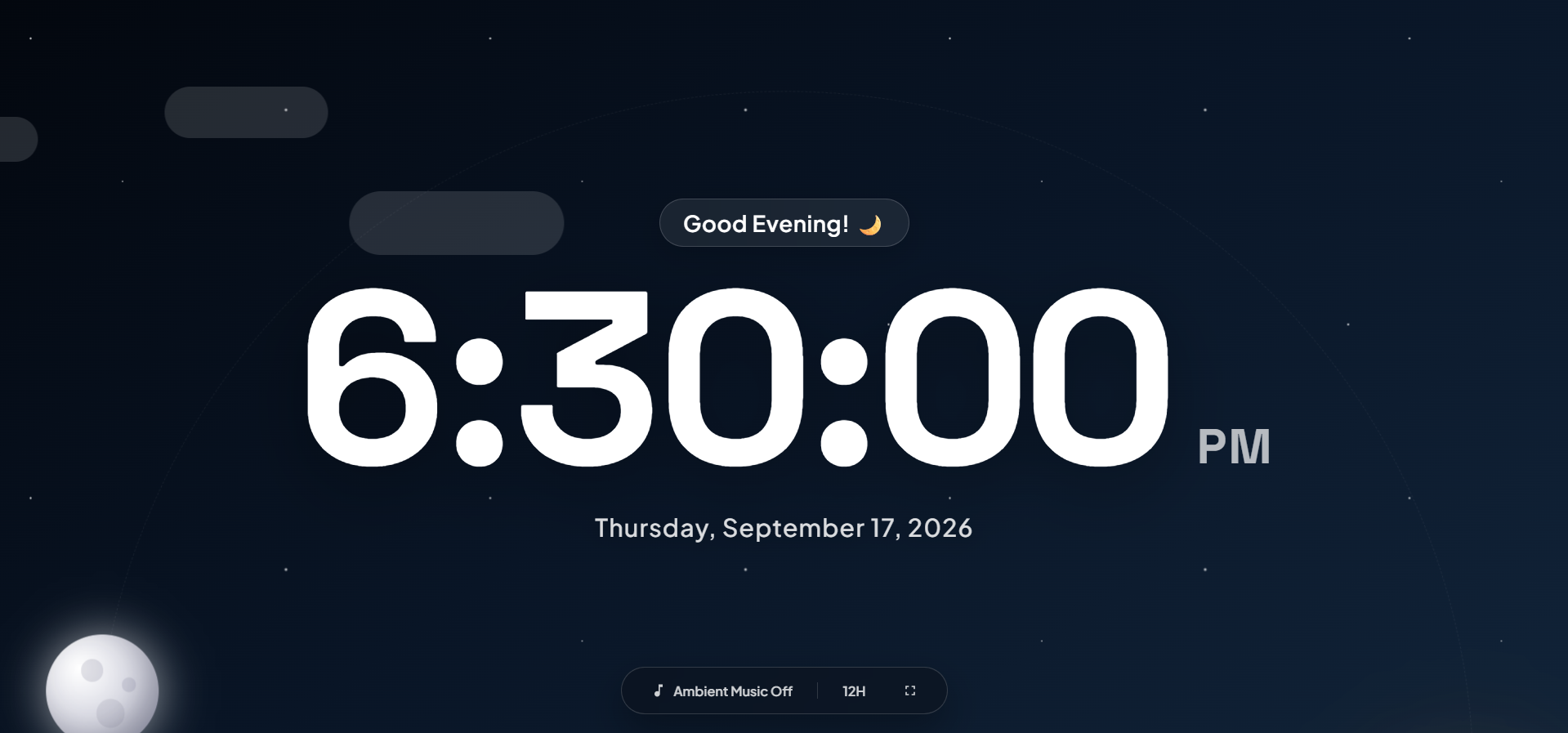
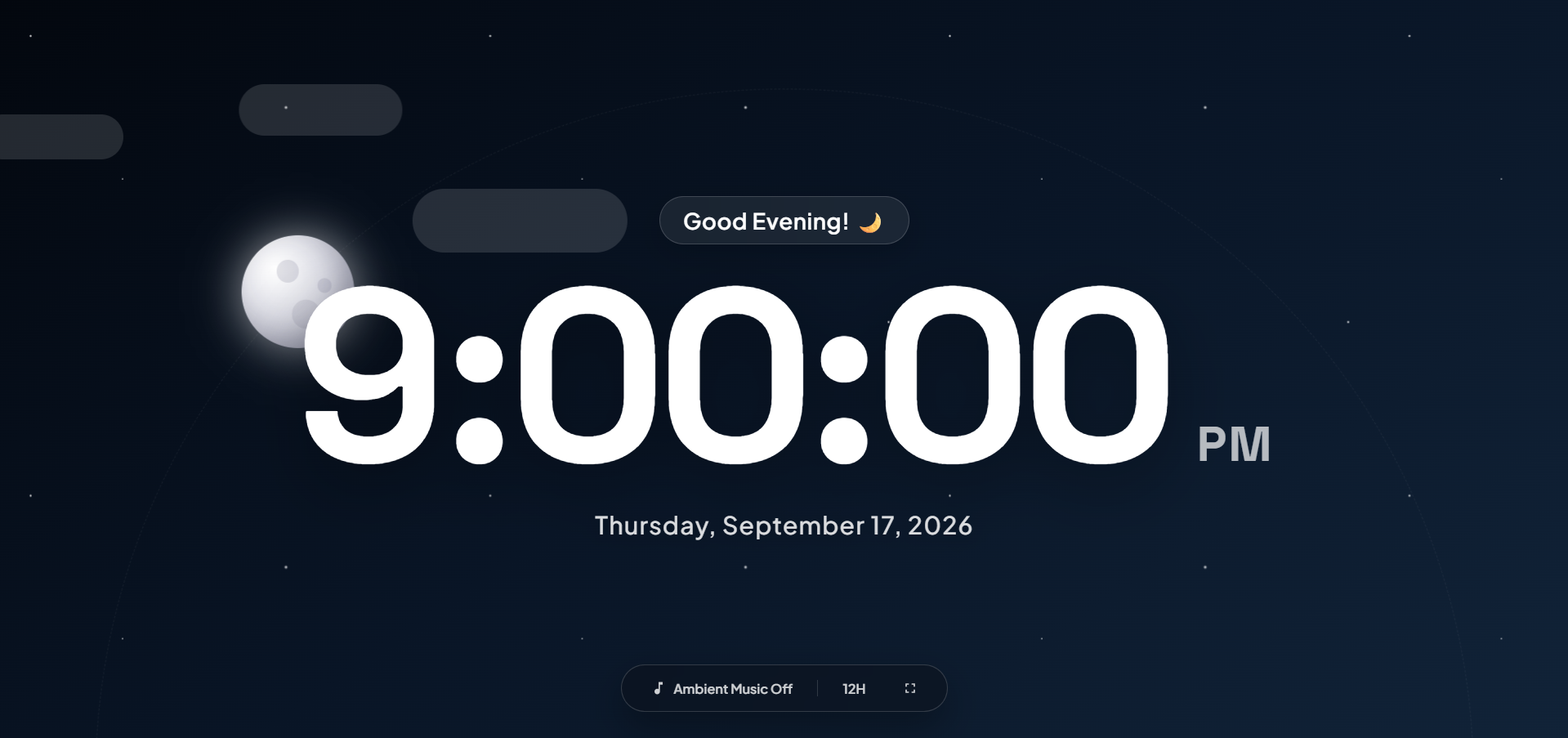
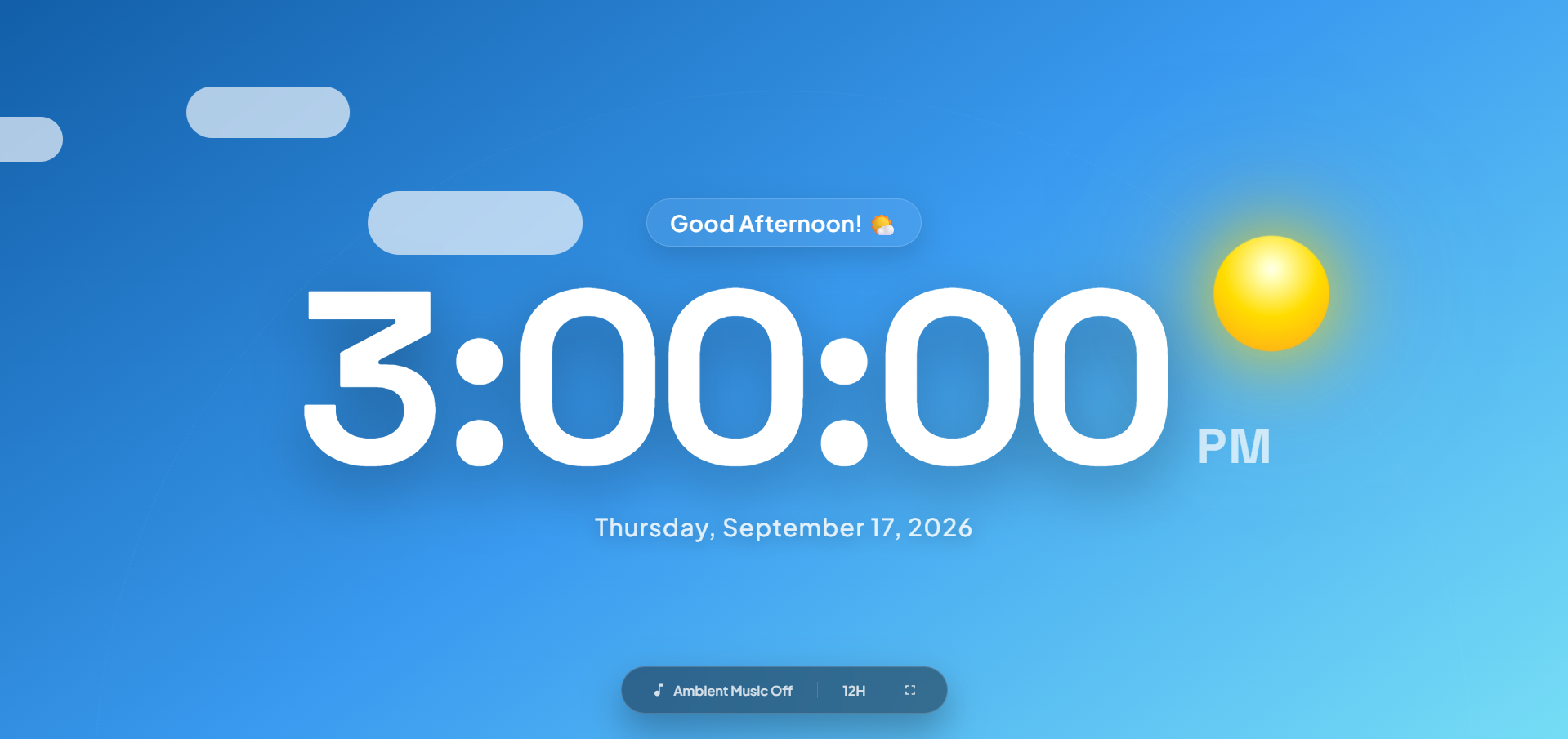
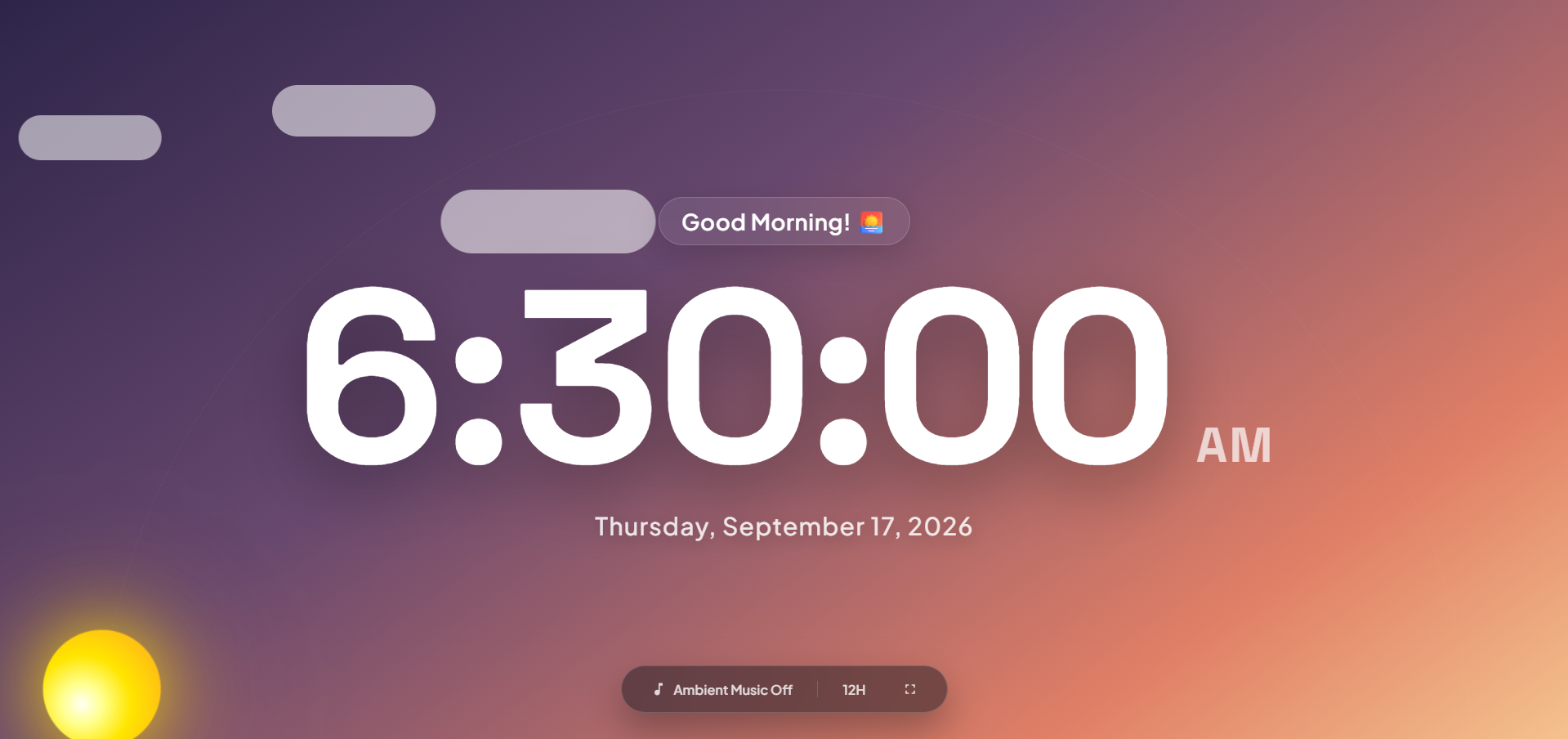
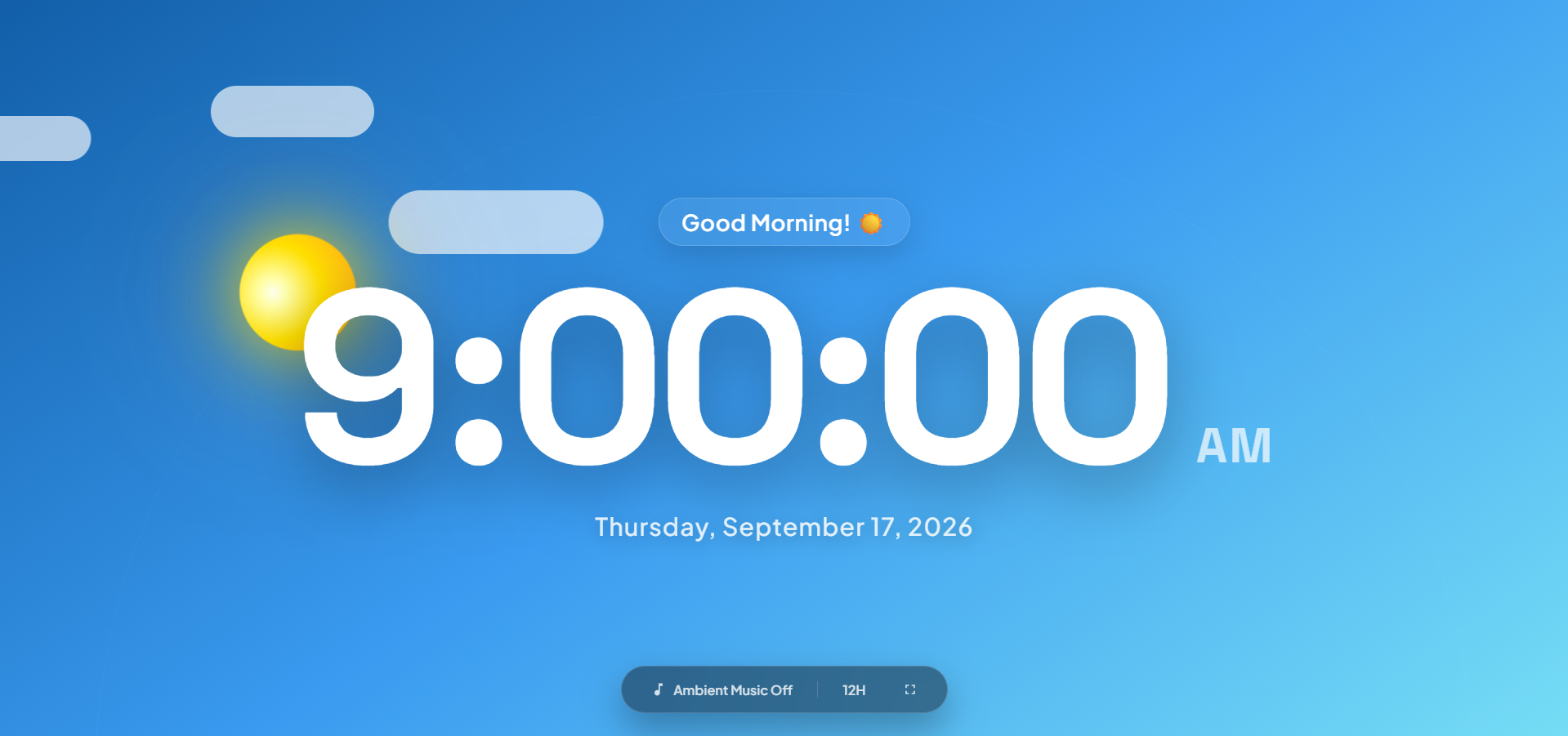
Digital Screensaver Clock is a browser-based digital clock designed for desktops ONLY, workspaces, and fullscreen displays. It combines a large live clock with animated day and night scenes, celestial motion, clouds, stars, contextual greetings, and optional generative ambient music.
Features
- Large live clock with seconds and the current date
- 12-hour and 24-hour time formats
- Sunrise, daytime, sunset, and nighttime visual themes based on the local time
- Animated sun and moon orbit with clouds, stars, and nighttime shooting stars
- Optional generative ambient music with warm synthesized chords and subtle tape texture
- Fullscreen mode for use as a desk display or screensaver
- Screen Wake Lock support to help keep the display awake
- Controls and cursor that automatically hide after a period of inactivity
- Keyboard shortcuts for fullscreen and ambient music
Requirements
- A modern web browser with JavaScript enabled
- Internet access for the Google Fonts stylesheet
- Browser support for the Fullscreen, Web Audio, and Screen Wake Lock APIs for the related optional features
No server, database, package manager, or build step is required.
Getting Started
Clone or download this repository.
git clone <repository-url>
cd digitalclock
Open
index.htmldirectly in a browser.A local web server is recommended for the most consistent browser behavior:
python -m http.server 8000Visit http://localhost:8000.
How to Use
- Open the page and leave it running as a desk clock or ambient display.
- Use the dock at the bottom to toggle ambient music, switch between 12H and 24H formats, or enter fullscreen mode.
- Move the mouse or press a key to reveal the controls after they have been hidden.
- Use
Mto toggle ambient music andFto toggle fullscreen mode.
The displayed scene updates automatically according to your device's local time. Ambient music begins only after you enable it, because browsers generally require a user interaction before audio can play.
Project Structure
digitalclock/
├── index.html
├── LICENSE
└── README.md
Technologies
- HTML5
- CSS3 animations and gradients
- Vanilla JavaScript
- Web Audio API for generated ambient music
- Fullscreen API
- Screen Wake Lock API
- Google Fonts via CDN
Notes
- The clock uses the local time and locale settings of the device running it.
- Fullscreen and Screen Wake Lock support depends on the browser and may require the page to be served from a local web server.
- Ambient music is generated locally in the browser and is not streamed from an external audio service.
- The Google Fonts stylesheet requires an internet connection. The rest of the app is contained in
index.html.
License
This project is released under the MIT License. See LICENSE for the full license text.

Log in or sign up for Devpost to join the conversation.