-
-
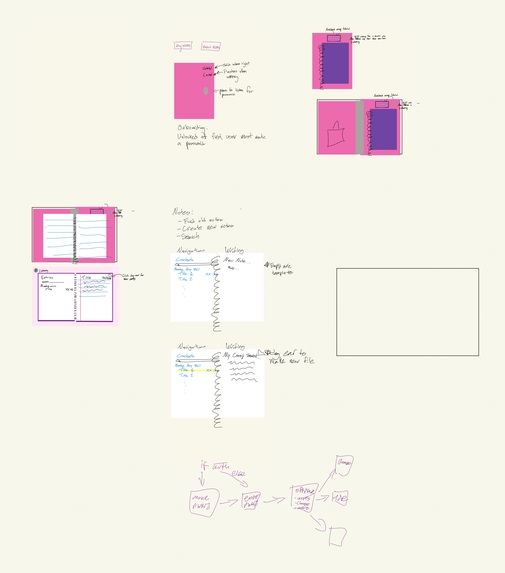
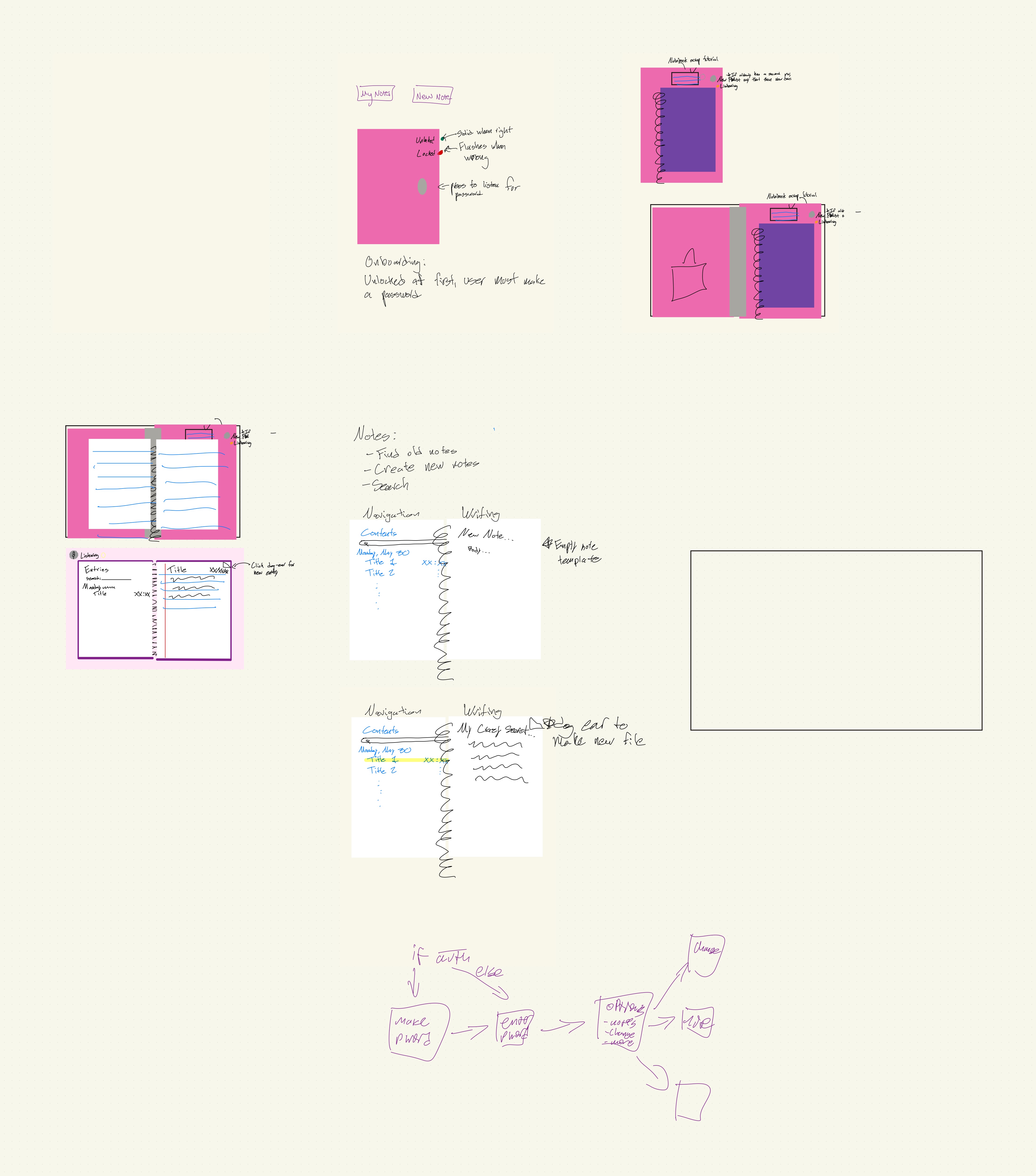
Early Design Concepts and Ideas
-
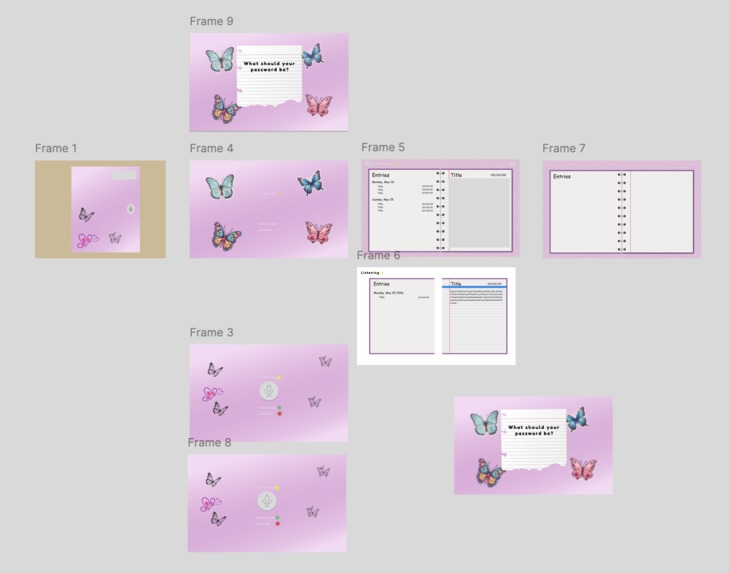
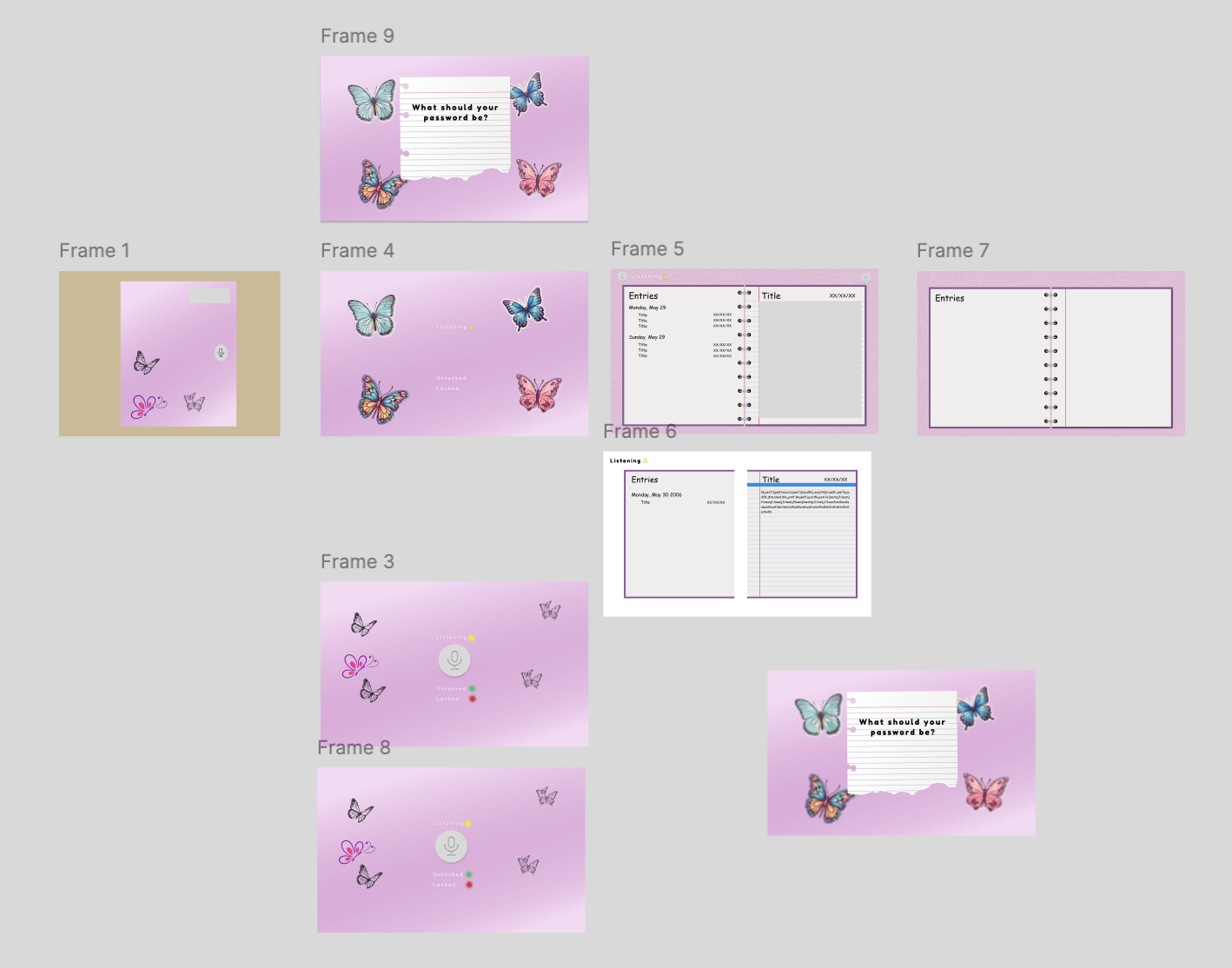
Figma Design Board
Inspiration
As kids, we all had a favorite novelty toy near and dear to our hearts, that as was we aged, were replaced with purely utilitarian apps that lacked the nostalgia and appeal of these original toys. One such beloved toy is the Mattel Secret Password Journal. We decided to bring the functionality and aesthetic of this toy into the modern age via digital application.
What it does
Our app takes a super-secret codeword from the user and saves it as a password that can only be inputted by the user’s unique voice. Users can then write to their hearts' content knowing their deepest secrets will be safe.
How we built it
We built it with Python, using the Tkinter application to build out the app. We designed the graphics in Figma, and we used generative AI as support.
Challenges we ran into
One of the first challenges we faced was incorporating the Figma designs into the Tkinter code. We solved this by downloading the Figma pages as PNGs, as then using them as the background image of the Home Page and Note interfaces.
Accomplishments that we're proud of
We are especially of being able to implement the voice functionality as we intended. The functionality is very similar to that of the physical Secret Password Journal, as you can make an initial password, change passwords, and unlock the journal with the current password. We are also proud of functionalities such as the blinking lights, the scroll bar in the Notes app, and other minor animations. Last, we are proud of adding a the ever-so-satisfying jingle when you unlock the journal and advance to the Notes page.
What we learned
A big thing was learned was navigating Git commands and using Git as a collaborative interface. We became comfortable with cloning repositories, creating branches, pushing and pulling code, and merging branches to Main. We also learned the basics of web app development, such as the Tkinter library and learning how to resize the interface depending on the size of the window.
What's next for Digital Secret Password Journal
Mainly, we hope to turn this application into a Desktop version, rather than being run through VS Code and Python. Additionally, we hope to implement a fun cursor within the theme of the application, a Quit button in the Notes application, and of course, even more fun and juicy gossip!!!!!!!!
slides: https://docs.google.com/presentation/d/1LTTu_-4dItMPFHTEwbBF5QWmIxpWRTAF2fwOA_ZmJHI/edit?usp=sharing
Built With
- figma
- python
- tkinter


Log in or sign up for Devpost to join the conversation.