-
-

1. Initial online Meeting
-
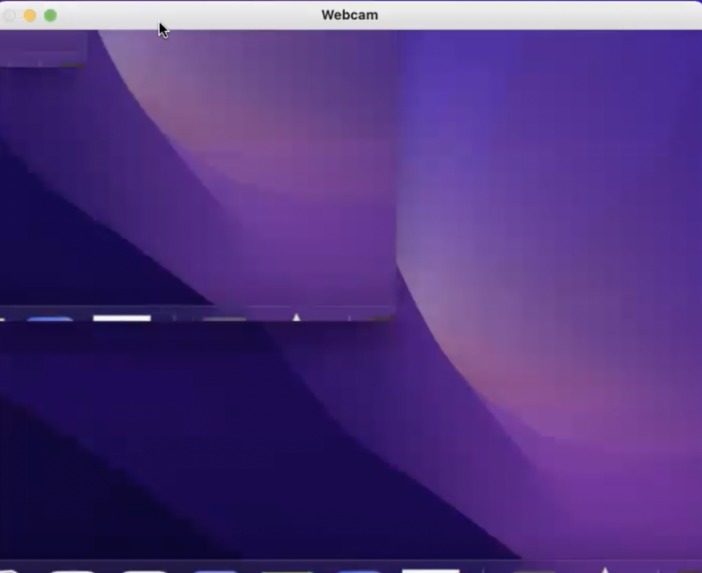
The Webcam recording the computer screen, every 1ms.
-
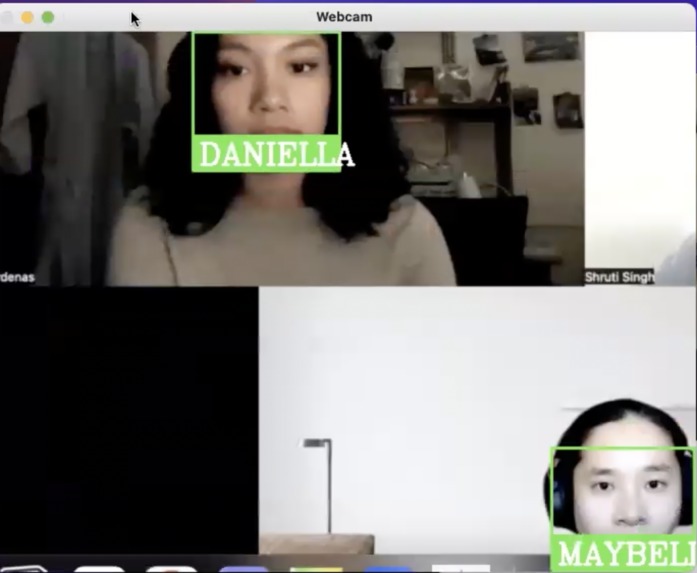
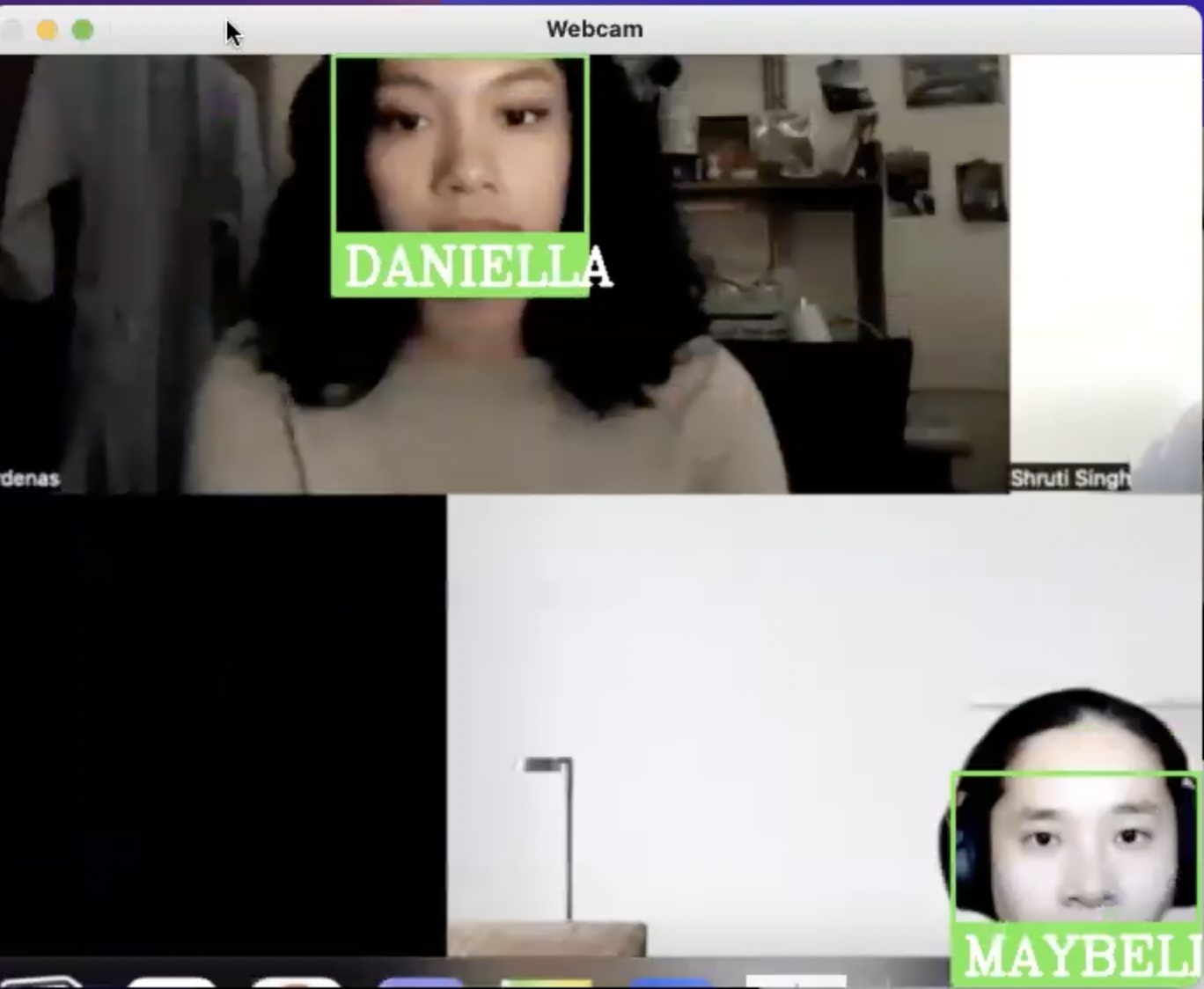
2. Application capturing Daniella's and Maybelle's faces during meeting.
-
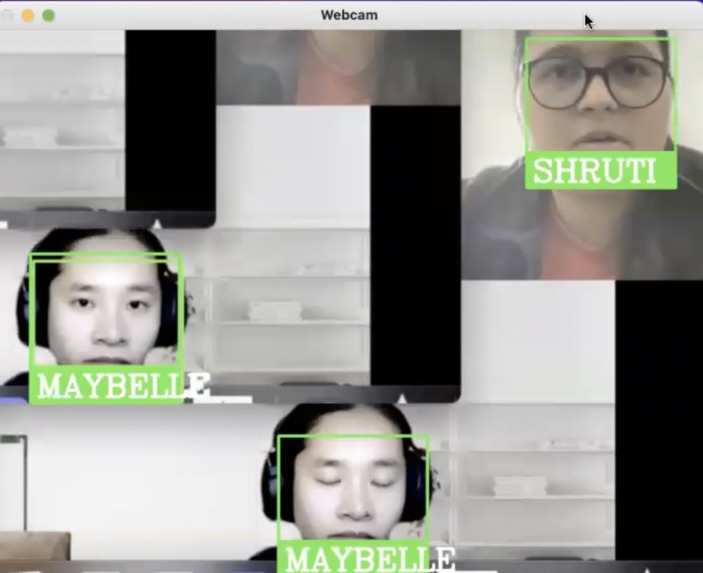
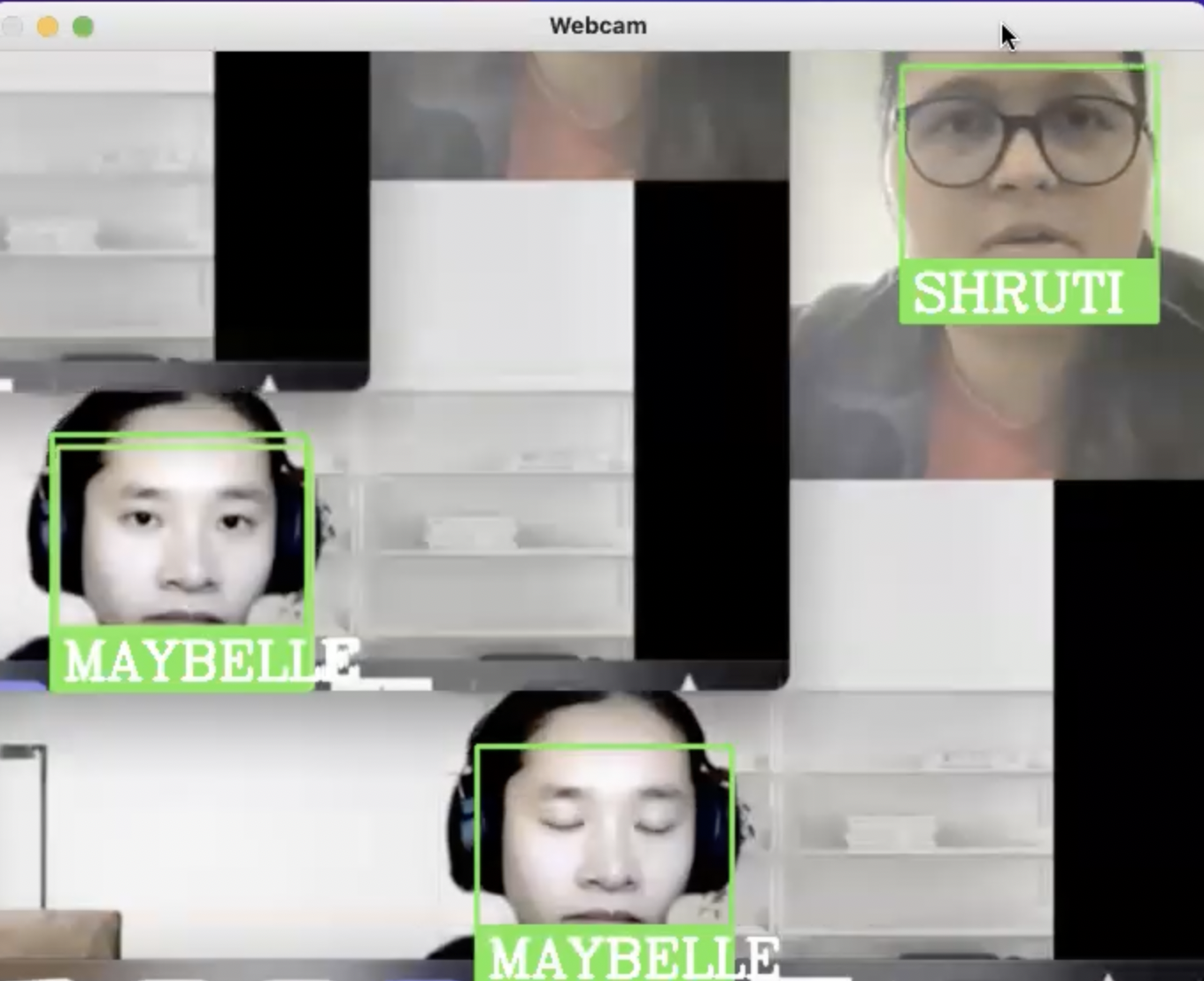
3. Application capturing Shruti's and Maybelle's faces during meeting.
-

4. Attendance recorded in CSV, with names and time.


Inspiration
We were inspired by the increasing use of online meeting platforms like Zoom, Google Meet, Teams used to facilitate classroom learning. For students and teachers that are present in Zoom, attendance plays a big role in encouraging students to come to class and actively participate in lessons. Our objective for DigitalDiva, in brief, is to facilitate a smooth day-to-day life routine, and this implementation will eradicate the possibility of human error, promote timesaving, and eliminate the need for proxy attendance.
What it does
DigitalDiva is an automatic attendance management system. By using Face Recognition technology, we were able to make a portable device for managing the students’ attendance. First, students are encouraged to take a picture of themselves to add into our dataset. Our algorithm is then able to identify everyone using a square overlay with their name on the bottom while noting down (name, time) in an Attendance_ninjas.csv file.
How we built it
We built it using the facial recognition libraries such as Cmake, Dlib, Facial_recognition, ImageGrab, PIL, and Opencv. The facial recognition library only needs one image to detect the face. As the face encodings are pre-defined, we append it into a list in our dataset. We incorporated the compare feature to test our accuracy and return the distance value from the given training image. The ImageGrab from the PIL function helps to capture the computer screen, where we tell it to capture the screen which is our online meeting every 1ms. As this is being captures, to make sure the application is detecting faces we programmed in to include bounding boxes with names for faces detected by the system and then note them down in a CSV file, as Name in one column and Time (24:00 hour format) in another.
We used Twilio to set up automatic responses, record students' attendance information for class, verify students based on their mobile numbers, and record the info down in the system.
Challenges we ran into
Some challenges we ran into was how the screen sharing feature on Zoom and Teams created conflict in using the software. However, we noticed that a lot of instructors tend to take screenshots on their meeting screen for attendance a few minutes after class started. We applied the same strategy as potential teachers and the software worked as intended.
We have members who are beginners in hackathons and are not familiar with how hackathons work. All beginner members were eager to learn and quickly caught up with things and contributed greatly to the project.
Accomplishments that we're proud of
We’re proud of how we coded for the results to be displayed on the screen through our use of computer vision techniques —the box with a name surrounding the face of participants— which visually confirms the attendance being marked. implementation of CSV files to read and write data, allowing for efficiently organized collections of attendance information.
What we learned
While developing this project, we learned more about ways in which we could incorporate different libraries —such as the ImageGrab library, face_recognition library, and OpenCV library— in order to effectively recognize faces. Through this project, we also improved our ability to collect and manage data using CSV files, specifically for tracking class attendance with details such as names and arrival times.
What's next for Digital Diva: Elevating Black Women's Education
At present, our software is designed to support and improve academic settings and student performance, including those that are members of marginalized communities. With possible advancements in our program’s facial recognition capabilities —like increasing the amount of faces that can be scanned and recognized— it has the potential to extend to remote work meetings, providing valuable assistance in these increasingly popular contexts.


Log in or sign up for Devpost to join the conversation.