Inspiration
What it does
How I built it
Challenges I ran into
Accomplishments that I'm proud of
What I learned
What's next for Digital Clock Online
Inspiration
I wanted a wall clock for my desk setup and kitchen that didn't require buying hardware, installing an app, or watching ads. Most "online clock" sites are cluttered with banners and don't stay awake, so the screen dims right when you need the time. Digital Clock Online is the fix: open a tab, go full screen, and you have a clean, always-on clock.
What it does
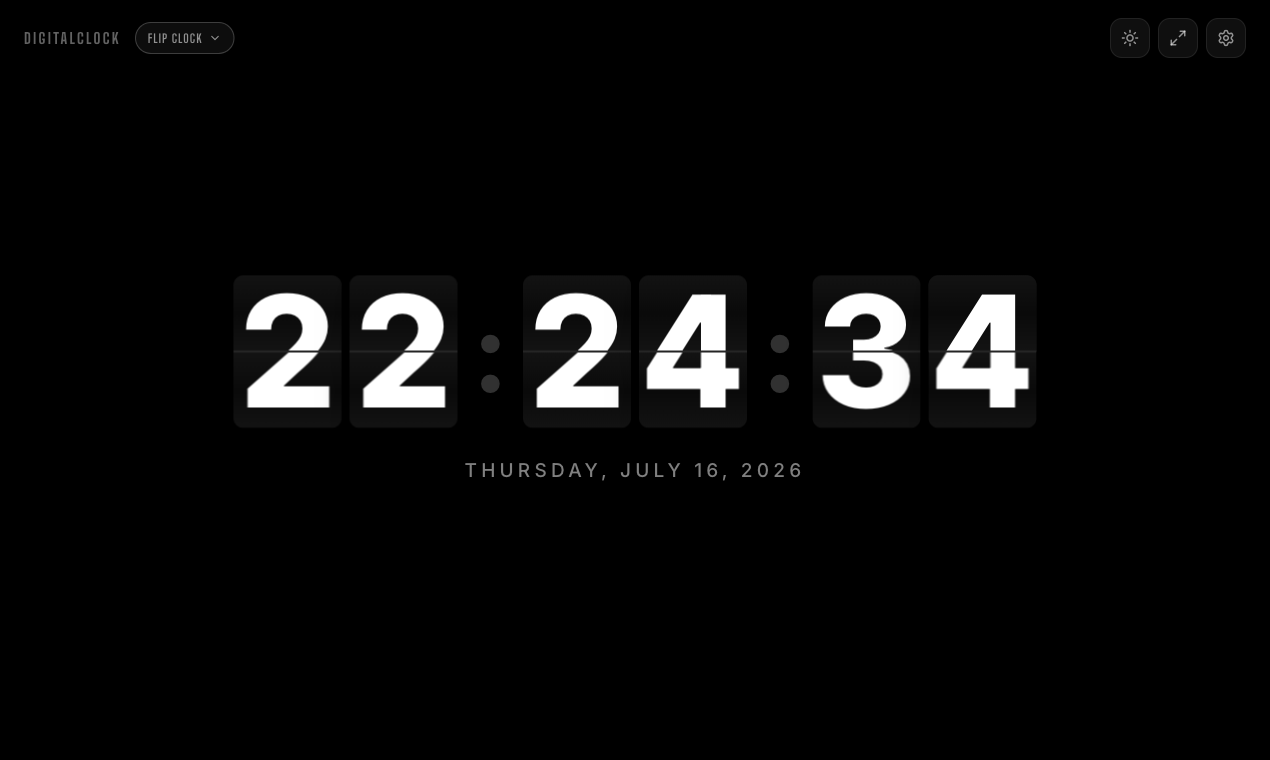
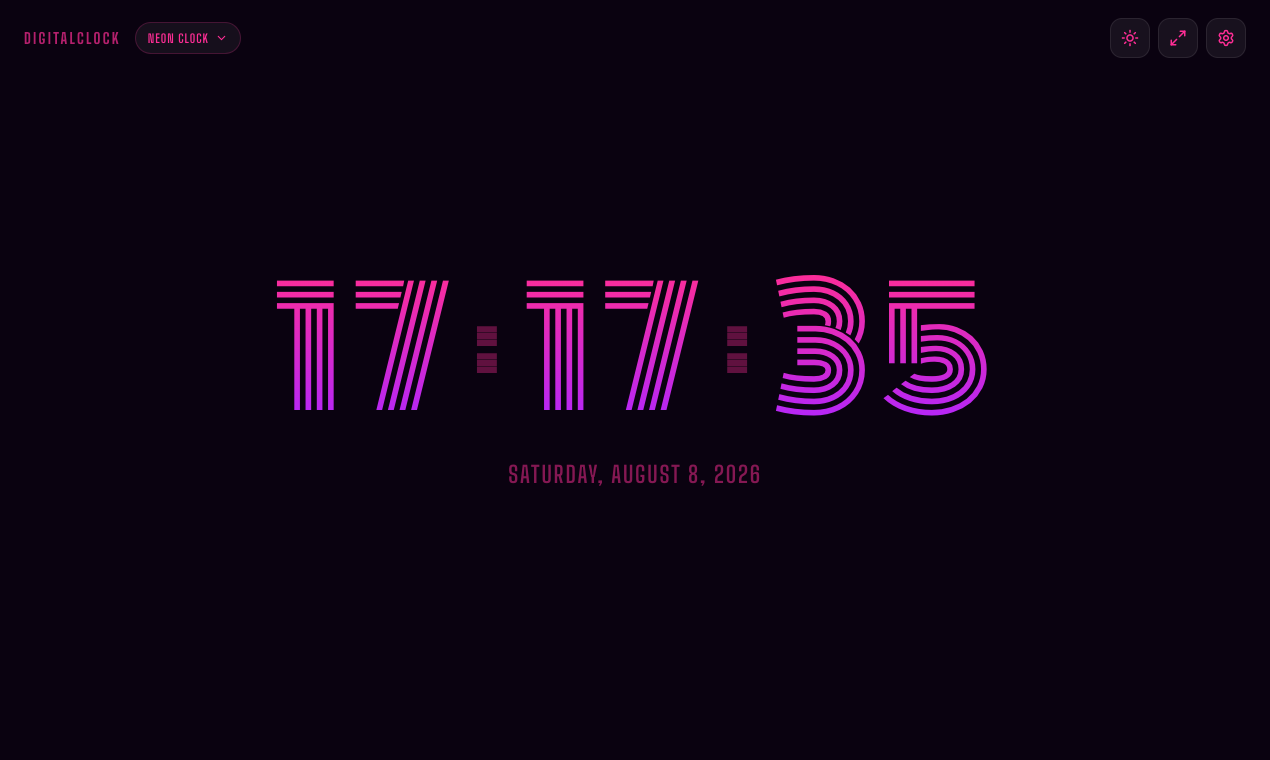
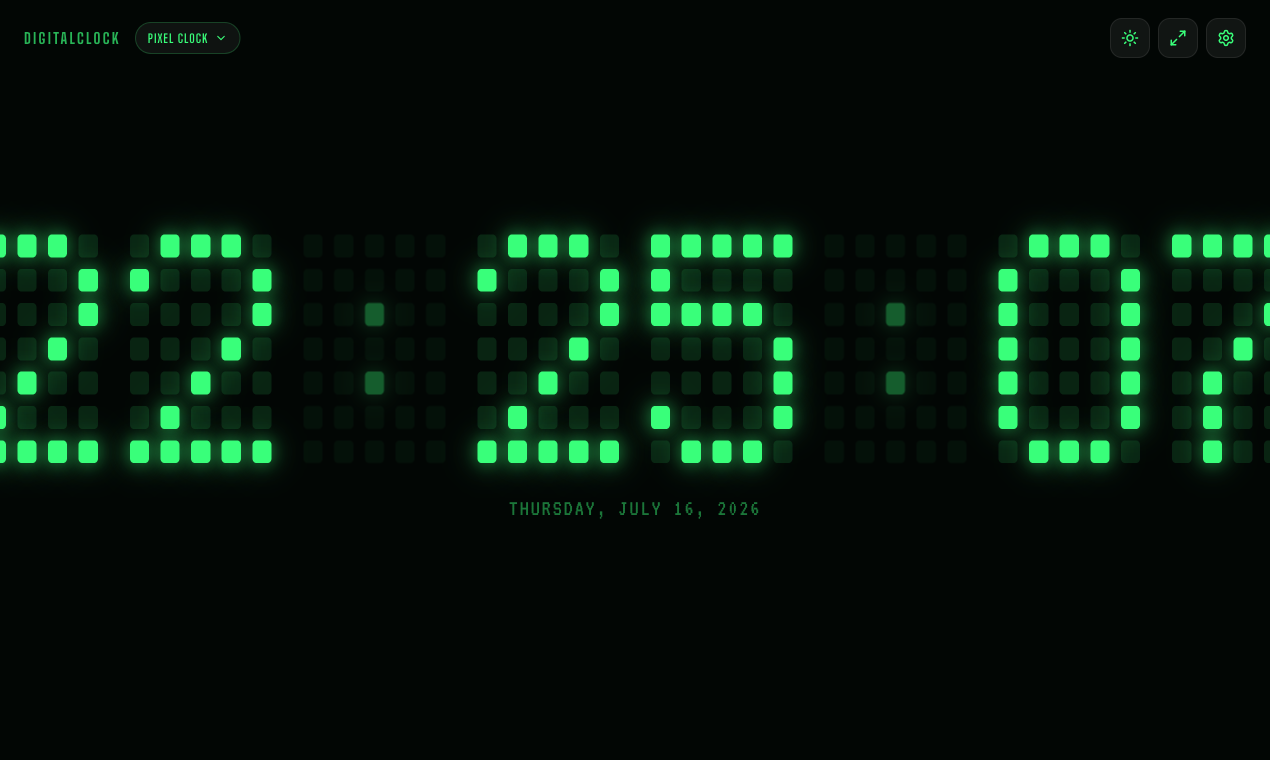
Digital Clock Online is a free, distraction-free, full-screen digital clock that runs entirely in the browser:
- Six retro themes - three mechanical flip variants and three pixel LED variants
- 12/24-hour toggle, optional seconds and date display
- Wake Lock keep-screen-on - the screen never dims, so it works as a real bedside or wall clock
- Offline support - after the first load it works with no connection
- No signup, no ads, no downloads - just open it and it ticks
How we built it
Built with Next.js and React, deployed as a static-first site. Time syncs to the device system clock and renders via requestAnimationFrame for smooth flips. The Screen Wake Lock API keeps displays on across desktop and mobile browsers; a service worker caches the app shell so it runs offline. Themes are pure CSS (3D flip animation for the mechanical faces, a bitmap grid for the pixel LED faces).
Challenges we ran into
- Wake Lock behaves differently across iOS Safari, Android Chrome, and desktop - handling re-acquisition after tab switches took real testing
- Making the flip animation tick precisely on the second without drifting
- Keeping the pixel LED font legible at every viewport size, from phones to projector screens
What's next
More themes, an alarm/stopwatch companion, and a classroom timer mode.
Built With
- css3
- javascript
- next.js
- react

Log in or sign up for Devpost to join the conversation.