-
Hardware Screen
Inspiration
We wanted to find a way to reduce the amount of screen time that students spend on their devices, mainly their smartphones, which could lead to lower knowledge retention or procrastination.
Beyond being a tool for students, we also thought that digiPhotocard can be universally applicable in aiding elderly users or those requiring support such as reminding them about taking medication or family meetings. We found that many people may struggle with the new interfaces being built nowadays so we wanted to make sure our app was simple to navigate and visually pleasing.
What it does
Our app allows the user to navigate through a user-friendly interface in order to upload photos that can be displayed on a small screen. The app also has features of connecting to your calendar so that you can see notifications of events or reminders that you have set up on your calendar, where vibrations and pop-ups on the screen can alert the user about incoming events.
How we built it
We built both software and hardware to demonstrate the functions of this app.
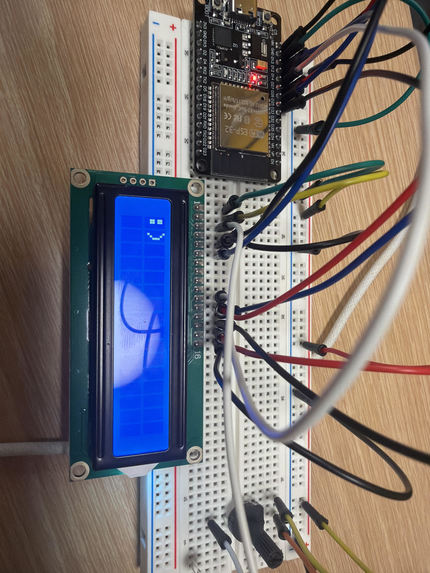
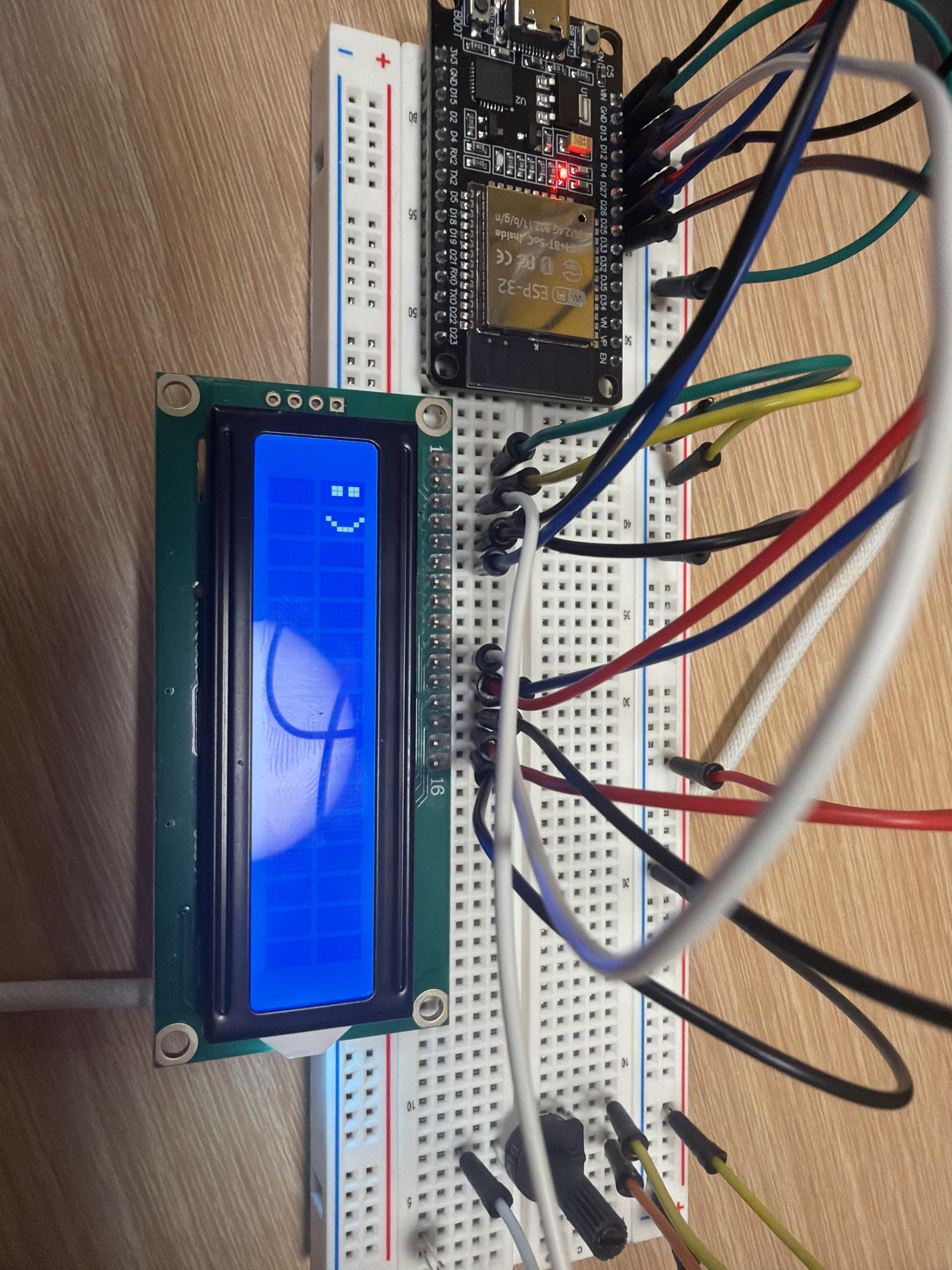
Firstly, the hardware that was set up is used to provide a vision into what we intend for the screen to look like in the scenario of a bigger screen or a screen that can display images with a higher resolution. This was done by connecting the board with a microcontroller, a screen and a potentiometer using wires from the board to the screen. A USB-C wire is then used to import the initial code from a laptop onto the microcontroller.
Secondly, the app that was built was done on Visual Studio and Arduino was used to test the hardware. We used C#/CS and Java/JavaScript as the main programming languages when programming our app and .net was used to run the actual app.
Challenges we ran into
As it was the first time that most of our teammates used C#, it was a challenge to get used to the language as well as the interface and functions of Visual Studio. However, after working together, we were able to overcome our initial problems and start programming. There was a period where our app was not running as intended even though it was debugging properly, posing as a challenge when we had to locate the problem.
Moreover, we had an issue with the hardware at first where the LCD screen would not display the correct text, even when the screen was on. After multiple attempts, we were able to find the right configuration and allow the text that was written on Arduino to be displayed.
Accomplishments that we're proud of
- Getting the hardware to work properly with the code created on Arduino by being able to display text.
- Getting the code for the digiPhotocard app to run and debug without errors, displaying the intended format.
What we learned
Throughout the hackathon, we had a lot of fun and learnt how to stay calm and work slowly through problems that occurred, especially when programming with a relatively new language that most of us did not have prior experience with.
We also learnt quite a few new aspects of the hardware components such as what the specific pins are for and how they work.
What's next for digiPhotocard
Potentially, we hope that we can make the screen that the app uses to display the services solar-powered, taking advantage of renewable energy and reducing the need to purchase batteries, allowing for the screen to be used for a longer period of time without the need to charge using electricity.

Log in or sign up for Devpost to join the conversation.