-
-
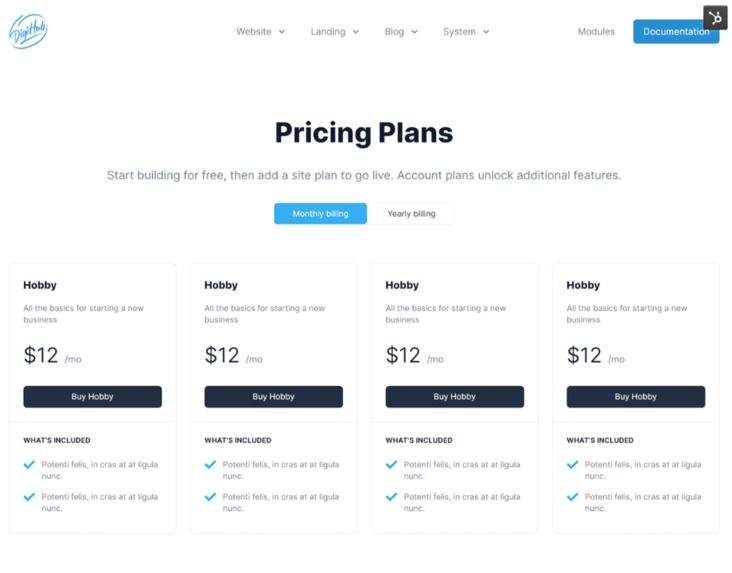
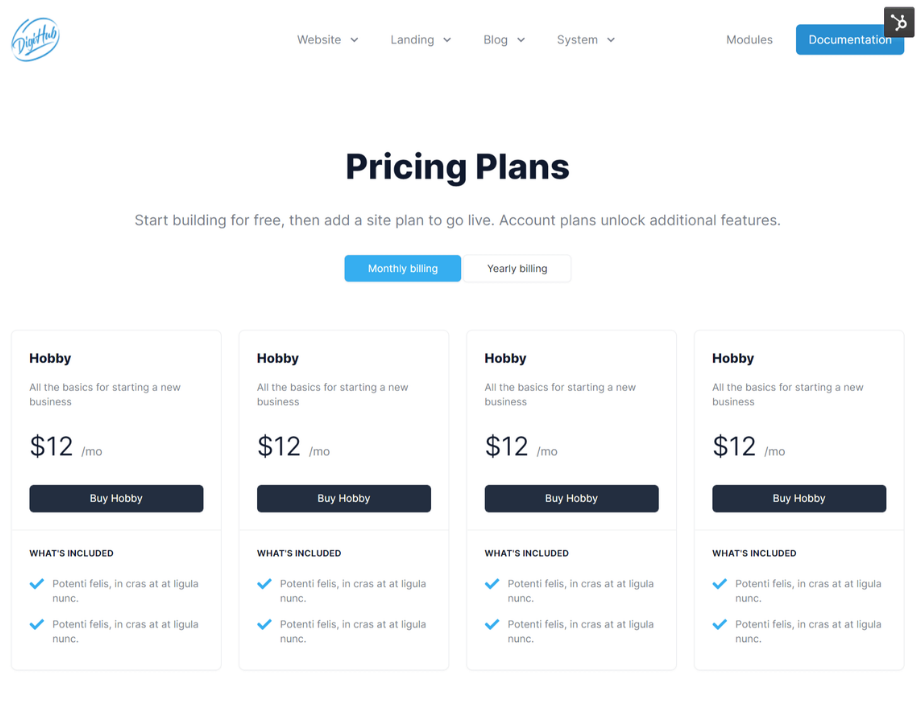
Pricing
-
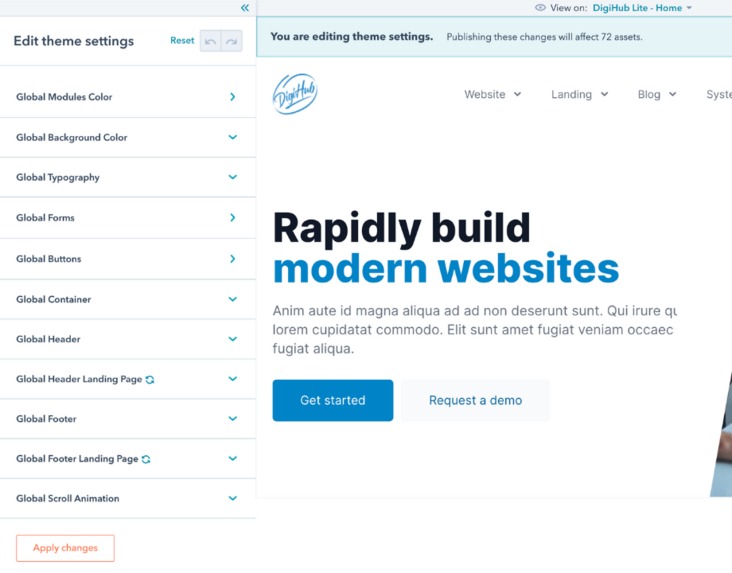
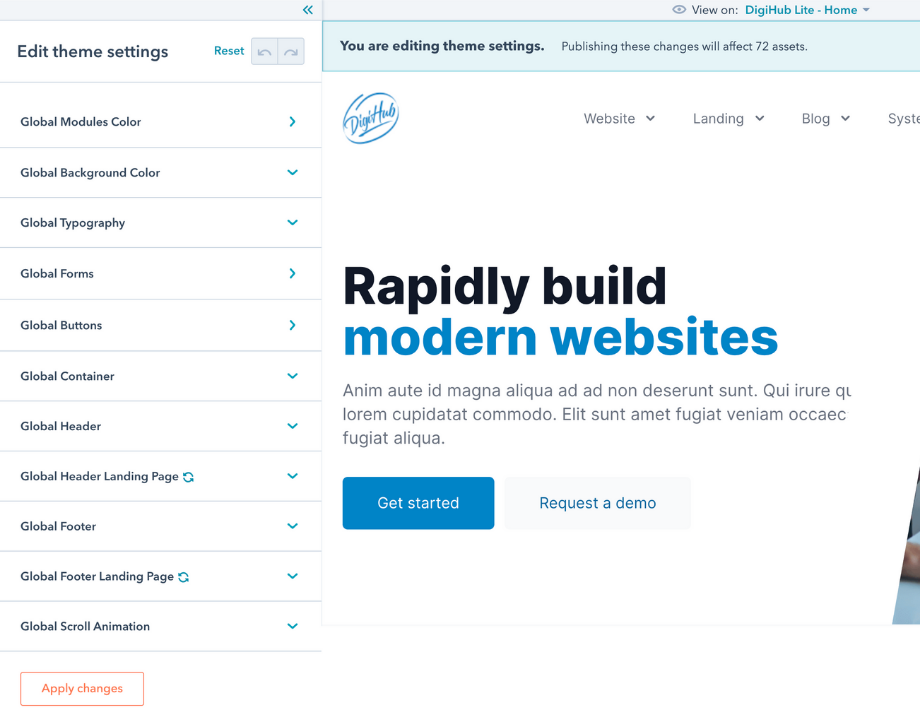
Global Settings
-
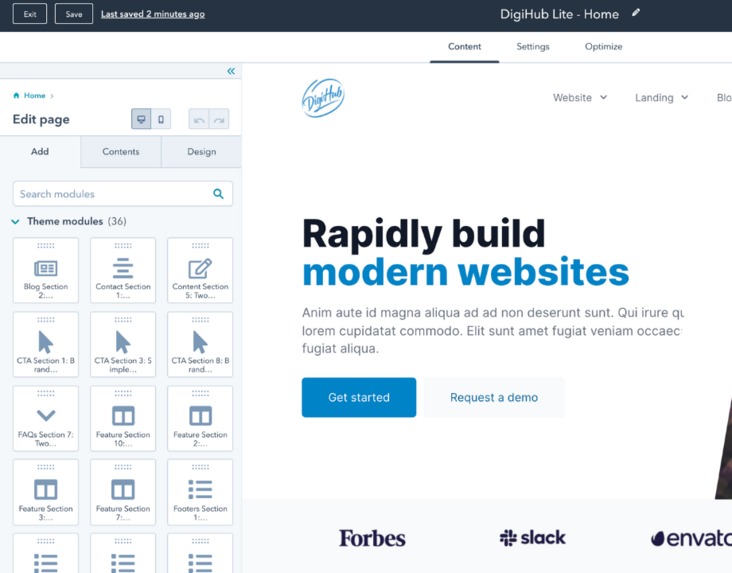
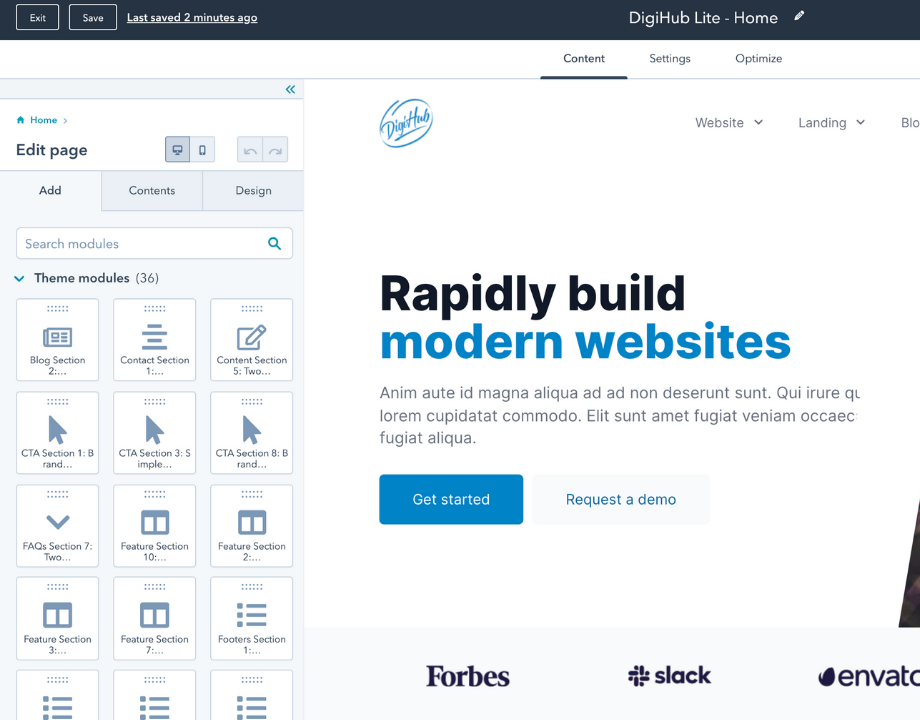
Modules
-
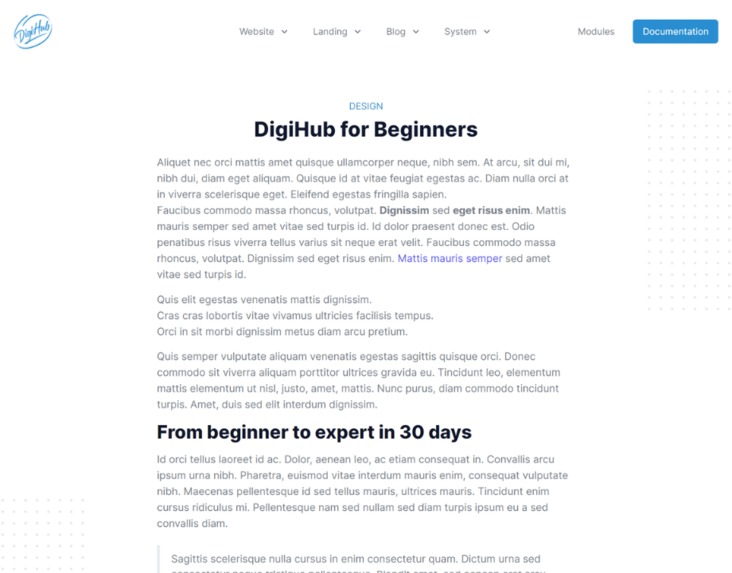
Blog Post
-
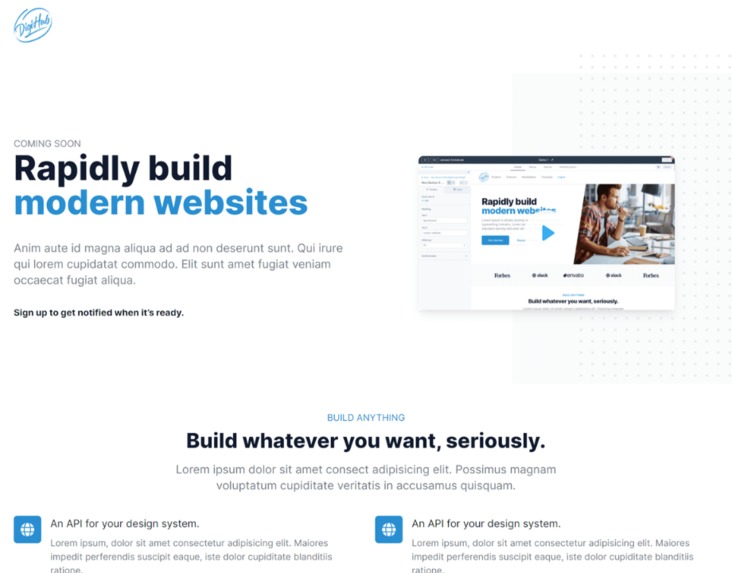
Landing Page
-
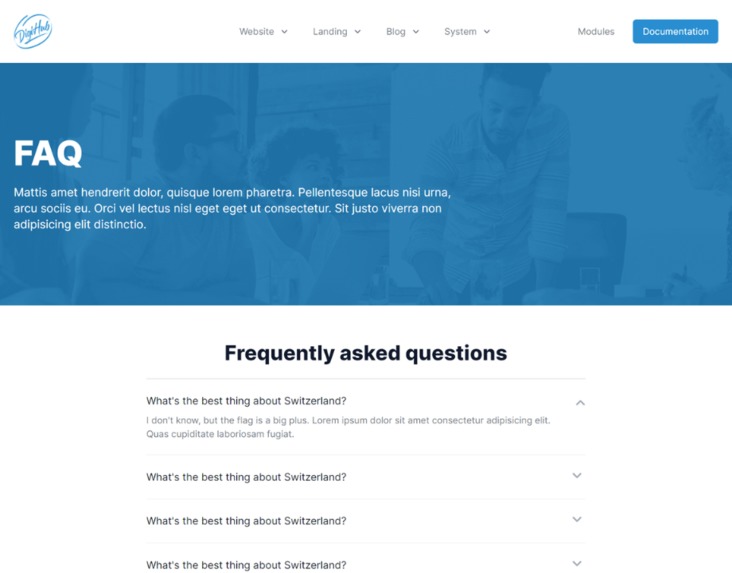
FAQ
-
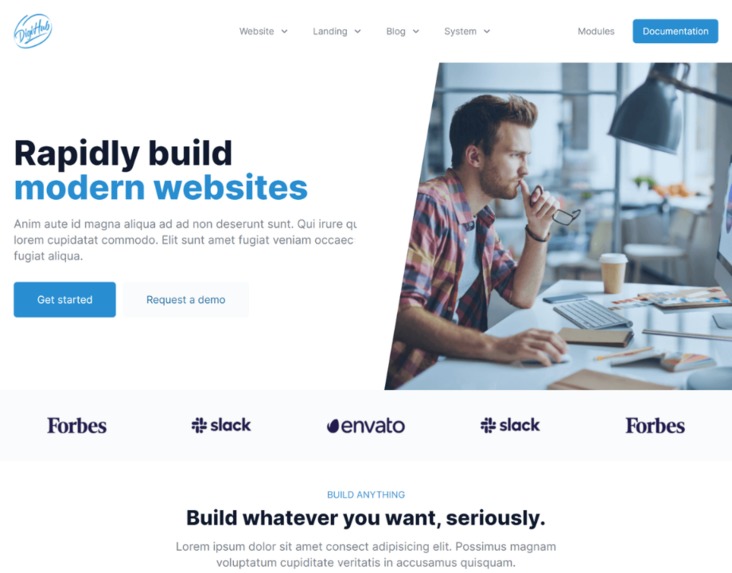
Home Page
-
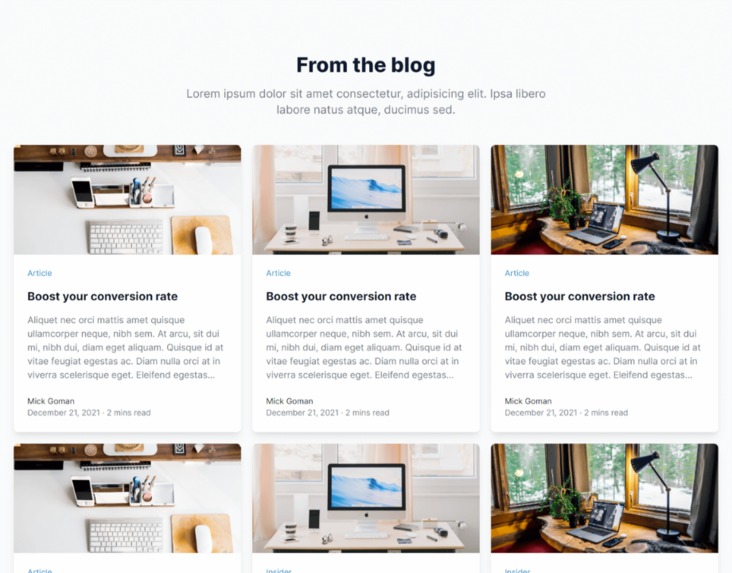
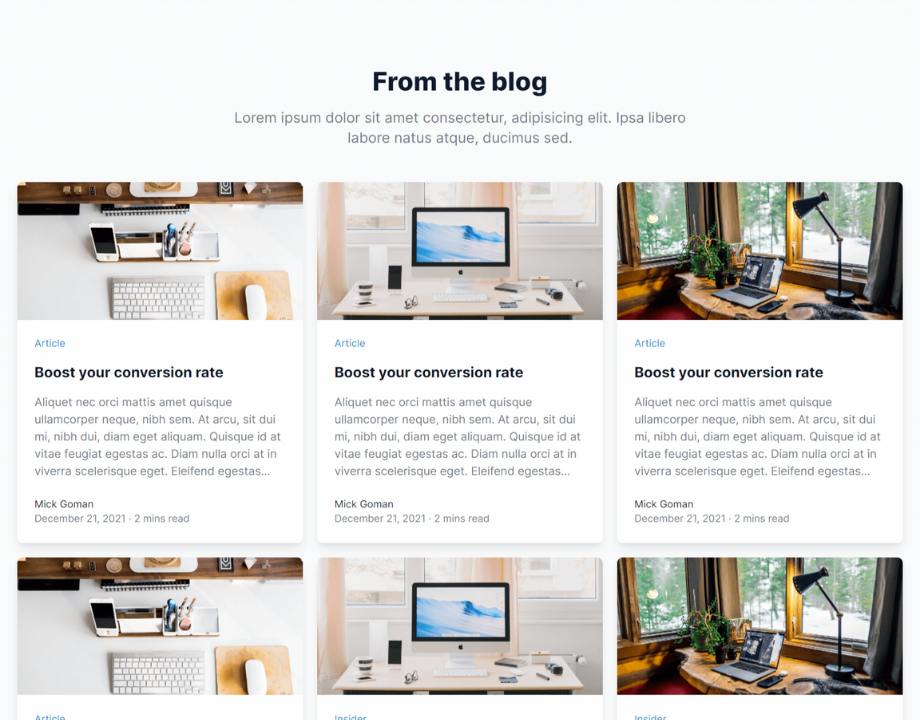
Blog Listing
-
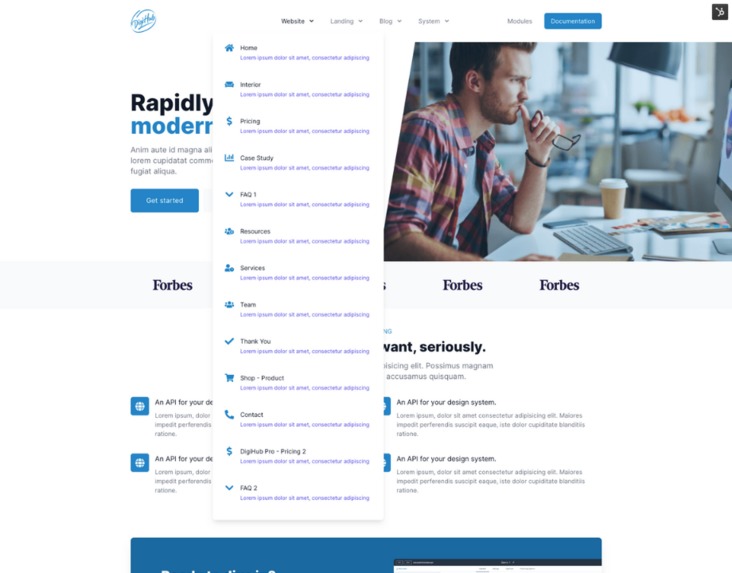
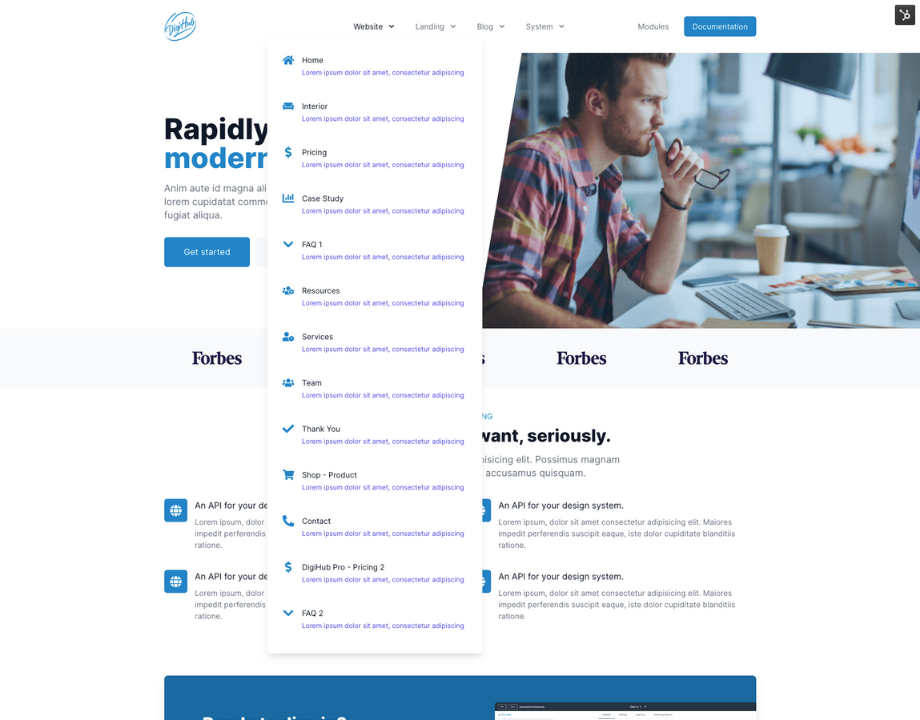
Drop down menu
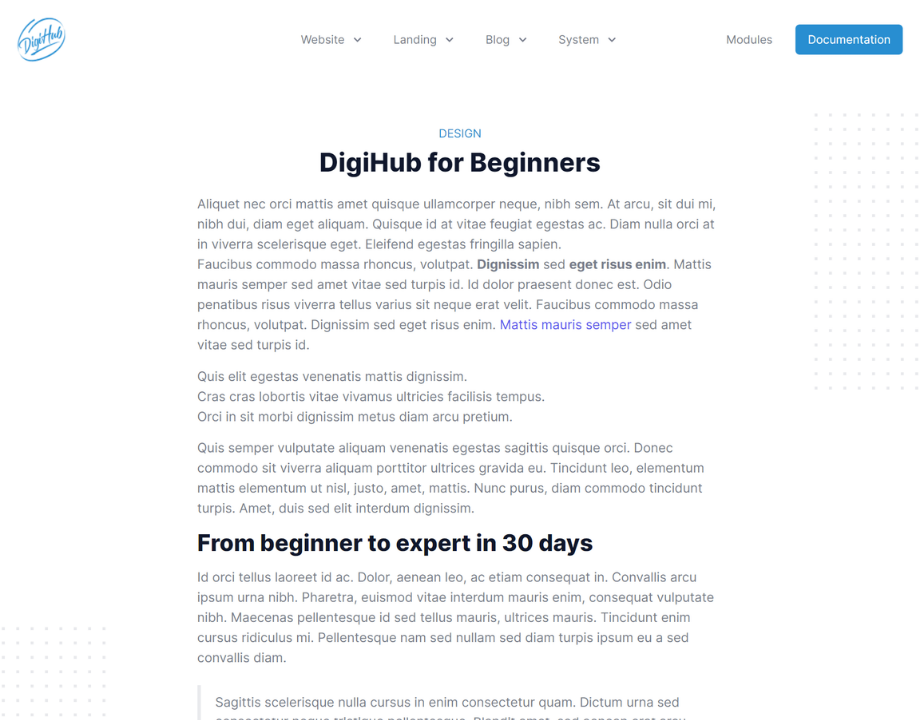
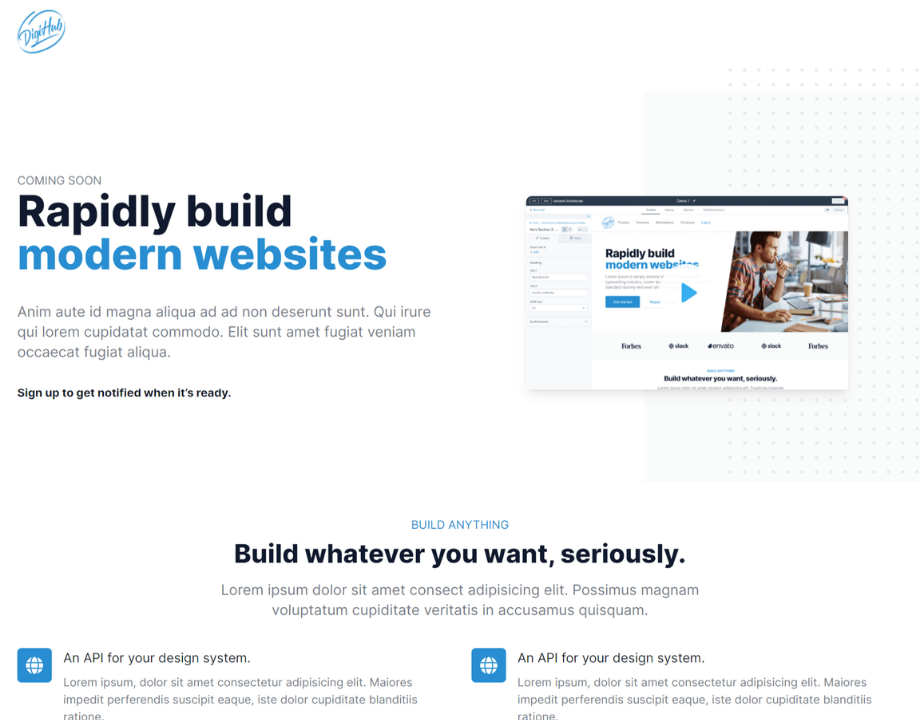
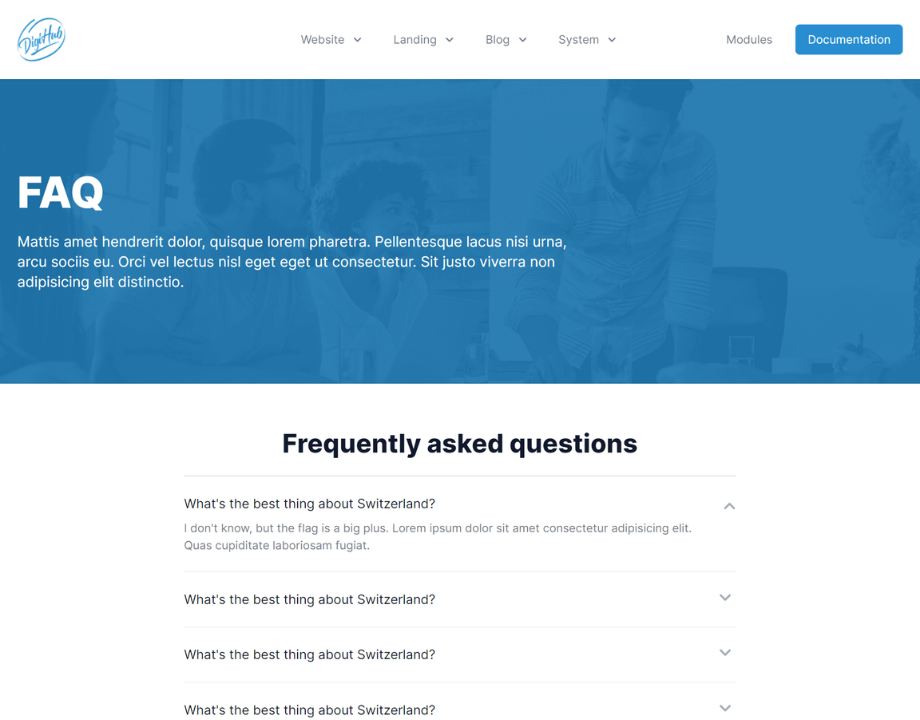
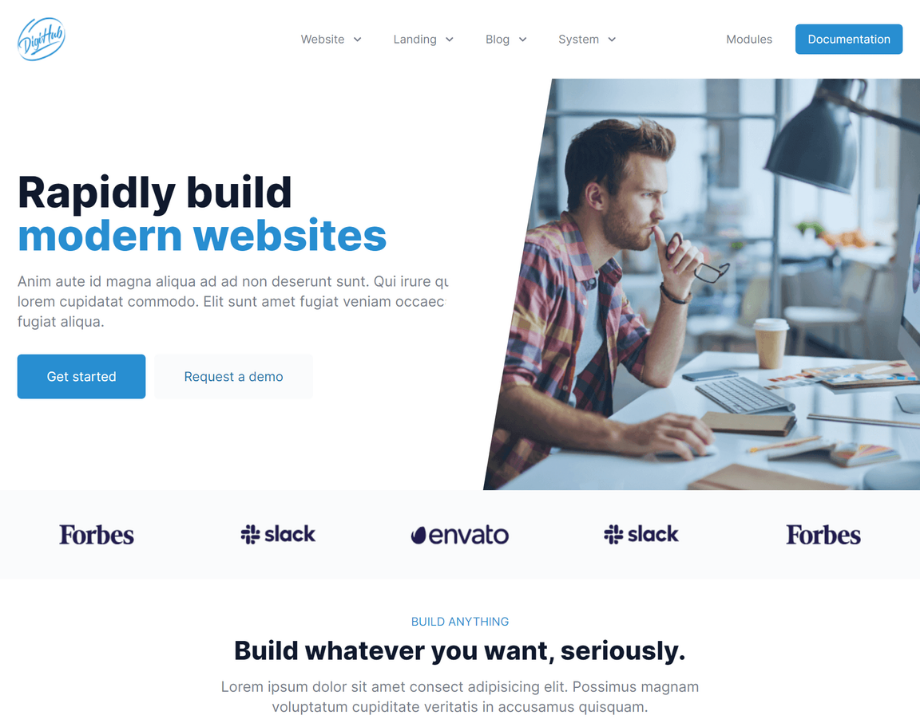
Inspiration
Over the last 2 years we (DigiKat) have onboarded and help setup around 150 HubSpot accounts. Over this time we have worked with customer to get started with both Marketing Hub Landing & Blog pages and CMS Hub website pages. While helping our customers get started with using HubSpot CMS tools we have seen a pattern in issues most clients faced, they are:
- Not knowing where to start with building a Website.
- The time it takes to build a Website.
- Overwhelmed with what are themes, modules and sections etc.
So to over come this, we decided to build a theme to help our clients see success faster when using HubSpot CMS, this is when DigiHub was born. A fast way for our clients and now any HubSpot user via the marketplace to rapidly build a modern website fast.
What it does
As the theme is designed to get up and running fast on HubSpot CMS, we built in a design system that allows you to build anything on HubSpot CMS while the site still being fast and having a mobile first focus.
Our constraint-based design system makes it easy to choose a colour, typeface, headers, footers, animations, spacing, and everything else that goes into a well-made design.
Build anything - DigiHub helps people design a website that is custom and unique to their needs. With the low learning curve and infinite design options. You can change any of the colours, size scales, or layouts to create something completely different for your next site or landing page.
Performance - DigiHub was designed to be fast, with speed playing a big part in SEO and CX we worked hard to design a theme that not only looked good but was quick, real quick.
Mobile First - When designing and building DigiHub we designed it to be mobile first, along with that we also gave the ability to edit and change breakpoints and font sizes at a module level.
How we built it
We started with the end in mind "Build a theme that was easy to use, but flexible enough to build what ever a client needed" (Big goal I know). We started in Figma where we had our design team build out a list of all the common modules we where using to build custom sites for our clients, along with that we looked at what were the common pages we were building for clients and mapped out a list of templates we needed. Once we had what was needed the team went to work building the template designs in Figma. Now we have what we want it to look like, Our dev team jumped in and started planning how we could do this, what is the tech stack and what is needed to make it easy to use along with flexible enough to build anything. Over the next 2 month our dev team worked on the theme. We also had current clients look over what we were building and give feed back on what would make it better / easier from a users point of view.
Accomplishments that we're proud of
This is our first theme to be added to the HubSpot Marketplace, we have only been using this theme for our clients internally. The challenge has encouraged us to add it to the marketplace.
What we learned
My Dad once said to me " You can't be everything to everyone" I really should have listened. Designing a theme that works for any HubSpot customer is hard, and I really do believe it can't be done, but what we have done is created a Design System / Framework that is able to be crafted in a way that can help get HubSpot users up and running and seeing success with CMS fast.
What's next for DigiHub
We are continuing to work on the theme to improve it where we can, along with that we are releasing a Lite version that user can use for testing and playing with. We are also working on a set of Ecommerce modules designed to work with HubSpot Payments and a set of dashboards that will match the theme and overall design allowing the front and backends to look and feel the same.
Built With
- hubl
- hubspot
- tailwind


Log in or sign up for Devpost to join the conversation.